Removing backgrounds from images used to be tedious work requiring expensive software and hours of manual labor. Today, free background removal tools can deliver professional results in seconds. The promise of "one click" solutions is everywhere, but which ones actually work? We tested dozens of options to find which free tools deliver on their promises and which fall short.

Why Background Removal Matters
Clean background removal transforms ordinary photos into professional assets. Whether you're creating product images for e-commerce, designing social media content, or preparing photos for presentations, removing distracting backgrounds makes your subject stand out. The difference between amateur and professional visuals often comes down to how cleanly you can separate foreground from background.
💡 Critical Insight: Perfect background removal isn't about making images look "edited" – it's about making them look naturally clean and focused on what matters.
What Makes Background Removal Difficult
Not all images are created equal when it comes to background removal. Some present unique challenges:
| Image Type | Difficulty Level | Common Issues |
|---|
| Simple portraits | Easy | Hair strands, flyaways |
| Product photos | Moderate | Reflections, transparent materials |
| Architectural shots | Hard | Straight lines, complex patterns |
| Nature photos | Very Hard | Overlapping elements, fine details |
| Low contrast images | Extreme | Poor separation between subject and background |
The landscape of free background removal tools has evolved dramatically. While many promise "one click" perfection, only a handful deliver consistent results across different image types.
Top 5 Free Background Removers
- Remove.bg – The industry standard with surprisingly good free tier
- Adobe Express Background Remover – Professional-grade AI with free access
- Fotor Background Remover – Excellent for batch processing
- Canva Background Remover – Integrated with design platform
- Pixlr Background Remover – Good for complex images
How Free Tools Make Money
You might wonder how these tools remain free. Most operate on a freemium model:
- Basic features free, advanced features paid
- Watermarks on free downloads
- Lower resolution for free users
- Advertising within the interface
- Data collection for AI training
The AI Revolution in Background Removal
Modern background removal tools use sophisticated artificial intelligence algorithms that understand image content at a fundamental level. These systems don't just detect edges – they recognize objects, understand spatial relationships, and predict what belongs in the foreground versus background.

How AI Background Removal Works
The process involves multiple neural networks working together:
- Object detection – Identifies the main subject
- Semantic segmentation – Classifies each pixel as foreground or background
- Edge refinement – Smooths transitions between areas
- Hair and transparency handling – Special processing for difficult elements
One-Click Solutions: Reality vs. Marketing
The term "one click" is often oversimplified. While modern tools require minimal input, getting perfect results usually involves:
- Choosing the right image (good lighting, clear subject)
- Understanding limitations (complex backgrounds need more work)
- Using manual refinement tools when needed
When "One Click" Actually Works
These scenarios typically yield perfect results with minimal effort:
- Product photos against solid color backgrounds
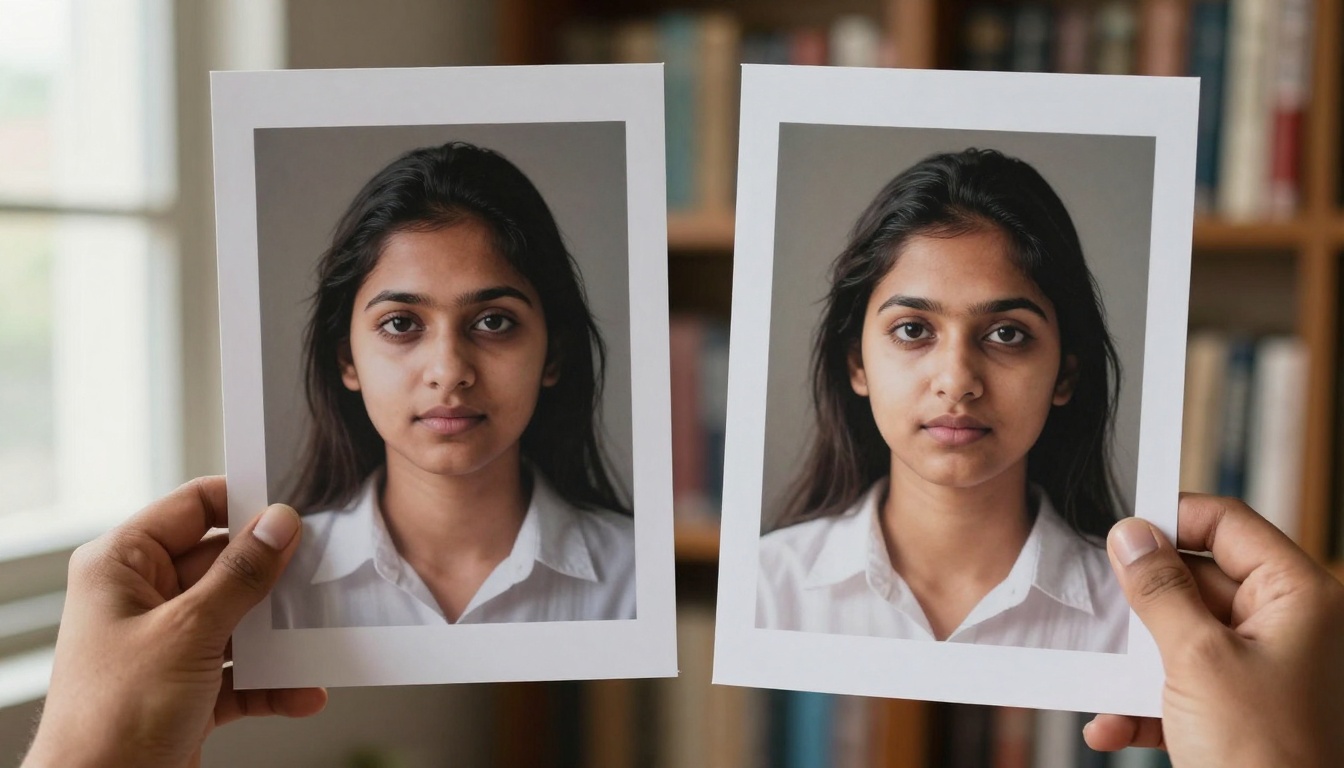
- Portraits with clear separation from background
- Simple objects with distinct edges
- High contrast images where subject stands out clearly
When You Need More Than One Click
Complex images require additional steps:
- Manual edge refinement for hair and fine details
- Background restoration for transparent objects
- Multiple passes for images with multiple subjects
- Color correction to fix edge artifacts
Using PicassoIA for Background Removal
PicassoIA offers professional-grade background removal through its BRIA Remove Background model. This tool stands out for several reasons:

How to Use BRIA Remove Background on PicassoIA
The process is straightforward but powerful:
- Upload your image – Drag and drop or browse files
- Let AI process – The system automatically detects and removes background
- Download results – Get transparent PNG with perfect edges
What Makes PicassoIA Different
Unlike generic online tools, PicassoIA's solution offers:
- Higher resolution outputs without watermarks
- Batch processing capabilities for multiple images
- API access for integration into workflows
- Consistent quality across different image types
Practical Applications
E-commerce Product Photography
Online sellers need clean product images against white backgrounds. Free background removers can transform amateur photos into professional product listings. The key is consistency – ensuring all product photos have the same clean background.
Common e-commerce challenges:
- Reflective surfaces showing environment
- Transparent packaging requiring special handling
- Multiple products in single image needing individual extraction
Social Media Content Creation
Social platforms thrive on visually striking content. Removing backgrounds lets you place subjects against branded backgrounds, create collages, or design eye-catching graphics.

Professional Portraits and Headshots
Background removal transforms casual photos into professional headshots. Place subjects against studio backdrops, corporate colors, or creative backgrounds to match brand identity.
Technical Considerations
Image Quality Requirements
For best results with free tools:
- Resolution: Minimum 1000 pixels on longest side
- Format: JPEG or PNG (avoid GIF or WebP)
- Lighting: Even lighting without harsh shadows
- Contrast: Clear separation between subject and background
Common Technical Issues
Even with advanced AI, some problems persist:
| Issue | Cause | Solution |
|---|
| Halo effect | Poor edge detection | Manual refinement |
| Lost details | Over-aggressive removal | Adjust sensitivity |
| Artifacts | Compression artifacts | Start with higher quality source |
| Color bleed | Background color contamination | Color correction tools |
Mobile vs. Desktop Solutions
Mobile Apps for Background Removal
Smartphone apps bring background removal to your pocket. Popular options include:
- PhotoRoom – Excellent for product photography
- Background Eraser – Simple interface, good results
- Snapseed – Google's editor with background tools
Mobile advantages:
- Immediate results – Process photos right after taking them
- Social media integration – Share directly to platforms
- Offline capability – Some apps work without internet
Desktop Software Options
For serious work, desktop solutions offer more control:
- GIMP – Free alternative to Photoshop
- Photopea – Browser-based Photoshop clone
- Paint.NET – Windows editor with plugins
Understanding what free tools can't do helps set realistic expectations:
Resolution Restrictions
Most free tools limit output resolution. Common limits:
- 1024×1024 pixels for basic free plans
- Watermarks on free downloads
- Batch limits – only one image at a time
Processing Speed
Free tools often have slower processing times during peak hours. Paid users typically get priority in queue systems.
Advanced Features Locked
Critical features like batch processing, API access, and high-resolution downloads usually require paid plans.
Consider these factors when selecting a background remover:
For Casual Users
- Ease of use – Simple interface
- Speed – Quick results
- Free tier – Adequate for occasional use
For Professionals
- Quality – Perfect edges, no artifacts
- Consistency – Reliable across different images
- Workflow integration – Batch processing, API access
For Businesses
- Volume – Handle large numbers of images
- Automation – Integrate with existing systems
- Support – Reliable customer service
Future Trends in Background Removal
The technology continues to evolve rapidly:
Real-Time Processing
Soon, background removal will happen live during video calls and in-camera on smartphones.
3D Background Removal
Advanced systems will extract subjects as 3D models rather than 2D images.
Context-Aware AI
Future tools will understand what belongs together – like a person and their shadow, or a product and its reflection.
Getting Started with Free Background Removal
Ready to try free background removal? Follow these steps:
- Choose your tool based on needs (casual, professional, business)
- Start with simple images to understand the process
- Learn manual refinement for difficult cases
- Explore PicassoIA's BRIA Remove Background for professional needs
The best way to learn is by doing. Take your own photos and experiment with different tools. See which ones work best for your specific images and workflow requirements.


