You type "free voice cloning, no sign up, unlimited" into a search bar and the results all promise the same thing: your voice, copied in seconds, no account, no cap, no cost. Then you try three of them. The first wants an email after one sentence. The second gives you 300 characters and a watermark. The third is "unlimited" until you read the fine print about fair use. So what can you actually get when you want to clone your AI voice for free, and where do the limits really sit?
This article sorts the real offers from the marketing. You will see what "no sign up" usually means, why truly unlimited cloning is rare, which caps matter for your project, and how to record a sample that gives a clean result on the first try. I also walk through two free-to-try models on PicassoIA so you can run a clone today.
What "Free" Really Means
Free is a spectrum, not a switch. Before you pick a tool, it helps to know which kind of free you are looking at.
The No Sign Up Promise
Some browser tools let you paste text, upload a short clip and hear a result without creating an account. That is real, and it is handy for a quick test. The catch is what sits around it. Anonymous sessions are often limited to a few clones per day, a short output length, or a single saved voice profile that disappears when you close the tab. Third-party listings of these tools also contradict each other on the exact numbers, so treat any quoted limit as a moving target and check the tool's own page before you plan a project around it.
💡 Quick rule: if a tool lets you in with no account, assume it will not store your voice, your history or your downloads for long. Save the audio the moment you like it.
Why Unlimited Is Rare
Voice cloning is compute heavy. Every sentence you generate costs the provider real GPU time, so a tool that is both free and truly unlimited has to make money somewhere else: ads, data, upsells, or a limit it does not advertise loudly. When you see "unlimited", look for the wording nearby. Common versions include:
- Unlimited previews but capped downloads.
- Unlimited characters but only one voice profile.
- Unlimited use under a "fair use" policy that quietly throttles heavy accounts.
- Unlimited for 7 days, then a paid plan.
The Limits You Will Hit
Every free voice cloner draws its lines in a handful of places. Knowing them lets you match a tool to the job instead of discovering the wall halfway through a project.
Character and Length Caps
Most free tiers cap how much text you can convert per request, often somewhere between a few hundred and a couple of thousand characters. That is fine for a voicemail greeting or a 30 second ad. It is painful for an audiobook chapter. The fix is simple: split your script into paragraphs, generate each one separately, and join the audio files in any editor.
Clone Slots and Daily Quotas
Free plans usually allow one or two saved voice profiles, or a fixed number of clones per day. If you only need your own voice, one slot is enough. If you are building characters for a game or a series, you will want a tool where each generation takes a fresh reference clip instead of a saved slot.
Watermarks and Commercial Rights
Two limits that people skip until it is too late: audible or inaudible watermarks, and licence terms. An inaudible watermark is harmless for most uses and helps traceability. A spoken tag or a "personal use only" clause is a different story if you plan to publish on YouTube, run ads or sell a course. Read the terms before you publish anything.
| Limit type | What it looks like | Who it affects most |
|---|
| Character cap | A few hundred to a few thousand characters per run | Audiobooks, long narration |
| Daily quota | A handful of clones or generations per day | Batch projects |
| Voice slots | One or two saved profiles | Multi-character work |
| Watermark | Audible tag or inaudible trace | Public publishing |
| Licence | Personal use only vs commercial | Creators who monetize |
| Sample length | Needs a few seconds to a minute of audio | Anyone with only a short clip |
Record a Sample That Works
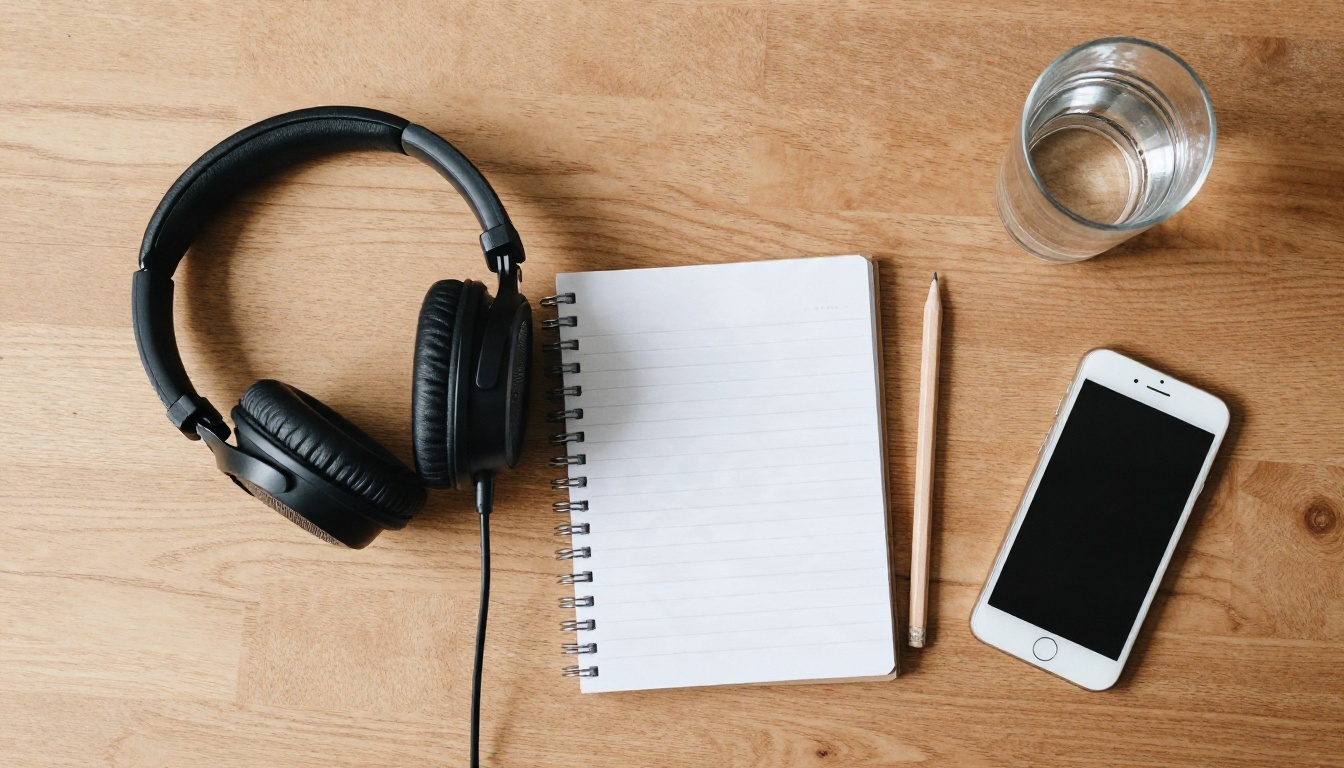
The quality of your clone depends far more on your sample than on the tool. A clean 10 second clip beats a noisy 2 minute one almost every time. The good news is you do not need a studio.
Length and Format
Most modern cloning models need only a short reference clip. Instant cloning models reproduce a voice from a few seconds of audio, while professional style systems ask for several minutes. For a free workflow, aim for 10 to 30 seconds of continuous speech in a standard format such as WAV or MP3. Longer is not always better. A short clip that is clean and expressive gives the model a clearer target than a long clip with background hum.
Room and Microphone
A phone held 15 centimeters from your mouth works. A cheap lavalier or USB microphone works better. The room matters more than the gear:
- Pick a small, soft room. A bedroom or a closet full of clothes absorbs echo. A bathroom or kitchen adds it.
- Turn off fans, fridges and notifications. Models copy what they hear, including hum.
- Keep a steady distance. Moving your head changes tone and volume mid-clip.
- Record a test first. Play it back on headphones. If you can hear the room, the clone will too.
What to Say
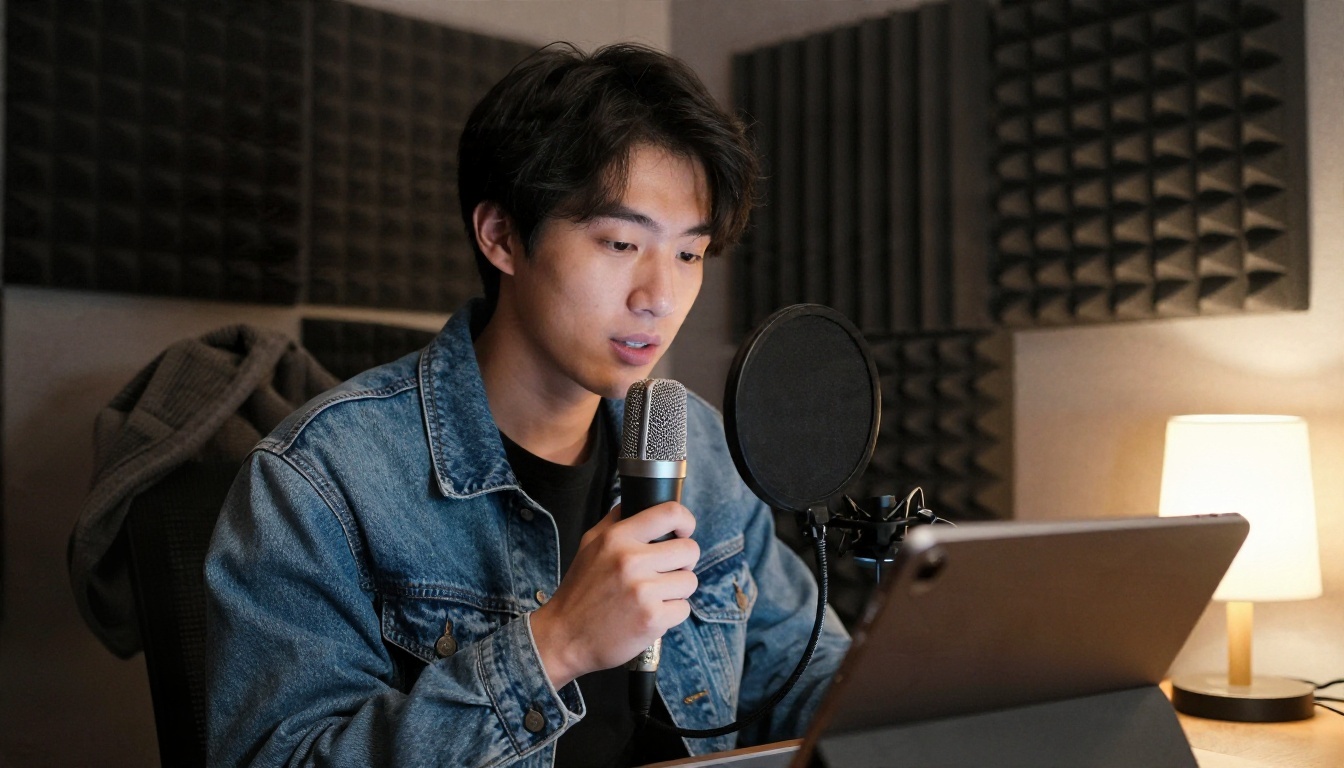
Read something natural, in the tone you want the clone to use. If you want a warm narrator, read a warm paragraph. If you want a lively ad voice, read with energy. Avoid whispering, shouting and long pauses. Include a few questions and a few statements so the model hears rising and falling pitch.
💡 Pro tip: if the tool asks for a transcript of your sample, type exactly what you said. A mismatch between audio and text is one of the most common causes of odd pronunciation in the clone.
How to Clone a Voice on PicassoIA
You do not need to bounce between five sites. PicassoIA collects several voice cloning models in one place, so you can try the same sample on each and keep whichever sounds closest. Check the model page for current account and usage terms before you plan a larger project.
Option 1: Qwen3 TTS
Qwen3 TTS is a good first stop because it combines three modes in one interface: preset speakers, voice cloning, and voice design. It supports 10 languages including English, Spanish, Japanese and Chinese, and the model page describes it as free to try online.
Steps:
- Open the Qwen3 TTS page and set mode to
voice_clone.
- Upload your clip as the reference audio.
- Paste the transcript of that clip into reference text. The model page recommends this for cloning.
- Type the new text you want spoken in the text field.
- Leave language on
auto, or pick it manually if your script mixes languages.
- Optionally add a style instruction such as "speak slowly and calmly" or "excited tone".
- Run it, listen, and download the result.
💡 No sample at hand? Switch the mode to voice_design and describe the voice in words, for example "a warm, friendly female voice with a slight British accent". It is a useful fallback when you cannot or should not use a real person's recording.
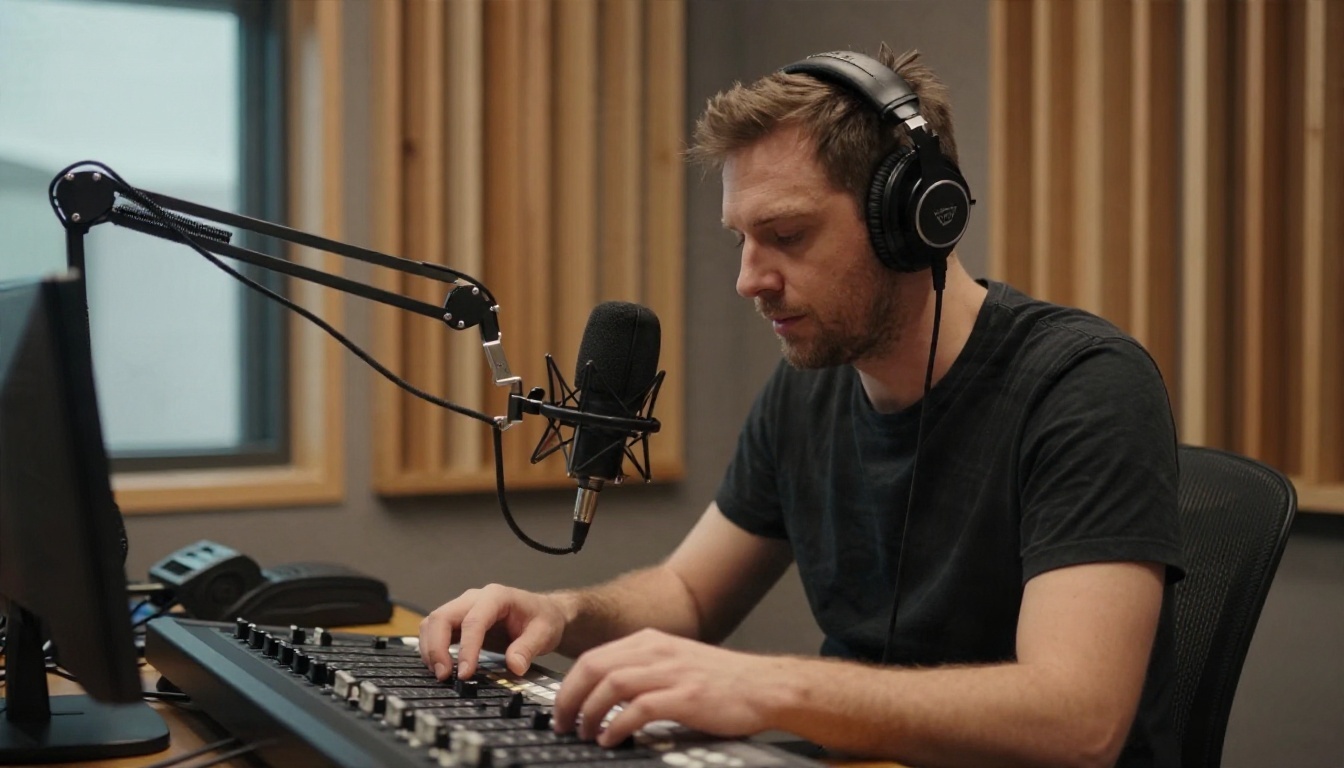
Option 2: Chatterbox
Chatterbox is built for expressive delivery. You give it text and an optional reference clip, then dial in how animated the voice sounds. Every output also carries an inaudible watermark, which keeps audio traceable without changing how it sounds.
Steps and parameter tips:
- Enter your script in the prompt field.
- Upload your clip as the audio prompt. This is the optional reference that drives the clone.
- Leave exaggeration at the neutral 0.5 for natural narration. Raise it for a livelier read. Extreme values can sound unstable, so move in small steps.
- Keep temperature near the default 0.8. Lower values sound steadier across repeated runs, higher values add variety.
- Adjust CFG weight (default 0.5) to tune pace. If the voice rushes, nudge it up or down in small increments and compare.
- Set a seed if you want to reproduce a take you liked. Leave it at 0 for random results.
If you want speed over finesse, Chatterbox Turbo is the quicker sibling, and Chatterbox Pro is worth a test when you want a more polished voiceover.
Option 3: Dedicated Voice Cloning
For a dedicated flow built around saving a custom voice, try Voice Cloning. Pair the voice you create with a studio-grade speech model such as Speech 2.8 HD when your script is long and you want consistent output.
Models Worth Comparing
No single model wins every job. Here is a quick way to choose.
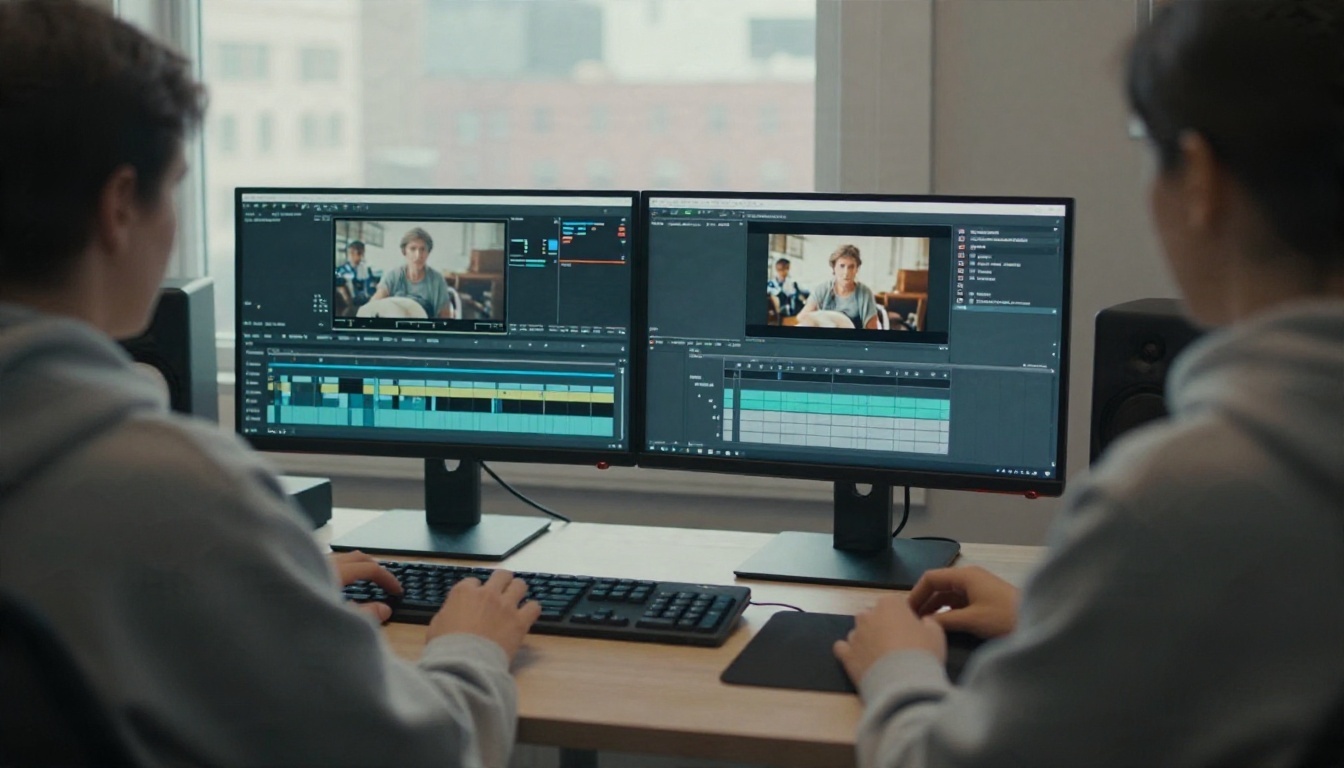
💡 Test method: run the same 20 second script and the same reference clip through two or three models. Listen on headphones, then on a phone speaker. The winner on both is your pick.
Get Cleaner Results
A few habits separate a convincing clone from a robotic one, regardless of which tool you use.
Fix Pronunciation Early
Names, brands and acronyms trip up every model. Spell them phonetically in your script ("Nye-kee" instead of "Nike") and generate a short test line before the full text.
Break Scripts Into Short Chunks
Generating one paragraph at a time keeps the pacing natural and sidesteps character caps. It also lets you redo one bad sentence instead of the whole file.
Record Outdoors When You Can
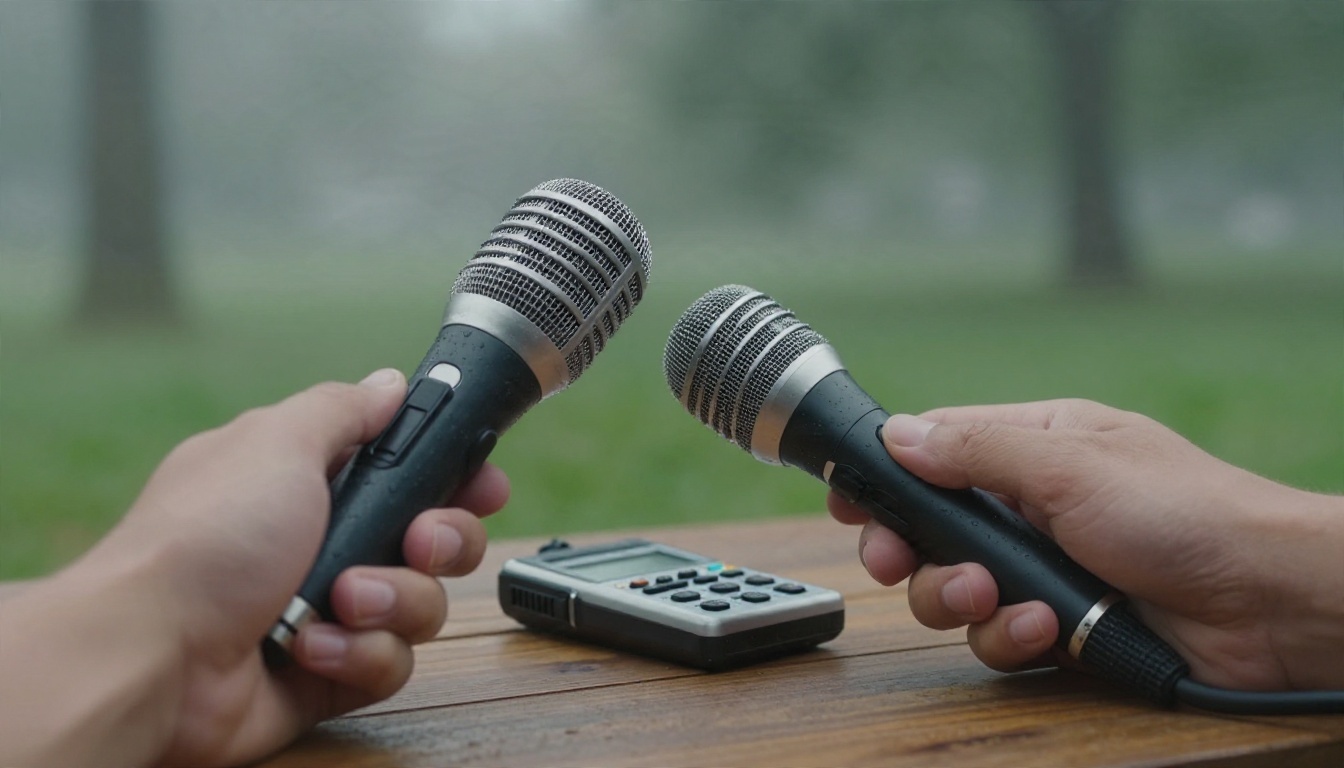
A quiet outdoor spot with soft ambient sound can give a surprisingly clean, natural sample, as long as there is no wind. A foam windscreen helps, and a small handheld recorder is enough. Avoid busy streets, since traffic noise leaks into the clone.
Match Tone to Purpose
A cloned voice mirrors the energy of your sample. If you need both a calm explainer and an upbeat promo, record two short samples and use the right one for each job. Do not try to bend one sample into every tone.
Consent and Legal Lines
This is the part that most "free and unlimited" pages skip. Cloning your own voice is simple. Cloning anyone else's is not.
Only Clone What You Own or Have Permission For
Use your own voice, or a voice whose owner has clearly agreed. That covers family, colleagues, voice actors you hire and anyone who signs a release. It does not cover celebrities, public figures or a stranger's podcast clip you found online.
Be Open About Synthetic Audio
If you publish cloned audio, say so where it fits: in a video description, a podcast intro or an app label. Disclosure protects you and your audience. Many platforms now ask for it, and some regions are tightening rules around synthetic voices.
Keep Records
Save the original sample, a note of who gave consent, the date, and the tool you used. If anyone ever questions the audio, you can show where it came from.

💡 A good use of cloning: preserving a relative's voice for a family project, with their agreement, or letting someone who is losing their voice keep a version that still sounds like them.
Which Option Fits You
Different goals need different trade-offs. Use this as a shortcut.
Casual Tests and Voicemail Greetings
You want something fast. Use a no sign up browser cloner or a free-to-try model, keep the script short, and do not worry about slots or licence terms.
Podcasters and YouTubers
You need consistency across many episodes. A saved voice flow plus a studio-quality speech model is the safer route. Check commercial terms before monetizing, and keep a clean master sample on file.
Teams and Businesses
You need repeatable, traceable audio. Pick a model with watermarking, document consent for every voice, and standardize one reference clip per speaker so training videos and product demos always sound the same.

Try Your Own Voice Clone Today
The honest answer to "free, no sign up, unlimited" is that you can usually get two out of three, and which two depends on the tool. Free and no sign up is easy to find for short tests. Free and unlimited tends to come with strings. No sign up and unlimited almost never go together.
So skip the scavenger hunt. Record a clean 20 second sample, open Qwen3 TTS and Chatterbox, and run the same script through both. Compare the results, tweak one setting at a time, and keep the one that sounds like you on a good day. When you want to try more voices, languages or finishes, browse everything at picassoia.com/en/all-models and build your own voice workflow, one clip at a time.


