Type "free erotic AI" into a search bar and you get a wall of sketchy sites: fake "no signup" buttons, credit meters that run dry after two pictures, and chatbots that forget your name by message ten. It does not have to be that way. In 2027 there are real tools for flirty chat, sensual photorealistic images and short animated clips, and some of them cost nothing to try. This article sorts the useful from the junk, shows you where the limits actually sit, and gives you a workflow you can run tonight.
One note before we start. Everything here is about adults, fictional characters and tasteful, non-explicit content: glamour, boudoir, swimwear, romance and atmosphere. If a tool promises "anything goes with zero rules", read the fine print twice.
What "Free Erotic AI" Really Means
The phrase covers three very different things, and mixing them up is how people waste an evening.
- Chat: a language model that role-plays, flirts and writes romantic stories.
- Images: a generator that turns a text description into a photorealistic picture.
- Video: a model that takes a still picture and adds motion, sometimes with sound.
Each one has its own cost structure, its own filters and its own quirks. A tool that is generous with chat can be stingy with images, and the reverse is just as common.
Free versus "free to try"
Most services fall into one of these buckets:
| Type | What you get | Catch |
|---|
| True free tier | A daily or monthly allowance | Slower queues, smaller images |
| Free trial credits | A burst of generations at signup | Credits vanish fast, then a paywall |
| Free with watermark | Full quality, branded output | Not usable for sharing |
| Unlimited plan | No cap on generations | Usually needs an account and has fair use rules |
The honest answer to "is there a no payment option?" is yes, but expect limits on speed, resolution or volume. Anyone selling "unlimited, uncensored, free forever" with no explanation is either burning investor money or collecting your data.
💡 Tip: Before you type a single prompt, check three things on any site: the age gate, the content rules page, and what happens to your uploads. Thirty seconds of reading saves a lot of regret.
Why people look for this at all
Mainstream assistants often refuse anything romantic and mainstream image tools sometimes block a bikini photo. That frustration pushes people toward shady corners of the internet. Many adults simply want a glamour portrait, a moody boudoir scene or a flirty storyline, with no lecture attached. That is a perfectly reasonable thing to want, and it can be done on a platform that respects both you and the rules.
Free Erotic AI Chat That Actually Works
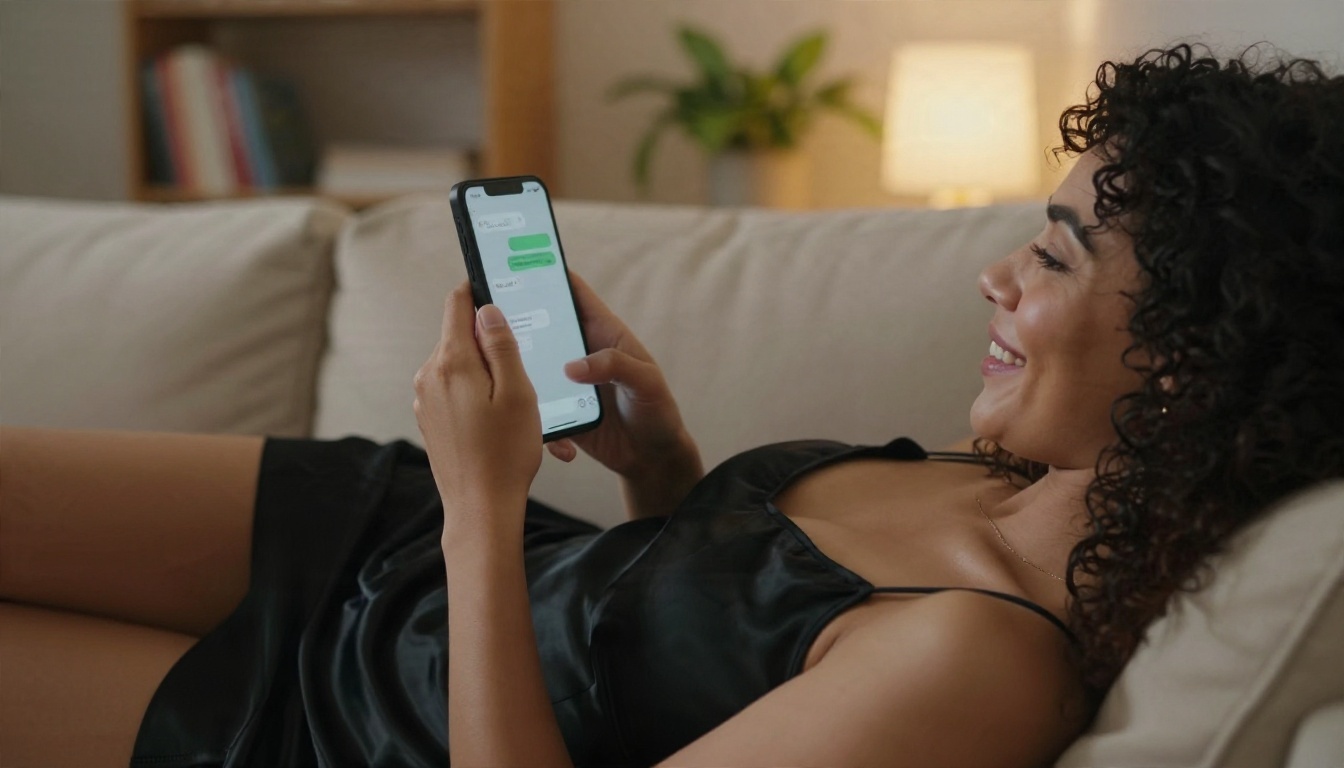
Chat is where expectations and reality collide hardest. Big commercial language models apply safety layers, so explicit role-play is off the table on most of them. What they do very well is everything around it: slow-burn romance, flirtatious banter, character backstories, scene setting and prompt writing. For a lot of people, that is the part that matters.
Which models are good at flirty writing
On PicassoIA you can try several chat models side by side without paying per message in a separate app:
- GPT 5.6 Luna is fast and handles tone shifts well, so it is a good pick for playful, teasing dialogue.
- Gemini 3.5 Flash answers quickly and is solid at keeping a character's voice across a long conversation.
- DeepSeek V3.1 writes with a more literary feel, which suits romantic fiction.
- Llama 2 7B Chat is a lighter option for casual, free chatting.
- Granite 4.1 8B is another compact model worth testing for short, quick replies.
Models differ in how strictly they filter, and rules change between versions. Test each one with a mild request first and see how it responds.
Stop the chatbot forgetting everything
The number one complaint about AI companions is memory. Here is a trick that costs nothing: open your chat with a short character card.
- Give the character a name, an age (18 or older), a job and a personality in three adjectives.
- Describe the setting: a rainy city, a beach house, a hotel bar.
- State the tone: slow, teasing, witty, tender.
- Every 15 or 20 messages, paste a two line recap.
That recap acts as a manual memory and keeps even a small model on track.
Use chat to write better image prompts
The smartest use of a language model in this whole workflow is not the romance itself. It is prompt writing. Ask the model: "Write a 70 word photography prompt for a woman in a silk robe by a loft window, morning light from the left, 85mm lens, film grain." You will get a ready made description that feeds straight into an image generator. This one habit improves picture quality more than any other trick.
💡 Tip: Ask for three variations of the same prompt with different camera angles. Pick the best, then generate.
Free Erotic AI Images That Look Real
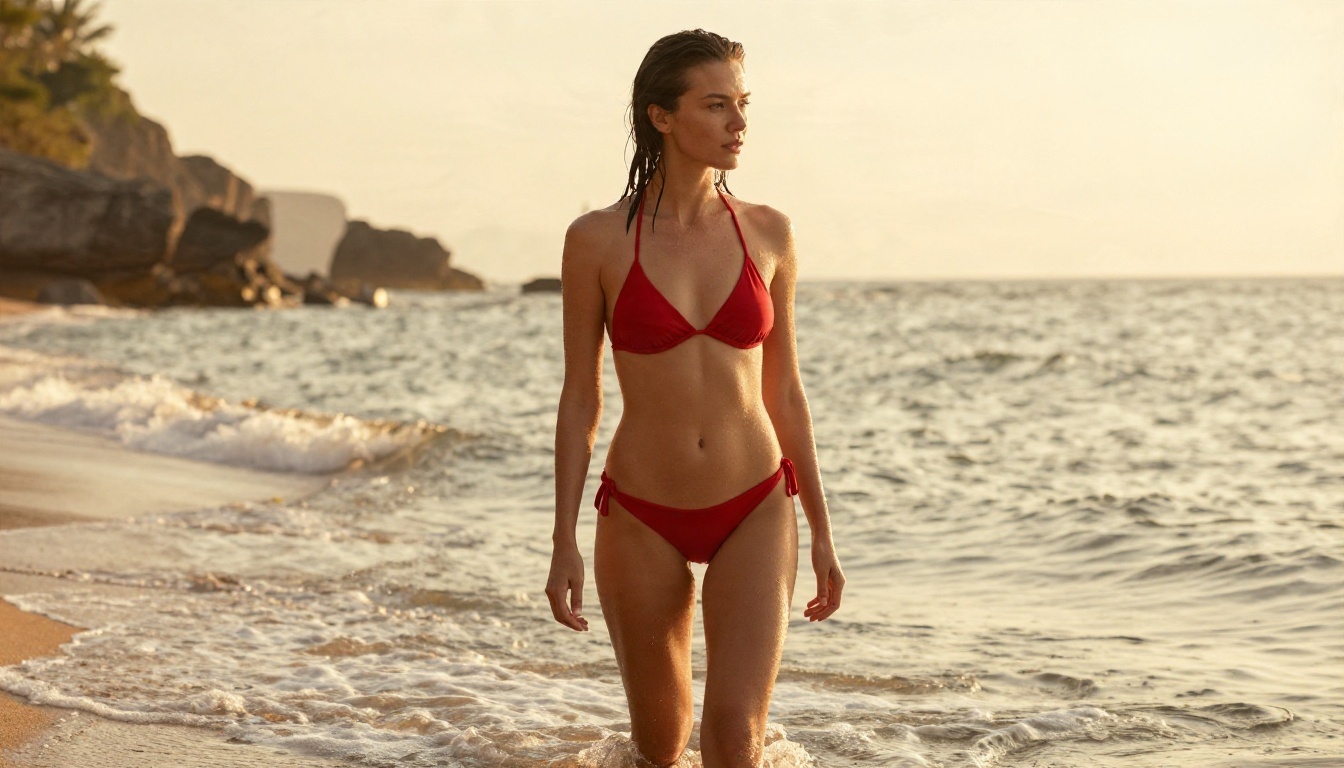
Images are where free tools shine, because a single generation is cheap to run. The difference between a plastic looking result and a convincing photograph comes down to the model and the prompt.
Start with Seedream 4.5
Seedream 4.5 is the model to try first for sensual, photorealistic work. It renders skin with believable pores and fine hair, handles fabric like silk and lace without melting it, and produces sharp 4K output. It is also quick, which matters when you are iterating on a pose or a lighting setup.
Strengths worth knowing:
- Natural skin texture instead of airbrushed wax
- Reliable hands and faces
- Good response to camera language such as "85mm f/1.8" or "Kodak Portra 400"
- Strong lighting control, from soft window light to golden hour backlight
Then use Image Editor Pro for unlimited tries
The second stop is PicassoIA Image Editor Pro. Its big selling point for this topic is unlimited generations, so you can refine an idea twenty times without watching a credit counter. It also edits existing pictures: change an outfit colour, swap a background, fix a lighting problem or adjust a pose. For anyone searching for "no payment" and "no limits", this is the closest match.
More models worth a test
Different models have different personalities. If Seedream 4.5 is not giving you the look you want, these are the next ones to try, in rough order:
| Model | Best for | Link |
|---|
| Seedream 4.5 | Realistic skin and 4K detail | Open |
| Image Editor Pro | Unlimited edits and retouching | Open |
| Grok Imagine Image 2 | Fast 2K images and edits | Open |
| Qwen Image 3 Pro | Clean photorealistic scenes | Open |
| GPT Image 2.5 Sunburst | Precise edits and composition | Open |
💡 Tip: Content rules differ from model to model. If one model declines a prompt, rewording it toward the glamour and fashion side often helps, and switching models is the other easy fix.
Prompts That Give Sensual Photos
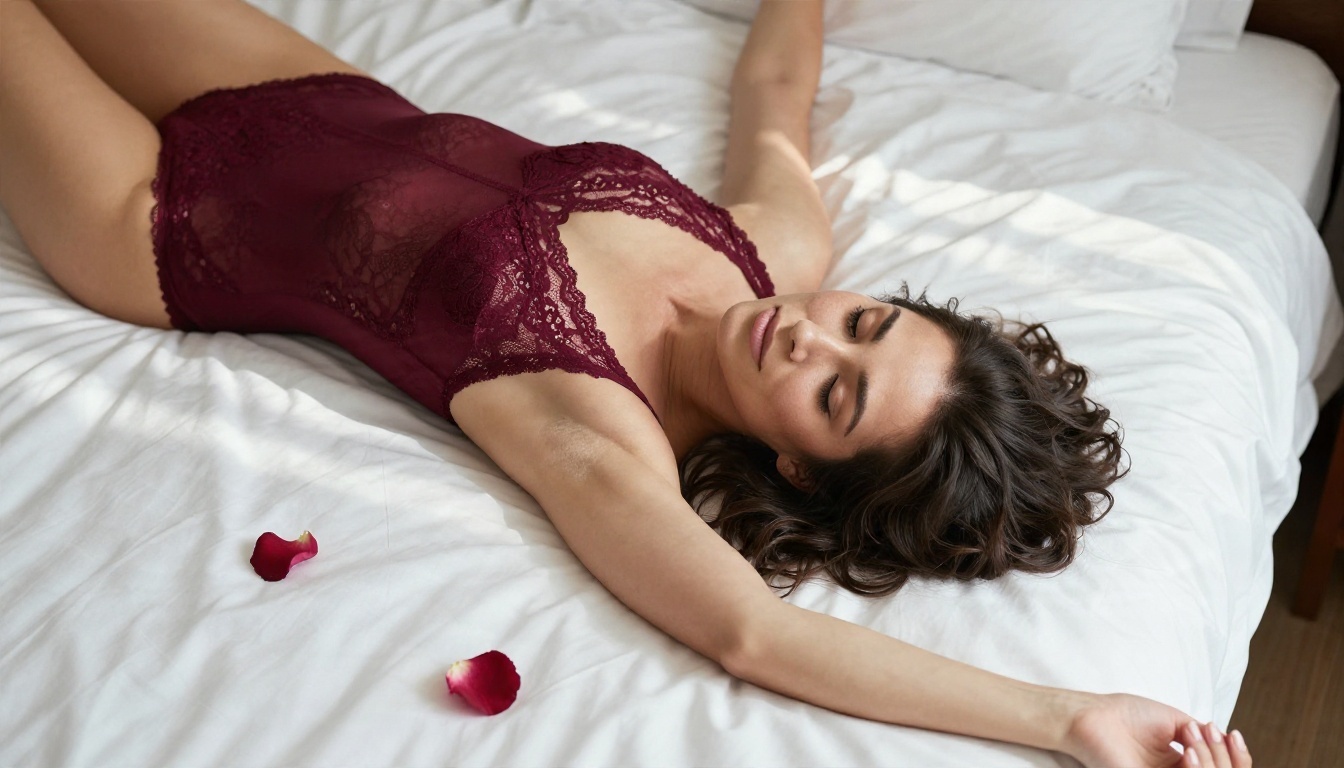
A good prompt reads like a photographer's shot list. Vague words give vague pictures. Specific words give you a magazine spread.
The five part formula
Build every prompt from five pieces:
- Subject and pose: "an adult woman reclining on linen sheets, one arm raised"
- Environment: "sunlit loft, sheer curtains, a ceramic vase, brick wall"
- Lighting: "soft golden light from the left, gentle shadows across the bedding"
- Camera: "85mm f/1.8, shallow depth of field, eye level"
- Texture and film look: "visible skin pores, silk sheen, Kodak Portra 400 grain"
Notice what is missing: any request for explicit content. Suggestion is stronger than exposure, and it is also what gets through content filters on the best models.
Camera angles that sell the mood
Variety makes a set of pictures look like a real shoot. Try these:
- Overhead: hotel bed shots with soft diagonal window shadows
- Low angle: beach and pool scenes with sky behind the subject
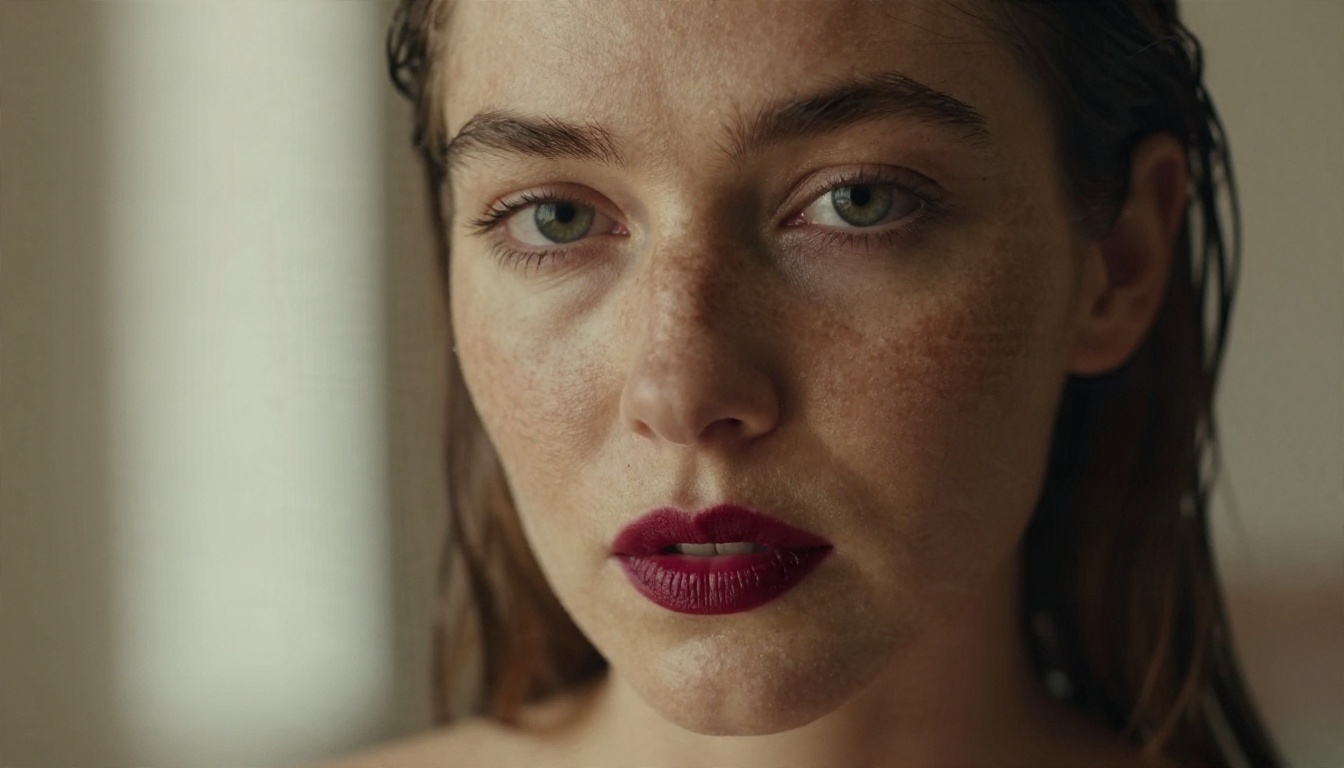
- Close up: a face and shoulders portrait with 100mm macro detail
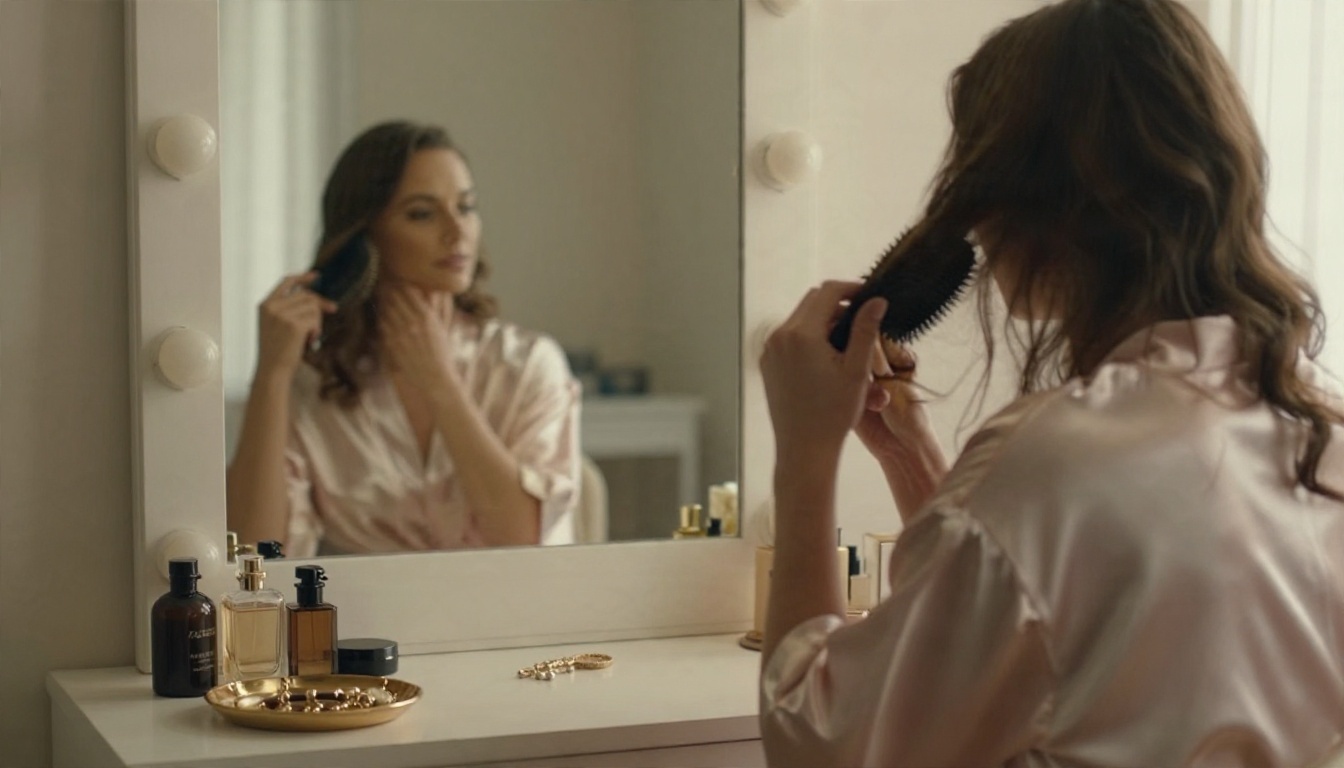
- Over the shoulder: a mirror or vanity scene with a reflection
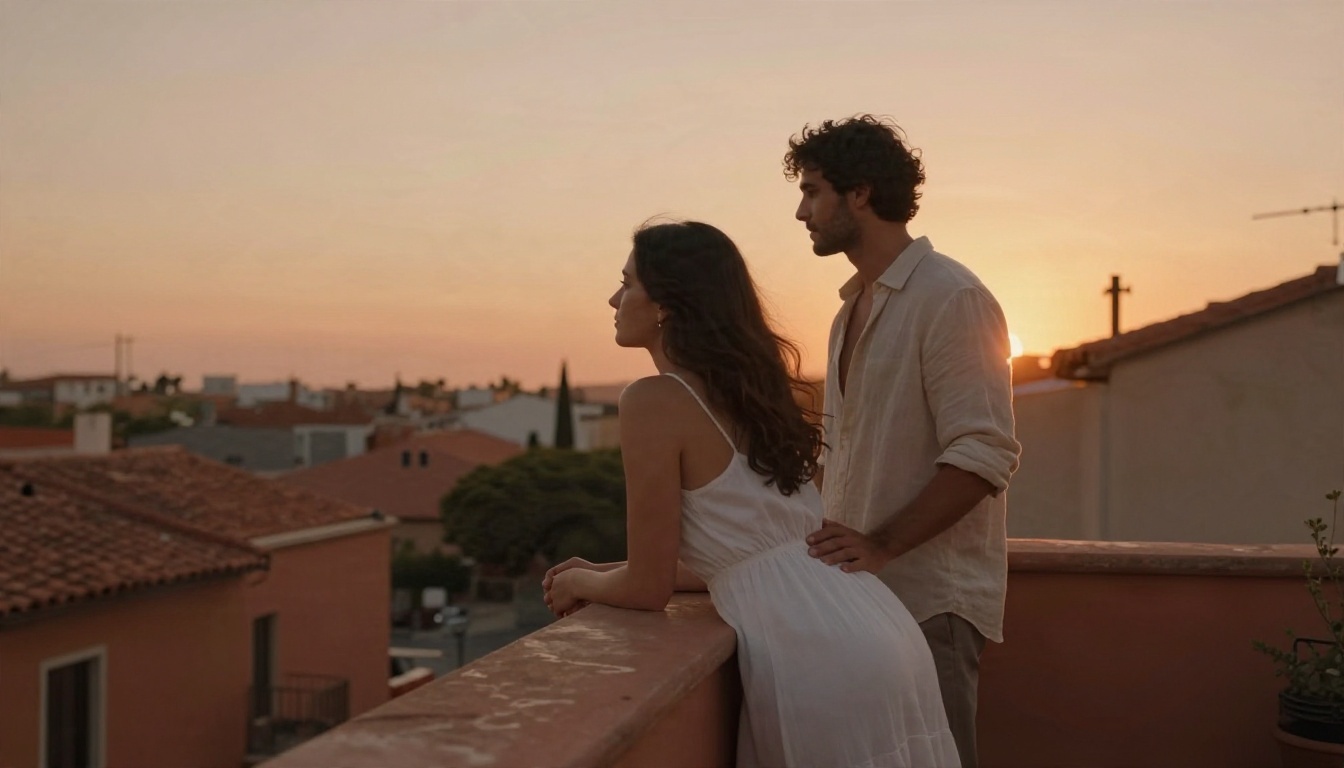
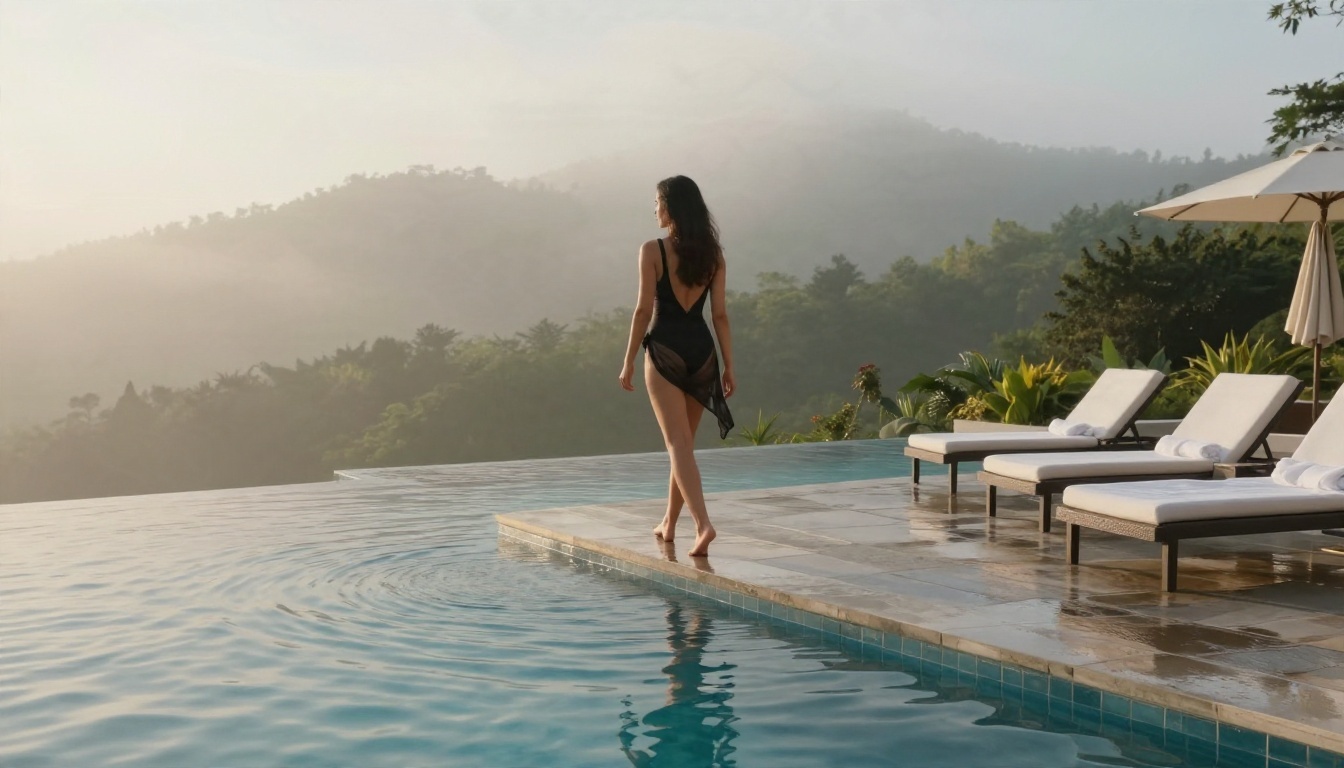
- Wide shot: a villa pool or balcony at sunrise or sunset
Words that ruin realism
Some prompt habits push models toward a fake look. Avoid "perfect skin", "flawless", "ultra detailed 8k masterpiece" stacked ten times, and anything that sounds like a video game poster. Ask for imperfection instead: freckles, flyaway hair, faint creases in linen, a little film grain. The strange truth of AI photography is that small flaws make the image believable.
A quick example
Here is a prompt that works well with Seedream 4.5:
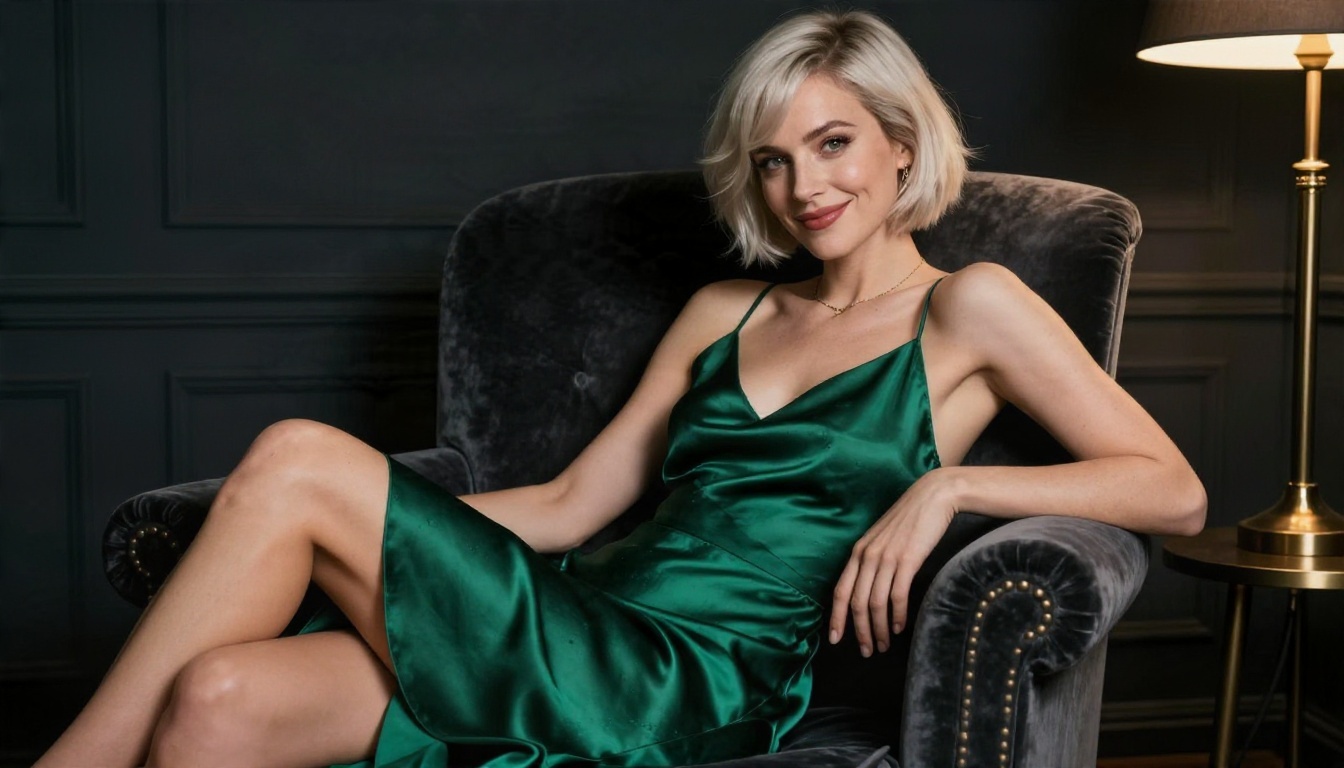
"Medium shot of an adult woman with a platinum bob sitting on a velvet armchair, emerald silk slip dress, looking over her shoulder with a teasing smile, dark apartment with a brass floor lamp on the right, 85mm f/1.4, creamy bokeh, glossy fabric highlights, visible skin pores, fine film grain."
Paste it, generate, then change one thing at a time: the dress colour, the lamp position, the lens. That is how you build a feel for what each word does.
Free Erotic AI Video From Still Photos
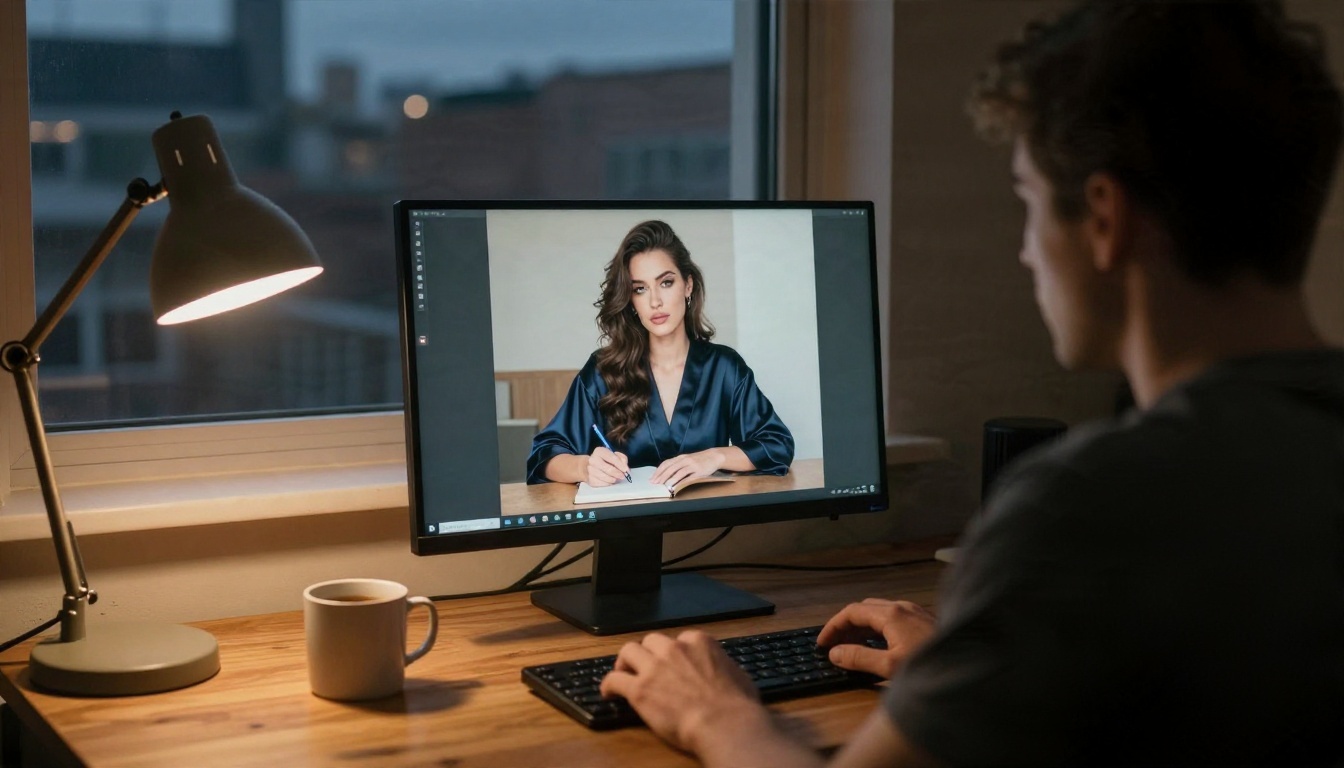
Video is the most expensive part of the chain, so true "no payment" options are rarer here. The efficient approach is to perfect the still image first and animate only the winners. That way you spend your limited video allowance on pictures you already love.
How image to video works
You upload a photograph, describe the motion in plain language, and the model generates a few seconds of footage. Good motion prompts are chronological: "Curtains lift in the breeze, the woman turns her head toward the camera and smiles, slow dolly in, warm morning light." Keep movement gentle. Small motions look real. Big action tends to warp faces and hands.
Video models to try
Check the current allowance and rules on each model page, since limits and filters get updated often.
Motion ideas that look natural
- A slow blink and a slight smile
- Hair moving in a sea breeze on a beach shot
- Sheer curtains drifting in a window scene
- Water rippling around an infinity pool
- A gentle camera push toward the face
💡 Tip: Keep clips short and loop friendly. Five seconds of believable motion beats ten seconds of melting fingers.
Free and adult are a risky pairing on the open web. A few habits keep you out of trouble.
Rules that never bend
- Adults only. Every character, every time, is 18 or older.
- No real people. Do not generate images of a real person without their clear consent. That includes celebrities, coworkers and exes. Using someone's face without permission can be illegal in many places.
- Keep it fictional. Invent your characters. Give them names, stories and faces that belong to nobody.
- Follow platform rules. Each service sets its own limits. Respect them.
Spot a scam fast
Watch for these warning signs:
| Red flag | Why it matters |
|---|
| "Download this app to continue" | Often malware or a data grab |
| Credit card needed for a "free" trial | Easy to forget, hard to cancel |
| No terms or privacy page | No idea what happens to your uploads |
| Promises of "any content, no rules" | Usually illegal, unstable or a bait and switch |
| Pop ups asking for your age and a selfie | Possible identity theft |
Protect your privacy
Use a separate email for experiments, avoid uploading personal photos, and clear your generation history if the site lets you. Never reuse a password from anything important.
A Free Workflow You Can Run Tonight
Here is the whole process, from blank page to finished set, in about half an hour.
Step 1: Write the character
Open a chat model such as GPT 5.6 Luna and ask for a short character profile: name, age over 18, look, personality, setting. Ask it to turn the profile into three photography prompts.
Step 2: Generate the first images
Paste the best prompt into Seedream 4.5 at 16:9. Generate four versions. Pick the one with the most natural skin and the clearest lighting.
Step 3: Refine in Image Editor Pro
Take your favourite into PicassoIA Image Editor Pro. Because generations are unlimited, you can adjust the outfit, the background or the mood as many times as you like. This is where a good picture becomes a great one.
Step 4: Build a consistent set
Reuse the same character description in every prompt and change only the scene: a beach, a pool, a bedroom, a balcony. A set of five or six images with the same face and style feels like a real photo shoot.
Step 5: Animate the best one
Pick your strongest image and feed it to Grok Imagine Video 1.5 with a simple, gentle motion prompt. Save the video allowance for this step only.
Step 6: Keep a prompt notebook
Save every prompt that works. After a week you will have a personal library of lighting setups, lenses and fabrics that reliably produce the look you like.
Common Mistakes and Quick Fixes
Plastic looking skin
Remove words like "perfect" and "flawless". Add "visible pores", "freckles", "soft natural light" and "film grain".
Wrong hands and faces
Switch to a stronger model such as Seedream 4.5, use a medium shot instead of a tight crop on the hands, and regenerate. Four tries usually give one clean result.
Prompts getting refused
Rewrite toward fashion and photography language. "Silk robe, boudoir editorial, morning light" works better than blunt wording, and a different model may have different limits.
Chatbot loses the plot
Paste your character card again and add a short recap. Smaller models need this every so often.
Videos that warp
Shorten the motion, remove complex action and start from a sharper source image.
Make Your Own Images Today
You do not need a subscription to start. Open PicassoIA Image Editor Pro for unlimited experiments, run your best prompts through Seedream 4.5 for sharp photorealistic detail, and let a chat model like Gemini 3.5 Flash write the prompts and stories around them. Add a short clip with Grok Imagine Video 1.5 once you have a picture worth animating.
Pick one idea tonight: a rainy window, a pool at sunrise, a velvet chair in a dim room. Write the prompt, press generate and see what comes back. Then change one detail and try again. The more you experiment, the faster your eye improves.
Ready to see everything on offer? Browse the full catalogue at picassoia.com/en/all-models and pick the tools that match your style.


