You type "free horny AI" into a search bar and expect one clear answer. What you get is a pile of tabs: chat apps that ask for a credit card on message six, image sites that blur every result, and "no sign in" pages that quietly cap you at three generations. It is a messy corner of the internet, and most of the frustration comes from not knowing what each type of tool is actually built to do.
This article sorts it out. You will see the difference between chat tools and image tools, what free limits usually look like, why no sign in access always comes with trade-offs, and which models give you realistic, suggestive, non-explicit images without a wall of refusals. Everything here is aimed at adults who want flirty, glamorous, attractive content, not anything pornographic.
💡 Quick answer: For chat, use a general language model for flirty dialogue and character writing. For images, start with Seedream 4.5, then switch to PicassoIA Image Editor Pro when you want unlimited generations.
What "Free Horny AI" Really Means
The phrase covers at least three different products that people lump together. Knowing which one you want saves you an hour of clicking.

Chat tools versus image tools
Chat tools are language models wrapped in a character. You write, they answer in a flirty or romantic voice. The cost to run them is low per message, but it adds up fast across thousands of users, which is why free plans cap daily messages or slow you down.
Image tools generate pictures from a text description. Each image takes real GPU time, so free tiers are tighter here. A site that gives you ten free chat messages might give you two free images, and often at low resolution or with a watermark.
A third group mixes both: a companion app with a chat window and a "send me a photo" button. Those are usually the most restrictive because they have to pay for both kinds of compute.
Why people search for no sign in
Three reasons come up again and again:
- Privacy: people do not want an email address attached to adult content.
- Speed: a sign up form is friction when you only want to try something once.
- Burned before: many users have given an email to a "free" tool and then got hit with a paywall and marketing mail.
Those are fair reasons. The catch is that anonymous access gives a tool no way to remember you, so it cannot offer a fair daily allowance. It either lets everyone in with heavy caps or throttles the whole service.
| What you want | Best fit | Typical free limit |
|---|
| Flirty back and forth | General language model | Daily message cap |
| One quick glamour image | Text to image model | A few runs, then a wait |
| Many variations of one look | Image editor with high caps | Varies, check before you commit |
| Private, no account | Anonymous web tool | Lowest caps, lowest quality |
Free Horny AI Chat: What to Expect

Where chat limits come from
Free chat bots hit you with limits for two separate reasons, and it helps to tell them apart.
Cost limits are the obvious ones: a message counter, a slower queue, a shorter memory. They exist because every reply costs money.
Policy limits are different. Most mainstream language models follow content rules set by the company that trained them. Expect flirtation, romance, banter and suggestive tone from a general model. Do not expect it to write explicit scenes, and do not trust any site that promises "no rules at all" without telling you which model is behind it. If a tool will not tell you what it runs on, treat its privacy claims with the same suspicion.
💡 Tip: If a chat tool refuses and then lectures you, rephrase toward mood and atmosphere rather than pushing harder. Models respond much better to "write a slow, teasing evening conversation" than to blunt demands.
Flirty prompts that work
Language models do best when you give them a character, a setting and a tone. A weak prompt is "talk dirty." A strong one looks like this:
- Set the character: "You are Mara, a confident, playful photographer who likes teasing."
- Set the scene: "We are texting late on a Friday after a long week."
- Set the tone: "Warm, witty, a little bold, never crude."
- Set the format: "Short replies, two or three sentences, end with a question."
This structure gives the model enough to hold a voice across many messages. It also keeps the conversation inside what most models will happily write.
You can also use a language model as an image prompt writer. Describe the look you want in plain words and ask it to turn that into a detailed photography prompt with lens, lighting and fabric details. That feeds directly into the image tools further down.
Several language models on PicassoIA work well for this kind of writing and character work:
Each of these keeps its own content rules, so use them for flirtation, romance and prompt writing rather than anything explicit.
Free Horny AI Images Without an Account
The honest trade-offs
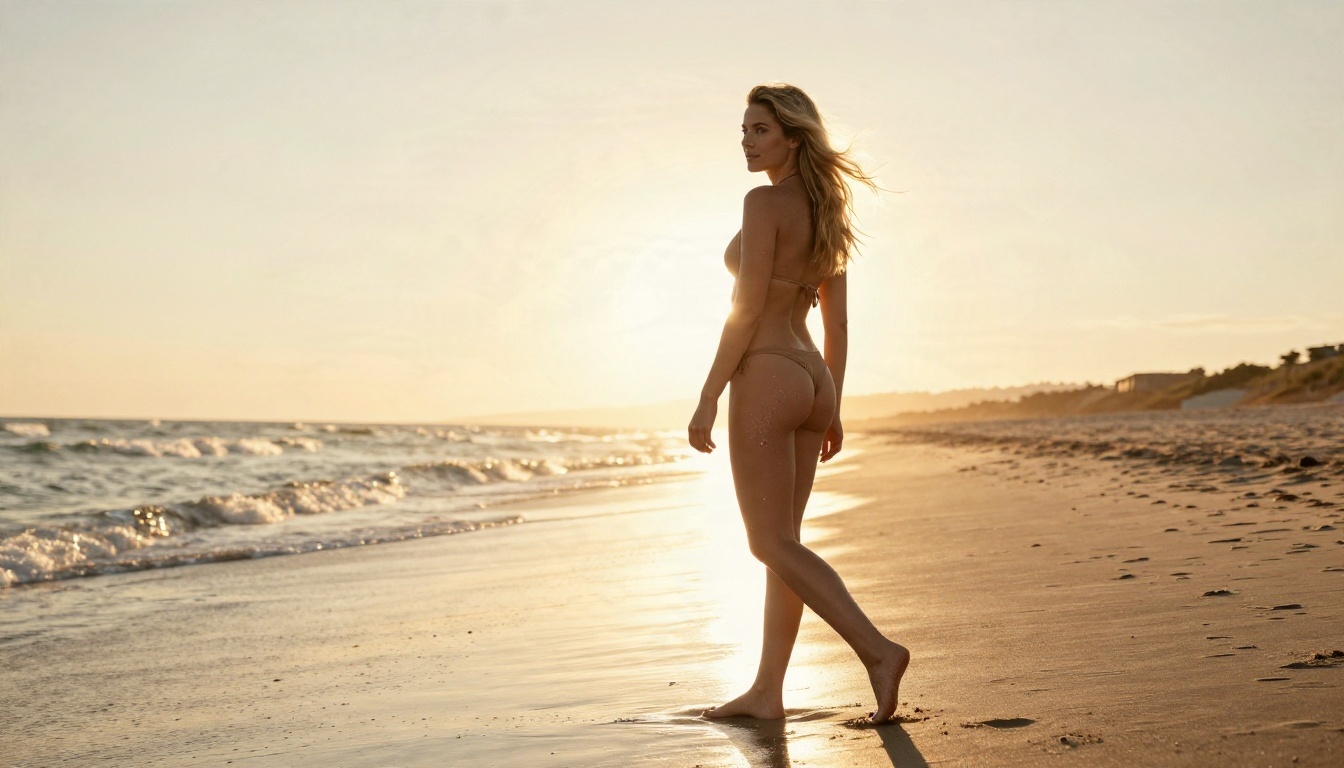
"No sign in" image generators exist, and some work fine for a quick test. Here is what you usually give up:
- Resolution: small outputs, often 512 or 768 pixels on the long side.
- Queue time: anonymous users wait behind everyone else.
- Watermarks: a logo across the corner or the middle of the frame.
- History: close the tab and your images are gone.
- Quality control: older, weaker models, with the hands and faces that come with them.
None of that makes anonymous tools useless. It just means they are a demo, not a workflow. If you plan to generate more than a handful of images, an account on a platform with generous or unlimited runs pays off quickly in saved time.
What free limits look like
Free tiers on image platforms tend to follow a few patterns:
| Limit type | How it works | What it costs you |
|---|
| Daily credits | A set number of images per day | You stop mid session |
| Slow lane | Free users queue behind paid ones | Minutes per image |
| Resolution cap | Free images stay small | Soft, unusable for prints |
| Watermark | Logo on free output | Cannot share cleanly |
| Content filter | Blurs or blocks suggestive results | Wasted runs |
The last row matters most for this topic. A filter that blurs a bikini photo after it burns a credit is the worst possible outcome. That is why picking a model that handles glamour and suggestive content properly is more important than chasing the biggest free allowance.
Best Models for Suggestive Images
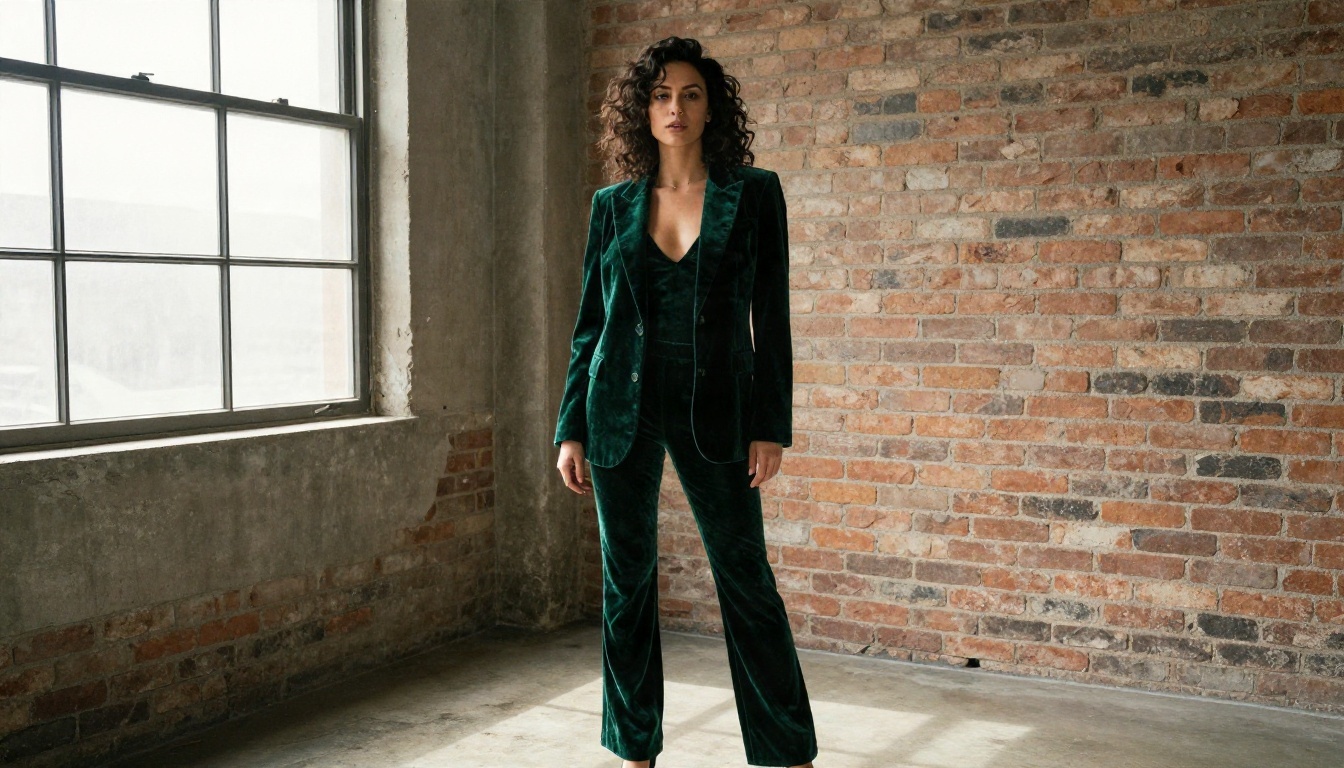
Good results come from the model, not the marketing. These are the ones worth your time, in the order I would try them.
Seedream 4.5 first
Seedream 4.5 is the model to lead with for glamour and suggestive photography. It handles skin texture, fabric sheen, lighting direction and realistic anatomy far better than older free tools, and it outputs high resolution images that hold up when you zoom in.
What it does well:
- Skin that looks like skin: pores, fine hair, natural shine, no plastic smoothing.
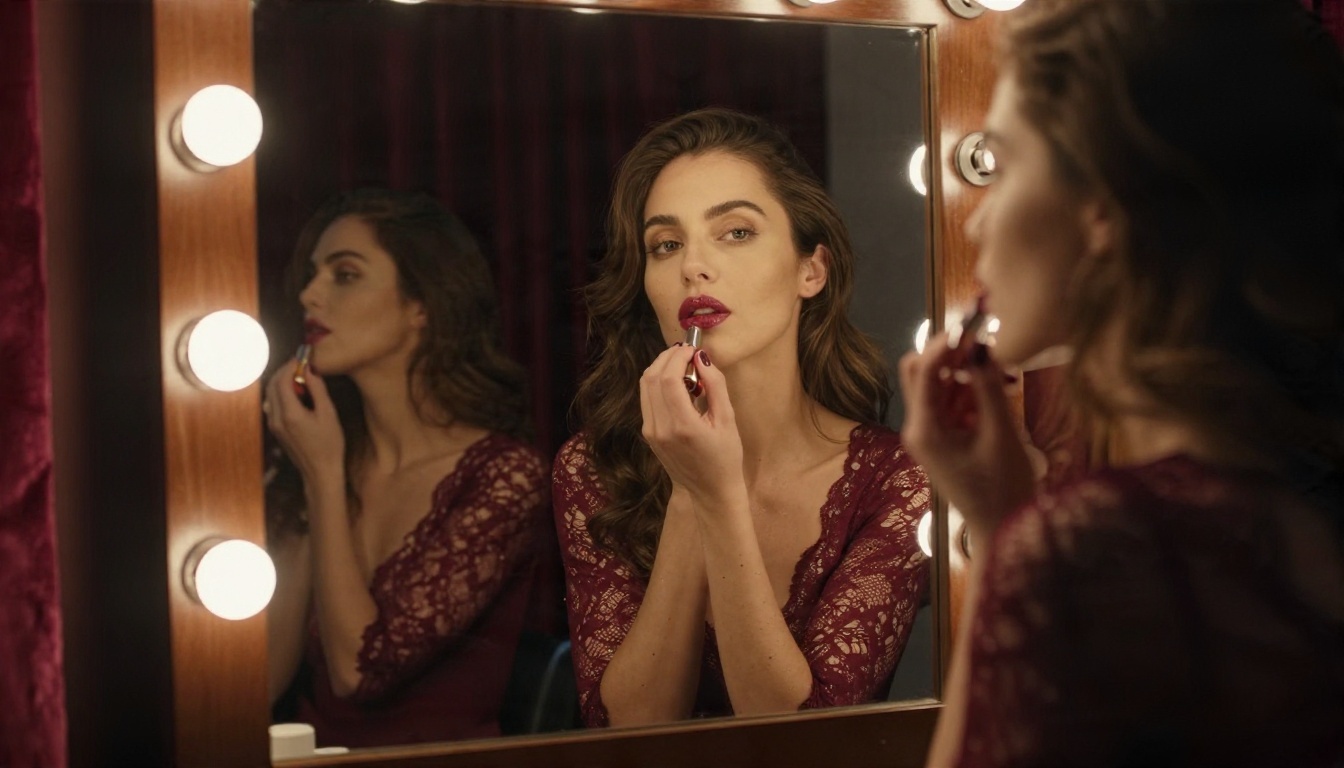
- Fabric detail: satin, lace, knit and velvet all keep believable texture.
- Lighting control: it respects words like "golden hour from the left" or "soft window light."
- Prompt accuracy: it follows long, detailed prompts without dropping half the instructions.
It also does not shut down at the first hint of a swimsuit or lingerie shot, which makes it far more useful for this kind of content than models that block it outright.
💡 Note: Seedream 5 Lite blocks adult and suggestive content, so skip it for this use. Seedream 4.5 is the one to pick.
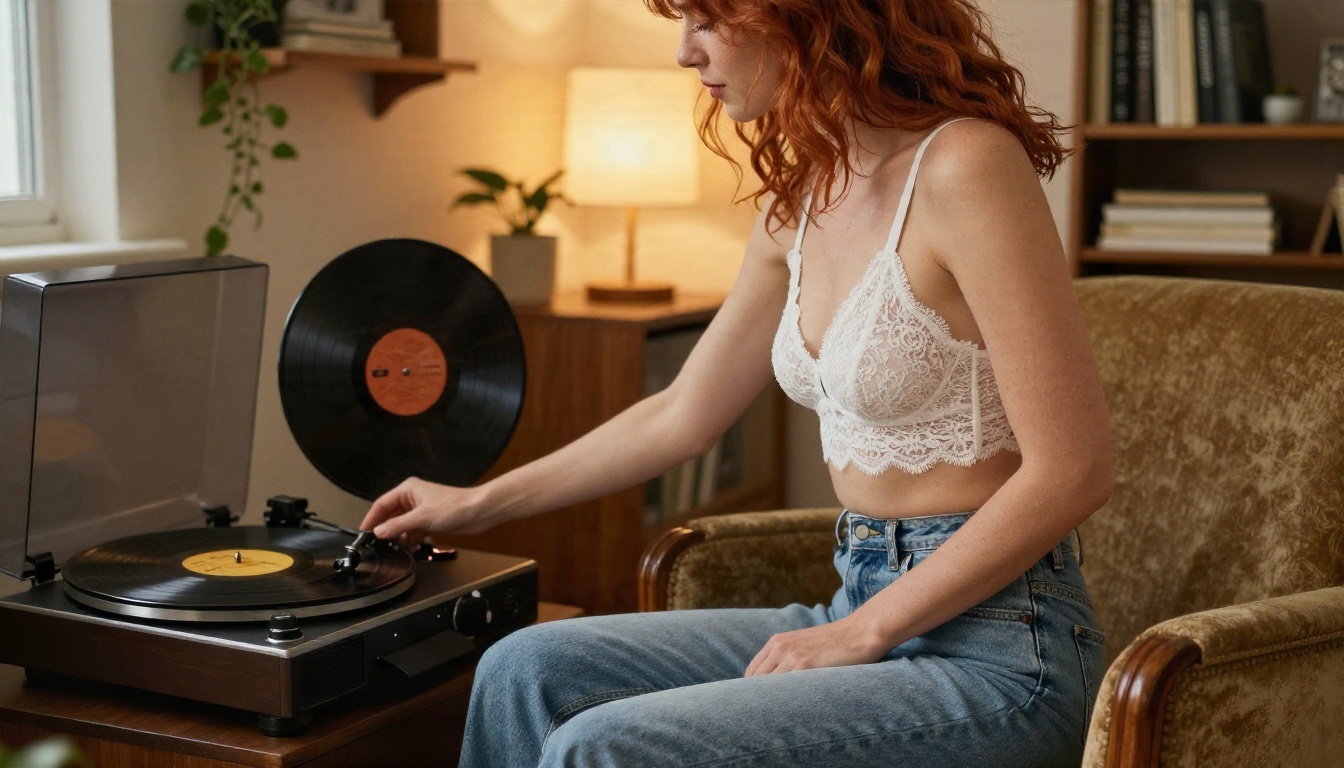
Image Editor Pro for unlimited runs
PicassoIA Image Editor Pro is where the unlimited generations come in. Free limits are the biggest complaint about this whole category, and an editor with no cap on runs removes that problem. You can iterate on a look as many times as you need: change the outfit, adjust the lighting, swap the background, tweak the expression, and run it again without watching a counter.
It is also an editor, not just a generator. Upload a photo and change specific parts of it, which is a faster route to a consistent look than starting from scratch every time.
Why it works well for this topic:
- No run counter to worry about during long sessions
- Edit and regenerate in the same workflow
- Fast turnaround, so you can test five variations in the time a free queue takes for one
- Fewer wasted credits on blurred or blocked outputs
Other models worth testing
Once you have a feel for those two, a few more options are worth a try for variety:
Models differ in what they allow, so test with a harmless prompt first and check how each one responds before you build a whole session around it.
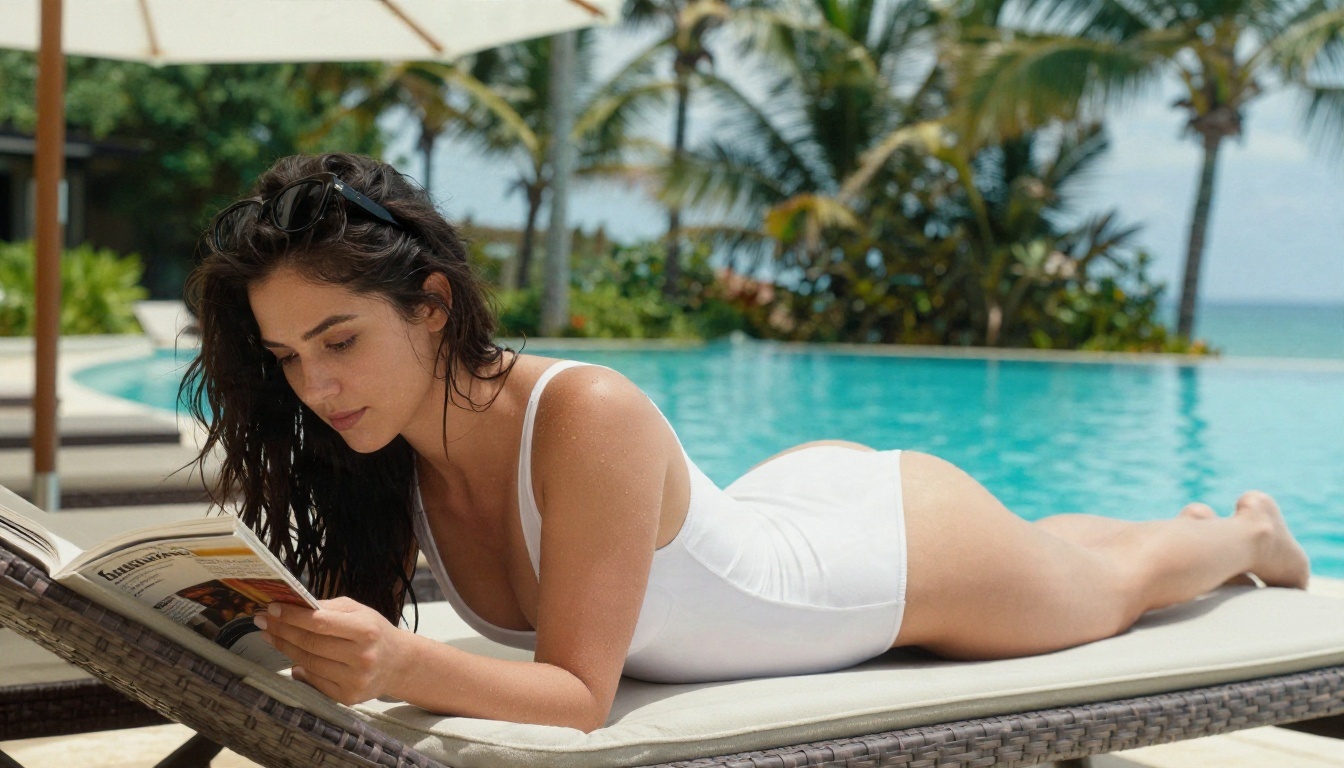
How to Use Seedream 4.5 on PicassoIA
Step by step
- Open the model page. Go to Seedream 4.5 on PicassoIA.
- Write your prompt. Use the formula below: subject, setting, lighting, lens, texture.
- Pick a wide aspect ratio such as 16:9 for scenes, or a vertical ratio for portraits.
- Choose the highest resolution available. Seedream 4.5 is built for sharp, large output, so use it.
- Generate, then compare. Make three or four versions and pick the strongest.
- Refine one thing at a time. Change the lighting or the outfit, not both, so you can see what made the difference.
- Move to Image Editor Pro when you want to keep iterating without limits.
Prompt formula
The structure that gives the most consistent results looks like this:
[Adult subject and pose] + [setting] + [lighting direction] + [camera and lens] + [texture details]
A working example:
"Adult woman in a black satin slip dress sitting on a cream sofa, penthouse living room with tall windows, warm golden hour light from the left, 85mm f/1.8 lens, shallow depth of field, visible skin pores, satin sheen, Kodak Portra 400 film grain, photorealistic."
💡 Tip: Always say "adult" in your subject description. It keeps results appropriate and consistent, and it is a good habit for every prompt in this category.
Prompts That Produce Realistic Results
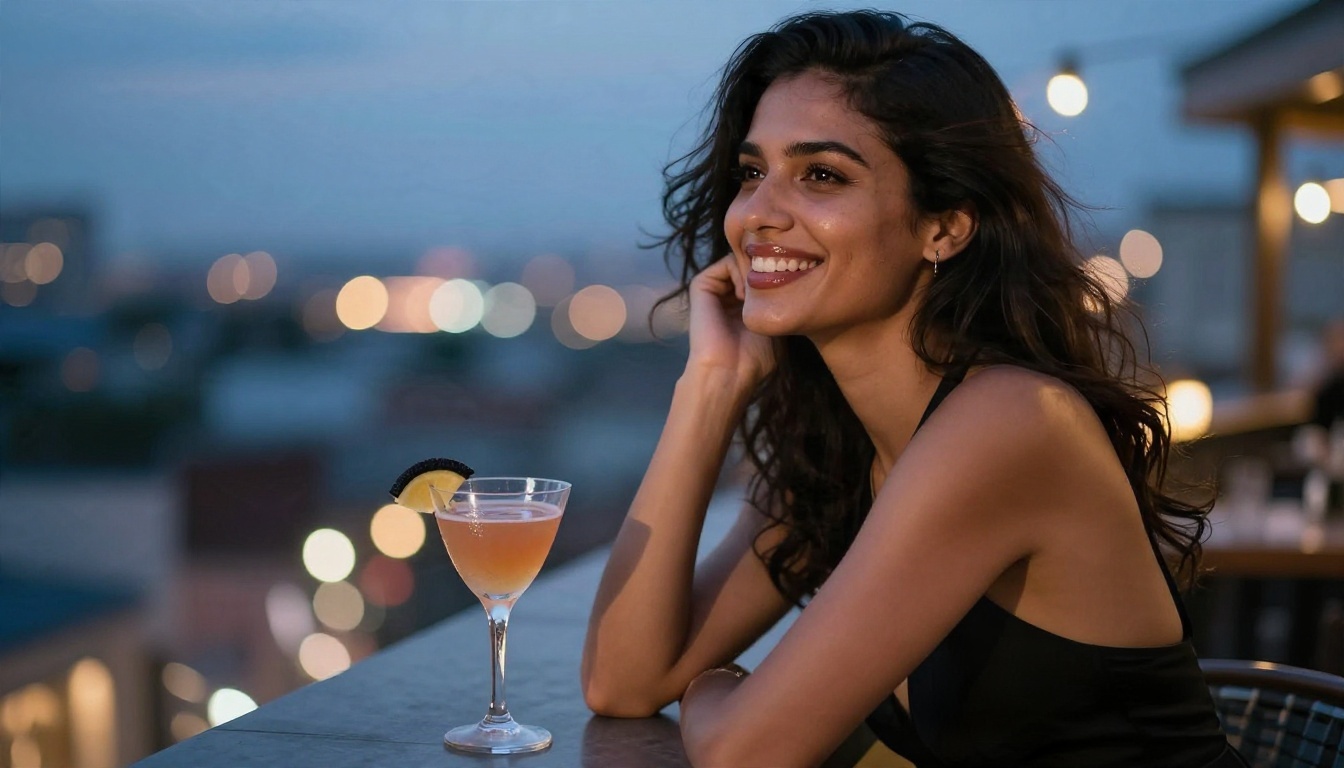
Lighting and lens words
Most "AI look" problems come from vague light. These phrases fix that:
- "Soft window light from the right" for flattering, natural portraits
- "Golden hour backlight with rim glow" for warm, glamorous outdoor shots
- "Low key warm lamp light" for intimate indoor scenes
- "Hard directional light" for fashion editorial punch
- "85mm f/1.4" for portraits with creamy background blur
- "35mm f/2" for wider lifestyle scenes with context
Pair that with film stock words like "Kodak Portra 400 grain." They push the model toward natural color and gentle contrast instead of the over-smooth, over-saturated look that gives AI images away.
Texture and mistakes to avoid
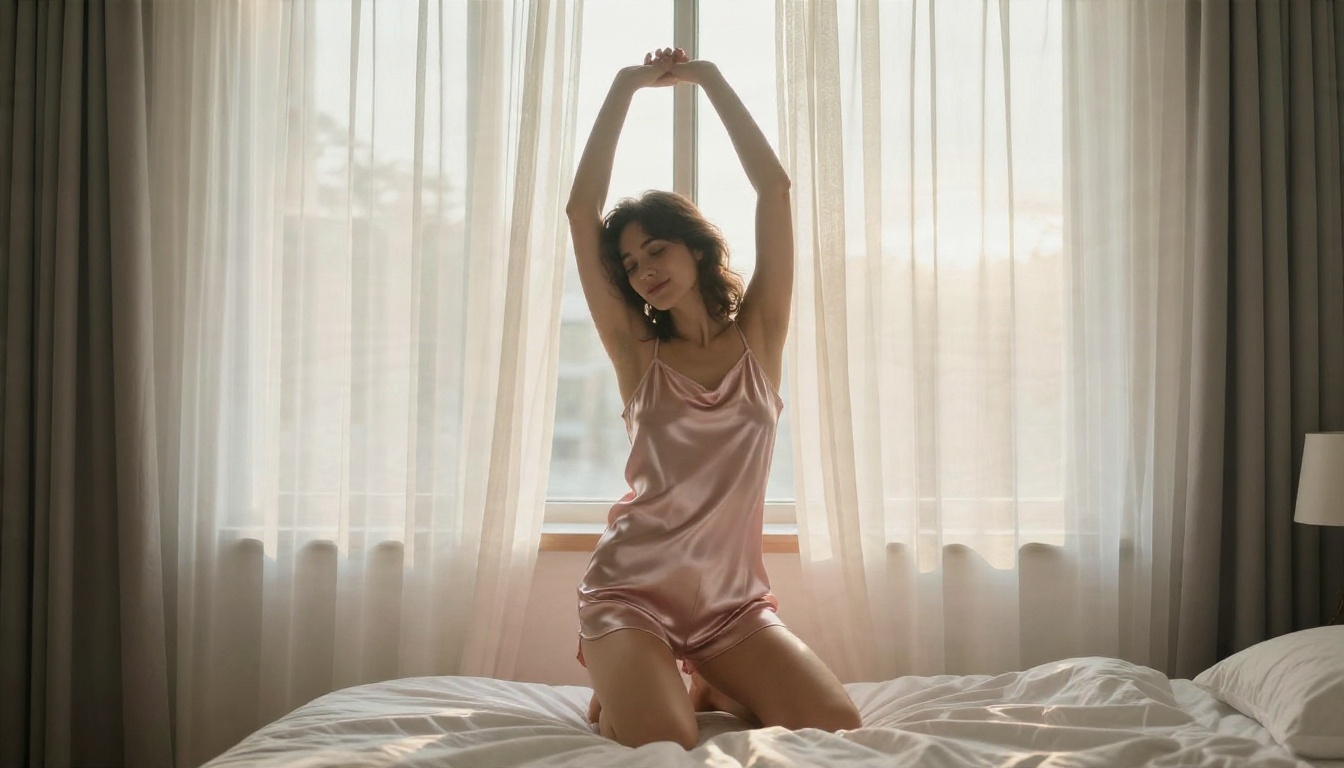
Texture words matter as much as light. Add "visible skin pores," "fine flyaway hairs," "satin sheen," "lace thread detail," or "rumpled linen." These tell the model to keep surface detail instead of smoothing everything.
Common mistakes:
- Too many subjects. One person per image gives the cleanest result.
- Contradicting lighting. Do not ask for "dusk" and "harsh noon sun" in one prompt.
- Piling on adjectives. "Beautiful, stunning, gorgeous" adds nothing. Describe concrete things instead.
- Skipping the setting. A plain background looks fake. Give the scene a few real objects.
- Pushing for explicit content. It triggers filters, wastes runs, and the suggestive version almost always looks better anyway.
Safety, Privacy, and Age Rules
Rules worth following every time
Free and anonymous tools attract the worst corners of the internet, so a few ground rules help:
- Adults only. Every subject should be clearly an adult. Never generate anything involving minors, and never use a tool that allows it.
- Fictional people only. Do not generate suggestive images of real people, including celebrities, coworkers or exes, without their consent. It causes real harm and is illegal in a growing number of places.
- Check what a tool stores. Read the privacy page. Anonymous does not always mean unlogged.
- Avoid shady downloads. Skip any "free horny AI" app that wants you to install software outside an official store.
- Do not share personal details in a chat with any bot, however friendly it sounds.
- Watch for bait and switch. If a site says "free" but wants a card to see results, close it.
💡 Reminder: The goal is attractive, artistic, suggestive imagery, the kind you would see in a fashion shoot or a glamour calendar. Keep it there and every tool on this page works better.
Make Your Own Images Today
Free horny AI is a crowded search for a reason: people want flirty, attractive content without paywalls, forms and blurred results. Chat tools are cheap to run but limited by policy and message caps. Image tools need serious computing power, so free tiers are tight and no sign in options are the tightest of all.
The simple route is to write your character and prompts with a language model, then generate with Seedream 4.5 for realistic skin, fabric and light. When you want to keep refining without a counter ticking down, move to PicassoIA Image Editor Pro for unlimited generations.
Open a model, paste in the prompt formula from this article, change the outfit, the room and the light, and see how far one idea can go. Every model mentioned here, plus many more, lives at picassoia.com/en/all-models. Pick one and make your first image now.


