Type "free AI chat, no limits" into a search bar and you get a wall of promises. Some are true. Many are not. A chatbot that is free today can hide a message cap, a context window that forgets your document halfway through, or a privacy policy that treats your prompts as raw material. And the word uncensored gets thrown around as if it meant one single thing, when it really means five different things depending on who is selling it.
This article sorts the real options from the noise. You will see which free large language models are worth opening in a browser tab, what "no limits" can and cannot mean, how uncensored models actually work, and which alternatives give you fewer refusals without the risks. Every model named below that lives on PicassoIA is linked, so you can open it and test it yourself.

💡 Quick answer: Free chat is real, but "unlimited" never is. Every model has a ceiling somewhere: messages, context length, speed, or hardware. The trick is finding the ceiling that matters least for your work.
What "Free" Really Means
Before comparing names, it helps to sort the word free into buckets. Two models can both be called free and have nothing in common.
Free Tiers Versus Open Weights
A free tier means a company hosts the model and lets you send a limited number of messages at no charge. You do not control the model, the limits, or what happens to your data. The company can change any of it next month.
Open weights means the trained model files are public. Anyone can download them, run them on their own computer, and fine-tune them. The license still matters (some are fully permissive, some restrict commercial use), but the model itself is yours to run. Recent releases such as Llama 4, DeepSeek, Qwen, Gemma and gpt-oss all fall in this camp, which is why the open ecosystem has grown so fast.
| Type | Who runs it | Cost | Control over data | Typical ceiling |
|---|
| Free hosted tier | The provider | $0 with caps | Low | Daily message limit |
| Open weights, hosted | A platform | Varies | Medium | Rate limits, queue time |
| Open weights, local | You | Hardware and power | High | Your GPU and RAM |
| Paid subscription | The provider | Monthly fee | Low to medium | Higher caps, still not infinite |
Free Trials and Hidden Costs
Watch for the soft costs. A "free" tool may cap you at ten messages, degrade to a weaker model after a few chats, or ask for a credit card to "verify" you. Others are funded by selling data or inserting ads. None of this is automatically bad, but you should know which trade you are making.

Best Free Models to Chat Online
Different jobs need different models. A fast small model is perfect for rewriting an email and terrible at a tricky proof. A reasoning model is overkill for a recipe. Here is how the options break down.
Fast Everyday Chat
For quick questions, drafts and summaries, speed matters more than raw intelligence. These are good starting points:
- Gemini 3.5 Flash is built for fast replies and also reads images, which is handy when you want to paste a screenshot instead of describing it.
- GPT 5.6 Luna targets quick text replies without the wait of a heavy reasoning model.
- Llama 4 Maverick Instruct is an open weights chat model with a natural, conversational tone and loose formatting, which many people prefer for brainstorming.
- Meta Llama 3 8B Instruct is an older but dependable small model for simple tasks.
Reasoning and Math
When the answer needs several steps, pick a model that shows its work. Deepseek R1 became popular because it reasons through a problem before answering, and its open release pushed the whole field. Kimi K2.6 leans toward agent-style tasks and code, planning multi-step work instead of answering in one shot.
💡 Tip: If a reasoning model feels slow, that is normal. It is spending extra tokens thinking. Use a fast model for the first draft and a reasoning model only when the first answer is wrong.
Long Documents and Code
Context length decides how much text a model can hold in mind at once. For contracts, codebases and long reports, try Qwen3.7-Plus, which handles text and images, or Claude Sonnet 5 for careful writing and coding. Deepseek v3 is a strong all-round pick for text and code.

Small Models, Quick Answers
Small models are underrated. A model with a few billion parameters answers almost instantly and runs on modest hardware. Granite 4.1 8B from IBM is a compact model for chat and code, and Mistral 7B v0.1 is the classic small open model that kicked off a lot of local experimentation. They will not win a debate with the biggest models, but for classification, rewriting and extraction they are often enough.
Is "No Limits" Actually Possible?
Short answer: no. Longer answer: you can get close enough for most work if you know where the walls are.
Message Caps and Rate Limits
Hosted tools limit how many messages you can send per hour or per day. Heavy users hit this fast, especially with long conversations, because every reply re-reads the whole chat. The workaround is to start fresh chats for new topics and to use a smaller model for easy questions so you save your quota for hard ones.
Context Length Limits
Every model has a maximum amount of text it can see at once. Go past it and the oldest parts of the conversation vanish. A model that "forgets" instructions you gave twenty messages ago has not become dumb. It has simply run out of room. Models such as Llama 4 Scout Instruct are positioned for lighter, faster drafting, while larger flagship models handle more text per request.

How to Stretch Free Usage
Small habits add up:
- Be specific in the first message. One well-written prompt beats five vague ones.
- Paste only what the model needs. Trim the document to the relevant section.
- Ask for the format you want. "Three bullet points, no intro" saves tokens on every reply.
- Switch models by difficulty. Easy tasks go to a small model, hard tasks to a large one.
- Start a new chat per topic. Long threads waste your allowance.
Uncensored Models, Honestly Explained
This is the part of the search where most pages get sloppy, so let us slow down.
What the Word Really Means
"Uncensored" almost never means a model with no rules. It usually means one of three things:
- Fewer refusals on borderline topics. Fiction with dark themes, security research questions, medical details, or blunt opinions that a cautious model might decline.
- A fine-tune with safety training reduced. A community member took an open weights model and retrained it so it refuses less.
- A different default tone. Less lecturing, fewer warnings, shorter disclaimers.
Hosted models, including every one linked above, run under their providers' safety policies. That is a rule of the service, and it is not something a prompt trick can or should remove. If a site claims a famous hosted model is "fully uncensored," treat that as marketing.

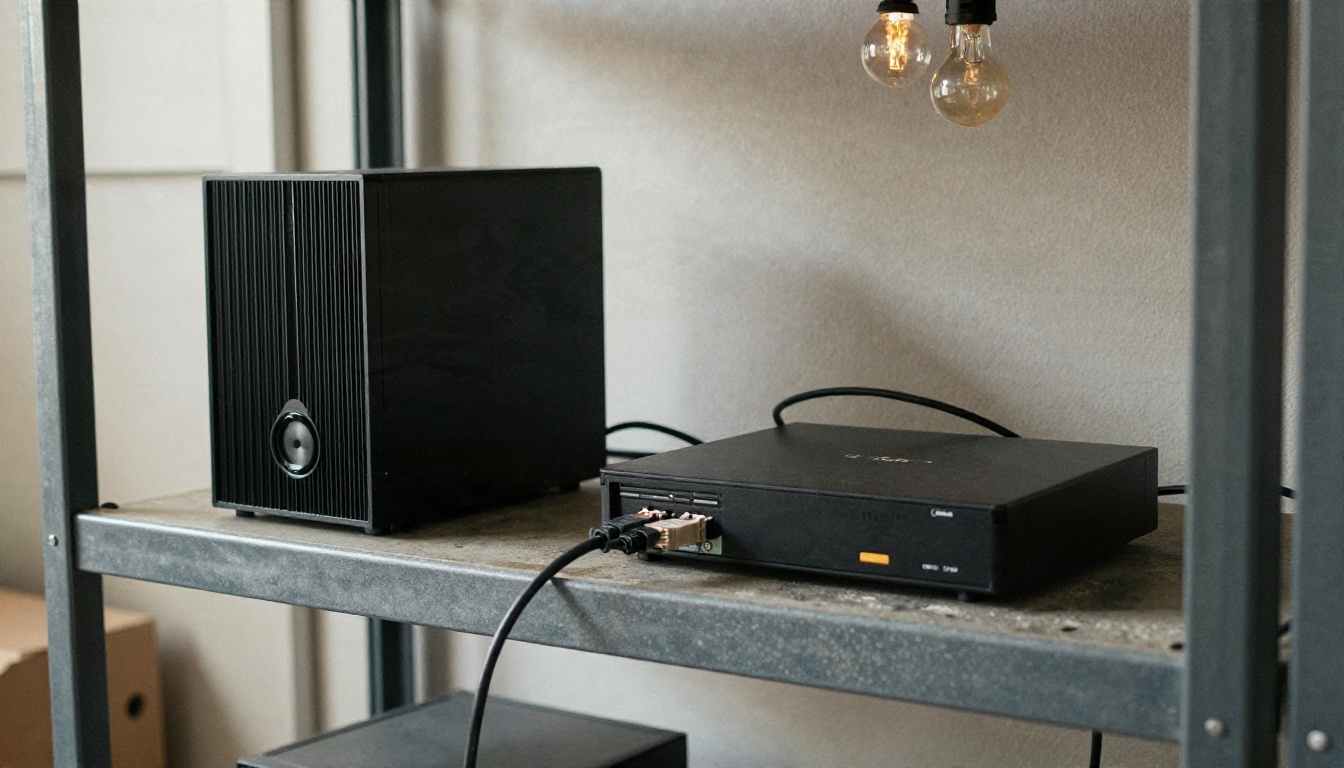
Running Open Weights Locally
If you want a model that follows your own rules, the honest route is open weights on your own machine. You download a model, run it with a local runner, and nobody sits between you and the output. Community fine-tunes exist with relaxed refusal behavior, though quality varies a lot, and you should read each model card for its license and intended use before relying on it.
What you need:
| Model size | Rough memory needed | Experience |
|---|
| 3B to 8B | 8 to 16 GB RAM | Fast, fine for simple tasks |
| 12B to 32B | 24 to 48 GB | Noticeably smarter, slower |
| 70B and above | 64 GB or a GPU cluster | Close to hosted quality |
Risks Worth Taking Seriously
Fewer guardrails also means fewer warnings. A model without safety tuning will confidently invent facts, produce unsafe advice, and happily write content you should not publish. You are responsible for what you do with the output. Never use any model, filtered or not, for anything illegal, for harassment, for content involving minors, or for impersonating real people. Those are lines no setting changes.
💡 Reality check: Most people who search for "uncensored" are not trying to do anything shady. They are annoyed that a model refused to write a villain's monologue or explain a medication dose. Both of those problems have simpler fixes, covered next.
Alternatives That Still Say Yes
Before you go hunting for a stripped-down model, try fixing the refusal at the source.
Better Prompts, Fewer Refusals
Most refusals are triggered by missing context, not by the topic. Compare:
- Weak: "Write a scene where someone gets poisoned."
- Better: "I am writing a crime novel. Write a tense scene where a detective realizes her coffee was poisoned. Focus on her reaction and the clues, not the method."
State your purpose, your format and your boundaries. A model gets less skittish when it can see you are writing fiction, doing research or studying for an exam. If one model still hesitates, another often will not, so test two or three. Claude Sonnet 5, Llama 4 Maverick Instruct and Qwen3.7-Plus each have different comfort zones.
Moderation as a Tool
If you build your own chat app, you may want the opposite of an uncensored model: a filter you control. Llama Guard 4 12B is a content moderation model that classifies text as safe or unsafe, so you can put your own rules around any chat model. It is a practical way to decide what your users see without relying on a provider's defaults.

Try Models Side by Side
The fastest way to pick is to stop reading and test. A fair comparison takes about ten minutes.
- Pick three models. For example Gemini 3.5 Flash, Deepseek v3 and Llama 4 Maverick Instruct.
- Write one real prompt. Use something from your actual work, not a trivia question.
- Paste the same prompt into each. Do not tweak between runs.
- Score three things. Accuracy, tone and how much editing you need.
- Add one hard prompt. A multi-step problem shows the gap between small and large models fast.
- Keep the winner for that task. Different tasks can have different winners, and that is fine.

💡 Parameter tip: If a model lets you set temperature, use 0.2 to 0.4 for facts and code, and 0.8 to 1.0 for creative writing. Low temperature gives repeatable answers, high temperature gives variety.
Terms of use, usage caps and pricing can change, so check the page of each model before you plan a workflow around it.
Privacy Before You Paste Anything
Free chat tools are convenient, and convenience is where people get careless. A few rules save headaches:
- Never paste passwords, API secrets, or ID numbers. Not into any chatbot, ever.
- Strip names from client documents. Replace them with placeholders before pasting.
- Assume prompts may be stored. Read the data policy of any free service, especially ones with no clear owner.
- Use a local model for sensitive material. If a document must stay private, running open weights on your own machine is the safest option.
- Be wary of "unlimited and uncensored" sites with no company behind them. If you cannot tell who runs it, assume the worst about where your text goes.
Real Examples From Real Work
Numbers and tables are useful, but the pattern shows up better in daily use.
A freelance writer uses a fast model for outlines and a stronger one for the final polish. Two models, one workflow, and she rarely hits a cap because the heavy model only sees the final draft.
A student uses a reasoning model to check homework steps, then asks it to explain a mistake in plain language. The reasoning trace is the useful part, not the final answer.
A baker asks a chat model to turn a messy supplier email into a short price comparison and to draft polite replies in two languages. No special tool needed, just clear instructions.
A developer runs a small model locally for code snippets that cannot leave the laptop, and a hosted model like Kimi K2.6 for larger refactors where privacy is less of a concern.
Questions People Ask Most
Is there a truly unlimited free LLM? Not hosted. Running an open weights model on your own hardware is the only way to avoid message caps, and then your limit is your computer.
Which free model is best overall? It depends on the task. For speed, try Gemini 3.5 Flash. For reasoning, try Deepseek R1. For a relaxed conversational tone, try Llama 4 Maverick Instruct.
Are older models still worth using? Yes, for simple jobs. Meta Llama 3 8B Instruct and Mistral 7B v0.1 are fast and light, though they trail newer releases on reasoning and long context.
Are uncensored models legal? Owning and running an open weights model is generally legal. What you generate with it can still be illegal, and that is on you.
Can a chat model replace a search engine? Sometimes. It can summarize and explain, but it can also be wrong with total confidence. Check anything that matters.
Start Chatting With Your Own Prompts
The best way to settle the "free versus limited" and "filtered versus uncensored" debates is to run your own prompt through a few models and watch what happens. Open Gemini 3.5 Flash, Deepseek v3, Qwen3.7-Plus or Granite 4.1 8B, paste the same question into each, and keep whichever answers best.
Picasso IA also brings text, image, video and audio tools into one place, so a chat model can write your prompt and an image or video model can bring it to life in the same session. Browse everything on picassoia.com/en/all-models, pick a model, and experiment with your own ideas today.


