Type "free NSFW AI generator" into a search bar and you get a wall of sites that all promise the same thing: unlimited images, no sign-up, no filters. Then you hit a watermark, a credit counter that runs dry after three renders, or a face that looks like melted wax. This article sorts the real options from the noise. You will see how these generators work, what "free" usually costs you, which models on PicassoIA produce sharp, photorealistic glamour, and the exact prompt formulas that get you a usable picture on the first or second try.
Everything here stays on the suggestive, non-explicit side: bikinis, lingerie, boudoir lighting, beach and poolside glamour. That is where the best-looking results come from anyway, because photographic taste beats shock value every time.
What a Free NSFW Generator Does
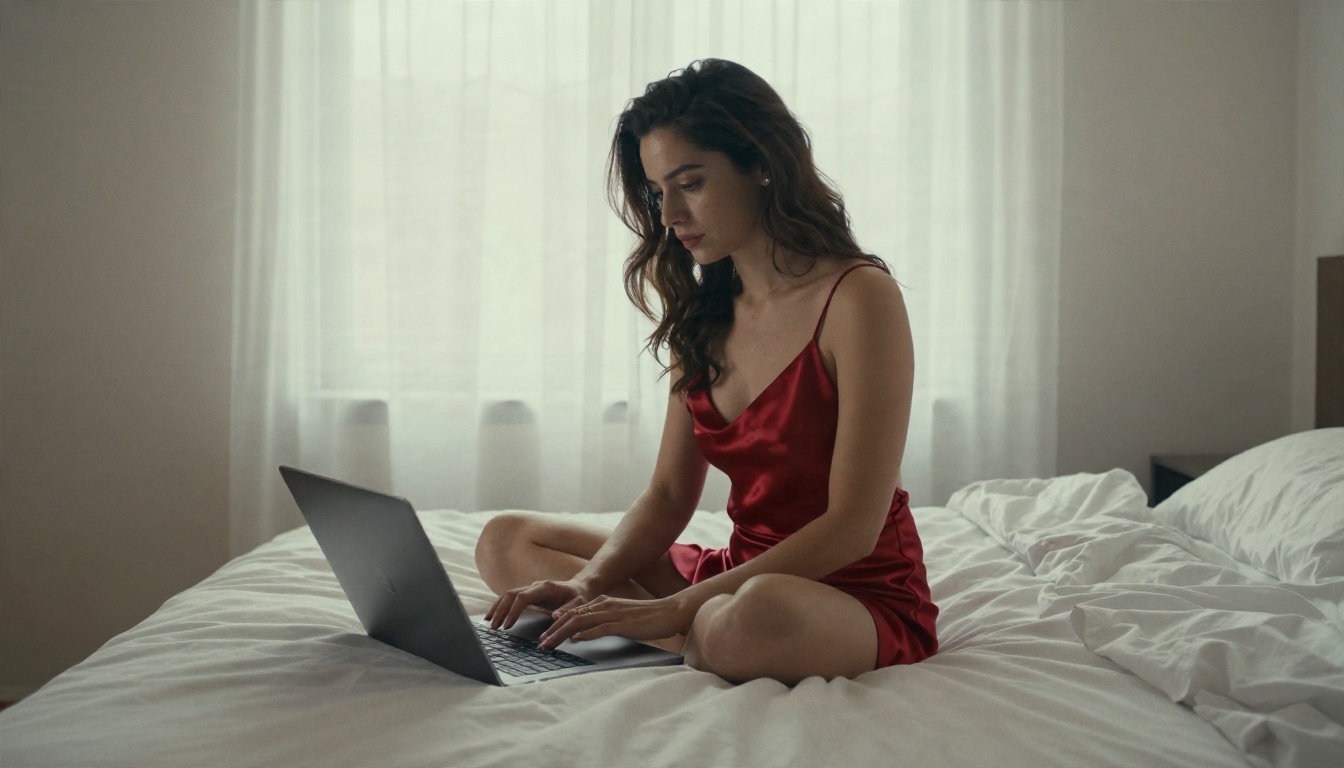
A free NSFW AI generator is a text to image tool that accepts adult-leaning prompts, such as swimwear, lingerie or sensual portraits, without refusing them. You write a description, the model builds a picture from noise, and you get an image in seconds. The "free" part is where things get complicated.
How text to image works
The model reads your prompt and turns it into a mathematical description of a scene. It then removes noise step by step until a picture matches that description. Modern models such as Seedream 4.5 have been trained on enormous photo collections, so they know how silk reflects light, how skin looks under a window, and how a 85mm lens blurs a background.
Three things shape the result:
- The prompt: subject, clothing, setting, light, camera.
- The model: some lean toward painterly looks, others toward real photography.
- The settings: aspect ratio, resolution, seed, and how strictly the model follows your words.
Why people search for it
Most people are not after anything exotic. The common reasons are simple:
- Glamour and boudoir reference images for artists and photographers.
- Character concepts for stories, comics and games.
- Social content with a fashion or swimwear feel.
- Curiosity about what current models can do.
💡 Tip: If you want the best results, treat the generator like a photographer you are briefing. Specific lighting and lens details beat vague adjectives like "hot" or "sexy" every single time.
Free vs Paid: The Real Cost
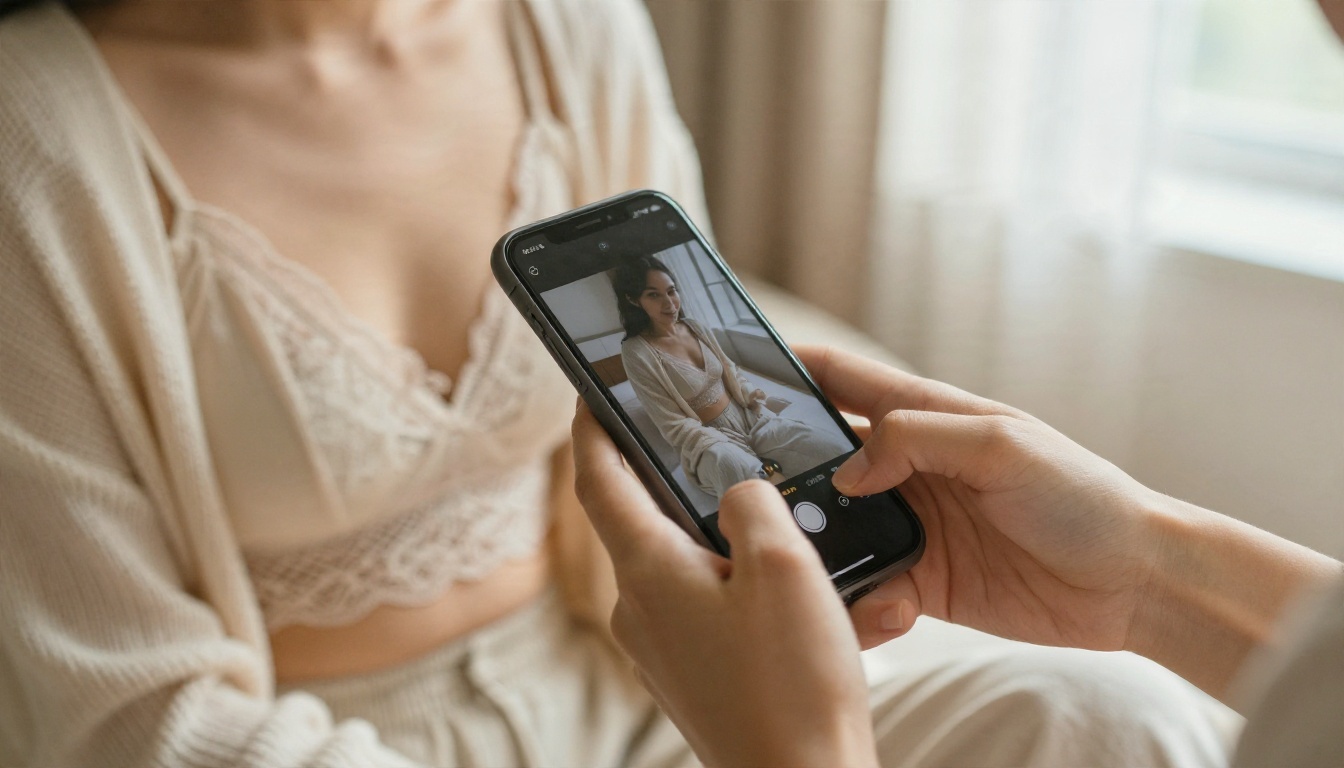
Nothing runs for free. GPUs cost money, so a site that gives you images at no charge is paying for them with something else: your time, your data, or an upsell.
What "free" usually means
Here is how the common free models compare in practice:
| Type of free offer | What you get | The catch |
|---|
| Daily credits | 5 to 20 images per day | Queue times, then you wait or pay |
| Free trial | A handful of premium renders | Card required, easy to forget to cancel |
| Watermarked output | Unlimited low-res previews | Logos across the picture, small size |
| Ad-supported | Free generations after ads | Slow, cluttered, sometimes sketchy redirects |
| Truly unlimited | No cap on runs | Rare, and the model quality varies |
Credit limits and watermarks
A credit cap hurts more than it looks. A good image usually takes 3 to 6 attempts, because small prompt changes shift the face, the pose and the light. With 5 free credits a day, you spend your whole allowance finding one decent frame. That is why unlimited generation matters more than headline resolution.
Privacy trade-offs
Many tiny generator sites log prompts and keep uploaded photos. Before you upload a reference picture to any site, check what it says about storage and deletion. Never upload photos of other people without their permission. More on that in the safety section below.
⚠️ Watch out: If a site asks for a download, a browser extension or a "verification" survey before it gives you images, close the tab. Real generators run in the browser.
Best Models on PicassoIA
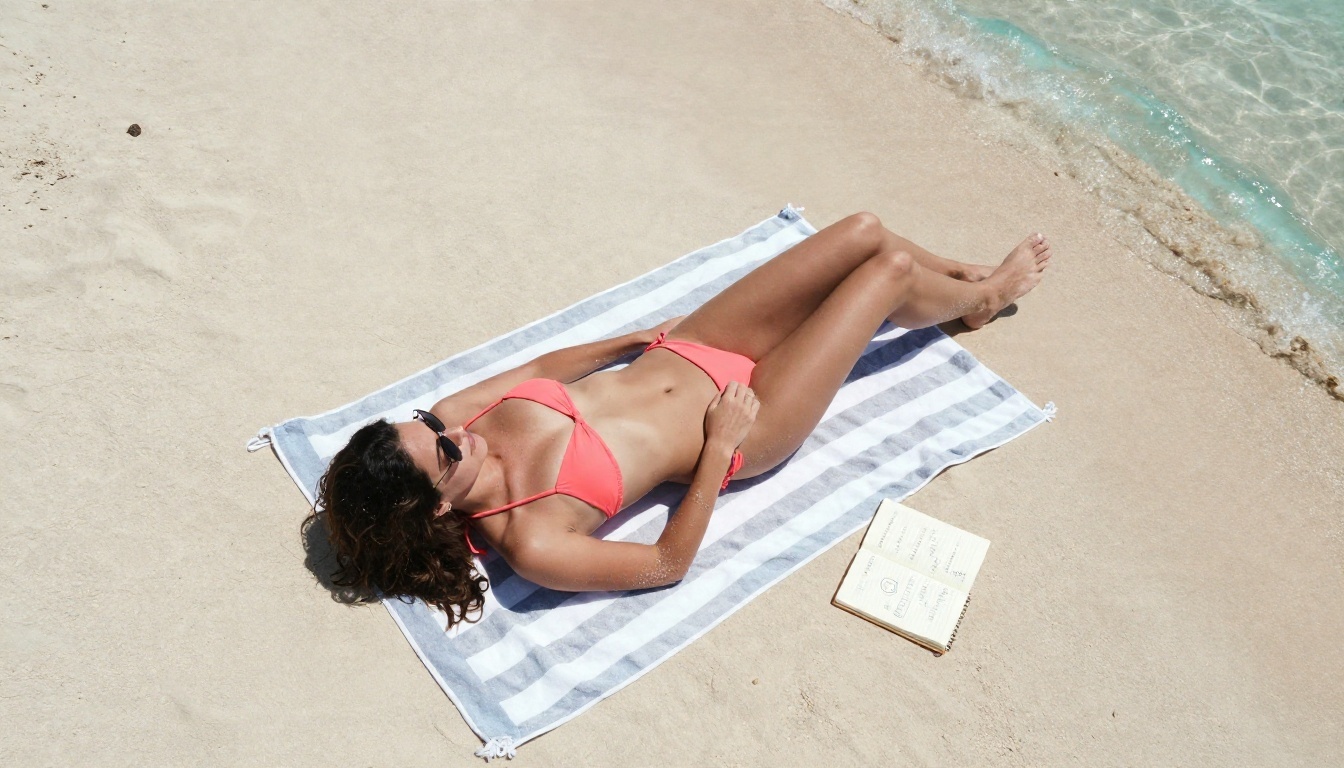
Instead of hopping between ten sketchy sites, you can run several strong models in one place. Here is the order I would try them in for glamour and swimwear work.
Seedream 4.5 first
Seedream 4.5 is the model to start with. It handles skin texture, fabric and window light with a photographic feel, it follows long prompts closely, and it outputs up to 4K. For bikini beach scenes, boudoir portraits and poolside shots, it gives clean anatomy and believable hands more often than most rivals. It also moves fast, so iterating on a prompt does not feel like a chore.
Image Editor Pro for unlimited runs
PicassoIA Image Editor Pro is built around unlimited generations, which solves the credit problem described above. You can generate, tweak the wording, regenerate and compare as many times as you like. It also edits existing images, so you can change an outfit colour, swap a background or fix a detail without starting over.
More options worth trying
💡 Tip: Run the same prompt through two or three models. Each one has a different "eye", and the best frame often comes from the one you did not expect.
How to Use Seedream 4.5 on PicassoIA
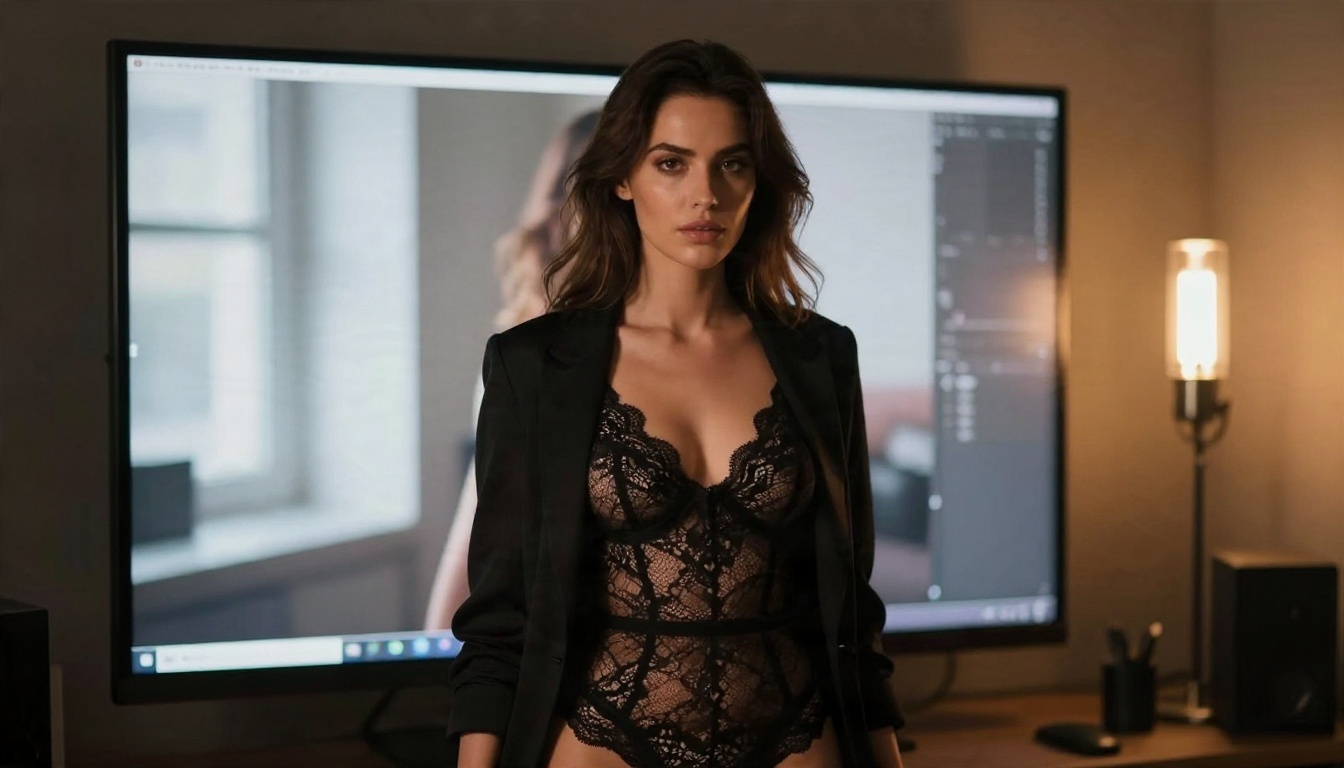
Here is the workflow I use on the Seedream 4.5 page.
Step by step
- Open the model page and sign in to your PicassoIA account.
- Paste your prompt into the text box. Use the formula in the prompt section below.
- Set the aspect ratio: 16:9 for landscape scenes, 3:4 or 2:3 for portraits.
- Pick the resolution: start low for drafts, then go to the highest option for the final render.
- Generate and look at the first result for pose, light and hands.
- Change one thing at a time: the lens, the light direction or the clothing colour. Then run it again.
- Save the winner and, if you want it sharper, send it through a super resolution model for a clean upscale.
Settings that matter
- Aspect ratio: portrait frames (2:3) flatter standing poses, wide frames (16:9) suit beach and poolside scenes.
- Seed: once you like a face and composition, lock the seed and only change the outfit or the background.
- Prompt length: 40 to 90 words is the sweet spot. Shorter gives generic faces, longer starts to contradict itself.
- Reference images: if the page lets you add one, use it for pose or lighting, not to copy a real person.
Prompts That Work
Good prompts read like a photographer's shot list. Skip the stack of adjectives. Say what is in the frame and how the camera sees it.
The prompt formula
Subject and pose + clothing + setting + light direction + lens and angle + texture details + film look
Here is a working example:
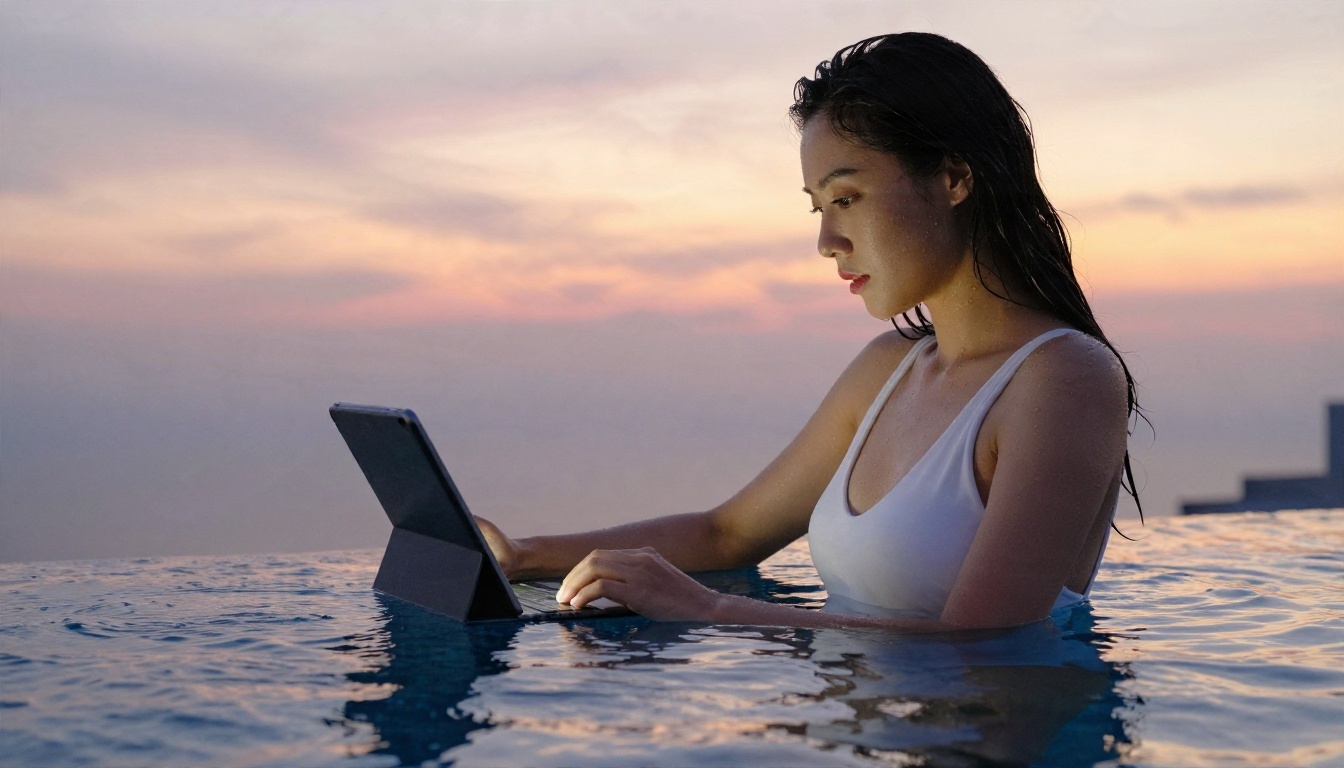
A woman in a white one-piece swimsuit sitting on the edge of a rooftop infinity pool at sunset, water droplets on her shoulders, warm backlight from the right, pink and gold sky reflected in the water, 70mm lens at f/2, shallow depth of field, visible skin texture, Kodak Portra 400 grain, photorealistic.
Every part of that sentence does a job. The light direction creates shape, the lens creates blur, and the texture words stop the skin from looking plastic.
Ten prompt ideas
Copy these and change the details:
- Satin slip dress on a rumpled hotel bed, soft morning window light, 35mm lens.
- Coral bikini on a beach towel, overhead drone angle, bright midday sun.
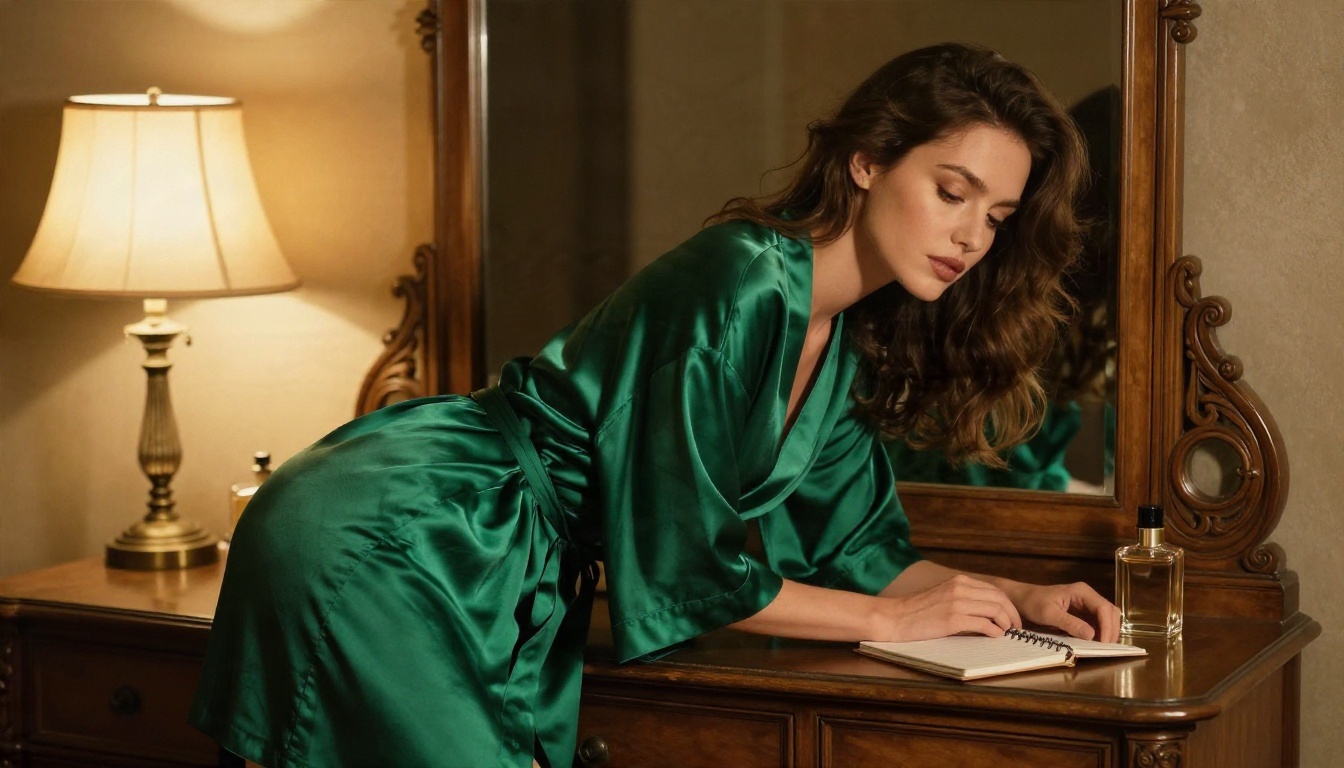
- Emerald silk robe at a vintage dressing table, single warm lamp.
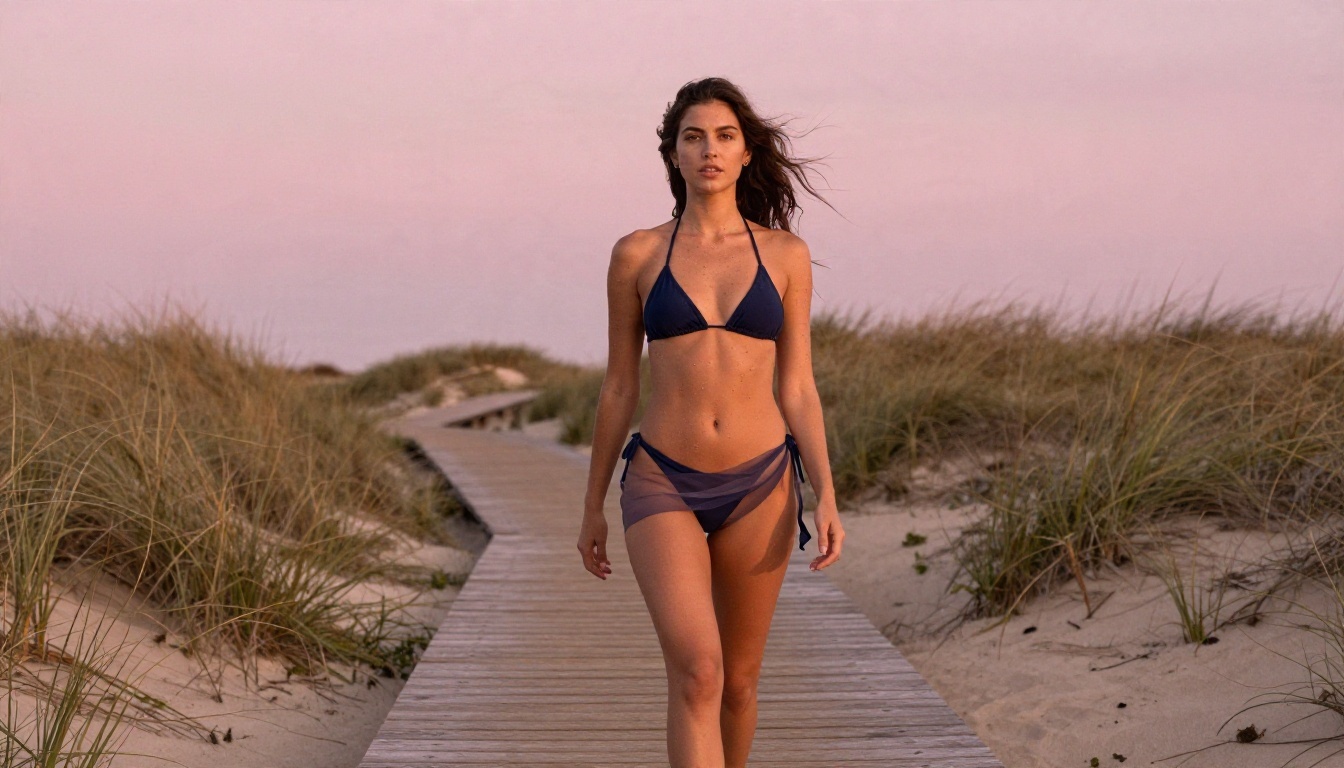
- Navy bikini and sheer sarong on a dune boardwalk at dawn, 135mm compression.
- Lace bralette and cardigan by a loft window, side light, close-up on hands.
- Black bodysuit and blazer in a dim photo studio, tungsten lamp plus window light.
- Burgundy bikini top at a poolside cafe, rim light from behind, 85mm lens.
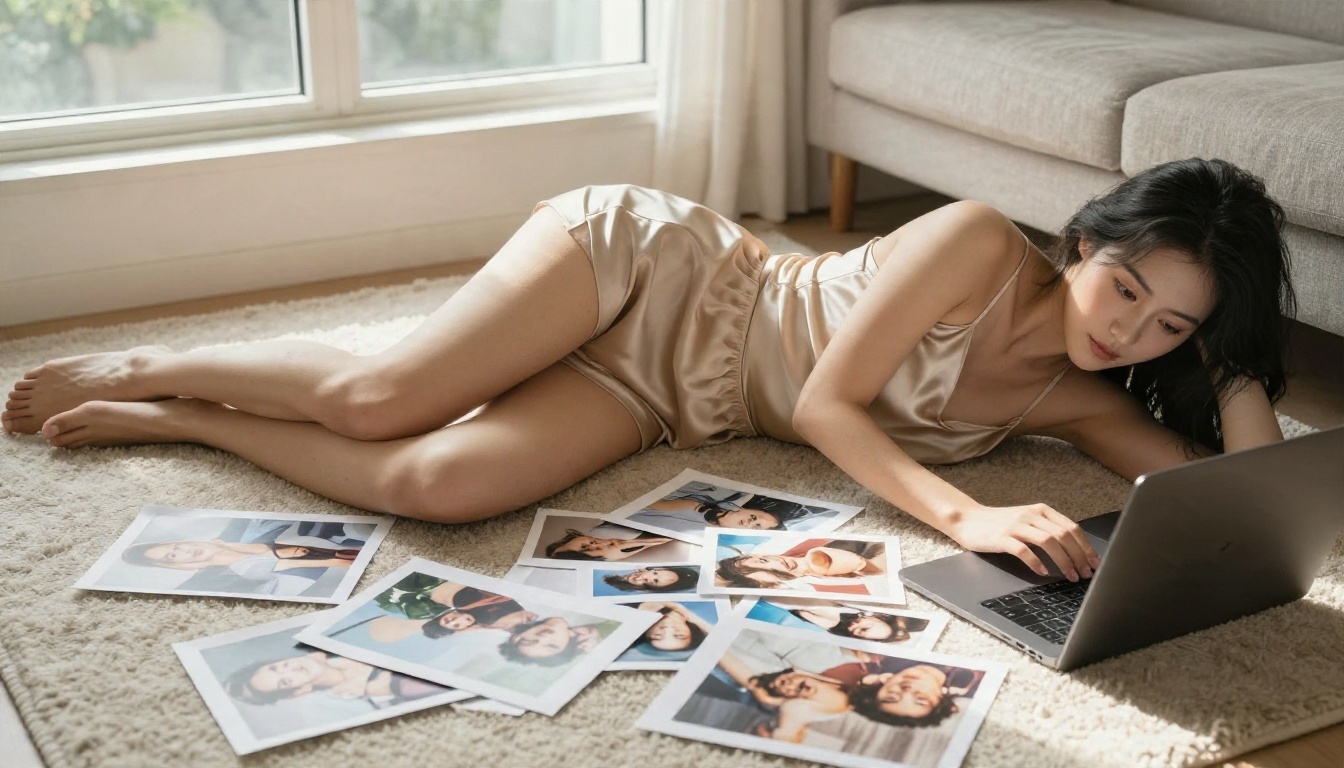
- Beige satin camisole on a sofa, high angle, afternoon window light.
- Linen shirt over a black bikini on a villa terrace at golden hour.
- Swimwear on a wooden dock at blue hour, cool sky, warm lantern glow.
Common mistakes
| Mistake | Why it fails | Fix |
|---|
| Vague words like "hot" or "sexy" | The model has nothing visual to work with | Describe clothing, light and setting |
| No lens or light info | You get flat, stock-style images | Add "85mm f/1.8, window light from left" |
| Ten styles in one prompt | The model blends them into mush | Pick one look and commit |
| Changing everything between runs | You cannot tell what helped | Change one variable per run |
| Asking for "perfect skin" | Skin turns plastic and airbrushed | Ask for "visible pores and fine peach fuzz" |
Keeping Results Photorealistic
The biggest giveaway of AI images is that smooth, waxy, over-lit look. A few habits remove it.
Light does the heavy lifting
Name a direction and a quality. "Soft window light from the left" gives shape and shadow. "Warm backlight with a thin rim on the hair" gives depth. Avoid "studio lighting" alone, because it usually produces flat, even brightness.
Texture sells the picture
Real photos have small imperfections. Ask for them: fine freckles, a loose strand of hair, creases in linen, specular highlights on satin, condensation on a glass. These details tell the eye the image is a photograph.
Camera language helps
Lens choices change the whole feel:
- 24mm gives wide, airy scenes like the beach view from above.
- 50mm looks natural, close to how we see.
- 85mm flatters portraits and blurs backgrounds softly.
- 135mm compresses distance and gives a dreamy, editorial look.
Fixing hands and small errors
If a hand or a strap looks wrong, do not rewrite the whole prompt. Use an editing model like Image Editor Pro or Nano Banana to correct that one area. It is faster than rolling the dice again.
Safety and Consent Rules
Generating adult-leaning images comes with a few firm lines, and they protect you as much as anyone else.
- Adults only: every subject must be clearly an adult. Never create or request anything involving minors.
- No real people without consent: do not generate images of a real person, a celebrity, a coworker or an ex. That includes face swaps without permission.
- No deception: do not present generated images as real photos of a real individual.
- Keep it non-explicit: suggestive glamour is the sweet spot for quality and for sharing safely on most platforms.
- Check the platform rules: where you post matters. Many networks restrict adult-leaning content even when it is not explicit.
⚠️ Heads up: Laws on synthetic images of real people are tightening in many countries. When in doubt, invent a fictional subject.
Storing and sharing your images
Keep your drafts private, remove metadata before posting, and label AI-generated work when a platform asks you to. If you use an uploaded reference, delete it from the tool when you are done.
Make Your First Image Today
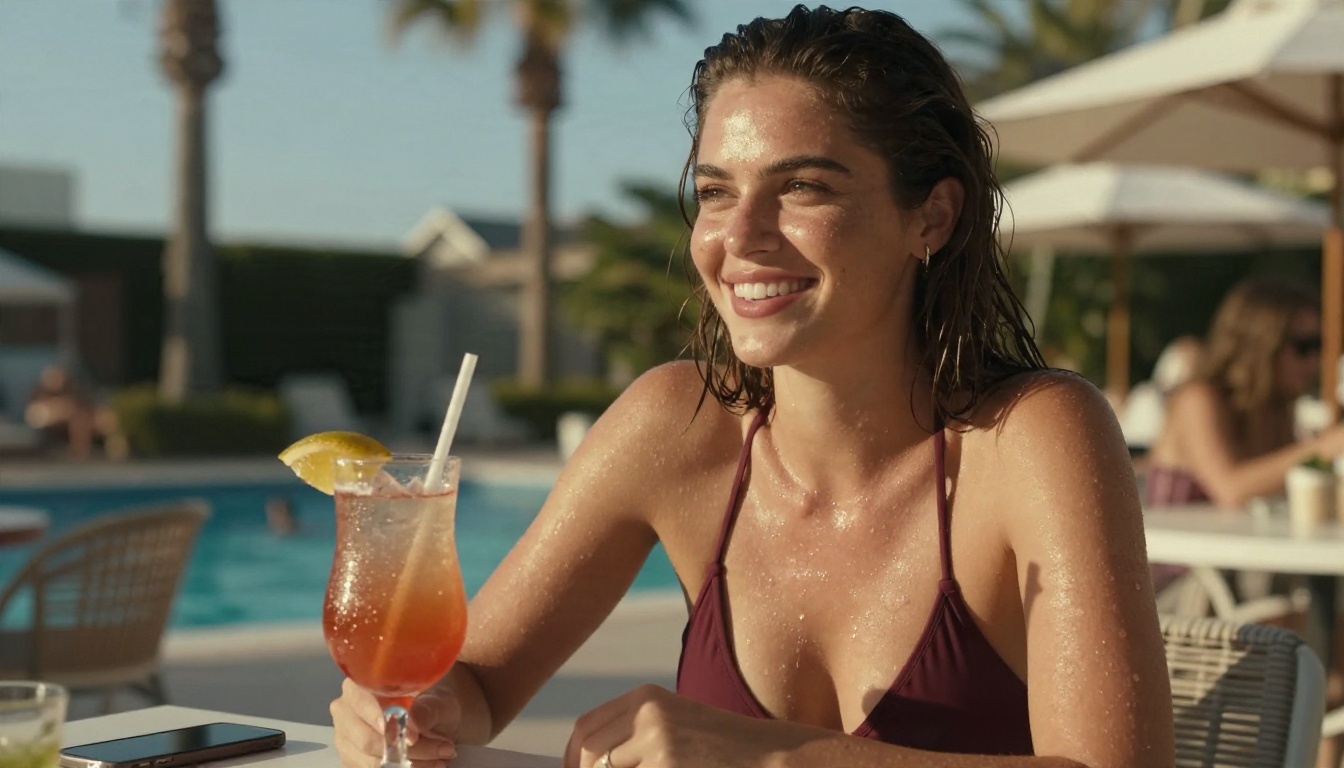
You do not need ten tabs, three trial accounts and a pile of watermarks. A simple plan works:
- Open Seedream 4.5 and run one of the ten prompts above.
- Switch to PicassoIA Image Editor Pro when you want unlimited tries or need to edit a frame.
- Test Z Image Turbo for quick drafts and Realistic Vision v5.1 for lifelike portraits.
- Change one variable per run, lock the seed when you find a face you like, and upscale the winner.
The fastest way to get better at this is to make images. Pick a scene, write a short shot list, and see what comes back. Picasso IA puts the models, the editor and the upscalers in one place, so you can go from idea to finished frame without leaving the page. Browse the full lineup at picassoia.com/en/all-models and start creating your own photorealistic glamour images today.


