You type a search for free naughty AI at midnight, click the first result, and ten messages later a pop-up asks for $9.99. Sound familiar? That is the standard experience, and it is exactly why so many people bounce between apps without finding one that works.
This article sorts out what "free" really means in this corner of the internet. You will see how the main types of chatbots and apps behave, where the free limits hit, what to check before you hand over an email address, and which alternatives give you more room, especially if what you actually want is suggestive, glamour-style images rather than endless chat.
💡 Quick answer: Free naughty AI chatbots exist, but nearly all of them cap messages, slow you down, or lock the spicier features behind a subscription. For images, there are better options with far fewer strings attached, and they are listed below.
Everything here stays within adult, non-explicit territory. Platforms change their rules often, so treat any number as a snapshot and check the current terms before relying on it.
What Free Naughty AI Really Means
The phrase covers two very different products, and mixing them up is the first reason people get frustrated.
Chatbots vs. Image Generators
A naughty AI chatbot is a conversation engine. You talk to a character, it replies in flirty or romantic language, and the experience lives in text (sometimes with voice). Costs for the provider scale with every message, which is why chat is where the tightest limits appear.
An AI image generator takes a written description and produces a picture. The cost lands per image, not per sentence, so some services can afford to be far more generous. If your goal is visual content such as glamour portraits, swimwear shots, or boudoir-style scenes, a generator will usually serve you better than a chat app.
Who Searches for This
Based on how the topic is searched, people tend to fall into four groups:
- Curious first-timers who just want to see what a flirty bot sounds like.
- Roleplay fans who want long, consistent stories with the same character.
- Lonely or bored night owls looking for casual company.
- Creators who want attractive imagery for stories, art projects, or personal use.
Each group needs something different from a free tier, which is why one app rarely fits everyone.
Free Naughty AI Chatbots in 2027
Reviews online disagree with each other, and many are written by affiliates paid per signup. So rather than crowning a winner, here is how the categories behave.

Companion Platforms
Apps built around a single "AI girlfriend" or "AI boyfriend" usually offer a short trial. Expect a daily or monthly message allowance, a limited set of characters, and prompts to upgrade for photos, voice notes, or longer memory. CrushOn AI is often cited with a daily free message allowance, with full adult access reserved for paid plans that start at roughly six dollars a month. Numbers like these shift, so check before you commit.
Character Roleplay Sites
Sites such as SpicyChat AI and Janitor AI let users create and share thousands of characters. SpicyChat AI is frequently described as generous on its free tier, though the free model tends to be lighter than the paid one. Janitor AI has no strict platform cap in many reviews, but its free usage can depend on connecting an outside language model, and that setup takes some technical patience.
Mainstream Bots With Filters
Character.AI is popular and free to use at scale, but it filters adult content. Chai AI sits somewhere in between, with limited free messages and partial access to flagged characters. If you expect explicit conversation from a mainstream filtered bot, you will be disappointed. If you want playful, PG-13 flirting, they work fine.
| Category | Typical Free Offer | Common Catch | Best For |
|---|
| Companion apps | Daily or monthly message allowance | Photos and voice need a plan | Casual curiosity |
| Roleplay sites | Large character library, often generous chat | Lighter free model, queue times | Long stories |
| Filtered mainstream bots | Very high message volume | Adult content restricted | Mild flirting |
| Self-connected setups | No platform cap | Technical setup, outside costs | Tinkerers |
💡 Tip: Treat affiliate-style "best of" lists with suspicion. If every app gets four and a half stars and a referral link, you are reading an ad.
The Truth About Free Limits
"Free" in this space almost never means unlimited. It means the provider lets you taste the product before asking you to pay.

Message Caps
The most visible limit is a daily or monthly allowance of messages. Some apps count every reply you regenerate, so a "50 message" day can disappear in twenty minutes if you keep rerolling replies. Read how the counter works before you start a long scene, because a story cut off mid-moment is the fastest way to lose interest.
Paywalled Features
The features that make an experience feel personal tend to sit behind a subscription:
- Longer memory, so the character remembers your name and the plot.
- Image or selfie generation inside the chat.
- Voice replies and calls.
- Fewer content restrictions on the free model.
- Priority speed with no waiting line.
Speed and Memory Throttles
Free users commonly get a smaller model, slower replies at peak hours, and a shorter memory window. In practice, a character may forget the setup after a few dozen messages. This is not a bug, it is the business model: the free experience is designed to be good enough to hook you and limited enough to nudge you toward paying.
Naughty AI Apps on Your Phone
Searching "free naughty AI app" brings up two kinds of results: real apps and mobile web pages dressed up as apps.
App Store Rules
Apple and Google both restrict adult content in their stores. As a result, many mobile apps are toned-down versions of the website, while the full-feature version lives in your browser. Some listings in the stores are also copycats with ads, aggressive subscriptions, or very little actual AI behind them. Check the developer name, the recent reviews, and the cancellation instructions before you download anything.
Browser Versions Win
For most people, the browser beats the app. You skip the store restrictions, you avoid installing something you cannot easily audit, and you can clear the session when you are done. Add the site to your home screen if you want app-like convenience without the permissions an installed app would request.
💡 Rule of thumb: If an app asks for contacts, location, or microphone access just to chat, close it and remove it.
Privacy and Safety Checks
Intimate conversations are some of the most sensitive data you will ever type into a text box. Treat them that way.
What Happens to Your Chats
Many platforms store conversations to improve their models or to keep a character's memory. Look for a privacy policy that says how long chats are kept, whether staff can read them, and whether you can delete your history. If you cannot find those answers in under two minutes, assume the worst.
Red Flags to Watch
- No age verification or no mention of adults only. Reputable services require users to be 18 or older.
- Payment pages that look improvised, with no clear company name or cancellation route.
- Accounts that require a real photo or ID without explaining why.
- Promises of "unlimited everything, forever, free." Compute is expensive; someone is paying, and it may be you through your data.
A practical habit: use a separate email address, a unique password, and never share your real name, workplace, or location with a chatbot.
Best Alternatives for Images
Chat apps are built to keep you subscribed. Image tools are built around the picture itself, which makes them a better fit if you want attractive, suggestive visuals with fewer interruptions. On PicassoIA you can generate non-explicit glamour, swimwear, boudoir-style, and fashion imagery and keep control over every result.

Seedream 4.5 Comes First
Seedream 4.5 is the model to start with. It produces sharp, photorealistic people with believable skin texture, natural lighting, and clean anatomy, and it handles suggestive fashion and swimwear prompts without the constant refusals you hit elsewhere. Results arrive in seconds, so you can iterate on wording instead of waiting in a queue.
Image Editor Pro for Unlimited Edits
PicassoIA Image Editor Pro is the one to pick when you want volume. It offers unlimited generations, which makes it a natural fit for anyone tired of message counters. Use it to restyle an existing photo, change an outfit or setting, or refine a result you almost like.
More Models Worth Trying
Once you have the basics, these round out the toolbox:
💡 Why this matters: A chat app charges you for every sentence. An image generator charges you for nothing until you decide what is worth keeping, and unlimited tools remove even that pressure.
Use AI Chat as a Writing Partner
If what you enjoy is the text side, such as flirty banter, romantic storylines, or character backstories, a general-purpose language model can still help in a tasteful, PG-13 way. These models follow their own content policies, so do not expect an adult companion experience, but they are very good for:
- Drafting character profiles and scene descriptions.
- Writing image prompts with lighting, lens, and mood details.
- Brainstorming romantic or playful dialogue for stories.
Deepseek V3 and Llama 2 7B Chat are easy places to start, and Granite 4.1 8B is another light option for quick drafts. A good workflow is to write your scene in a language model, then paste the best description into an image generator.
How to Make Your Own Images
Here is a simple routine with Seedream 4.5 that works for glamour and swimwear shots.
- Open the model page. Go to Seedream 4.5 and open the generator.
- Describe the subject first. Start with who and what: "adult woman in a champagne satin dress standing by a sunlit window."
- Add the setting and light. Mention the room, the time of day, and where the light comes from, such as "soft morning light from the left."
- Name the camera feel. Phrases like "85mm lens, shallow depth of field, film grain" push results toward photographs instead of illustrations.
- Pick a wide ratio. 16:9 suits scenes and landscapes, while 3:4 works better for portraits.
- Generate, then refine. Change one detail at a time, such as the outfit or the light, so you can see what each edit does.
- Polish with Image Editor Pro. Take your best result into PicassoIA Image Editor Pro for outfit swaps, background changes, or small fixes.

💡 Prompt tip: Be specific about texture. "Satin with soft folds and light sheen" or "natural skin with fine freckles" gives far more convincing results than a vague "beautiful woman."
Quick Settings Reference
| Setting | Suggested Choice | Reason |
|---|
| Aspect ratio | 16:9 or 3:4 | Matches scenes or portraits |
| Prompt length | 40 to 80 words | Enough detail without confusion |
| Lighting | Name the direction | Adds depth and realism |
| Style words | Photograph, film grain | Avoids a cartoon look |
| Iterations | Change one thing per run | Easier to track results |
Build a Repeatable Workflow
People who get the best results rarely rely on a single tool. A simple loop looks like this:
- Sketch the idea in a language model, including mood, outfit, and location.
- Generate a first batch with Seedream 4.5.
- Pick the strongest frame and refine it in Image Editor Pro.
- Save your favorite prompts in a note so you can reuse the wording.
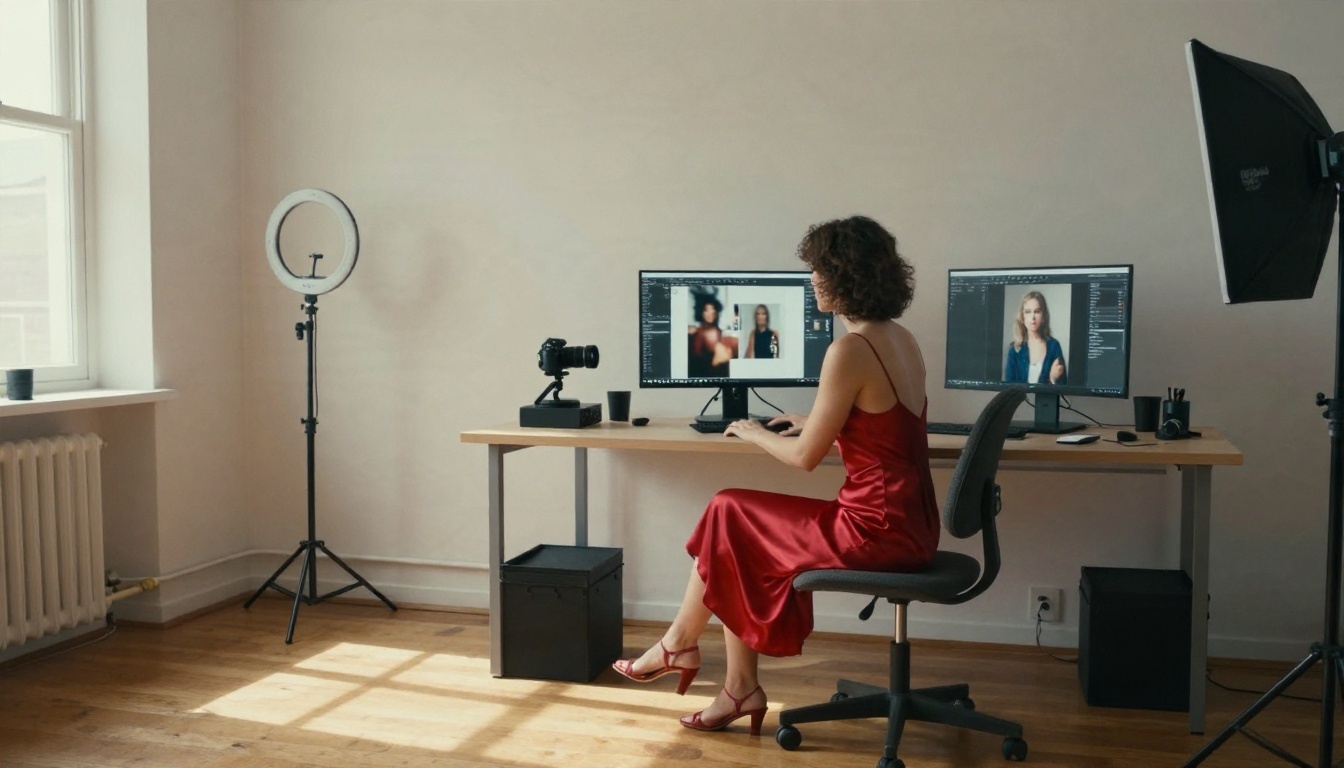
This approach costs you nothing in message counters, and it leaves you with a library of images you actually made, not a chat history you cannot export.
Try It Yourself
Free naughty AI chatbots are fine for a quick, casual taste, but the daily caps, paywalls, and privacy trade-offs wear thin fast. If you want results you can see, keep, and refine, image generation is the better use of your evening.
Open Seedream 4.5 for sharp, photorealistic glamour, switch to PicassoIA Image Editor Pro when you want unlimited generations, and browse every other option at picassoia.com/en/all-models. Write a prompt, hit generate, and see what you can create in the next five minutes.


