You open a browser tab at midnight, type a few words to a flirty AI character, and within a minute a pop-up asks for your email, your birthday and a credit card. That is the usual story. Plenty of people now search for free no signup NSFW chat precisely because they want to skip that wall and just talk. The honest answer is that it exists, but it comes with trade-offs that most listicles quietly skip.
This article lays out what guest-style adult chat really offers, how online characters are built, which roleplay prompts hold a scene together, and where the limits show up. It also covers privacy, because typing something intimate into a stranger's website deserves a second of thought. Everything here stays on the tasteful side: we talk about how these tools work, not about explicit content.
💡 Quick take: True no signup access is rare, usually shorter-lived and lower quality than an account. A free account with a throwaway email often gives you a better experience than a guest session, as long as you stay careful with personal data.
What "No Signup" Really Means
The phrase sounds simple, but providers use it in at least three different ways. Knowing which one you are dealing with saves a lot of frustration.
Guest sessions with no memory
Some sites let you type straight away and never ask for an account. The catch is that nothing is saved. Close the tab and your character forgets you, your storyline and your name. That is fine for a ten minute experiment and frustrating for anything with a plot.
Soft signups hiding behind a button
Other platforms advertise "no registration" but nudge you to log in after a handful of messages. You can chat for a moment, then the input box greys out until you sign in with an email or a social account. The marketing is technically true and practically misleading.
Browser-only or local tools
A third group runs inside your browser or on your own machine with an open model. These give you the most control over privacy, but they demand more setup, and the writing quality depends on the model size you can run.

Why age checks are tightening
Adult chat sits in a regulated corner of the web. Age verification rules keep expanding in many regions, which is one reason fully anonymous NSFW access keeps getting scarcer. If a site lets anyone in with zero checks, ask yourself how seriously it treats safety, data and moderation in general.
How Online Characters Actually Work
An online character is rarely a separate "personality" engine. In most cases it is a large language model with a hidden block of instructions placed in front of your conversation. That block describes who the character is, how they talk, what they like, and what the scene looks like. Your messages are then appended, and the model keeps writing in that voice.
The three layers behind a persona
| Layer | What it does | Why it matters to you |
|---|
| System prompt | Defines the character, tone and rules | Decides whether the voice feels consistent |
| Memory window | The recent chat the model can still see | Short windows cause forgotten details |
| Safety filter | Blocks or softens certain outputs | Explains sudden refusals or topic changes |
When a character suddenly "forgets" your name, you have hit the memory window. When it changes the subject abruptly, a filter has probably triggered. Neither is a bug in the story. Both are properties of the system underneath.
Why free tiers feel shorter
Free access usually runs on a smaller or cheaper model, with a shorter memory window and clipped replies. Reports from review sites vary a lot and often contradict each other, so treat any specific number as unverified until you test it yourself. The pattern, though, is consistent: smaller model, shorter answers, less continuity.
💡 Tip: If a site claims "unlimited messages", check what the model quality is like after twenty replies. Unlimited and good are two separate promises.

Roleplay Prompts That Hold a Scene
Most disappointing chats trace back to a weak opening. A vague first message produces a vague character. A clear one gives the model something to hold onto for the next fifty replies. You do not need explicit wording for any of this. The structure is what counts.
Start with a clean character card
Give the model who, where and how, in a few lines:
- Name and age: always an adult, stated plainly.
- Voice: playful, dry, shy, teasing, formal.
- Setting: a rooftop bar, a rainy hotel lobby, a seaside rental.
- Relationship: strangers, old friends, rivals, co-workers.
- Boundaries: what the scene should avoid, written in one line.
A prompt template you can reuse
"You are Mara, a 29 year old art gallery curator with a dry sense of humor. We just met at a rooftop party after an exhibition opening. Stay in character, write two to four sentences per reply, keep the tone flirty and suggestive but not explicit, and ask me a question at the end of each message."
Notice the pieces: a name, an age, a job, a setting, a reply length and a rule about tone. That one paragraph beats a page of rambling.

Keep the pacing under your control
Models tend to rush. If you want a slow burn, say so: "Let the tension build over many messages. Do not skip ahead unless I ask." Short reminders every few turns also keep the voice from drifting.
Three habits that improve any scene
- Write in the same tense and person the character uses.
- Add one sensory detail per message, such as music, weather or a drink.
- Give the character something to want, so it drives the story rather than waiting for you.
When a character breaks
If the persona slips into generic assistant language, paste a short reset: "Remember, you are Mara. Stay in her voice and continue from the last scene." On models with a short memory, repeat the one-line character summary every ten or so messages.
Where the Limits Hit
Even the friendliest free chat has ceilings. They usually show up in four places.
| Limit | What it looks like | Typical workaround |
|---|
| Message cap | Input locks after a daily count | Wait for the reset or use a second platform |
| Memory length | Character forgets earlier scenes | Keep a short recap and paste it in |
| Reply length | Answers feel clipped | Ask for longer replies in your first message |
| Content filter | Refusals or tone changes | Rephrase the scene or switch tools |
Daily caps versus soft throttling
Some services count messages and stop you. Others slow you down, serving you a smaller model once you pass a threshold. Review sites often disagree about which platform does what, and plans change quickly. The most reliable source is the platform's own pricing page on the day you use it.

Filters are not all the same
Mainstream assistants apply strict rules around adult content and will decline explicit requests. Character platforms that cater to adults loosen some of this, but they still block certain categories, and no reputable service permits anything involving minors, non-consensual scenarios or real people. Treat these boundaries as a feature, not an obstacle.
The model you pick changes everything
A larger model keeps a persona steady for longer and writes with more nuance. A small one is faster but repeats itself. If you want a chat assistant for planning stories, character sheets or scene outlines, PicassoIA hosts several capable options such as Deepseek V3, Llama 4 Maverick Instruct, Gemini 3.5 Flash and GPT 5.6 Luna. These are general assistants with their own safety rules, so they suit character building, dialogue drafts and non-explicit flirtation, not unrestricted adult content.
Privacy Checks Before You Type
Intimate chat is personal by nature, and free tools earn money somehow. A few habits protect you without ruining the fun.
What to keep out of the chat
- Your real full name, address or workplace
- Photos of yourself or other people
- Anything that identifies a friend, partner or colleague
- Payment details typed into the conversation itself
Small steps that help
- Use a private browser window so cookies and history do not linger.
- Use a throwaway email if an account becomes necessary.
- Read the retention line in the privacy policy: does the site keep transcripts, and for how long?
- Skip browser extensions you do not recognize, especially ones promising "unlimited" access.
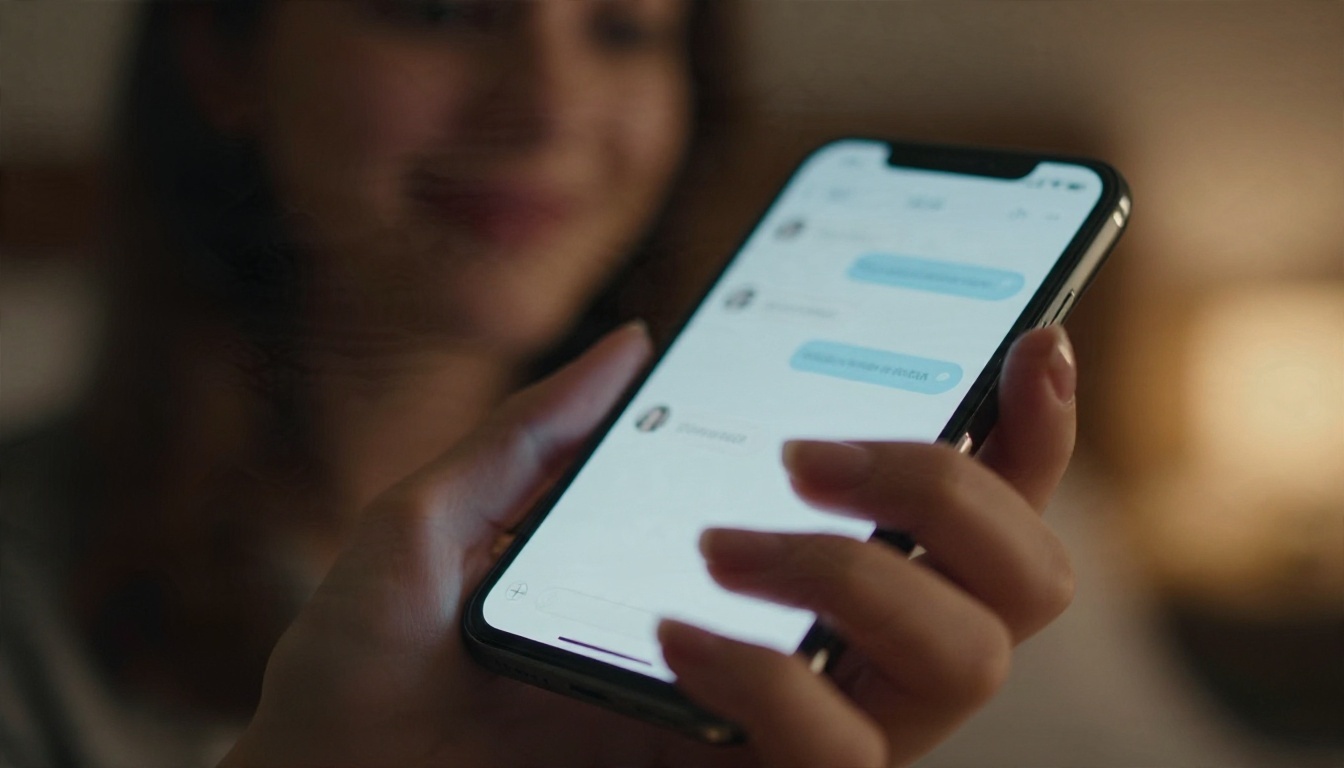
Red flags worth walking away from
💡 Warning signs: a site that demands a card for "age verification" with no clear payment page, aggressive pop-ups installing something, no privacy policy, or claims of zero moderation. Any of these suggests the operator cares about your data less than your click.
Names circulate constantly: SpicyChat, CrushOn, Chai, Janitor AI, Character.AI and many smaller clones. Review pages disagree about which is the most generous, and several of those pages are written as affiliate content, so take rankings lightly. What matters is how each one matches your habits.
Questions to ask yourself
| If you want... | Look for... |
|---|
| A quick ten minute chat | A guest mode with no account |
| A long-running storyline | Saved memory and character pages |
| Maximum privacy | Local or browser-only models |
| Lots of characters | A large public character library |
| Clean, safe-for-work banter | A mainstream assistant with strict filters |
Test before you commit
Run the same prompt on two platforms and compare three things: how long the character stays in voice, how long replies run, and how quickly the limit appears. Fifteen minutes of testing tells you more than any ranking.

Chat alone is only half the story
Many users eventually want a face to go with the voice. That is where image generation comes in, and it is where a tool with fewer restrictions and generous limits makes a real difference.
Give Your Character a Face
A written persona gets more vivid when you can see her. Rather than hunting for stock photos, you can generate original, photorealistic portraits that match the voice you wrote: the gallery curator on the rooftop, the traveler on the hotel balcony, the bartender in the amber light.
Seedream 4.5 for glamour portraits
For tasteful, suggestive and glamorous imagery, start with Seedream 4.5. It handles skin texture, fabric, lighting and lens language very well, and it follows long prompts closely. Use the same details from your character card: age (adult), hair, wardrobe, setting, and mood.
A prompt pattern that works:
"Photorealistic portrait of a 29 year old woman with dark wavy hair, wearing a black satin slip dress, seated on a velvet sofa in a warm lamp-lit apartment, 85mm f/1.8, soft film grain, natural skin texture, tasteful and suggestive, not explicit."

PicassoIA Image Editor Pro for fixes and variations
Once you have a portrait you like, PicassoIA Image Editor Pro lets you adjust outfits, backgrounds, lighting and small details with plain-language instructions. It offers unlimited generations, so you can iterate on the same character until the look matches the voice you wrote, without watching a counter.
A simple workflow in four steps
- Write the character card in your chat tool.
- Copy the visual details (hair, wardrobe, setting) into an image prompt.
- Generate with Seedream 4.5 and pick the best frame.
- Refine with Image Editor Pro, changing one thing at a time.
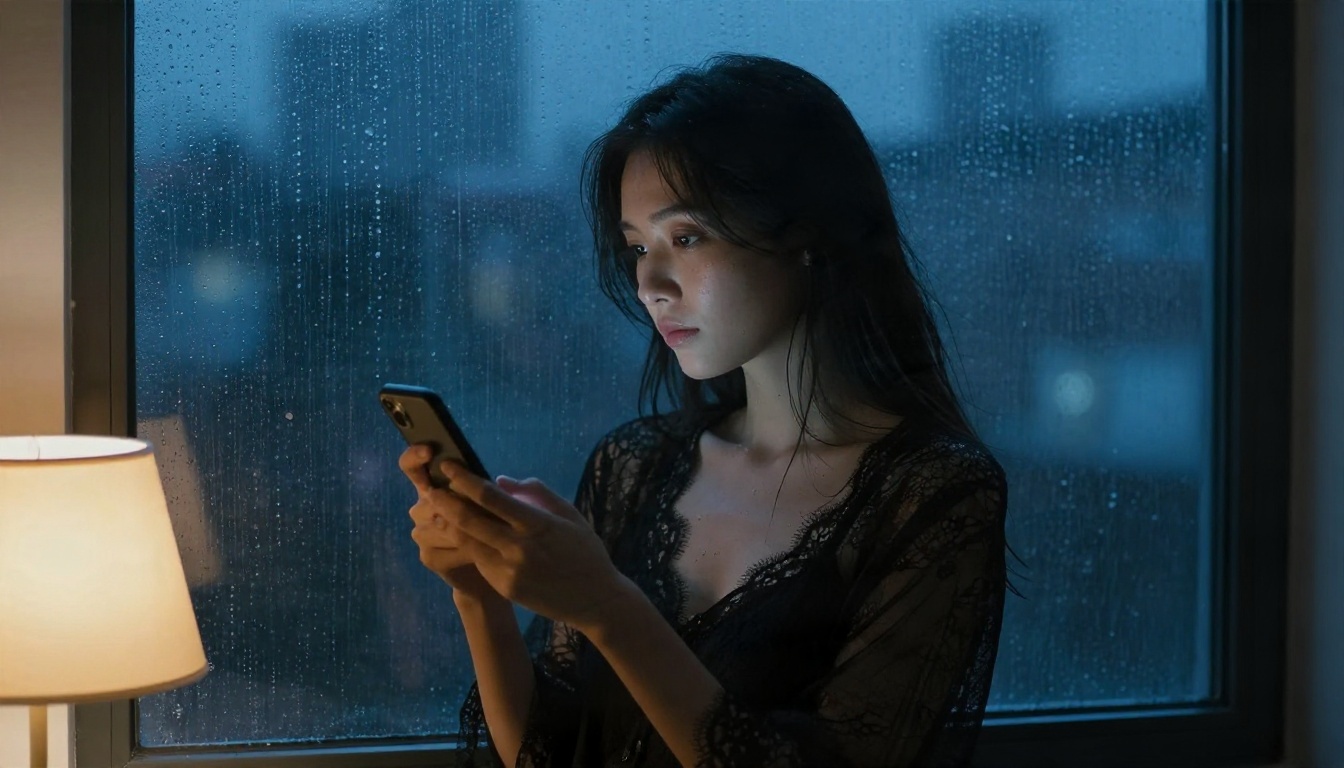
💡 Consistency tip: Reuse the same description block (age, hair, eye color, signature outfit) in every image prompt. Small repeated details make the character recognizable from picture to picture.
Keep everything adult and consensual
Characters should always be clearly adult, fictional, and never based on a real person's likeness without their consent. Staying inside those lines is not only the right call, it keeps your account safe on any reputable service.
Roleplay Story Ideas That Work
If you are short on inspiration, here are scenario seeds that stay flirty without needing explicit content.
Slow-burn settings
- A rooftop gallery opening where two strangers argue about a painting.
- A seaside rental where a neighbor knocks to borrow a corkscrew.
- A rainy hotel bar during a delayed flight.
- A cooking class with a teasing instructor.
Add tension without rushing
Give the character a small secret, a clock ticking, or a decision to make. Tension keeps a scene alive far better than escalation does, and it works on every model, from the smallest free one to the largest.

Save your best scenes
Because guest sessions forget everything, copy your favorite exchanges into a notes app. A short recap pasted at the start of a new chat restores most of the atmosphere, even on a tool with zero memory.
Start Creating Your Own Characters
Free no signup NSFW chat is a real thing, but it behaves like a sample, not a full product. Expect shorter memory, smaller models, quiet filters and the occasional pop-up. Write a sharp character card, keep your pacing instructions short and clear, protect your personal data, and test two platforms before settling on one.
The chat is only half of the experience. When you want your characters to look as good as they sound, open Seedream 4.5 on PicassoIA, paste the visual details from your character card, and generate a first portrait. Then polish it in PicassoIA Image Editor Pro, where unlimited generations mean you can keep refining without worrying about a daily cap. For more image, video and language options, browse everything at picassoia.com/en/all-models and build the character you have been imagining.


