You open a "free NSFW AI character" app, send six messages, and a pop-up asks for your card. Or you generate one promising portrait and it arrives blurred, watermarked, or stuck behind a 40 minute queue. That is the normal experience, and it is why so many people keep searching for a better option.
This article sorts the hype from the reality. You will see how free chat bots and free image makers actually work, where their limits sit, what you give up in privacy, and which alternatives let you build a consistent adult character without hitting a wall every ten minutes. Everything here is about fictional adult characters and non-explicit, glamour-style imagery: think bikinis, silk, lace and evening wear, not anything pornographic.
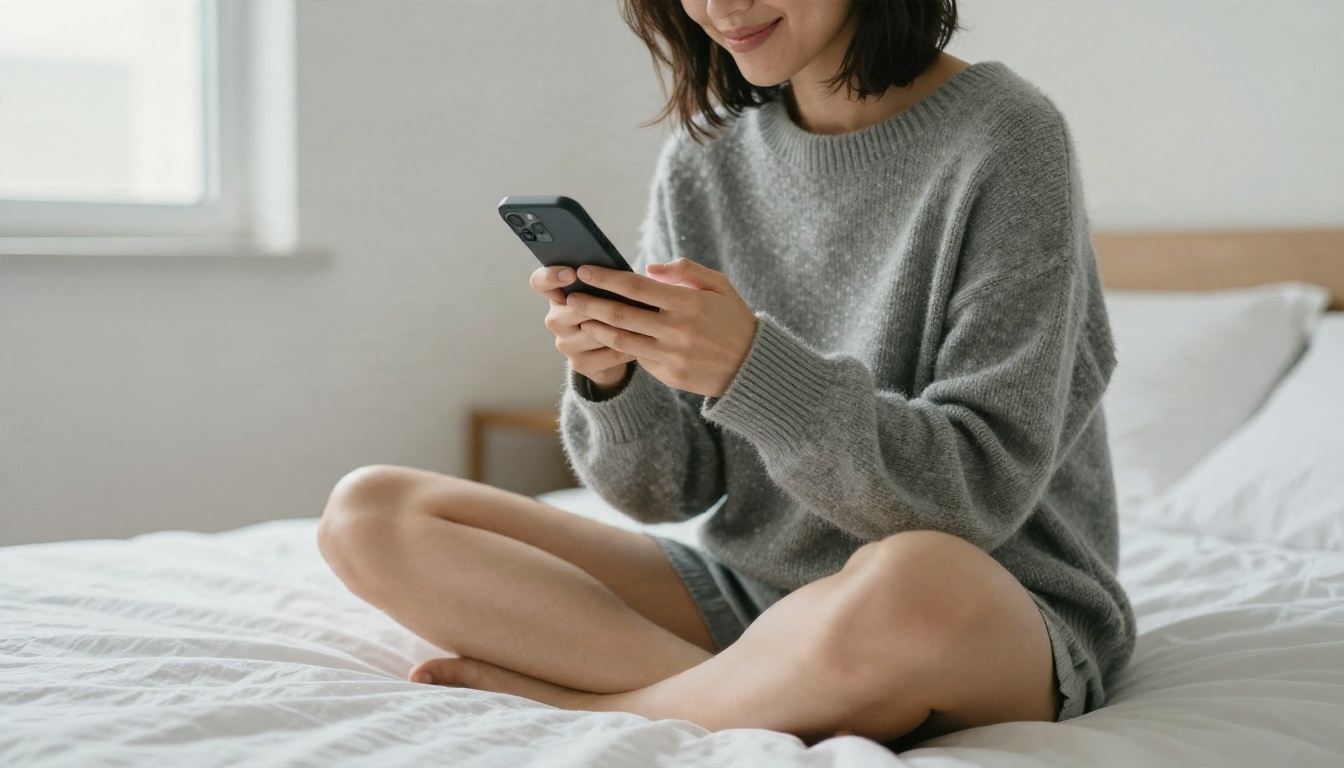
What an NSFW AI Character Really Is
An AI character is a persona you build once and then use many times. It has a name, a look, a personality and a backstory. The chat side is handled by a large language model, the image side by a text to image model. The two parts are often sold together, but they are separate technologies with separate costs and separate limits.
The chat half
The chat half is a role-play engine. You write a character card (age, voice, mood, quirks), and the model answers in that voice. A good card sets tone and boundaries up front: how flirty the character is, how she speaks, what she remembers about you.
The image half
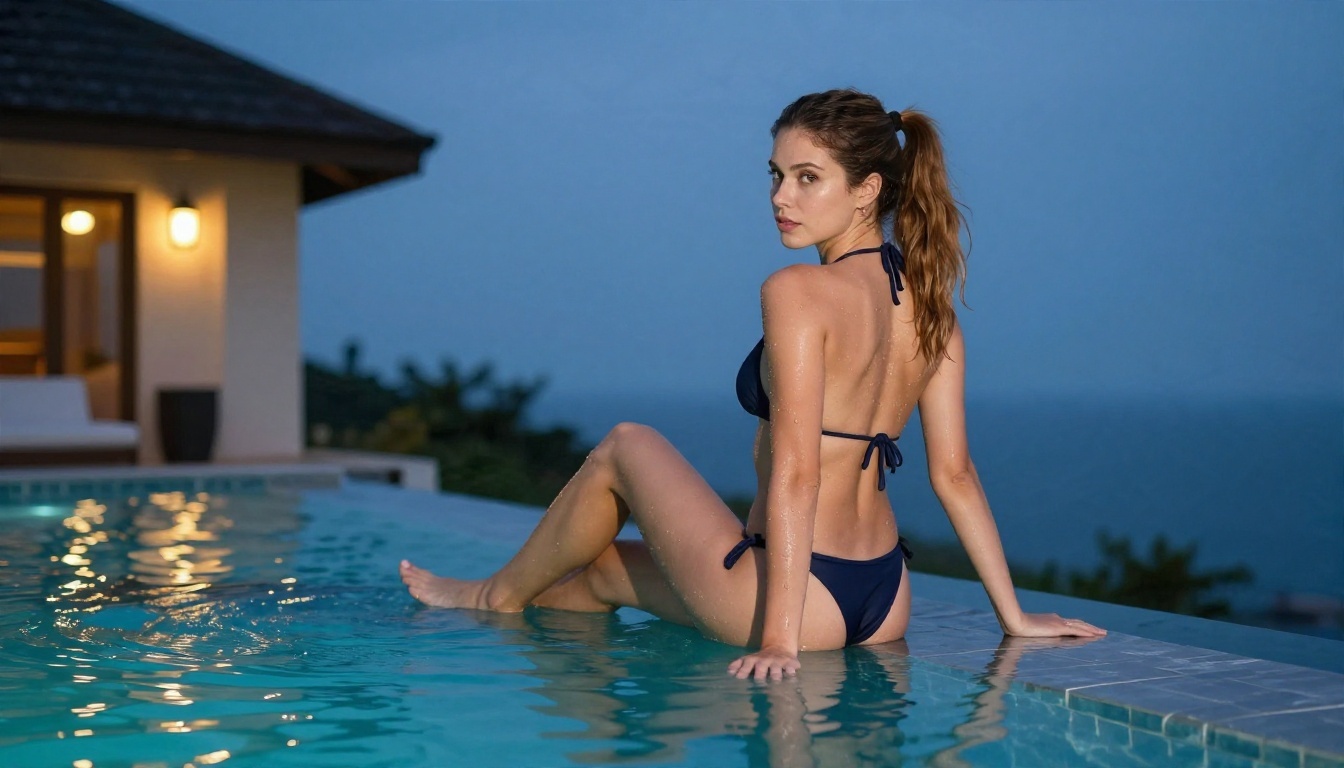
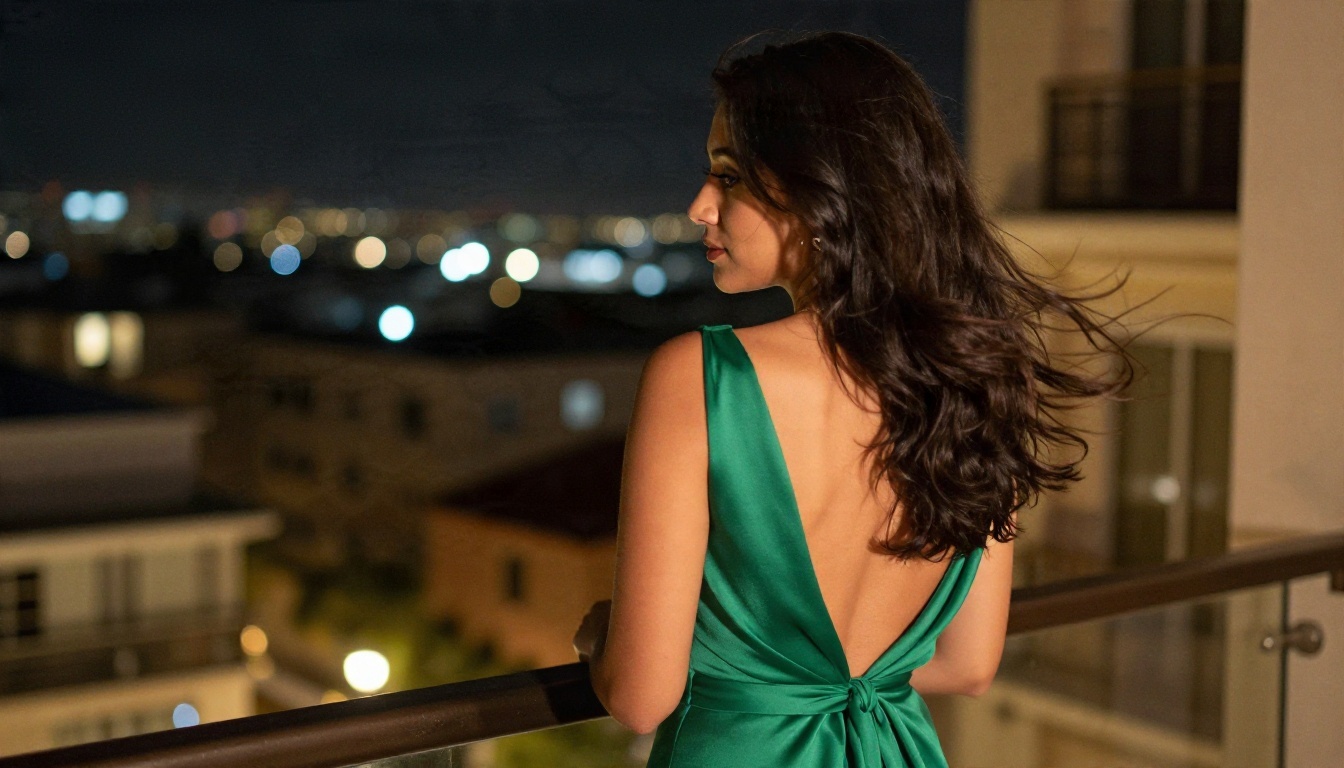
The image half generates pictures of that same character: on a beach, in a loft, at a hotel balcony at night. The hard part is consistency. Faces drift between generations unless you use fixed descriptions, a reference image, or a trained LoRA.
💡 Tip: Write the character's physical description once, in a short block of 40 to 60 words, and paste it into every image prompt. Hair color, eye color, skin tone, freckles, build. Consistency starts with copy and paste discipline.
Why "Free" Always Has Strings
Running a language model and an image model costs real money per request. Someone pays, and if it is not you, it is paid with something else: your time, your data, or your patience. Here is the typical pattern across free NSFW character apps.
| Free tier limit | What it looks like | Why it exists |
|---|
| Daily message cap | 20 to 50 messages, then a paywall | Chat tokens cost money per reply |
| Slow queues | Minutes of waiting at peak hours | Paying users get GPU priority |
| Watermarks | Logo stamped on every image | Free advertising for the app |
| Low resolution | Small previews, no download in full size | Upsell to a paid plan |
| Locked content | Spicier output blurred or disabled | Filters tied to subscription level |
| Memory limits | The character forgets you after a few turns | Long context costs more |
Review sites describe the same story again and again: a free plan is fine for testing, but the daily limits run out quickly, and the best output sits behind a subscription. Treat any "unlimited and free" headline with suspicion until you have tested it for a full evening.
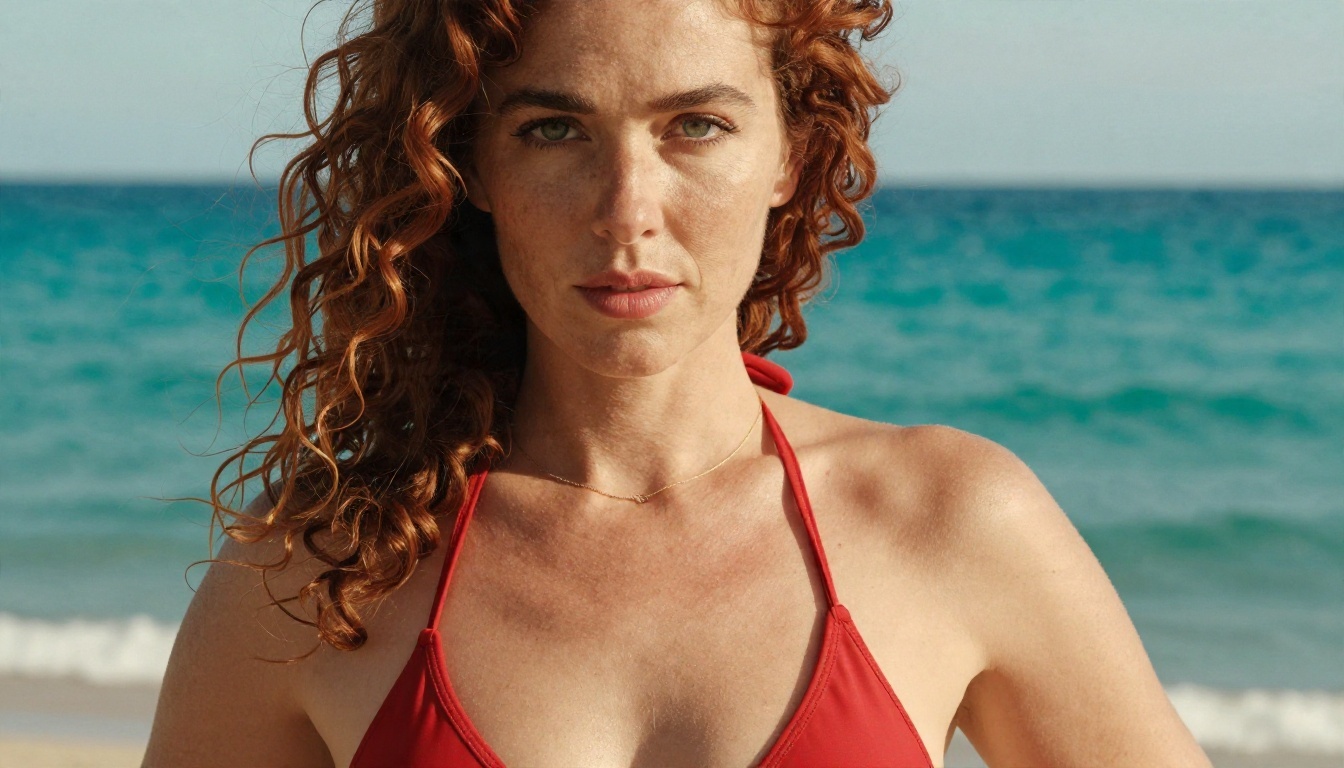
Free Chat Bots: What You Actually Get
Free companion chat apps usually bundle three things: a persona library, a chat window, and a "gems" or "credits" system. The chat itself is the cheapest part to give away, so the walls are built around it.
Message caps and memory
The most common wall is the message cap. You get a handful of replies, then a countdown timer or an upgrade screen. The second wall is memory. Free tiers tend to use short context windows, which means your character forgets the name you gave her or the story you set up an hour earlier.
Content filters
Most apps run a filter layer on top of the model. Some are strict, some are loose, and many change quietly after an update. If a character suddenly turns cold or starts refusing harmless romantic scenes, a filter update is usually the reason.
Privacy: the part people skip
Adult chat is intimate by nature, so the data matters. Before you type anything personal, check:
- Whether chats are stored and for how long
- Whether your logs train future models
- Whether you can delete your account and history
- What payment details are linked to your profile
Some uncensored chat services have drawn open privacy warnings from reviewers. Use a throwaway email, never share real names, addresses or workplace details, and treat every chat as potentially readable.
💡 Tip: If you only want the writing side, you can build a persona yourself in a general chat model. A model such as Gemini 3.5 Flash or Claude Sonnet 5 handles character sheets, dialogue style and story outlines well. Keep in mind that mainstream assistants apply their own content rules, so use them for personality, backstory and non-explicit romance writing.

Free Image Makers: Where They Break
Image makers have the harshest economics. A single high quality image can cost a measurable amount of GPU time, so free plans tighten quickly.
Credits, queues and previews
Most free image tools run on a daily credit pool. When it runs out you wait for tomorrow, or you pay. Peak hours add queue time on top. Some tools generate the image and then blur it until you upgrade, which wastes your credits and your evening.
Resolution and quality
Free output is often small. That is fine for a phone avatar, but it falls apart on a monitor or in a print. You can fix some of this with an upscaler, though starting with a better base model gets you further.
Character drift
The biggest creative problem is drift. Generate ten images of "the same woman" and you often get ten different women. Free tools rarely include reference image locking or LoRA training, which is exactly the feature a character project needs.
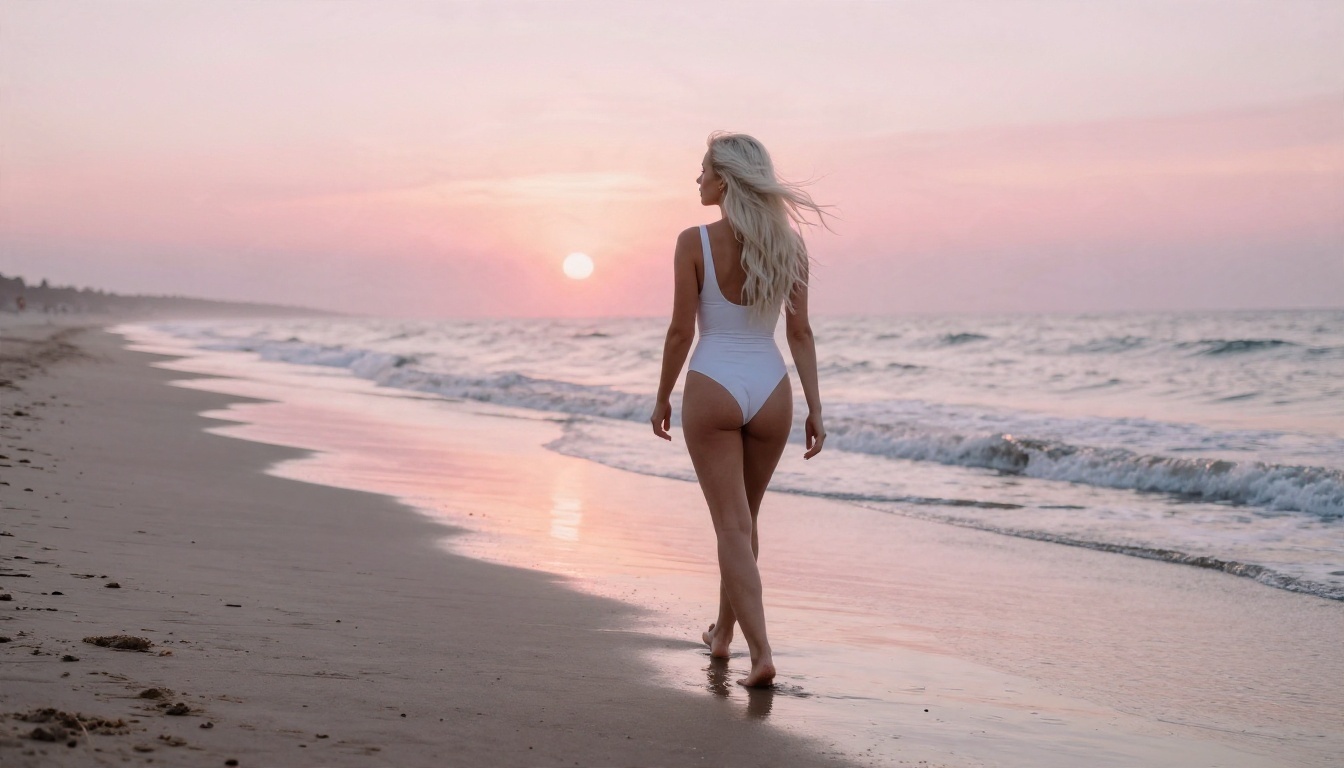
Safety, Consent and Legal Basics
This part is short, and it is not optional.
- Adults only. Every character you build must be clearly an adult. No exceptions, no ambiguity in age, styling or setting.
- Fictional faces only. Do not generate NSFW images of real people, celebrities, coworkers or exes. That is a consent problem and, in many places, a legal one.
- Know your local rules. The legal status of adult AI content depends on where you live. Check your own jurisdiction.
- Keep it non-explicit when you publish. Platforms, payment processors and search engines are far friendlier to tasteful glamour than to explicit material.
💡 Tip: Glamour photography is its own genre. Swimwear, silk robes, lace, backlit hotel balconies. You can build a strong, attractive character without ever crossing into explicit territory, and the images are easier to share and keep.
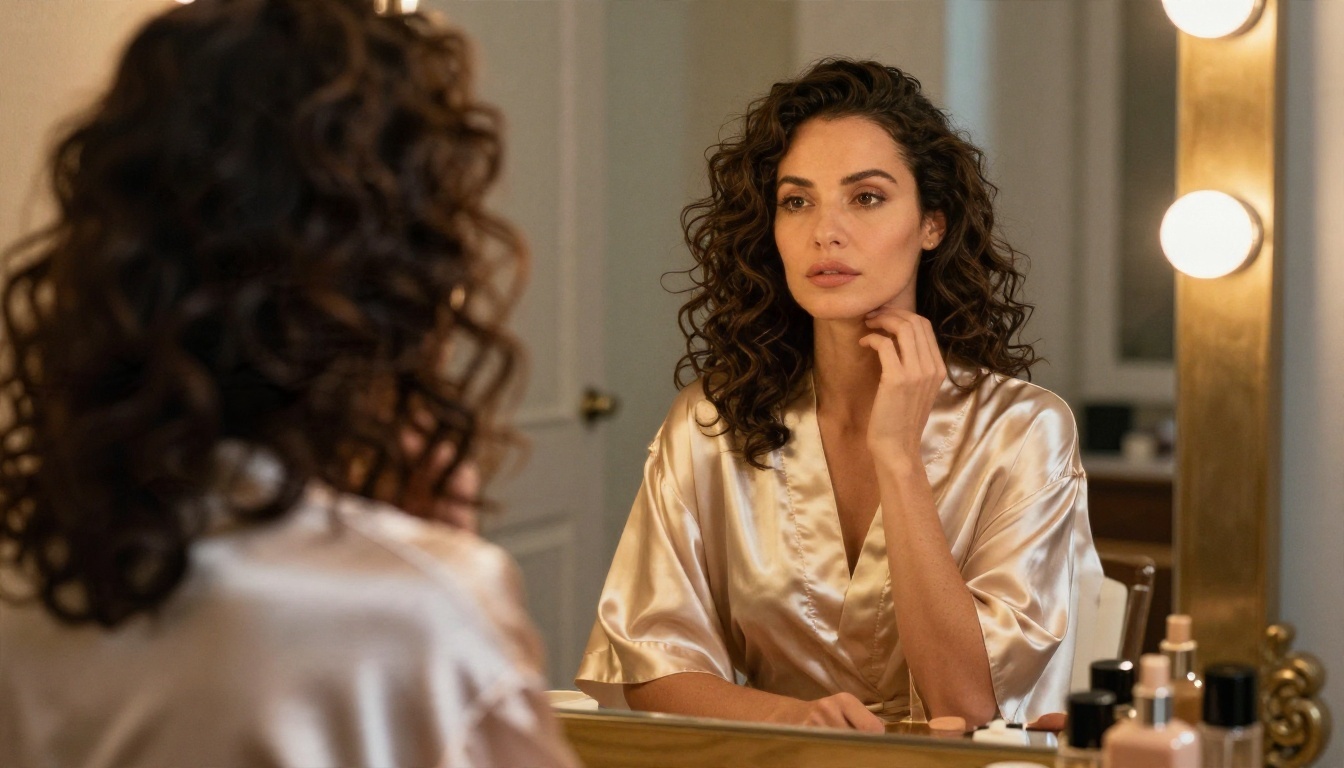
Alternatives With Fewer Walls
If the free apps keep hitting you with caps, the practical fix is to separate the two halves. Use a chat model for the personality, and use a proper image model for the visuals. The image side is where the real quality gap shows up, and PicassoIA has strong options for it. Here they are in the order I would try them.
1. Seedream 4.5 for the best base images
Seedream 4.5 is the first model to try. It produces sharp, photorealistic people with believable skin, natural lighting and clean fabric detail, which is exactly what a glamour character needs. It follows long prompts well, so your 50 word character description actually sticks.
2. PicassoIA Image Editor Pro for unlimited edits
PicassoIA Image Editor Pro is where you refine. It is built around unlimited generations, so you can change an outfit, swap a background, adjust the mood, or fix a small detail as many times as you want without watching a credit counter. That matters a lot for character work, where you often need 20 tries to get one perfect frame.
3. Z Image Turbo for fast drafts
Z Image Turbo is quick. Use it to test poses, outfits and scenes in seconds, then move the best idea over to Seedream 4.5 for the final render.
4. Flux 2 Klein 9B Base LoRA for styled consistency
Flux 2 Klein 9B Base LoRA supports LoRA style work, which is the standard way to keep one face stable across many images.
5. Qwen Image 3 for natural realism
Qwen Image 3 is a good second opinion when you want a different look from the same prompt. Its Pro version pushes detail further.
Side by side
| Option | Best for | Limits you will notice | Character consistency |
|---|
| Typical free companion app | Quick chat tests | Message caps, watermarks, blur | Weak |
| Typical free image site | One off images | Credits, queues, low resolution | Weak |
| Seedream 4.5 | Photorealistic glamour renders | Moderate, depends on plan | Strong with a fixed description |
| Image Editor Pro | Unlimited edits and variations | Unlimited generations | Strong with reference images |
| Z Image Turbo | Fast drafts | Lower detail than top models | Medium |
| Flux 2 Klein 9B Base LoRA | Locked style and face | Needs some setup | Strong |
💡 Tip: Draft in a fast model, finish in a strong one. Ten cheap drafts and one polished render beats ten mediocre finals every time.
How to Use Seedream 4.5 on PicassoIA
Here is the workflow I use to build a recurring character from scratch.
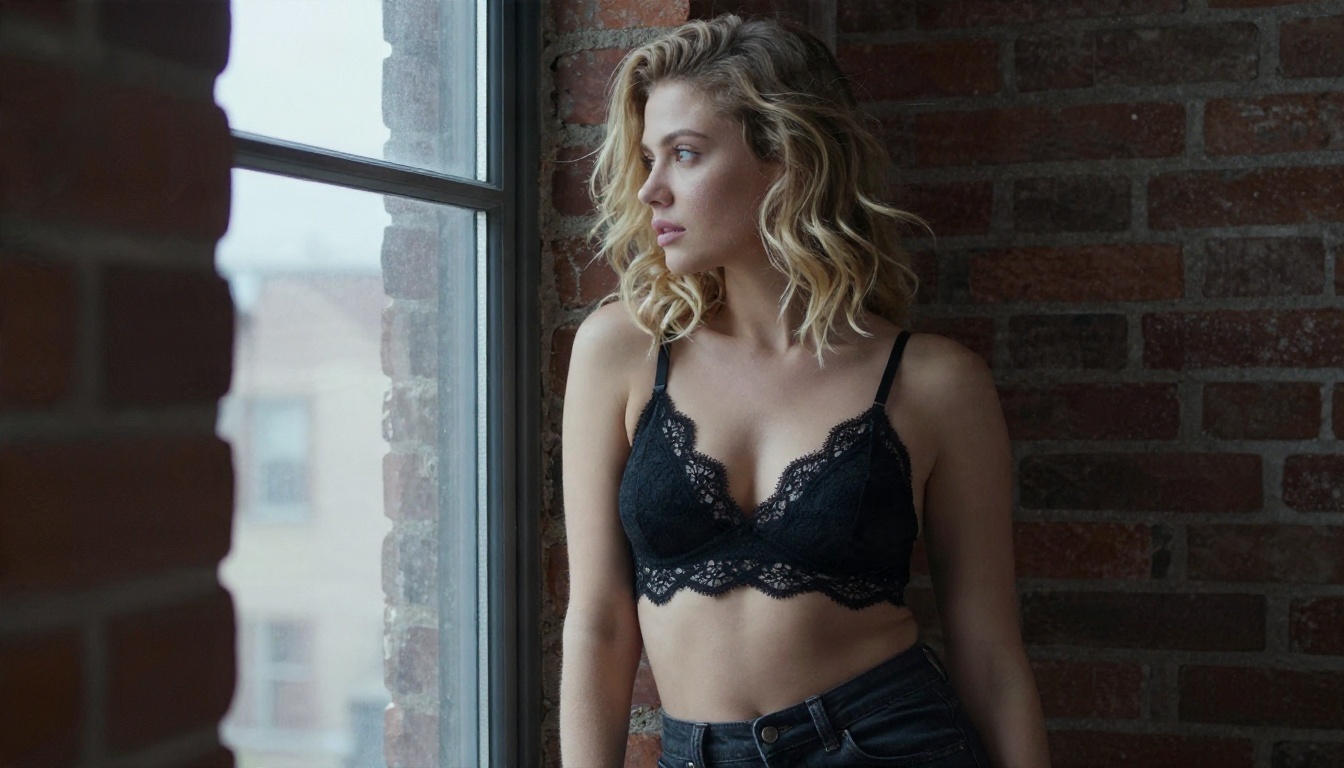
Step 1: Write the character block
Open Seedream 4.5 and start with a fixed description. Example:
"Adult woman in her late twenties, long wavy honey blonde hair, green eyes, light freckles across nose and shoulders, soft peach lipstick, natural skin texture."
Save this block in a note. You will paste it into every prompt.
Step 2: Add the scene
After the character block, add the setting, lighting and camera. For example: "standing in a brick loft beside a tall window, cool overcast light from the left, 85mm f/1.8, shallow depth of field, Kodak Portra 400 film grain." Specific lighting and lens language pushes the output toward real photography and away from a plastic, airbrushed look.
Step 3: Choose the outfit
Keep it suggestive, not explicit. Silk robes, lace, swimwear, evening dresses and loungewear all work. Name fabrics, because texture words (satin, lace, linen, knit) give the model something concrete to render.
Step 4: Set the aspect ratio
Use 16:9 for scene shots, 3:4 or 2:3 for portraits and phone wallpapers. Generate a small batch first and keep the one closest to your character.
Step 5: Refine in Image Editor Pro
Take the best frame into PicassoIA Image Editor Pro. Change the outfit, adjust the background or fix a small detail. Because generations are unlimited, you can iterate freely until the frame is right.
Step 6: Build a set
Reuse the same character block with new scenes: a beach at sunrise, a pool at dusk, a hotel balcony at night, a vanity mirror in the evening. Keep the lens and film language consistent across the set so the whole collection looks like one photo shoot.
Parameter Tips That Save Time
A few habits make a big difference in how often you get a usable image on the first or second try.
- Describe the light, not just the subject. "Warm golden hour light from the left with a soft shadow gradient" beats "nice lighting."
- Name the lens. 85mm for portraits, 35mm for lifestyle, 24mm for wide scenes.
- Add skin and fabric texture. Freckles, pores, satin sheen, lace pattern. Texture sells realism.
- Avoid style words that fight realism. Terms such as "digital art," "3D render" or "glowing" push the result away from photography.
- Change one thing at a time. If you change outfit, location and pose together, you will never know which change broke the face.
- Keep prompts between 50 and 100 words. Long enough to be specific, short enough to stay coherent.
Pairing Chat and Images
Once you have a look, give the character a voice. Write a short persona sheet: name, age (clearly adult), job, humor, speech habits, three things she likes, three she dislikes. Paste it into a chat model such as Gemini 3.5 Flash or Kimi K2.6 at the start of each session, and the character will stay consistent in tone.
Then connect the two halves. Ask the chat model to write a scene description in plain language, paste the description after your character block, and feed it into Seedream 4.5. You now have a loop: write, render, refine, repeat. No message caps from an app, no watermark on the output, no blurred previews waiting for your card.
💡 Tip: Keep a simple spreadsheet or note with columns for scene, outfit, prompt and the best result. After a month you will have a reusable library instead of a camera roll full of one-off images.
Common Mistakes to Avoid
- Changing the character block every time. Small edits cause face drift. Lock the block and only change the scene.
- Chasing "unlimited" labels. Test any tool for a full session before you pay. Look for queue times, blur and watermarks.
- Sharing personal data in chats. Treat every companion app as semi-public.
- Overloading the prompt. Fifteen adjectives in a row confuse the model. Pick the five that matter.
- Skipping the draft stage. Fast drafts save credits, time and frustration.
- Ignoring resolution. Generate at a size you can actually use, or plan an upscale step.
Try Your Own Character Today
Free NSFW AI character apps are fine for a quick look, but they are built to stop you right when things get interesting. Separating the chat from the visuals gives you more control, better quality and fewer paywalls. Write the personality in a chat model, build the look in Seedream 4.5, and polish every frame in PicassoIA Image Editor Pro with unlimited generations.
Pick one character, write a 50 word description, and generate your first five scenes tonight. You will have a consistent, photorealistic set before most free apps would let you finish a conversation. When you want to try other options, browse every available model at picassoia.com/en/all-models and see which one fits your style best.


