Most "free" NSFW AI generators hand you five credits, a watermark, and a paywall by lunchtime. If you have ever watched a counter tick down while you were just getting a prompt right, you already know why people search for a free NSFW AI generator with no limit. The good news: a few models and tools really do let you iterate as much as you want, and the quality in late 2026 is startlingly photographic. This article shows which ones to use, the prompts that produce attractive, tasteful glamour shots, and the settings worth copying.
A quick note on scope before we start. Everything here is about suggestive, non-explicit adult imagery: bikini editorials, boudoir lighting, lingerie fashion, glamour portraits. That is where AI image models are strongest, and it is where you get the most photographic results without fighting filters.
What "No Limit" Really Means
The phrase gets abused, so let's pin it down. When people type "no limit" into a search bar, they usually mean one of three different things, and a good tool should deliver at least the first two.
Unlimited generations vs unlimited content
Unlimited generations means no daily cap on how many images you can make. This is the one that matters for quality, because a good image rarely arrives on the first try. Expect to run 8 to 20 variations of a scene before the pose, light and face all agree with each other.
Fewer content restrictions means the model does not refuse a swimsuit, lingerie or a bare-shoulder portrait because of an overcautious filter. Mainstream tools often block these requests outright. Models built with adult creators in mind generally accept them.
Truly unrestricted explicit output is a third thing, and it is neither what most readers need nor where the best aesthetic results live. Glamour and boudoir photography sells on lighting, mood and suggestion, and that is what we focus on.
Where the real limits sit
Even a generous tool has ceilings. Knowing them saves you frustration:
- Resolution caps: some free tiers export at 1024 px and nothing larger.
- Queue time: free users often wait behind paying ones.
- Prompt length: very long prompts get truncated by some models.
- Safety filters: a few models still block anything beyond a modest swimsuit.
💡 Tip: If a model keeps refusing a harmless prompt, the problem is rarely your wording. Switch models instead of rewriting the prompt ten times.
Best Free Options Right Now
I tested these models for the same three things: photographic skin, how well they follow a long prompt, and how often they refuse a glamour request. Here is how they compare.
Seedream 4.5 for photoreal skin
Seedream 4.5 is the model I reach for first. Skin keeps its pores, fine hairs and uneven tone instead of the waxy smoothness that gives AI images away. It reads lens language well, so phrases like "85mm f/1.8" and "Kodak Portra 400" shift the result in ways you can actually see. It also handles fabric: satin sheen, linen weave and wet swimwear all look right.
Image Editor Pro for unlimited edits
PicassoIA Image Editor Pro is where the "no limit" promise gets real. It is built for unlimited generations, so you can generate, adjust, regenerate and refine without watching a credit meter. That changes how you work. Instead of writing one perfect prompt, you start rough, then nudge: change the swimsuit color, move the light, swap the background, keep the face.
Fast drafts and style models
Z Image Turbo is perfect for the draft stage. Generate ten quick versions of a scene, pick the composition you like, then rebuild it in Seedream 4.5 for the final. Realistic Vision v5.1 gives a slightly softer, more analog look. Flux 2 Klein 9B Base LoRA suits you when you want one consistent visual style across a whole set, and HiDream L1 Full is useful when your prompt has many moving parts.
How to Use Seedream 4.5 on PicassoIA
This is the workflow I use for almost every glamour image. It takes about two minutes per result.
Step by step
- Open the Seedream 4.5 page on PicassoIA.
- Paste your prompt into the text box. Start with the subject and outfit, then add the setting, light and lens.
- Set the aspect ratio. Use 16:9 for editorial landscape shots, 3:4 or 2:3 for portraits.
- Choose the highest resolution available for finals and keep drafts small.
- Press generate, review, and adjust one thing at a time.
- Send your favorite to PicassoIA Image Editor Pro to refine outfit, background or color without limits.
Settings that matter
| Setting | Recommended value | Why |
|---|
| Aspect ratio | 16:9 for scenes, 3:4 for portraits | Matches how editorials are framed |
| Resolution | Highest for finals | Skin detail needs pixels |
| Prompt length | 60 to 120 words | Long enough for detail, short enough to stay focused |
| Seed | Fix it once you like a face | Keeps identity stable while you change the scene |
| Variations | 4 per round | Enough choice without noise |
💡 Tip: Lock the seed after you find a face you like, then change only the outfit or background. This is the fastest route to a consistent set.
Prompts That Actually Work
Generic prompts such as "sexy woman, beautiful, 4k" produce generic pictures. The best results read like a photographer's shot list.
The five part formula
Build every prompt in this order:
- Subject and action: who, what they are doing, their expression.
- Outfit and fabric: name the material (satin, lace, knit, linen).
- Setting: a real, specific place with two or three props.
- Light: direction and quality, such as "low sun from the right" or "overcast window light from the left".
- Camera: lens, aperture, angle and film stock.
Here is one that works well:
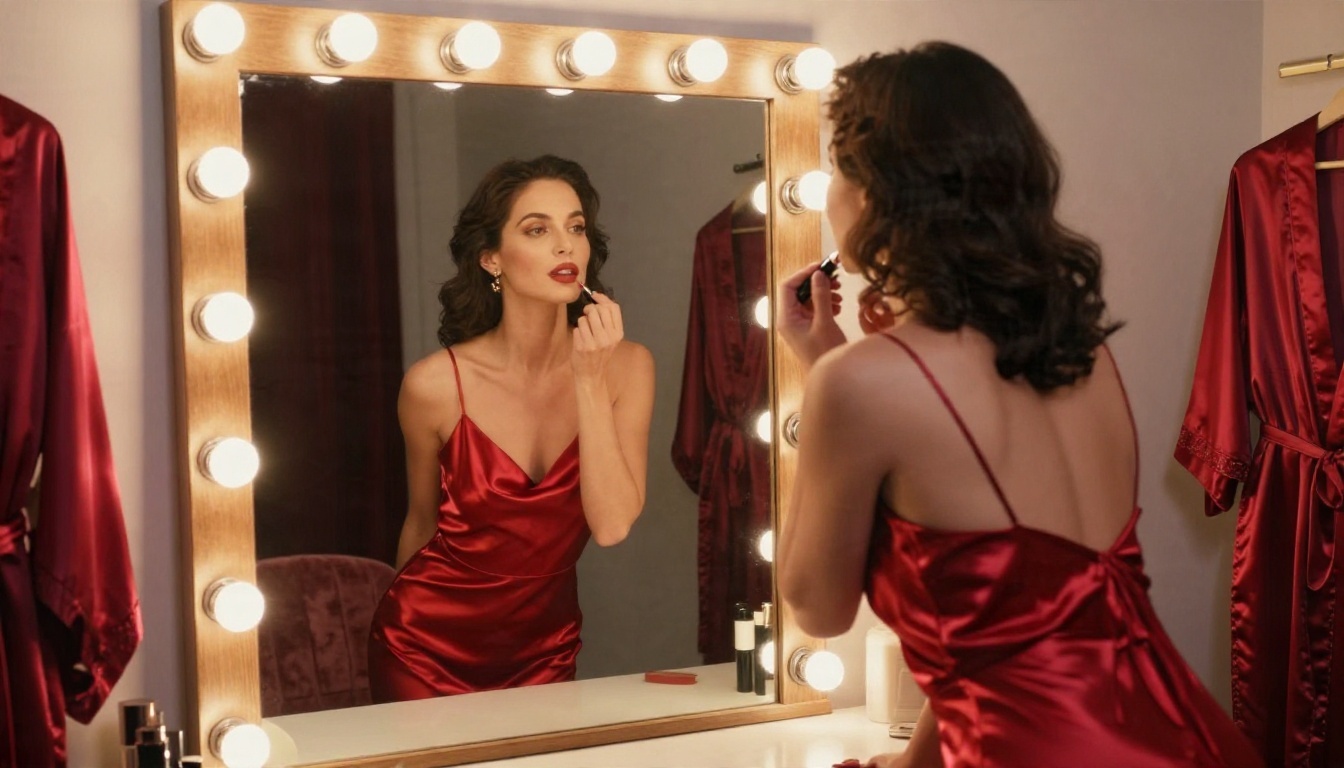
Adult woman in a red satin slip dress at a vintage dressing table, applying lipstick, warm tungsten bulbs around the mirror, velvet chair behind her, rich satin sheen, 50mm f/1.8, medium shot from slightly behind, Kodak Portra 400 film grain.
Ten prompt starters to copy
Swap in your own details and keep the structure:
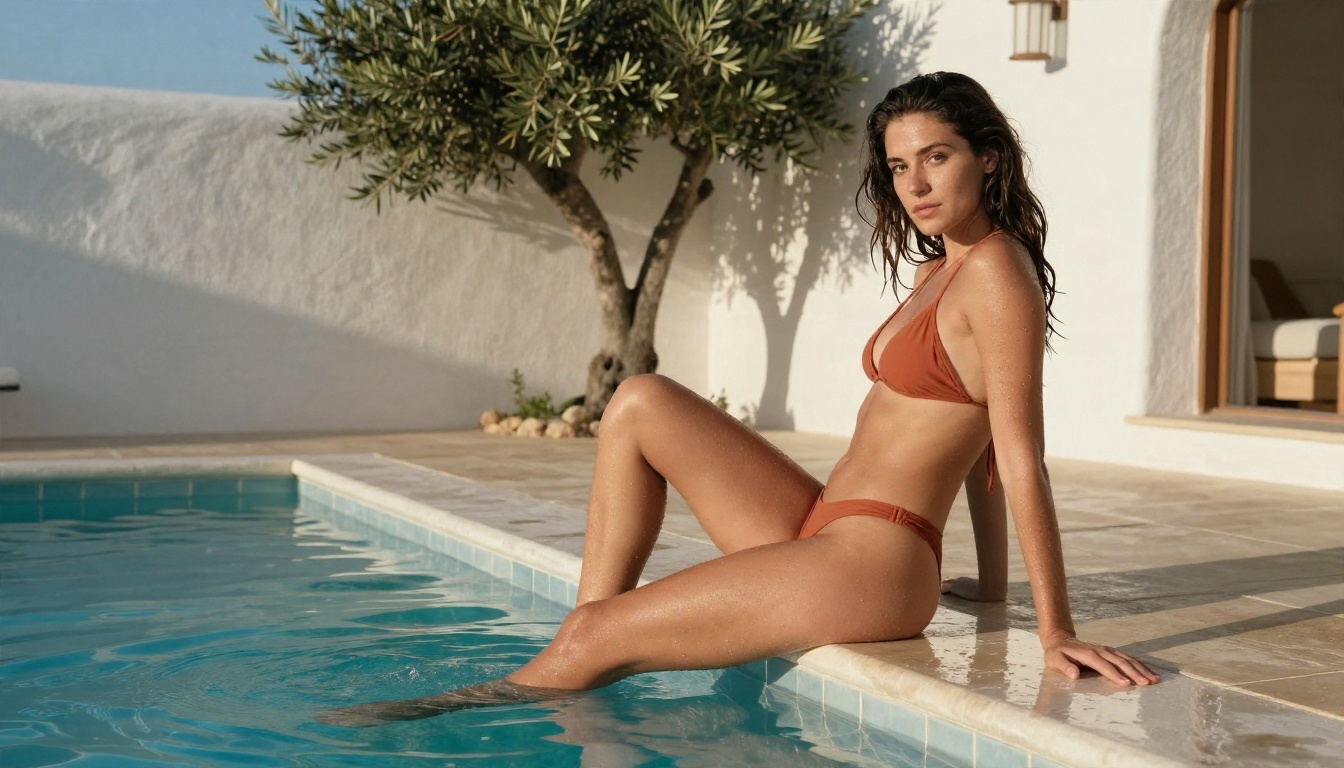
- Terracotta bikini, infinity pool, late afternoon sun, 35mm f/2, low angle.
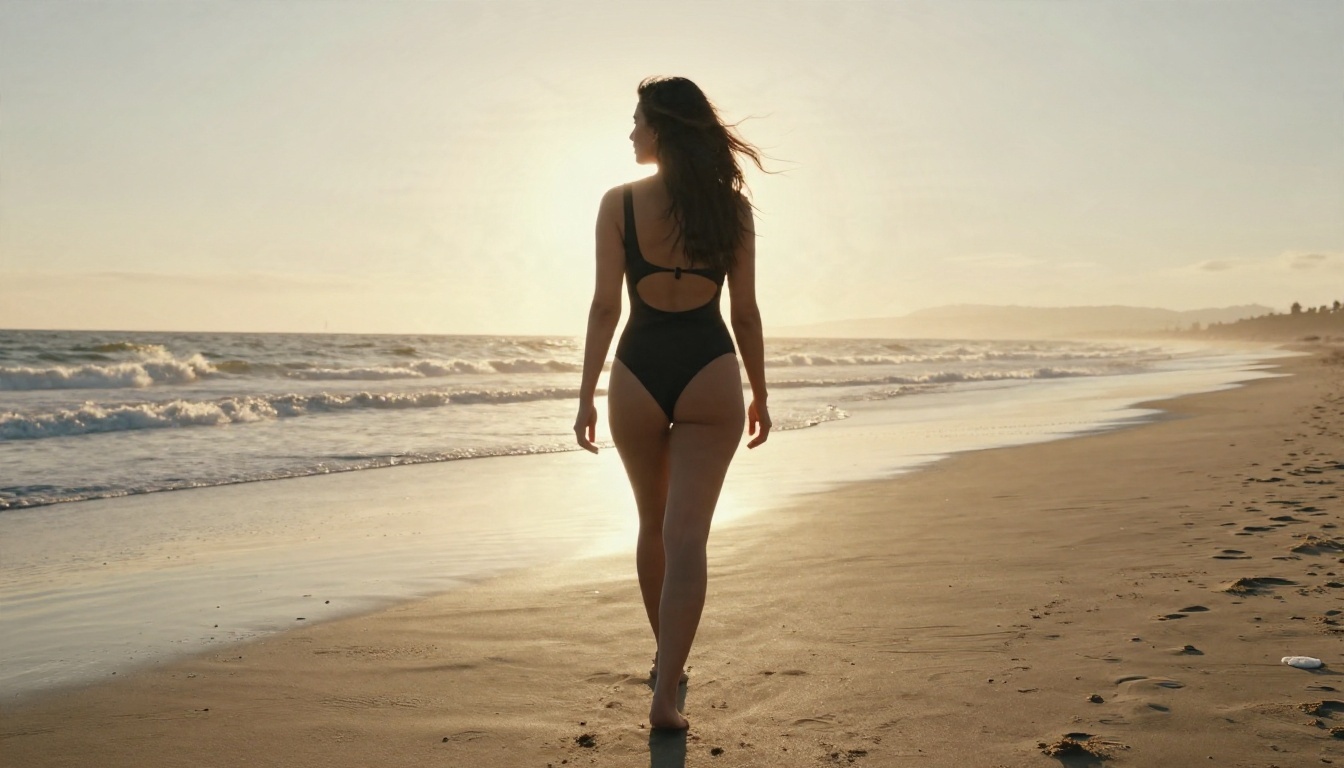
- Black cutout swimsuit, wet sand, golden hour backlight, 70mm f/2.8.
- Cream knit bralette, wooden porch, sunrise mist, 28mm wide.
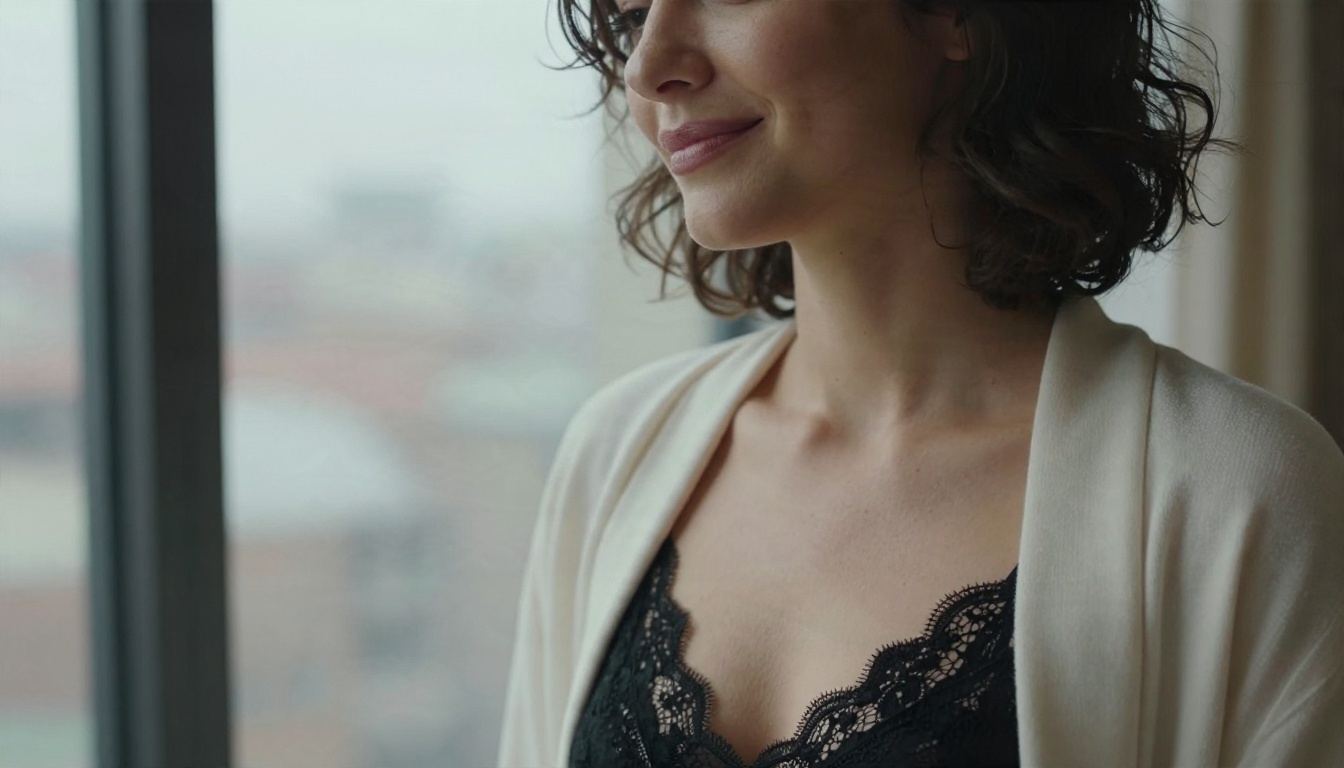
- Black lace bodysuit under a cream cardigan, hotel window seat, overcast light, 105mm close-up.
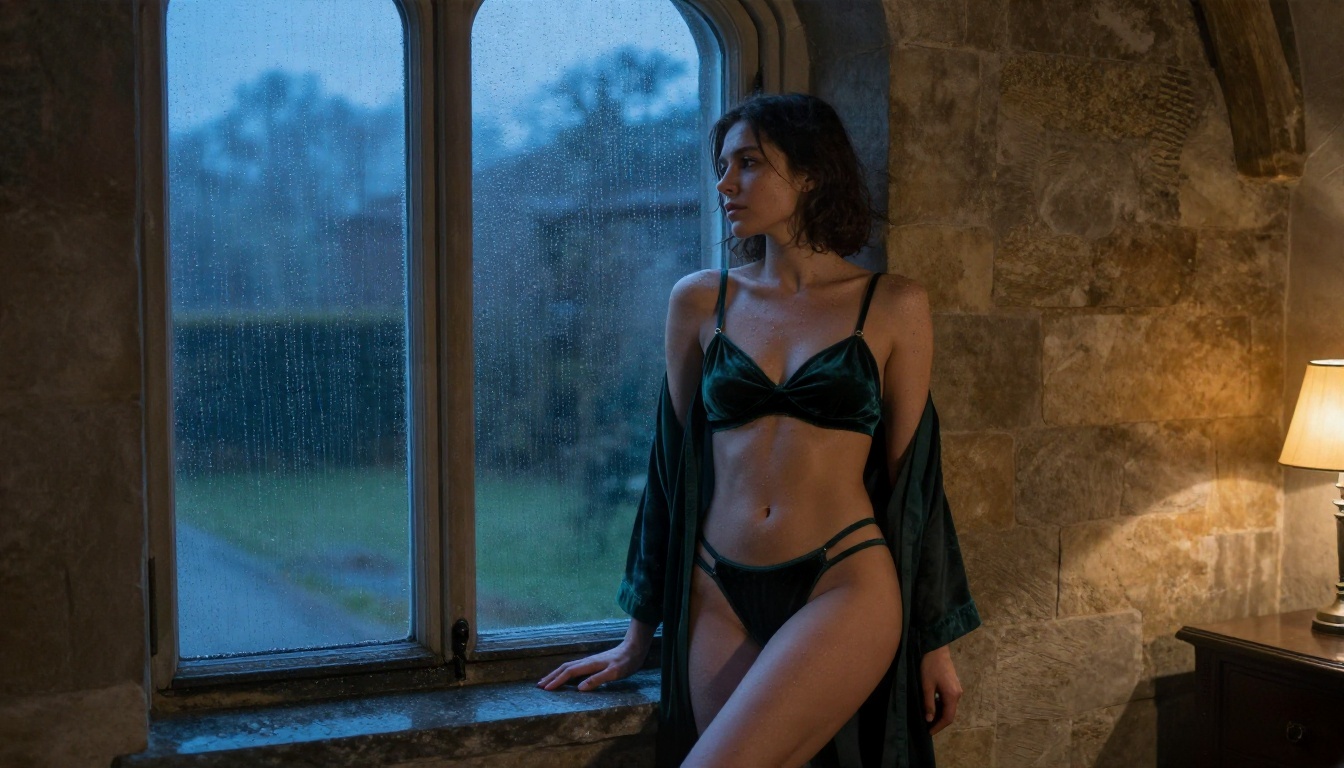
- Dark green velvet lingerie and sheer robe, arched window at dusk, 85mm f/1.4.
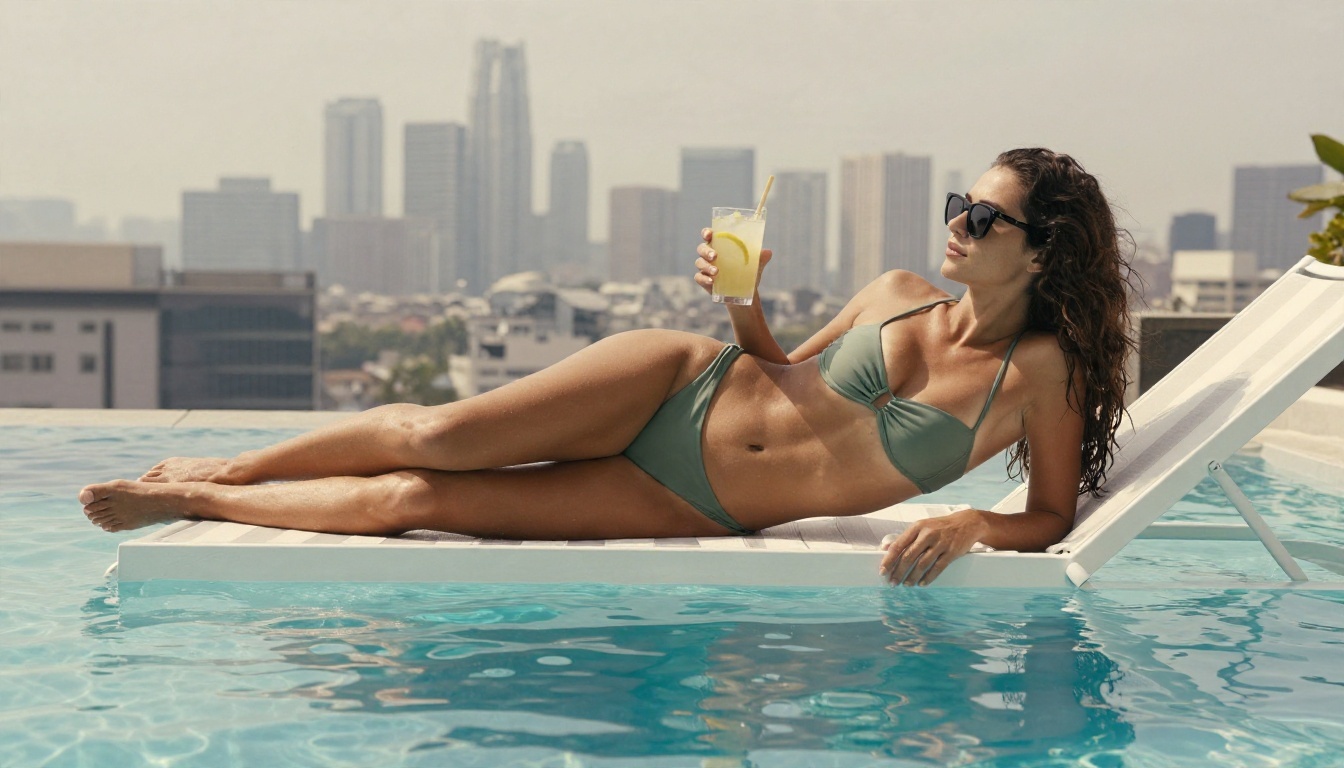
- Sage green bikini, rooftop plunge pool, hazy skyline, 50mm.
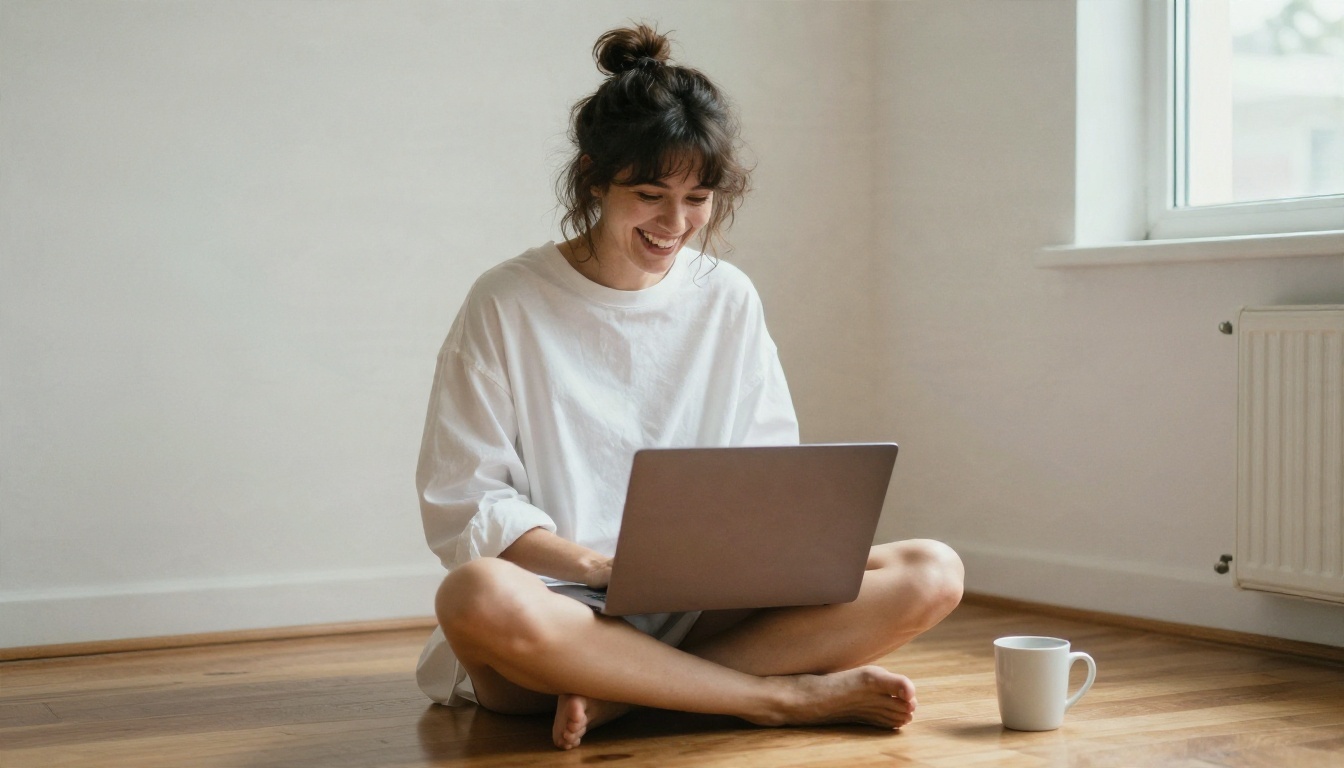
- Oversized white shirt, studio apartment floor, laptop and coffee, 40mm.
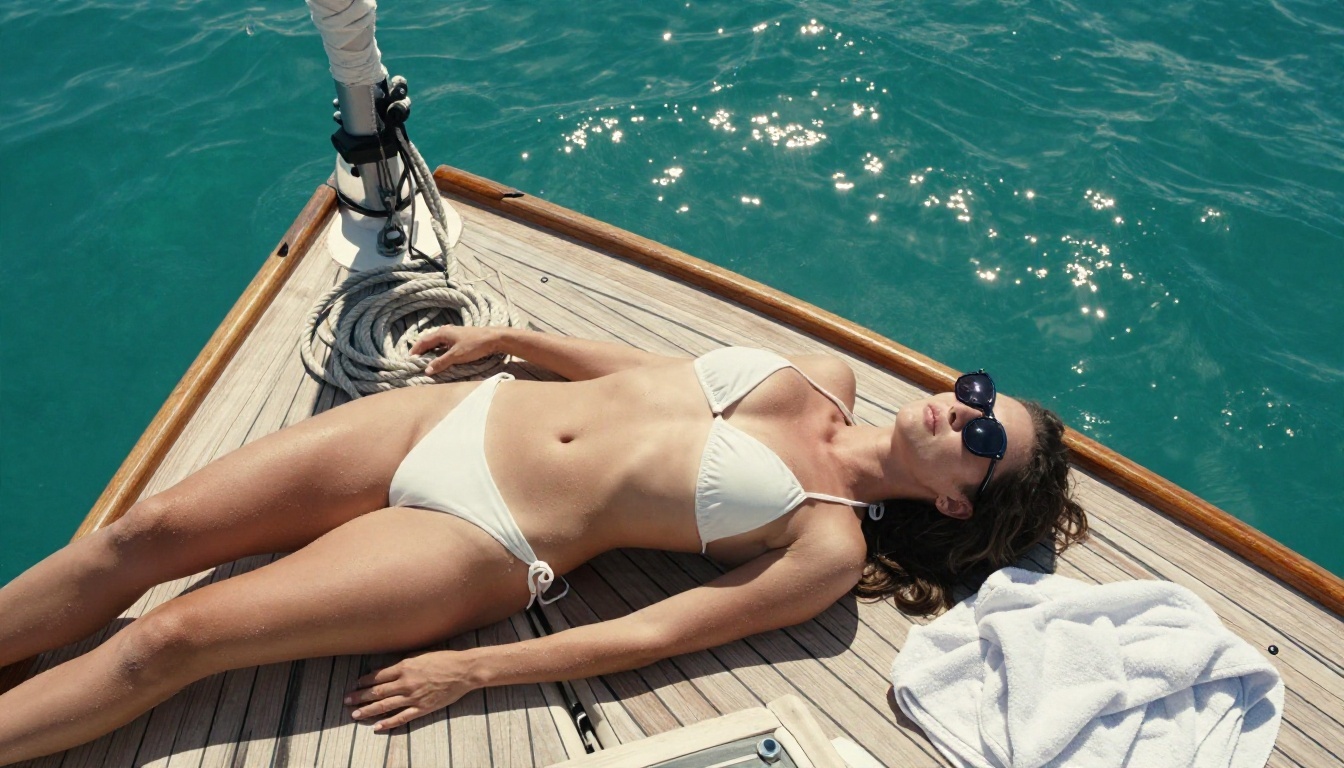
- White string bikini, sailboat deck, overhead view, 24mm.
- Silk robe, vanity mirror, tungsten bulbs, 50mm.
- Linen shirt over a swimsuit, seaside terrace, morning light, 85mm.
Words to add and words to drop
Add concrete texture words: "fine pores", "freckles", "flyaway hair", "water droplets", "fabric creases", "film grain". These push the model away from airbrushed plastic.
Drop vague hype words: "ultra detailed masterpiece", "perfect", "stunning". They rarely change anything and they crowd out the details that do.
Light Decides Everything
Two images with the same subject and outfit look completely different depending on the light. If you only improve one thing in your prompts, improve this.
Hard sun and water scenes
Poolside and beach scenes thrive on strong, directional sun. Ask for "harsh late afternoon sun from the right with crisp shadows" and the model will give you glinting skin, bright highlights and deep shadows that feel like summer. Backlight from a low sun adds a rim of light on hair and shoulders, which makes a figure pop from the background.
For water, mention "water droplets", "wet skin" and "ripples reflecting on skin". Small details like these are what make a bikini picture feel like a photo and not a render.
Soft window light indoors
Boudoir and lingerie imagery lives on soft, wrapping light. Describe a window position ("tall window on the left"), a quality ("overcast", "sheer curtains") and how it falls on the body ("grazing her collarbone"). For mood, mix a cool outdoor tone with one warm lamp inside, like the twilight scene below.
| Light type | Prompt phrase | Resulting mood |
|---|
| Golden hour | "low sun backlight, rim light on hair" | Warm, romantic |
| Overcast window | "soft daylight through sheer curtains" | Calm, intimate |
| Tungsten bulbs | "warm bulbs around the mirror" | Vintage glamour |
| Noon sun | "hard overhead light, short shadows" | Bright, summery |
| Twilight mix | "blue dusk outside, single warm lamp" | Moody, cinematic |
Settings Cheat Sheet for Consistent Results
Beyond the prompt, a few habits make results repeatable. They cost nothing and apply to any model in the table above.
Aspect ratio and resolution
Use 16:9 when the setting matters, like a poolside or beach scene. Use 3:4 or 2:3 for a portrait where the face and upper body fill the frame. Draft small, finish large. Running ten drafts at low resolution costs seconds, and you only pay the time penalty once for the final.
Seeds and iteration
Once you find a face and body type you like, note the seed. Hold it constant and change one variable per round: outfit, then background, then light. If you change everything at once you will never know which edit helped.
A reliable loop looks like this:
- Draft 8 images in Z Image Turbo.
- Pick the best composition and rewrite the prompt with more texture detail.
- Generate the final in Seedream 4.5.
- Polish it in PicassoIA Image Editor Pro.
Common Mistakes (and Fixes)
Most disappointing results come from the same handful of errors.
Plastic, over-smooth skin
If skin looks airbrushed, the prompt probably lacks texture words. Add "fine pores", "tiny vellus hairs", "subtle freckles", and name a film stock like Kodak Portra 400. Lower any "beauty" or "flawless" words.
Stiff poses and odd hands
Give the subject something to do. "Applying lipstick", "stretching her arms overhead", "holding a glass of lemonade" all produce more natural poses than "standing, posing". Props also hide the hands problem, since a mug or glass gives fingers a believable job.
Fighting the filter
If one model blocks a perfectly reasonable swimsuit prompt, don't rephrase endlessly. Try another model from the table. Models differ a lot in how strict they are, and some are tuned much more permissively for adult-oriented glamour work.
Prompts that are too long
Past roughly 150 words, details start to be ignored or contradict each other. Cut anything that does not change the picture.
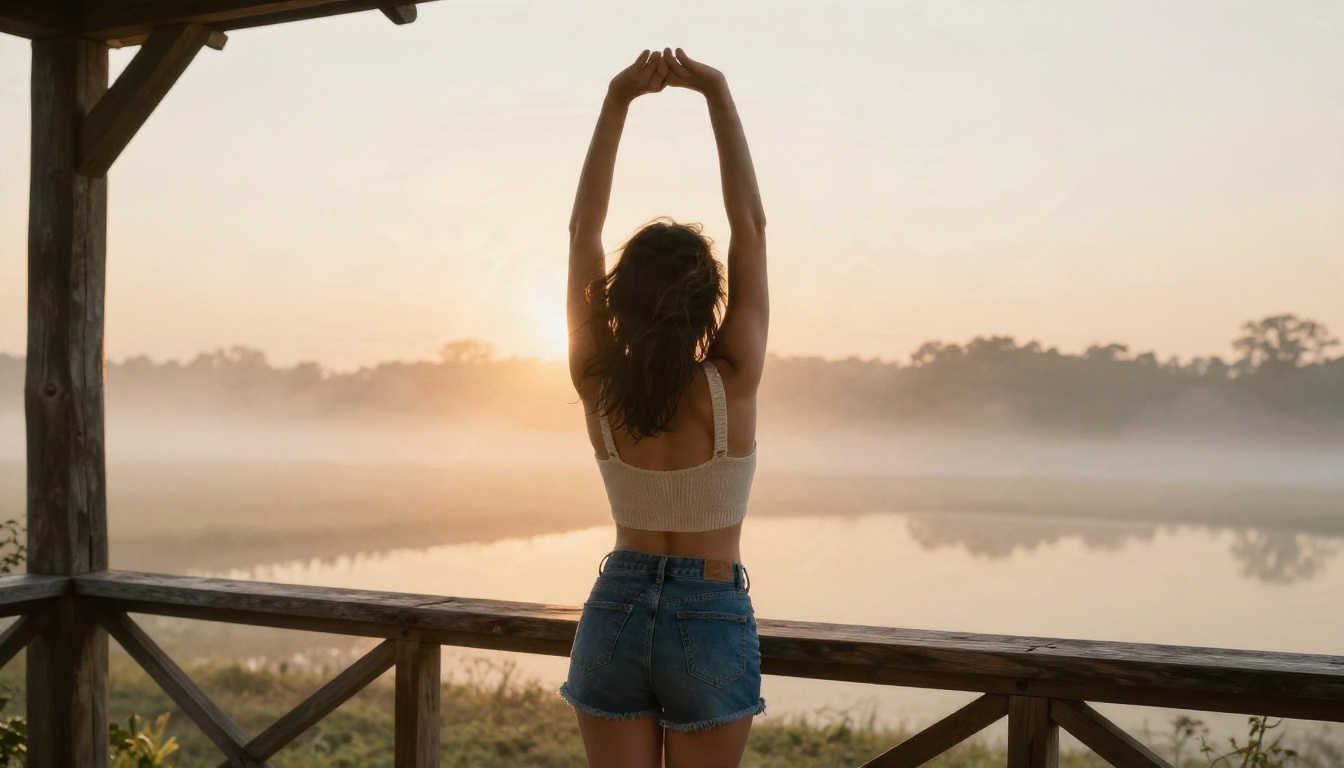
💡 Tip: Keep a running text file of prompts that worked. Reusing a proven five part structure beats starting from a blank box every time.
Why Unlimited Matters More Than Free
"Free" with a tight cap is a demo. "Unlimited" is a workflow. The first image you generate is rarely the best one, and the difference between a decent result and a great one is usually the tenth iteration, not the first. That is why starting with Seedream 4.5 for quality and PicassoIA Image Editor Pro for unlimited refinement is the combination I recommend: speed where you need it, polish where it counts.
Start Creating Your Own Images
You now have the pieces: a short list of models, a five part prompt formula, a lighting vocabulary and a loop for refining. The only thing left is to try it. Open Seedream 4.5, paste one of the starter prompts above, and change a single detail each round. Then bring your favorite into PicassoIA Image Editor Pro and keep refining without a counter ticking down.
When you want to see what else is available, from other photoreal models to styled LoRA options, browse the full catalog at picassoia.com/en/all-models and run your own experiments with Picasso IA.


