If you've been searching for a truly free NSFW AI generator with unlimited image creation, you already know how frustrating most platforms are. Daily credit caps, watermarked outputs, filtered prompts that block anything remotely suggestive, paywalls appearing the exact moment things get interesting. The reality? Most so-called "free" tools are just demos designed to push you toward a subscription before you can create anything worth keeping.
This article cuts through that noise. Below you'll find the best AI models for unrestricted adult image generation, a clear breakdown of what separates genuinely good tools from the frustrating ones, and a hands-on walkthrough for producing high-quality NSFW images without hitting artificial walls.
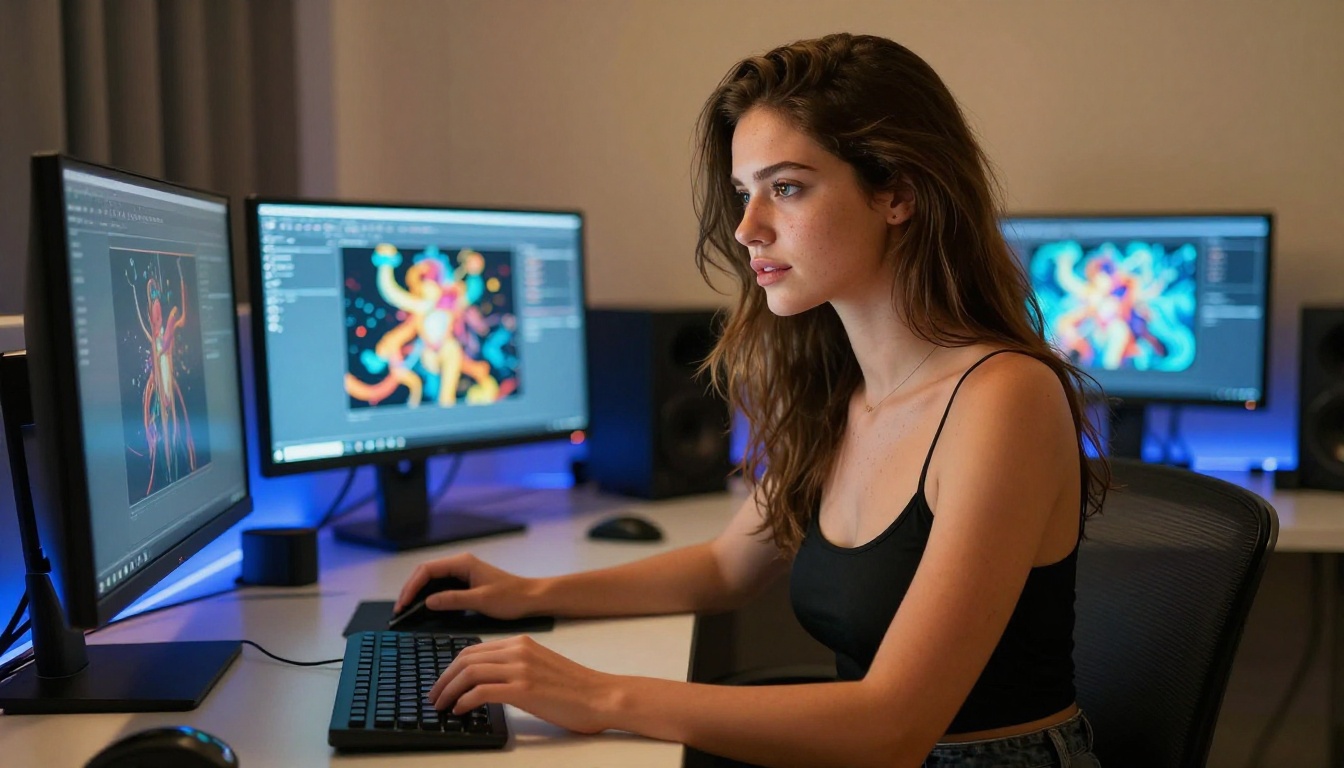
What Actually Matters in a Free NSFW Generator
Not all AI image platforms are built the same. Before diving into specific models, it's worth understanding exactly what features define a genuinely useful free NSFW AI generator versus one that wastes your time.
No Daily Limits
The single biggest frustration with free AI tools is the hidden cap. You get five images per day, or 10 credits that reset every 24 hours, or a "free tier" that lets you generate exactly enough to get excited before cutting you off. Real unlimited image creation means you can iterate, experiment, and produce in volume without watching a counter tick down.
No Watermarks on Output
Watermarked images are worthless for most practical purposes. Whether you're creating art for personal use, building a project, or simply experimenting with AI generation, a visible logo burned into every image defeats the point entirely. Clean, full-resolution output with no branding is non-negotiable.
Prompt Freedom
This one is rarely discussed openly, but it's crucial. Many platforms apply aggressive prompt filtering that rejects anything suggestive before it even reaches the model. The result is a generator that can't create what it claims to create. A proper NSFW AI generator needs to accept detailed, expressive prompts and pass them to the model without silent modification or rejection.
💡 Pro tip: Platforms that use open-source models like Flux and Stable Diffusion tend to offer more prompt flexibility than those built around proprietary, heavily moderated commercial APIs.
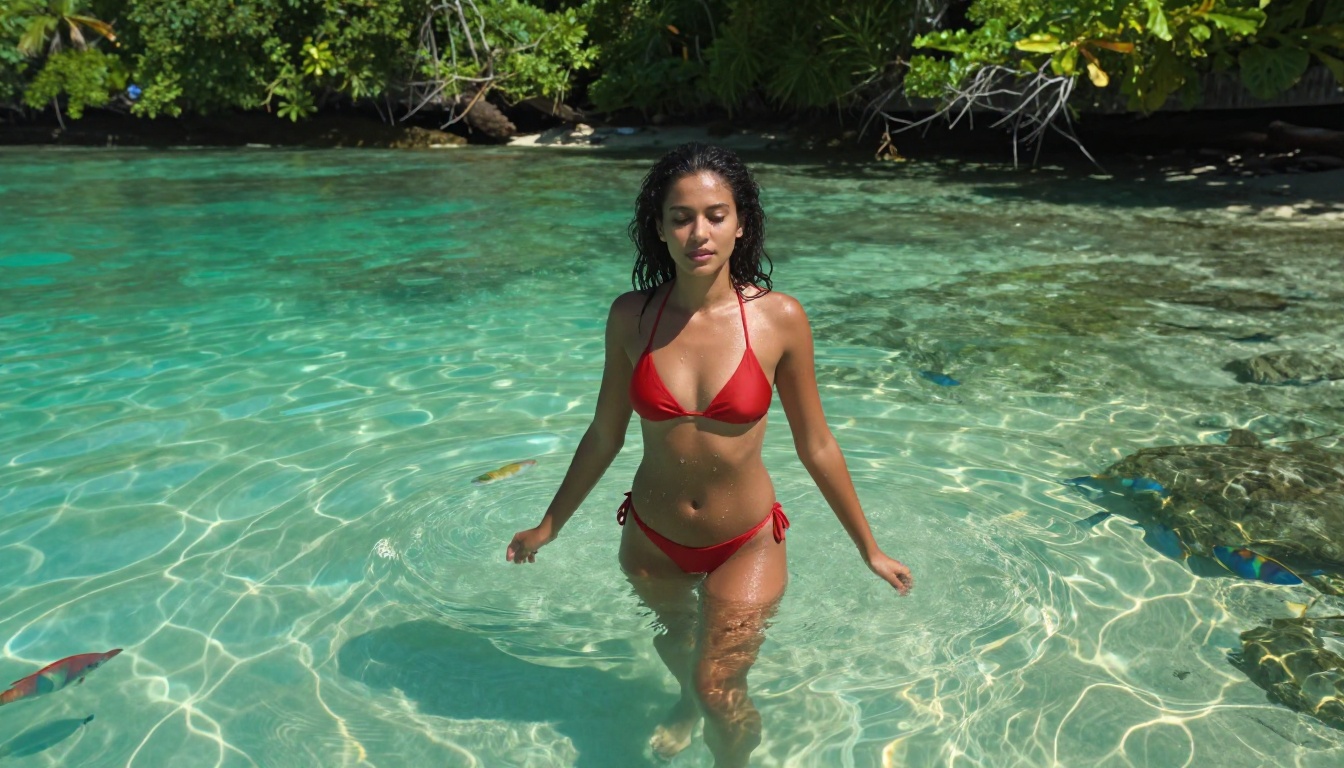
The Best Models for NSFW AI Art
The quality of your output depends almost entirely on which model you use. Here's a breakdown of the top performers for adult AI image generation, each with distinct strengths.
Flux: The Realism Champion
The Flux family from Black Forest Labs represents the current gold standard for photorealistic AI image generation. These models produce images with extraordinary anatomical accuracy, realistic skin texture, and natural lighting that's difficult to distinguish from actual photography.
- Flux 1.1 Pro: The best balance of speed and quality in the lineup. Handles complex scenes and detailed prompts exceptionally well. Best choice for most adult content creation.
- Flux 1.1 Pro Ultra: When you need maximum resolution and the sharpest possible detail, this is the model to reach for. Pore-level skin texture, natural hair detail, realistic fabric behavior.
- Flux Dev: The open-weights development model. Slower than Pro but produces stunning results and is available at no cost on platforms that host it.
- Flux Schnell: Built for speed. If you need rapid iteration to test prompt variations before committing to a final generation, Schnell gets you there fast.
- Flux 2 Pro: The newest generation. Improved color fidelity and better prompt adherence make it a strong choice for highly detailed adult scenes.
- Flux 2 Dev: The latest open-weights version. Strong contender for high-quality free NSFW generation with no commercial restrictions.
Stable Diffusion: The Open Standard
Stable Diffusion and its descendants remain the backbone of the open-source AI art ecosystem. Because the weights are publicly available, these models have been fine-tuned extensively by the community specifically for adult content generation.
- Stable Diffusion 3.5 Large: The most capable SD model to date. Dramatically improved anatomy and composition over older versions, making it a serious tool for NSFW art.
- Stable Diffusion 3.5 Large Turbo: Faster inference with quality comparable to the full model. Excellent for generating multiple variations quickly.
- SDXL: The previous flagship. Still highly capable and has an enormous library of community fine-tunes and LoRA models built on top of it.
RealVisXL and Realistic Vision
When raw photorealism is the priority, these models are purpose-built for it.
- RealVisXL v3.0 Turbo: Fine-tuned specifically for realistic human portraiture. Handles skin tones, lighting conditions, and facial detail with remarkable accuracy. A top pick for portrait-style NSFW content.
- Realistic Vision v5.1: One of the most widely used photorealism models in the community. Consistent results across a wide range of body types, skin tones, and lighting scenarios.
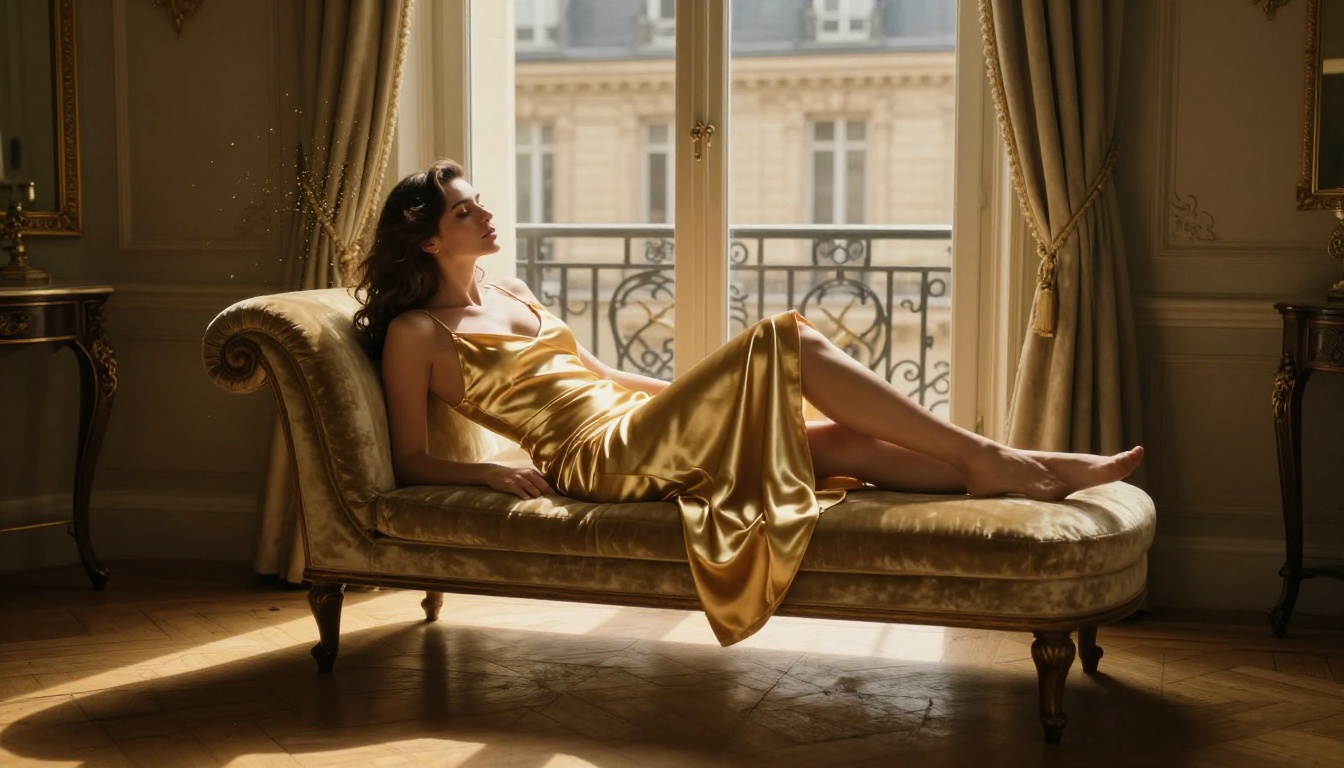
How to Use PicassoIA for NSFW Images
PicassoIA gives you access to the full roster of models above, plus 80+ additional text-to-image options, all in one place. Here's how to get the best results for adult AI art generation.
Pick the Right Model for Your Goal
The model you choose shapes everything. Use this as a quick reference:
Write Prompts That Work
The single biggest factor in NSFW AI output quality isn't the model. It's the prompt. Most people write prompts that are far too vague and then blame the model when results disappoint.
A strong prompt for adult AI art generation follows this structure:
Subject description → Environment and setting → Lighting specifics → Camera angle and lens → Mood and atmosphere → Technical quality tags
Example of a weak prompt: "beautiful woman in bikini on beach"
Example of a strong prompt: "A tanned woman in a coral string bikini lying on a sun-warmed white sand beach, golden late afternoon light from the left creating long shadows, shot from a low angle at sand level with an 85mm f/1.8 lens, gentle waves visible behind her, hair spread naturally across the sand, skin texture with natural grain, photorealistic 8K, Kodak Portra 400 color grading"
The difference in output quality between these two prompts is dramatic.
Dial In With Negative Prompts
Most models support negative prompts. Use them aggressively. Common additions for NSFW content that improves realism:
cartoon, anime, illustration, painting, drawing (prevent non-photorealistic outputs)deformed hands, extra fingers, distorted anatomy (reduce common AI artifacts)watermark, text, logo, signature (keep outputs clean)blurry, low quality, pixelated, jpeg artifacts (enforce quality floor)
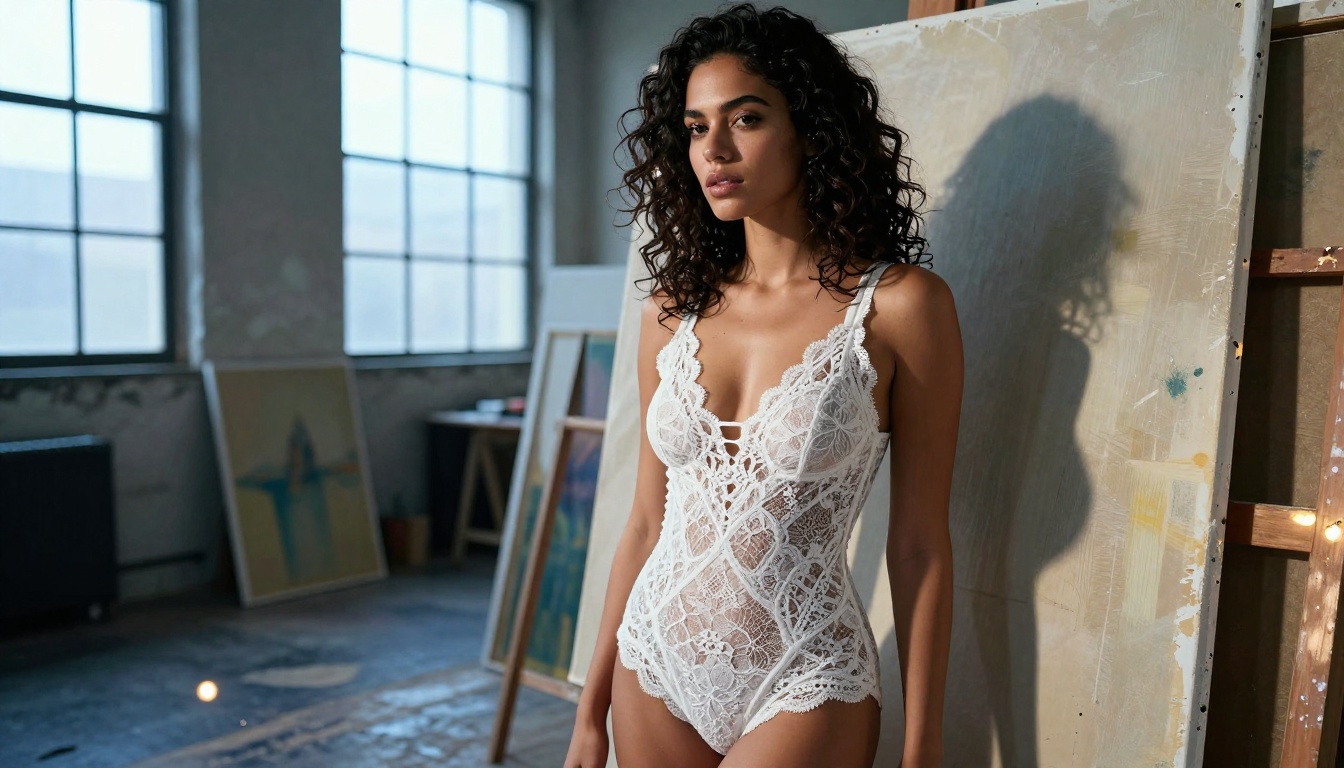
Prompt Writing for Adult AI Art
Getting consistently good results from a free NSFW AI generator requires understanding a few prompt engineering principles specific to adult content.
What to Always Include
Lighting is everything. AI models respond extremely well to specific lighting descriptions. "Soft morning light from the left," "hard midday sun from above," "warm candlelight from below" all produce vastly different results than just "well lit." Be specific.
Camera language signals realism. Describing the shot as if you're directing a photographer primes the model to think photographically. Focal length (35mm, 85mm, 135mm), aperture (f/1.4, f/2.8), and shooting angle (low-angle, eye level, aerial) all influence how the model renders the scene.
Body language beats explicit description. Instead of describing anatomy directly, describe what the subject is doing. "Leaning back against the wall," "looking over one shoulder," "reaching upward" all create natural, dynamic poses that tend to produce more realistic results than clinical descriptions.
Mistakes That Kill Results
- Over-describing everything at once: Long unstructured prompts confuse the model. Use a clear hierarchy: subject first, environment second, technical details last.
- Ignoring aspect ratio: Using a 1:1 ratio prompt when you want a full-body image wastes half your canvas. Set 16:9 for widescreen scenes, 9:16 for full-body portraits.
- Forgetting style anchors: Without style guidance, models default to a kind of average aesthetic. Add "photorealistic," "8K," "Kodak Portra 400" or similar anchors to lock in the look you want.
💡 Quality tip: Flux 1.1 Pro responds particularly well to photography-style prompts. Frame your subject description as if you're writing a shot list for a professional photographer.
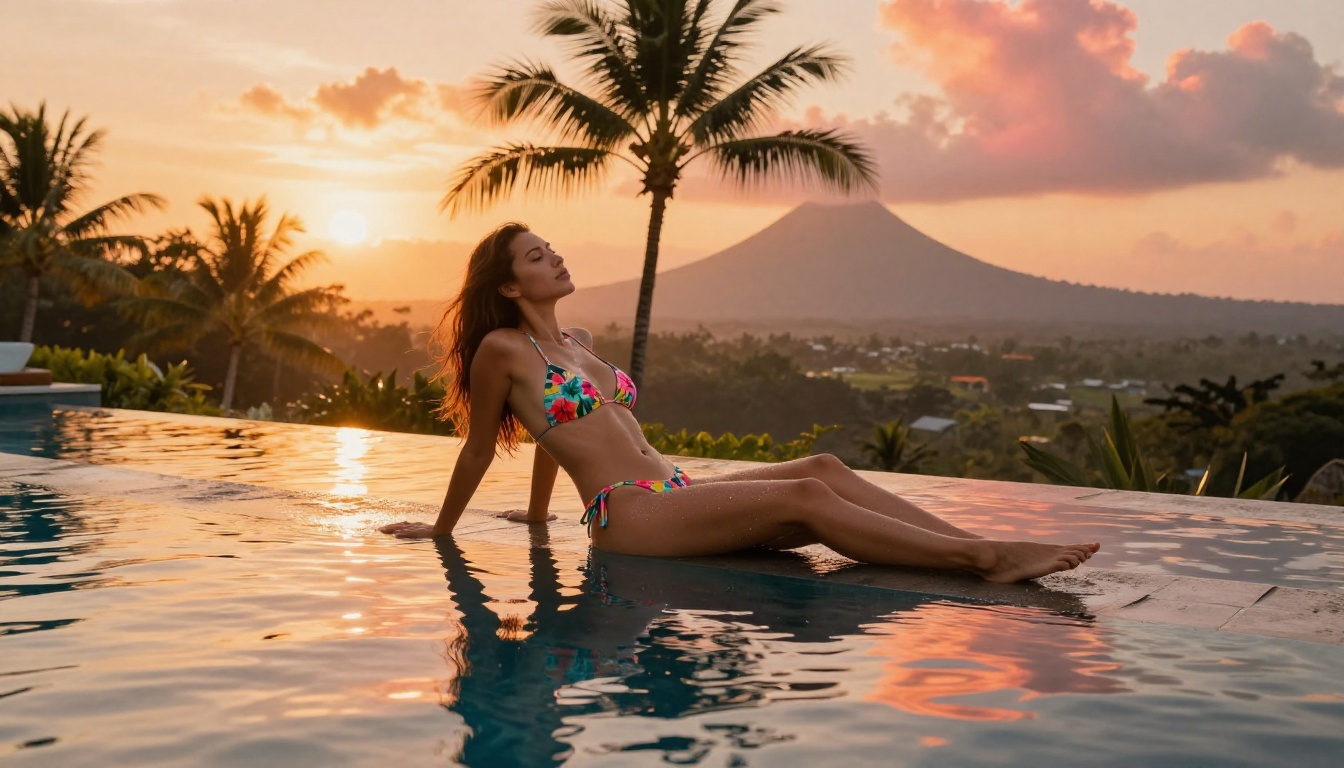
The free tier debate is real. Here's an honest comparison of what you actually get:
| Feature | Typical Free Tools | PicassoIA Free Tier |
|---|
| Daily image limit | 5-15 images | High volume, no tight daily cap |
| Watermarks | Often yes | No watermarks |
| Model selection | 1-3 models | 91+ text-to-image models |
| Prompt filtering | Aggressive | Model-dependent |
| Resolution | Low to medium | Full resolution |
| Speed | Slow (queued) | Fast inference |
| NSFW support | Limited or none | Supported via appropriate models |
The difference between a restrictive free tool and a platform like PicassoIA isn't just feature depth. It's the difference between spending an hour trying to work around limitations and spending that hour actually creating. When you have access to Flux 2 Pro, Realistic Vision v5.1, and Stable Diffusion 3.5 Large in one interface, you're not locked into whatever limitations one vendor decided to impose.
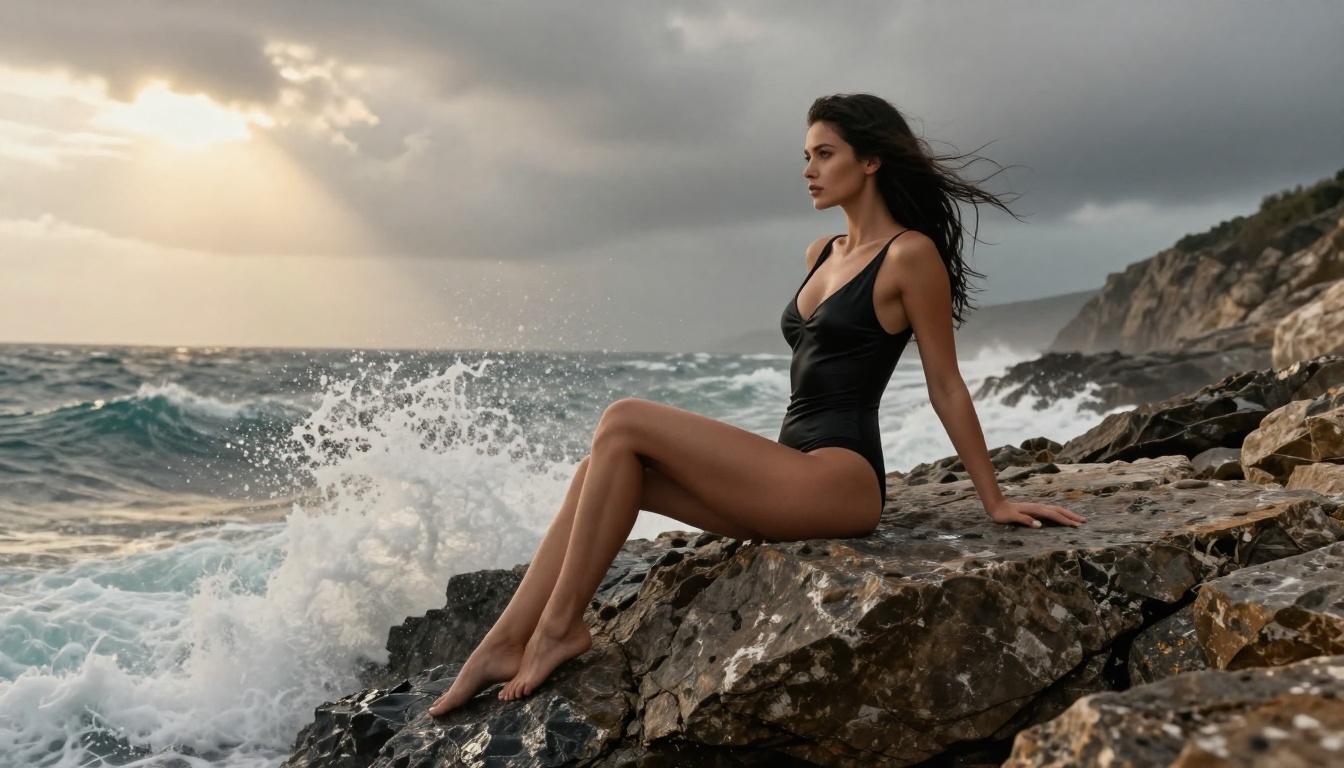
Beyond Text-to-Image: Tools That Push Results Further
Generating a strong base image is just the starting point. The platforms that actually deliver on "unlimited" potential offer tools to refine, extend, and perfect what the base model produces.
Super Resolution for Print-Ready Quality
Raw AI outputs, even from high-quality models, can show compression artifacts at large sizes. A Super Resolution model upscales images 2x to 4x while reconstructing fine detail rather than just stretching pixels. For NSFW content where skin texture and facial detail matter, the difference between a native resolution output and a super-resolved one is immediately visible.
Inpainting and Object Replacement
Inpainting lets you select a region of an existing image and regenerate just that area with a new prompt. This is enormously useful for NSFW content where a detail is almost right but needs refinement. Wrong pose for one arm? Select it and regenerate. Background doesn't fit the mood? Paint it out and replace it. No starting over from scratch.
AI Image Restoration
For older NSFW art or lower-quality source images, AI Image Restoration fixes noise, blur, and damage while recovering realistic detail. Combined with Super Resolution, you can take a mediocre starting image and bring it to professional quality.
💡 Workflow tip: Generate your base image with Flux 1.1 Pro, run it through Super Resolution, then use Inpainting for any details that need refinement. This three-step process produces results that single-generation workflows simply can't match.
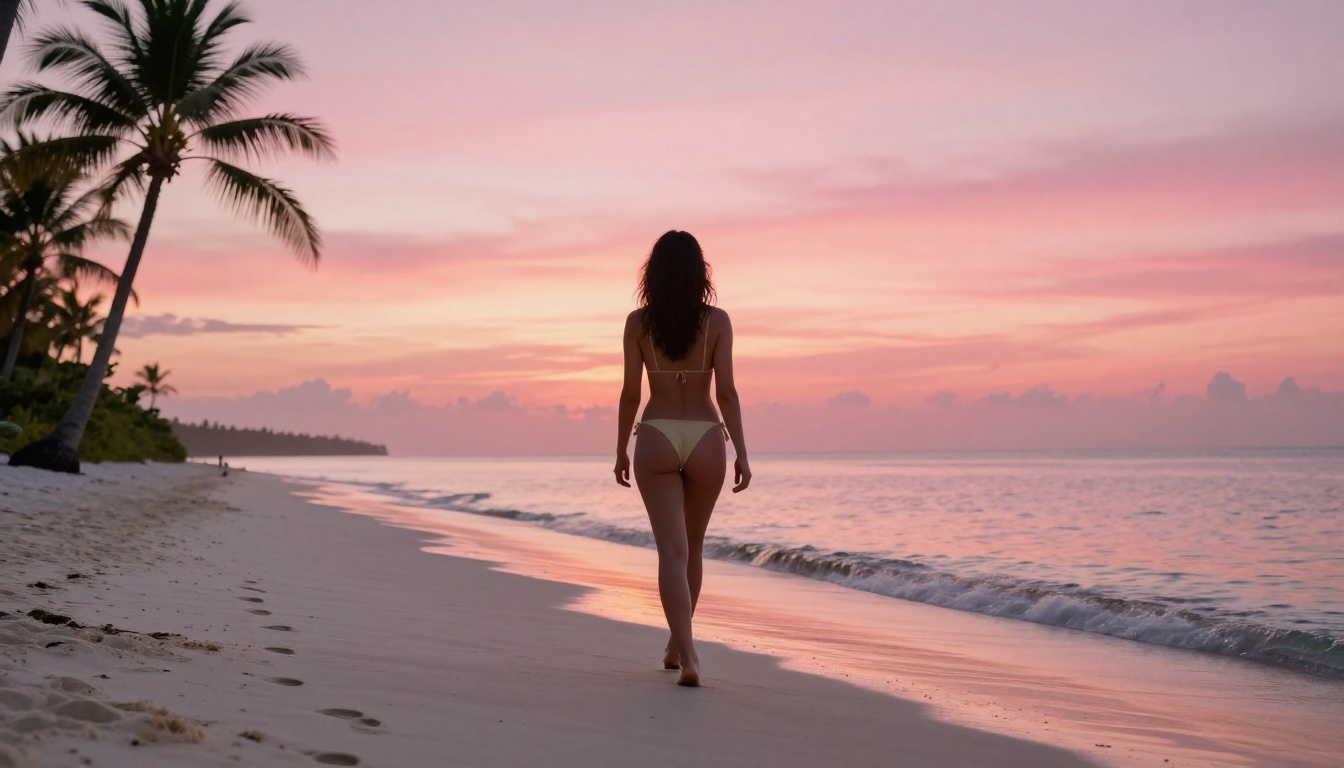
3 Things That Make AI NSFW Art Look Real
Most people generating NSFW AI images are satisfied with "good enough." The gap between good enough and genuinely convincing comes down to three things.
1. Lighting Consistency
The single most common tell in AI-generated images is inconsistent lighting. The model places a highlight on the wrong side of the face relative to the described light source, or creates flat even lighting where shadows should exist. Specifying the exact light source position ("warm light from the upper left at 45 degrees") forces the model to maintain consistency across the scene.
Models that handle this best: Flux 1.1 Pro Ultra and RealVisXL v3.0 Turbo.
2. Surface Texture Detail
Human skin has texture: pores, fine hairs, light freckles, the subtle variation of color across different areas of the body. AI models trained on massive photographic datasets have learned this. The key is prompting for it explicitly. "Natural skin texture," "fine pores visible," "Kodak Portra 400 film grain" all signal to the model to include this detail rather than producing the plastic smoothness that marks lower-quality outputs.
Models that handle this best: Realistic Vision v5.1 and Flux Dev.
3. Environmental Coherence
A figure that looks perfect but doesn't interact with their environment breaks the illusion immediately. Shadows fall on the subject from the right direction. Water droplets appear on skin near a pool. Sand sticks to wet feet on a beach. These micro-details are what separate an AI-generated image from a photograph. Prompt for them directly: "water droplets on bronzed skin," "sand on feet," "fabric moving in breeze."
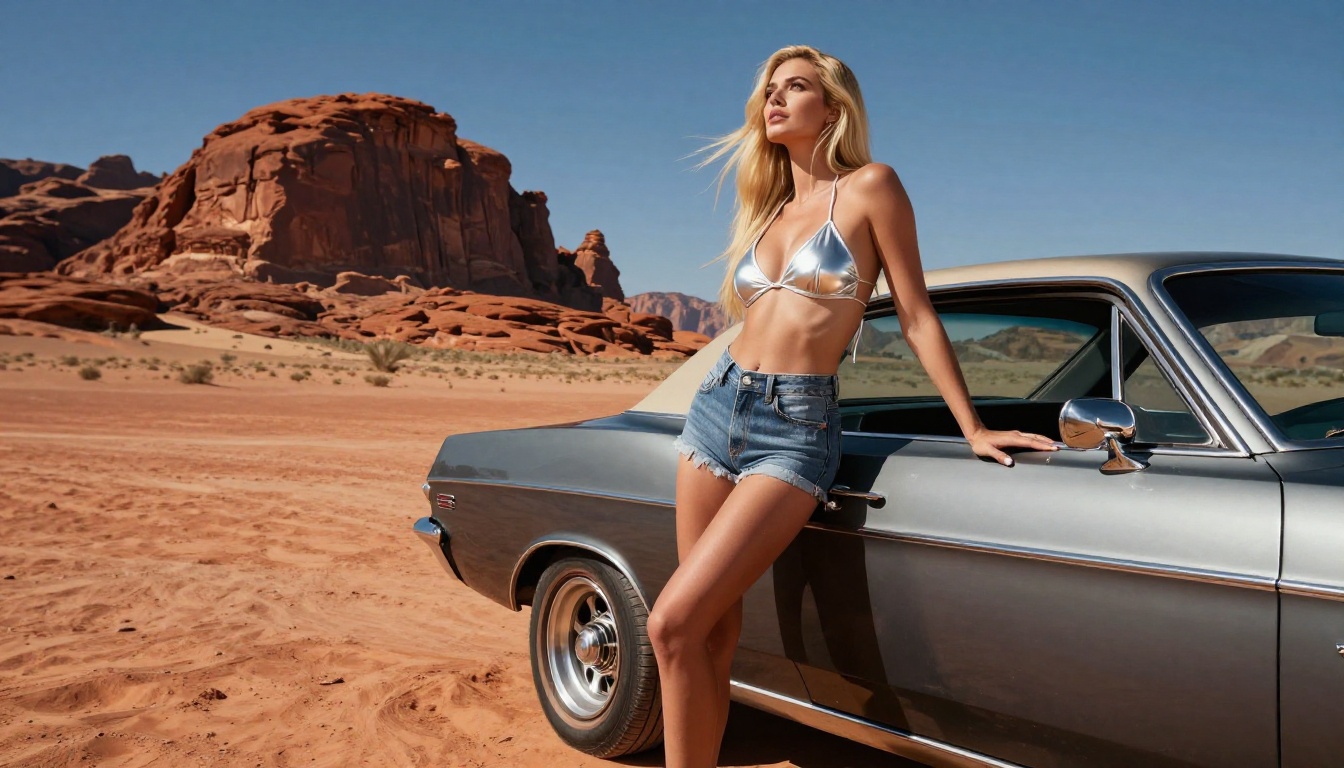
Comparing Top Models Side by Side
Each model has a different personality. Understanding these differences lets you choose the right tool for each project rather than defaulting to one model for everything.
The best approach is to use multiple models. Start with Flux Schnell for rapid prompt testing, then move to Flux 1.1 Pro Ultra or RealVisXL v3.0 Turbo once you have a prompt you're happy with.
What to Avoid in Free NSFW AI Generators
Before wrapping up, a few red flags to watch for when evaluating any platform claiming to offer free unlimited NSFW image generation:
- "Unlimited" with fine print: Many platforms advertise unlimited but throttle generation speed after a certain volume. Check reviews and community feedback.
- Silent prompt modification: Some platforms quietly edit your prompt before sending it to the model. You get an output, but not the one you asked for. This is common on heavily moderated platforms.
- Watermark removal paywalls: Offering free generation but watermarked output, with removal only on paid plans, is a bait-and-switch pattern worth avoiding.
- Single model access: A platform that restricts free users to one weak model while advertising access to powerful models is not truly free.
- No output download: Some browser-based tools let you view but not download generated images without subscribing.
💡 What to look for instead: Platforms with open-source model access, no mandatory watermarks, and transparent credit systems where free credits are real and usable without friction.
Try It Yourself
The fastest way to understand the difference between a genuinely capable free NSFW AI generator and a watered-down demo is to generate something. Right now. Pick a scene you actually want to see, write a detailed prompt using the structure above, and run it through a few different models on PicassoIA.
Start with Flux 1.1 Pro for your first test. If you want to push realism further, switch to Flux 1.1 Pro Ultra or RealVisXL v3.0 Turbo. If you want to see how much the model matters, run the exact same prompt through Realistic Vision v5.1 and SDXL back to back and compare the outputs.
With 91 text-to-image models available and no artificial cap killing your momentum, the only thing between you and great NSFW AI art is the quality of your prompt. Write better prompts, pick the right model, and the results will follow.
The tools are here. The credits are real. There are no watermarks waiting to appear. So go create something worth keeping.


