Introduction to Free NSFW AI Image Generation

Discover how PicassoIA makes it simple to generate free NSFW images using advanced AI. With intuitive controls and powerful open-source models, you can create high-quality, tasteful adult artwork in minutes. This article walks you through every step, from selecting a model to refining your final visuals.
Why Choose PicassoIA for NSFW AI Generation
- Free access to open-source NSFW-capable models
- User-friendly interface with clear controls
- Cinematic output quality at 2 megapixels
- Fast generation in just seconds
- Flexible editing and video creation options
Understanding NSFW AI Models on PicassoIA
PicassoIA offers several models tailored for NSFW image generation:
- wan-2.2-image: Fast cinematic image creation.
- p-image-edit: Edit and refine your outputs.
- wan-2.2-i2v-fast: Turn images into animations.
Generating NSFW Images on PicassoIA
1. Choose a Model
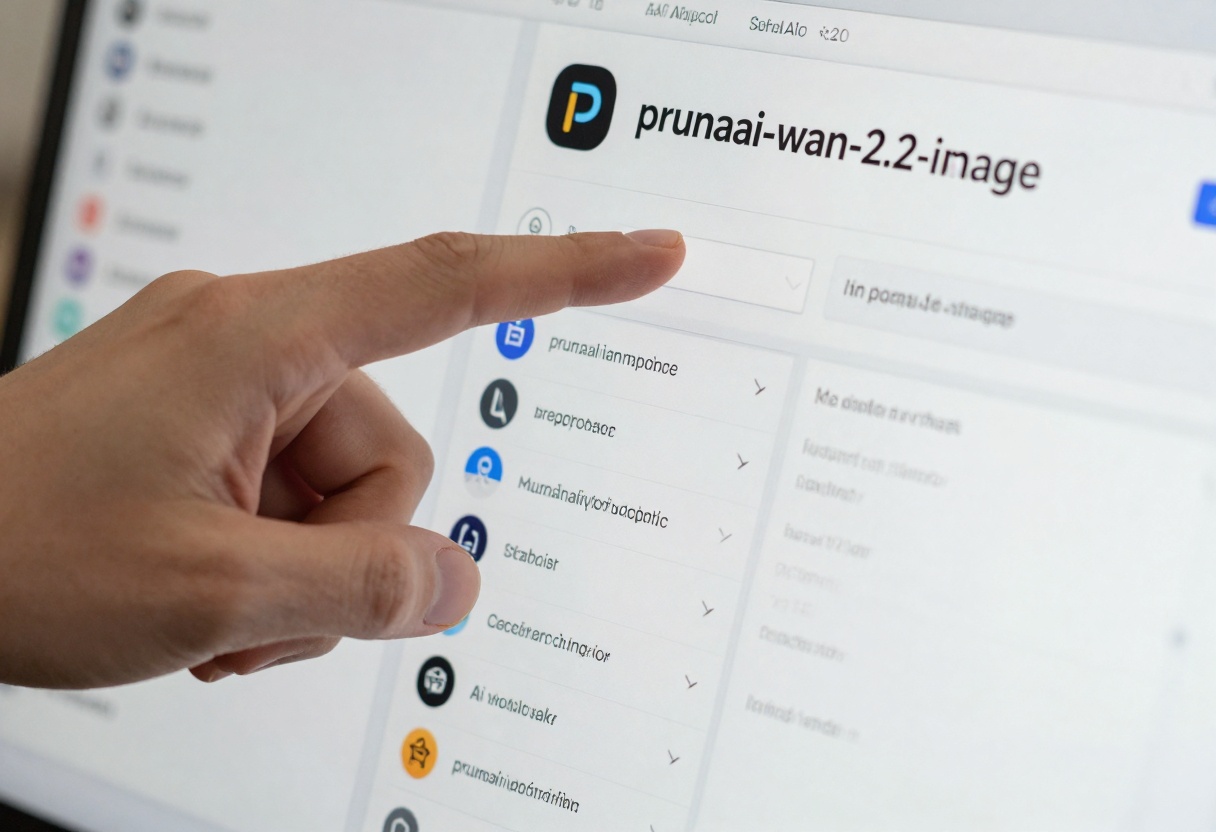
Select your preferred model from the dropdown, for example, wan-2.2-image.
2. Write Effective Prompts
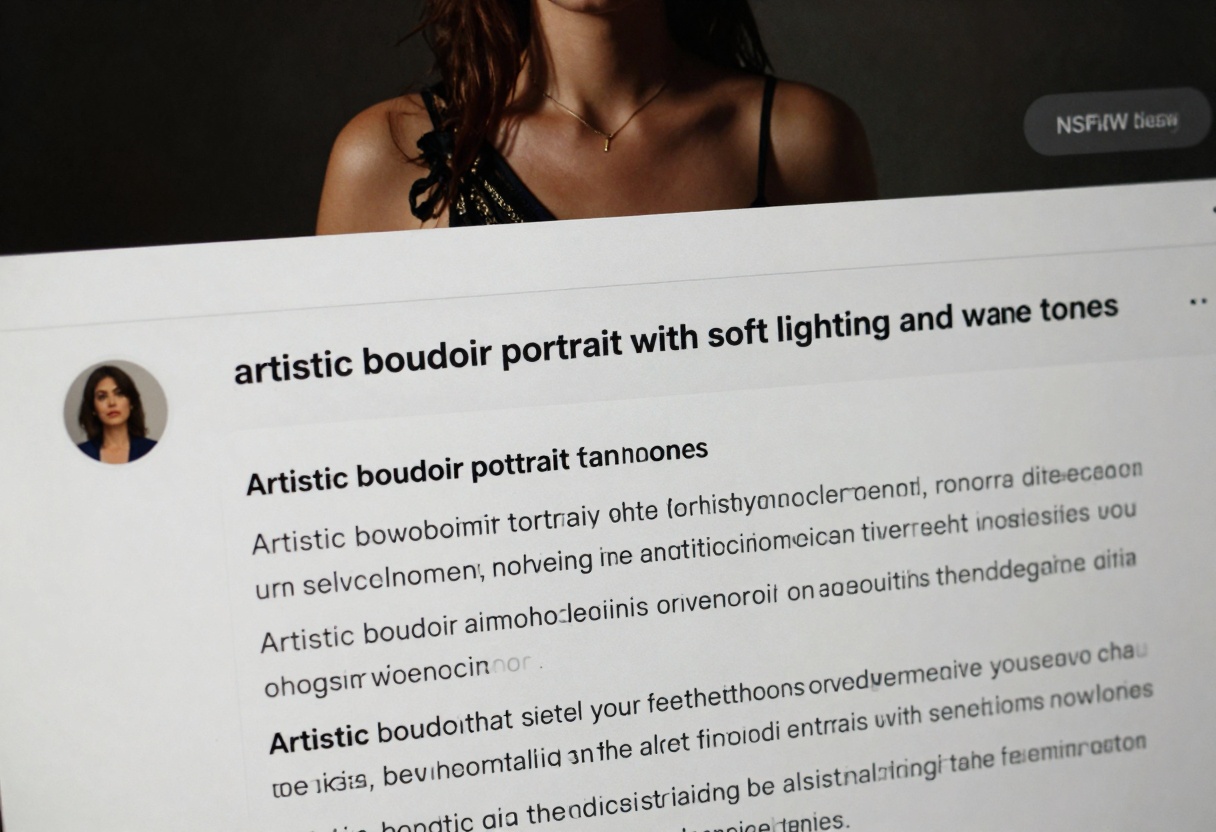
Craft clear descriptions, e.g., “artistic boudoir portrait with soft lighting and warm tones.”
3. Adjust Settings
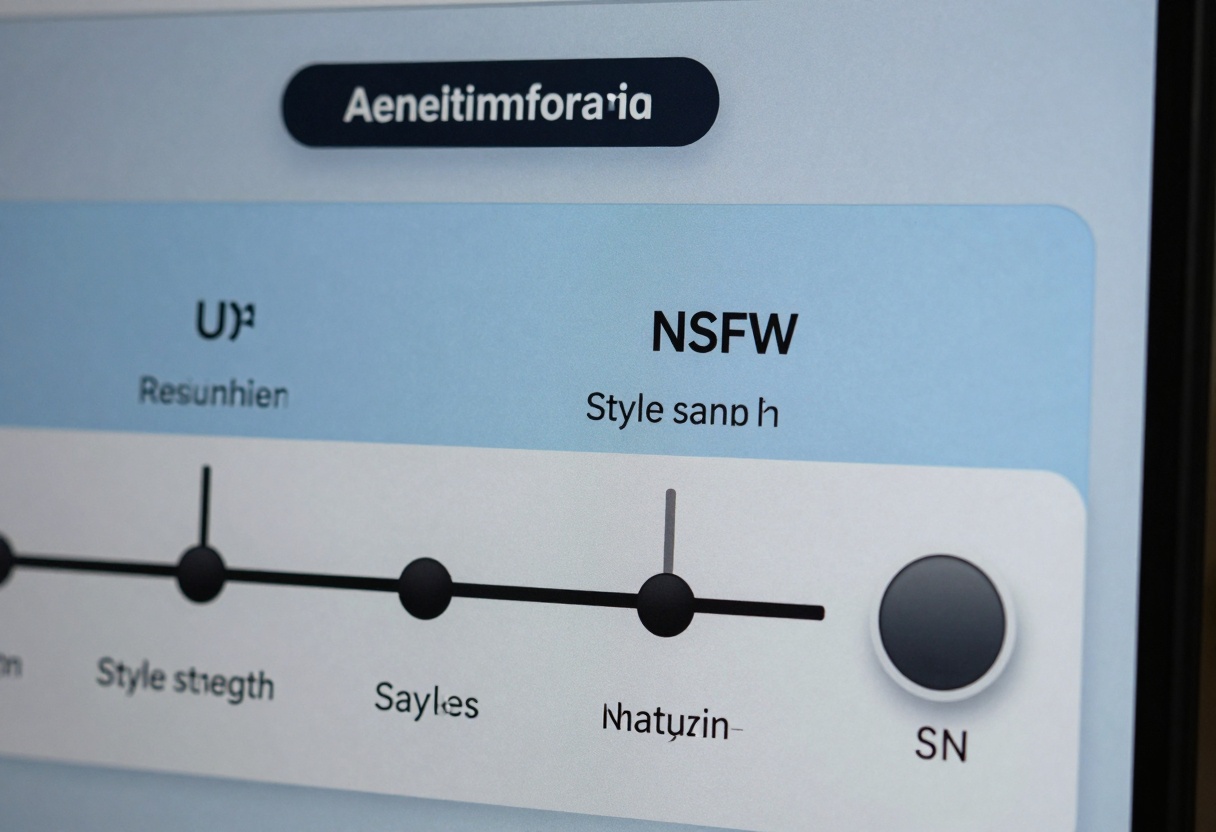
Fine-tune sliders for resolution, style strength, and enable NSFW content.
4. Generate and Review
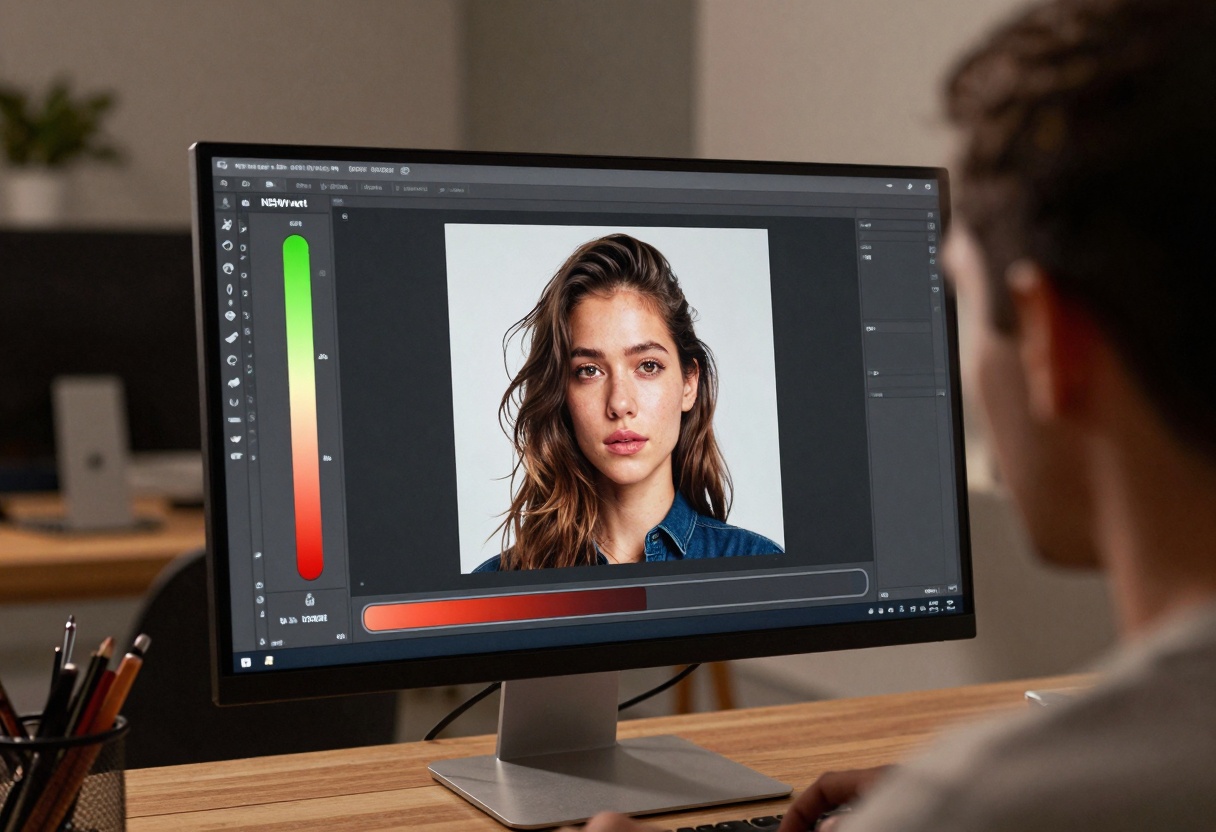
Hit generate, watch the progress, and review your new artwork.
Editing NSFW Images for Higher Impact
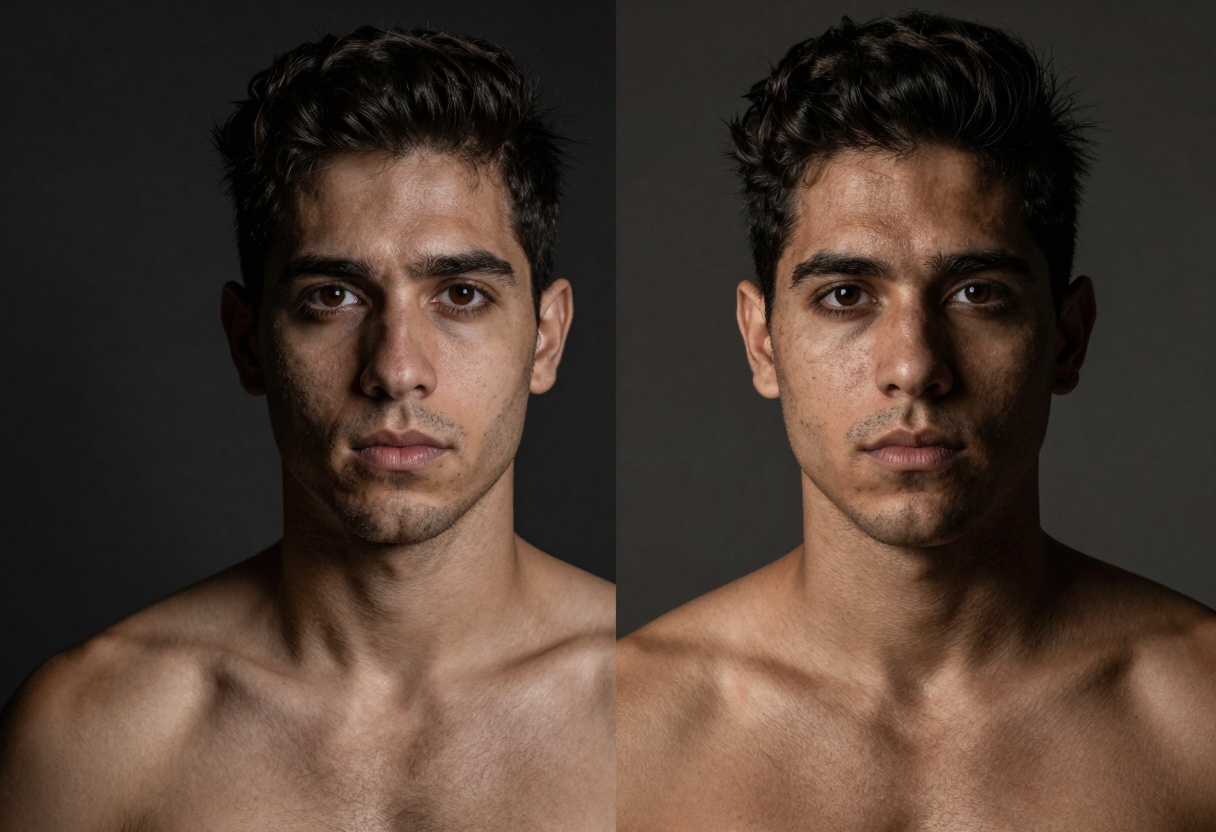
Use p-image-edit to enhance color, lighting, and detail.
Creating Videos from NSFW Images
With wan-2.2-i2v-fast, animate your stills into short videos.
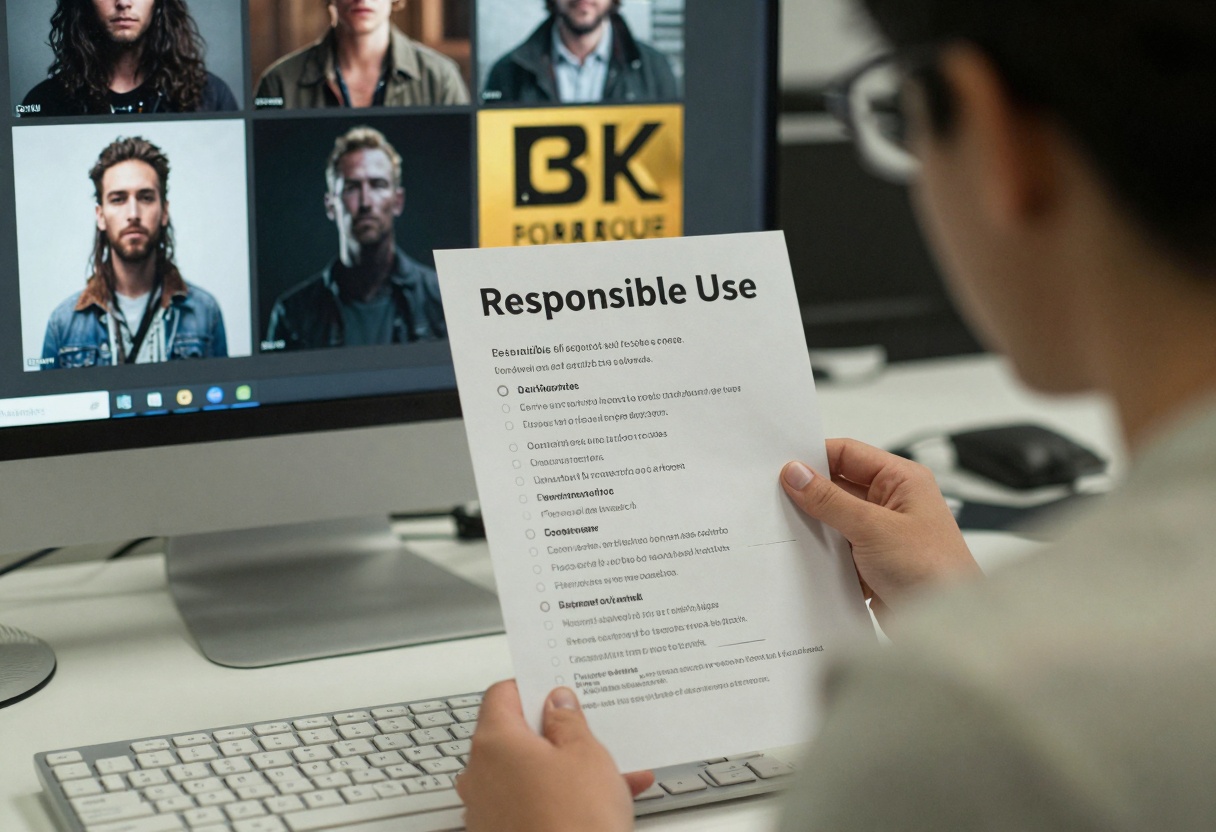
Best Practices and Ethical Considerations
- Respect privacy and consent.
- Avoid illegal or non-consensual content.
- Label explicit content appropriately.
💡 Tip: Use clear, neutral prompts to maintain artistic intent while avoiding unintended themes.
Tutorial: Using wan-2.2-image on PicassoIA
The wan-2.2-image model generates 2-megapixel cinematic images quickly. Follow these steps:
Model Details
- Title: wan-2.2-image: Fast Cinematic Image Generation
- URL: https://picassoia.com/en/collection/undefined/prunaai-wan-22-image
- Features:
- Fast 2 MP image creation in 3-4 seconds
- Multiple aspect ratios (1:1, 16:9, 9:16, 4:3, 3:4, 21:9)
- Flexible PNG, JPG, WEBP outputs
- Seed control and juiced mode
- Use Cases:
- Rapid concept art
- Social media visuals
- Storyboarding

Parameters
| Parameter | Type | Description | Required |
|---|
| prompt | string | Text prompt for image generation | Yes |
| seed | integer | Random seed for reproducibility | No |
| juiced | boolean | Enable faster inference optimizations | No |
| megapixels | integer | Number of megapixels (1 or 2) | No |
| aspect_ratio | string | Aspect ratio (1:1, 16:9, 9:16, 4:3, 3:4, 21:9) | No |
| output_format | string | Output image format (png, jpg, webp) | No |
| output_quality | integer | Quality level (0-100) | No |
Steps
- Access the model
Visit the wan-2.2-image page.
- Enter required parameters
Fill in the Prompt field with your description.
- Adjust optional settings
Modify seed, juiced mode, megapixels, and quality as needed.
- Generate
Click the Generate button and wait for the image.
- Download
Save the final output to your device.
Conclusion
Now you know how to create, refine, and animate free NSFW AI images with PicassoIA’s robust tools. Respect ethical guidelines and experiment with different prompts and settings to discover your unique style.
Ready to start creating? Try PicassoIA now


