The demand for a free NSFW AI image generator with unlimited generations has exploded, and for good reason. Whether you are creating adult-oriented art, experimenting with human figure photography prompts, or simply pushing creative limits, the right platform makes all the difference between a frustrating credit-gated experience and actual creative freedom. This article cuts through the noise and shows you exactly which models perform best, what features to prioritize, and how to start generating without hitting paywalls every five clicks.
What Actually Makes a Generator "Free"
Credit walls vs. open access
Most platforms that advertise "free" AI image generation are actually giving you a small credit allocation that runs out fast. Ten free images per day sounds reasonable until you are iterating on a prompt 20 times trying to get the lighting right. A genuinely free NSFW AI image generator with unlimited generations should not punish experimentation.
The distinction matters:
| Type | What You Actually Get |
|---|
| Free Trial | 10-50 credits, then paid |
| Freemium | Slow queue, limited resolution |
| Truly Unlimited | Open generation, full resolution |
| Pay-per-image | Charged per render |
💡 Tip: Always check whether "unlimited" applies to the full resolution output or only to lower-quality previews. Many platforms restrict full 1024px+ output to paid tiers.
Why model choice changes everything
Not all AI image models are equal when it comes to NSFW content. Some are fine-tuned for photorealism, others for stylized art, and a few are purpose-built for human figure generation with realistic anatomy. Picking the wrong model wastes time regardless of how many free credits you have.
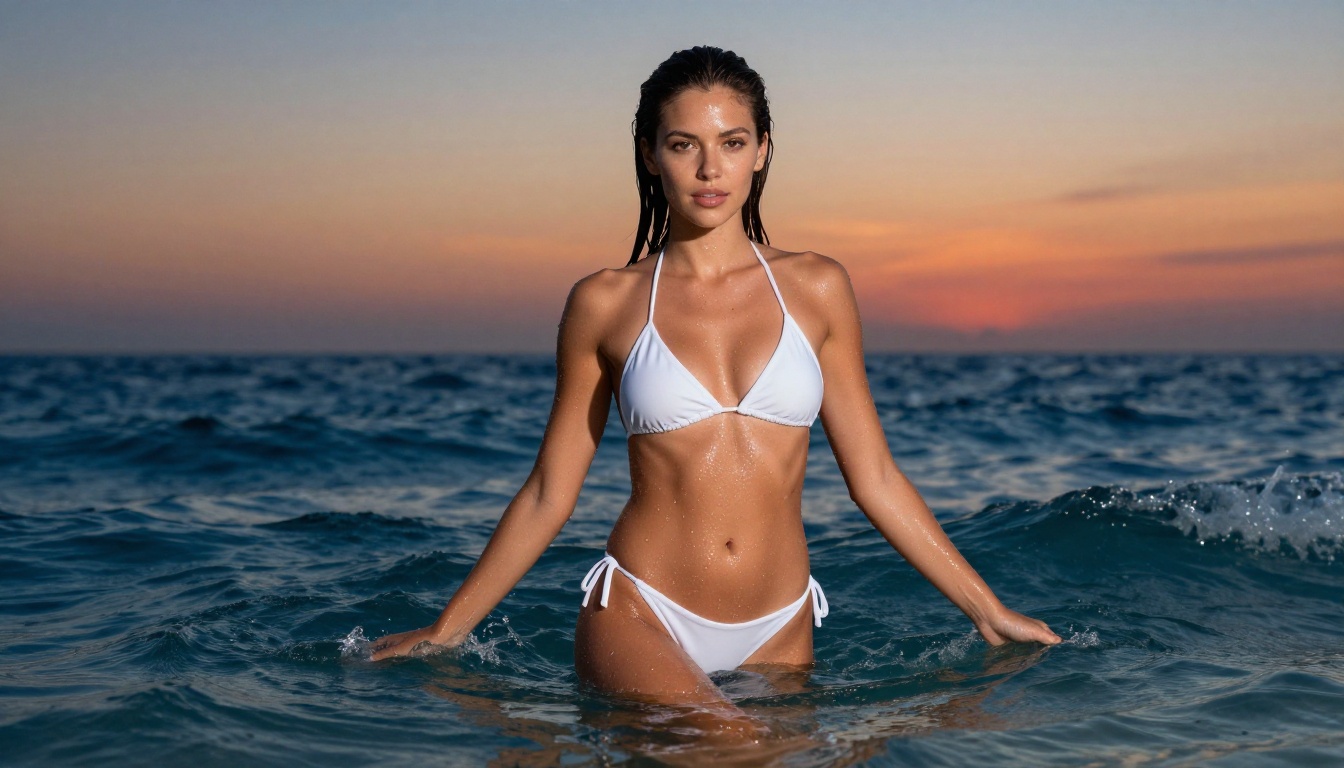
The models that consistently outperform others for realistic human generation include the Flux family, Realistic Vision v5.1, RealVisXL v3.0 Turbo, and several SDXL-based fine-tunes. Knowing which model to load before you start typing saves a lot of frustration.
The Models That Actually Deliver
Flux: still the benchmark for realism
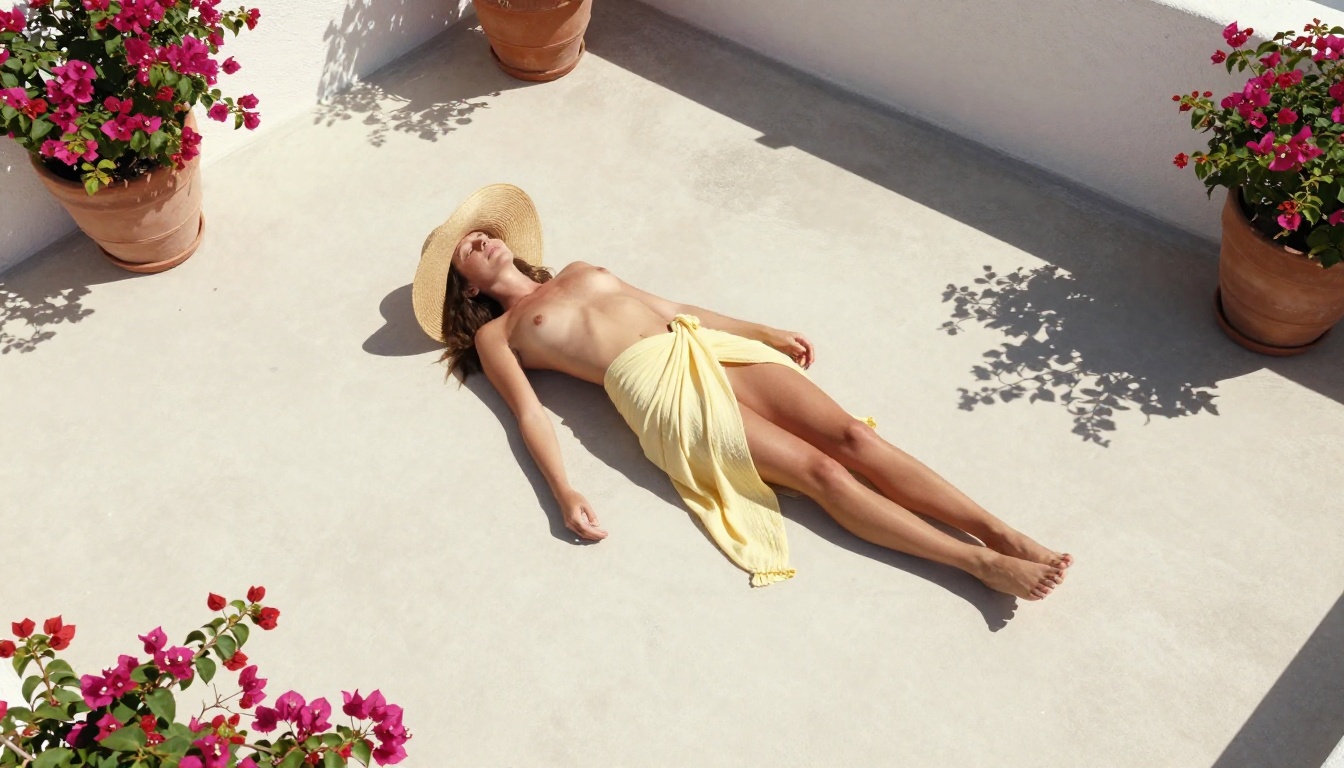
Flux-dev and Flux Schnell from Black Forest Labs set the standard for photorealistic generation. Flux-dev is slower but produces exceptional skin texture, natural lighting, and body proportions that fool the eye. Flux Schnell trades some of that quality for speed, generating in seconds rather than tens of seconds.
For maximum quality, Flux 1.1 Pro and Flux 2 Pro push even further into commercial photography territory. Skin pores, strand-by-strand hair, fabric texture: these models render it all without the plasticky look that plagues cheaper alternatives.
Why Flux dominates NSFW realism:
- Accurate anatomy at all body types and poses
- Natural skin rendering with visible texture and subsurface scattering
- Consistent lighting response that reacts realistically to scene context
- Prompt adherence that follows detailed descriptions without drifting
Realistic Vision and RealVisXL
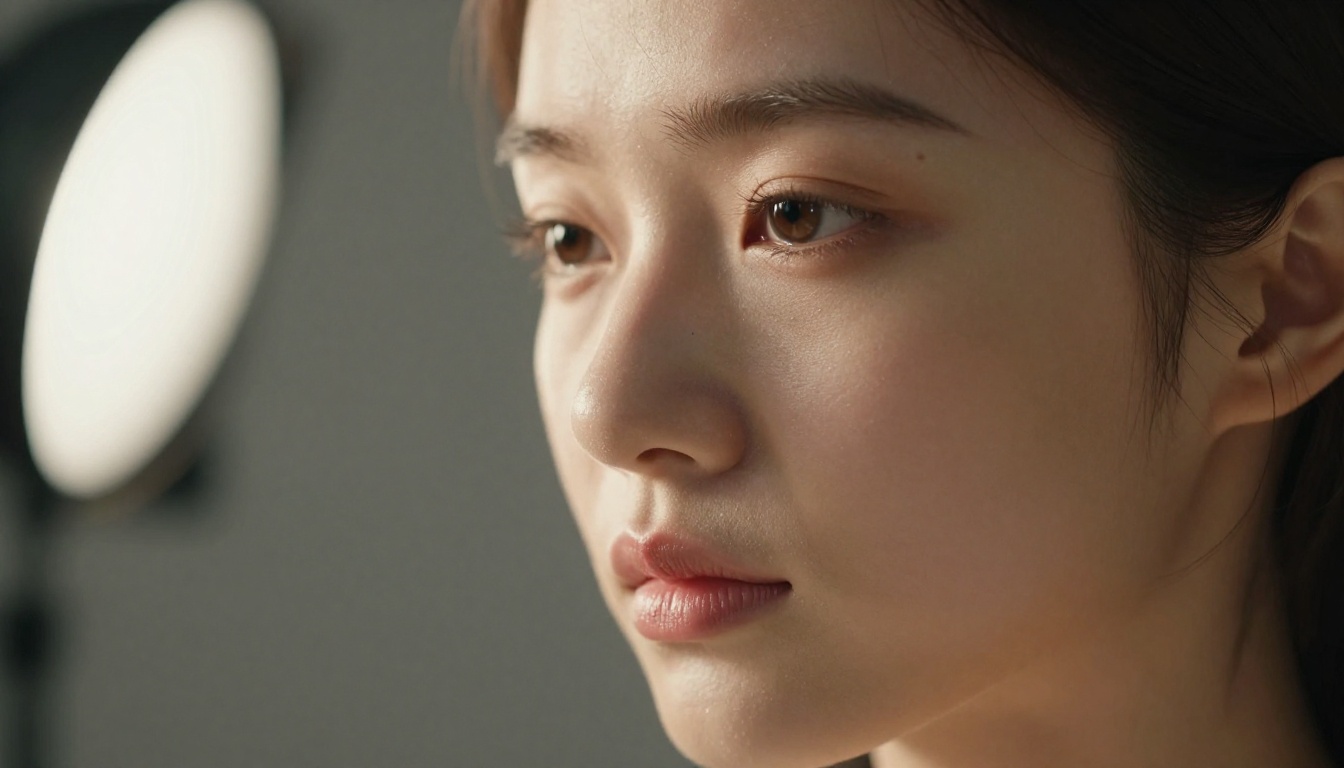
Realistic Vision v5.1 is a fine-tune built specifically for photorealistic human figures. It handles skin tones, facial symmetry, and natural body proportions better than the base Stable Diffusion model. Generations feel like they were shot on a DSLR rather than rendered by software.
RealVisXL v3.0 Turbo takes the same approach but runs on the SDXL backbone, giving it significantly more detail capacity. The turbo variant keeps render times fast without gutting the output quality. For anyone doing high-volume NSFW AI art generation, this is one of the most efficient models available.
RealVisXL v3 Multi ControlNet LoRA extends this further by adding pose and structural control, letting you dictate exact body positions rather than leaving composition entirely to the model.
SDXL and its fast variants
SDXL remains one of the most versatile base models for unrestricted AI image generation. Its higher parameter count compared to the original Stable Diffusion gives it a much better grasp of complex scenes, accurate proportions, and detailed backgrounds.
SDXL Lightning 4-Step is the speed version. ByteDance trained it to finish inference in just four denoising steps rather than the standard 20-50, slashing render times to under two seconds on capable hardware. The quality drop is surprisingly minimal for straightforward prompts.
DreamShaper XL Turbo sits between these two in terms of speed and quality, with a noticeable flair for dramatic lighting and saturated skin tones that look great in editorial-style compositions.
Stable Diffusion 3.5 and beyond
Stable Diffusion 3.5 Large represents a generational leap for Stability AI. Its improved attention mechanisms handle complex scene descriptions far better than SD 1.5 or even SD 2.1, and text prompt adherence is noticeably sharper. When you write a detailed prompt with specific lighting, pose, and environment, SD 3.5 Large actually follows it.
Stable Diffusion 3.5 Large Turbo delivers similar results at faster speed. For bulk generation where you are testing multiple prompt variations, the Turbo version saves significant time without a noticeable quality penalty on well-written prompts.
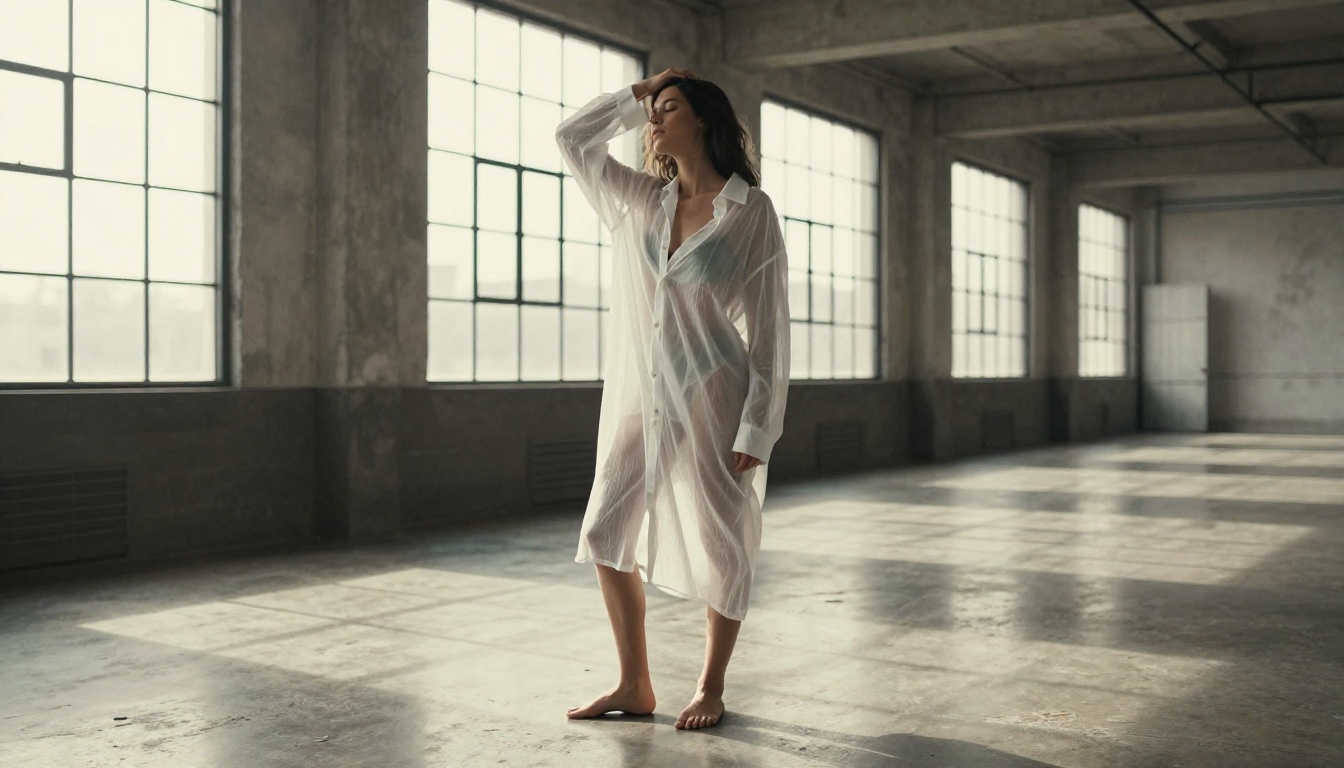
How PicassoIA Handles Unlimited NSFW Generation
PicassoIA offers access to 91 text-to-image models under one roof, including all the heavy hitters mentioned above. The platform is built for creative experimentation, meaning you are not capped at 10 images before hitting a credit wall. You pick a model, write a prompt, and generate.
No queues, no rate gates
One of the biggest friction points on other free platforms is queue time. Your generation goes into a pool, waits behind hundreds of other free-tier requests, and comes back five minutes later. PicassoIA runs on dedicated infrastructure, so generations finish at the model's actual speed rather than at the mercy of an overloaded free queue.
This matters more than people realize. If you are iterating on a complex NSFW scene with specific lighting and pose requirements, waiting five minutes between each test generation kills momentum. Real creative work requires fast feedback loops.
Choosing between speed and quality
Here is how the major model tiers stack up on PicassoIA:
The smart workflow is to prototype with a fast model like Flux Schnell or SDXL Lightning until the prompt is refined, then run the final version through Flux-dev or Flux 1.1 Pro for the output you actually keep.
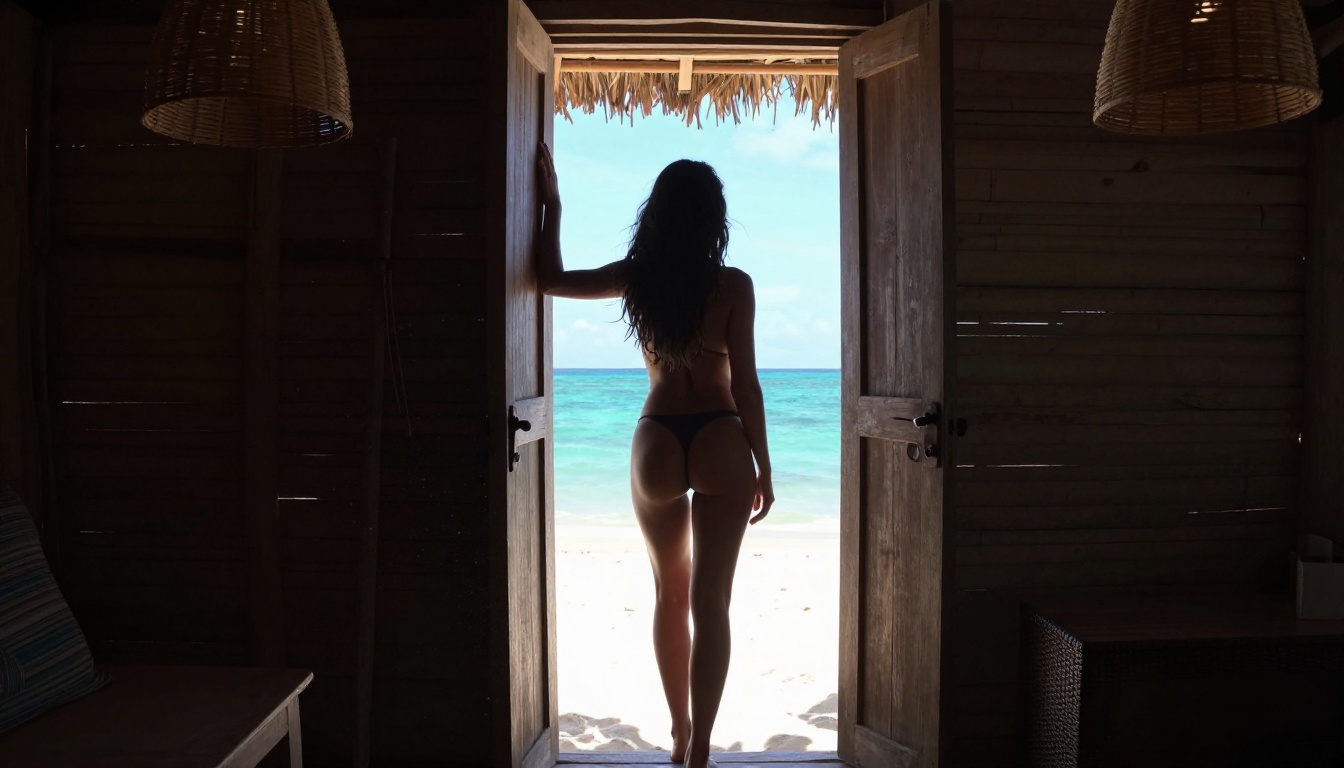
ControlNet for precise poses
Beyond simple text-to-image, PicassoIA includes SDXL Multi ControlNet LoRA for users who need control over pose and body structure. Feed it a reference skeleton or edge map and the model generates a figure that matches your composition exactly. This is invaluable for NSFW art where specific poses, angles, or framing are part of the creative vision.
ControlNet Scribble goes a step further, letting you hand-draw a rough outline and have the AI fill it in with photorealistic detail. For creating specific compositional scenarios that text alone cannot reliably produce, this is the tool.
Writing Prompts That Actually Work
The model does half the work. Your prompt does the other half. Bad prompting on a great model produces worse results than good prompting on a mediocre model.
What to include every time
Every effective NSFW AI image prompt should contain:
- Subject: Age descriptor, hair color, body type, skin tone, clothing or lack thereof
- Action and Pose: Standing, seated, lying, mid-motion, specific posture details
- Environment: Interior, exterior, time of day, weather, surface materials
- Lighting: Direction (from left, overhead, backlit), quality (soft, harsh, diffused), color temperature
- Camera: Lens focal length, aperture, angle (eye-level, low-angle, aerial)
- Style qualifier: "photorealistic, RAW photography, 8K, Kodak Portra 400"
Example structure: "[Subject description] [pose/action] in [environment]. [Lighting]. Shot with [camera]. [Style qualifiers]."
💡 Tip: Adding specific film stock names (Kodak Portra 400, Fujifilm Provia, Ilford HP5) dramatically improves the natural quality of skin tones and reduces the artificial sheen that makes generated images look obviously fake.
Common prompt mistakes
Too short: "sexy woman beach" gives you a generic, poorly composed image. You need at least 50 words to give the model enough signal to work with. Specificity is what separates average outputs from images that look like professional photography.
No lighting direction: Lighting is the single biggest factor in photorealism. "Natural morning light from the left" beats "well-lit" every time. Be specific about the source angle, color temperature, and whether it is soft or harsh.
No camera specs: Specifying "85mm f/1.4" or "24mm wide-angle" tells the model what perspective and depth of field to simulate. This single addition noticeably improves the sense of depth in the final image.
Style conflicts: Mixing "photorealistic" with "fantasy" or "oil painting" confuses the model. Pick one visual universe and commit to it throughout the entire prompt.
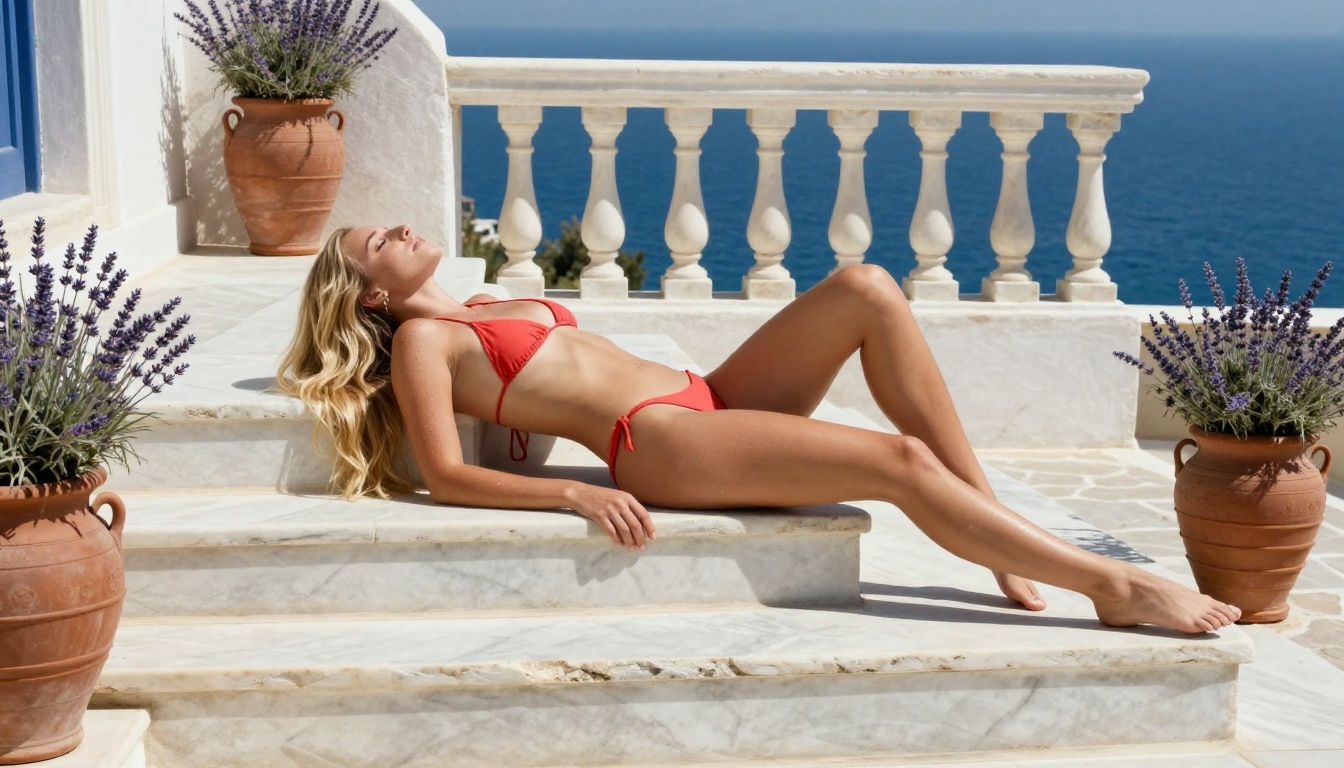
There are several platforms claiming to offer free unrestricted generation. Here is an honest breakdown of what actually matters when you are evaluating options.
What to check before committing
- Resolution cap: Does the free tier give you full 1024x1024 or higher, or just 512x512 previews?
- Model access: Are the best models locked behind paid plans, or available to all users?
- Rate limits: How many images per hour or day before you get throttled?
- Content policy: Does the platform actually allow NSFW, or does it filter everything suggestive?
- Queue priority: Do free users wait in line while paid users generate instantly?
PicassoIA addresses all five. You access the full model catalog, generate at full resolution, without hidden caps degrading your experience mid-session.
Speed vs. quality: the real tradeoff
Speed and quality are not always opposites. Flux 2 Max and Flux 2 Flex represent the current peak of the Flux family, offering near-professional photography quality at reasonable speeds. For users who want to iterate fast, Proteus v0.2 generates quickly while retaining strong anatomical accuracy. Proteus v0.3 adds anime-adjacent stylization if that is the aesthetic you are after.
For users who want the absolute fastest turnaround on simple prompts, p-image and z-image-turbo are purpose-built for speed without sacrificing the core prompt adherence that makes results usable.
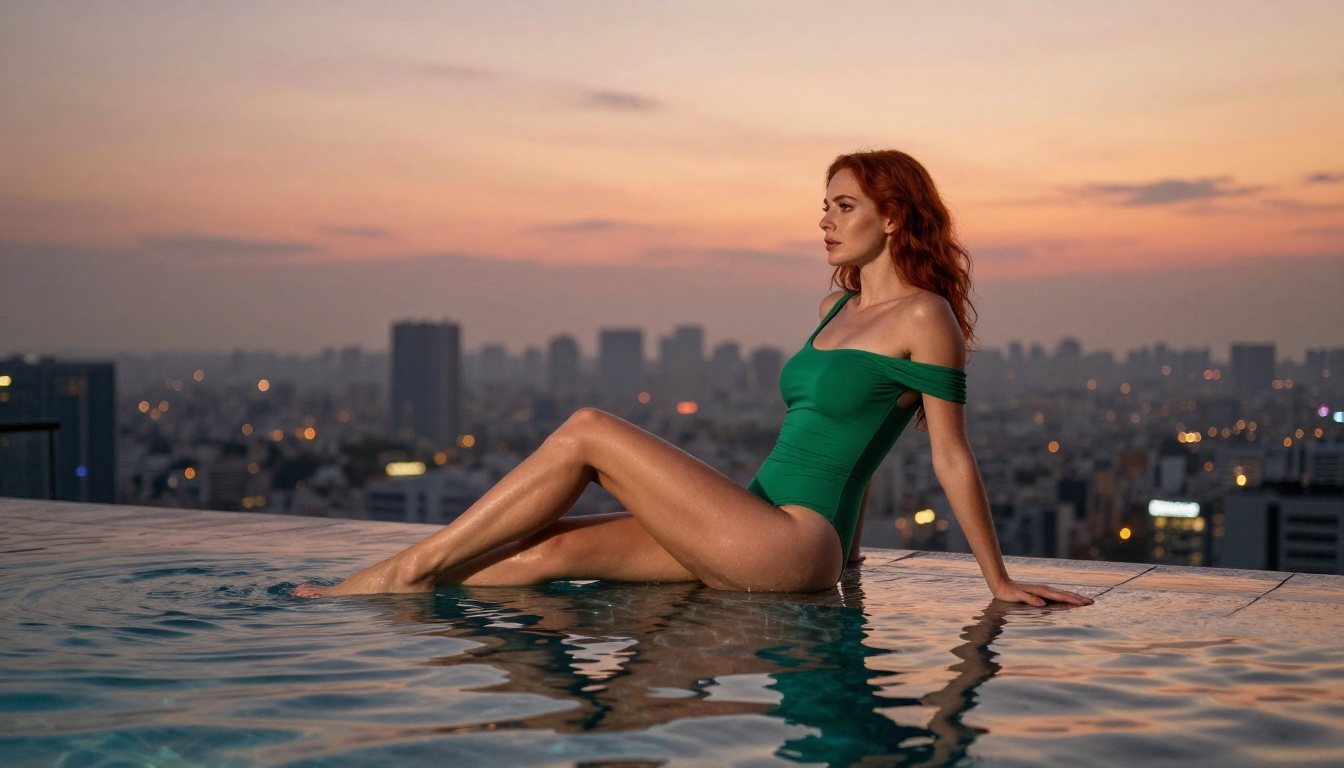
Upscale and Refine Your Outputs
Getting a great base generation is step one. Making it production-ready is step two. PicassoIA includes Super Resolution models that upscale images 2x to 4x without adding artifacts or blurring detail. A 1024px output becomes a 4096px print-ready file with preserved skin texture and sharpened edges.
For images that came out almost perfect but have a facial artifact or awkward background element, the Inpainting tools let you select a region and regenerate just that area while preserving the rest of the image. This is dramatically more efficient than scrapping a good image and regenerating from scratch.
If you want to extend the canvas beyond the original frame, Outpainting expands the image in any direction, filling new areas with context-aware content that matches the original lighting, perspective, and style.
💡 Tip: For NSFW portrait work, run your final image through RealVisXL v3 Multi ControlNet LoRA with an upscale pass. The result is sharper than most stock photography at equivalent resolution.
LoRA Fine-Tunes for Specialized Styles
Standard base models handle a broad range of outputs, but LoRA (Low-Rank Adaptation) fine-tunes let you specialize. P-Image LoRA and Flux-dev LoRA allow you to apply style modifiers on top of the base model, shifting the output toward specific aesthetics without sacrificing the base model's quality.
For NSFW AI art, LoRA-tuned models are often the difference between an image that looks like it could be a professional photograph and one that clearly reads as AI-generated. The fine-tunes learn specific patterns of lighting, skin rendering, and composition that the base model alone cannot replicate.
What LoRA adds to NSFW generation:
- Consistent style across multiple generations without prompt engineering overhead
- Specialized skin rendering trained on photographic datasets
- Lighting presets that are baked into the model weights
- Faster prompt convergence because style is learned, not inferred
Start Creating Your Own Images Now
Everything in this article is accessible on PicassoIA right now, without going through a paywall to find out the good content is locked. Pick a model from the list above, write a detailed prompt using the structure in the prompting section, and start generating.
Start with Flux Schnell for fast iteration when you are testing prompt variations. Move to Flux-dev or Realistic Vision v5.1 when you have a prompt ready for a full-quality render. Use SDXL Lightning 4-Step when you need volume fast.
The models are there. The resolution is there. The unlimited generations are there. What you create with them is entirely up to you.


