Typing "free NSFW AI writing tool" into a search bar usually gets you the same promise ten times: unlimited steamy stories, no account, no filters. Then you paste your first prompt and hit a wall after three messages, or a polite refusal, or a pop-up asking for a card. This article sorts out what these tools really do, what "no sign up" costs you, which story prompts produce better scenes, and where the limits sit so you can stop wasting your free messages.
A quick note on scope. Everything here is about adult romance, flirtation, slow-burn tension and sensual storytelling written by and for adults. The images in this article are glamour and boudoir style, suggestive but never explicit, and that is the same line most mainstream AI writing models draw in text.
What a Free NSFW Writer Really Is

An "NSFW AI writing tool" is a language model wrapped in a text box. You type a scenario, the model continues it. The differences between products come down to three things: which model sits underneath, which safety filter sits on top, and how many messages you get before the meter runs out.
Online Tools vs Local Models
Online tools run in your browser. You open a page, type, and read. That is the convenience. The trade-off is that the provider decides what the model may output, and the provider also sees your text.
Local models run on your own computer. They give you the most freedom and the most privacy, but they need a decent graphics card, some setup patience, and a lot of disk space. For most people who just want a good scene tonight, a browser tool wins on speed.
| Option | Setup time | Cost | Content filter | Privacy |
|---|
| Browser tool, no account | Seconds | Free, capped | Strict to moderate | Provider sees text |
| Browser tool, with account | A few minutes | Free tier plus paid | Moderate | Tied to your login |
| Local model on your PC | Hours | Hardware cost | Whatever you set | Stays on your machine |
Who Actually Uses Them
The honest answer is a mix. Romance novelists use them to break through a stuck chapter. Roleplayers use them to keep a character voice consistent. Fan fiction writers use them to draft scenes for original characters. Couples use them to write playful fiction together. None of these needs explicit output to be useful, which matters in a moment, because explicit output is exactly where most free tools draw their line.
No Sign Up: What You Give Up
"No sign up" is a real convenience. You skip the email form, the verification link and the marketing newsletter you never asked for. But a tool that does not know who you are also cannot remember you, and that shapes the experience.
Daily Caps and Message Limits
Without an account, the tool tracks you by browser session or IP address. Expect a small number of messages per day, shorter replies, or a cooldown timer. When you clear your cookies, some tools reset the counter, but many do not, and I would not build a writing habit around that trick.
No Saved Stories
With no account, your story lives in the open tab. Close it and the draft is gone. Copy your text into a document after every scene. This is the single most common way people lose an hour of work.
Privacy Trade-offs
Anonymous does not mean private. Your prompt still travels to a server. Before pasting anything personal, such as real names, your workplace or your city, replace it with invented details. Treat any online writing tool as a place for fiction, not for confessions.
💡 Tip: Write with invented names and invented places from the first line. It protects you, and it also makes the prose feel more like a novel and less like a diary entry.
Where the Limits Actually Sit

Limits come from four places, and it helps to know which one you are hitting.
Provider Filters
The big mainstream models, including GPT 5.6 Luna, Claude Sonnet 5 and Gemini 3.5 Flash, ship with safety training from their makers. They write romance, desire, chemistry, kissing, fade-to-black scenes and tension very well. They tend to decline graphic sexual content. If you get a refusal, rewording the request rarely helps, and pushing against a filter repeatedly is a waste of your free quota.
Context Length and Memory
Every model has a window of text it can "see" at once. In a long story, early details fall out of that window: eye colour changes, a character forgets a promise, the setting drifts. The fix is a short story recap that you paste at the top of a new session. Keep it under 150 words.
Reply Length
Free tiers often shorten replies. If you want a full scene, ask for it in beats: "Write the first two minutes of the scene, ending on a pause." Then continue. Short, focused requests beat one giant request that gets cut off halfway.
Age and Consent Boundaries
Every legitimate tool refuses content involving minors, non-consent or real people in sexual scenarios. These boundaries are not negotiable and not worth testing. Write adult fictional characters, with clear agency, and you will rarely meet a block that matters.
| Limit type | What you notice | Practical fix |
|---|
| Safety filter | Refusal or softened reply | Shift to tension and implication |
| Context window | Characters forget details | Paste a 150 word recap |
| Message cap | Cooldown or paywall | Plan scenes in fewer, richer prompts |
| Reply length | Scene cuts off | Request one beat at a time |
Story Prompts That Work
A strong prompt gives the model a place, two people, a want and an obstacle. Vague prompts like "write a hot story" produce vague, clichéd paragraphs. Specific prompts produce scenes with texture.
Setting-First Prompts
Start with where and when. The setting does most of the mood work for you.
- "A rooftop bar in Lisbon during a power cut. Two strangers share one candle. Write 300 words, third person, present tense, slow and charged."
- "A snowed-in mountain cabin, two former rivals, one fireplace. Focus on glances and unfinished sentences."
- "A night train from Vienna. A translator and a composer share a compartment. Keep the tension in the dialogue."
Character Sheet Prompts
Give the model two short character sheets before the scene begins. Name, age (adults only), job, one flaw, one secret, one way of speaking. Then say: "Stay in these voices for the whole scene."
💡 Tip: A character with a flaw gives the model something to play against. A confident photographer who cannot say what she feels is more useful than a perfect one.
Tension Over Explicitness
The best romantic writing lives in the second before the kiss. Ask for sensory detail: the sound of a zip, the warmth of a hand at the small of a back, the pause where someone decides. Free tools handle this register smoothly and it also reads better on the page.
Useful instructions to add at the end of a prompt:
- Point of view: first person, close third, or alternating.
- Tense: present tense feels immediate, past tense feels literary.
- Pacing: "Slow burn, end before anything happens."
- Length: a number of words, not "long".
- Voice: "Dry humour," "breathless," "restrained and elegant."
Revision Prompts
Treat the first reply as a draft. Follow with one of these:
- "Cut the adverbs and keep the dialogue."
- "Rewrite in a quieter tone, more subtext."
- "Add one detail of smell and one of sound."
- "Make the ending ambiguous."
Best Models for Romantic Writing
PicassoIA lists dozens of language models in its large language models collection. For sensual, non-explicit fiction, a handful stand out. Remember that each one carries its own provider's safety rules, so none of them is a promise of unfiltered output.
| Model | Best for | Link |
|---|
| GPT 5.6 Luna | Fast drafts and quick revisions | Open model |
| Claude Sonnet 5 | Literary voice, subtext and dialogue | Open model |
| Gemini 3.5 Flash | Speed and long recaps | Open model |
| Llama 4 Maverick Instruct | Casual chat-style roleplay | Open model |
| DeepSeek V3 | Long, structured outlines | Open model |
| Qwen3.7 Plus | Scenes that start from an image | Open model |
For Dialogue and Subtext
Claude Sonnet 5 is a strong pick when you want characters who say one thing and mean another. It handles restraint well, which is what slow-burn romance needs.
For Speed and Iteration
GPT 5.6 Luna answers fast, so you can run five revision passes in the time another model takes for two. That matters when your free message count is limited.
For Long Projects
Gemini 3.5 Flash and Qwen3.7 Plus can both read images along with text. Upload a mood photo and ask for the scene it suggests. It is a fun way to get unexpected openings.
A Simple Workflow With Images

Words are half of the experience. Many writers now pair each scene with a picture of the setting or the character, which keeps the story consistent and gives it atmosphere. Here is a workflow that fits free-tier limits.
Step 1: Draft the Scene
Open one of the language models above. Paste your character sheets and ask for a 300 word scene in beats. Save the text outside the browser tab.
Step 2: Pull a Visual Prompt From the Text
Ask the same model: "Summarise this scene as a single photographic prompt: subject, clothing, setting, lighting, lens." You will get a ready-made image prompt without extra thinking.
Step 3: Render the Character
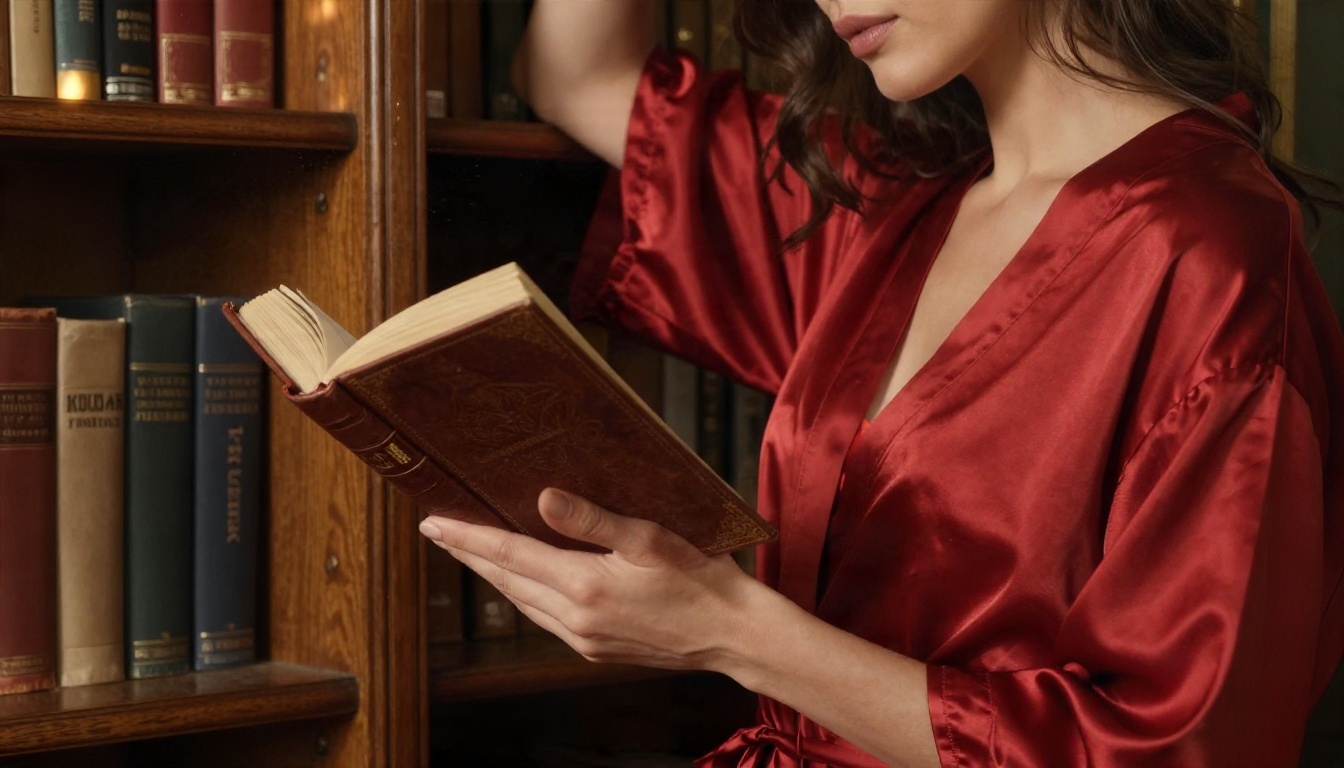
For adult glamour and boudoir imagery, start with Seedream 4.5. It produces sharp, photorealistic skin and fabric detail, and it is the model I would reach for first for this kind of tasteful, suggestive work. Keep prompts to the same line the text draws: elegant, suggestive, non-explicit.
Step 4: Edit Without Counting
Once you have a base image, open PicassoIA Image Editor Pro. It offers unlimited generations, so you can adjust the outfit, the background or the lighting as many times as you like without watching a quota. That is a real contrast with text tools that cut you off after a handful of messages.
💡 Tip: Reuse the same descriptive phrases in every image prompt: hair colour, one signature item, the lens, the light. Consistent wording gives you a consistent character across a whole story.
Prompt Template for the Image
Use this pattern and swap the details:
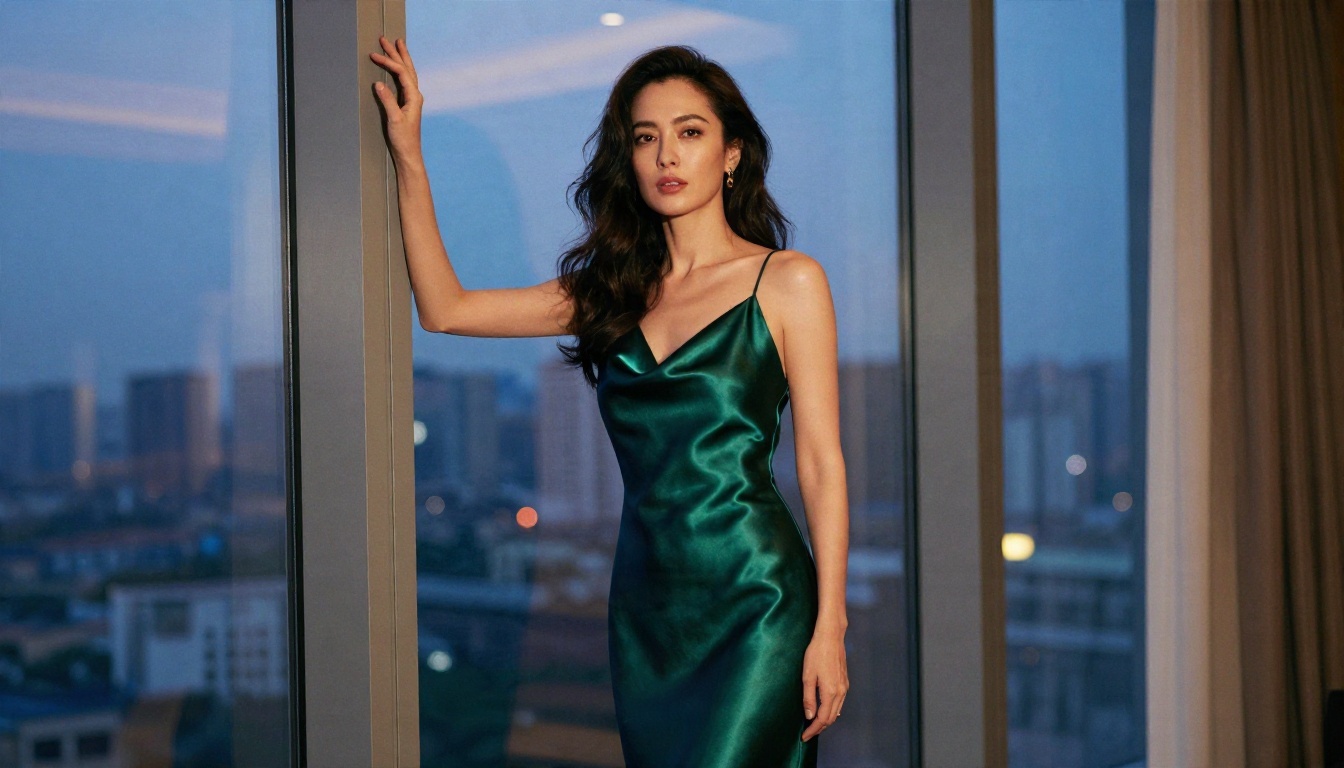
"Adult woman in her thirties, dark wavy hair, emerald satin slip dress, standing at a penthouse window at blue hour, warm lamp light from the right, 85mm f/1.4, natural skin texture, Kodak Portra 400 film grain, elegant and suggestive, non-explicit."
Mistakes That Waste Your Free Quota

Free messages go quickly. These habits burn them fastest.
- Arguing with a refusal. The model will not change its mind on the third attempt. Change the direction of the scene instead.
- Vague openers. "Write something spicy" costs a message and returns generic text. A setting and two characters cost the same message and return something usable.
- Skipping the recap. Without it, you spend messages correcting continuity.
- Requesting 2000 words at once. The reply gets cut, and you retry. Ask for one beat at a time.
- Not saving. Without an account, a closed tab erases everything.
- Using real names. It is a privacy risk and a boundary most tools refuse anyway.
A Realistic Free Session
Here is how a good ten-message session looks:
| Message | Purpose |
|---|
| 1 | Character sheets and setting |
| 2 | First beat, 250 words |
| 3 | Revision: tone and subtext |
| 4 | Second beat |
| 5 | Dialogue polish |
| 6 | Third beat, tension peak |
| 7 | Ending, ambiguous |
| 8 | Summarise to an image prompt |
| 9 | Recap for next session |
| 10 | Spare, for a rewrite |
When Free Is Not Enough
If you write most evenings, the caps will start to bite. At that point look at whether a tool's paid tier, a local setup, or simply spreading scenes across several models makes sense. There is no shame in using three free tools in rotation, and it also gives you different voices to compare.
Start Writing and Rendering Your Scene
A free NSFW AI writing tool is useful when you treat it for what it is: a fast drafting partner with filters, caps and a short memory. Pick a strong setting, give your characters flaws, ask for one beat at a time, save your text outside the tab, and keep the heat in the tension rather than in graphic detail. That approach works on almost every model and almost every free tier.
Then give the story a face. Open Seedream 4.5 on Picasso IA to render your lead character, refine the shot in PicassoIA Image Editor Pro with unlimited generations, and draft the next chapter with Claude Sonnet 5 or GPT 5.6 Luna. Browse everything else at picassoia.com/en/all-models, pick a scene from the prompts above, and see how far one evening of writing can go.


