Type "free NSFW AI chat" into a search bar and you get a wall of near-identical landing pages, each promising unlimited messages, zero filters and a companion who remembers everything about you. Then you sign up, send forty messages, and hit a paywall or a polite refusal. This article is the honest version. It spells out what "free" actually buys, how to build uncensored characters that stay in character, which prompts are worth pasting, which limits show up first, and where to go when a platform lets you down. Everything here is for adults only and fictional characters only, written for people who want better conversations, not clickbait.

What Free and Uncensored Mean
Two words carry most of the marketing in this space, and both are slippery. Before you pick a platform, it helps to know what each one usually means in practice.
Free Tiers in Practice
A free tier is rarely "unlimited everything." Most platforms give you one of three deals: a daily message allowance, a smaller or slower model on the free plan, or full access with ads and queue times. Some let you chat endlessly but restrict the best characters, memory length or image features to paying members.
From the platforms reviewed while researching this topic, the pattern is consistent. SpicyChat is widely described as allowing uncapped messages on its free plan, though with a lighter model and shorter replies. CrushOn AI is the messiest case: reports disagree on whether its free plan allows adult chat at all, and whether the limit is monthly or daily. Janitor AI is free with its own built-in model but applies daily message limits, and bringing your own API connection moves the cost to your API bill. Character.AI is free and unlimited, but it filters adult content, so it is not a true NSFW option.
💡 Tip: Pricing pages change monthly. Treat any limit you read in an article, including this one, as a starting point and check the current plan details before you commit time to a character.
Uncensored Is a Spectrum
"Uncensored" gets used for everything from "fewer refusals on romance" to "will write anything." In reality there are three layers where filtering happens: the model itself, the platform wrapper around it, and the prompt you give it. A platform can run a permissive model and still block certain words. Another can run a cautious model and let you roleplay freely because the system prompt sets expectations.
Here is a quick way to read the claim:
| Claim you see | What it usually means |
|---|
| "No filter" | Platform adds no extra moderation layer on top of the model |
| "NSFW toggle" | Adult content is allowed after an age confirmation |
| "Unlimited chat" | No hard message cap, but speed or quality may drop |
| "Uncensored model" | The underlying model was tuned to refuse less |
Building Uncensored Characters That Last
A character is just a block of text the model reads before every reply. The better that block is, the less the character drifts after fifty messages. Most bland chats fail here, not at the model.
The Anatomy of a Good Card
A solid character card has five parts, and none of them need to be long:
- Name and age. State that the character is an adult, plainly. This keeps every platform on the same page.
- Voice. Three adjectives and one sample line. "Dry, warm, a little teasing: 'You showed up early. Suspicious.'"
- Backstory. Two or three sentences, only what affects how they talk.
- Boundaries. What the character will not do. This makes roleplay feel more real, not less.
- Scenario. Where the conversation starts and what each person wants.
Personality Beats Appearance
New users spend most of the card describing hair color and outfits. Models barely use that. What they use is rhythm: short sentences or long ones, humor or sincerity, who initiates, who hesitates. A character with a clear speaking habit feels alive even in a free tier with a small model.
A useful trick is the contradiction line. Give the character one trait that fights another: "Confident in public, shy when alone." It gives the model something to play with and gives you something to draw out.
Keep the Greeting Short
The first message sets the pattern for every reply that follows. If the greeting is five long paragraphs, the model will answer in five long paragraphs, burning through your limits and your patience. Open with two or three lines, one action and one question, and the chat stays easy to steer.

Prompts That Actually Work
Good prompts for adult roleplay are less about shock words and more about clarity. Models respond to structure, so give them some.
The Five-Line Opener
Paste something like this at the start of a chat if the platform lets you set a system message:
- Role: "You are Mara, a 29-year-old gallery owner."
- Tone: "Playful, slow-burn, confident."
- Format: "Reply in 2 to 4 sentences. Use asterisks for actions."
- Rules: "Stay in character. Never speak for me. Ask before changing the scene."
- Scene: "We meet at her gallery after closing."
The format and rules lines do the heavy lifting. They keep replies short, which saves your daily allowance, and they stop the model from writing your side of the story.
Steering Without Breaking the Scene
When a reply goes off track, resist the urge to argue with the model. Out-of-character corrections confuse smaller models and sometimes trigger refusals. Use soft redirects instead:
- Scene change: "She glances at the clock. 'We should move this somewhere quieter.'"
- Pace control: "Slow down. Focus on the moment, not the next step."
- Reset tone: "(OOC: Keep it playful rather than serious.)"
Keep out-of-character notes in brackets and short. One line is enough.
Prompt Templates to Copy
| Goal | Prompt pattern |
|---|
| Slow-burn romance | "Build tension gradually. Focus on glances, pauses and small gestures." |
| Banter | "Replies should be witty and quick. Tease me, but stay warm." |
| Longer replies | "Write 3 paragraphs: action, dialogue, inner thought." |
| Memory refresh | "Summarize what has happened so far in 3 lines, then continue." |
| Mood lighting | "Describe the setting in one sentence before each reply." |
💡 Tip: If you are running a general LLM to draft character cards, such as Llama 4 Maverick Instruct or Deepseek v3, ask it for the card, the greeting and three sample lines in one go. Those are general-purpose models with their own safety behavior, so treat them as writing partners for personality and structure, not as guaranteed adult-chat engines.
Limits You Will Hit First
Every free platform has limits. The trick is knowing which ones matter before you invest in a character.

Message Caps and Queues
Daily caps are the most obvious wall. They range from a few dozen messages to effectively none. The less obvious version is the queue: free users wait behind paying users during busy hours. A chat that feels instant at 10 a.m. can crawl at 9 p.m.
Short replies stretch a daily allowance further. If you have fifty messages a day, a two-sentence reply style gives you a real conversation, while a four-paragraph style burns the cap in a handful of exchanges.
Memory and Context Length
Models forget. Free plans usually run with a small context window, so details from message 20 vanish by message 80. You will notice it when a character forgets a name, a promise or the room you are standing in.
Fixes that work on any platform:
- Put permanent facts in the character card, not in the chat.
- Ask for a three-line summary every 30 or so messages, then paste it back in.
- Keep scenes short and start fresh chapters instead of one endless thread.
Quality Downgrades
Free tiers often route you to a lighter model. Symptoms are repetitive phrasing, generic replies and characters that slide toward the same personality. If you notice it, a sharper character card and a stricter format line help more than switching platforms.
| Limit | How it shows up | Best workaround |
|---|
| Daily message cap | "Come back tomorrow" | Shorter replies, fewer retries |
| Queue wait | Slow replies at peak hours | Chat off-peak |
| Short memory | Forgotten details | Summaries, detailed card |
| Lighter model | Repetitive, generic replies | Tighter prompts |
| Locked characters | Best bots need a plan | Build your own card |

Safety, Privacy and Consent
Adult chat is private by nature, which makes the habits around it matter more, not less.
Privacy Checks Worth Doing
- Use a separate email and avoid your real name, workplace or location in chats.
- Read the data policy for one thing: are conversations used for training or stored indefinitely?
- Check deletion options. A platform that lets you wipe a chat history is better than one that does not.
- Skip uploading personal photos. Fictional characters do not need your face.
Payment details deserve the same caution. Free trials that ask for a card up front often renew silently, so set a reminder the day you sign up.
Hard Lines
Some things are off the table, and any serious platform enforces them. Characters must be adults. Do not build characters from real people without consent, including celebrities and acquaintances. Do not use chat to create or spread content that targets a real person. Good roleplay lives entirely in fiction, and that is also what keeps your accounts safe.
Developers building their own chat apps often add a moderation layer. A tool like Llama Guard 4 12B classifies messages against safety categories, which is useful if you are running a chat product and need to enforce age and consent rules consistently.

Alternatives When Free Falls Short
If a platform keeps hitting you with caps, filters or bland replies, you have options. None is perfect, so pick based on what annoys you most.
Other Chat Platforms
| Platform | Free tier (as reported) | Watch out for |
|---|
| SpicyChat | Uncapped messages, lighter model | Shorter, simpler replies |
| CrushOn AI | Daily allowance, sources disagree on NSFW | Plan rules change often |
| Janitor AI | Free built-in model, daily limits | Setup for API use |
| Character.AI | Free and unlimited | Adult content filtered |
| Candy AI | Very limited free use | Most features paid |
These are described from reviews and community reports, so double-check on the platform itself before you rely on any detail.
Bring Your Own Model
Power users skip the platform entirely. A front-end that connects to a model API gives you full control over the system prompt and memory, and you pay per message instead of per month. It costs more to set up and less in the long run if you chat heavily. The tradeoff is that you are responsible for safety settings and for choosing a model whose provider rules fit your use.
Pair Chat With Images
A growing number of people treat chat as half the experience and images as the other half. A character with a consistent face gives you a reference for the conversation, and for many users that is what makes a character feel real. This is where PicassoIA fits in, and it is the next section.

Give Your Characters a Face
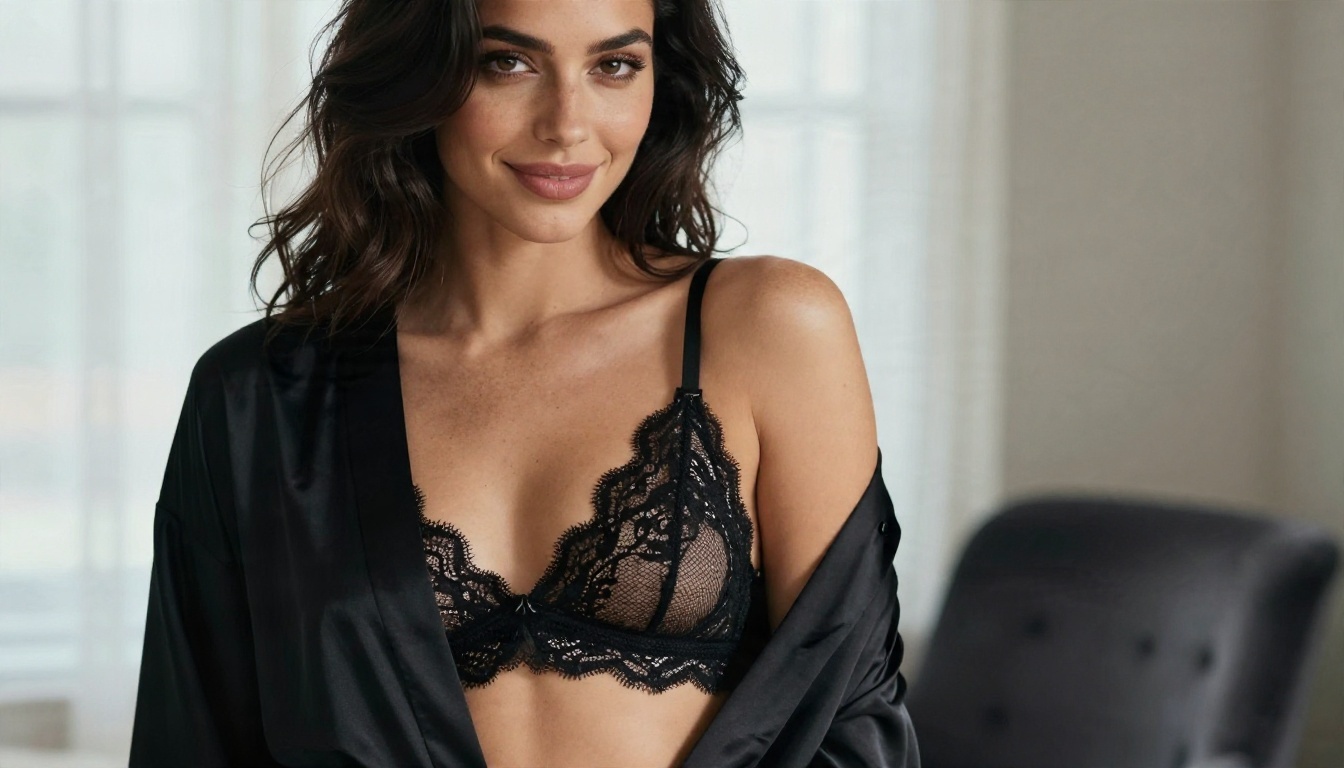
Text chat is one half of a character. The other half is how they look. PicassoIA focuses on the visual side, with generation that is built for glamour and boudoir style imagery: suggestive, attractive and artistic, without crossing into explicit content.
Start With Seedream 4.5
Seedream 4.5 is the first model to try. It produces sharp, high-resolution portraits with convincing skin texture, fabric and lighting, which makes it a strong match for character art. Describe your character the way you wrote the card: age, hair, outfit, setting, light direction and camera lens.
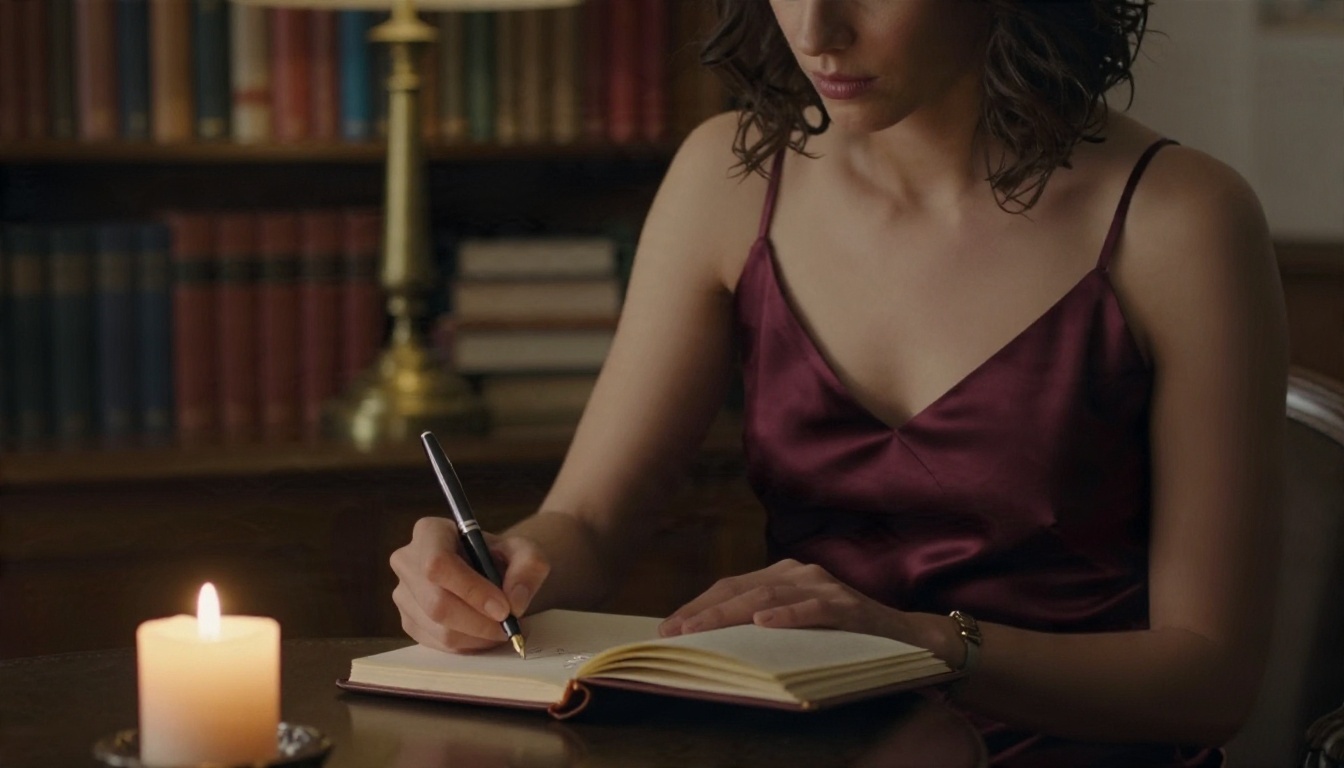
A prompt that works well: "Portrait of a 29-year-old gallery owner in a burgundy satin slip dress, candlelit lounge, 85mm f/1.8, shallow depth of field, soft film grain."
Unlimited Edits With Image Editor Pro
PicassoIA Image Editor Pro is where you iterate. It offers unlimited generations, so you can adjust the outfit, the background or the mood across as many variations as you want without watching a counter. That matters for characters, because getting a consistent look usually takes a dozen tries.
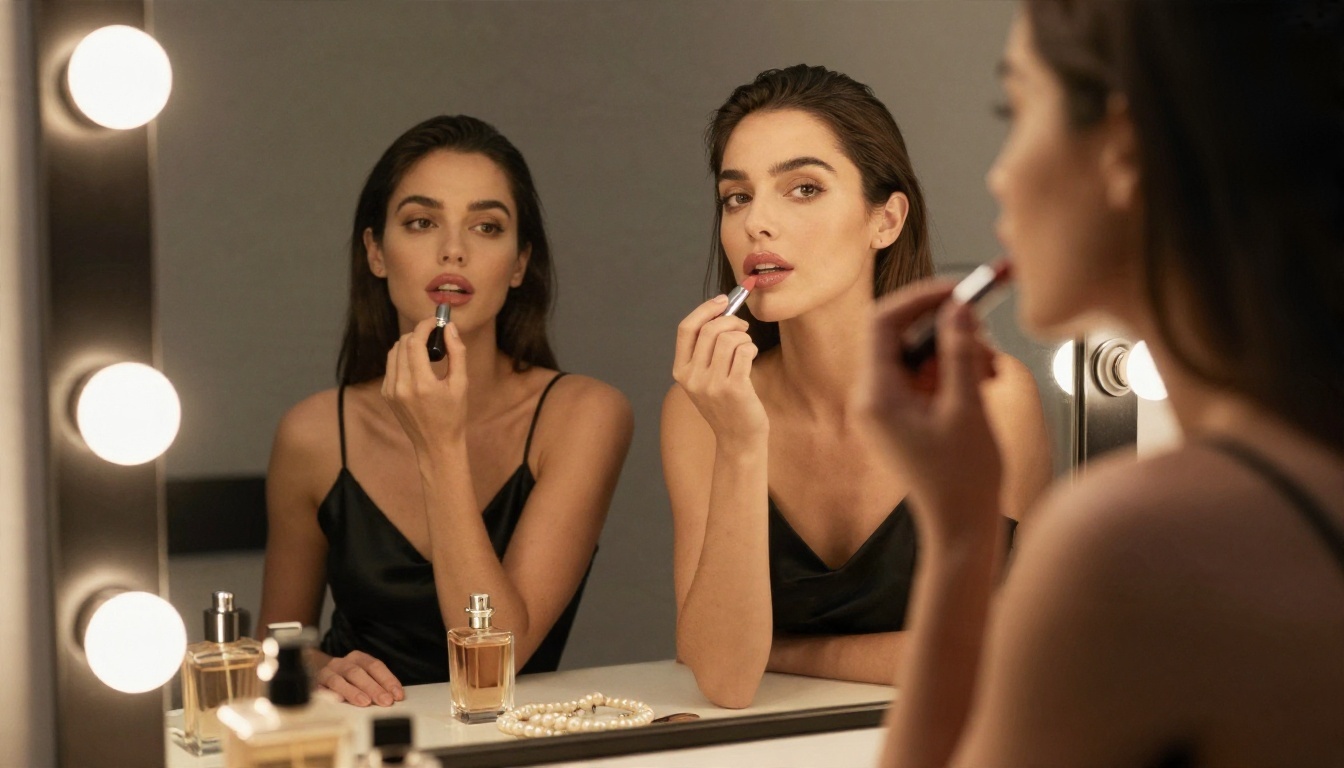
Other Models Worth Trying
A Simple Workflow for Consistent Characters
- Write the character card in your chat tool, including hair, build, signature outfit and setting.
- Copy the visual lines into a Seedream 4.5 prompt and generate a first portrait.
- Pick the best result and refine it in Image Editor Pro: change the lighting, the outfit or the background.
- Save the final prompt next to the card so the look stays consistent across future sessions.
- Build a small set: a portrait, a full-length shot and one mood scene.
💡 Tip: Reuse the same descriptive phrases in every prompt: "chestnut wavy hair, freckles, small silver necklace." Repeated anchors are what hold a face steady from image to image.
Create Your Own Characters Today
Free NSFW chat is worth trying, as long as you walk in knowing the trade-offs: caps, lighter models, shifting rules and a lot of marketing noise. Spend your effort where it counts. Write a sharp character card, keep replies short, store permanent facts in the card, and treat privacy as part of the setup.
Then give the character a face. Try Seedream 4.5 for your first portrait, move to PicassoIA Image Editor Pro for unlimited variations, and browse every option at picassoia.com/en/all-models. Pick a character, write one good prompt, and see what comes back.


