You search for a free NSFW app, install the first result, and within ten minutes you hit a wall: a blurred preview, a countdown timer, or a popup asking for a subscription. It happens to almost everyone. The promise of "free" is real, but it comes with conditions that are rarely explained up front. This article lays them out plainly: what you actually get, where the limits show up, and which online alternatives give you more room to create photorealistic glamour images without the friction.
A quick note on scope. Everything here is about non-explicit adult content: boudoir, swimwear, lingerie, glamour portraits and the suggestive, attractive aesthetic you see in fashion and editorial photography. That is the lane where AI image tools perform best, and it is also the lane where you get the cleanest, most shareable results.
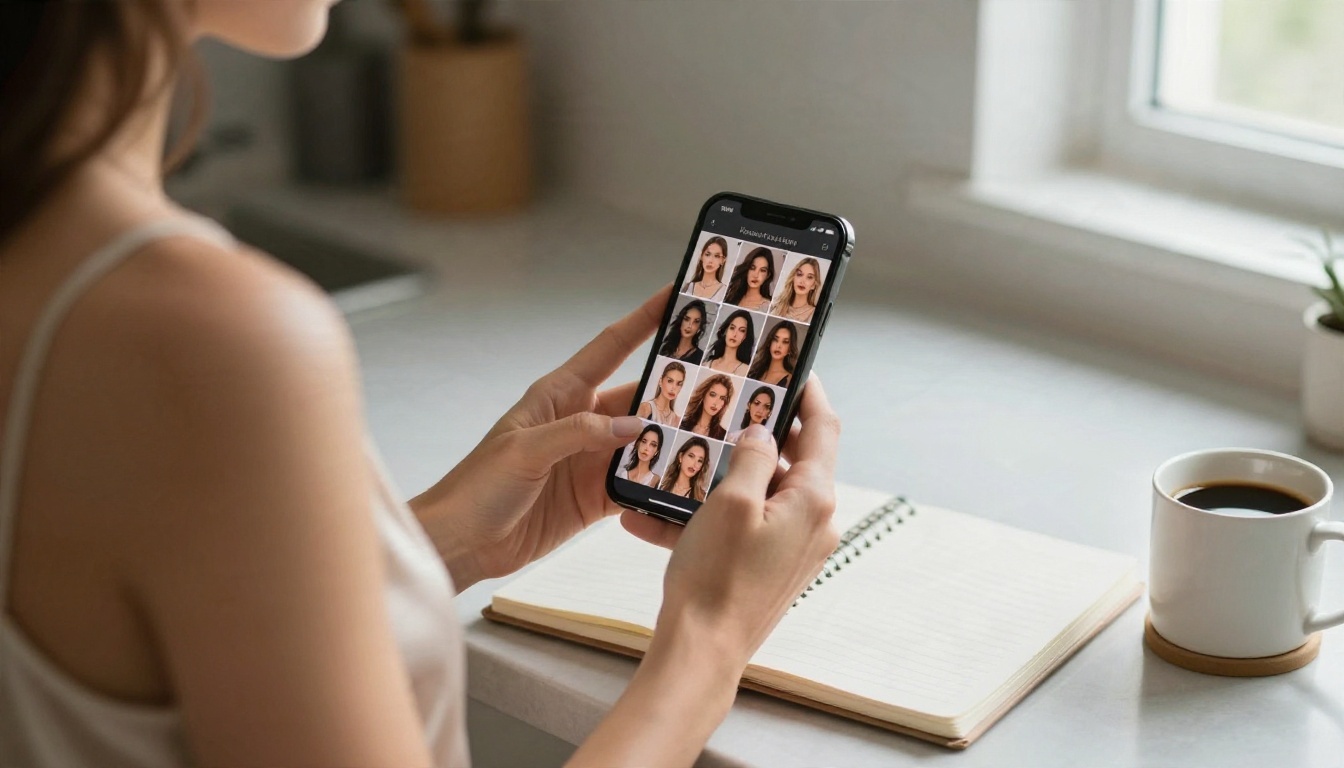
What "Free" Actually Means
Free is a pricing tier, not a promise. Most apps in this space run on the same basic logic: give you enough to get hooked, then ask you to pay to keep going. Knowing the mechanics helps you decide quickly whether an app is worth your time.
The Credit Model
The most common setup is a daily or weekly credit allowance. You might receive a handful of generations per day, and each image, edit or chat message burns one or more credits. Higher quality settings, larger sizes and faster queues cost more. When the credits run out, the app locks until the timer resets or you buy a pack.
Credits are not inherently bad. They keep servers affordable. The problem appears when the free allowance is so small that you cannot finish a single idea. If you need six attempts to land one good image, three free credits a day is not a free app. It is a demo.
Ads, Watermarks, and Blurs
The second layer is friction. Free users often see:
- Banner or video ads between generations
- Watermarks stamped on every output
- Blurred previews that only clear after payment or after watching an ad
- Lower resolution exports, sometimes capped at 512 or 768 pixels
Individually these are tolerable. Stacked together, they turn a quick creative session into a slow, annoying one.
💡 Quick test: Generate one image on any new app and export it. If the file is small, watermarked, or blurred, you now know what the free tier really offers. It takes two minutes and saves you an evening.
What You Get for Zero Dollars
Let's be fair. Free tiers do deliver something, and for casual use it can be enough. Here is a realistic picture.
Image Quality
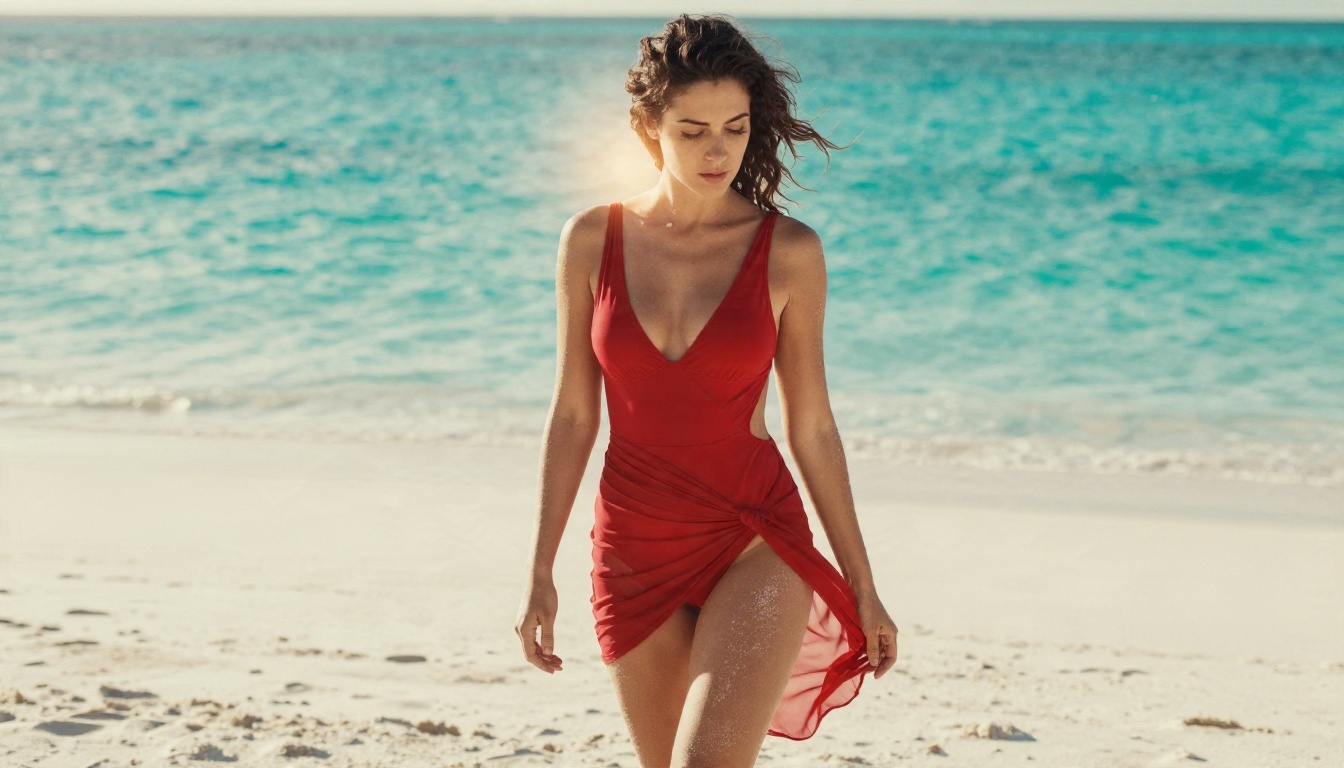
Free tiers usually run a smaller or older model, or the same model at reduced settings. Expect decent faces at a distance, but weaker hands, inconsistent skin texture and a slightly plastic look up close. Backgrounds can drift into odd geometry. For social media thumbnails it is fine. For prints, wallpapers or portfolio work, it falls short.
Speed and Queues
Paid users go first. Free users wait. On a busy evening the queue can stretch from seconds to several minutes per image. If you iterate on prompts, that wait multiplies fast. Ten tweaks at three minutes each is half an hour of staring at a progress bar.
Chat Companions
Many "NSFW apps" are really chatbots with a character attached. The free tier typically allows a limited number of messages per day, after which the character goes silent or turns generic. Memory is often shallow too, so the character forgets details from earlier in the conversation unless you pay for longer context. If your main goal is images, a chatbot-first app is the wrong tool.
| Feature | Typical Free Tier | Typical Paid Tier |
|---|
| Daily generations | 3 to 10 | Large packs or unlimited |
| Resolution | Low to medium | Up to 2K or 4K |
| Watermark | Often yes | No |
| Queue speed | Slow at peak hours | Priority |
| Chat memory | Short | Extended |
| Ads | Frequent | None |
Where the Limits Bite
The headline limits are easy to spot. The ones below tend to surprise people after they have already invested time.
Daily Caps That Reset Too Slowly
A daily cap sounds generous until you realize that creative work is iterative. Real image work is a loop: prompt, review, adjust, repeat. A cap of five turns that loop into a single attempt per idea. You end up settling for "good enough" instead of the shot you actually pictured.
Filters That Move Without Warning
Content rules on free apps can be strict, inconsistent, or both. A prompt that worked yesterday gets rejected today because the filter was updated. Some apps block words that are harmless in context, like "beach" or "bikini," while letting other things slide. The result is wasted credits on blocked generations, and some apps still charge you for them.
This is one of the biggest reasons users look for uncensored alternatives that stay within non-explicit territory. They want a tool that handles swimwear, lingerie and glamour without treating every prompt as a threat.
Privacy and Data
This one deserves real attention. Before you type anything personal into an app, check:
- Where are your prompts stored, and for how long?
- Are your generated images public by default in a feed or gallery?
- Does the app ask for access to your camera roll, contacts or microphone without a clear reason?
- Is there account deletion that actually removes your data?
An app that publishes your creations to a public gallery by default is a bigger risk than a slow queue. Read the settings screen before your first generation, not after.
How to Spot a Bad Free App
Not every free app is a trap, but enough of them are that a quick checklist pays off.
Red Flags Worth Noticing
- No clear pricing page. If you cannot see what the paid tier costs before signing up, expect surprises.
- Subscriptions that start on a "free trial." Check the renewal terms before you enter a card.
- Requests for real photos of yourself or other people. Never upload photos of real individuals without their consent. That is a line worth holding firmly.
- Fake review counts and five-star ratings with identical wording.
- Aggressive upsells after every single generation.
- No account deletion option.
💡 Rule of thumb: If the app hides the limits until after you sign up, the limits are the business model.
Age and Consent Basics
Legitimate platforms require users to be adults and keep generated characters clearly adult. Any tool that is vague about this is one to leave alone. Stick to fictional adult subjects, keep your content non-explicit, and you avoid most of the trouble that gives this category a bad reputation.
Better Alternatives Online
If a free app leaves you waiting, blurred or capped, browser-based AI platforms are the natural next step. You skip the install, you get access to stronger models, and you are not locked to a single character or style. On PicassoIA, the models below are the ones worth trying first for glamour and suggestive, non-explicit imagery.
Seedream 4.5 for Photorealism
Seedream 4.5 is the first model to try. It produces sharp, natural-looking skin, believable fabric and clean lighting, which are exactly the details that separate a convincing glamour portrait from an obviously synthetic one. It handles swimwear, lingerie-style fashion shots and boudoir scenes with far less of the plastic finish you see from lightweight free-tier models, and it outputs high resolution suitable for wallpapers and prints.
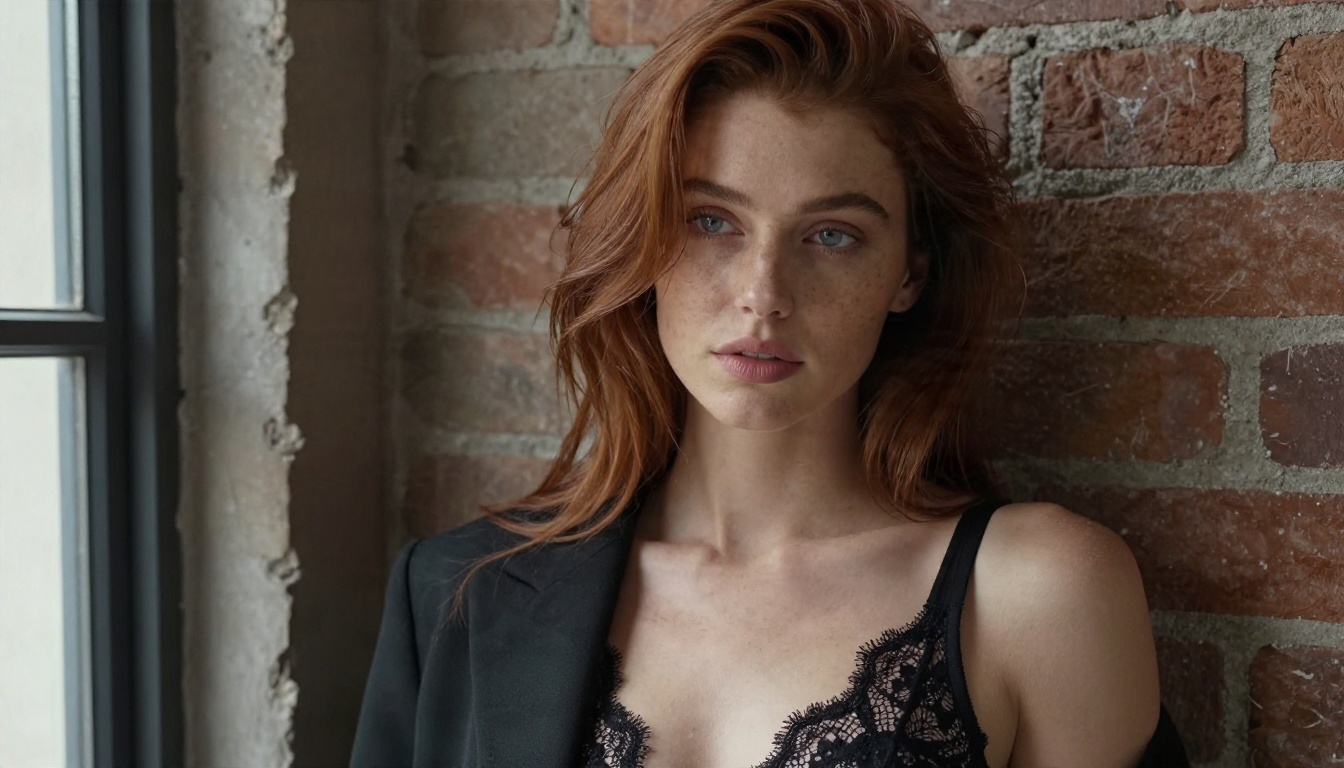
Image Editor Pro for Unlimited Edits
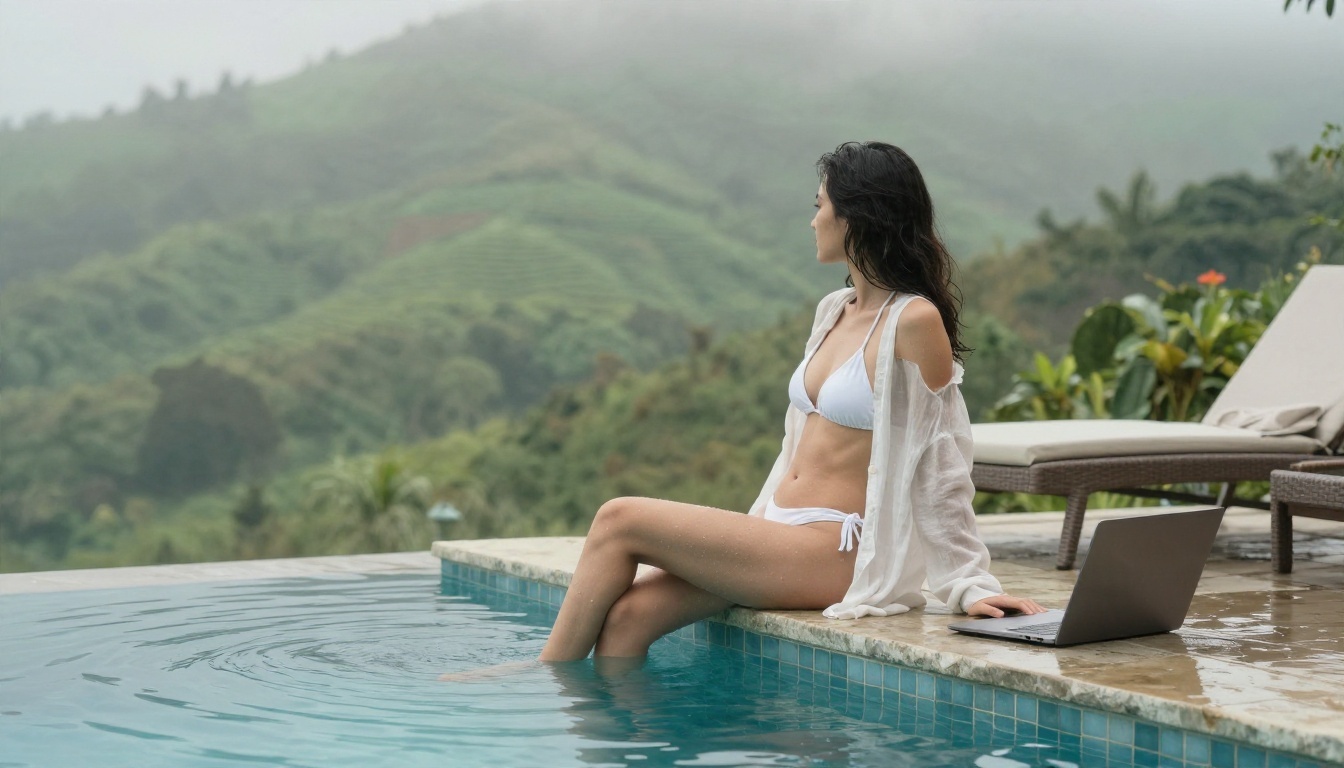
PicassoIA Image Editor Pro is the answer to the credit problem. It offers unlimited generations, so you can iterate as many times as the idea needs without watching a counter. Change an outfit, adjust the lighting, swap the background or fix a detail, then do it again. It is fast, it is uncensored within non-explicit boundaries, and that unlimited loop is where the real quality comes from.
Other Models Worth Testing
Different models have different strengths, so it helps to keep a few in rotation. Content handling varies from model to model, so run a short test prompt before committing to a long session.
Browse the full catalog at picassoia.com/en/all-models to see everything available.
Free App vs Online Platform
| Factor | Typical Free App | PicassoIA Models |
|---|
| Generation limits | Daily caps | Unlimited with Image Editor Pro |
| Output quality | Medium, often watermarked | High resolution, clean |
| Speed | Queues at peak times | Fast |
| Filter behavior | Inconsistent | Uncensored within non-explicit limits |
| Install required | Yes | No, runs in the browser |
| Model choice | One | Many |
How to Use Seedream 4.5
Seedream 4.5 is simple to run once you know which settings matter. Here is a workflow that produces strong results on the first or second try.
- Open the model page. Go to Seedream 4.5 and sign in.
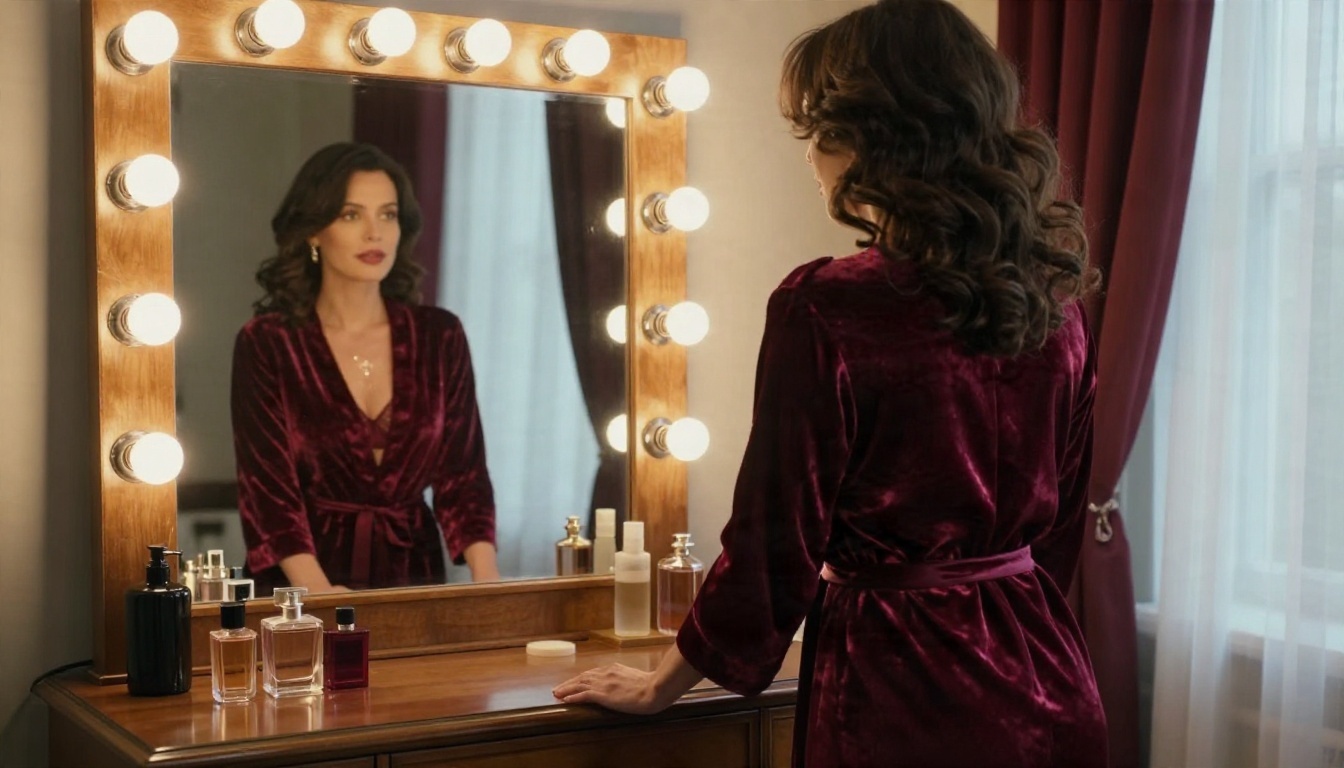
- Write a subject-first prompt. Start with who or what is in the frame, then the pose, then the setting. Example: "A woman in her late twenties in a burgundy velvet lingerie set and satin robe, standing before a vintage vanity mirror."
- Add lighting. This is the single biggest quality lever. Try "soft window light from the left" or "warm golden hour backlight."
- Add lens language. Phrases such as "85mm f/1.8, shallow depth of field" push the result toward a real photograph.
- Choose 16:9 for wallpapers and banners, or a portrait ratio for social posts.
- Generate, review, adjust. Change one thing at a time so you can see what moved the result.
- Take the best frame into Image Editor Pro for unlimited refinements such as outfit swaps, background changes or detail fixes.
💡 Parameter tip: Keep prompts between 40 and 80 words. Shorter prompts leave too much to chance, and longer ones start to contradict themselves.
Prompts That Work
Strong prompts are the difference between a forgettable image and one you want to keep. A few habits make a large difference.
Describe Light and Texture
Models respond well to physical detail. Instead of "pretty woman in lingerie," try "natural skin texture with fine pores, satin sheen with soft creases, warm light from the left, faint film grain." You are not asking for a style, you are describing a photograph.
Use an LLM to Draft Prompts
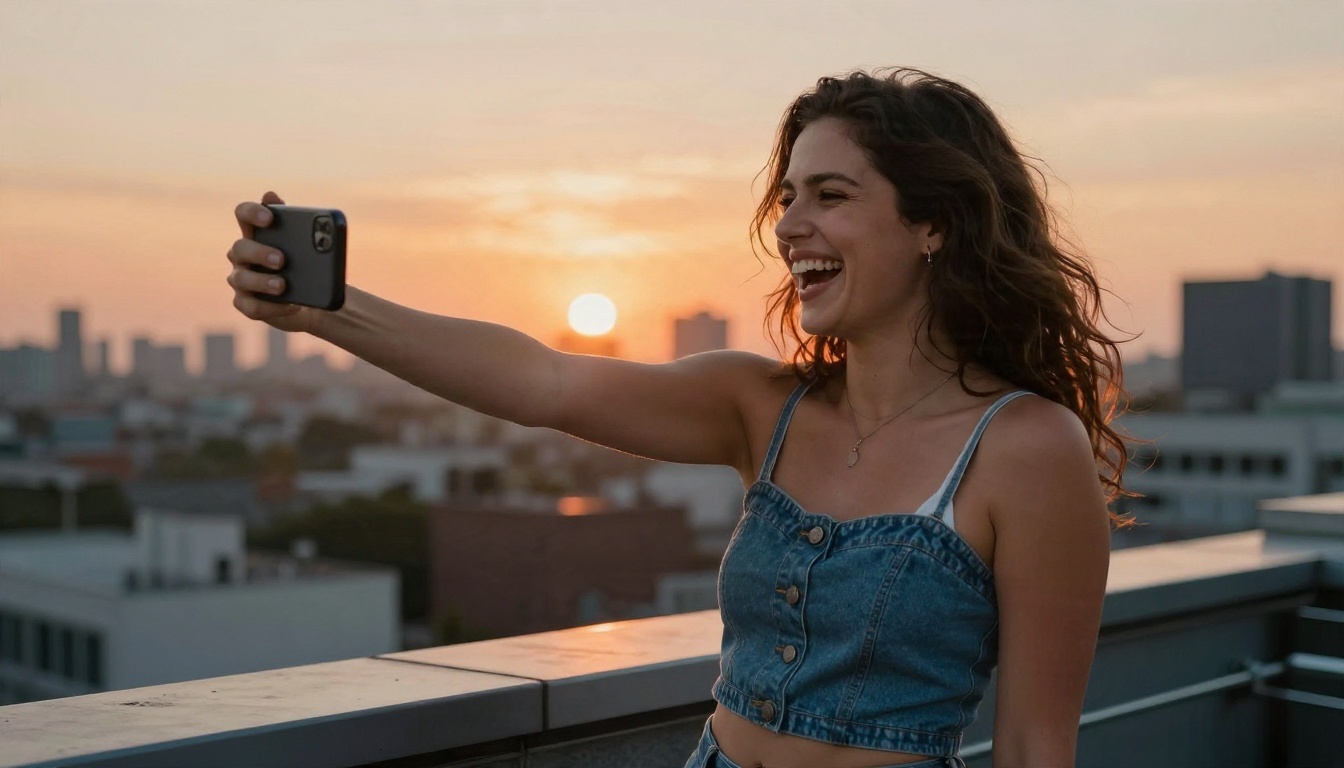
If writing prompts feels slow, a language model can do the heavy lifting. Models like Deepseek V3.1 can turn a loose idea into a structured prompt with subject, setting, lighting and camera details. Give it a short brief such as "rooftop sunset, casual summer outfit, candid laugh," and ask for a 60-word photographic prompt. Paste the result into your image model and adjust from there.
Keep a Prompt Log
Save the prompts that worked. A short note with the model name, the prompt and the result lets you rebuild a look in seconds. Over a few sessions you will have a personal library that outperforms any template an app offers.
Common Mistakes
- Stacking too many styles in one prompt, which muddies the output
- Forgetting the lighting direction, which leaves the image flat
- Changing five variables at once, so you never learn what helped
- Ignoring aspect ratio, then cropping a good image into a bad one
When a Chat App Still Makes Sense
Image generation and chat are different jobs. If what you want is conversation, a companion app with a free tier can be a reasonable choice, as long as you accept the message caps and the privacy trade-offs listed earlier. Use it for dialogue, and use a dedicated image platform when you want visuals.

A practical split many people settle on:
- Chat companion for conversation and role-play with a persistent character
- Image platform for high quality glamour pictures, wallpapers and portraits
- LLM for drafting prompts, captions and scene descriptions
Mixing tools this way avoids paying for features you do not use and keeps the weak points of each one out of your way.
Start Making Your Own Images
A free NSFW app is a fine place to peek at what AI can do, but it is a poor place to stay. Credits, queues, watermarks and shifting filters all push you toward paying for a tool that still limits what you create. A browser-based platform with stronger models and unlimited generations removes most of that friction in one move.
Here is a simple plan for tonight:
- Open Seedream 4.5 and generate a first glamour portrait using a lighting-first prompt.
- Move your favorite result into PicassoIA Image Editor Pro and refine it as many times as you like.
- Use Deepseek V3.1 to draft three new prompts and try them back to back.
- Browse every available model and pick the one that fits your style.
Try your own idea on Picasso IA today. Write a prompt, change the light, swap the outfit, and see how far a single concept can go when no counter is ticking down.


