You open a blank chat window at 11 p.m., the cursor blinks, and your brain offers nothing. You know the pairing, you know the mood, you even know the first line of dialogue, but the scene refuses to start. That is the moment a good prompt saves the evening. This article gives you Free NSFW AU: Story Prompts, Roleplay Chat Ideas, and Image Examples that you can paste straight into a chat model or an image generator, all written for adults and all kept suggestive rather than explicit.
Everything below is built around three tools working together: a chat model for the story, a second pass for character notes, and an image model for photorealistic scene art. You will see ready-made prompts, a table of the best models on PicassoIA for each job, and a short workflow you can repeat for every new universe.
💡 Quick rule before we start: every character in every prompt here is an adult, and every image prompt stays in tasteful glamour territory. Think lingerie-adjacent fashion, evening gowns, swimwear, and lots of tension. Nothing pornographic.
What AU Means in Fan Fiction
AU stands for alternate universe. You take characters you already love, or original ones you invented, and drop them into a world where the rules changed. Maybe they never became rivals, maybe they met in a coffee shop instead of a war room, maybe one of them is a vampire noble and the other is the only person at the gala who is not afraid.
Why AUs Work So Well With AI Chat
An AU gives a language model something it craves: clear constraints. When you tell a model "modern city, rainy night, two exes meeting at a bookstore," it has a setting, a mood, two roles and a built-in conflict. Vague prompts produce vague scenes. A tight AU produces dialogue with a pulse.
Why the "NSFW" Label Needs Care
In most communities, NSFW means adult themes, not graphic content. The strongest romantic writing leans on tension, restraint, glances, and the almost-kiss. That style also happens to be the one chat and image models handle best, because the suggestive moment is where the emotion lives.
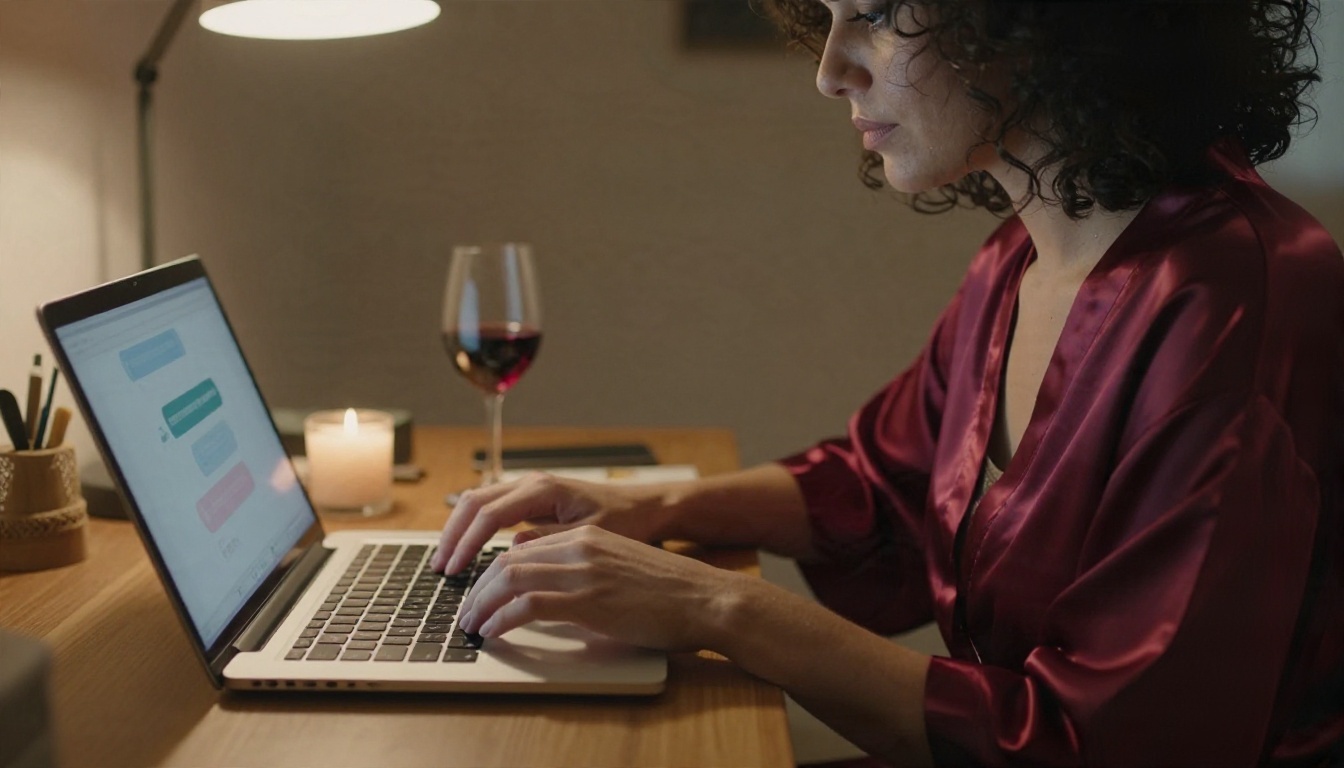
Story Prompts You Can Copy Today
Each prompt below is a starter. Paste it into a chat model, then answer the questions the model asks back. The more you reply, the richer the world becomes.
Slow Burn Setups
These work when you want the tension to climb over many messages.
- The Rain Delay. "Two adults, strangers, share one umbrella during a storm in a big city. He is a night shift nurse, she is a late-working architect. Write the first scene in third person, present tense, with plenty of eye contact and almost no touching."
- The Wrong Room. "Write a scene in a boutique hotel where a woman walks into the wrong suite and finds an old flame waiting. Both are in their thirties. Keep it flirtatious, with sharp banter and one long silence."
- The Pen Pal AU. "Two writers have exchanged letters for years without meeting. Tonight is the first time they stand face to face. Write the first five minutes."
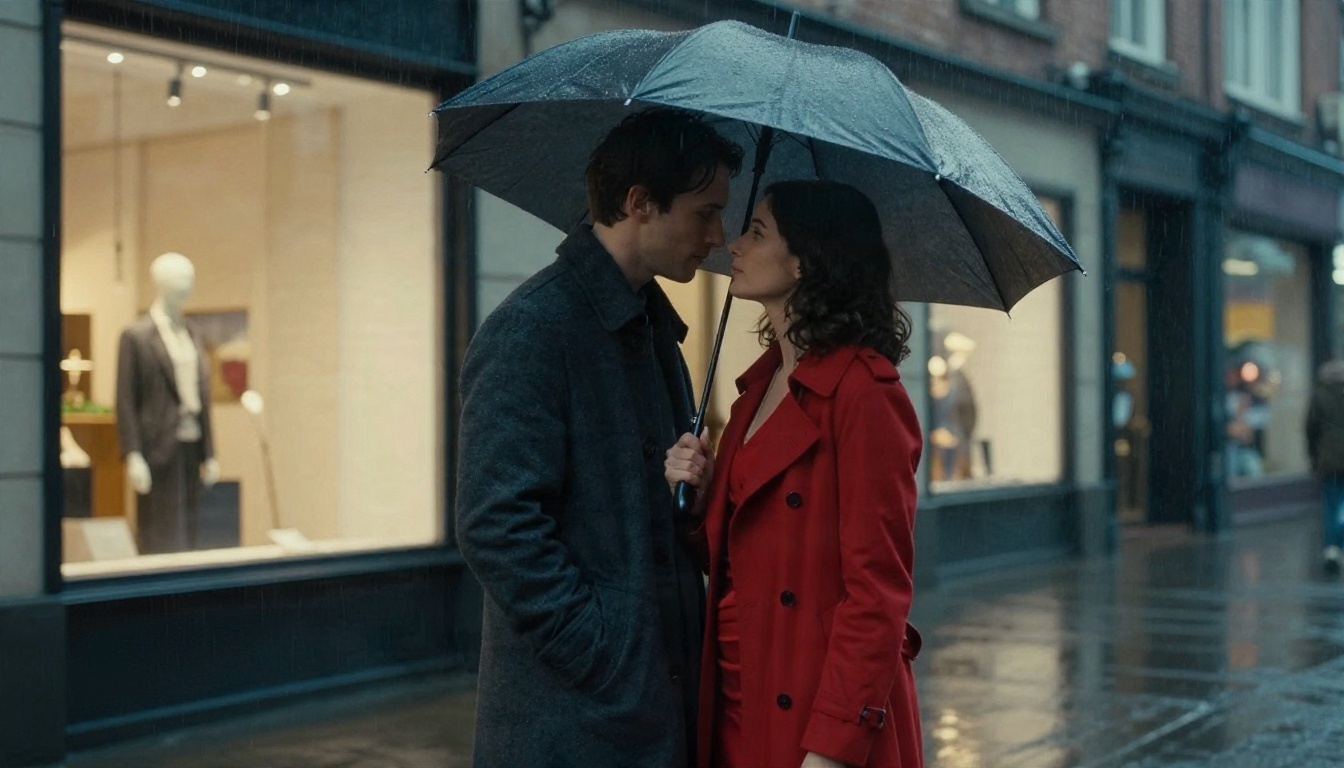
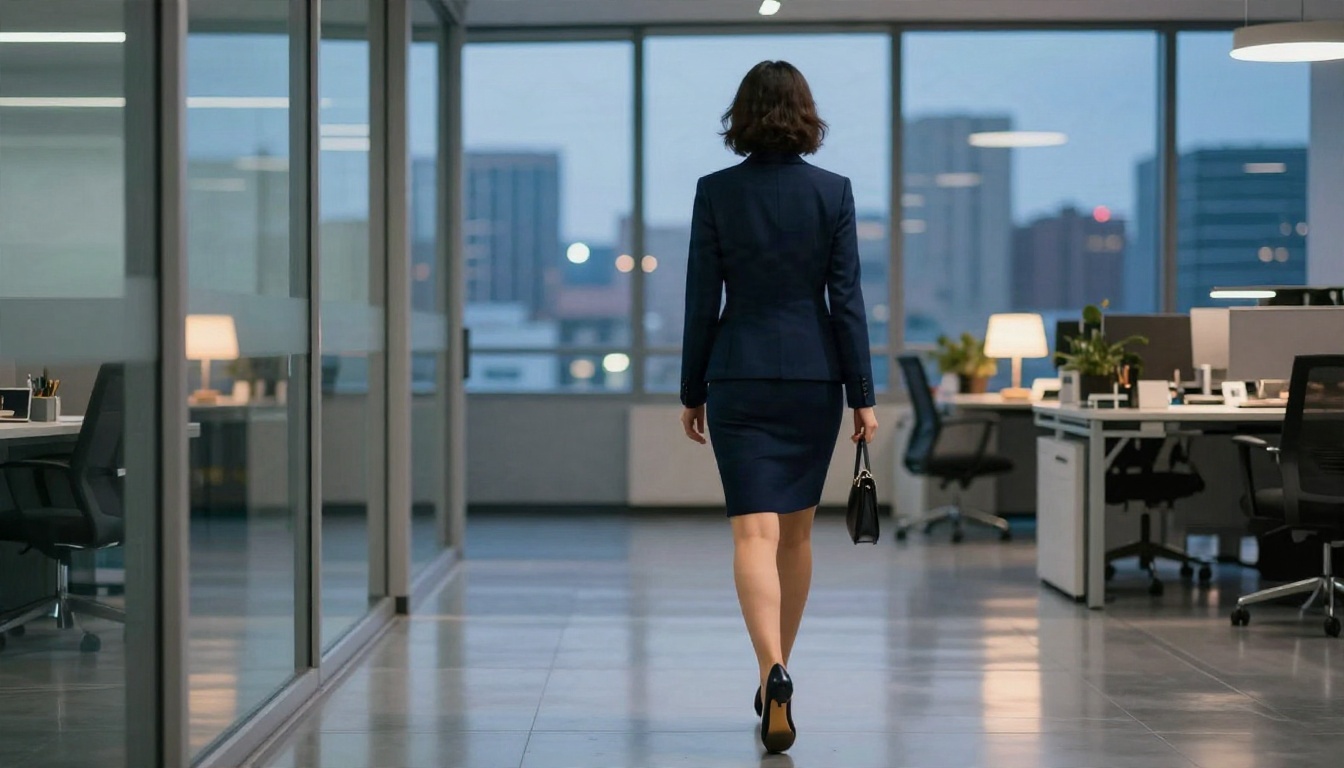
Office and City Romance
Workplace and city AUs give you built-in power dynamics, which makes dialogue crackle.
- After Hours. "A senior partner and a new associate are the last two people on the floor. A deadline binds them, a thunderstorm traps them. Write the scene with restrained, tense dialogue."
- The Rival Merger. "Two executives from competing firms are forced to share a conference room for a week. Write day three."
- The Neighbour AU. "Two adults share a thin apartment wall. One plays piano at midnight, the other writes at the same hour. Write the first knock on the door."
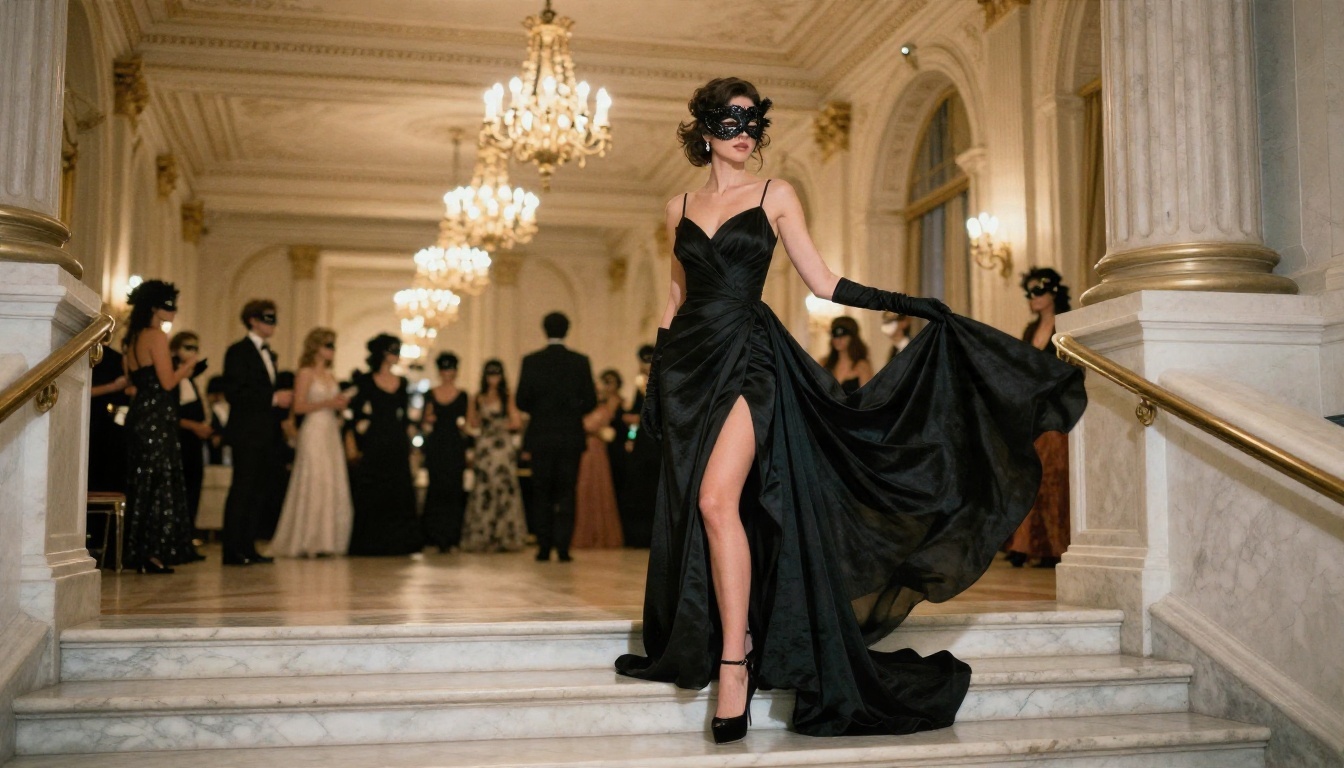
Gothic and Masquerade Worlds
For readers who prefer atmosphere over realism, a gothic or period AU lets you lean into velvet, candlelight, and slow reveals.
- The Masquerade. "At a gala, everyone wears a mask. A woman in black meets a stranger on a staircase and neither will give a name. Write the dance."
- The Vampire Noble. "A centuries-old noble hosts a dinner. Her guest, a human historian, is the only one who asks real questions. Write the toast."
- The Lighthouse Keeper. "A storm strands two adults in a coastal lighthouse. The generator fails and the only light is a single lantern."
Roleplay Chat Ideas That Stay Alive
Roleplay chat differs from story writing because you are one of the characters. The model plays the other. Quality depends on setup, not luck.
Set the Scene First
Open every roleplay with a short setup message before any dialogue. Include:
| Element | Example |
|---|
| Setting | "A candle-lit library, late autumn, a storm outside" |
| Your character | "Mara, 32, a restorer of rare books, dry humour" |
| Their character | "Elias, 35, the new owner of the manor, guarded" |
| Tone | "Slow, tense, witty. No explicit content." |
| Format | "Third person, past tense, 120 words per reply" |
That last row matters. Telling the model how long to write stops it from rushing the scene or dumping five paragraphs when you wanted two.
Starter Messages to Copy
Paste one of these as your first in-character line:
- "She set the wine down a little too carefully. You said you wanted to talk about the contract. So talk."
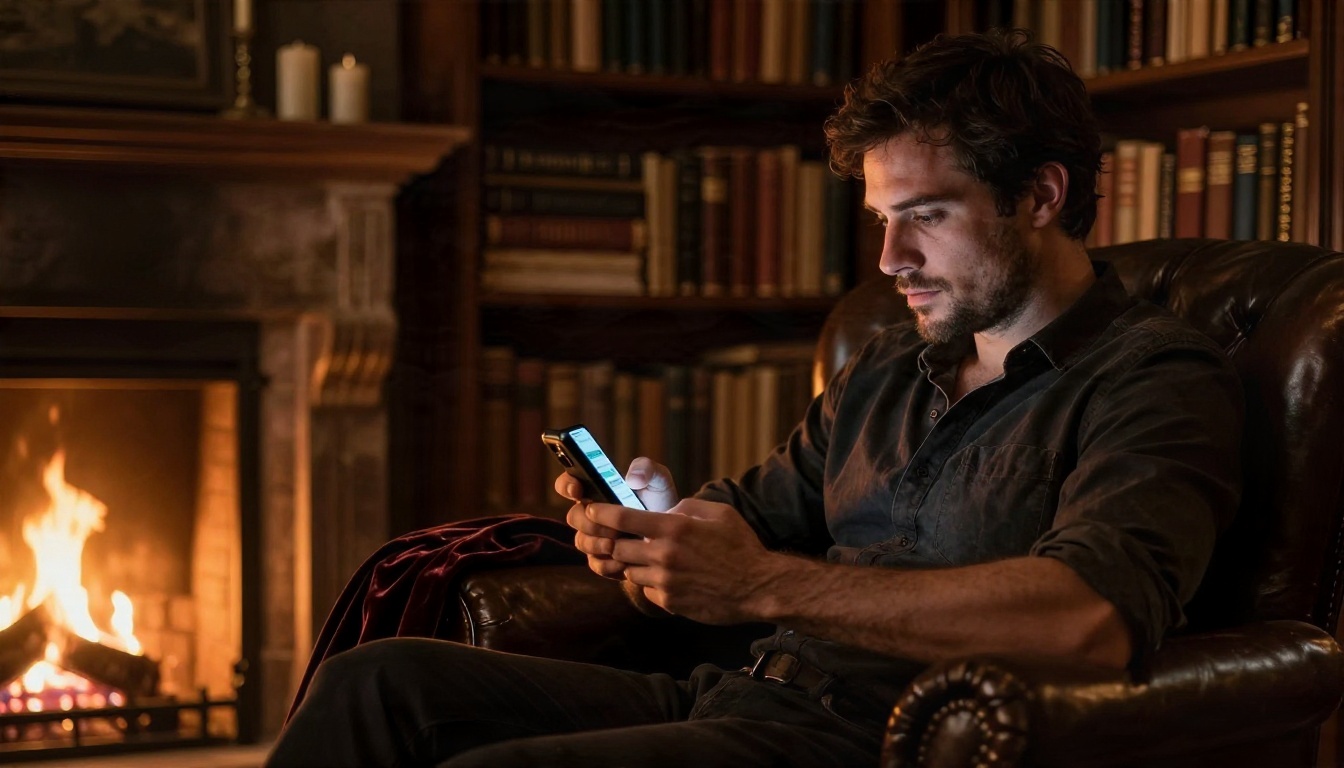
- "He did not look up from the fireplace. You are late, and you are dripping on my rug."
- "The elevator stopped between floors. Well. This is awkward."
- "She slid the mask up just far enough to show a smile. You have been staring for ten minutes. Are you going to ask me to dance?"
- "He turned his phone face down on the table. I have a rule about meeting clients outside work. I am about to break it."
Keep Characters Consistent
Long chats drift. The model forgets eye colour, job, and the nickname you agreed on. Fix that with a character card you repost every 15 to 20 messages:
💡 Character card template: Name, age (adult), job, three personality words, one habit, one secret, speech style, and what they want from this scene.
Paste it back in a single message that starts with "Reminder:" and the model snaps back into voice. This is also the same card you will feed to the image model later, so your pictures match your prose.
Pace the Heat Yourself
If a reply goes further than you wanted, say so in one line: "Slow down. Stay on the tension, end the scene at the door." Good models adjust right away. You are the director, and directing is the whole game.
Image Examples for Each AU
Words build the world, pictures anchor it. A single photorealistic frame per scene makes the story feel real, and it gives you something to share, pin, or use as a reference when you continue the chat.
A Prompt Formula That Works
Use this order, which models follow reliably:
Subject and pose + environment + lighting + camera and lens + texture details + mood.
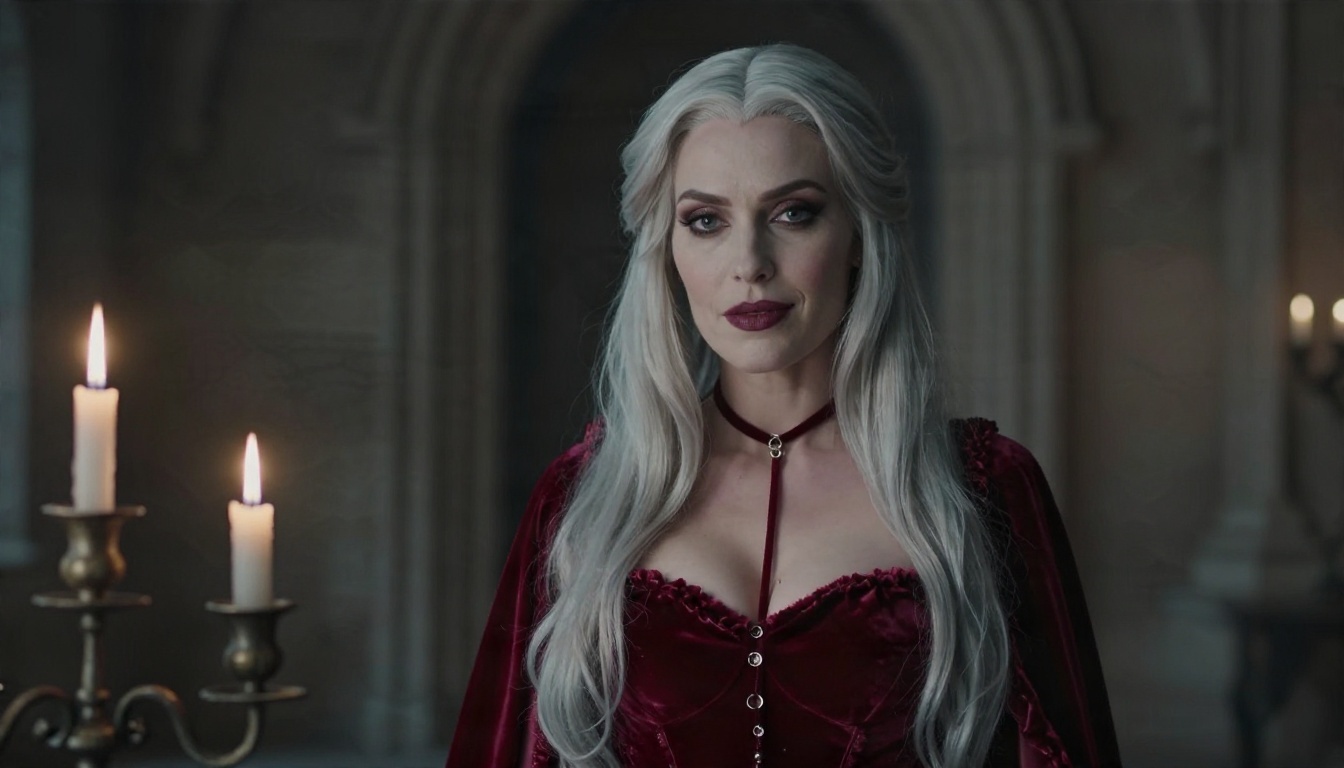
For example: "An adult woman in a crimson velvet gown seated on a stone window ledge, candelabra behind her, warm side light from the left, 85mm lens at f/1.4, visible skin texture, velvet nap, soft film grain, gothic glamour."
Notice what is missing: no weird style tags, no stacked adjectives. Photographic language such as 85mm, golden hour, and film grain pushes models toward realism.
Example Prompts by Universe
| Universe | Image prompt starter |
|---|
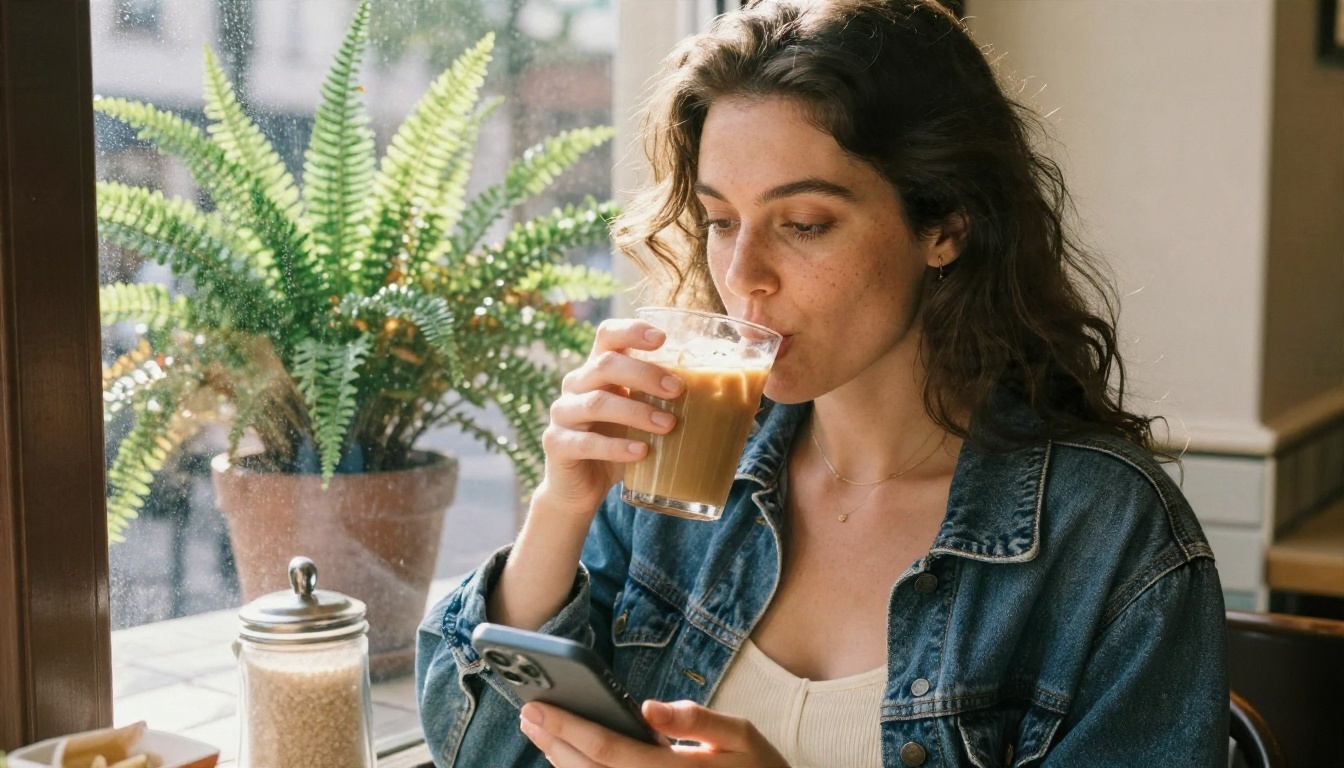
| Coffee shop AU | "Adult woman at a cafe window seat, cream top under an open denim jacket, iced coffee, morning backlight, 70mm f/2, freckles, film grain" |
| Beach resort AU | "Aerial view of a woman on a white daybed in an emerald one-piece and sheer sarong, sunrise, turquoise water, 24mm lens" |
| Office AU | "Woman in a navy blazer in a glass corridor at dusk, heels in hand, 28mm f/2.8, blue hour mixed with warm desk lamps" |
| Vampire noble AU | "Adult woman with silver blonde hair, crimson velvet gown, candlelight from the left, 85mm f/1.4, pale skin with pores" |
| Masquerade AU | "Woman in a black gown on a marble staircase, chandelier light, gloved hand on a brass banister, 35mm f/2" |

💡 Tip: Keep a short list of "anchor details" for each character, such as auburn waves, a small scar on the chin, a silver ring. Add two of them to every image prompt and your recurring cast stays recognizable.
Best Free Models for This Work
You do not need a dozen subscriptions. A handful of models on PicassoIA cover the whole pipeline: prose, character notes, and pictures.
Image Models, in Order of Preference
| Model | Best for | Why it fits |
|---|
| Seedream 4.5 | Lead choice for glamour and romance scenes | Sharp skin texture, 4K detail, strong fabric rendering, and fast results |
| PicassoIA Image Editor Pro | Edits, outfit swaps, scene fixes | Unlimited generations, so you can iterate on one character until it feels right |
| Nano Banana Pro | Keeping a face consistent across scenes | Good at following reference images and detailed prompts |
| Qwen Image 3 Pro | Natural, photographic looks | Realistic lighting and believable textures |
| Flux 2 Klein 9B Base LoRA | Styled looks and quick drafts | Light, fast, and flexible |
If you want a longer list, browse everything at picassoia.com/en/all-models.
Chat Models for Story and Roleplay
Each chat model has its own comfort level with romantic and suggestive material. If one model stalls on a scene, rephrase toward tension and atmosphere, or switch to another from the table. Trying two or three costs you nothing.

A Simple Workflow on PicassoIA
Here is the routine that keeps the story and the pictures in sync.
Step 1: Draft the Character Card
Open a chat model such as GPT 5.6 Luna and ask: "Write a character card for an adult woman named Mara, a book restorer. Include appearance, outfit, personality and speech style in under 120 words."
Step 2: Run the Scene
Paste the setup table from the roleplay section, post your first in-character line, and play five or six exchanges. Save the best paragraph. It is your scene description.
Step 3: Turn the Scene Into an Image Prompt
Ask the same model: "Rewrite this paragraph as a photographic image prompt. Subject, setting, lighting, lens, texture, mood. Under 80 words. Adults only, suggestive but not explicit."
Step 4: Generate With Seedream 4.5
Open Seedream 4.5 and paste the prompt. Use a 16:9 ratio for wide scene shots and 3:4 for portraits. Generate two or three variations and keep the one that matches your character card best.
Step 5: Polish in Image Editor Pro
If the outfit is off, or the lighting is flat, bring the image into PicassoIA Image Editor Pro and describe the change in plain language: "Change the dress to deep emerald," "Make the light warmer," "Add rain on the window." Because generations are unlimited, you can keep refining without watching a counter.
Parameter Tips
- Keep prompts under 100 words. Over-stuffed prompts confuse models.
- Name the lens. "85mm f/1.8" gives portraits natural blur.
- Add one texture note. "Velvet nap" or "linen creases" adds believable surface detail.
- Lock the seed when you like a face, then change only the environment line.
Limits and Safety That Matter
A few rules keep the work fun and trouble free.
- Adults only. Every character is clearly an adult, in the text and in the picture. No exceptions, and no ambiguous ages.
- Fiction stays fiction. Do not build images of real people without their consent, and do not use the face of a classmate, coworker or celebrity. Invent your cast.
- Suggestive, not graphic. Evening gowns, swimwear, silk robes, tailored suits and lace trims carry a lot of heat on their own. Explicit material is outside what this article covers and outside the approach that gives the best, most shareable results.
- Respect the community. If you post to a fandom space, tag your work properly and follow the posting rules of that space.
💡 Why suggestive wins: A raised eyebrow, a loosened tie, and a held glance often read as more charged than anything blunt. Readers remember the moment before, not the moment after.
Start Your Own AU Today
You now have the full loop: a setup table, five roleplay openers, nine scene ideas, a photographic prompt formula, and a model list that matches each step. Pick one universe from this page, whether that is the rainy street, the glass office corridor, the masquerade stairs or the candle-lit library, and run it tonight.
Open Seedream 4.5 for your first scene image, keep PicassoIA Image Editor Pro open in a second tab for unlimited edits, and let a chat model like Claude Sonnet 5 carry the dialogue. Start with one character, one setting and one tense line of dialogue. By the third reply you will have a scene worth illustrating, and by the fifth picture you will have a universe of your own. Browse every available option at picassoia.com/en/all-models and make something that is entirely yours.


