You open a chat bot, type one flirty line, and a sign-up wall drops before the first reply even lands. That is the everyday experience with most "free" adult chat sites in 2027. The promise sounds great: no login, no card, no filter, no cap. The reality is messier. Some tools really do let you talk anonymously for a few minutes. Others hide an account requirement behind a friendly button. And almost none of them give you good images without a paid plan.
This article sorts the claims from the facts. You will see what "no sign in" usually means, which kinds of free chat tools are worth your time, what limits you will hit, and where photoreal images fit in. I will also be upfront about one thing: PicassoIA is not a dedicated adult roleplay app. It is a platform of image, video and language models, and that mix is useful if you want strong visuals to go with your chats. Everything here stays suggestive and non-explicit, for adults only.
💡 Quick answer: A truly unlimited, anonymous, unfiltered NSFW chat bot is mostly marketing. Expect a short anonymous trial, a daily message cap after you register, and paid walls around images, voice and long memory.

What "No Sign In" Really Means
The phrase gets used loosely. Before you pick a tool, it helps to know the three versions you will run into.
The Short Trial Model
Many sites let you send a handful of messages before asking you to register. Reports from several roundups put that trial at roughly 3 to 10 messages. It is enough to test the writing style and the tone of the character, but not enough to build a real storyline. If a site stops you after five lines and asks for an email, that is the trial model working as designed.
Anonymous Versus Free Account
A second group says "no payment needed" and quietly means "no payment, but you need an account." That is a different promise. You still hand over an email address, and your chats are attached to a profile. SpicyChat AI is a good example here: coverage of it generally says an account is required, and pages disagree on whether free use is unlimited or capped. When sources conflict like that, treat the generous claim as unproven until you test it yourself.
Then there are generic, open tools such as Perchance, which are close to instant and anonymous. They are not built around adult content, though, so the experience is looser and the characters are less polished.
| Type of access | Login needed | Typical free allowance | Main catch |
|---|
| Short anonymous trial | No | About 3 to 10 messages | Forced sign up soon after |
| Free account | Yes (email) | Daily message cap | Chats tied to a profile |
| Open anonymous tools | No | Often generous | Weak characters, little adult focus |
| Paid plan | Yes | Higher or no caps | Subscription cost |
💡 Tip: If a page says "unlimited, unfiltered, anonymous, zero friction" all in one sentence, test it with five messages before you trust it with anything personal.
Best Free Picks Right Now
I am not going to crown one winner, because free tiers change monthly and many "best of" pages are affiliate driven. What I can do is group the options by what they are good at.
Instant Tools With No Login
If your only rule is "no account," open generic tools like Perchance. You type, you get text back, you leave. The upside is zero friction. The downside is that there is no saved character, no memory between sessions, and no real moderation of quality. Good for a quick test, poor for a long story.
CrushOn AI and SpicyChat
These are the names that come up most for free adult chat. CrushOn AI is reported to give around 50 free messages per day since April 2026, with fewer content filters on the free tier but a firm daily cap. SpicyChat AI offers a huge library of user-made characters, with limits that depend on the plan and on whom you ask. Both want an account. Check the current limits on each site directly, because these numbers move.
Where PicassoIA Fits
PicassoIA does not host a character marketplace or an adult roleplay engine, and the language models on it follow their own safety behavior, so do not expect explicit chat from them. What it does well is the part most chat bots do badly: photoreal, non-explicit images and a set of strong language models for flirty, romantic or story-style writing within normal limits. If you want a fast writer, GPT 5.6 Luna and Gemini 3.5 Flash are quick and good with tone. For open-weight style chat, Llama 4 Maverick Instruct is worth a try.
Free Limits You Will Hit
Free is never fully free. The limits show up in three places, and knowing them saves you from frustration.
Message Caps
The most common wall is a daily message count. Reported numbers range from about 50 per day on some free tiers to a few dozen on others. Once you hit it, you wait for a reset or you pay. A good habit: write longer, richer messages so each one carries more story. Short one-liners burn through a cap fast.
Memory and Context
Free plans usually remember less. After a few dozen turns, the bot forgets names, settings or the mood you built. If you care about continuity, keep a short character card in a note and paste it back in every so often. It takes ten seconds and keeps the persona steady.
Image Quotas
This is the biggest gap. Roundups consistently describe image generation, voice and advanced memory as premium features, and when a free tier does offer images, it is labeled "limited." That is exactly why many people now split the job: chat in one place, images somewhere with more room.
| Feature | Free tier on most chat sites | Where to get more |
|---|
| Text messages | Capped per day | Paid plan or another tool |
| Long memory | Short or none | Paste a character card |
| Images | Few or none | A dedicated image model |
| Voice | Usually paid | Text to speech models |
| Privacy | Account bound | Use throwaway details |
Images Are the Weak Spot
Even the best chat bots treat pictures as an upsell. The quality is often uneven, faces drift between pictures, and you get no say over lighting or framing.

Why Chat Bots Fall Short
Image features inside chat apps are usually an add-on built on a small, fast model. That keeps costs low for the app, but it shows in the result: plastic skin, odd hands, and the same pose again and again. You also cannot control the camera, the lens or the light, which are the things that make a photo feel real.
Seedream 4.5 Fills the Gap
For suggestive, glamour-style pictures, start with Seedream 4.5. It handles skin texture, natural light and fabric well, and it follows long, detailed prompts closely. Next, try PicassoIA Image Editor Pro, which gives you unlimited generations, so you can retry as many times as you need without watching a counter. As more options, Qwen Image 3 Pro is strong on photorealism, and Grok Imagine Image 2 is good for quick drafts and edits.
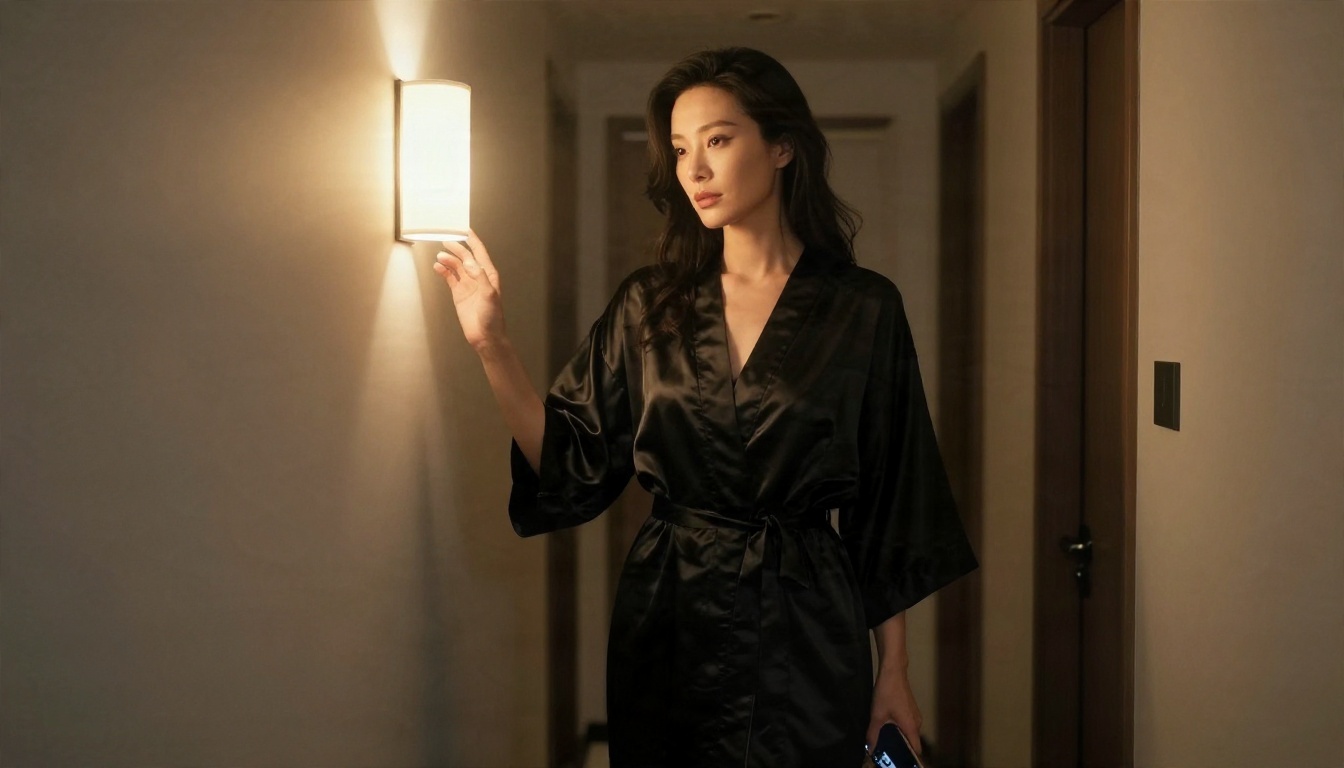
💡 Keep it tasteful: Swimwear, silk, lace trim, golden hour light and a confident pose do far more than anything explicit. The best glamour photos suggest, they do not show everything.
How to Make Chat Images With Seedream 4.5
Here is a simple routine for turning a character from your chat into a photoreal picture with Seedream 4.5.
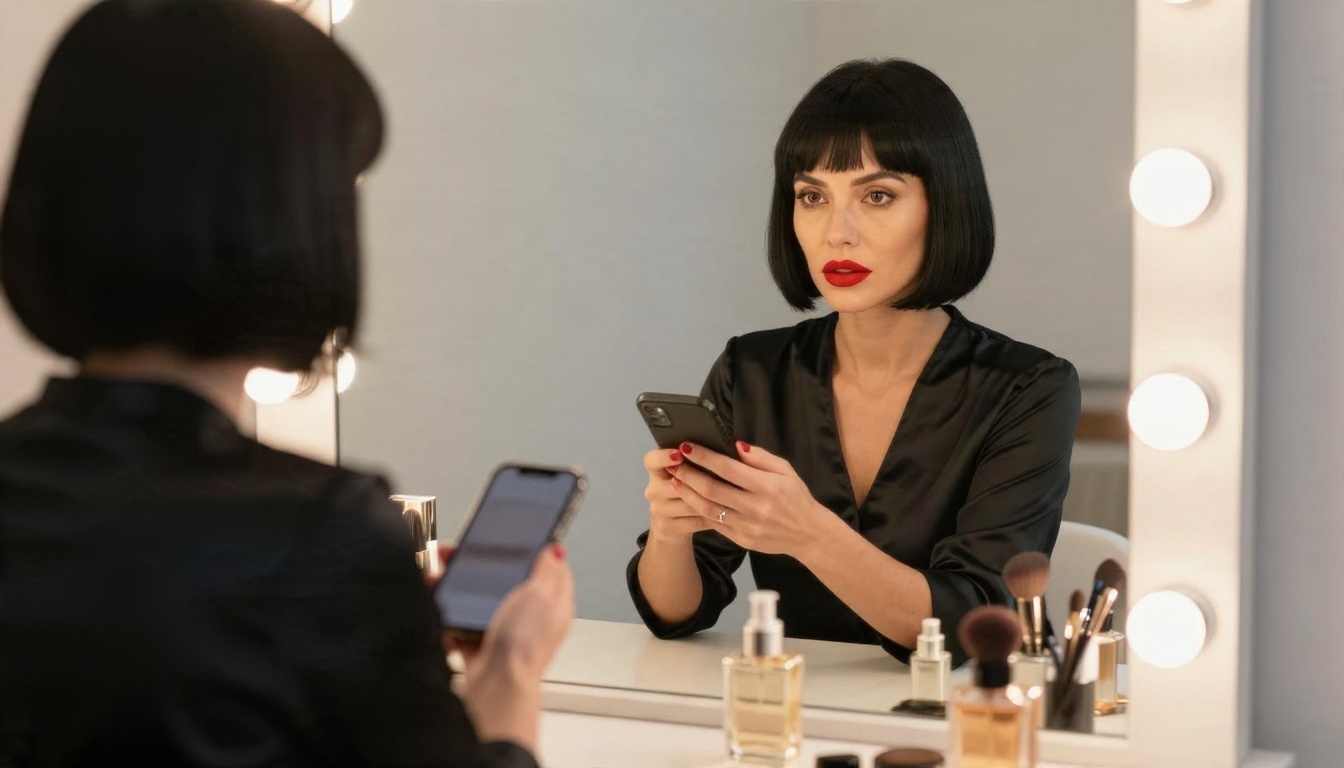
- Pull the traits from your chat. Write down hair, age range (adults only), outfit and mood. For example: "adult woman, black bob, red lipstick, black satin camisole, vanity mirror."
- Start with a clear subject sentence. Say what she is doing: "glancing sideways at a phone while seated at a vanity."
- Describe the room. Add two or three real objects, such as perfume bottles, warm bulb lights or a velvet chair. Specific objects make the scene believable.
- Set the light. Write the direction and quality: "soft diffused light from the front" or "warm golden light from the left."
- Name the camera. A line like "85mm lens, f/1.8, shallow depth of field, Kodak Portra 400 film grain" pushes the result toward real photography.
- Choose 16:9 for wide scenes and a portrait ratio for close-ups.
- Generate, then refine. Change one thing at a time: the outfit, the light, or the angle. If you want unlimited retries, run the same prompt in PicassoIA Image Editor Pro.
Parameter tips:
- Keep prompts between 50 and 120 words. Shorter prompts get generic faces.
- Repeat the same hair, eye and outfit description in every prompt to keep the character consistent.
- Avoid words like "neon" or "glowing" if you want a natural look.
- Use "tasteful" and "editorial" as style anchors to keep results suggestive rather than explicit.
Better Chat Characters With LLMs
A bot is only as good as its persona. You can build a more consistent character yourself, and then use it in any chat tool that lets you paste a first message.
Write Persona Cards
A persona card is a short block of text with a name, age (adult), job, voice, humor style, likes and boundaries. Ten lines is enough. A strong card might say: "Maya, 29, a travel photographer. Dry humor, slow teasing, warm and curious. Never rushes. Keeps replies under 80 words." Paste it at the start of any session and the tone holds.
Which LLM to Pick
For writing romantic or flirty dialogue with good pacing, try these on PicassoIA:
💡 Reality check: These are mainstream models with built-in safety behavior. They are strong for romance, banter and story scenes. They will not produce explicit content, and no prompt trick is worth chasing.
Privacy Rules Worth Following
Adult chat is personal, and a "no sign in" promise does not mean no data is collected. A few habits go a long way.
Age and Legal Basics
Adult chat tools are for adults only, and the legality of adult AI content depends on where you live. Only create characters who are clearly adults, and skip any tool that does not ask about age or has no rules on this. If a platform looks careless about it, leave.
Protect Your Data
Do not share your real name, workplace, address or photos of yourself in a chat. Use a separate email for sign-ups. Read what the site says it does with your conversations, and look for a delete button. If a tool says "anonymous" but asks for a phone number, close the tab.
| Habit | Why it helps |
|---|
| Separate email | Keeps chats away from your main identity |
| No real photos | Prevents misuse of your likeness |
| Fictional details | Protects your job and location |
| Check delete options | Lets you wipe the history |
Start Creating Your Own Images
The best setup right now is simple: pick a free chat tool for the conversation, write a solid persona card, and make the pictures yourself where you have control over quality and retries. Instead of paying for a small, capped image add-on, you can generate photoreal, tasteful glamour shots in seconds.
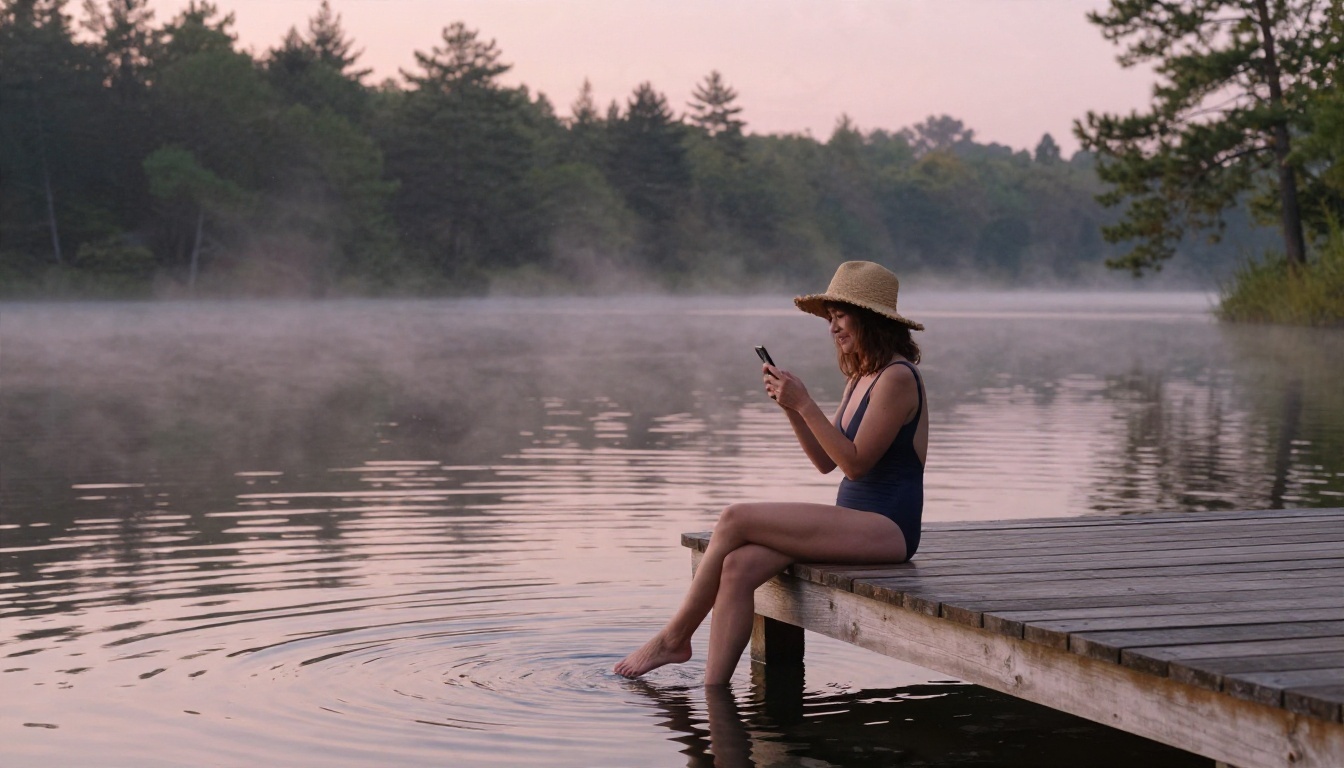
Open Seedream 4.5 first for your best-looking single images, then switch to PicassoIA Image Editor Pro when you want to iterate without limits. Try a few prompts built from your own character card: change the light, swap the outfit, move the camera lower or higher, and see how much a single line changes the mood. If you want to see what else is available, browse everything at picassoia.com/en/all-models.
Your next picture is one prompt away. Write the character, set the light, and make it yours on PicassoIA.


