Everyone searching for a free NSFW Grok setup wants the same thing: glamorous, suggestive images and short video clips without a wall of refusals. The reality is messier. Grok Imagine does have an edgier mode, but it sits behind settings menus, paid tiers on most reports, and a moderation layer that still says no more often than people expect. This article lays out what the tool allows, where the toggles are, why your prompts keep failing, and which alternatives actually deliver faster.
I will keep this practical. No hype, no promises that nobody can keep. If you want to generate tasteful adult-oriented imagery such as swimwear, boudoir and glamour portraits, you will leave with a working plan.
What Grok Imagine Actually Allows
Grok Imagine is the image and video generator built into the Grok app from xAI. It produces still images from text, turns stills into short clips, and in recent versions adds synchronized audio to those clips. What made it famous was a mode called Spicy, introduced as a way to allow edgier, more suggestive output than the default settings.
Spicy Mode in Plain Terms
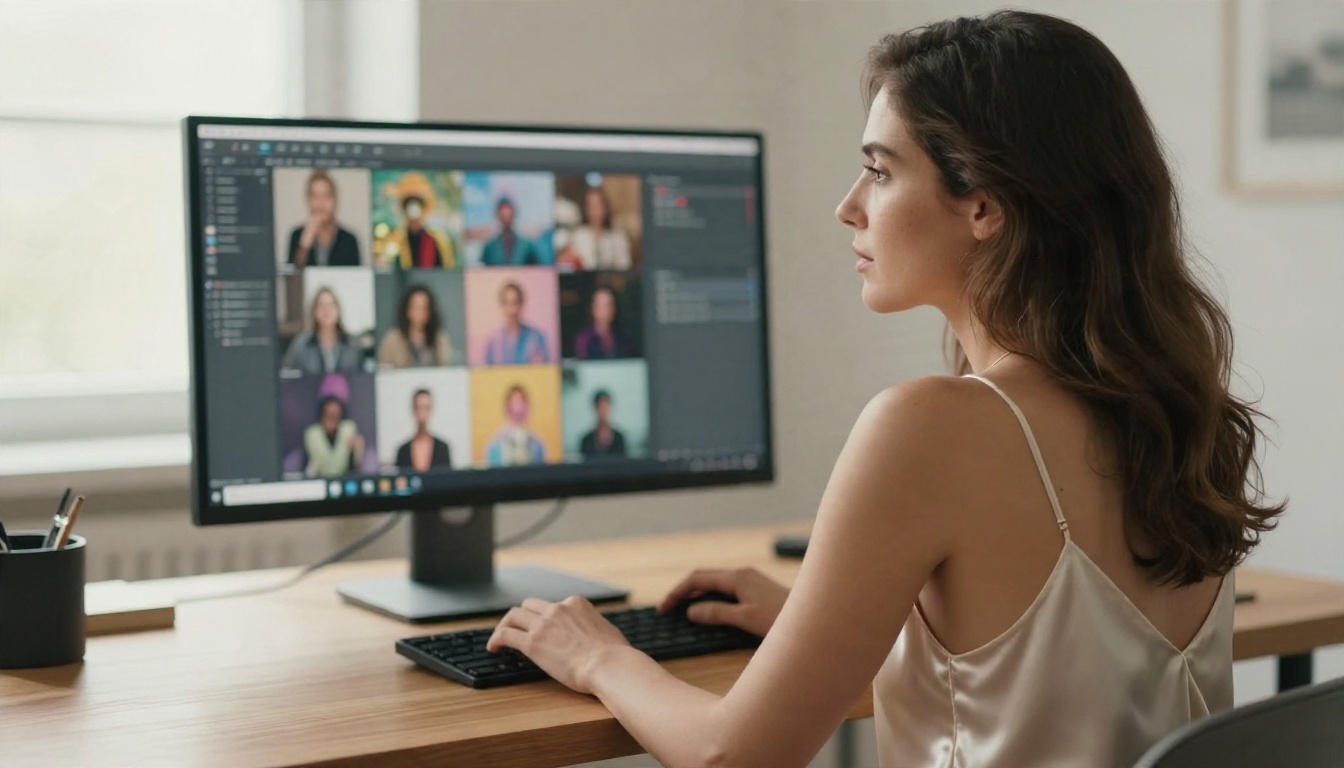
Spicy is not a switch that turns moderation off. Reports describing xAI's own FAQ say that enabling NSFW content does not disable filtering. What changes is the threshold: suggestive and semi-nude styling becomes possible in places where the standard mode would simply refuse.
Reported hard limits stay in place no matter what you toggle:
- Explicit pornographic content
- Deepfakes of real, identifiable people
- Anything involving or resembling minors
- Non-consensual scenarios
Enforcement, according to several write-ups, has been inconsistent. One prompt passes, a near-identical one gets blocked. That unpredictability is the biggest daily frustration.
Is It Really Free?
Short answer: mostly no. Most sources say Spicy is limited to paid plans, specifically higher tiers such as X Premium+ and SuperGrok, and not included in the free tier or the lower-priced Premium plan. A few third-party blogs claim limited free access, but those tend to come from companies selling competing apps, so treat the claim carefully.
💡 Tip: Tier rules and menu names change often. Check the current plan details inside the Grok app before paying for anything specifically to unlock suggestive output.
| Question | Honest Answer |
|---|
| Is there a free tier? | Yes, but NSFW access is reportedly gated behind paid plans |
| Does Spicy remove filters? | No, moderation stays active |
| Are explicit images allowed? | No |
| Are real people allowed? | No, deepfakes of real people are blocked |
| Is output consistent? | Reports say enforcement varies prompt to prompt |
Grok NSFW Image Generator Settings
Settings are where most people get stuck, partly because sources disagree on the menu path. That is not your fault. The app has been reorganized more than once, and the labels differ between the mobile app and the web version.

Where the Toggle Lives
Two paths show up repeatedly in guides:
- Settings, then Data Controls, where an option to allow adult content may appear.
- Settings, then Content Preferences, with a "Display NSFW content" style toggle.
If neither exists on your device, your account tier or your region may be hiding it. Age verification also comes into play in many regions. Without it, the toggle often stays grayed out.
Normal, Fun and Spicy Modes
Once adult content is allowed, the generator reportedly exposes style modes. Normal keeps things conservative. Fun adds playful, exaggerated motion. Spicy pushes toward glamour and suggestive styling. Picking Spicy does not guarantee the image will pass, but it widens the allowed range.
Why Prompts Still Get Blocked
Even with everything enabled, you will see refusals. The usual causes:
- Named real people. Any recognizable celebrity name is an instant block.
- Age ambiguity. Words like "girl", "teen", "schoolgirl" or youthful descriptors trigger filters. Always describe an adult woman or adult man explicitly.
- Explicit anatomy terms. Even artistic framing can fail if the wording is blunt.
- Uploaded photos of real people. Image-to-video with a real person's photo is a high-risk path.
💡 Tip: Describe the photography, not the body. Lighting, lens, fabric, location and mood give the model what it needs, and they stay well inside moderation limits.
Grok NSFW Video: What to Expect
The video side is where Grok Imagine gets the most attention. Reports describe short clips, up to roughly 15 seconds in some configurations, with synchronized audio, generated from a prompt or a starting image.
Motion That Works Well
Subtle, grounded movement tends to look best:
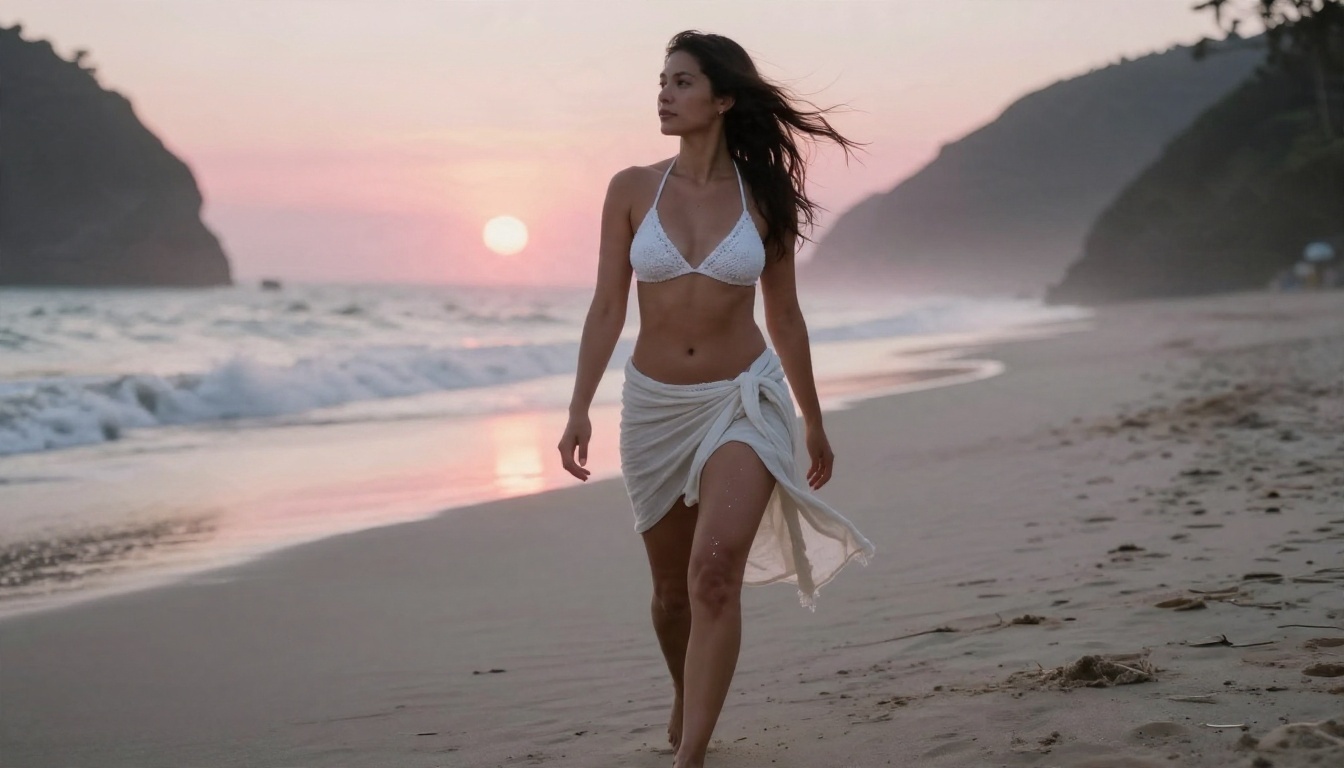
- Hair moving in wind
- A slow walk along a beach
- Fabric shifting as someone turns
- A gentle camera push toward the subject
Dramatic action sequences, fast cuts or complicated hand movements break down much more often, in every video model, not only this one.
Common Video Failures
| Problem | Cause | Fix |
|---|
| Blocked at submission | Prompt wording or uploaded photo flagged | Rewrite with neutral, photographic language |
| Face drifts mid-clip | Long or busy motion | Request one simple movement |
| Audio feels random | Sound not described | Mention ambient sound like waves or soft wind |
| Clip ends abruptly | Length limit | Plan the action to finish inside the duration |
The Moderation Problem Nobody Mentions
The real cost of the free NSFW Grok route is not money. It is time. You can burn twenty generations on a single acceptable shot because filters behave differently each time. Rate limits on lower tiers add another layer: you wait, retry, adjust, wait again.
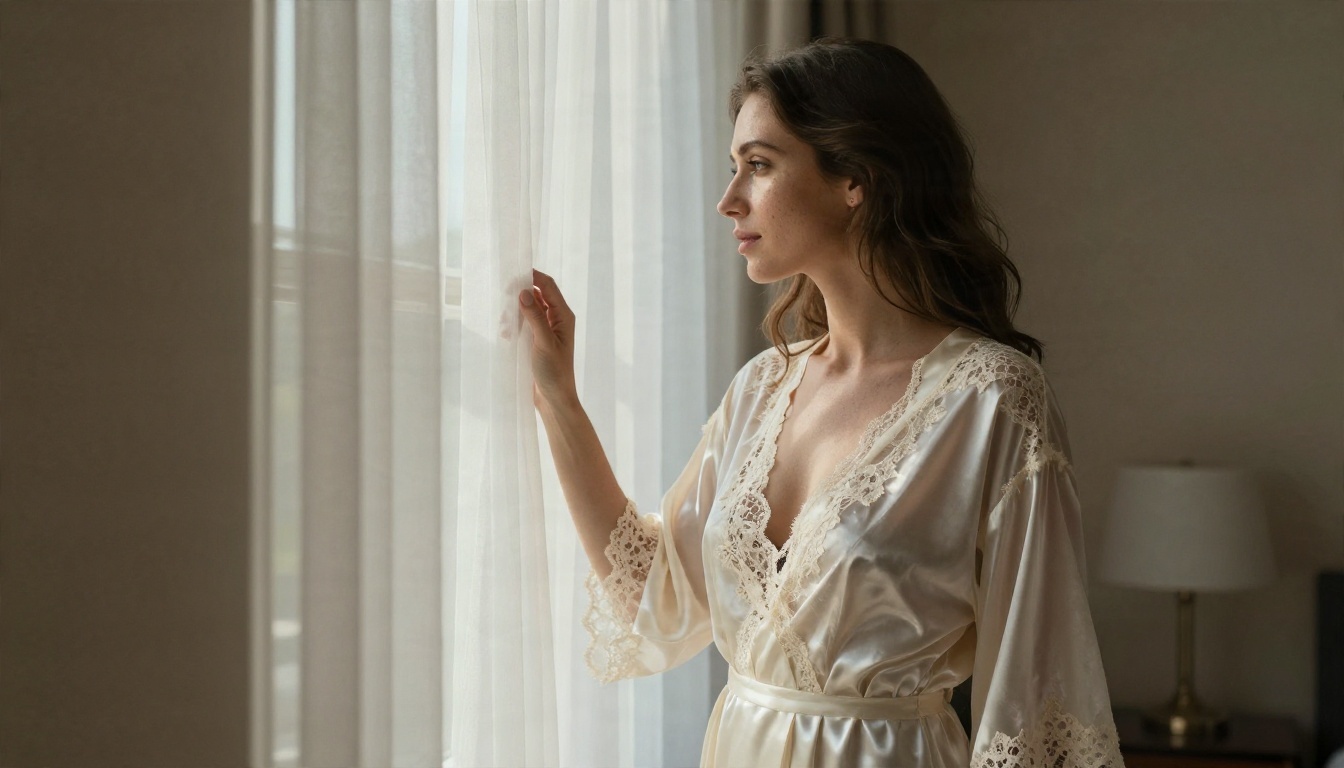
For creators who want swimwear campaigns, boudoir-style portraits or glamour sets, there is a simpler approach: use models whose rules are friendlier to non-explicit adult aesthetics and which do not meter you into a corner. That is where alternatives come in.
Alternatives That Generate Faster
If your goal is beautiful, suggestive, non-explicit imagery, these are the models worth trying, in the order I would recommend them.
Seedream 4.5 First
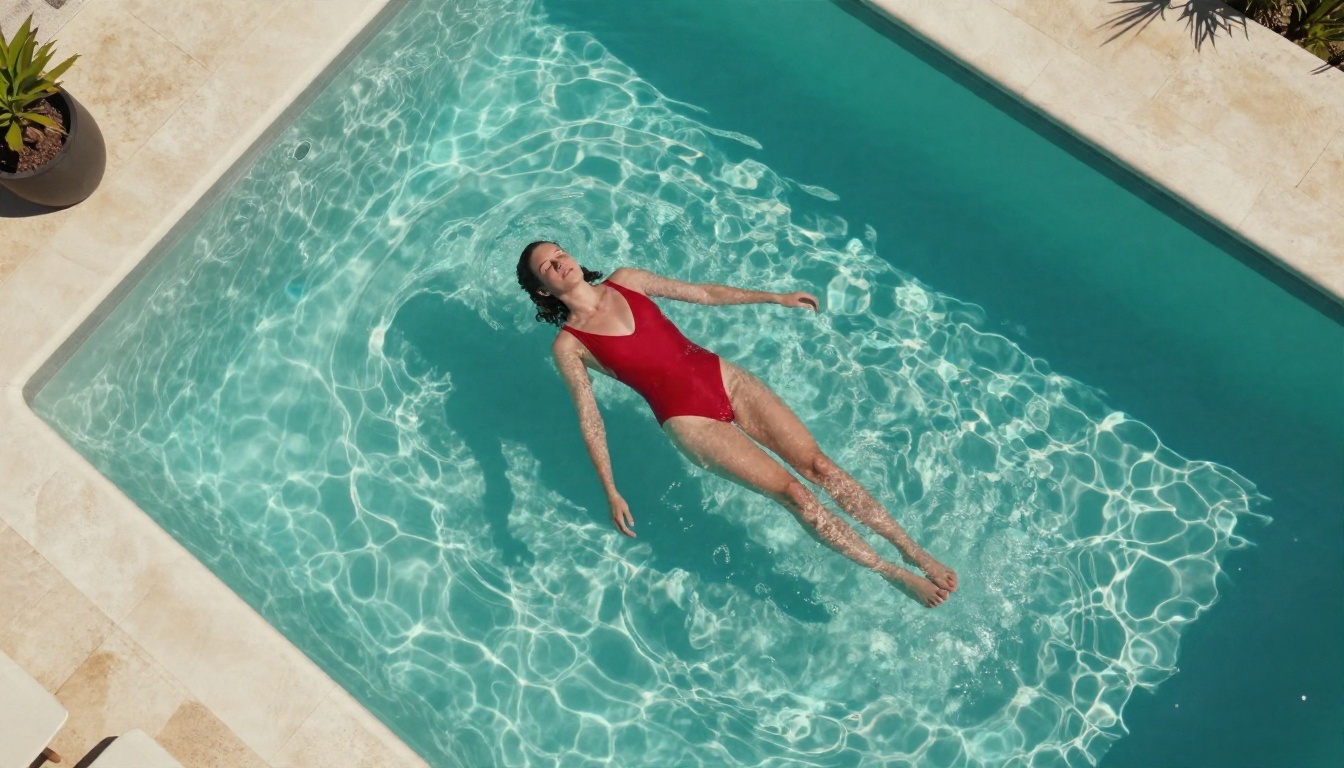
Seedream 4.5 is the model I reach for first when the subject is glamour, swimwear or boudoir styling. It produces sharp, photographic skin texture, handles fabric like satin and lace convincingly, and follows long descriptive prompts well. It generates quickly and is far less jumpy about suggestive-but-tasteful prompts than a filtered app.
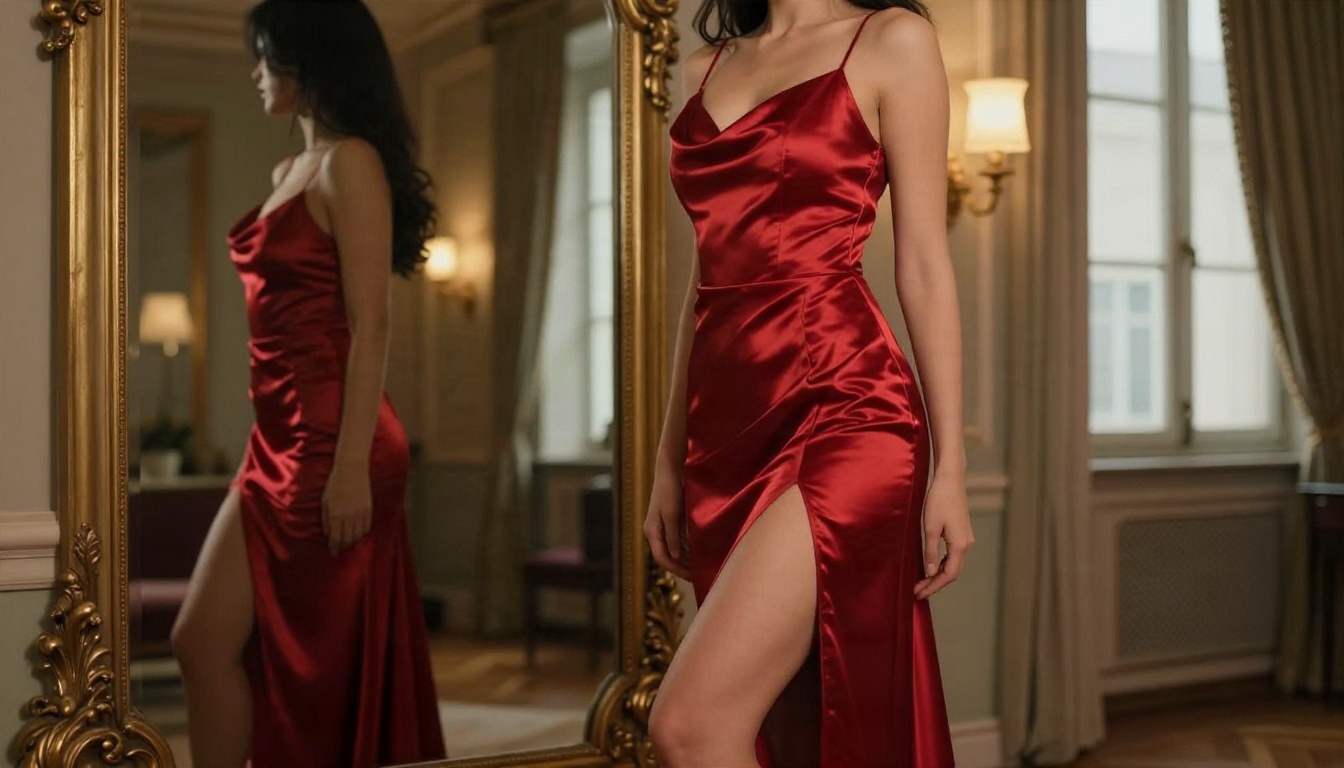
Image Editor Pro for Unlimited Edits
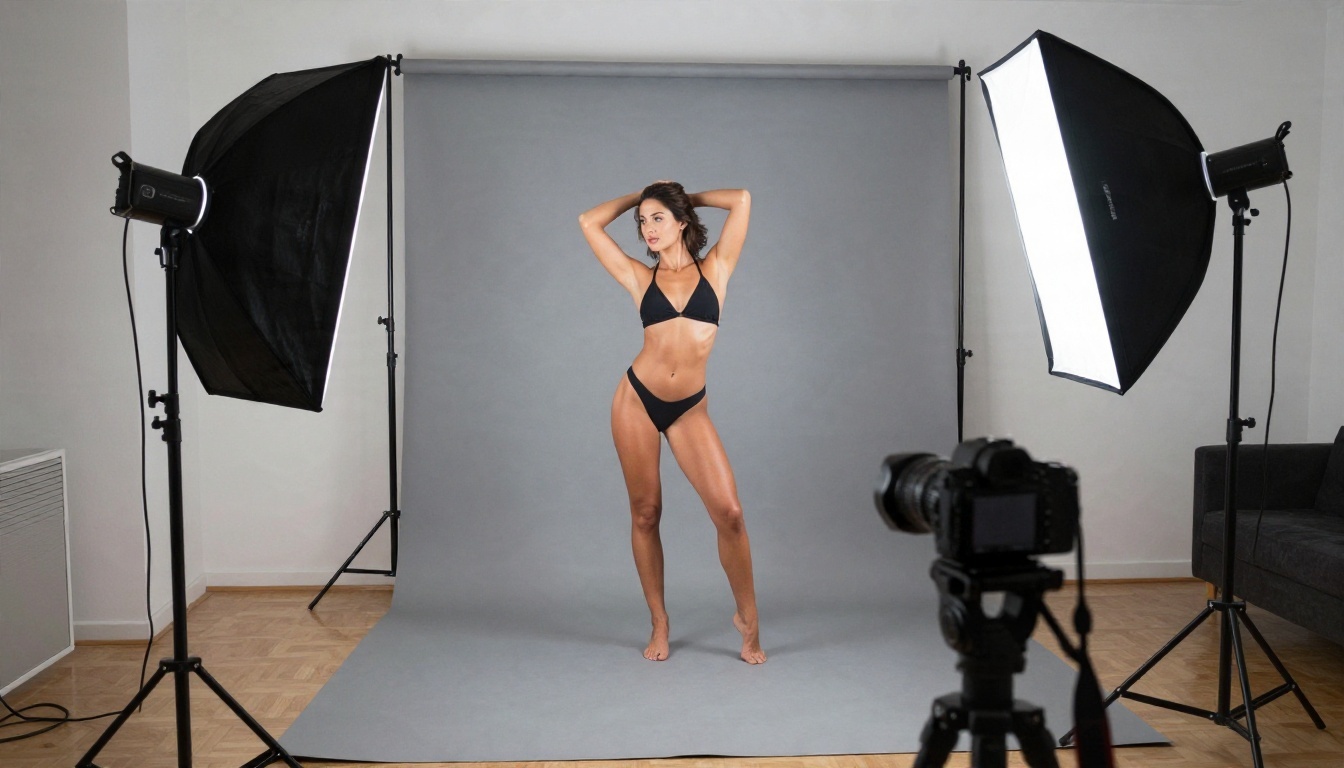
PicassoIA Image Editor Pro is the one to use when you already have an image and want to change it: swap an outfit, adjust a setting, fix lighting, extend a scene. The big draw is unlimited generations, which means you can iterate as many times as you like without watching a counter. For anyone who has fought Grok's retry loop, that alone is worth the switch.
Other Models Worth Trying
💡 Workflow idea: Build the still in Seedream 4.5, refine it in Image Editor Pro, then animate the final frame with Wan 2.5 I2V Fast. You get a consistent subject across both formats without starting from zero.
How to Use Grok Imagine on PicassoIA
If you simply want to try Grok-style generation without managing a social account and a subscription, the Grok Imagine family is available on PicassoIA. There is Grok Imagine Image 2 and Grok Imagine Image Quality for stills, plus Grok Imagine Video 1.5 for image-to-video with audio.
A fair note: these are the same model family, and the moderation behavior of the original Grok app is not something I can promise to be different. For suggestive glamour work specifically, use the alternatives above. For general photorealistic work, and for animating stills with sound, the Grok models are a good fit.

Step by Step
- Open the Grok Imagine Image 2 page and pick the model.
- Write your prompt as a photograph: subject, location, lighting, lens, mood.
- Set the aspect ratio. Use 16:9 for banners and video starting frames, 9:16 for mobile stories.
- Choose the highest quality option offered for the final render and a lower one for drafts.
- Generate, review, and refine the prompt rather than rerolling blindly.
- For motion, open Grok Imagine Video 1.5, upload your finished still as the first frame and describe the movement.
Parameter Tips
- Keep prompts specific. Two or three sentences of concrete detail beat a list of adjectives.
- Name the lens. "85mm f/1.8, shallow depth of field" nudges toward portrait realism.
- Describe the light direction. "Warm light from camera left" gives dimension to skin.
- One motion per clip. A slow camera push or a turning head, not both plus a costume change.
- Mention sound for video. Waves, soft wind, distant city noise.
Prompts That Work
Good prompts are less about shock and more about craft. They also happen to be the prompts that pass moderation more often, because they read like a photographer's brief.
Image Prompt Formula
Use this structure: subject and pose, environment, lighting, camera and lens, texture and mood.
Example: "An adult woman in a black halter bikini under an open linen shirt, sitting on a teak lounger on a villa terrace at golden hour, warm sun from camera left, 85mm f/1.8, natural skin texture with light freckles, Kodak Portra 400 film grain, relaxed glamorous mood."
Video Motion Prompt
Use this one: starting pose, one motion over time, camera movement, light and sound.
Example: "She stands at the water's edge as the wind lifts her hair, slow dolly-in, soft sunrise backlight, gentle waves audible."
Mistakes to Avoid
- Writing "sexy" with no visual detail. The model guesses, and often guesses badly.
- Using youthful descriptors. Always state that the subject is an adult.
- Requesting real people or celebrity likenesses. They are blocked on the major platforms and raise real consent problems.
- Over-stuffing one prompt with five locations or outfits.
Free vs Paid: A Quick Comparison
| Feature | Grok Imagine (app) | Seedream 4.5 | Image Editor Pro |
|---|
| NSFW access | Reportedly paid tiers | Tasteful glamour friendly | Tasteful glamour friendly |
| Generation limits | Rate limits on lower tiers | Fast, no waiting loops | Unlimited generations |
| Best for | Short clips with audio | Photoreal glamour stills | Editing and iteration |
| Consistency of results | Varies by prompt | High | High |
Start Creating Your Own Images
You do not need a premium subscription and a settings scavenger hunt to produce attractive, photographic glamour work. Start with Seedream 4.5 for the first image, move to PicassoIA Image Editor Pro when you want unlimited tweaks, and animate your favorite frame with Wan 2.5 I2V Fast or Grok Imagine Video 1.5.
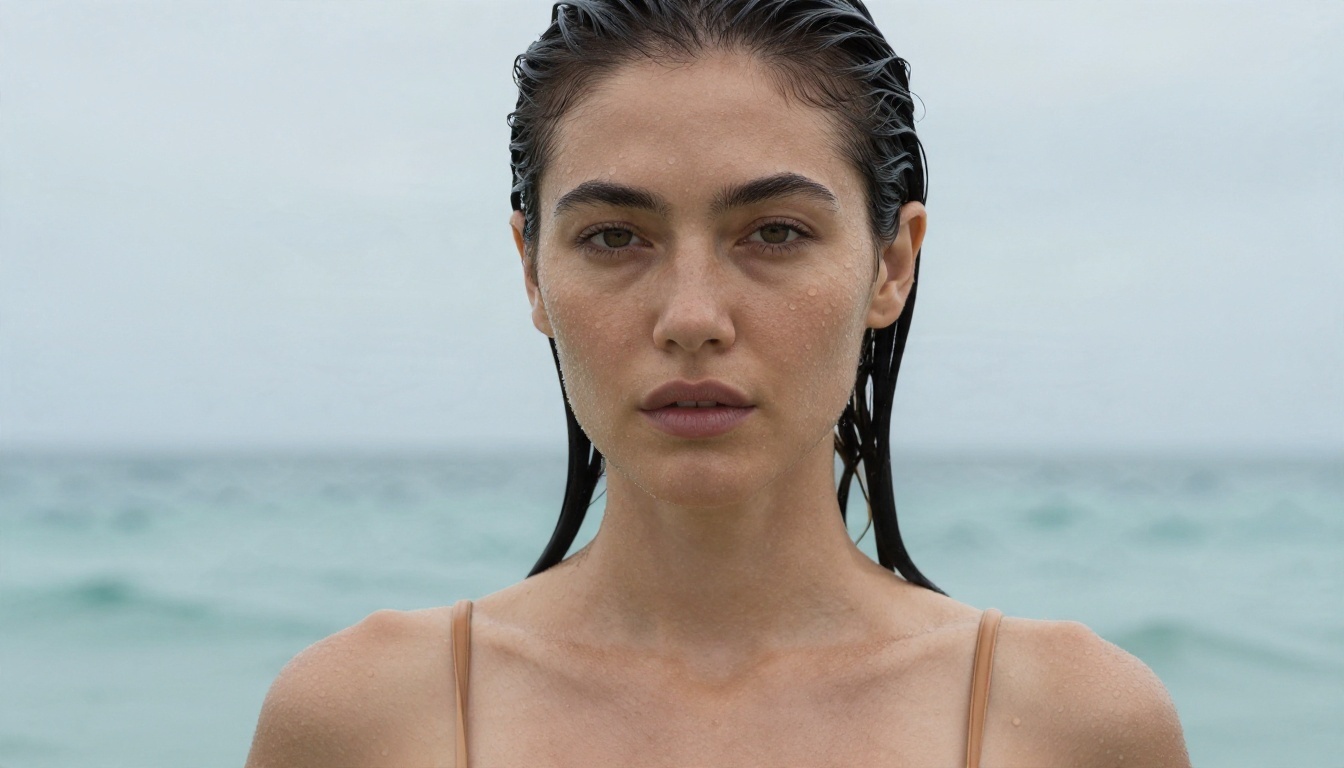
Try a swimwear shoot, a boudoir portrait by a window, or a poolside editorial. Write the prompt like a photographer, and iterate until the light looks right. When you want to see what else is out there, browse every available model at picassoia.com/en/all-models and pick the one that matches the look you have in mind.


