Free NSFW LLM: Best Models, Online Chat, Prompts and Limits
A practical, no-hype look at free NSFW LLMs in 2027: which open models actually allow mature roleplay, where you can chat online or run them locally, prompt templates that work, and the memory, hardware and filter limits nobody warns you about.
Most chatbots shut down the moment a conversation turns flirty. You type one suggestive line, and you get a polite paragraph about "keeping things respectful." That is exactly why people search for a free NSFW LLM: a language model that treats adults like adults and can write mature fiction, romantic roleplay and steamy character dialogue without a refusal every third message.
The good news is that these models exist, and several of them cost nothing. The less exciting news is that "free" and "unrestricted" both come with strings attached. This article sorts the real options from the marketing noise, shows where you can chat online or run a model on your own machine, gives you prompts you can paste today, and spells out the limits you will hit sooner or later.
💡 Quick answer: For a laptop or gaming PC, a Dolphin or Hermes build or a Mistral Nemo roleplay finetune is the safest first download. For zero setup, use a hosted free tier. For pictures to go with your story, pair the chat with an image model, which we cover near the end.
What "NSFW LLM" Really Means
The label gets thrown around loosely, so it helps to pin it down before you download anything.
Uncensored versus fine-tuned
There is no official category called "NSFW LLM." What people mean falls into three buckets:
Open-weight base or instruct models with light safety training that rarely refuse mature fiction when prompted well.
Community finetunes trained on roleplay and creative writing data, which lean into character voice, tone and scene description.
Abliterated models, where the refusal behavior of a mainstream model has been surgically weakened or removed while the reasoning ability stays mostly intact.
Each approach has trade-offs. Finetunes tend to write better fiction but can be shallow at logic. Abliterated models are sharper thinkers but sometimes lose a little polish in prose. Neither one is "magic."
Why filters exist at all
Big commercial models refuse adult content because their makers face legal, payment-processor and reputation pressure. It is a business decision, not a technical limit. The same neural network architecture can write a bedtime story or a steamy novel chapter. What changes is the training data and the rules wrapped around it.
That is also why a free NSFW LLM online often turns out to be a hosted wrapper around an open model: someone else runs the hardware and decides how loose the rules are.
Best Free Models for Mature Chat
Rankings in this space are mostly opinion. Vendor blogs and community threads disagree, and no one has run a clean head-to-head roleplay benchmark. Treat the table below as a field report rather than a leaderboard.
Model family
Best for
Typical hardware
Style
Dolphin 3
General chat, flexible persona
16 to 24 GB machine
Direct, obedient
Hermes 3
Longer scenes, instruction following
16 to 24 GB machine
Balanced, articulate
Mistral Nemo finetunes
Roleplay and creative fiction
Mid-range GPU
Expressive, character-driven
Llama-based roleplay finetunes
Huge variety of community versions
Depends on size
Varies by finetune
Abliterated Qwen3.5 27B
Sharper reasoning with fewer refusals
High-end GPU or hosted
Capable, a bit clinical
Abliterated Gemma 4 26B
Newer option for local use
High-end GPU or hosted
Smooth, conversational
Dolphin and Hermes
Dolphin 3 and Hermes 3 are the usual starting points for a general-purpose model that does not lecture. A Dolphin build on Llama 3 is reportedly the most-downloaded uncensored model on a modern architecture, with roughly 1.9 million pulls on Ollama, though that number comes from a vendor and should be taken with a pinch of salt. Both fit on a 16 to 24 GB machine in a quantized form, which makes them realistic for a decent gaming PC or a recent Mac.
Pick Dolphin when you want a model that follows your setup to the letter. Pick Hermes when you want smoother prose and better handling of long instructions.
Mistral Nemo and Llama finetunes
For pure roleplay, Mistral Nemo finetunes are the name that keeps coming up. They write with more personality than general chat models, hold a character's voice well, and describe scenes with sensory detail. Around the Llama family there are hundreds of community finetunes tuned for roleplay, uncensored creative writing and character consistency. That sounds like abundance, and it is, but it also means quality swings wildly. Check recent community discussion and the UGI leaderboard before committing a few gigabytes of disk space.
Abliterated Qwen and Gemma
If you want a model with more reasoning power, look at abliterated builds of Qwen3.5 27B (released February 2026) and Gemma 4 26B (April 2026). They are the newest local options in this space. The upside is intelligence: they follow complicated plots and remember details better than many older finetunes. The downside is size. At 26 to 27 billion parameters, you need a strong GPU or a hosted service.
On hosted traffic, DeepSeek V4 Flash is reportedly the most-used roleplay model on OpenRouter. That reflects API usage by developers, not a verdict on quality, and it says nothing about running a model privately at home.
Where to Chat Online Free
You have two real paths: use someone else's server, or run the model yourself.
Hosted free tiers
Hosted chat sites and API aggregators are the fastest way in. You open a page, pick a character or model, and type. The trade-offs are predictable:
Daily message caps or slow queues for free users
Shorter memory on free plans
Changing rules, since the host can tighten filters whenever it wants
Less privacy, because your chats pass through their servers
If a service asks for payment details to unlock "free" adult mode, close the tab. A legitimate free tier should not need your card for casual chat.
Running it locally
Local running is slower to set up and better in every other way. Tools like Ollama and LM Studio let you download a quantized model file and chat from your own computer. Nothing leaves your machine, there are no message caps, and nobody can change the rules halfway through your story.
A rough path looks like this:
Install Ollama or LM Studio.
Search for a Dolphin, Hermes or Nemo roleplay build in a size that fits your memory.
Pick a 4-bit or 5-bit quantization as a balance between speed and quality.
Paste in a system prompt (templates below) and start typing.
💡 Tip: If a model feels sluggish, drop to a smaller quantization before you give up on it. A well-tuned 12B model that responds instantly usually beats a 27B that crawls.
Prompts That Actually Work
The model matters, but the prompt matters nearly as much. A vague opening line gets you a vague, repetitive reply. A good setup turns a flat chatbot into a convincing character.
Build a character card
Spend two minutes on a character card before the first message. Include:
Name, age (adult) and occupation
Personality in three adjectives
Speech style: formal, teasing, shy, blunt
Backstory in two sentences
What they want in this scene
Here is a template you can paste as a system prompt:
You are Mara, a 29-year-old jazz singer. You are witty, warm and a little
guarded. You speak in short, teasing sentences and notice small details.
The user is an adult and all characters are adults. Stay in character,
write in third person with sensory detail, and never speak for the user.
Set the scene in one paragraph
Give the model a place, a mood and a first beat. Compare these two openings:
Weak: "Hi, want to chat?"
Strong: "It is midnight in a nearly empty bar. Mara is wiping down the counter while you finish your drink. She glances at the clock, then at you."
The second one hands the model setting, tension and a next move. Replies get longer, sharper and less generic.
Control pacing and tone
Mature roleplay falls apart when a model rushes. Add a line to your system prompt such as: "Build tension slowly. Let scenes unfold over many messages. Focus on atmosphere, dialogue and emotion before anything physical." You will get fiction that reads like a novel instead of a checklist.
If the model drifts out of character, steer it with a short out-of-character note in brackets, then continue. That is far more effective than arguing with it.
The Real Limits You Will Hit
Free and private sound unlimited. They are not.
Memory is shorter than you think
Every model has a context window, which is the amount of conversation it can hold in view at once. When your story outgrows it, the model forgets earlier details: names, injuries, promises. Local models often run with a few thousand tokens by default unless you raise the setting, and raising it eats memory.
Workarounds that help:
Keep a short story summary and paste it back in every so often.
Pin your character card at the top so it never scrolls out.
Start a fresh chat for each chapter and carry over only the summary.
Hardware sets the ceiling
Model size decides what you can run. As a rule of thumb, a 7B to 12B model runs comfortably on a mid-range GPU or an Apple silicon laptop, while 26B and larger builds want a serious graphics card or a hosted service. A bigger model writes better, but a model that fits entirely in video memory and answers quickly will feel better in a real conversation.
Caps, quality and hard lines
Hosted free tiers throttle you with message limits, queues and smaller models. Locally, the limit is patience. And whatever the platform, a few lines stay fixed:
Every character must be an adult. Content involving minors is off the table everywhere, full stop.
Do not use real people. Writing explicit scenes about a real person without consent is harmful and often illegal.
Check your local law and the host's terms. Rules about adult content, age verification and data storage vary by country.
Never share personal details. Treat any hosted chat as something a stranger could read.
What PicassoIA's Language Models Can Do
Being direct about this: PicassoIA does not list an uncensored chat model, and the language models below are standard, moderated ones. They will not write explicit fiction, so do not expect them to replace a local Dolphin build for that purpose. Where they shine is everything around the story.
DeepSeek V3 and Mistral 7B v0.1 if you want to compare how different model families handle the same romantic or suggestive prompt in a non-explicit setting.
Granite 4.1 8B as a lightweight option for summaries and story recaps that you paste back into a local chat.
A handy workflow: draft the character card and the scene on one of these, then paste the result into your local model for the mature version of the story.
Pair Your Chat With Images
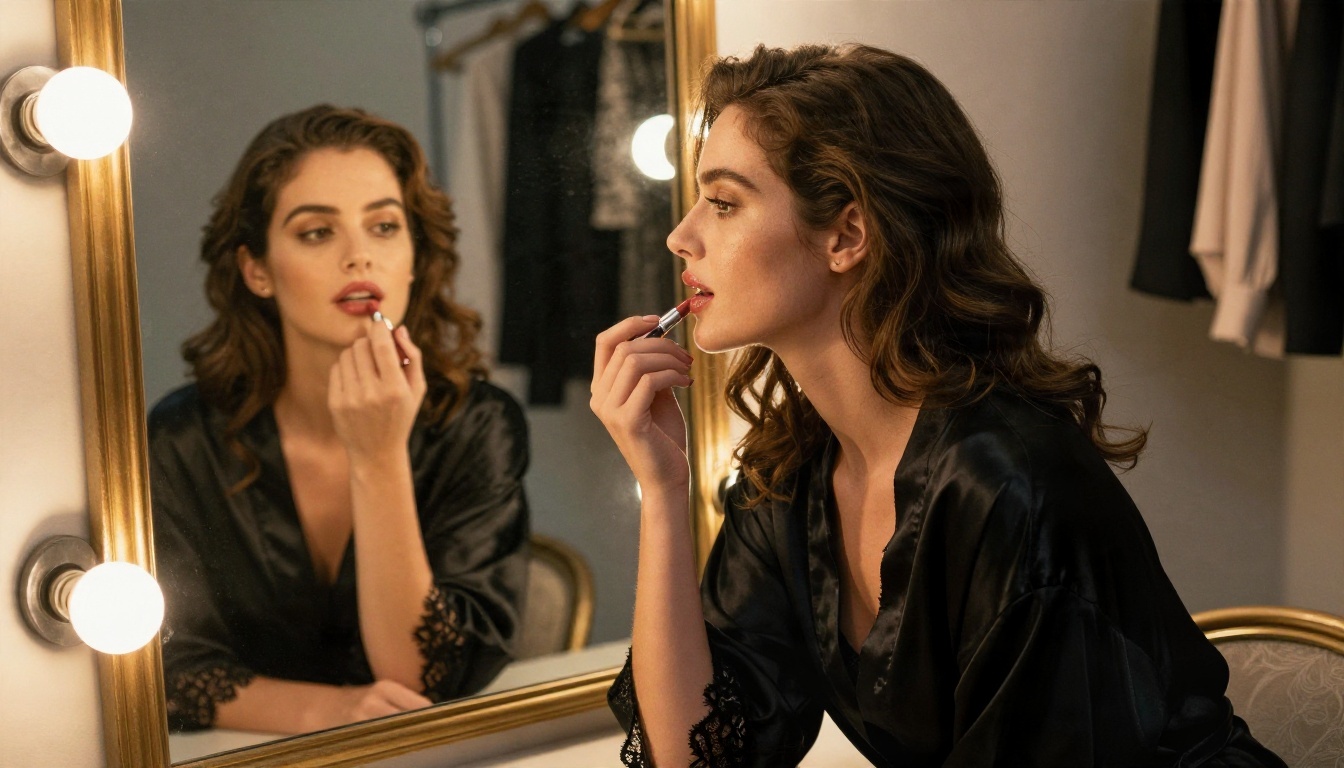
Text is only half the experience. Once your character has a name, a look and a setting, you can give her a face. Photorealistic glamour, swimwear and boudoir style portraits are exactly what image models are good at, and the best ones for adult-leaning content are not locked down.
Start with Seedream 4.5
Seedream 4.5 is the first model to try. It produces sharp, photorealistic people with believable skin, fabric and lighting, and it handles glamour and swimwear prompts without a refusal. Here is the workflow:
Ask a language model to turn your character card into a visual description: hair, outfit, location, time of day, camera lens.
Open Seedream 4.5 on PicassoIA and paste that description as the prompt.
Add photographic cues such as "85mm f/1.8, soft window light, Kodak Portra 400, film grain."
Set the aspect ratio to 16:9 for scenes or 3:4 for portraits.
Generate, then adjust one detail at a time (outfit, light, pose) so you can see what changed.
💡 Tip: Keep the same hair color, one distinctive feature and one signature outfit in every prompt. That is the cheapest way to keep a character looking consistent from image to image.
Edit and refine with Image Editor Pro
When a picture is nearly right but the outfit, background or lighting is off, use PicassoIA Image Editor Pro. It offers unlimited generations, so you can iterate as many times as you like without watching a counter, and it is fast enough to try ten variations in a coffee break.
More models worth a try
After those two, these are useful alternatives for different looks:
Keep results suggestive and tasteful: bikinis, lingerie-style glamour, robes, silk and good lighting do far more for an image than anything explicit, and they stay within what the platform generates.
Try It Yourself on Picasso IA
A free NSFW LLM gives you the voice, and an image model gives you the face. Together they turn a blank chat window into a character with a look, a history and a setting you can return to.
Here is a simple plan for tonight:
Download a Dolphin, Hermes or Nemo roleplay build, or open a hosted free tier.
Write a character card and a one-paragraph scene using the templates above.
Use a Picasso IA language model to refine the backstory and write a visual description.
Generate her portrait with Seedream 4.5, then fine-tune the details in Image Editor Pro.
Save your best prompts so every new chapter starts with the same look and voice.
Ready to see your character on screen? Open Seedream 4.5 on Picasso IA, paste your first description, and generate a portrait in seconds. You can browse every image, video and language model in one place at picassoia.com/en/all-models.