You open a free NSFW maker, type a prompt, and the third image comes out great. The fourth one hits a wall: "Daily limit reached. Come back in 24 hours." Sound familiar? That wall is the single biggest complaint people have about free adult image generators, and it shapes every other decision: which app to install, which settings to bother with, and when paying starts to make sense.
This article is about Free NSFW Maker: Daily Limits, Mobile App, Settings and Paid Alternatives in plain terms. You will see how limits work, what a phone app really adds, which settings move the needle, and which tools let you keep generating without a countdown timer. Everything here stays on the tasteful side of adult content: glamour, swimwear, boudoir, suggestive but never explicit.
What a Free NSFW Maker Really Is
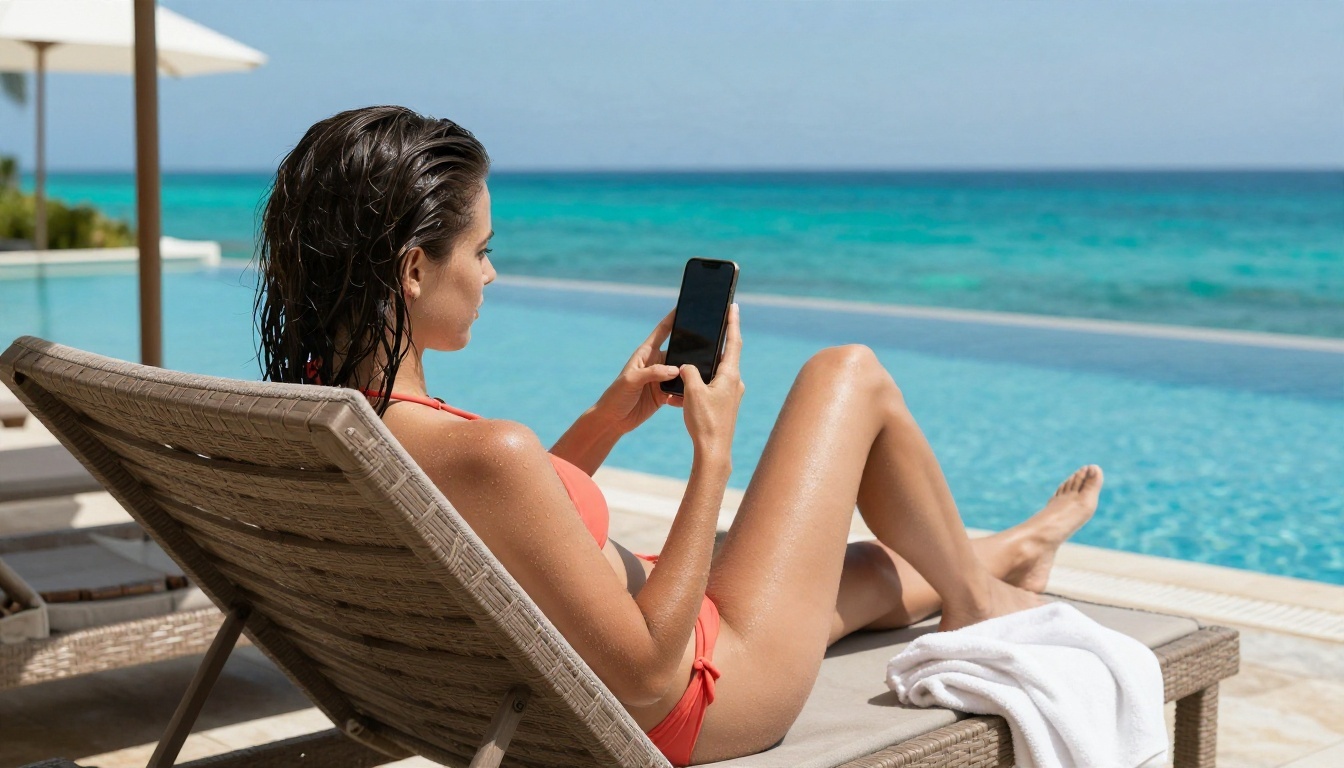
A free NSFW maker is an AI image generator that accepts adult or suggestive prompts (lingerie, swimwear, glamour portraits, boudoir scenes) and returns a picture in seconds. Most of them run a diffusion model behind a simple web page or an app. You type, you click, you get an image.
"Free" almost always means one of three things:
- A capped free tier: a fixed number of generations per day, then a wait or a paywall.
- A credit system: you get starter credits, and each image burns some of them.
- A trial with watermarks: unlimited at first, but the output is branded or low resolution.
None of these is dishonest, because running image models costs real GPU money. The trick is knowing which kind of "free" you are dealing with before you invest an evening in it.
Who Uses These Tools
The audience is wider than the name suggests. Creators building glamour or swimwear portfolios, illustrators of fashion concepts, people designing characters for stories, and curious users who simply want to see what a modern model can do with a bold prompt. What they share is a need for speed, consistency and fewer refusals.
What "NSFW" Means Here
For this article, NSFW means non-explicit adult content: bikinis, lingerie, satin robes, bare shoulders, moody boudoir lighting. That is also where current models are strongest. Skin texture, fabric sheen and natural light now look photographic, and that is what makes the category so popular.
How Daily Limits Actually Work
Limits are the part of a free NSFW maker nobody explains well. Here is what is happening behind the button.
The Three Common Limit Types
| Limit type | How it works | What it feels like |
|---|
| Daily cap | A fixed number of images per 24 hours | Great for casual use, frustrating when you iterate |
| Credit pool | Credits drain per image, size or model | Unpredictable, high resolution costs more |
| Queue throttle | Free users wait behind paid users | Unlimited in theory, slow in practice |
The queue throttle is the sneaky one. A tool can claim "unlimited" and still make you wait several minutes per image, which kills the creative loop just as effectively as a cap.
Why Limits Hurt Quality More Than You Think
Good results rarely come from the first try. A typical session looks like this: generate, notice the hands are off, adjust the prompt, generate again, change the lighting, generate again. If you have only five or ten attempts a day, you stop experimenting and accept "good enough." That is the hidden cost of a cap: it trains you to stop iterating.
💡 Tip: If a tool gives you a small daily number, spend those attempts on one idea at a time. Change a single variable per generation (lighting, lens or outfit) so you know what caused the improvement.
Resetting, Stacking and Workarounds
Some people create several accounts to stack free allowances. It works for a day or two, but it is a bad habit: logins multiply, your galleries scatter, and a platform that spots the pattern may suspend all of them. A cleaner path is choosing a tool where the limit simply is not part of the deal.
Mobile App or Browser: Which Wins
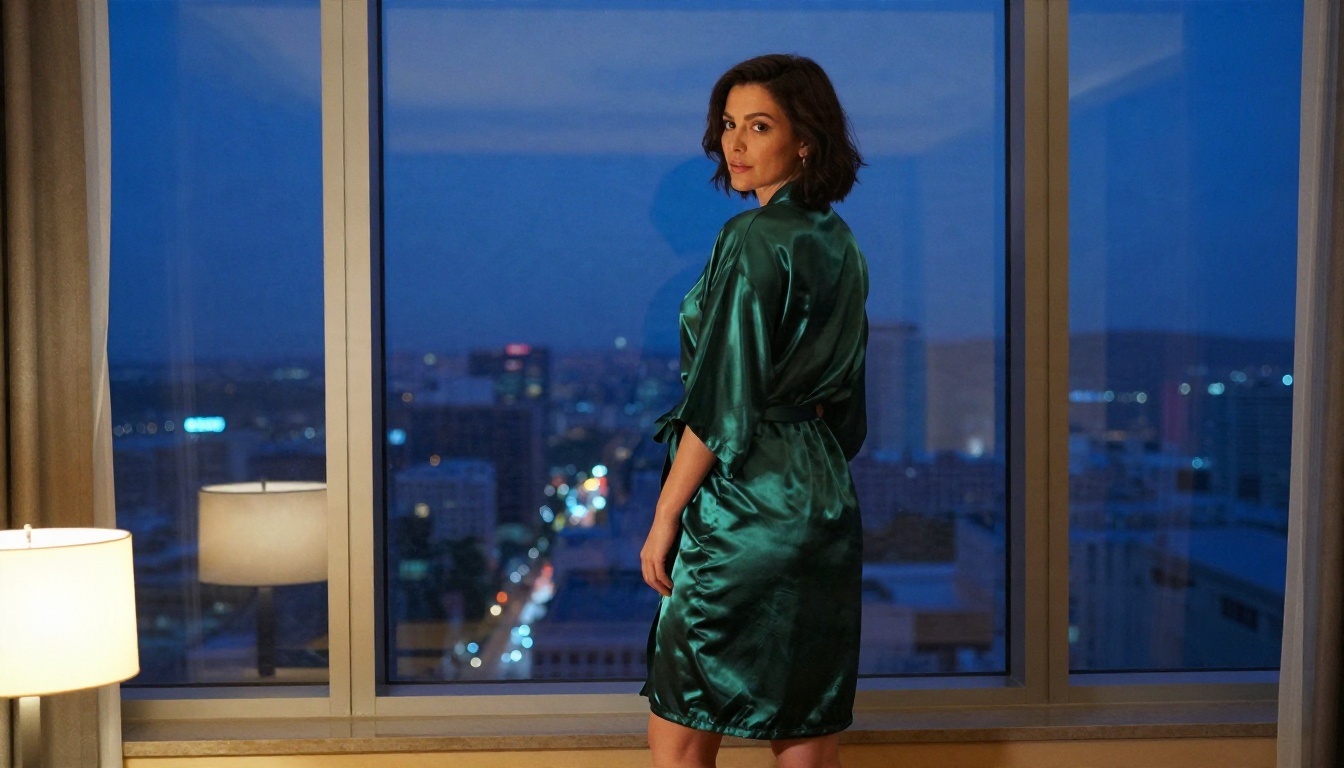
Searching for a free NSFW maker app usually ends in an app store page with a long list of near-identical tools. Before you install anything, weigh what a phone app adds against what a browser already does.
What a Mobile App Gets You
- Convenience: one tap from your home screen, camera roll access, easy sharing.
- Notifications: an alert when a longer render finishes.
- Photo input: quick upload of a selfie or reference for editing and styling.
What a Mobile App Costs You
- Storage and permissions: many apps ask for photo library, camera and sometimes contacts access. Grant only what the feature needs.
- Stricter store rules: app stores restrict adult content, so apps that do allow suggestive prompts often hide limits or filters behind subscriptions.
- Weaker controls: small screens hide settings like aspect ratio, seed or guidance, so you end up with default results.
- Subscription traps: "free" apps frequently open with a paywall after the first image. Check the billing terms before you enter a card.
The Browser Option
A web tool on your phone gives you the same generator without an install. You can save it as a shortcut on your home screen, and the full settings panel is usually available. For most people, this is the safer and more flexible route. A browser-based platform also keeps your work in one account across laptop and phone, which matters once you have dozens of generations to organize.
💡 Tip: Before downloading any app, open its store listing and read the most recent low-star reviews. They reveal surprise charges, hidden credit costs and broken filters far faster than the marketing text.
Privacy Basics for Phone Use
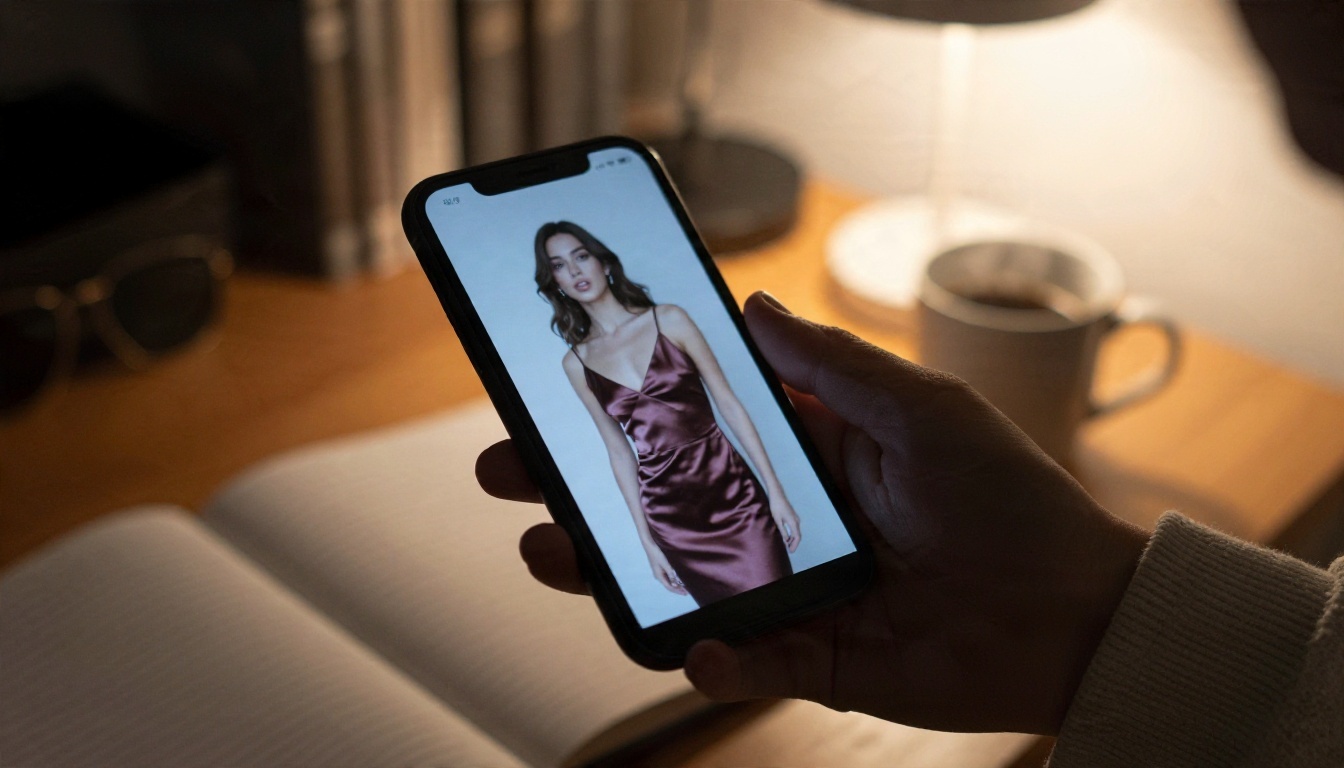
Treat your prompts and uploads as private data. Never upload photos of real people who have not agreed to it. Use only images you own or have permission to edit, and stick to adults. These boundaries protect you and anyone in your references, and reputable platforms enforce them.
Settings That Change Your Results
Most free tools hide their best controls or lock them behind a plan. If you can reach them, these are the settings that make the biggest visible difference.
Aspect Ratio and Resolution
Pick the ratio before you generate, not after. A 16:9 frame suits wide scenes like a pool terrace or a hotel window. A 3:4 or 2:3 frame suits full-length portraits. Resolution matters even more: a low-resolution output looks plastic on skin and fabric, and upscaling later is a patch rather than a fix.
Prompt Weight and Guidance
Guidance controls how strictly the model follows your words. Too low and the picture drifts; too high and it looks stiff and over-sharpened. If your tool exposes it, move in small steps and compare.
Seed and Variations
A seed is the number that starts the random pattern. Keep a seed you like and change only the outfit or the background, and you will get a consistent look. This is the closest thing to a "same model, new scene" workflow without training anything.
Negative Prompts
Telling the model what to avoid works well for removing classic problems: extra fingers, warped jewelry, blurry eyes, text artifacts, plastic skin. A short negative list beats a long one.
| Setting | Low value | High value | Best use |
|---|
| Guidance | Loose, creative | Strict, sometimes stiff | Start mid-range, adjust by small steps |
| Steps | Fast, rough | Slower, refined | Raise for skin and fabric detail |
| Resolution | Small file, soft | Sharp, detailed | Always as high as the tool allows |
| Seed | Random each time | Fixed for consistency | Lock it when you like a look |
Prompts That Look Like Photographs
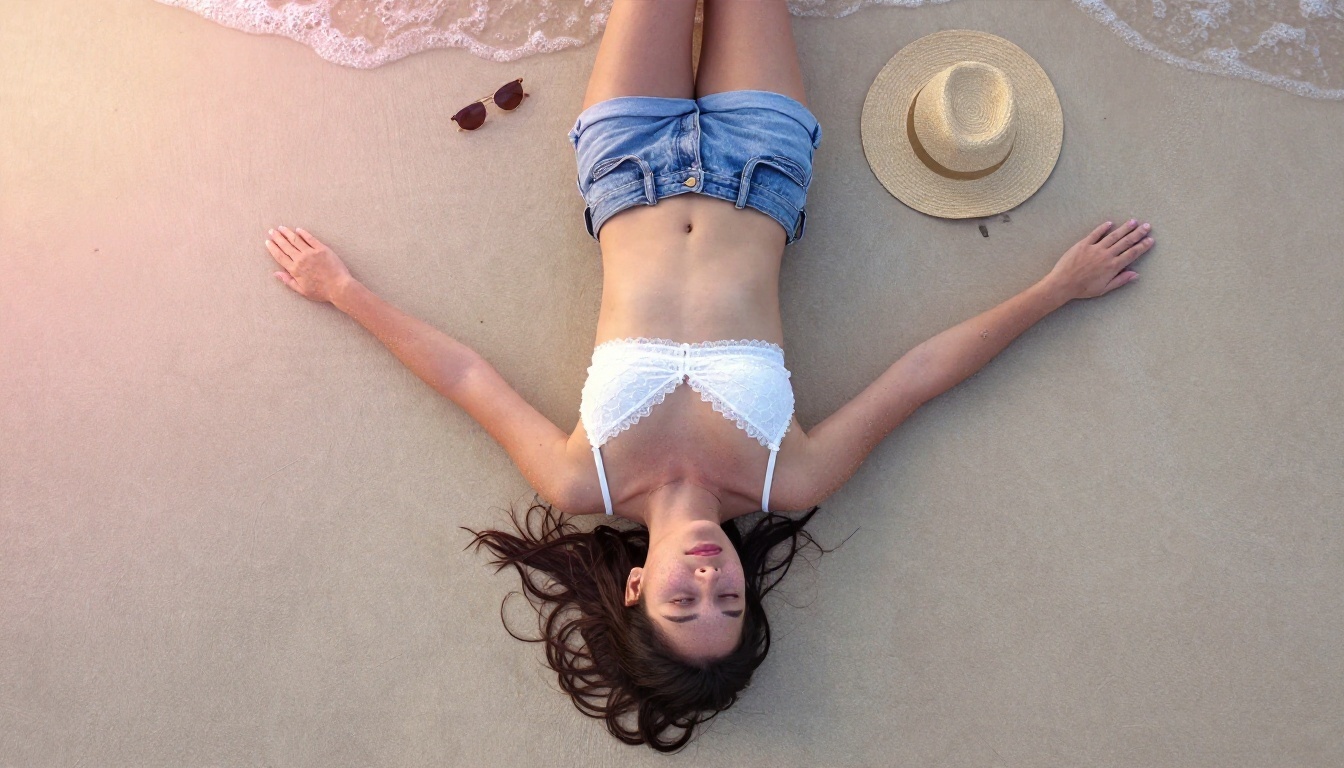
Settings only help if the prompt is good. The pattern that works best for glamour and swimwear is a photographer's description, not a list of adjectives.
The Five Parts of a Strong Prompt
- Subject and pose: who, what they wear, what they are doing.
- Environment: the room, the beach, the balcony, with real objects.
- Light: direction and quality, such as "low golden sun from the left" or "soft window light."
- Camera: lens and angle, such as "85mm f/1.8, eye level" or "low-angle 35mm."
- Texture: skin pores, satin sheen, linen wrinkles, film grain.
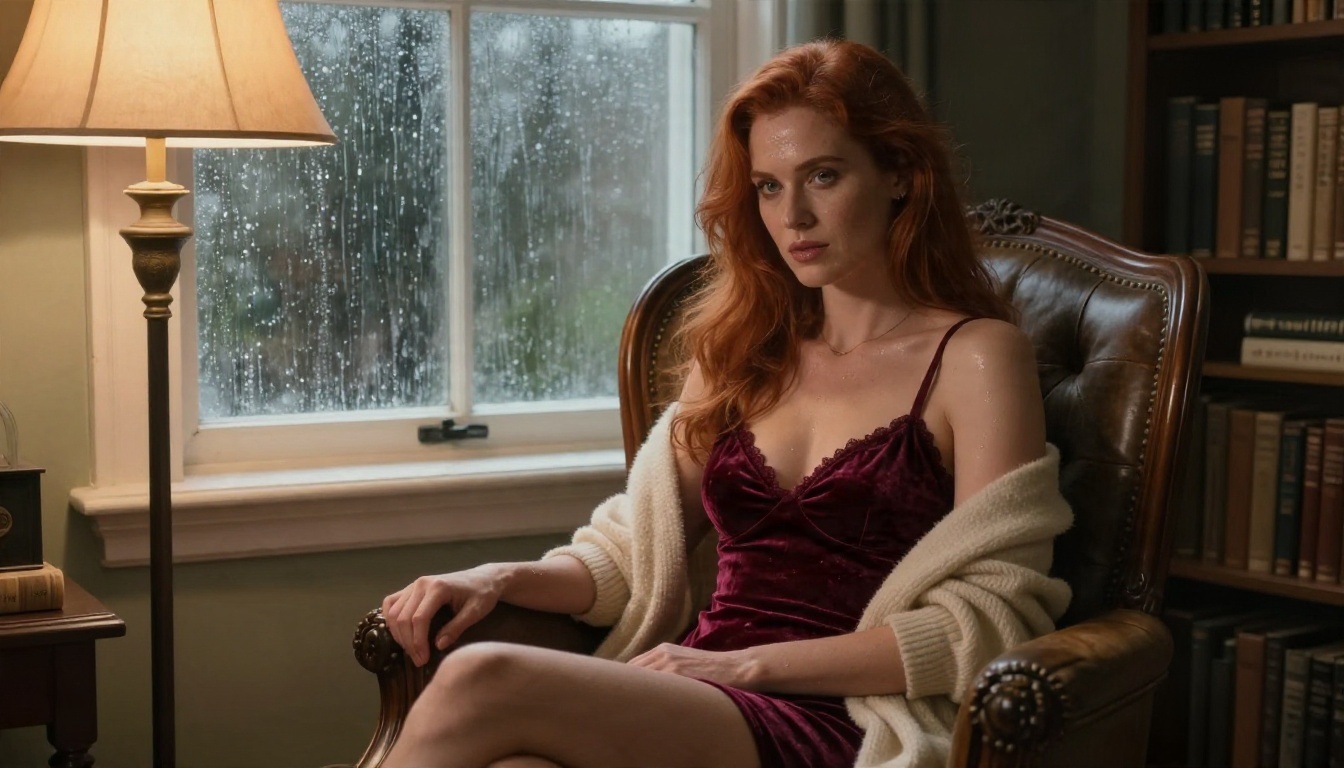
Compare two prompts. The weak one says "sexy woman in lingerie, beautiful, 4k." The strong one says "adult woman in a burgundy velvet set in a leather armchair, rain on the window behind her, warm floor lamp from the left, 85mm f/1.4, velvet texture and natural skin." The second gives the model something to build, and the result looks like a magazine frame rather than a stock template.
Words That Help and Words That Hurt
- Help: "natural skin texture," "film grain," "candid," "soft shadows," "Kodak Portra look."
- Hurt: piles of quality words like "ultra masterpiece best 8k 16k," which add noise rather than clarity.
Keep It Tasteful
Describing the outfit and mood works better than pushing for explicit detail. It also gives you images you can actually use in portfolios, mood boards and social posts without platform problems.
💡 Tip: Write one prompt, then save it as a template. Swap only the location and outfit between sessions. Consistent structure produces a consistent portfolio.
Once you hit the daily cap twice in a row, the question changes from "which free tool?" to "what is my time worth?" Paying is not automatically better, but unlimited generation is a different way of working.
What You Actually Pay For
- No daily wall: iterate as long as an idea needs.
- Faster queues: no waiting behind other users.
- Higher resolution: sharper skin, fabric and background detail.
- Fewer refusals: models and platforms built for adult-leaning creative work do not reject ordinary glamour prompts.
- Better models: newer systems handle hands, light and anatomy more reliably.
Free Tier vs Unlimited at a Glance
| Feature | Typical free tier | Unlimited platform |
|---|
| Daily generations | Small fixed number | No countdown |
| Speed | Queue delays at peak | Fast, consistent |
| Resolution | Often capped | Up to 4K on supported models |
| Filters | Frequently over-sensitive | Built for creative adult content |
| Editing tools | Limited or locked | Inpainting, upscaling, editing included |
The Real Cost of "Free"
Time is the currency. If you spend 40 minutes waiting through queues and resets to get six usable images, that is not free. An unlimited workflow that gives you thirty attempts in the same window gives you better outcomes and a calmer session.
Best Alternatives on PicassoIA
If you want the benefits above without juggling five accounts, PicassoIA gives you uncensored, unlimited-style creative freedom with a catalog of models. Here are the ones to try, in the order I would use them.
1. Seedream 4.5
Seedream 4.5 is the model I would start with for glamour and swimwear work. It produces sharp, high-resolution images with convincing skin, believable fabric and natural light, and it follows detailed photographic prompts closely. It is fast, so iterating feels fluid instead of slow.
2. PicassoIA Image Editor Pro
PicassoIA Image Editor Pro is the one that removes the daily-limit anxiety: unlimited generations and editing in the browser. Use it to refine outfits, change backgrounds, fix small flaws and build variations from an image you already like. It is the natural second step after you generate a base image.
3. Z Image Turbo
Z Image Turbo is built for speed. When you want a dozen quick drafts to find a composition, this is the tool. Pick the best draft, then refine it in a heavier model.
4. Flux Dev and Flux 2 Klein
Flux Dev is a dependable photorealistic generator with strong prompt adherence. If you want a fine-tuned look, Flux 2 Klein 9B Base LoRA and Flux Dev LoRA let you apply style adapters for a consistent signature aesthetic.
5. Realistic Vision v5.1 and Qwen Image 3
Realistic Vision v5.1 is a long-time favorite for lifelike portraits, and Qwen Image 3 is a strong photorealistic option when you want a different interpretation of the same prompt. Running one idea through two or three models is one of the fastest ways to find your favorite look.
💡 Tip: Do not stop at one model. The same prompt gives noticeably different skin, light and mood across models. Generate in Seedream 4.5, then refine in Image Editor Pro.
How to Use Seedream 4.5 on PicassoIA
This is the workflow I would follow for a first session. It takes a few minutes.
Step 1: Open the Model
Go to the Seedream 4.5 page and sign in. The prompt box is the main field, and the settings sit beside it.
Step 2: Write a Photographer's Prompt
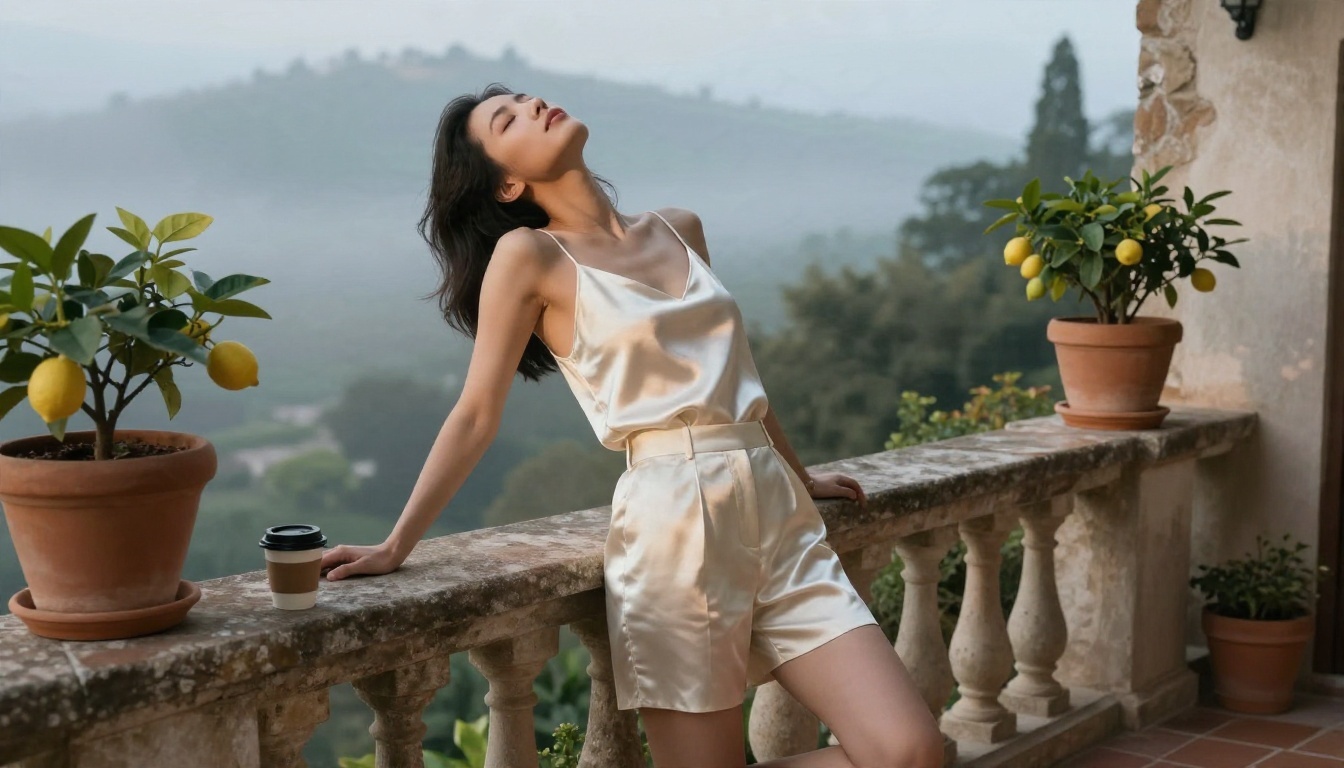
Use the five-part structure from earlier. Example: "adult woman in a white linen shirt over a black bikini, standing on a sunlit villa terrace, warm morning light from the right, 85mm f/1.8, natural skin texture, soft film grain."
Step 3: Set Ratio and Resolution
Choose 16:9 for scenery-heavy shots and a vertical ratio for full-length portraits. Select the highest resolution the model allows so skin and fabric stay detailed.
Step 4: Generate, Compare, Adjust
Generate a first image, then change only one thing at a time: light direction, lens, outfit or location. Because you are not counting down a daily cap, you can run as many comparisons as you need.
Step 5: Refine in Image Editor Pro
Send the best result to PicassoIA Image Editor Pro for finishing: tweak the background, adjust the outfit color or clean up small artifacts. Unlimited generations mean you can keep polishing until it is right.
Build a Repeatable Workflow
Single images are fun. A workflow is what turns them into a portfolio, a content calendar or a character library.
Plan a Session Before You Start
Decide on a theme (for example, "morning at the villa") and list five scenes: bedroom, balcony, pool, dressing room, evening terrace. Write one base prompt and swap the scene. You will get a coherent set rather than a random pile.
Organize What You Make
- Name files by theme and date.
- Keep your best prompts in a note.
- Save the seed and model with each favorite.
Upscale and Finish
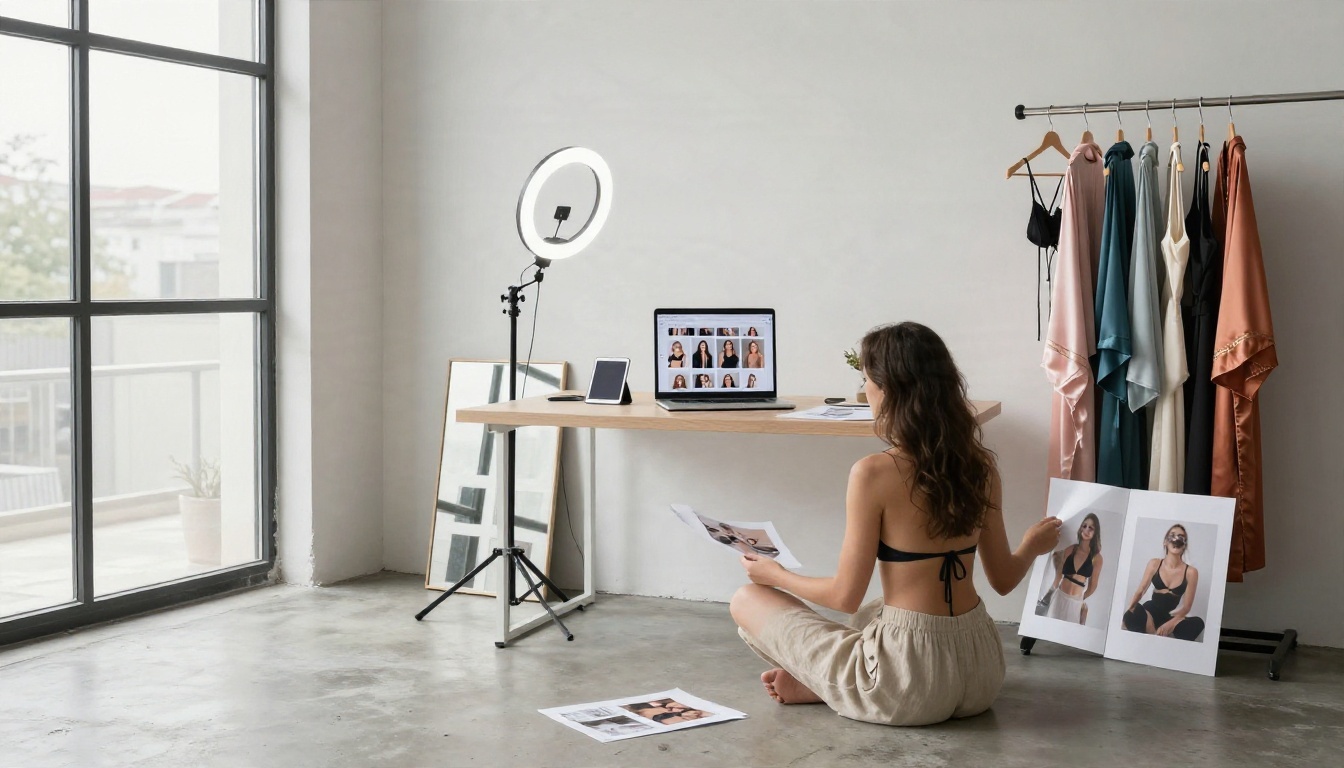
Once you have a winner, run it through a super resolution tool for a sharper final file. PicassoIA also offers upscalers and photo enhancers in the same catalog, so you do not need to leave the platform.
Common Mistakes to Avoid
- Changing everything at once. You cannot tell which edit helped.
- Ignoring resolution. Soft output cannot be rescued reliably.
- Installing the first app you see. Check billing and permissions first.
- Overloading prompts with buzzwords. Specific scene details beat adjectives.
- Uploading photos of real people without consent. Do not do this, ever.
Make Your First Image Today
A free NSFW maker is a fine place to try the idea, and its daily limit is a reasonable price for casual use. But if you notice yourself counting remaining generations, juggling accounts or waiting in queues, that is your signal to switch to something built for volume and quality.
Start with Seedream 4.5 for the first render, move to PicassoIA Image Editor Pro for unlimited refinement, and try Z Image Turbo whenever you want quick drafts. Pick a theme, write a photographer-style prompt, and make something you are proud of on Picasso IA. When you want to try more, browse every model at picassoia.com/en/all-models and compare how each one handles your favorite prompt.


