Type a sentence, wait a few seconds, and get a photorealistic adult image that looks like it came out of a real studio shoot. That is the promise behind every free NSFW porn generator you will find online, and it is also why the search results are so messy. Half the sites bury you in paywalls, a quarter hand back blurry faces, and the rest quietly keep your prompts. This article sorts the useful from the noisy: how these image makers actually work, what to look for in an online tool, which prompts produce clean results, and which alternatives are worth your time.
A quick note on scope. Every image in this article is non-explicit glamour: bikinis, lingerie, boudoir lighting, suggestive but tasteful. The tools discussed can go further depending on the model and its settings, but the focus here is on quality, speed, control and safety, not on shock value. All subjects are fictional adults, and that is a rule you should keep in every prompt you write.
💡 Short version: start with Seedream 4.5 for detail, switch to PicassoIA Image Editor Pro when you want unlimited generations, and use the prompt formulas below to avoid the plastic look.
What a Free NSFW Generator Really Does
An NSFW image generator is a text-to-image model with a looser content filter, or with no filter at all. You describe a scene, the model turns the words into pixels, and you pick the version you like. Under the hood it is the same technology that makes landscapes and product shots. The difference sits in what the model was trained on and what the platform allows.
Text to image in plain words
Diffusion models start from random noise and clean it up step by step until it matches your description. The more specific your description, the less the model has to guess. That is why "pretty woman, beach" gives you a stock-photo shrug, while a prompt with lens, light, fabric and pose gives you something that feels like a real photograph.
Why "free" usually has strings
Free tiers exist because GPU time costs money. Most sites cover that cost in one of four ways: a daily credit limit, a watermark, a slow queue, or data collection. None of these is a scandal, but you should know which one you are accepting before you upload anything personal.
| Free model type | What you get | Usual catch |
|---|
| Daily credits | A few images per day | Resets slowly, no commercial use |
| Watermarked output | Full resolution, branded | Logo across the image |
| Slow queue | Unlimited, but waiting | Minutes per image at peak hours |
| Ad supported | No payment at all | Pop-ups and tracking |
| Unlimited generation | Many images, no counter | Often limited to certain models |
Image maker versus image editor
An image maker builds a picture from text. An image editor changes a picture you already have: swapping an outfit, fixing a hand, changing the lighting, extending the background. Good workflows use both. You generate a base image, then refine it with edits instead of rolling the dice again 40 times.
Most people judge a generator by one sample image. That is a mistake, because a single lucky render tells you nothing about consistency. Judge the tool on a batch of ten.
Realism of skin and fabric
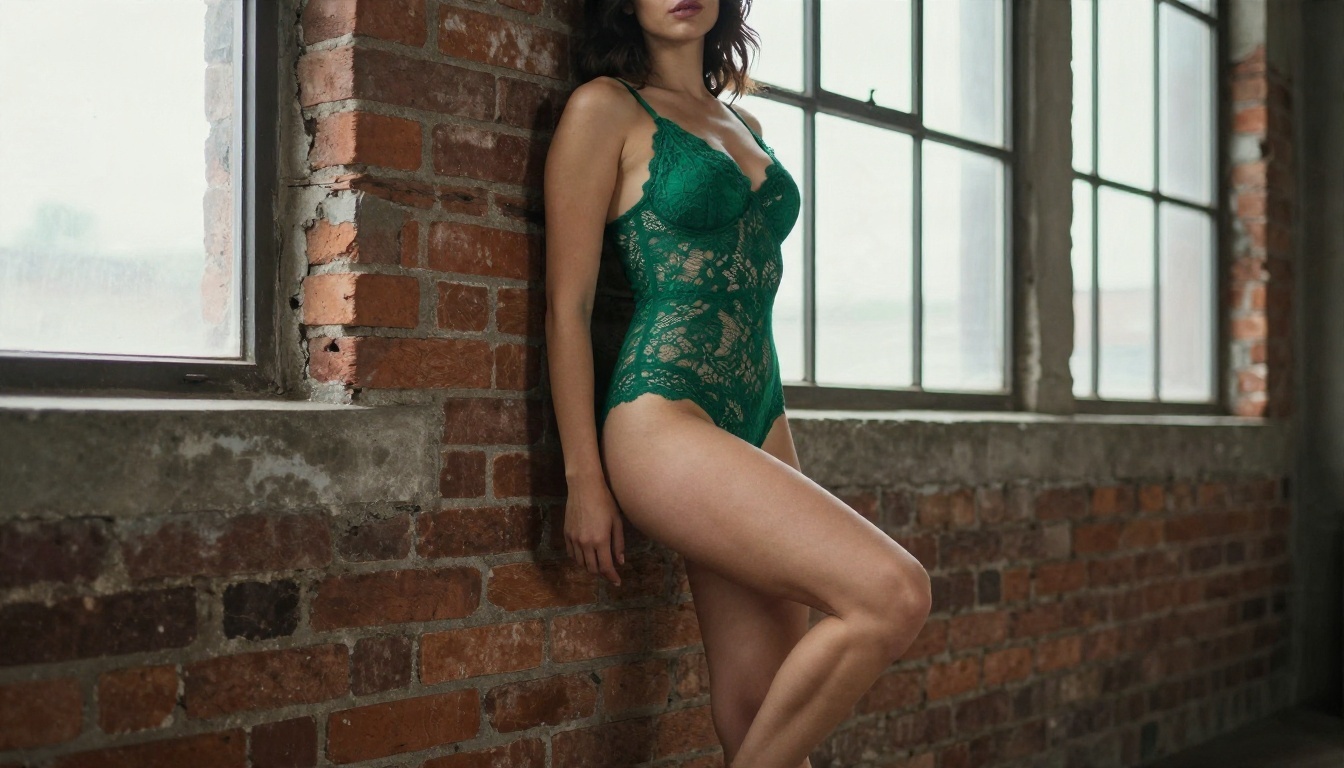
Look at skin first. Real skin has pores, tiny hairs, uneven tone and soft highlights. Weak models smooth everything into wax. Then check fabric: lace should have a readable pattern, silk should crease and catch light, wet hair should clump in strands.
Hands, faces and anatomy
Hands are still the quickest tell. Count fingers. Check that jewelry sits on the right wrist. Look at the eyes: both pupils should reflect the same light source. A good generator gets these right most of the time, and a great one gets them right in nine of ten images.
Speed and iteration cost
If an image takes two minutes, you will try five prompts in an evening. If it takes six seconds, you will try fifty, and your results improve because you can actually test ideas. Speed is not a luxury here, it is how you get better.
Content policy you can live with
Some platforms refuse anything with a bikini. Others allow adult themes but ban real people's likeness. Read the policy before you invest an hour, and pick a tool whose rules match what you want to make. If a service hides its rules, treat that as a warning.
💡 Quick test: generate the same prompt five times. If faces, hands and lighting stay believable in at least four, the tool is worth a bookmark.
Here are the options I would actually point a friend to, in the order I would try them. All of them live on PicassoIA, so you can compare models side by side without juggling accounts.
Seedream 4.5 for sharp realism
Seedream 4.5 is the place to start. It handles skin texture, fabric detail and window light with a photographic restraint that many models miss. Skin looks like skin, not airbrushing. It follows long prompts well, which matters because good adult glamour prompts are rarely short. Note that it is a fit for NSFW work, unlike Seedream 5 Lite's sibling lines that tighten filters, so pick the model page deliberately.
PicassoIA Image Editor Pro for unlimited runs
PicassoIA Image Editor Pro is the one to open when you are iterating. Unlimited generations mean you can chase a pose, a lighting mood or an outfit colour without watching a credit counter fall. It is also a strong editor: change a dress, fix an expression, adjust the background, and keep the rest of the picture intact.
Z Image Turbo for fast drafts
Z Image Turbo is built for speed. Use it to test ten prompt variations in a minute, pick the best composition, then move that prompt to a heavier model for the final render.
Flux Dev and Flux 2 Klein LoRA
Flux Dev is a reliable photorealistic generator with a large community of prompt recipes. If you want a specific look, Flux 2 Klein 9B Base LoRA lets you apply a style adapter for a consistent aesthetic across a whole set.
Hunyuan Image 3 and Qwen Image 3
Hunyuan Image 3 and Qwen Image 3 are strong alternatives when you want a different interpretation of the same prompt. They render light and colour a bit differently, so running one prompt through both is a cheap way to find your favorite look.
| Model | Best for | Speed | Pick it when |
|---|
| Seedream 4.5 | Skin, fabric, light | Fast | You want the final image |
| Image Editor Pro | Unlimited iteration and edits | Fast | You refine one idea many times |
| Z Image Turbo | Quick drafts | Very fast | You are testing prompts |
| Flux Dev | Photographic look | Medium | You like community recipes |
| Hunyuan Image 3 | Alternate interpretation | Medium | You want variety |
| Qwen Image 3 | Colour and composition | Medium | You want a second opinion |
Prompts That Actually Work
A prompt is a mini shot list. Think like a photographer briefing an assistant, not like someone typing a search query.
The five-part formula
Use this order and you will rarely go wrong:
- Subject and pose: who, doing what, with what expression.
- Wardrobe and fabric: colour, material, how it sits on the body.
- Setting: room, window, props, time of day.
- Light: direction, softness, colour temperature.
- Camera: lens, aperture, angle, film look.
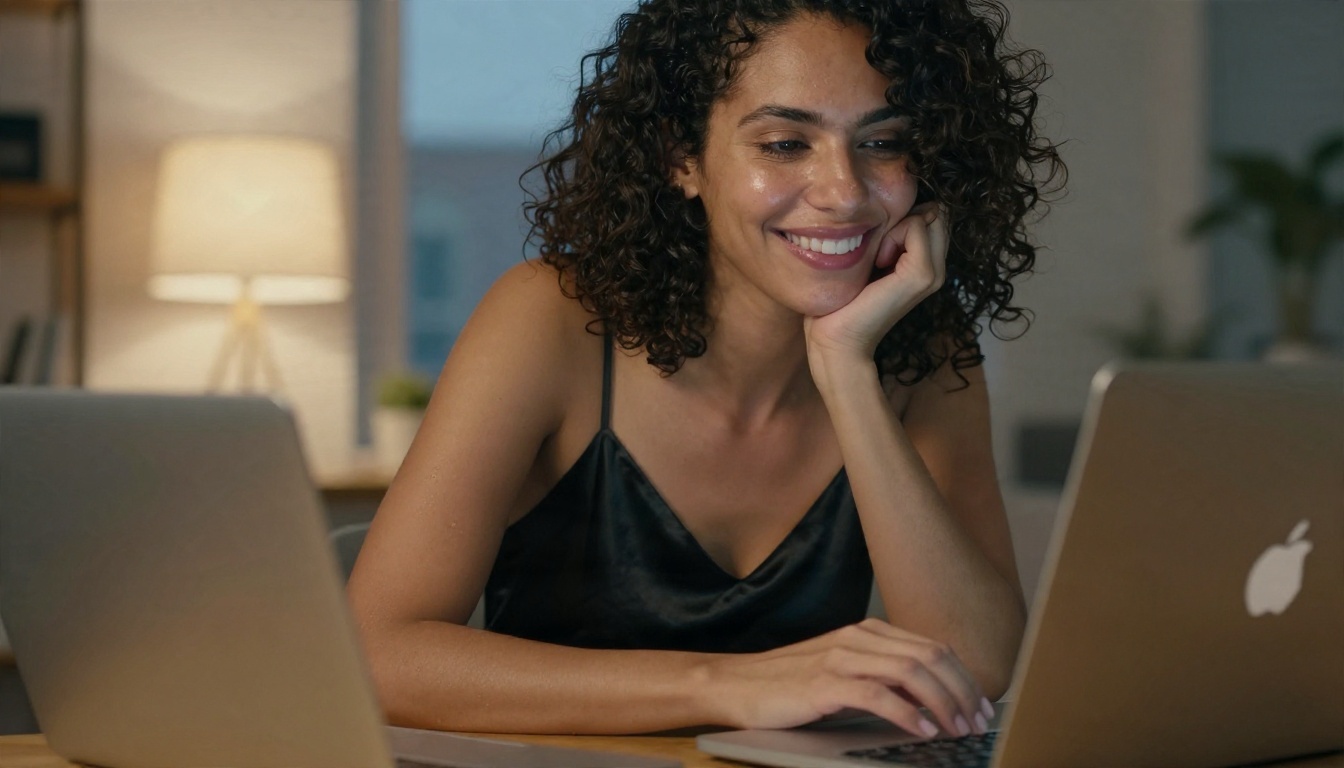
Three prompts you can copy
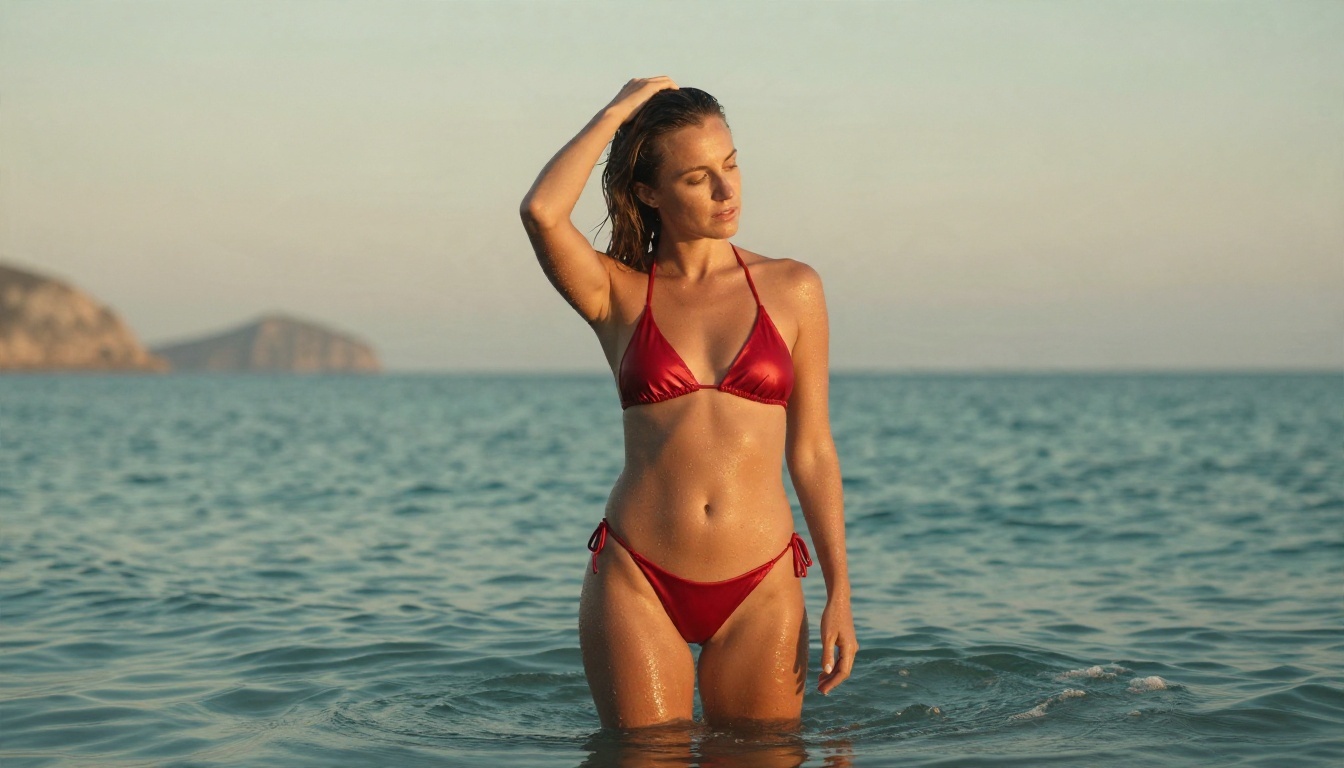
💡 Beach glamour: "Adult woman in a red satin bikini knee deep in turquoise water at golden hour, hand sweeping wet hair back, warm rim light from the low sun, water droplets on tanned skin, 85mm f/1.8, shallow depth of field, Kodak Portra 400 grain, raw photo."
💡 Boudoir morning: "Adult woman in a champagne silk robe over black lace, reclining on cream linen sheets, soft window light from the left, visible skin texture, 85mm f/1.8, natural film grain, intimate and elegant."
💡 Editorial lingerie: "Adult woman in an emerald lace bodysuit against a brick loft wall, low angle, overcast window light from the right, lace pattern in focus, 35mm f/2, editorial pose."
Words that cause plastic skin
Phrases like "perfect," "flawless," "8k ultra HD," and "masterpiece" push many models toward a glossy, over-smoothed finish. Replace them with physical descriptions: "visible pores," "faint freckles," "soft peach fuzz in side light," "natural sheen on collarbone." The model responds to what a camera would see.
Negative details worth adding
If the tool has a negative prompt field, list what you do not want: extra fingers, warped hands, text, watermark, blurred face, cartoon style. If it has no field, write the opposite in the main prompt: "five fingers on each hand, sharp eyes, clean background."
Keeping the Same Character
The second problem after realism is consistency. You find a face you like, then the next render gives you a stranger.
Lock the description
Write a fixed character line and paste it at the start of every prompt: age range, hair colour and length, skin tone, a distinguishing detail such as a small mole or a gap in the eyebrow. Keep it identical word for word. Change only the wardrobe and setting.
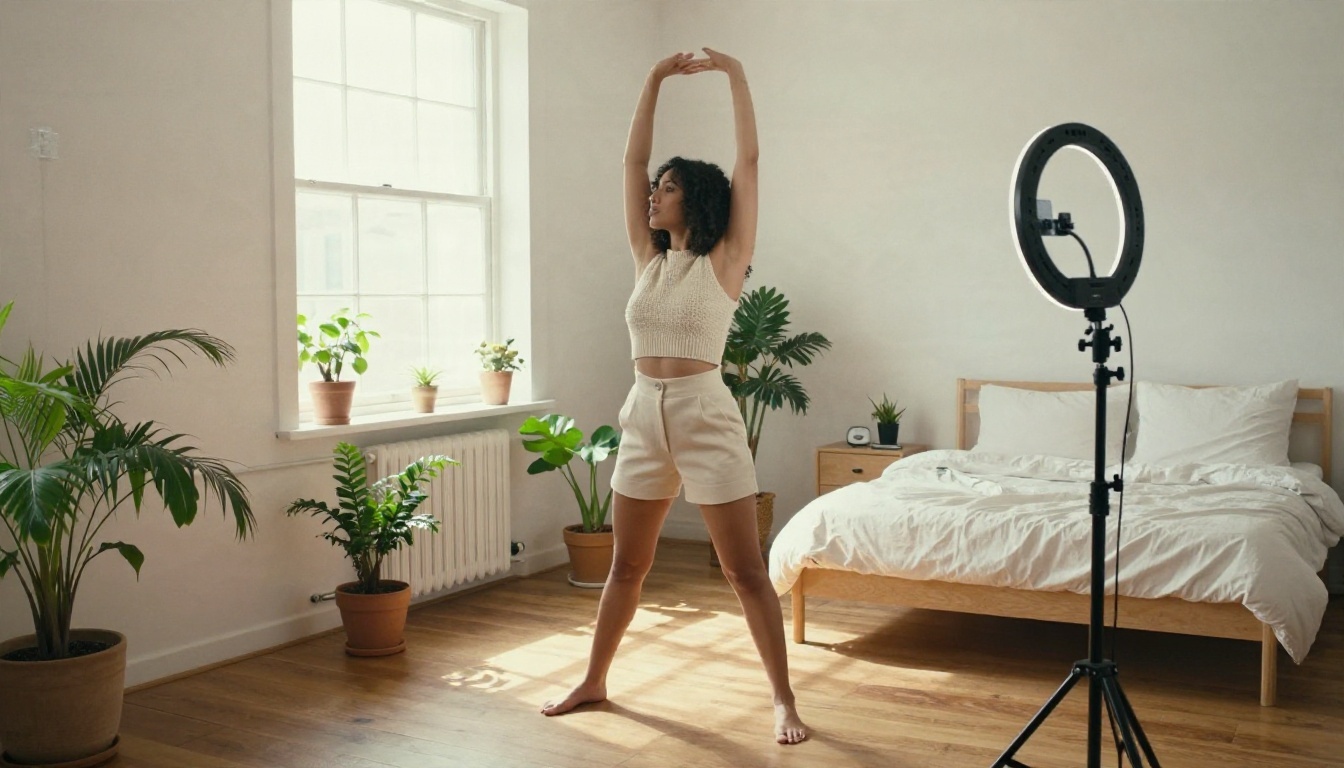
Reuse a seed and a base image
Many generators let you set a seed, which repeats the same starting noise. Combine that with an image editor workflow: generate one strong portrait, then edit outfit and background instead of regenerating from scratch. This is where PicassoIA Image Editor Pro pays off, because unlimited edits let you refine without counting.
Train a style when you need volume
If you produce a lot of content, a LoRA adapter keeps outfits, colour grade and facial structure steady. Flux Dev LoRA is a common choice, and P Image Trainer lets you train your own. Train only on images you own or that are fully synthetic.
How to Use Seedream 4.5 on PicassoIA
Here is the workflow I follow for a clean first result.
- Open the model page. Go to Seedream 4.5 on PicassoIA.
- Write the five-part prompt. Paste your fixed character line first, then wardrobe, setting, light and camera.
- Pick the aspect ratio. Use 16:9 for wide editorial scenes, 3:4 or 2:3 for portraits, 1:1 for social posts.
- Set the size. Start at a standard size for drafts. Go higher only when you have locked the composition.
- Generate a batch. Run at least four variations. Judge hands, eyes and fabric, not only the pose.
- Fix, do not restart. Take the best frame to PicassoIA Image Editor Pro and correct small issues there.
- Upscale last. A super resolution pass at the end preserves detail without wasting runs on big files.
💡 Parameter tip: if the model page shows a seed field, note the seed of any image you like. Reusing it with small prompt edits gives you controlled variations instead of random ones.
Common mistakes to avoid
- Overlong adjectives: ten adjectives about beauty beat nothing. Two lines about light beat all of them.
- Mixed lighting: "golden hour" and "studio flash" in one prompt confuses the render.
- Ignoring the background: empty settings read as fake. Add props, texture and depth.
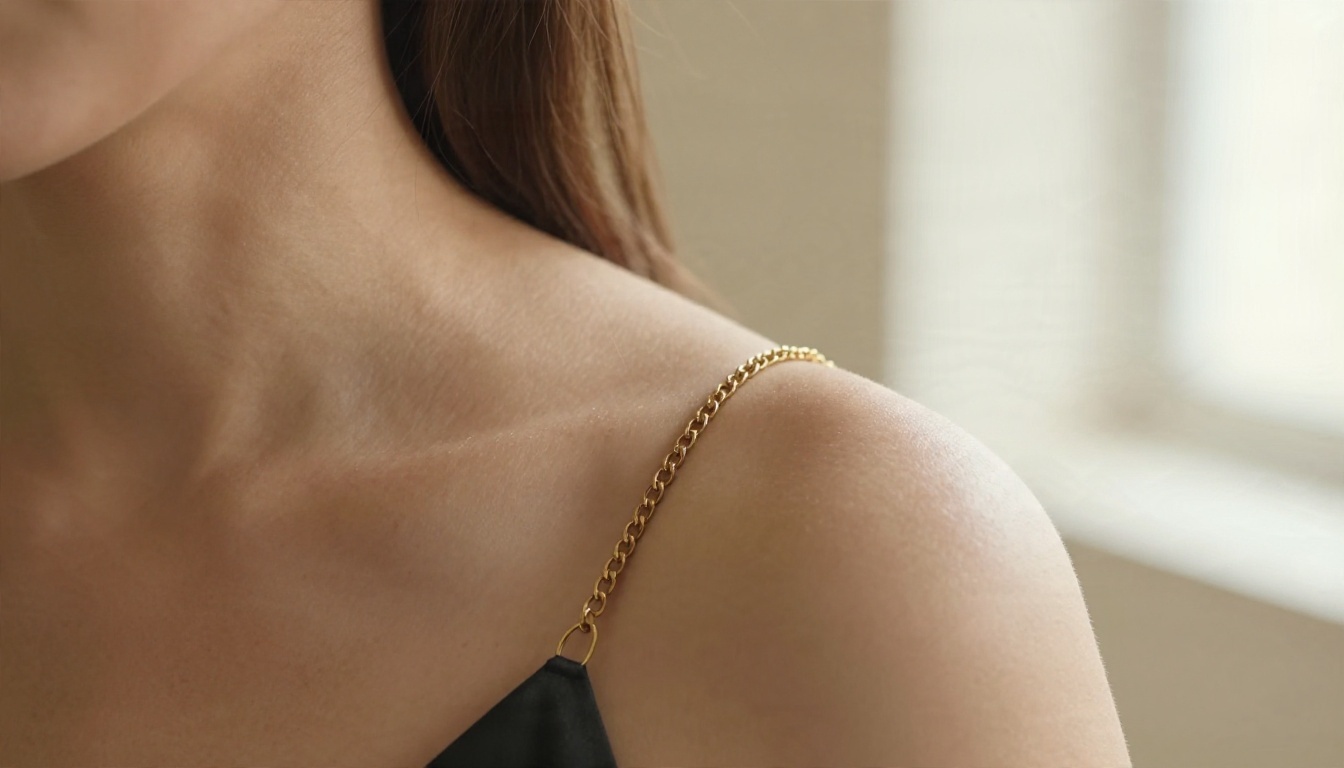
- Skipping the crop check: inspect edges for cut-off fingers, jewelry glitches and warped lines.
Safety, Privacy and Consent
This is the part most "top 10" lists skip, and it is the part that matters most.
Adults and fictional subjects only
Every subject must be an adult, and your prompt should say so. Never generate anything that suggests a minor, and never write ages or descriptions that blur the line. This is not a gray area, and reputable platforms enforce it.
No real people's likeness
Do not use a real person's face, a celebrity, an ex or a coworker. Non-consensual imagery causes real harm and is illegal in a growing number of places. Build fictional characters instead, and keep them clearly fictional.
Check what the site keeps
Before you sign up anywhere, read three things: whether prompts are stored, whether outputs are public by default, and how deletion works. Avoid tools that make your gallery public without telling you. Use a separate email and never upload personal photos to unknown sites.
Watch out for scam generators
Warning signs: "100% free" with a surprise paywall after the first image, a download that asks you to install a browser extension, fake review pages, and anything demanding card details for a free trial. Stay with platforms that show their model list openly.
| Red flag | Why it matters |
|---|
| Forced extension install | Can read your browsing |
| Card needed for free trial | Hidden recurring charge |
| Public gallery by default | Your prompts become visible |
| No model names shown | You cannot judge quality or policy |
| Real face uploads encouraged | Consent and legal risk |
Free is fine for testing. Paid makes sense when you need volume, privacy, or high resolution.
When free is enough
If you are trying prompts, learning what lighting does, or making a handful of images a week, free credits and unlimited tools cover you. Use fast models for drafts, one strong model for finals.
When it makes sense to pay
If you need large batches, consistent characters across dozens of images, or private galleries, a paid tier saves time. The test is simple: if you are spending more than an hour a week waiting in queues, your time is worth more than the subscription.
Try It Yourself
The fastest way to see the difference between a bland generator and a good one is to run the same prompt through three of them. Pick the beach glamour prompt above, send it to Seedream 4.5, Z Image Turbo and Flux Dev, and compare skin, hands and light. Then take your favorite into PicassoIA Image Editor Pro and refine it as many times as you like.
Ready to build your own set? Browse every available model at picassoia.com/en/all-models, write a five-part prompt, and start creating with Picasso IA today. Try three prompts tonight, keep the best, and change one detail each round. In an hour you will have a personal prompt library that beats anything a random free site can give you.


