Most "free NSFW" tools are free for about ten minutes. You get three generations, a watermark, a queue that crawls, and then a paywall appears right when your prompt finally works. If you have been through that loop, you already know that the word free and the word unlimited are not the same thing, and that "no filter" often means "no quality control" too.
This article sorts the noise. You will see which tools are worth your time for images, short videos and chat, how to keep your results attractive and non-explicit, and how to chain the three into one workflow that costs you nothing but a bit of patience. Everything here sticks to the glamour side of adult content: swimwear, lingerie-style fashion, boudoir lighting and flirty storytelling. No pornographic output, no gimmicks.
💡 Quick answer: For images, start with Seedream 4.5 and PicassoIA Image Editor Pro. For video, animate your best still with an image-to-video model. For chat, pick a general language model and steer it with a clear persona and tone.
What "No Limits" Really Means
Free Versus Unlimited
A free trial gives you a taste. An unlimited tool lets you iterate. The difference matters because good AI images rarely come from the first attempt. A typical keeper takes five to fifteen tries: you adjust the pose, fix the lighting, rewrite one clause, and try again.
Here is how the common pricing patterns stack up:
| Pricing pattern | What you get | The catch |
|---|
| Daily free credits | A handful of generations per day | Credits vanish fast on video |
| Free trial | Full features for a short period | Locked after the trial ends |
| Watermarked free tier | Unlimited-looking output | Logo across the image |
| Truly unlimited tool | Generate as many times as you like | Usually limited to specific models |
The last row is the one you want. PicassoIA Image Editor Pro, for example, is built around unlimited generations, which changes how you work. You stop treating each prompt like a precious coin and start experimenting freely.
Suggestive Versus Explicit
"NSFW" covers a huge range. At one end sits a bikini photo on a beach. At the other end sits material no mainstream platform should host. The sweet spot for most creators, and the one that actually performs well on social feeds, portfolios and mood boards, is the middle: suggestive, stylish and tasteful.
That is also where AI tools shine. A model that renders believable skin texture, fabric sheen and window light will give you a more convincing glamour image than any crude prompt ever could.

Seedream 4.5 Leads the Pack
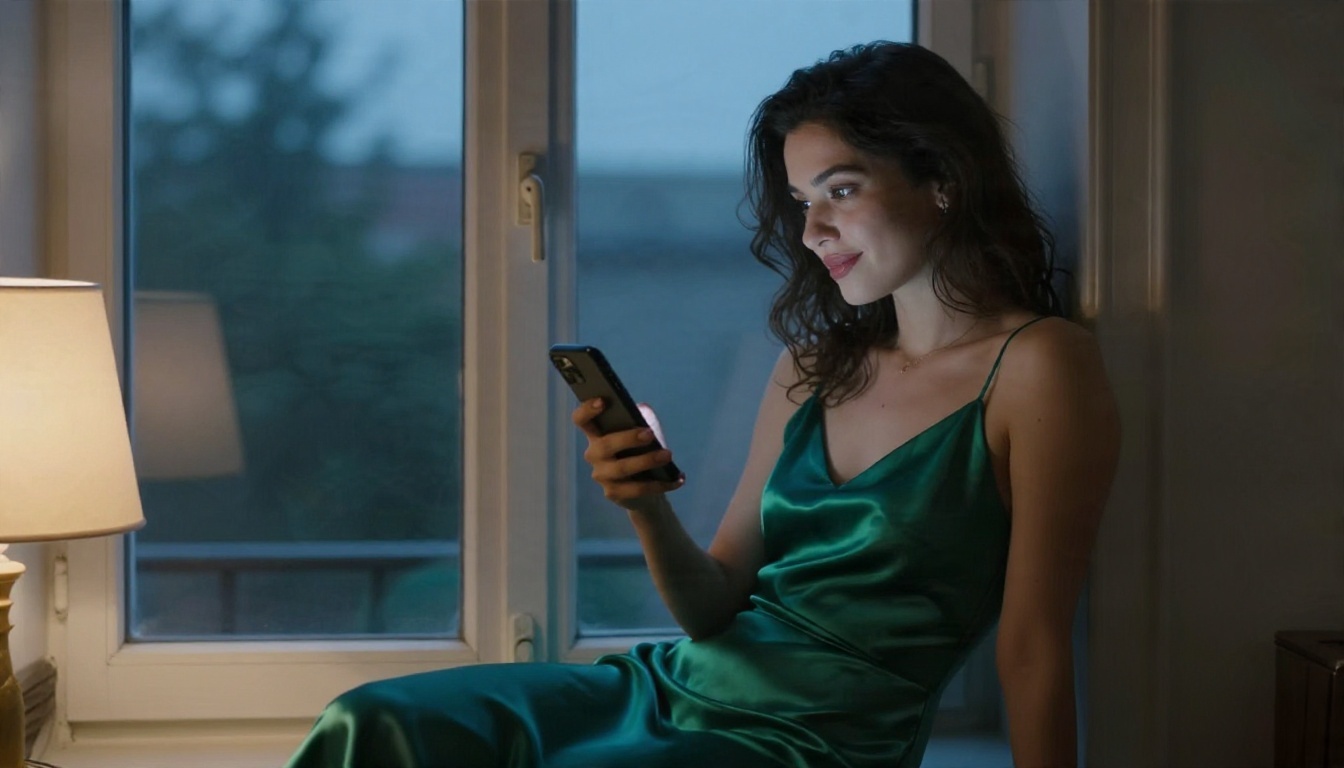
Seedream 4.5 is the first model to try for glamour work. It produces sharp, high-resolution images with natural skin tones, convincing fabric behavior and lighting that feels photographed rather than painted. Swimwear, silk, lace trims and soft boudoir light all come out cleanly, and it follows long prompts well.
Why it earns the top spot:
- Skin that looks like skin, with pores, freckles and soft highlights instead of plastic smoothing
- Strong prompt adherence, so "low angle, left window light, 85mm lens" actually changes the result
- Up to 4K output, which matters if you print or crop
- Fast generation, so iteration stays painless
💡 Tip: Write prompts the way a photographer briefs a shoot: subject, wardrobe, location, light direction, lens. Vague prompts give vague pictures.
PicassoIA Image Editor Pro for Unlimited Runs
PicassoIA Image Editor Pro is the answer to the "no limits" part of the keyword. It is an online photo editor with unlimited generations, so you can regenerate, adjust and refine as often as you want. It is also the best tool here for editing an existing picture: change an outfit color, move the scene from indoors to a terrace, soften the lighting, or fix a detail that bothered you.
If Seedream 4.5 is your photographer, Image Editor Pro is your retoucher.

More Image Models Worth Trying
Once you have your baseline, a few other models are handy for variety:
Different models have different content rules, so a prompt that one model refuses may work in another. If a result is blocked, try rewording toward the fashion and photography side of the idea before switching tools.
How to Use Seedream 4.5 on PicassoIA
This is the fastest route from a blank box to a keeper.
Step by Step
- Open the Seedream 4.5 model page on PicassoIA.
- Paste a detailed prompt into the text box (examples below).
- Choose a 16:9 ratio for wide editorial shots or 3:4 for portraits.
- Pick the highest resolution available for your final version.
- Generate, review, and change one thing at a time before regenerating.
- Send your favorite to Image Editor Pro for finishing touches.
A Prompt Structure That Works
Use this order: subject and pose, wardrobe, setting, light, lens, texture notes.
Example: "A woman in a champagne satin two-piece swimsuit lounging on a linen daybed, Mediterranean villa terrace, golden morning light from the left through a wooden pergola, 85mm f/1.8, shallow depth of field, visible skin texture, Kodak Portra 400 film grain."
Parameter Tips
- Aspect ratio: match the final destination. Wide for blog headers, tall for stories.
- Seed: if you like a composition, keep the seed and edit the prompt slightly.
- Prompt length: 40 to 80 words is a good range. Shorter feels generic, longer can contradict itself.
- Negative habits: describe what you want, not a long list of what you do not.

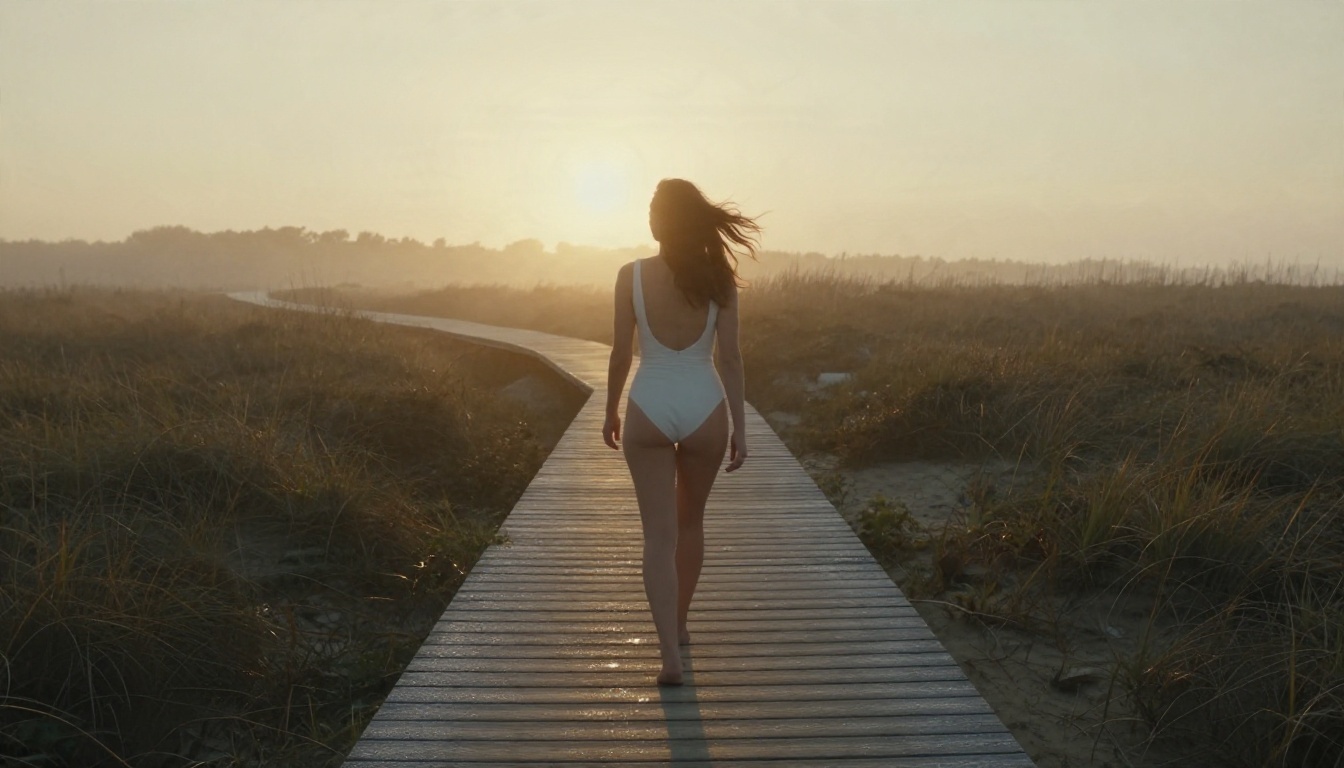
Text-to-video is exciting, but image-to-video is where glamour content gets reliable. You build a still you love, then add five seconds of motion: a breeze in the hair, a slow camera push, water rippling in the background. Because the first frame is already approved, you avoid the random faces and warped hands that pure text-to-video can produce.
Wan 2.5 I2V Fast
Wan 2.5 I2V Fast is a strong first pick for animating a single photo. It is quick, it keeps the subject steady, and it handles gentle motion well. Describe the motion in order: what moves first, how the camera behaves, what the light does.
LTX 2.5 Fast
LTX 2.5 Fast is built for speed and sharp output. When you want to test several motion ideas on the same image without waiting, this is the model to reach for.
Kling v1.5 Standard
Kling v1.5 Standard turns photos into 720p clips with smooth, natural movement. It is a reliable middle option when you want something steady rather than flashy.
If you want to start from text instead, Wan 2.5 T2V and its faster sibling handle that route.
💡 Video rule of thumb: small motion beats big motion. A slow dolly-in and a hair-in-the-breeze moment look expensive. A full turn and a walk across the frame invite artifacts.
Motion Prompts That Behave
| Goal | Prompt idea |
|---|
| Beach mood | "Soft breeze moves her hair, waves roll in slowly, camera drifts forward" |
| Boudoir mood | "She turns her head toward the window, curtains stir, slow push-in" |
| Poolside | "Water ripples in the background, she brushes her hair back, handheld feel" |
| Portrait | "Subtle smile, eyes move to camera, shallow focus holds steady" |
Chat Options for Stories and Captions
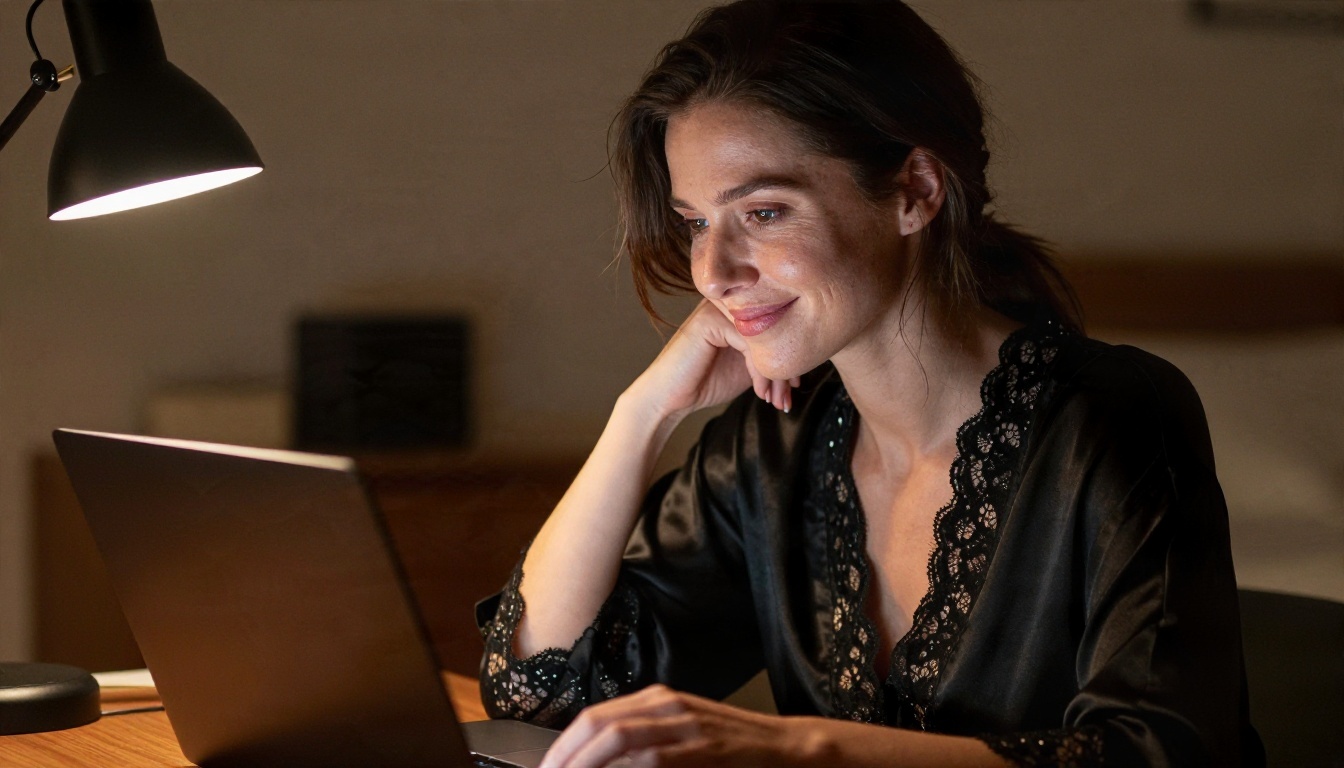
Image and video get the attention, but chat quietly does a lot of the work. A language model can write your prompts, draft captions, plan a photo series, build a fictional character profile, or keep a flirty, playful roleplay going in a tone you choose.
Picking the Right Model
Chat models differ in tone, caution and creativity. Here are the ones available on PicassoIA that are worth a try:
Be realistic here. Mainstream language models apply their own content rules, and none of them is a blank check. They are excellent at suggestive, romantic and playful writing, and weaker or unwilling when a request turns explicit. If one refuses, rewrite the request in a more literary tone, or try another model, since each draws its line in a slightly different place.
Chat as Your Prompt Writer
The most practical use of a chat model in this niche is not conversation at all. It is prompt building. Try something like this:
"Write five photographic prompts for a glamour shoot at a seaside villa. Each prompt should name the wardrobe, the pose, the light direction and a lens. Keep it tasteful and suggestive, nothing explicit."
You get five usable prompts in seconds, and you can paste them straight into Seedream 4.5. Ask the model to vary the camera angle each time and you will avoid that samey look that gives AI galleries away.
A Simple Workflow From Idea to Clip
Here is the full pipeline, start to finish, using only free-feeling tools.
- Brief in chat. Ask a language model for a mood, a setting and three prompt variations.
- Generate stills. Run the best prompt in Seedream 4.5. Make four to eight variations.
- Edit. Open your favorite in Image Editor Pro. Fix a strap, change the wall color, soften the shadows.
- Animate. Send the finished still to an image-to-video model with a short, calm motion prompt.
- Caption. Return to chat for a caption or a short story to go with the post.
Why This Order Works
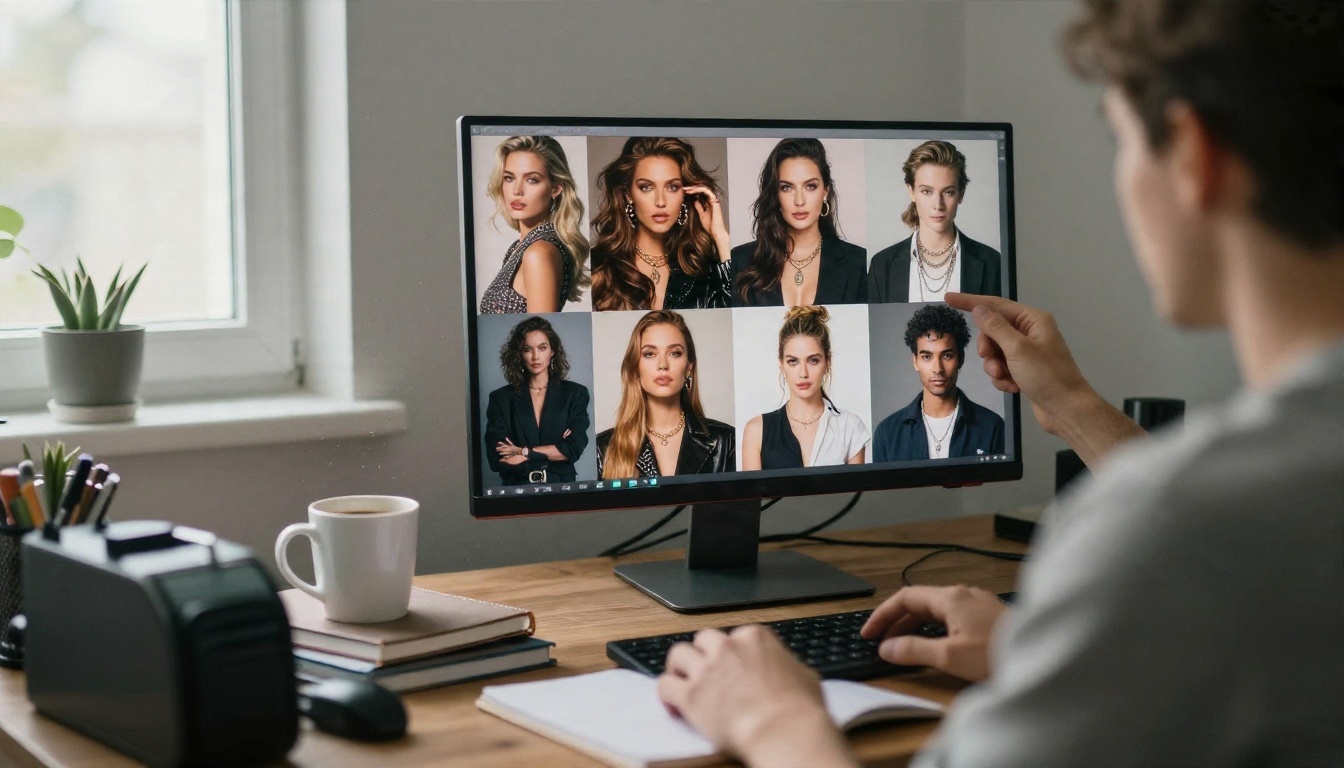
Editing images is cheap and fast. Generating video is slower and heavier. So you spend your attempts where they cost least, lock the look in a still, and only then commit to motion. Creators who start with video usually burn through their daily credits before they have a single clip they like.
Mistakes That Waste Your Free Runs
Prompting Like a Search Bar
Typing "sexy woman beach" gives you a generic result. A real brief gives you a real photograph. Name the wardrobe fabric, the light direction, the time of day and the lens. Every detail you leave out is a detail the model invents for you.
Changing Everything at Once
If you rewrite the entire prompt each time, you never learn what helped. Change one variable per run: the angle, the light or the wardrobe. After five runs you will have a clear picture of what each part does.
Chasing One Perfect Frame
Perfection is a trap. Generate a batch, pick the best two, and finish them in the editor. A small retouch pass beats twenty extra regenerations.
Ignoring Hands and Edges
Check fingers, jewelry clasps, straps and hair edges before you animate anything. Motion amplifies small errors, so fix them in the still first.
Skipping the Rules
Every model has content rules, and every platform you post on has its own. Stay within non-explicit, adult-only and consent-respecting territory. Never generate images of real people without their permission, and never create anything that depicts minors. Fictional, original characters are the safe lane for creative work.
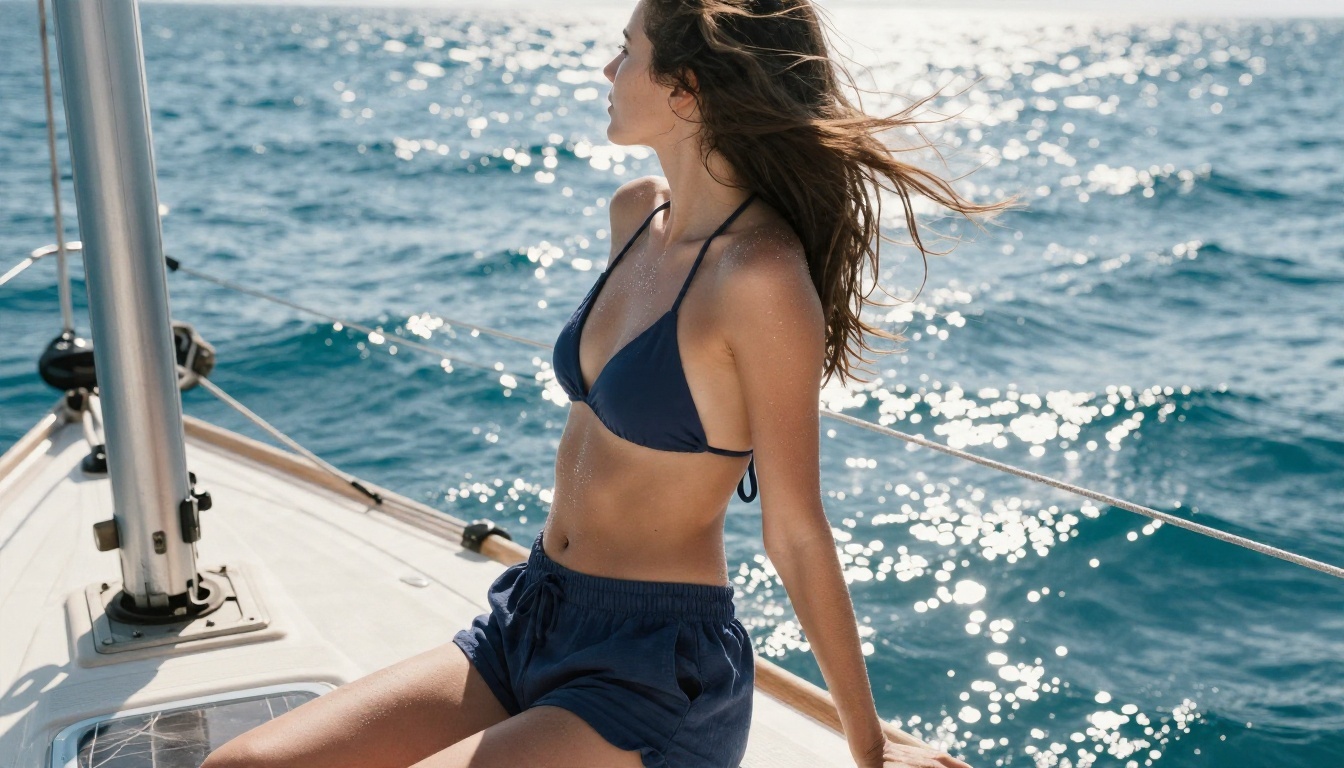
| Tool type | Best starter | Speed | Where limits show up |
|---|
| Image | Seedream 4.5 and Image Editor Pro | Seconds | Almost none with unlimited editing |
| Video | Wan 2.5 I2V Fast | Under a few minutes | Credits and clip length |
| Chat | GPT 5.6 Luna or Claude Sonnet 4.6 | Instant | Model content rules |
The honest summary: images are where "no limits" is closest to true. Video is limited by clip length and compute. Chat is limited by each model's own policy. Knowing that ahead of time saves you from chasing a tool that does not exist.
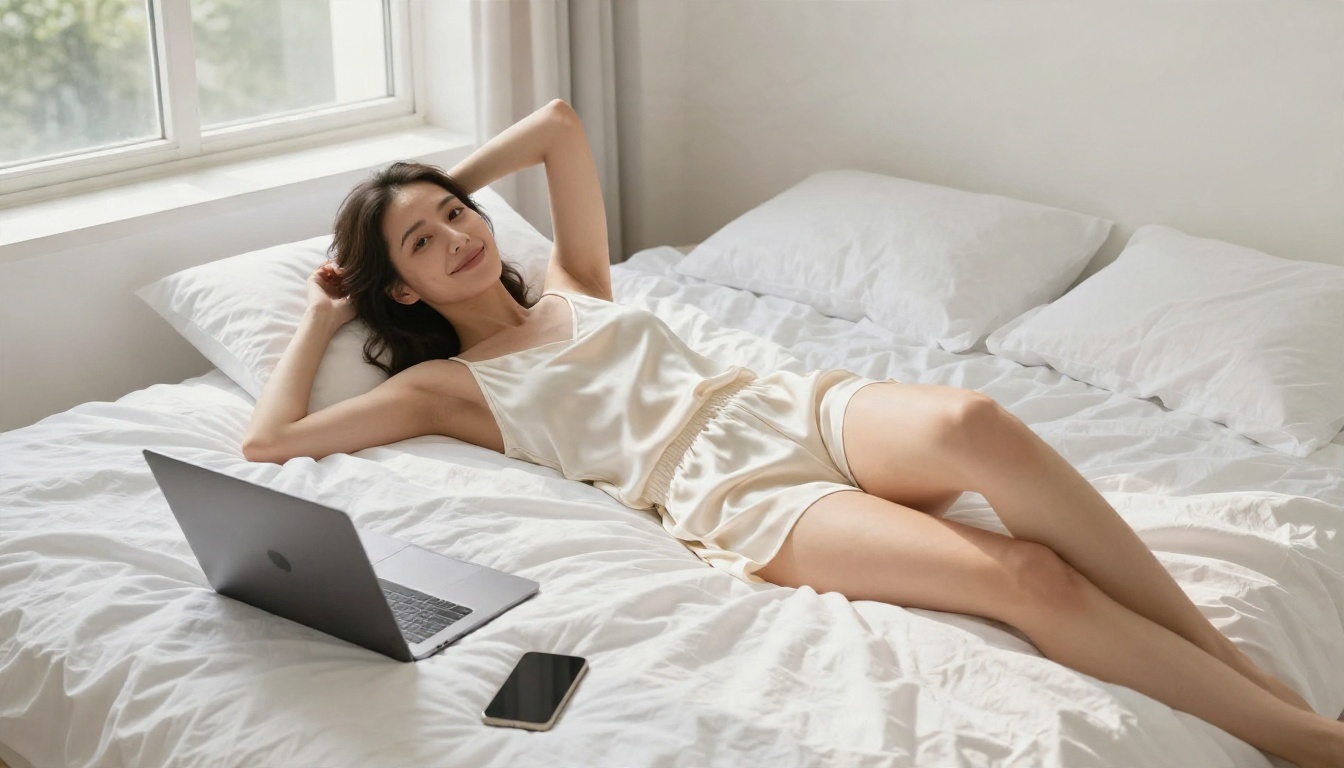
Start Creating Your Own Images
You do not need a subscription stack to get good results. Open Seedream 4.5 on PicassoIA, write a prompt with real photographic detail, then refine the winner in PicassoIA Image Editor Pro as many times as you like. When a still feels right, animate it with Wan 2.5 I2V Fast and let a chat model write the caption.
Pick one scene today: a terrace, a pool, a window at dusk. Make eight variations, keep the best, and polish it. After that first session you will know more about what works than any list can tell you.
Want to try something beyond the models mentioned here? Browse everything at picassoia.com/en/all-models and test a few side by side.


