Type "free NSFW video generator" into a search bar and you get a wall of tools that promise everything: no sign in, no limits, no filters, no watermark. Then you try one. It asks for an email, hands you three credits, stamps a logo across the clip, and refuses half your prompts. Sound familiar? This article sorts the marketing from the reality. You will see what "free" actually means in this niche, which limits are normal, which prompts produce smooth and attractive motion, and which alternatives are worth your time when a free tool runs out of road.
A quick note on scope. Everything here is about suggestive, glamour-style content: swimwear, lingerie, boudoir lighting, artistic and implied sensuality. It is not about explicit material, and the examples on this page stay on the tasteful side. Work only with adult subjects, and never animate a real person without their consent.
What "Free" Really Means
Most pages that use the word "free" mean one of three very different things. Knowing which one you are dealing with saves a lot of wasted evenings.
The Three Kinds of Free
| Type | What you get | Typical catch |
|---|
| Free trial credits | A handful of generations, then a paywall | Credits vanish after 2 or 3 clips |
| Free with watermark or queue | Unlimited tries, but slow and branded | Long waits, logo on every video |
| Free and unlimited | No cap on generations | Shorter clips, lower resolution, or a lighter model |
The third type is the one worth hunting for, and it exists. On PicassoIA, Seedance 2.5 Lite is listed as a free and unlimited video generator that produces clips up to 10 seconds. That is a real example of the "unlimited" category rather than a trial in disguise.
Why No Sign In Is Rare
Video generation burns serious GPU time. A single five second clip can cost a platform more than a hundred text prompts. That is why true no sign in tools are scarce: without an account, there is no way to throttle abuse, so anonymous services either shrink the output, slow it down, or disappear within weeks.
💡 Reality check: if a site promises unlimited, anonymous, uncensored, 4K video with no account and no watermark, treat it with suspicion. Something in that list is false, and it is often your data or your device security.
No Sign In: What Actually Works
Anonymous Tools and Their Trade-offs
Anonymous generators tend to share the same traits. They run smaller models, cap output at 3 or 4 seconds, limit resolution to 480p or lower, and queue you behind paying users. Many also log your prompts. If you value privacy, read the data policy before typing anything personal.
What you should expect from a no sign in tool:
- Short clips, usually under 5 seconds
- Low or medium resolution
- Queue times that swing from seconds to many minutes
- Aggressive filters, because the operator carries all the risk
- No history, so you must download each result immediately
When an Account Is Worth It
A free account is not the enemy. It gives you a generation history, consistent access to the same model, and a way to reuse your best start frames. The sweet spot is a platform where signing up costs nothing and the free tier is genuinely usable, rather than a trial that expires in one session.
The Best Workflow: Image First
Here is the single biggest lesson from heavy use: text to video is a gamble, image to video is a plan. When you ask a model to invent a person, a room, lighting, and motion all in one pass, you get inconsistency. When you hand it a finished still and ask only for movement, the result looks deliberate.
Step 1: Build the Start Frame
Generate your still first. For adult-leaning glamour work, Seedream 4.5 is the model to lead with. It produces sharp, photographic skin and fabric, handles swimwear and lingerie scenes without the constant refusals you see elsewhere, and delivers up to 4K stills that give a video model plenty of detail to work from.
Then, if you need to adjust outfit, background, or lighting, use PicassoIA Image Editor Pro. It offers unlimited generations, so you can iterate on a frame ten times without watching a credit counter.
Step 2: Animate It
Upload the still to an image to video model and write a short motion prompt. Good options on PicassoIA include Seedance 2.5 Lite for free and unlimited runs, Wan 2.2 I2V A14B for animating photos into HD video, and Hailuo 2.3 Fast when you want quick turnaround.
The steps in order:
- Generate the still in Seedream 4.5 at a 16:9 or 9:16 ratio
- Adjust anything off with Image Editor Pro
- Upload the final still as the first frame of your video model
- Write a motion prompt of one or two sentences
- Generate, review, and rerun with a single changed variable
💡 Tip: change only one thing per rerun. If you edit the prompt, the seed, and the frame all at once, you will never know what fixed or broke the clip.
Prompts That Actually Move
Image to video prompts are not like image prompts. You do not need to describe the person again, because the model can already see her. You describe what changes over time.
The Motion Prompt Formula
Use this order: subject action, camera movement, environment motion, lighting mood.
Example: "She turns her head slowly toward the camera and smiles, a gentle push in on her face, curtains stirring in the breeze, warm morning light shifting across her shoulders."
That single sentence tells the model what the subject does, how the camera behaves, what the background does, and how the light feels. Four jobs, one line.
Prompt Starters You Can Copy
Swap in your own scene, and keep the motion small. Small motion reads as realistic. Big motion reads as warped.
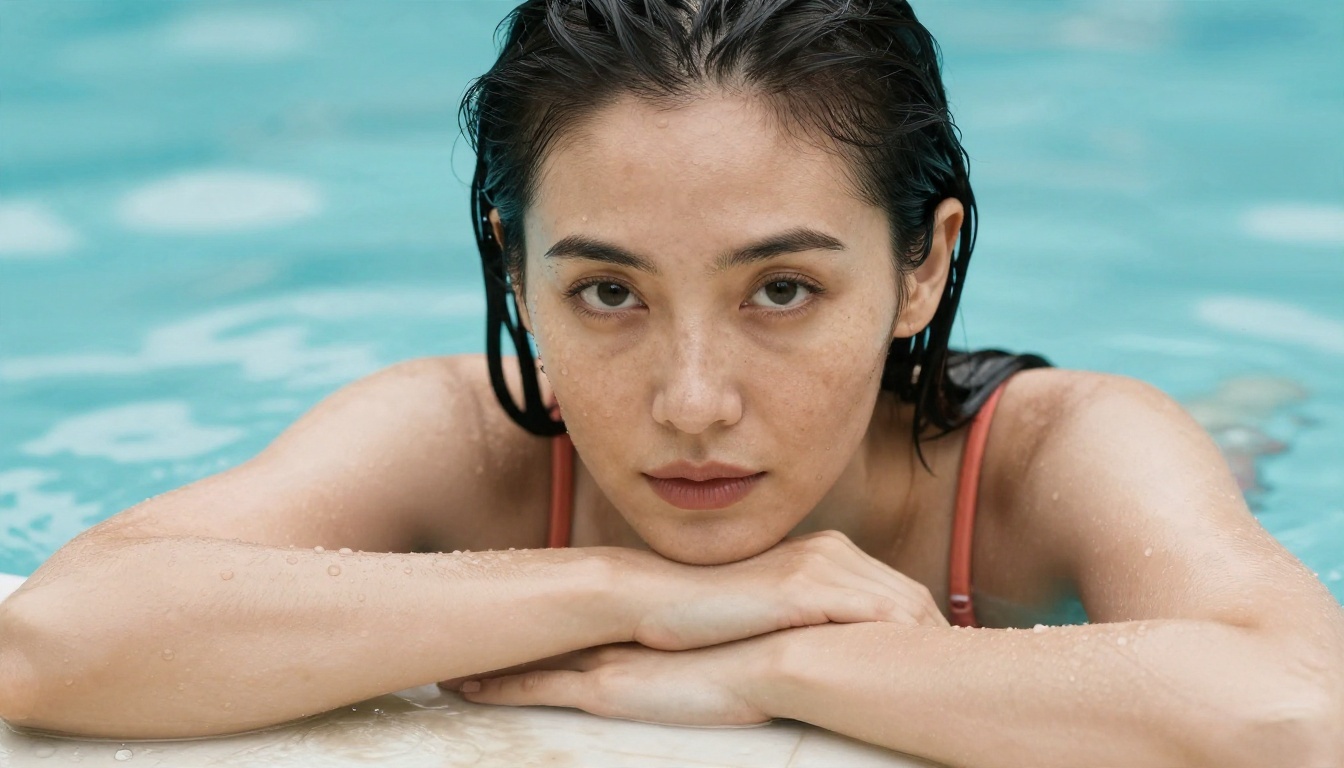
- "She brushes wet hair back from her face, slow dolly in, water rippling behind her"
- "She walks along the shoreline and glances over her shoulder, camera tracks sideways at waist height"
- "Her satin robe shifts as she steps toward the window, soft handheld movement, morning light"
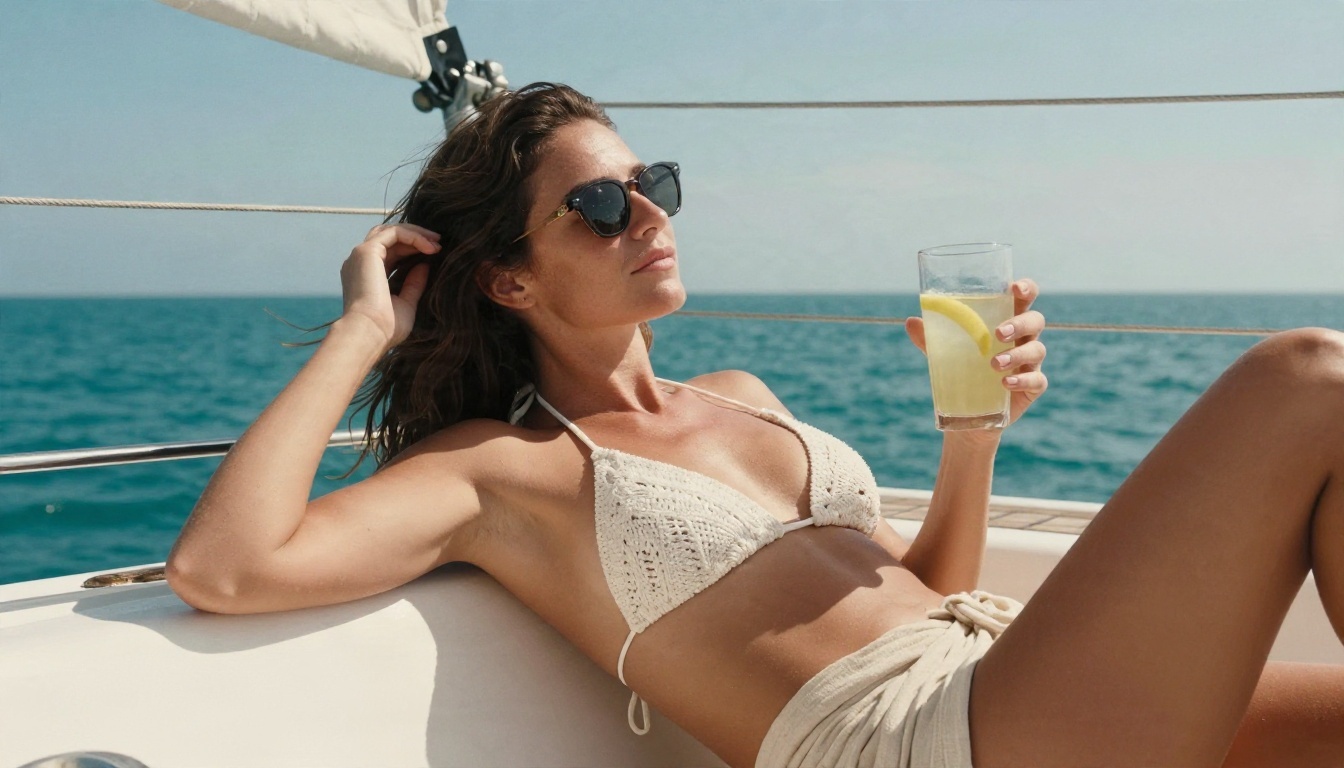
- "She lifts her sunglasses and looks into the lens, gentle breeze, sailboat rocking slightly"
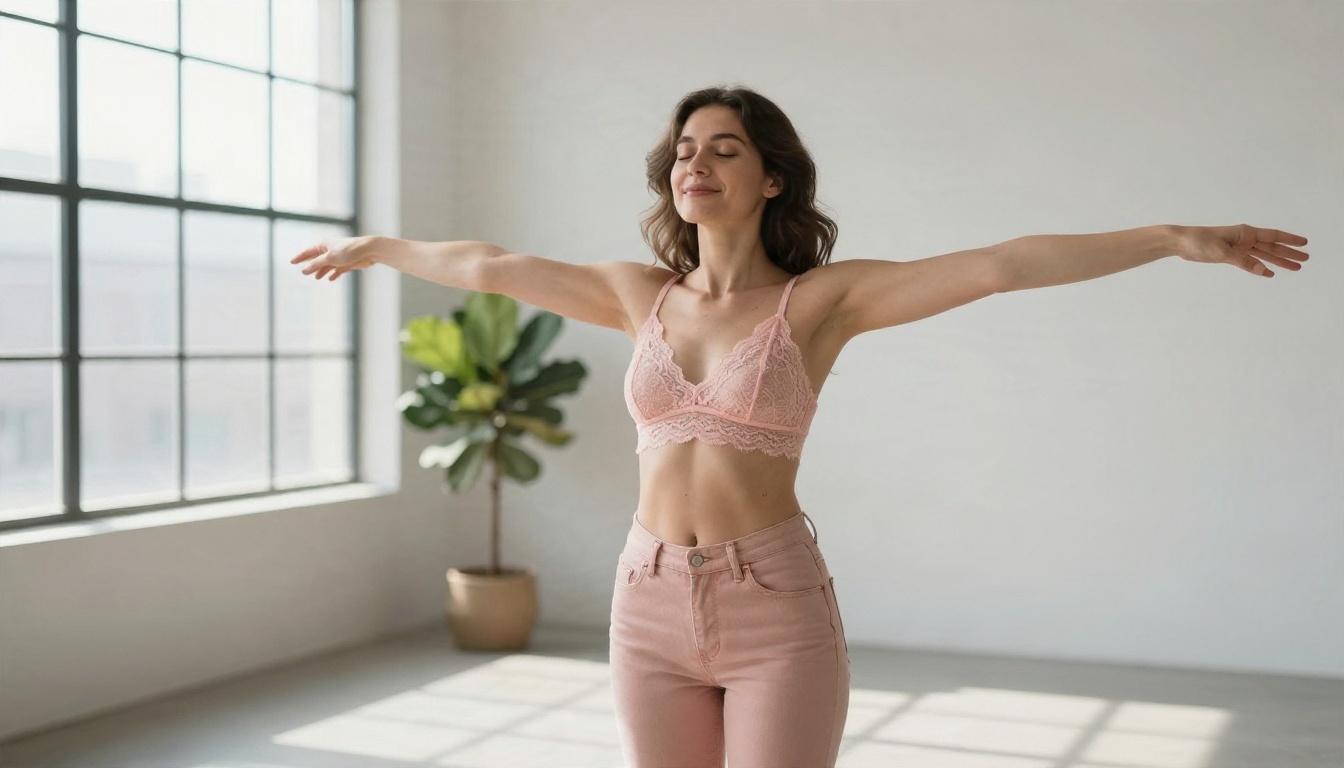
- "She stretches both arms overhead and exhales, slow tilt up, dust floating in sunlight"
- "She adjusts a thin strap and laughs, shallow focus, camera drifts right"
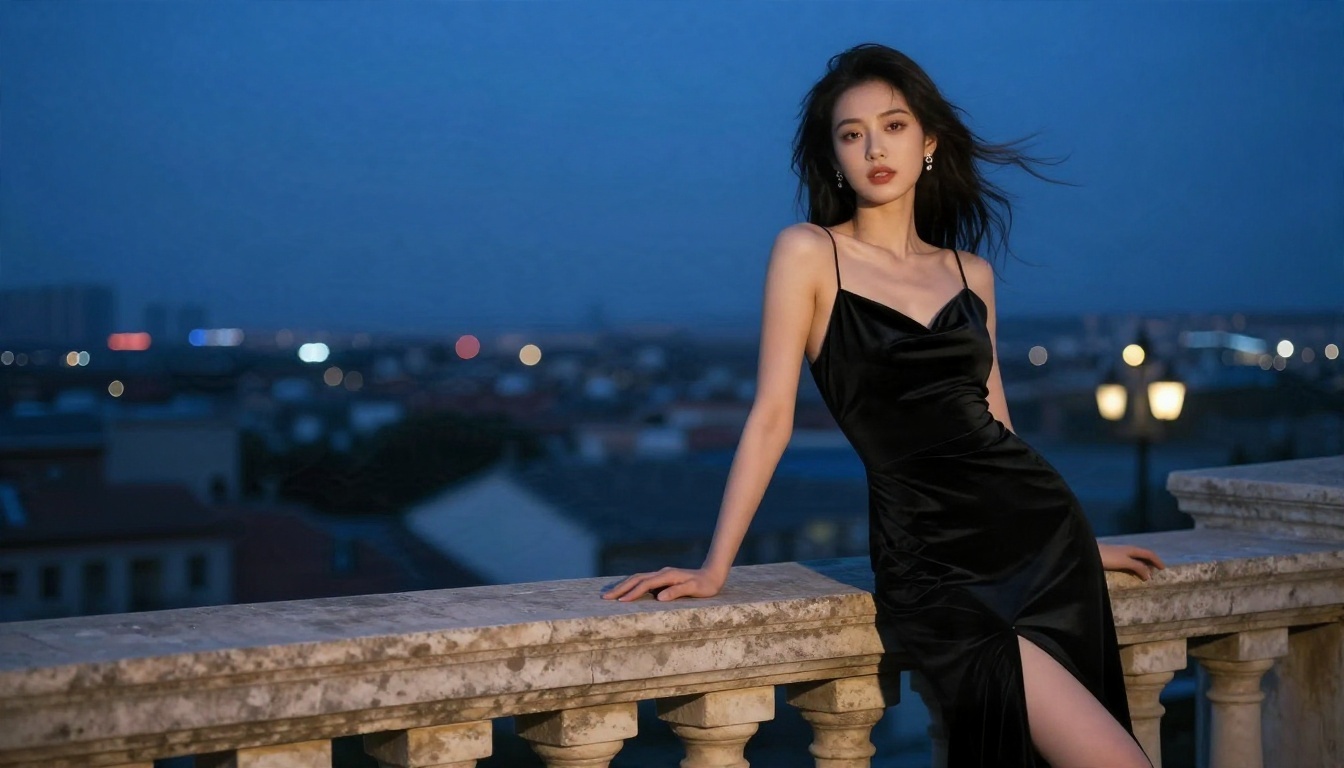
- "The evening wind lifts her hair on the balcony, city lights flicker below, slow push in"
- "She rolls onto her side on the linen sheets, overhead camera slowly rotates"
What to Avoid
Certain phrases ruin clips or trigger refusals for no benefit.
| Avoid | Why | Use instead |
|---|
| "Fast spinning" or "dancing wildly" | Limbs smear and fingers multiply | "Slow sway" or "gentle turn" |
| Long lists of adjectives | The model ignores the tail | One or two sentences |
| Repeating the face description | Can shift her identity | Leave appearance to the still |
| Explicit wording | Triggers blocks on most platforms | Suggestive, implied phrasing |
| Several camera moves at once | Produces jitter | One move only |

Real Limits You Will Hit
Every free video tool has ceilings. The useful question is which ceiling you can live with.
Length and Resolution
Most free tiers sit between 3 and 6 seconds at 480p to 720p. Some unlimited models stretch to 10 seconds. If you need a longer scene, the standard approach is to chain clips: take the last frame of clip one, use it as the first frame of clip two, and edit them together. It is slower, but it keeps the person and the lighting consistent.
Content Filters
Filters are the limit people complain about most. Platforms must protect themselves, so many block anything beyond a basic swimsuit. The practical rule is simple: choose models and tools built for glamour and artistic work, and write prompts that imply rather than state. Suggestive framing, strong lighting, and tasteful wardrobe get through far more often than blunt wording.
Quick Comparison of Typical Limits
| Limit | Anonymous tools | Free account | Free and unlimited model |
|---|
| Clip length | 3 to 4 sec | 4 to 6 sec | Up to 10 sec |
| Resolution | 480p | 480p to 720p | 720p and up |
| Generations per day | 1 to 3 | 5 to 20 | Unlimited |
| Watermark | Common | Sometimes | Rare |
| History saved | No | Yes | Yes |
| Filter strictness | Very strict | Strict | Varies by model |
💡 Tip: if a clip gets blocked, do not keep resubmitting the same prompt. Soften one phrase, change the outfit slightly, or regenerate the start frame. Repeated identical attempts just waste your quota.
Alternatives Worth Using
When a single free tool disappoints, build a small toolkit instead. Here are the options on PicassoIA, in the order I would try them for glamour and suggestive work.
Seedream 4.5 for the Start Frame
Seedream 4.5 comes first because everything downstream depends on the quality of your still. It renders believable skin texture, accurate fabric, and natural lighting, and it is open to swimwear, lingerie, and boudoir style scenes that other models refuse outright. Good frames make weak video models look strong.
PicassoIA Image Editor Pro for Fixes
PicassoIA Image Editor Pro is where you polish. Change a bikini color, swap a background, fix lighting, or remove an odd detail. Unlimited generations mean you can experiment freely, and fast results keep the creative loop tight.
Seedance 2.5 Lite for Free Clips
Seedance 2.5 Lite is the answer to the "free and unlimited" search. It generates clips up to 10 seconds, which is long enough for a single smooth moment without chaining.
Wan 2.2 I2V A14B for Photo Animation
Wan 2.2 I2V A14B specializes in turning a single photo into HD video. It follows motion prompts closely and keeps faces stable, which is exactly what you want from a glamour still.
Hailuo and Grok for Speed and Variety
Hailuo 2.3 Fast is built for quick animation of photos, and Grok Imagine Video 1.5 turns an image into a clip with audio. Run the same start frame through two or three of these and keep the best take.
Side by Side
Common Mistakes to Skip
Even with the right tools, a few habits spoil results.
- Starting from text only. Without a still, identity and lighting drift from clip to clip.
- Asking for too much motion. Five seconds is short. One action is plenty.
- Low resolution start frames. A blurry still gives a blurry video. Begin with a sharp 2K or 4K image.
- Ignoring the aspect ratio. Match the ratio to the platform you plan to post on before you generate.
- Skipping the review. Watch each clip at full speed and frame by frame. Warped hands and flickering fabric show up fast.
Safety and Common Sense
A few lines you should never cross, regardless of tool or filter:
- Use only adult subjects, real or generated
- Never animate a real person's photo without their permission
- Do not publish clips that imitate a real individual
- Keep private material private, and avoid uploading anything you would not want stored
Following these rules protects you, protects others, and keeps the platforms that serve this niche from tightening their filters even more.
Try Your Own Clips Today
You now have the full picture: free usually has a catch, true no sign in tools are rare, and the best results come from an image first workflow with a strong still and a short motion prompt. The shortest path on PicassoIA is three moves. Create a frame in Seedream 4.5, polish it in PicassoIA Image Editor Pro, then animate it with Seedance 2.5 Lite or Wan 2.2 I2V A14B.
Pick one scene, write a single sentence of motion, and run it. Then change one variable and run it again. Ten minutes of that loop will teach you more than any list of tools. When you want to try more models, browse the full catalog at picassoia.com/en/all-models and see which one fits your style.


