You typed a prompt into a "free NSFW AI" site, waited in a queue for six minutes, and got a blurry image with a giant watermark across the middle. Then the credit counter told you to come back tomorrow. Sound familiar? That is the daily reality of most free adult image generators, and it is exactly why so many people keep searching for free NSWF AI options that actually work.
This article breaks down what "free" really means in this corner of AI, which limits you will hit, how to write prompts that produce glamour-grade results without crossing into explicit territory, and which alternatives give you far more room to create. Everything here is about suggestive, artistic, non-explicit imagery: boudoir portraits, swimwear shoots, lingerie editorials and sensual lifestyle photography made for adults.

What Free NSFW AI Really Means
The phrase covers a messy range of products. Some are browser-based generators with a handful of free credits. Others are open-weight models you run on your own graphics card. A third group is mainstream platforms that allow glamour and swimwear content but block anything explicit.
Suggestive vs Explicit
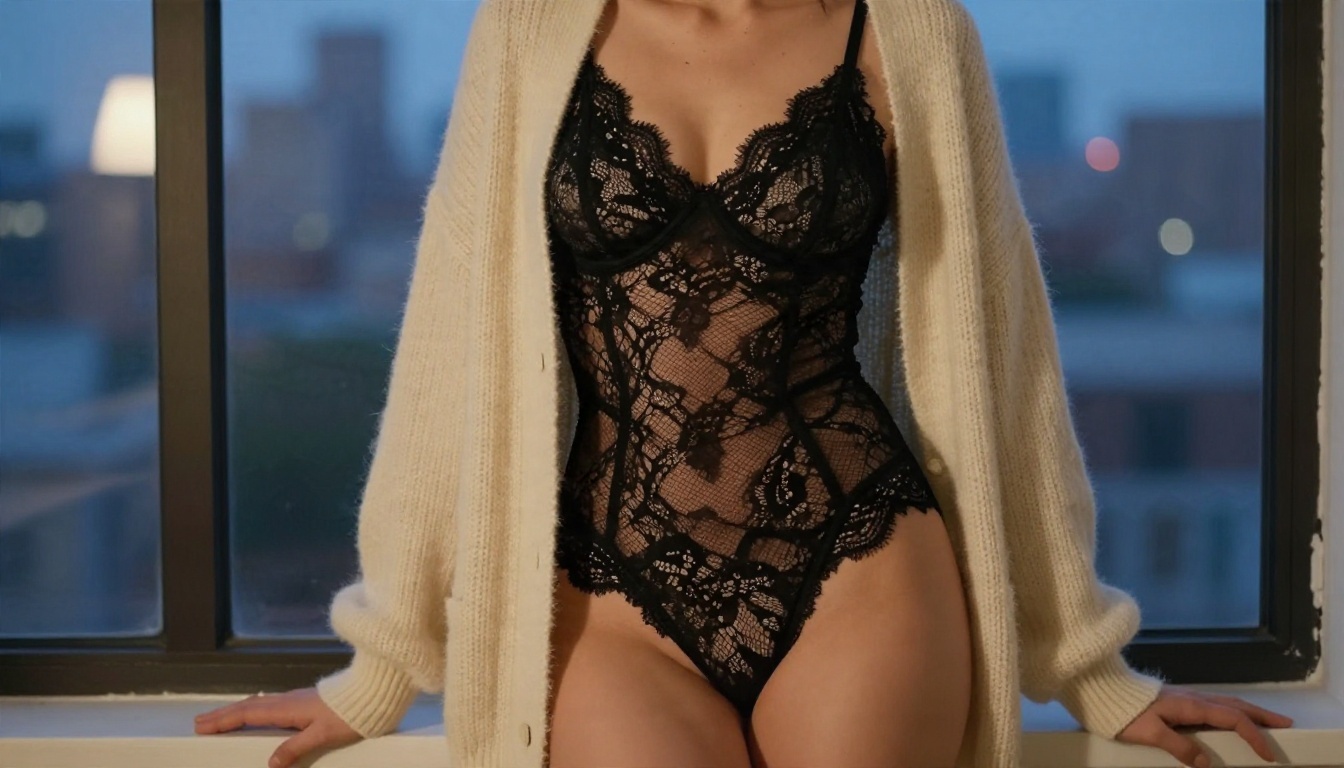
Most confusion starts here. Suggestive content means a bikini shoot, a silk slip dress, a lace bodysuit under a cardigan, a moody boudoir portrait. Explicit content is a different category altogether, and it is the reason many platforms tighten filters and ban accounts. The tools and prompts in this article stay on the suggestive side, because that is where the best results, the fewest takedowns and the lowest risk live.
💡 Quick rule: if a photographer could publish the shot in a fashion or swimwear magazine, a good AI model can generate it. If a prompt needs workarounds to get past a filter, the model is the wrong choice.
Who Actually Uses These Tools
The audience is wider than the search term suggests. Adult content creators build mood boards and concept art. Fashion and swimwear brands mock up campaigns before booking a studio. Writers and game designers need character portraits. Photographers test lighting setups before a shoot. And plenty of people simply enjoy making attractive, glamorous pictures of fictional adults.
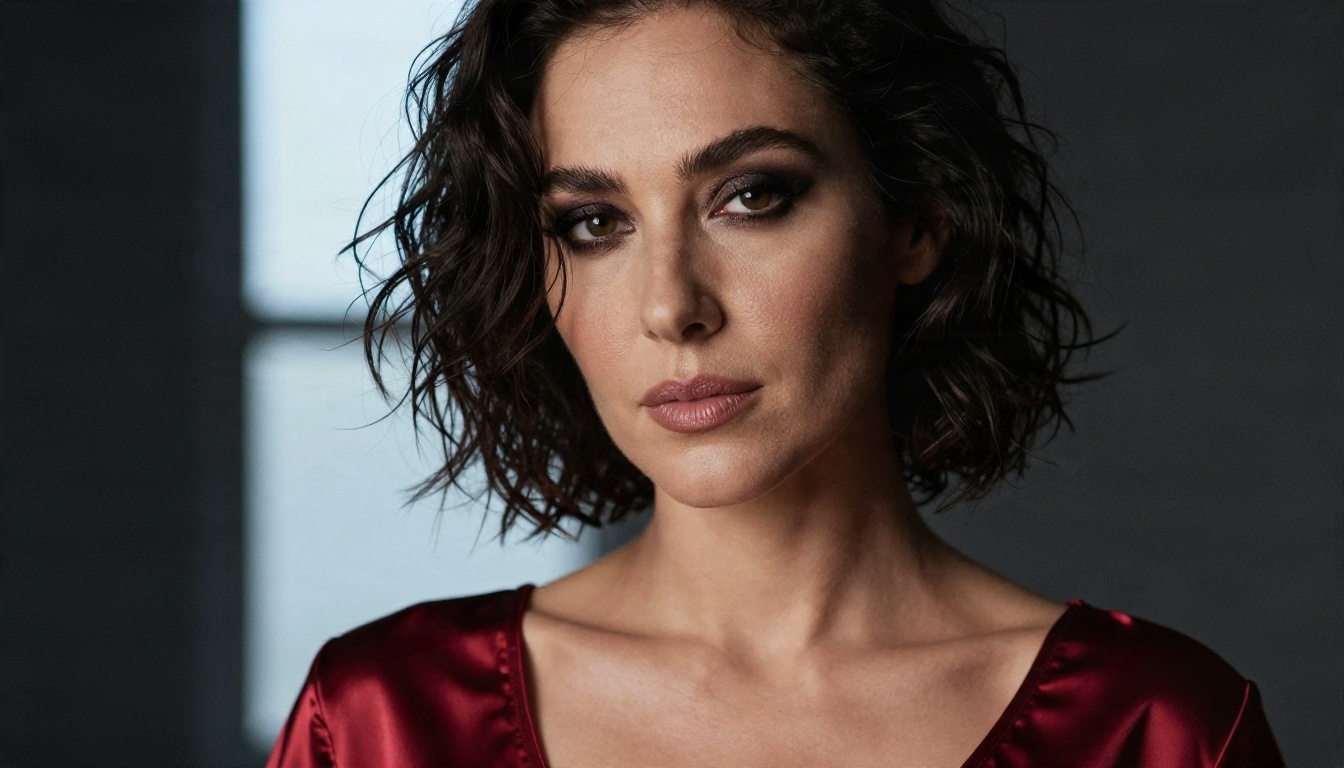
"Free" in this niche almost always means "free to try." The business model depends on sending you toward a paid plan, and the limits are designed to make that happen faster than you expect.
Daily Credit Caps
Most free tiers hand out a small number of generations per day, sometimes as few as three to ten. A single good image often needs five or six attempts to nail the pose, the lighting and the hands. That means one finished picture can eat an entire day's allowance.
Filters That Block Harmless Prompts
Overcautious moderation is the second big frustration. A prompt for a woman in a swimsuit beside a pool can be rejected on one platform and accepted on another with no obvious logic. Even while producing the images for this article, one swimwear prompt was blocked by a moderation layer until it was reworded into a calmer scene. When filters are inconsistent, you waste credits on rejected requests.
Watermarks, Queues and Low Resolution
Free output commonly arrives at reduced resolution, with a visible watermark, after a long wait behind paying users. For anyone who wants to post, print or present the result, that is a dead end.
| Limit | Typical free tool | What it costs you |
|---|
| Daily credits | 3 to 10 generations | One usable image per day |
| Resolution | 512 to 1024 px | Blurry when zoomed or printed |
| Watermark | Large, centered | Unusable for portfolios |
| Queue time | 2 to 10 minutes | Broken creative flow |
| Moderation | Inconsistent | Wasted attempts |
| Account wall | Email, phone, card | Privacy and spam risk |

Prompts That Actually Work
Good prompts are the cheapest upgrade you can make. A model with a mediocre prompt wastes credits. The same model with a precise prompt often nails the image on the first or second try.
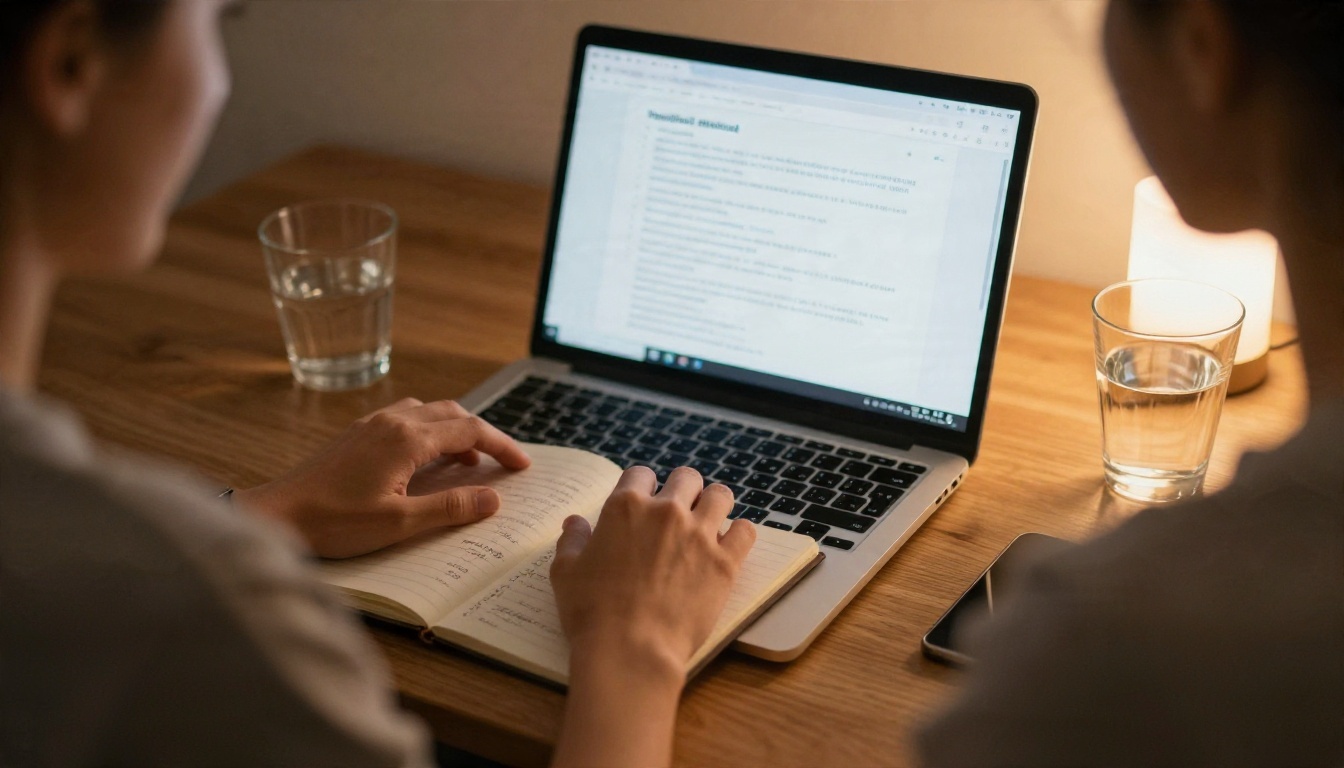
The Five-Part Structure
Think like a photographer briefing an assistant. Every strong prompt answers five questions:
- Subject and pose: who is in the frame and what are they doing?
- Wardrobe: satin, lace, linen, knitwear, swimwear, with colors and fabrics named.
- Setting: a loft bedroom, hotel balcony, vanity mirror, empty beach at sunrise.
- Light: direction, color and quality. "Warm window light from the left" beats "good lighting."
- Camera: lens, aperture, angle. "85mm f/1.8, eye-level, shallow depth of field."
Lighting and Lens Words That Help
Photographic vocabulary pulls models toward realism. These terms work across almost every modern image model:
- Light: golden hour, rim light, soft diffused window light, warm tungsten, overcast softbox
- Lens: 35mm for environment, 50mm for natural perspective, 85mm for portraits, 135mm for compression
- Texture: fine skin pores, fabric weave, satin sheen, water droplets, film grain
- Color: Kodak Portra 400, warm skin tones, natural color grading
Prompt Examples to Copy
Here are three starter prompts you can paste and adjust:
- "Adult woman in a champagne silk slip dress at a vanity with warm bulb lights, applying lipstick, side profile, 50mm f/2, warm tungsten light from the right, visible skin pores, film grain."
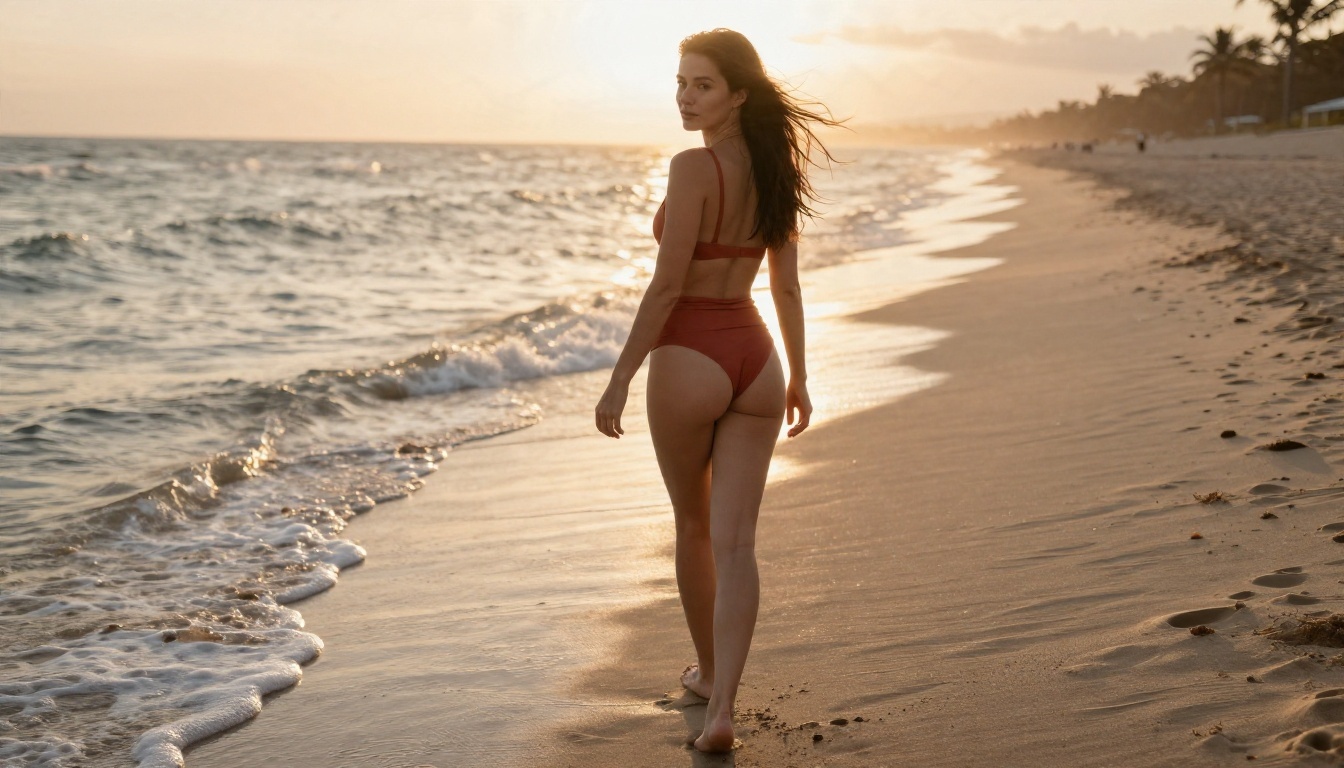
- "Adult woman in a terracotta high-waisted bikini walking on wet sand at sunrise, backlit by low sun, 135mm f/2.8, sand and water reflections, Kodak Portra 400."
- "Adult woman in a mint satin lingerie set and robe in a velvet armchair by a sunlit window, holding a tablet, 35mm f/2.8, soft morning haze."
💡 Tip: always state "adult" in the prompt. It keeps the model on mature faces and proportions, and it is simply the responsible default.

How to Use Seedream 4.5 on PicassoIA
If you want a model that handles glamour, swimwear and boudoir concepts with sharp, realistic output, Seedream 4.5 is the first model to try. It produces 2K and 4K images, follows long prompts closely and holds skin and fabric texture well.
Step by Step
- Open the Seedream 4.5 page on PicassoIA.
- Paste your prompt into the Prompt field. The limit is 4,000 characters, so you can be as detailed as you like.
- Set aspect_ratio to 16:9 for landscape scenes, 9:16 for phone-friendly portraits, or 3:4 for classic portrait framing.
- Choose size: 2K for fast drafts, 4K for final images you plan to print or crop.
- Press generate, review the result, then adjust one variable at a time: pose, light or wardrobe.
Parameter Tips
- max_images with sequential generation set to auto: produces up to 15 related images in one run, ideal for a full photoshoot of the same concept.
- image_input: upload 1 to 14 reference images to keep a consistent outfit, setting or color palette across a series.
- Custom dimensions: pick any width and height between 1024 and 4096 pixels when you need an exact banner or poster size.
- Seed habits: when you like a composition, keep the prompt nearly identical and change only one phrase. Big rewrites lose what was working.
Edit Without Limits With Image Editor Pro
Generation is only half the job. Most strong images need a touch-up: a different outfit color, a cleaner background, a softer light. That is where PicassoIA Image Editor Pro earns its place. Edits run in seconds, and there is no per-edit cap and no daily quota, which solves the biggest complaint about free tools.
What You Can Fix in One Pass
- Swap wardrobe colors or fabrics while keeping pose and face intact
- Change the setting, for example from a studio backdrop to a balcony at dusk
- Soften harsh shadows or warm up the light
- Combine up to three reference images by naming each one in your prompt
- Match the original dimensions or switch to a new aspect ratio
A practical workflow: generate your base image in Seedream 4.5, then run five or six quick edits in Image Editor Pro until the details are right. Because the editor has no cap, you can iterate freely instead of rationing attempts.
Alternatives Worth Trying
No single model wins every scene. Here is how the strongest options on PicassoIA compare for glamour and swimwear work.
When to Pick Each One
Start with Seedream 4.5 when you want the best result from a single prompt. Move to Image Editor Pro the moment you need to refine rather than regenerate. Reach for Flux Dev or Realistic Vision v5.1 when you want a more classic, film-like feel. Use Z Image Turbo when you are testing ten prompt ideas and need speed over polish.
For the wider catalog, including video models that can animate a finished still, browse all models on PicassoIA.
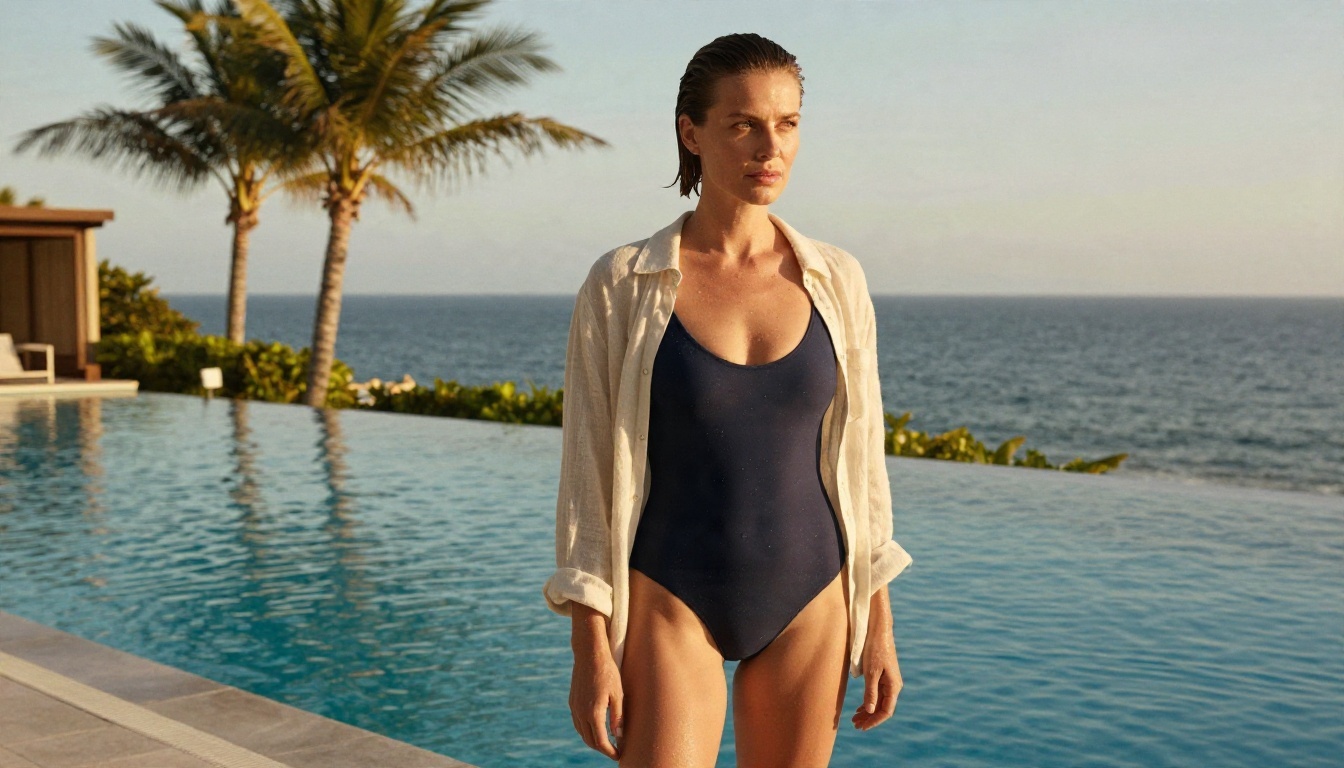
Safety, Consent and Privacy
Adult AI imagery comes with responsibilities that free tools rarely mention. A few habits protect you and everyone else.
Fictional Adults Only
Generate fictional adult characters. Never create images that resemble real people without their consent, and never depict anyone under 18. Reputable platforms enforce these lines, and so should you.
Protect Your Data
Free sites in this niche often demand email, phone or card details before they let you generate anything. Use a platform you trust, avoid uploading personal photos you would not want stored, and read what happens to your prompts and outputs.
Keep Content Suggestive
Staying with glamour, swimwear, lingerie and boudoir photography keeps your work shareable on most platforms and avoids account bans. Explicit material gets removed quickly, and reposting it can lead to takedowns.
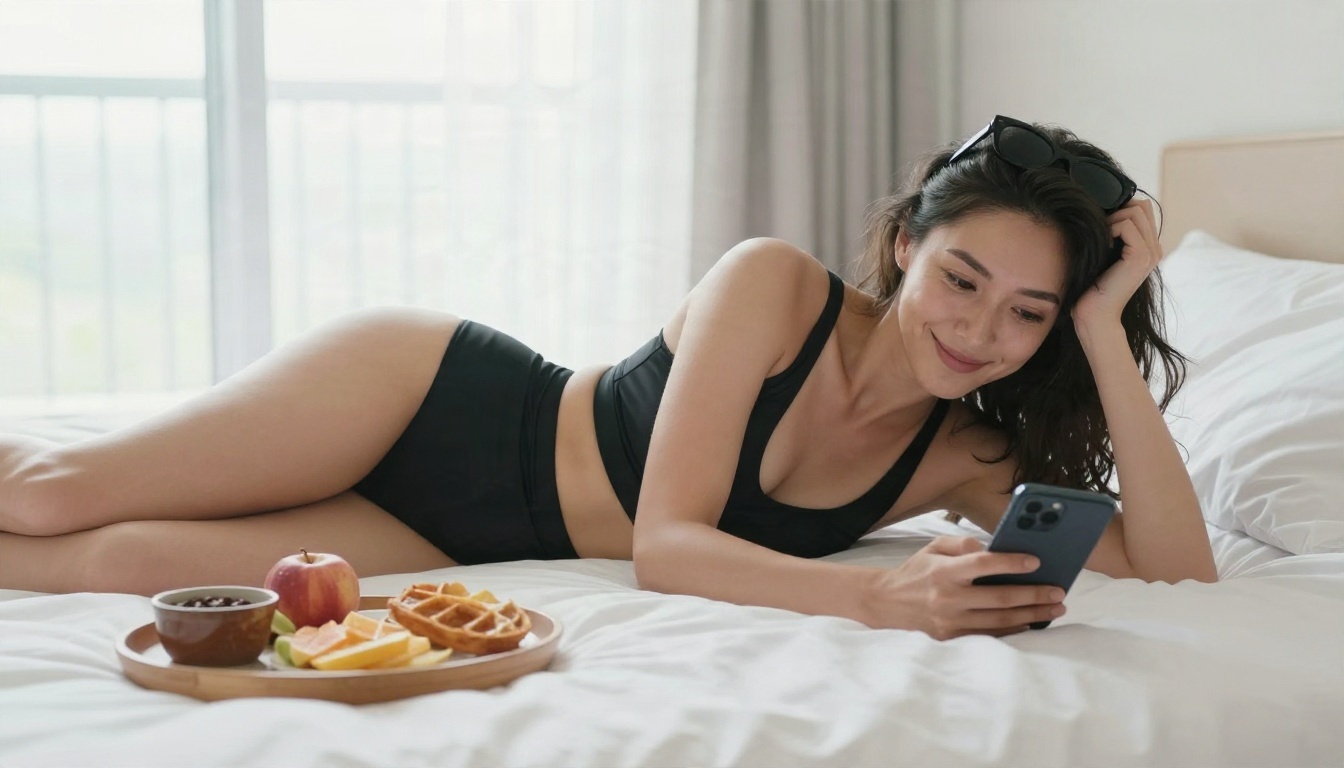
Try It Yourself Today
Free NSFW AI tools promise a lot and deliver a trickle: a few credits, a watermark, a queue and a filter that rejects half your prompts. A better setup is simple. Write a precise five-part prompt, generate your base image with Seedream 4.5, refine it with the unlimited PicassoIA Image Editor Pro, and try a second model like Flux Dev when you want a different look.
Pick one scene from the prompt examples above, paste it into Picasso IA, and change a single detail each round: the light, the outfit or the lens. Within ten minutes you will have a set of images that beat anything a free-tier counter would have allowed. When you are ready for more choices, open the full list at picassoia.com/en/all-models and start creating your own.


