Search for "free sex AI" and you get a wall of promises: unlimited chat, perfect photos, zero filters, no signup. Then you try a few of them and hit a message counter, a blurred preview or a watermark across the one picture you liked. The gap between the promise and the free plan is where most people lose an evening. This article closes that gap. You will see how adult AI chat actually behaves, which image generators produce believable glamour and boudoir photos, which prompts work, and which limits are worth caring about.
A note on scope. Everything here is about adults, consenting use and non-explicit, aesthetic results: swimwear, lingerie editorials, flirtatious conversation, romantic roleplay with boundaries. That is also where the technology is strongest. Photorealistic skin, soft window light and believable fabric are things modern models do very well.
What "Free Sex AI" Really Means
The phrase covers two different products that people lump together, and mixing them up is the first reason searches go wrong.
Chat companions
These are text (and sometimes voice) apps built around a persona. You message a character, the character answers in a flirtatious or romantic tone, and the app remembers a few details about you. The product is the personality and memory, not the raw intelligence of the language model underneath.
Image generators
These turn a written description into a picture, or edit a photo you upload. Here the product is realism and control: how natural the skin looks, whether hands are correct, whether the lighting matches your prompt, and whether the filter lets a bikini or lingerie portrait through at all.
💡 Quick rule: if you want conversation, judge the app by memory and tone. If you want pictures, judge it by realism and by how many generations you get before it asks for money.
Free AI Chat: What You Actually Get
Most free chat plans follow the same pattern. You get a daily or hourly message allowance, a short memory window, and a persona that stays inside a fairly narrow comfort zone. After the allowance runs out, the app either slows you down or locks the conversation behind a subscription.
Typical free tier caps
| Limit | What you usually see | Why it matters |
|---|
| Message count | A fixed number of replies per day | Long roleplay stories stall halfway |
| Memory length | Only the last handful of exchanges | The character forgets names and details |
| Reply length | Short, two or three sentence answers | Scenes feel thin |
| Voice and photos | Locked or heavily rationed | The "companion" feel is limited |
| Speed | Slower replies in busy hours | Immersion breaks |
None of this is a scam. Running a large language model costs real money per message, so free plans ration it. What matters is knowing the rationing exists before you build a story around a character that will forget you tomorrow.
Using a general chat model instead
There is another route: skip the companion app and use a general-purpose assistant for flirty banter, romantic fiction, date ideas or dialogue drafts. On PicassoIA you can chat with models such as Gemini 3.5 Flash, Claude Sonnet 4.6, GPT 5.4 or the lighter Granite 4.1 8B.
Be realistic about what to expect. These are general assistants with their own safety behavior. They are excellent at tone, pacing, dialogue and storytelling, and they will happily write romance, banter and suggestive scenes at a tasteful level. They are not built to be explicit adult companions, and no honest article should promise otherwise. Where they shine is the writing side: building a character profile, drafting a flirty message, or turning a scene idea into a strong image prompt you then paste into an image model.
💡 Workflow tip: ask a chat model to "describe a glamour photo shoot in one dense paragraph, including lens, light and location." You get a ready-made prompt for the image generator in seconds.
Image Generators Worth Your Time
This is where free sex AI gets interesting, because the quality gap between tools is huge and easy to see.
Realism versus filters
Two things decide whether a generator is useful for adult glamour content. The first is photographic realism: skin with pores, believable hair, fabric that folds correctly. The second is filter strictness: some models refuse anything involving swimwear or lingerie, while others treat it as ordinary fashion photography.
For this kind of work, these are the models to try first on PicassoIA, in this order:
You can browse every other option on the full PicassoIA model list.
Why Seedream 4.5 leads
Seedream 4.5 handles the things that give away fake images. Shoulders, collarbones, hair strands and satin highlights look photographed rather than painted. It also follows long, detailed prompts closely, which matters because glamour photography is all about specifics: where the light comes from, how far the camera is, what the fabric does.
Prompts That Actually Work
Bad prompts are the second biggest reason free sex AI disappoints. "Hot girl, sexy, 4k" gives you the same plastic, over-smoothed face every time. Specific, photographic language gives you something that looks like a magazine shoot.
The prompt formula
Use five parts, in this order:
- Subject and pose: age (clearly an adult), outfit, expression, what she is doing.
- Environment: room, location, props, time of day.
- Lighting: direction and quality, such as "soft window light from the left" or "golden hour backlight".
- Camera: lens and aperture, such as "85mm f/1.8, shallow depth of field".
- Texture and mood: "visible skin pores, film grain, Kodak Portra 400 tones".
The camera line does more work than people expect. Naming a real lens and film stock pushes the model toward photographic output and away from the airbrushed "AI look".
Five prompt starters to copy
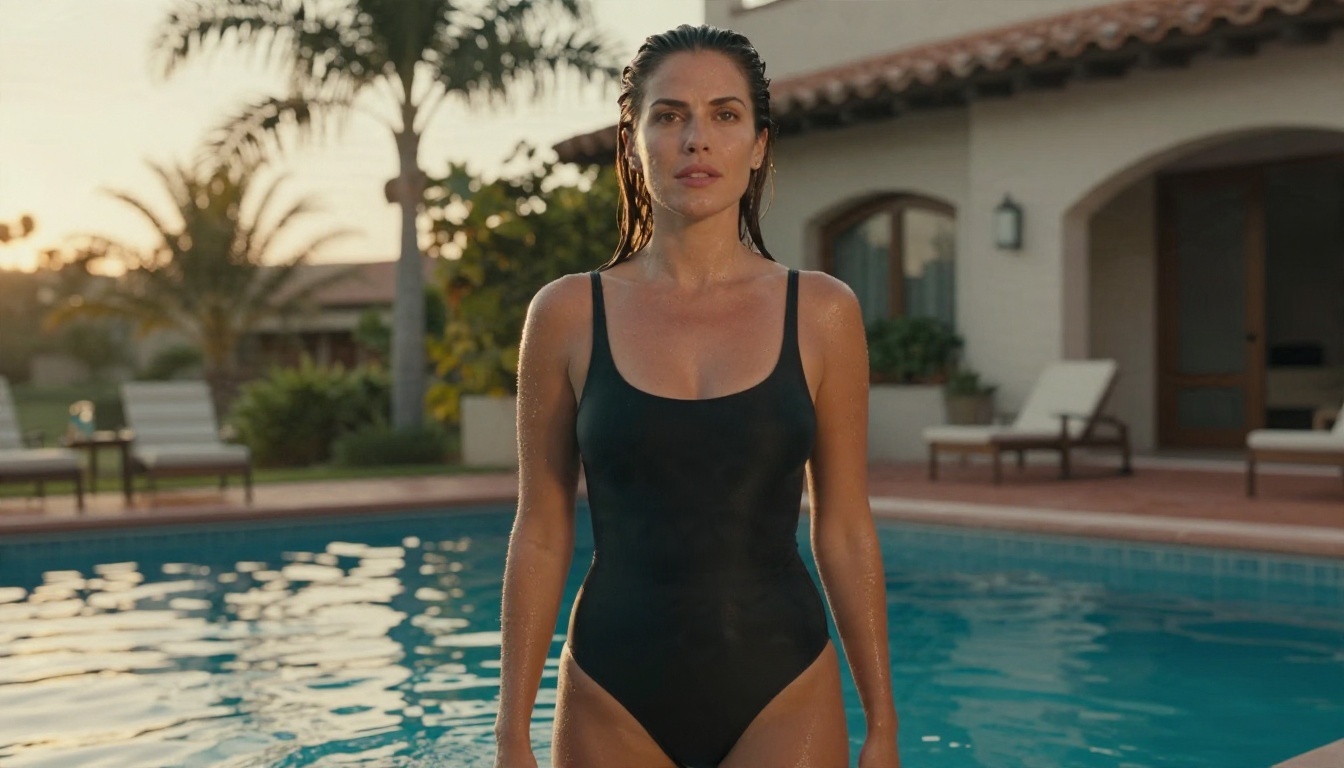
- Poolside glamour: "Adult woman in a black two-piece swimsuit at the edge of an infinity pool, golden hour backlight, wet hair, water droplets on tanned skin, 35mm f/2.0, film grain."
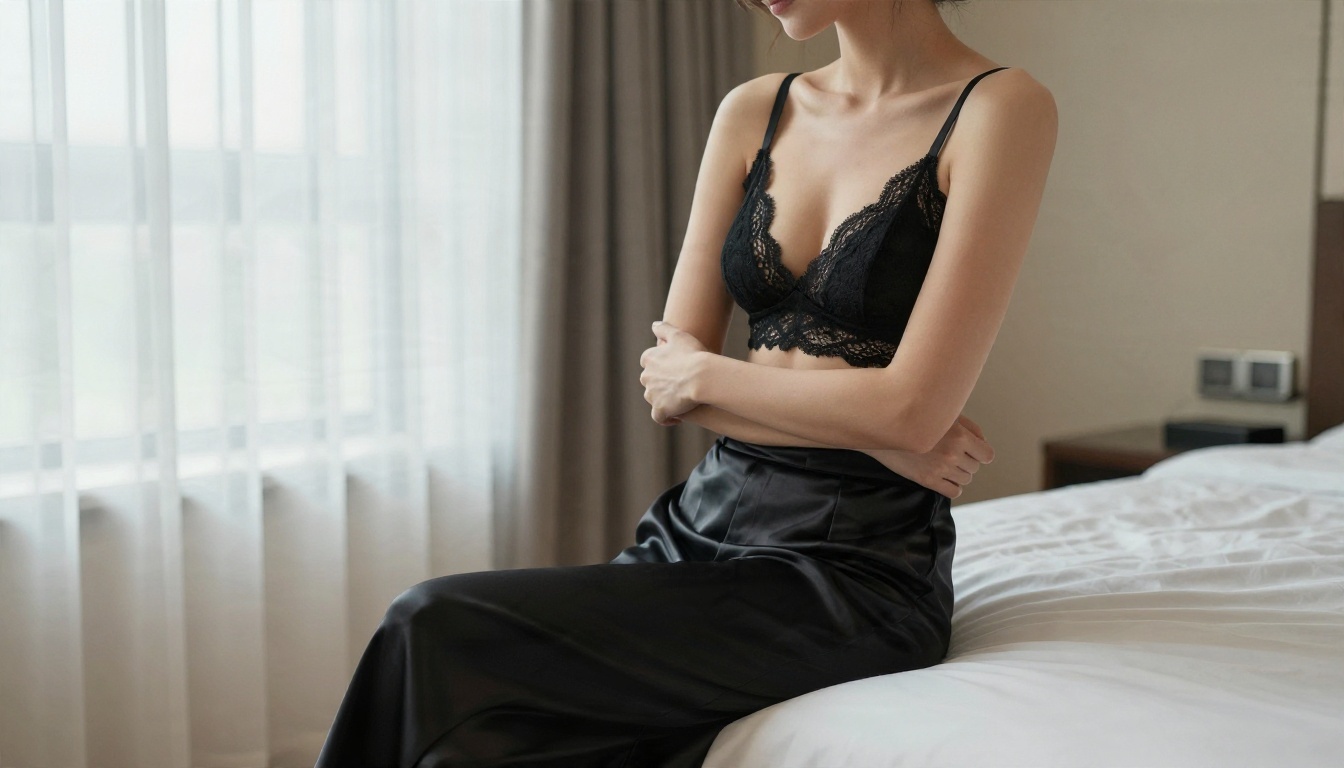
- Boudoir editorial: "Adult woman in a black lace bralette and silk trousers on a hotel bed, soft window light from the left, 85mm f/1.6, fine skin texture."
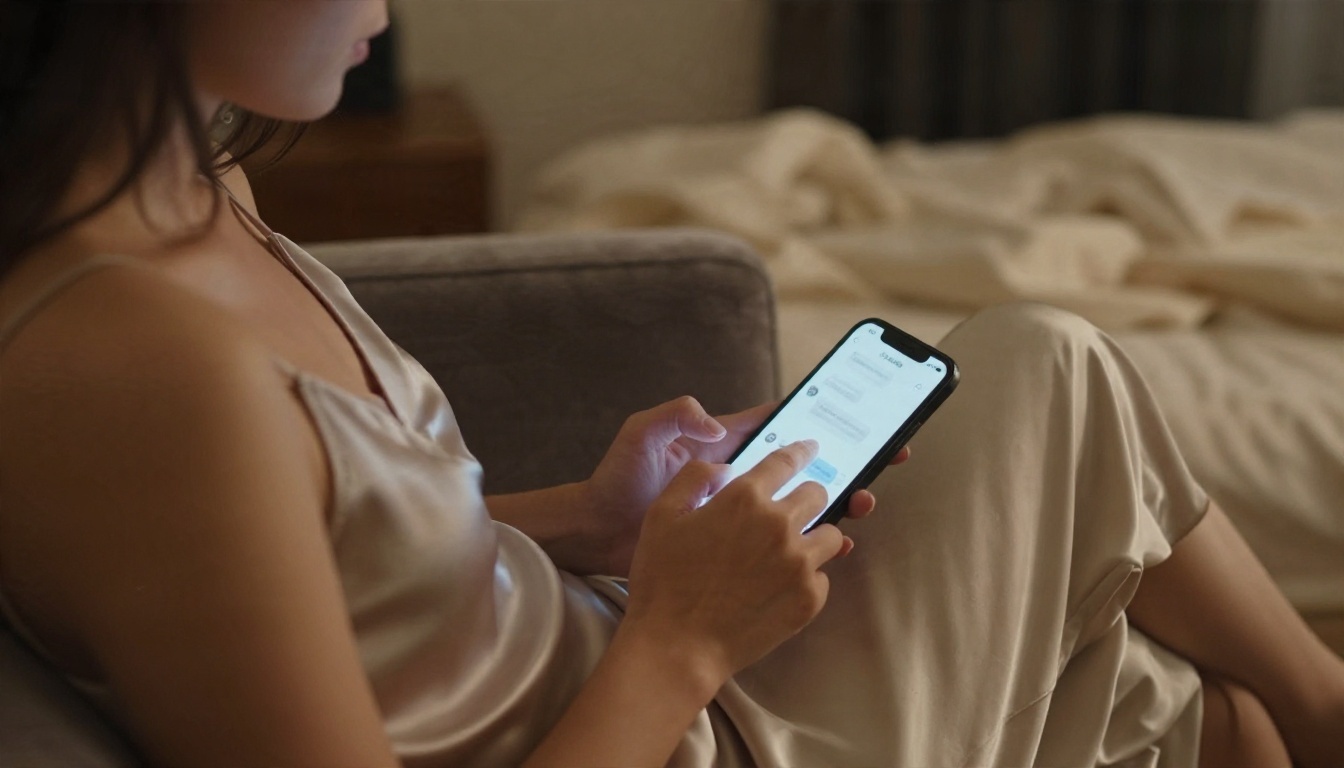
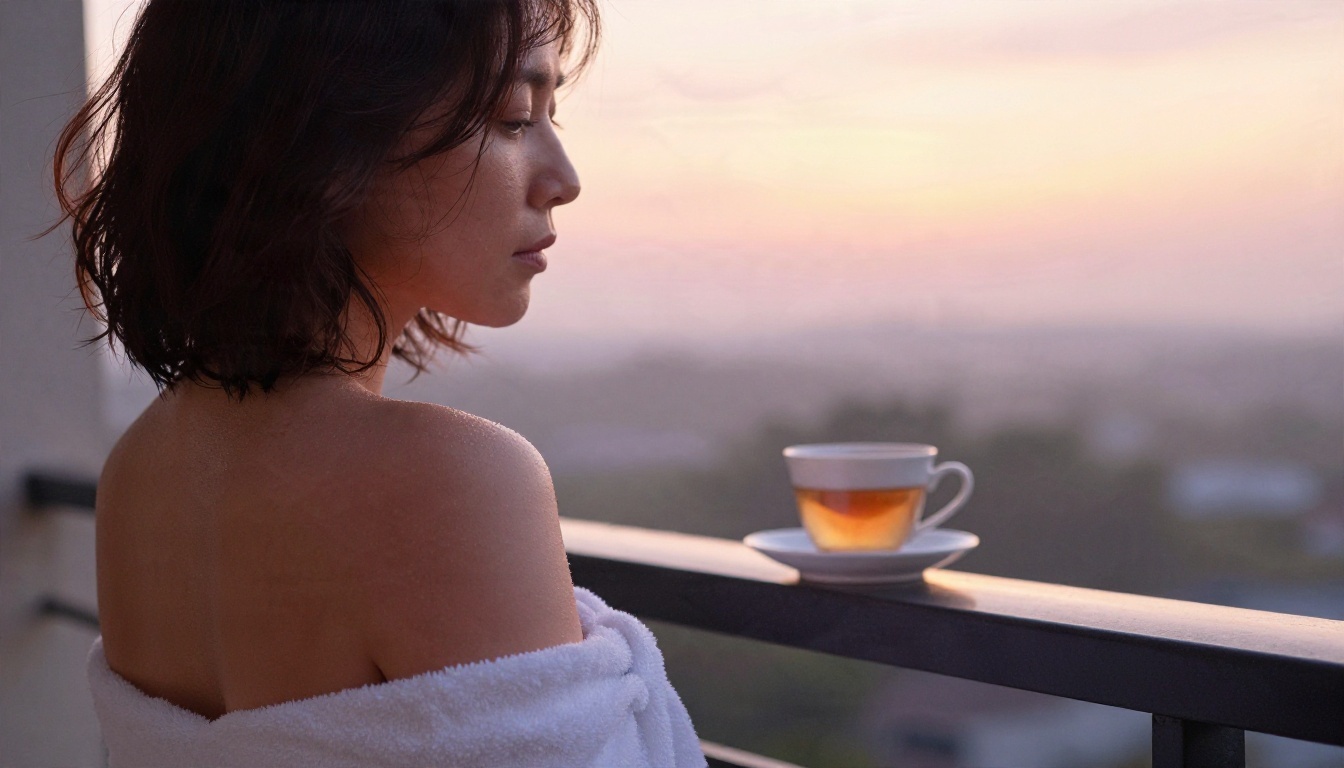
- Morning robe: "Woman in a champagne silk robe on an ivory sofa reading a message on her phone, golden morning light, 85mm f/1.8, Kodak Portra 400."
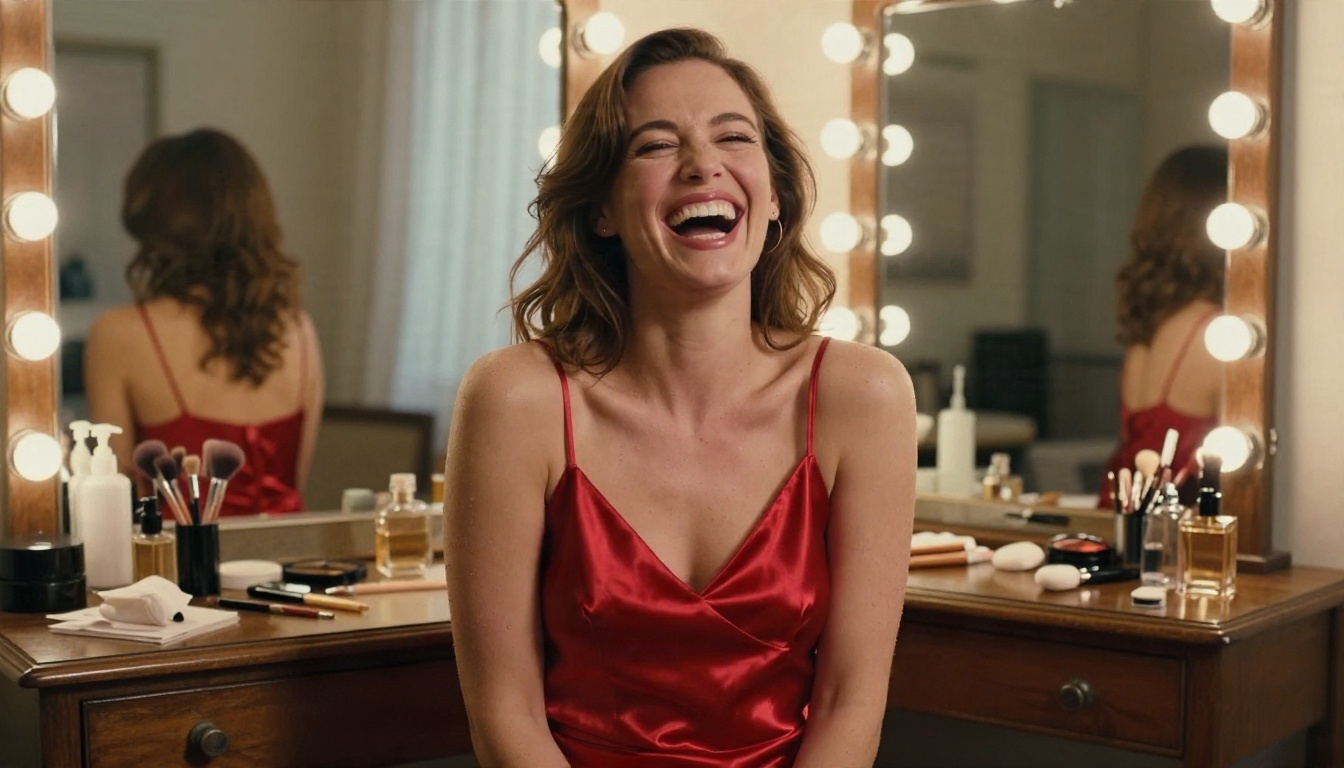
- Vanity mirror: "Woman in a red satin slip dress laughing at a vintage dressing mirror, bulb glow mixed with daylight, 50mm f/1.4."
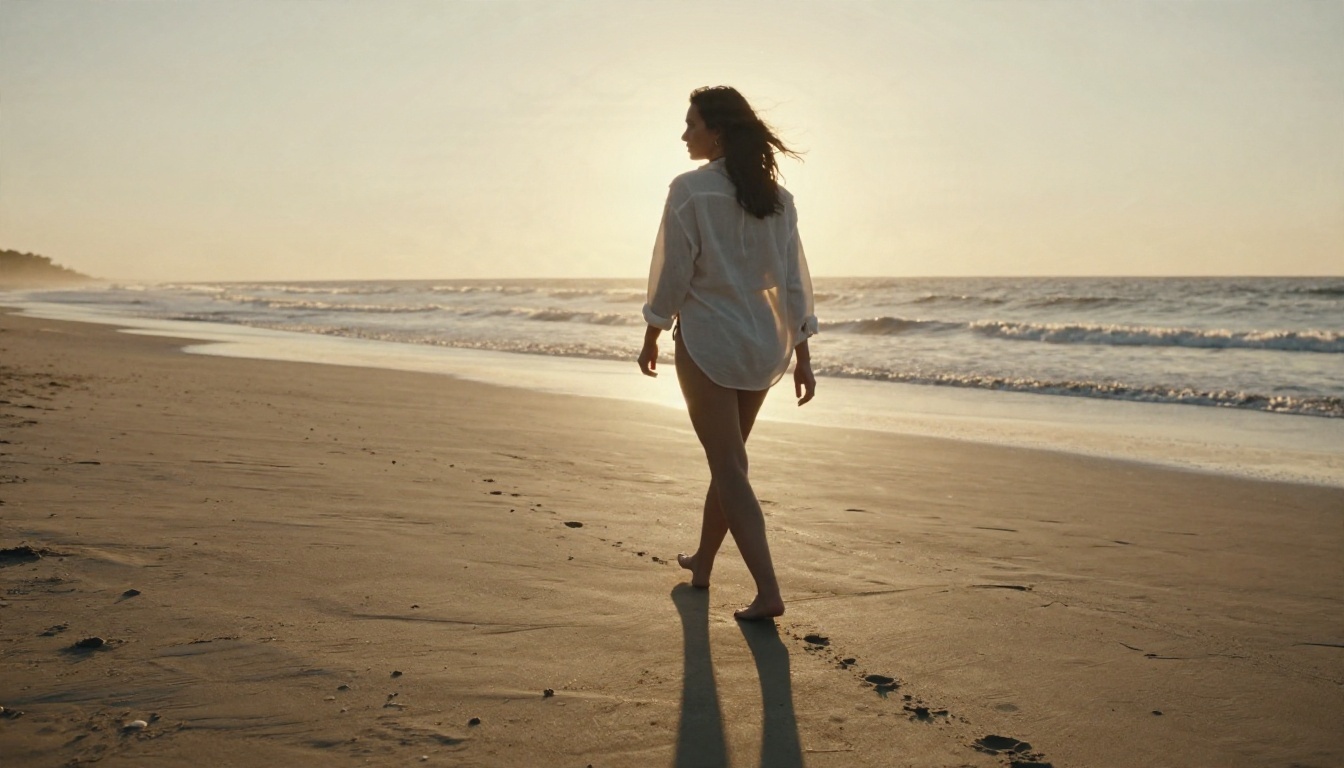
- Beach sunset: "Woman in a white linen shirt walking barefoot along the shoreline at sunset, backlit, long shadow on wet sand, 24mm."
Three common mistakes
- Stacking adjectives instead of details. "Beautiful, stunning, perfect, gorgeous" tells the model nothing. "Freckles across the nose, flyaway hairs catching rim light" tells it a lot.
- Skipping the light. Without a lighting instruction, models default to flat, even illumination that looks artificial.
- Asking for too much in one go. One subject, one setting, one mood. Add variations in the next generation instead.
💡 Negative habit to drop: do not write "perfect skin". Real photos show pores and tiny imperfections, and asking for them is what makes an image believable.
The Real Limits of Free Plans
Every free tier has limits. Some are fair, some are traps.
Credits, queues and watermarks
| Limit | How it shows up | What to do |
|---|
| Daily credits | A handful of images, then a paywall | Draft with a fast model, finalize with a better one |
| Queue times | Waiting minutes during peak hours | Generate at off-peak times |
| Watermarks | A logo across the output | Check before you spend credits on a long prompt |
| Low resolution | Small previews, paid full size | Look for 2K or 4K output |
| Account walls | Email, phone or card before first use | Weigh that against your privacy comfort |
The most useful question to ask any free tool is: how many generations can I make before I have to pay? Iteration is how good results happen. Four attempts at one prompt usually beats one attempt at four prompts, and a tool that caps you at three images makes iteration impossible.
Filters and refusals
Filters are the limit people complain about most. Some tools block the word "bikini". Others let swimwear through but refuse lingerie. A few apply a blur after generation, so you only see the refusal after waiting. If a generator rejects ordinary fashion photography, it is the wrong tool for this subject, and no amount of prompt rewording fixes a strict filter.
This is why PicassoIA's Image Editor Pro matters for this topic: unlimited generations remove the credit anxiety, and you can edit an existing photo again and again until the lighting, outfit and mood are exactly right.
How to Use Seedream 4.5 on PicassoIA
If you want the best photographic result with the least fuss, start here. Seedream 4.5 is the model I would open first for adult glamour and boudoir portraits.
Step by step
- Open the model page. Go to the Seedream 4.5 page on PicassoIA.
- Write your prompt using the five part formula: subject, environment, light, camera, texture.
- Pick a 16:9 ratio for scenic and editorial shots, or a portrait ratio for close-up poses.
- Generate and look at the skin, hands and light first. If one of those is off, change only that part of the prompt.
- Refine in Image Editor Pro. Adjust outfit color, background or mood without limits on how many times you try.
- Draft faster with Z Image Turbo if you want to test ten concepts quickly before spending time on the final.
Parameter tips
- Be long and specific. Seedream 4.5 rewards 50 to 100 word prompts.
- Name the lens. "85mm f/1.8" for portraits, "35mm" for environmental shots, "24mm" for wide scenes.
- Add a film stock. "Kodak Portra 400" gives warm, natural skin tones.
- Change one variable at a time. If you alter light, pose and outfit together you cannot tell which change helped.
- Keep it clearly adult. State an adult age and a tasteful setting in the prompt. It produces better results and keeps your work on the right side of every platform rule.
💡 Speed trick: write your scene in a chat model first, then paste its description straight into Seedream 4.5. The two steps together take under a minute.
Privacy, Consent and Safe Use
Free adult AI tools raise real privacy questions, and it is worth five minutes to think about them.
Protect your data
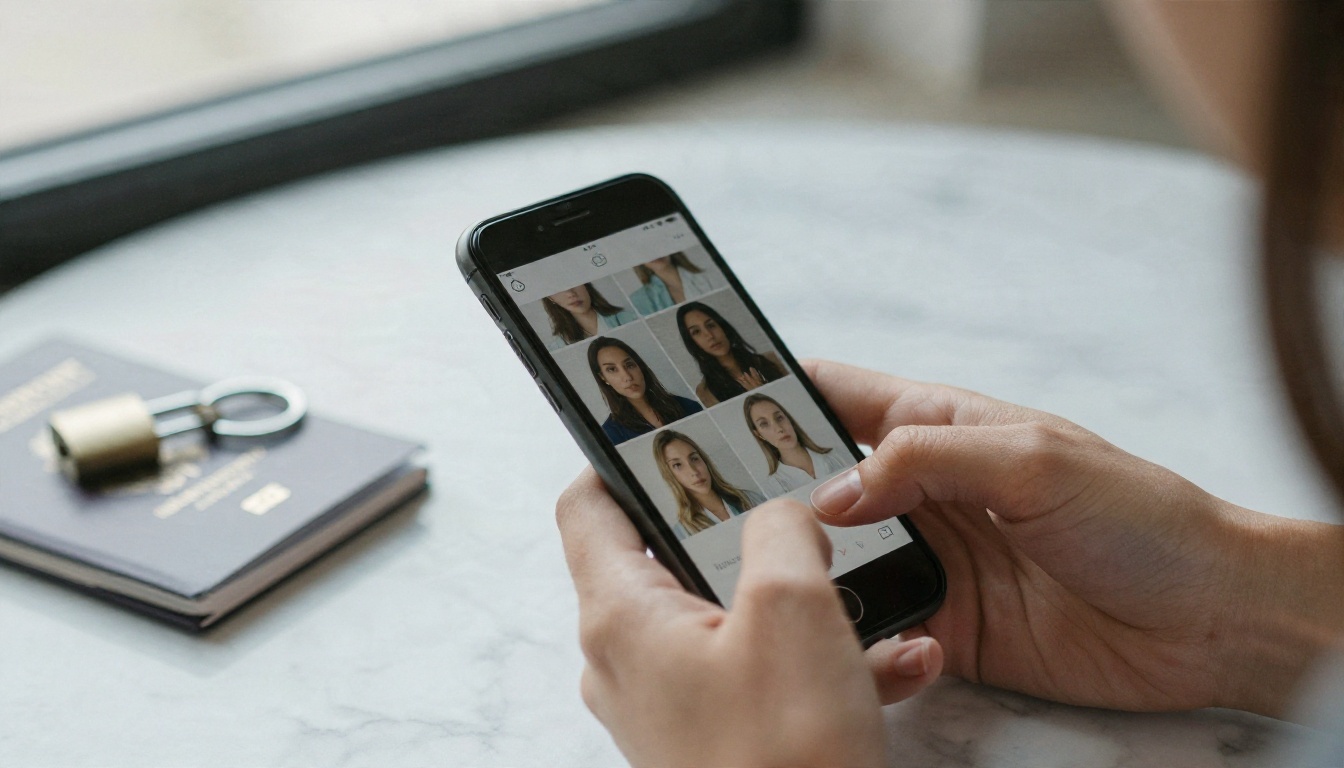
- Read what the service stores. Chat logs and uploaded photos may be kept. Do not share anything you would not want leaked.
- Avoid sharing personal details such as your full name, address or workplace in companion chats.
- Use a separate email if a service demands signup before you can try it.
- Skip tools that ask for card details just to start a "free" trial you did not intend to pay for.
Real people are off limits
This is the line that matters most. Never generate sexualized images of a real person without their clear consent, and never use a photo of someone else as a starting point. That includes celebrities, coworkers, exes and strangers. It harms real people, it is illegal in many places, and reputable platforms ban it. Stick to fictional adult characters or yourself, and keep everything you create clearly of adults.
Try It Yourself
Free sex AI works best when you stop treating it like a slot machine and start treating it like a photo studio. Pick one subject, write a precise prompt, change one detail at a time, and keep what works. The gap between a plastic-looking result and a believable one is usually three sentences about light and lens.
Here is a simple plan for tonight:
- Draft a scene with a chat model such as Gemini 3.5 Flash.
- Generate the first photo in Seedream 4.5.
- Refine it without a cap in PicassoIA Image Editor Pro.
- Test quick variations in Z Image Turbo.
Ready to make your own images? Open PicassoIA, paste one of the prompt starters above, and change it until it looks like your shoot. You can also browse every available model at picassoia.com/en/all-models and find the one that fits your style.


