Most people who search for a free sexual AI generator hit the same wall within ten minutes: the first image looks plastic, the second one gets blocked, and the third one runs out of credits. The tool is rarely the problem. The prompt, the settings and a few hard limits decide whether you get a magazine-quality glamour portrait or a waxy mess with six fingers.
This article breaks down what actually works. You will see how to write prompts that produce photorealistic, suggestive, non-explicit images of adults, which settings are worth touching, where free plans stop, and which models handle adult-leaning content best on PicassoIA.
💡 Everything below assumes fictional adult subjects and content you are allowed to create. Never use real people's faces without their consent, and never create anything involving minors. That is a hard line, not a tip.
What "Free" Really Means Here
"Free" covers three very different things, and mixing them up is how people end up disappointed.
Free Credits vs Unlimited Editing
A free credit model gives you a fixed number of generations, after which you wait or pay. An unlimited model lets you keep going with no per-image cap. Both are useful, but for different jobs.
| Plan type | Best for | Typical catch |
|---|
| Free credits | Testing a prompt, trying a new model | Runs out fast, queues at busy hours |
| Unlimited editing | Iterating on one photo dozens of times | Edits a reference image instead of starting from nothing |
| Paid credits | High resolution batches | Cost adds up if you test blindly |
PicassoIA splits it this way: Seedream 4.5 is where you create the base image from text, and PicassoIA Image Editor Pro is where you refine it without worrying about a quota.
Who This Is For
If you make boudoir style art, swimwear lookbooks, romantic character portraits, or mood boards for a photo shoot, this workflow fits. If you want explicit pornographic output, this article is not a match, and the prompts here are written for tasteful, suggestive imagery: lingerie, swimwear, silk, bare shoulders, warm light and confident posing.
Prompts That Produce Good Results
Bad prompts are short and vague: "sexy woman, beach, 4k". Good prompts read like a photographer's shot list. The model has seen millions of real photographs, so describing a real photograph gets you closer to one.
The Five-Part Prompt Formula
Use this order every time:
- Subject and pose: who is in the frame and what they are doing.
- Wardrobe: the exact clothing and fabric.
- Environment: the room, the location, small props.
- Lighting: direction, quality and time of day.
- Camera: lens, angle, depth of field, film look.
Here is a working example:
Full-length fashion photograph of an adult woman in a deep red one-piece swimsuit and a white linen wrap, standing on a pale stone terrace above a calm bay, low angle, hard midday sun from upper right, 35mm f/2 lens, natural skin texture, light salt sheen, Kodak Portra 400 grain.
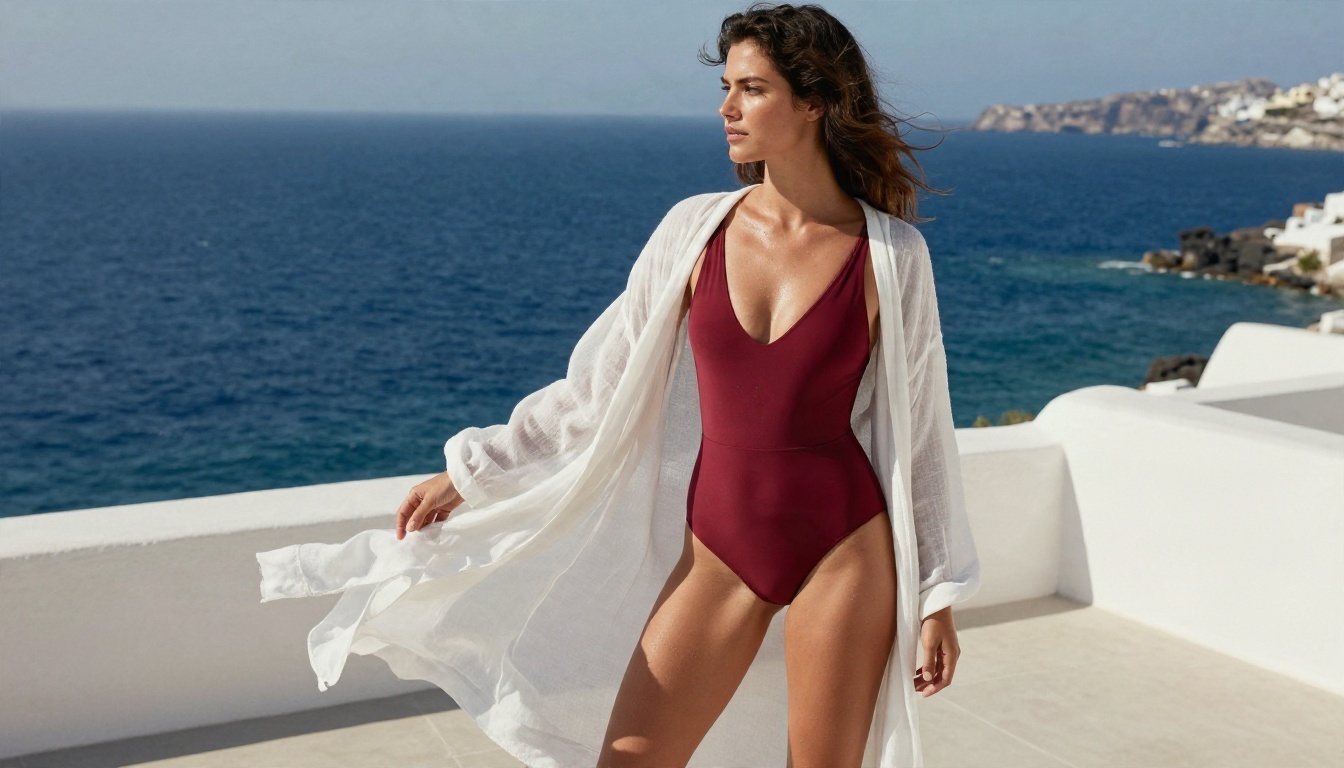
Notice what the prompt does not say. It does not say "beautiful", "perfect" or "stunning". Those words push models toward the same airbrushed face. Concrete details such as salt sheen, stone terrace and hard midday sun do far more work.
Wardrobe and Mood Words
Wardrobe is the biggest lever for staying suggestive without crossing into explicit territory. Fabric words also add realism because they give the model physical behavior to copy.
| Wardrobe word | What it adds |
|---|
| Satin slip, silk camisole | Soft highlights, flowing folds |
| Lace bralette | Fine texture, tasteful coverage |
| Knit cardigan over bodysuit | Casual, editorial contrast |
| One-piece swimsuit | Athletic, classic lookbook feel |
| Silk dressing gown | Intimate, bedroom mood without exposure |
Mood words that work: confident, relaxed, candid, warm, editorial, intimate, playful. Mood words that backfire: seductive, naughty, explicit. They tend to trigger filters and rarely improve the image.
Lighting and Lens Language
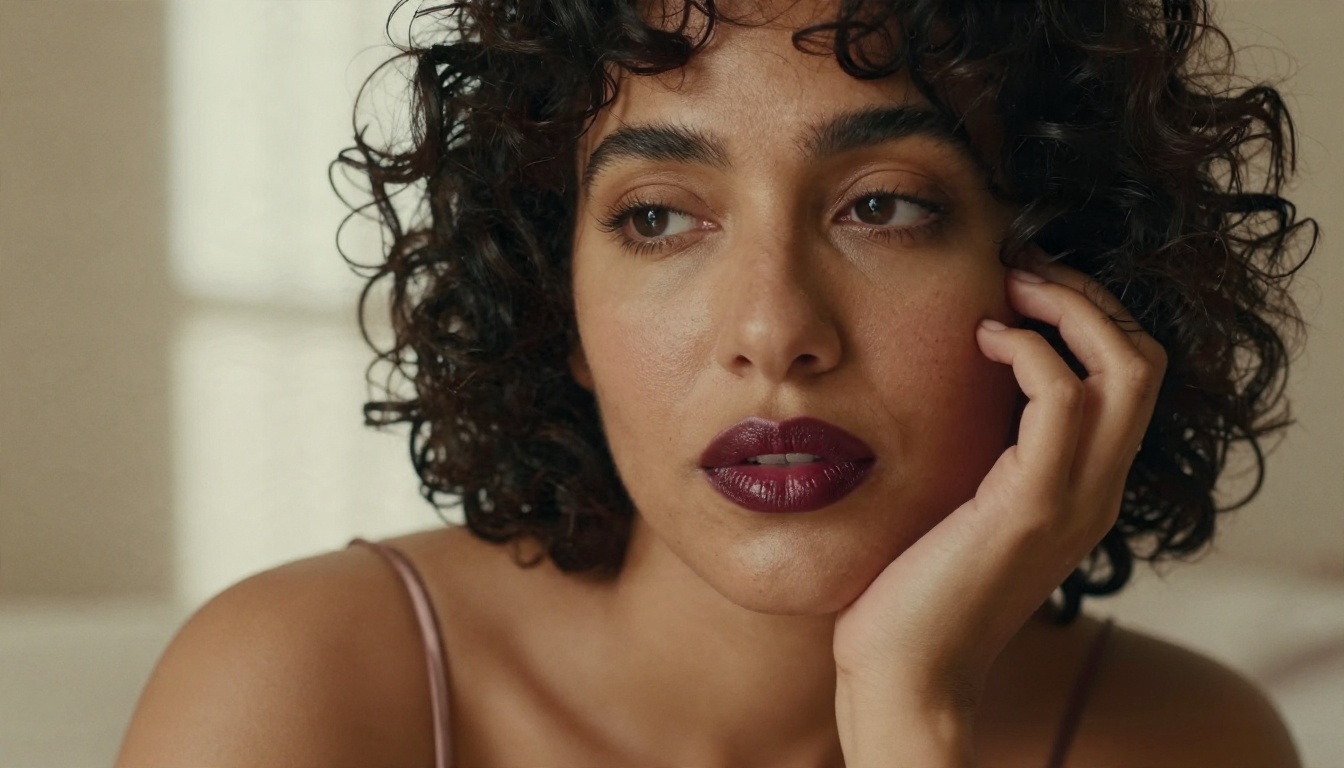
Light makes the image feel sensual more than clothing does. A few combinations that reliably work:
- Window light from the left, soft shadow on the right: classic portrait shape.
- Backlit golden hour: rim glow on hair and shoulders.
- Warm bedside lamp at dusk: quiet, private mood.
- Overcast soft light: even skin tones, very natural.
For lenses, 85mm f/1.8 gives flattering portraits with a blurred background, 35mm f/2 works for full-length environmental shots, and 100mm macro style suits tight face close-ups. Say "shallow depth of field" and the model will blur the background for you.
Habits to Drop
- Stacking adjectives: "ultra realistic 8k masterpiece perfect face" adds noise, not quality.
- Contradicting yourself: "candid snapshot" and "studio softbox" in one prompt confuses the lighting.
- Ignoring hands: if hands matter, describe them: "one hand resting on her collarbone".
- Overlong prompts: past roughly 150 words, details at the end get ignored.
Image Settings Worth Changing
Most generators bury a dozen sliders. Only a few change the outcome in a meaningful way.
Resolution and Aspect Ratio
Seedream 4.5 outputs 2K or 4K, with ratios including 1:1, 4:3, 3:4, 16:9, 9:16, 3:2, 2:3 and 21:9. A sensible default mapping:
| Use | Ratio | Size |
|---|
| Portrait for social feeds | 3:4 or 2:3 | 2K |
| Full-length fashion | 2:3 | 2K or 4K |
| Wallpaper or banner | 16:9 or 21:9 | 2K |
| Print | 3:2 or 2:3 | 4K |
Start at 2K. Switch to 4K only for the final version of an image you already like. It saves credits and speeds up testing.
Seeds, Batches and References
Three settings deserve attention:
- Seed: lock a seed when you like a composition and want to change only one detail, such as the swimsuit color.
- Batch generation: Seedream 4.5 can produce up to 15 related images in one run with sequential mode on. This is excellent for a consistent character across several scenes.
- Image input: you can feed one to 14 reference images. Use it to keep a face, a pose or a color palette steady between shots.
💡 Test with a single image at 2K first. Only turn on batches once the prompt is dialed in, otherwise you burn a full batch on one bad idea.
About the Safety Checker
Seedream 4.5 on PicassoIA includes a safety checker setting. By default, moderation blocks sexual content. With the checker relaxed, only illegal content is blocked. Use this carefully and responsibly: it changes what the filter lets through, not what you should create. Subjects must be fictional adults, and nothing involving real people without consent.
How to Use Seedream 4.5 on PicassoIA
Seedream 4.5 is the lead model for adult-leaning, photorealistic work because it handles skin, fabric and light with very little coaxing.
- Open the Seedream 4.5 page.
- Paste a prompt built with the five-part formula above.
- Set size to 2K and pick an aspect ratio that suits the final use.
- Leave sequential generation disabled for the first test. Switch it to auto once you want a set.
- Add reference images if you need a consistent face or outfit.
- Generate, compare, then adjust one variable at a time: lighting first, then wardrobe, then camera.
- Take the best result to 4K, or into the editor for fine fixes.
Parameter tips:
- Keep prompts under 4,000 characters (the hard limit), but aim for far less.
- If the skin looks too smooth, add "natural pores, light film grain, uneven skin tone".
- If the pose feels stiff, describe an action: "adjusting a strap", "laughing off camera".
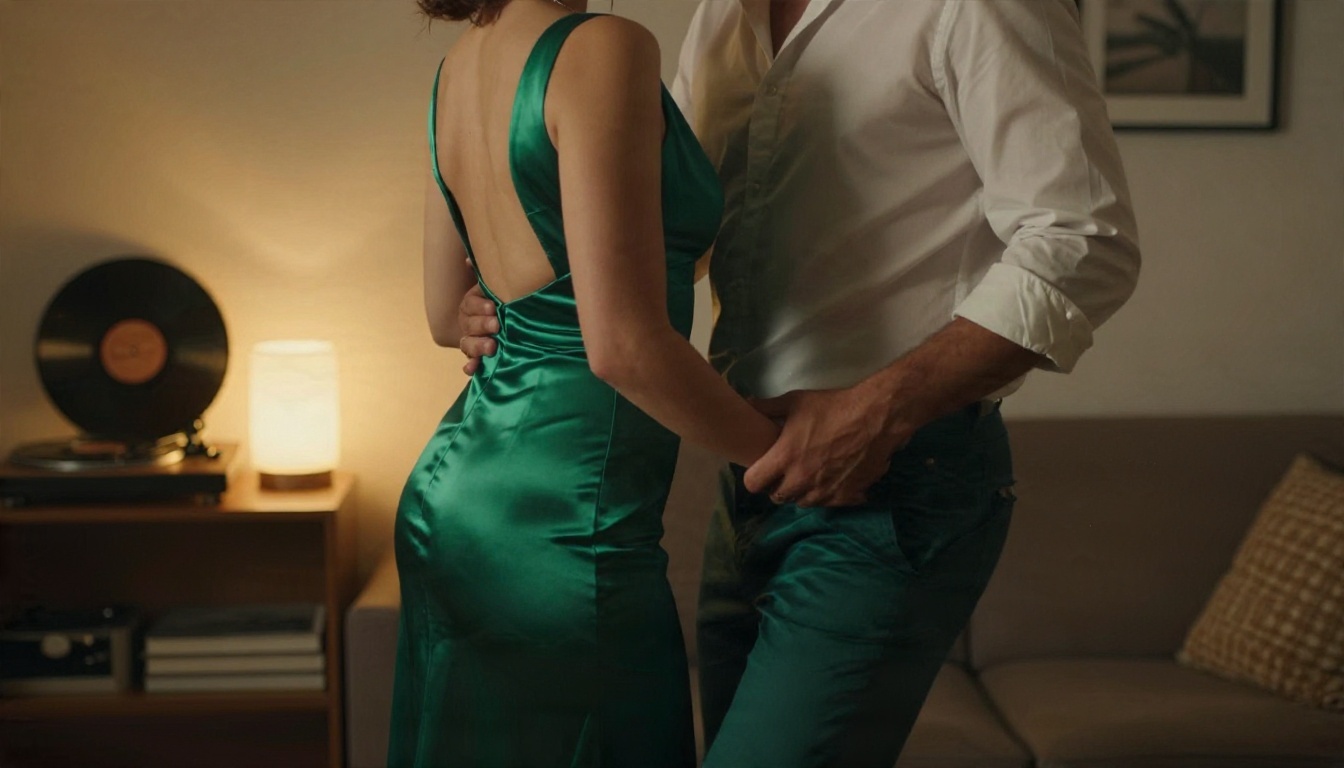
Editing Photos With Image Editor Pro
Generating from scratch is only half the workflow. The other half is fixing what is almost right, and that is where PicassoIA Image Editor Pro shines. It is unlimited, so there is no daily quota to ration, and most edits finish in a few seconds.
Prompts for Edits
Edit prompts are short and specific. Refer to the input as "image 1":
- "Change the swimsuit in image 1 to a navy one-piece, keep everything else identical."
- "Warm up the lighting in image 1 to golden hour, keep the face unchanged."
- "Replace the background in image 1 with a sunlit hotel balcony."
- "Soften the shadows on the face in image 1 and keep natural skin texture."
You can supply up to three reference images, which helps when you want to match a pose from one photo and a setting from another. Output formats include WebP, JPG and PNG, with quality adjustable up to 100.
💡 When you iterate on a base image, change one thing per edit. Three changes at once is how faces drift and details melt.
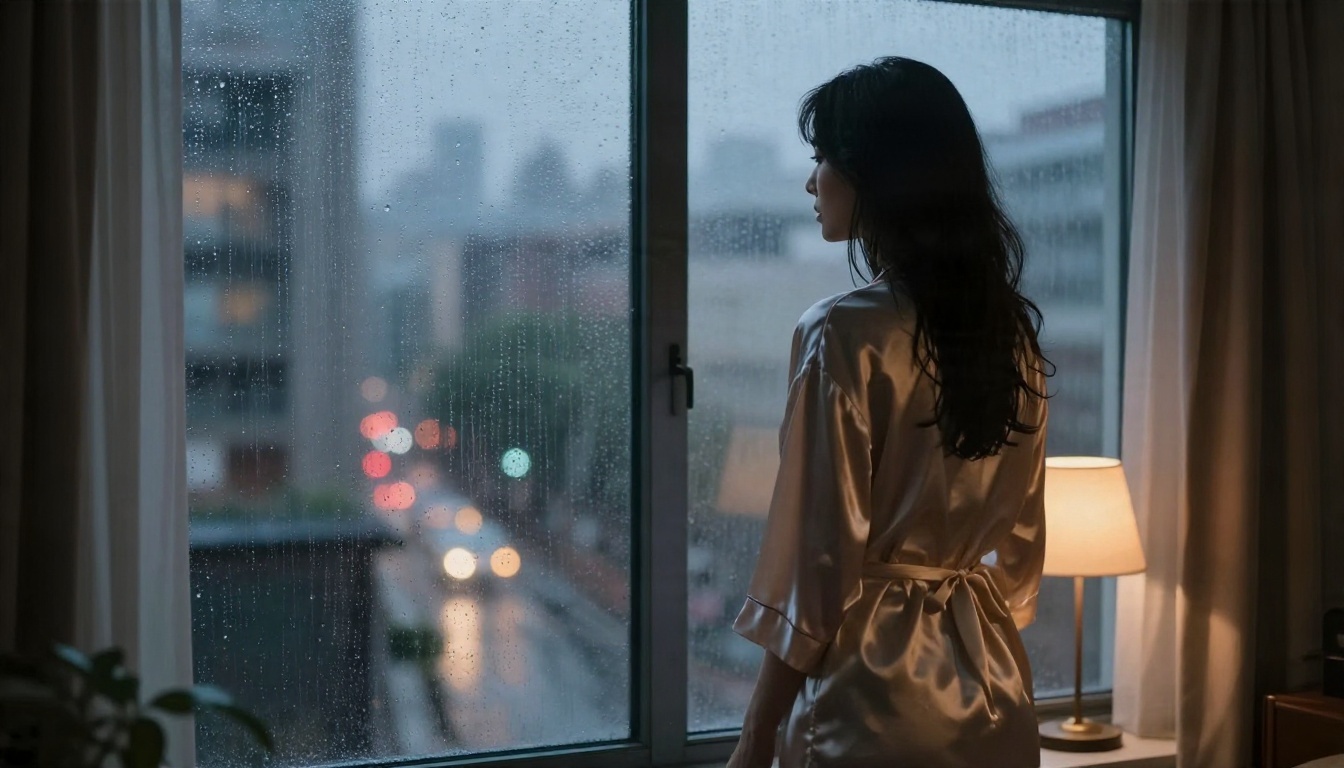
Limits You Will Hit
Every free sexual AI generator has ceilings. Knowing them in advance saves a lot of frustration.
Content and Consent Limits
Platform filters exist for good reasons. Expect blocks on explicit anatomy, on anything that reads as underage, and on prompts naming real public figures. Even with a relaxed checker, illegal content stays off the table everywhere.
Practical rules that keep you safe and your account in good standing:
- Always specify an adult subject.
- Use fictional characters, not celebrities or acquaintances.
- Do not upload someone's photo to put them in suggestive scenes without their permission.
- Keep results out of contexts where they could mislead people into thinking the image is real.
Anatomy, Hands and Fabric
Even strong models slip in predictable spots:
| Weak spot | Why it happens | Fix |
|---|
| Hands and fingers | Complex geometry | Describe hand position, or crop the frame |
| Jewelry and straps | Small repeated details | Reduce accessories |
| Transparent fabric | Hard to render physically | Use opaque satin, silk or lace |
| Group scenes | Faces blend | Limit to one or two people |
| Text on clothing | Models guess letters | Leave clothing plain |
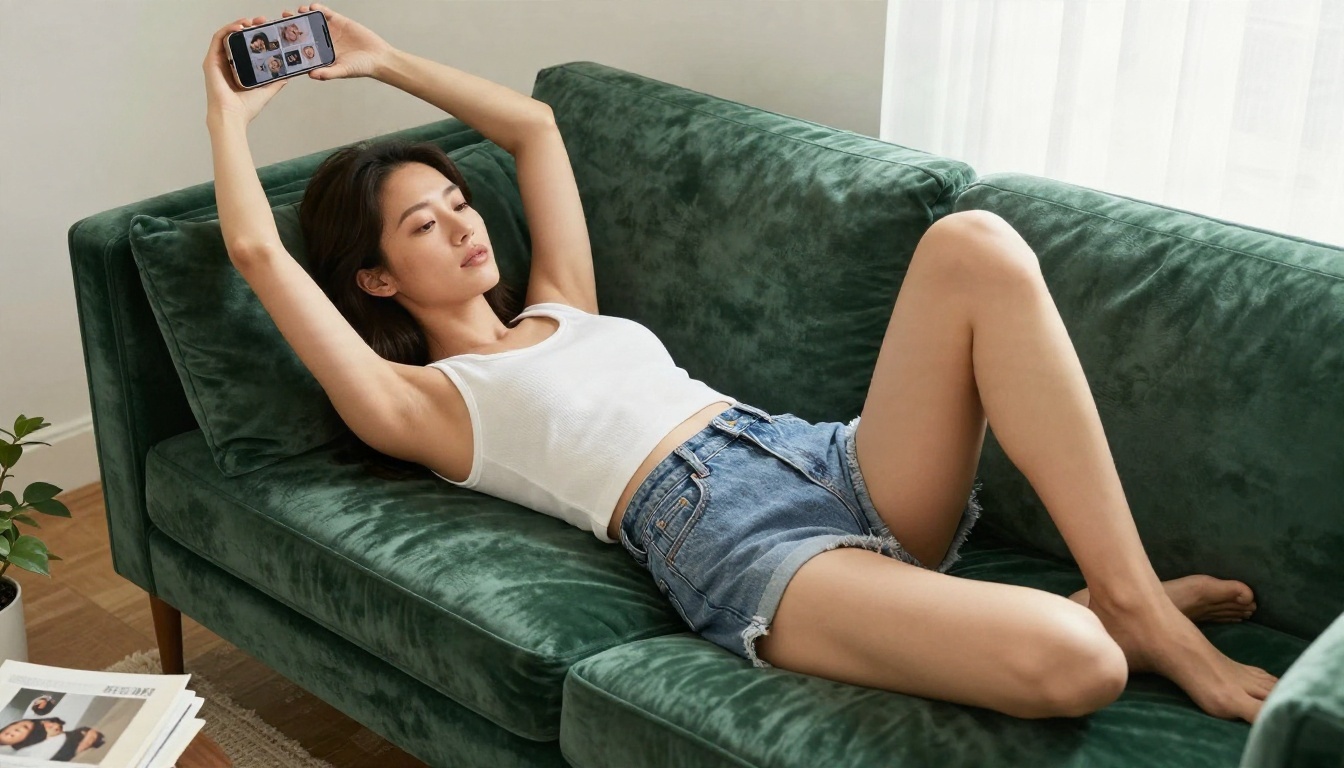
Speed and Quotas
Free tiers usually throttle in one of three ways: daily credit caps, queue waits at peak hours, and resolution limits. The workaround is to generate at lower resolution while testing and save high resolution for final images. Using an unlimited editor for revisions keeps your base-model credits for fresh creations.
Other Models Worth Trying
Different models have different personalities. Once you have a strong prompt, run it through a few of these and compare:
Treat this as a rotation, not a ranking. A prompt that looks flat in one model can look excellent in another, and testing the same prompt across three models takes about two minutes.
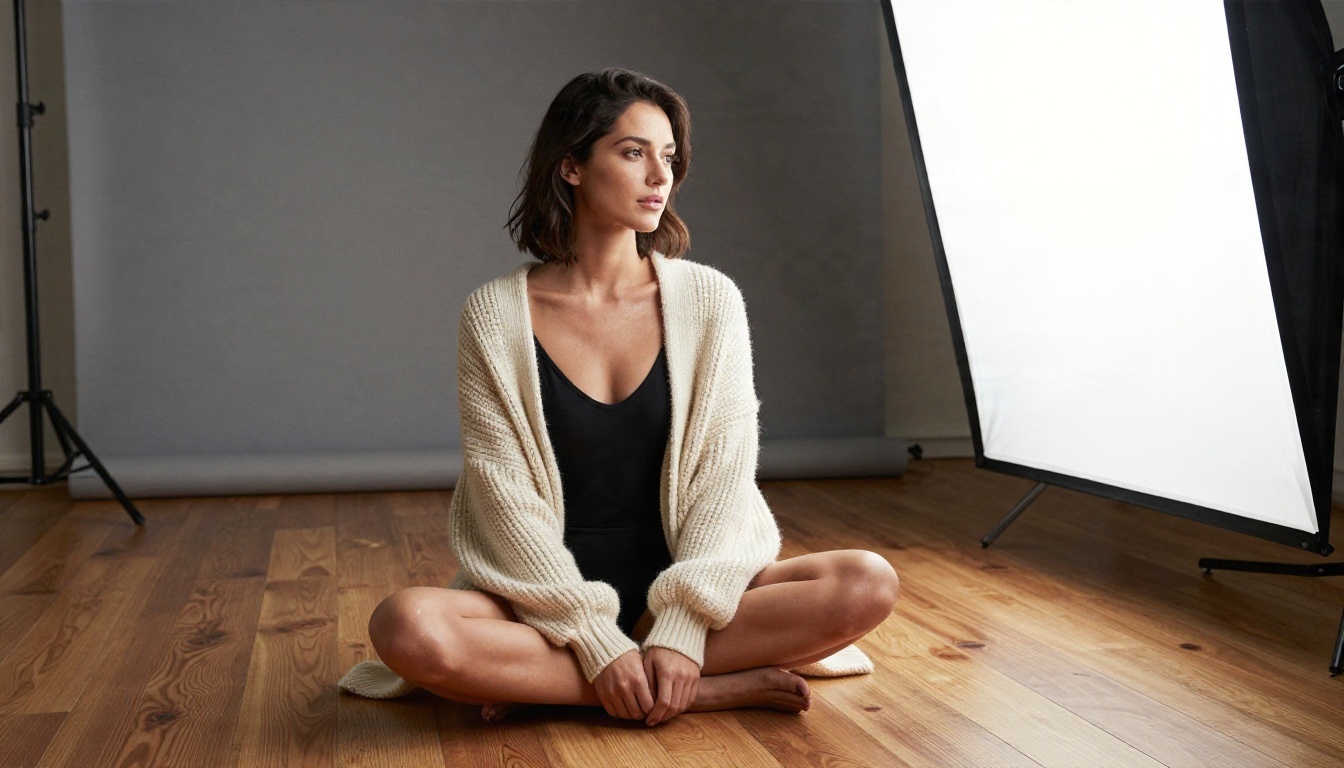
A Simple Weekly Workflow
- Monday: write five prompts for one theme, such as poolside, boudoir or dinner date.
- Test: run each at 2K in Seedream 4.5.
- Pick: keep the best two, note the seed values.
- Refine: polish them in Image Editor Pro, changing one thing per edit.
- Upscale: export the final pair at 4K.
This keeps credits predictable and your portfolio consistent.
Start Creating Your Own Images
You now have a prompt formula, the handful of settings that matter, and a clear picture of where free generators stop. The fastest way to improve is repetition: write a prompt, change one detail, compare, repeat.
Open Seedream 4.5, generate your first suggestive-but-tasteful portrait at 2K, then bring it into PicassoIA Image Editor Pro for as many refinements as you want, with no per-edit cap. When you want more variety, browse everything on picassoia.com/en/all-models and test the same prompt on a few different models.
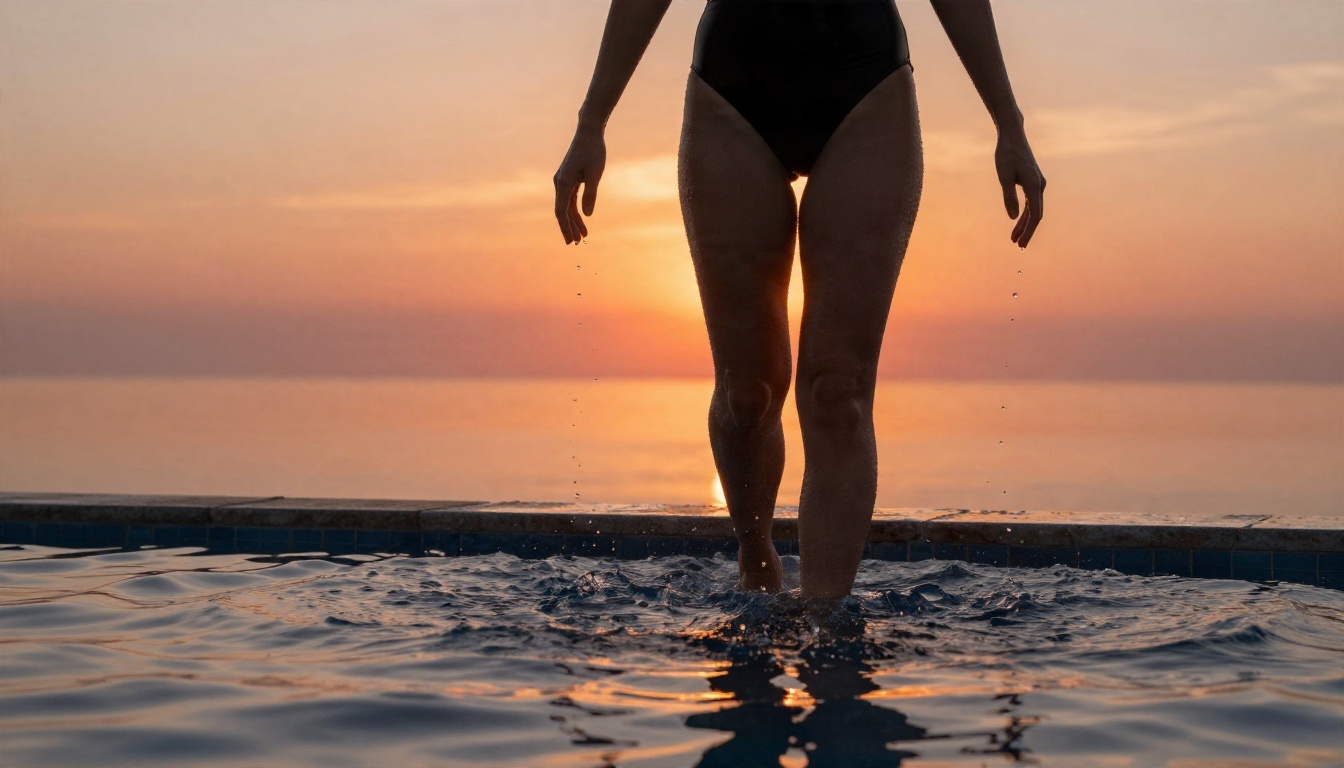
Pick a theme, write your first shot list, and make something you would be proud to pin to a mood board today.


