Type "spicy" into any search bar and you get two kinds of results: tools that block everything the moment a swimsuit appears, and sketchy sites that bury you in pop-ups before delivering a blurry mess. There is a better middle ground. Modern AI image generators can produce photorealistic, suggestive, magazine-quality glamour images (bikinis, lingerie editorials, boudoir lighting, poolside portraits) for free or close to it, as long as you know which model to pick, how to word the prompt, and where the walls are.
This article walks through all three. You will see which generators deliver the most convincing skin, fabric and light, get prompts you can paste straight into a text box, check real examples by scene, and find out exactly what will fail and why. Everything here stays on the non-explicit side: attractive, artistic and tasteful, the way a fashion or swimwear photographer would shoot it.
What "Spicy" Really Means Here
The word "spicy" is slippery. For some people it means a bikini shot on a beach. For others it means something no mainstream platform will ever generate. Getting clear on the definition saves you hours of frustration, because the definition decides which tools will actually work for you.
Suggestive vs. Explicit
In this article, spicy means suggestive: lingerie, swimwear, sheer robes, bare shoulders, warm bedroom light, confident poses, implied intimacy. Think Sports Illustrated swimsuit shoots, perfume campaign stills, boutique lingerie catalogs and film noir portraits. The mood does the work, not the exposure.
Explicit material is a different category with different rules, legal risks and platform policies. Reputable generators filter it, and an article claiming otherwise would be selling you something. If your goal is attractive, photorealistic glamour, you are in the right place and you have plenty of options.
Why People Search for It
The demand is practical more often than you might think. Here is what people actually use these images for:
- Social media content for fashion, fitness, travel and lifestyle accounts
- Concept art and mood boards for photographers, stylists and swimwear brands
- Fictional character visuals for writers, game designers and storytellers
- Personal wallpapers and posters with a glamour aesthetic
- Prompt experiments, because testing how a model handles skin and fabric is a great stress test
💡 Quick rule: if a professional magazine could print it on a page without an age warning, a good generator can produce it. If it needs a warning, expect a filter.
Which Generators Work Best
Not every model is equal here. Some produce waxy, plastic skin. Others misread clothing prompts or refuse anything with the word "lingerie." After testing a range of text-to-image models, these are the ones worth your time, in the order I would try them.
Seedream 4.5 First
Seedream 4.5 is the model to start with for glamour work. It renders natural skin texture (pores, freckles, fine hairs), handles light direction convincingly, and follows long, detailed prompts without dropping half the instructions. Silk, lace and wet fabric look like fabric, not painted-on color. It outputs up to 4K, so crops stay sharp for social posts and prints.
What it does especially well: bikini and swimwear scenes, golden hour portraits, boudoir interiors, and anything where light on skin matters.
Image Editor Pro Is Unlimited
PicassoIA Image Editor Pro is the model I reach for when I want to iterate without counting. It offers unlimited generations, which changes how you work: instead of agonizing over one prompt, you can run ten variations, keep the best, and adjust. It also edits existing images, so you can change an outfit color, swap a background or fix lighting on a photo you already like.
For spicy content this is the practical winner, because glamour imagery is a numbers game. Your third or fourth attempt is usually the keeper.
Other Models Worth Trying
Once you have a feel for the first two, these add variety:
A smart workflow: draft ideas in Z Image Turbo to test wording quickly, then move the best prompt to Seedream 4.5 for the final render, then polish or adjust in Image Editor Pro.
How to Use Seedream 4.5 on PicassoIA
Since Seedream 4.5 is the strongest starting point, here is the exact process.
Step by Step
- Open the Seedream 4.5 page on PicassoIA.
- Paste your prompt into the text box. Start with a subject, then clothing, then setting, then light, then camera.
- Choose a 16:9 ratio for landscape scenes or 3:4 for portraits and social posts.
- Pick the highest resolution available if you plan to crop or print.
- Generate, look at the result, and change one thing at a time in the next attempt.
- Save your favorite, then send it to Image Editor Pro for edits such as outfit color, background or lighting changes.
Parameter Tips
- Aspect ratio: 16:9 gives you room for environment and mood. 3:4 or 2:3 is better when the face and outfit are the whole point.
- Prompt length: 50 to 80 words is the sweet spot. Shorter prompts produce generic faces. Much longer ones start contradicting themselves.
- Seed: when a result is close, reuse the seed and change a single word. This is how you refine instead of gambling.
- Resolution: generate high first. Upscaling a soft image never rescues the skin texture.
💡 Tip: keep a text file of your best prompts. A prompt that gives you good light once will give you good light again with only the outfit or location changed.
Prompts That Actually Work
A good spicy prompt reads like a photographer's shot list. Vague words such as "sexy" or "hot" give the model nothing to render. Concrete photographic details give it everything.
The Five-Part Formula
Use this order every time:
- Subject and pose: who, doing what, with what expression
- Clothing and fabric: material and color, since "cream silk bralette" beats "underwear"
- Environment: specific objects and surfaces in the room or landscape
- Light: direction, quality and time of day
- Camera: lens, aperture, angle and film stock
Here is a template you can adapt:
RAW photograph of a woman in her late twenties reclining on a linen daybed, wearing a cream silk bralette and high-waisted briefs, whitewashed villa bedroom with arched windows, warm golden morning light from the left, visible skin pores and freckles, 85mm f/1.8 shallow depth of field, Kodak Portra 400 film grain, tasteful editorial boudoir mood.
Here are more starting points that produce strong results:
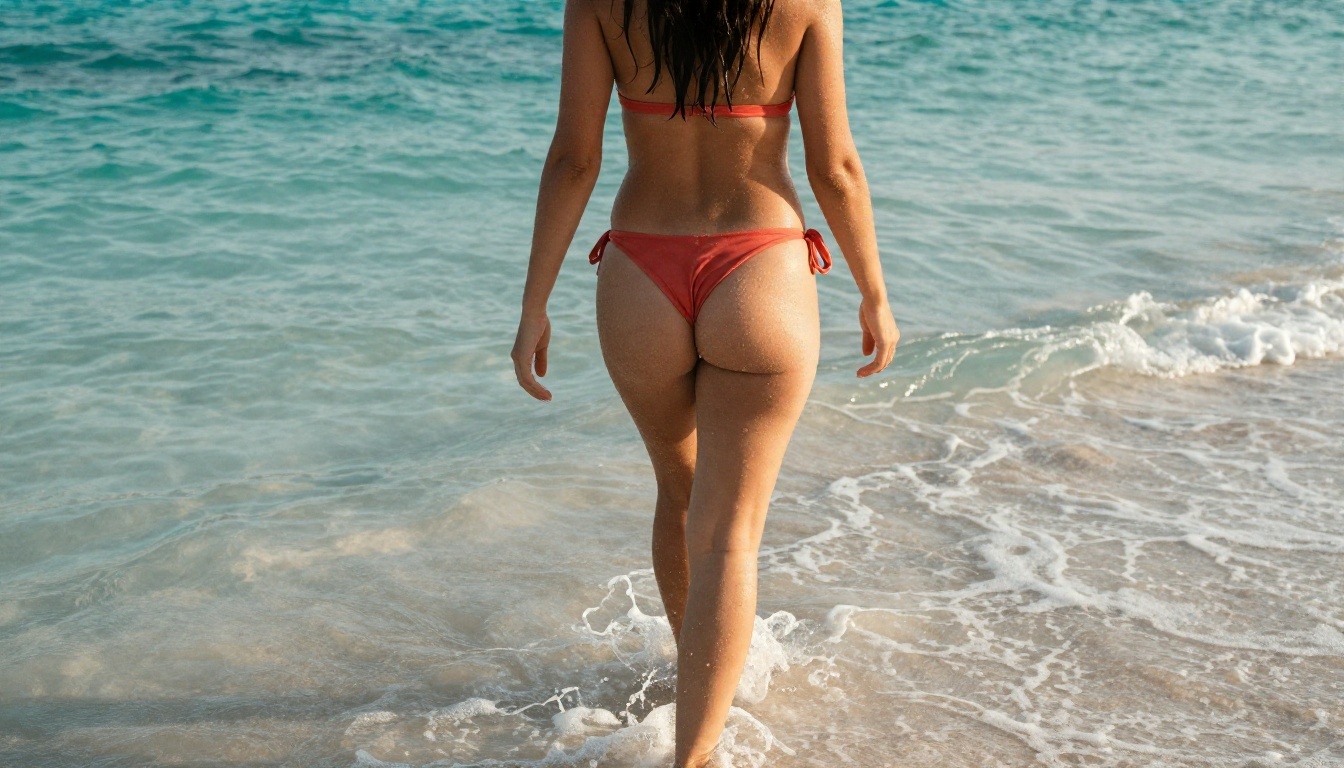
- Beach: "Low-angle photograph of a woman in a coral bikini walking out of shallow turquoise water, water droplets on tanned skin, late afternoon rim light from the right, 35mm f/2, sand grains and sea foam, film grain."
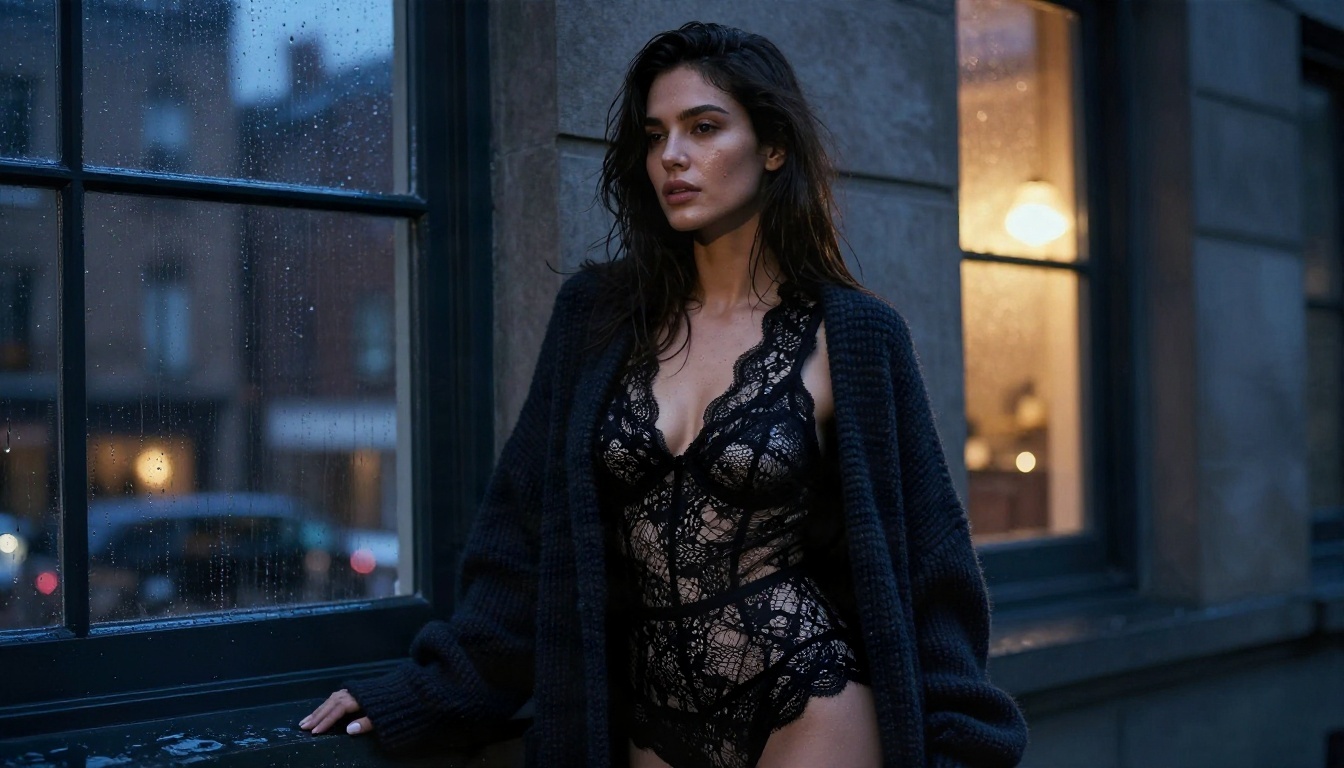
- Window mood: "Medium shot of a woman in a black lace bodysuit and oversized wool cardigan beside a rain-streaked window at dusk, warm lamp light behind, cool blue window light on her face, 50mm f/1.4."
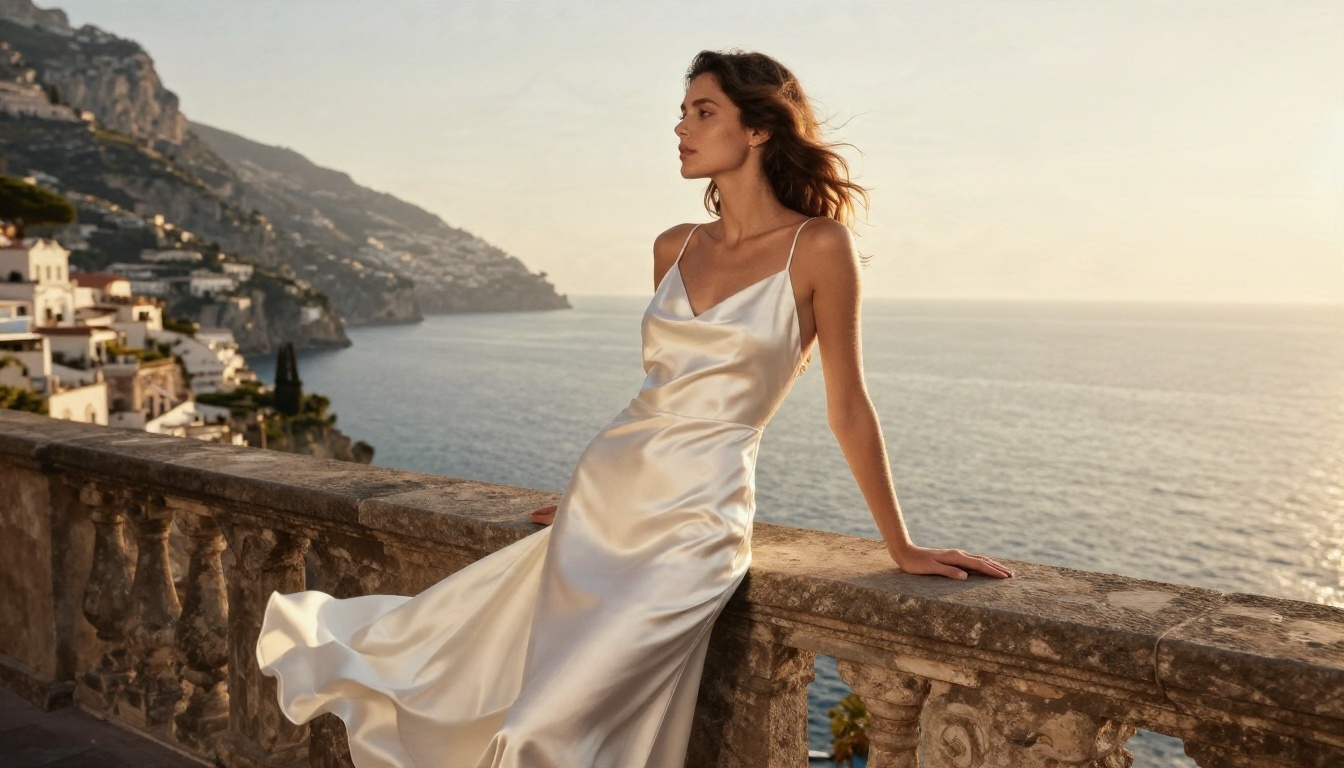
- Terrace glamour: "Woman in a white satin slip dress leaning on a stone balustrade at golden hour, sea behind her, breeze moving the fabric, 35mm f/2.8, visible satin sheen."
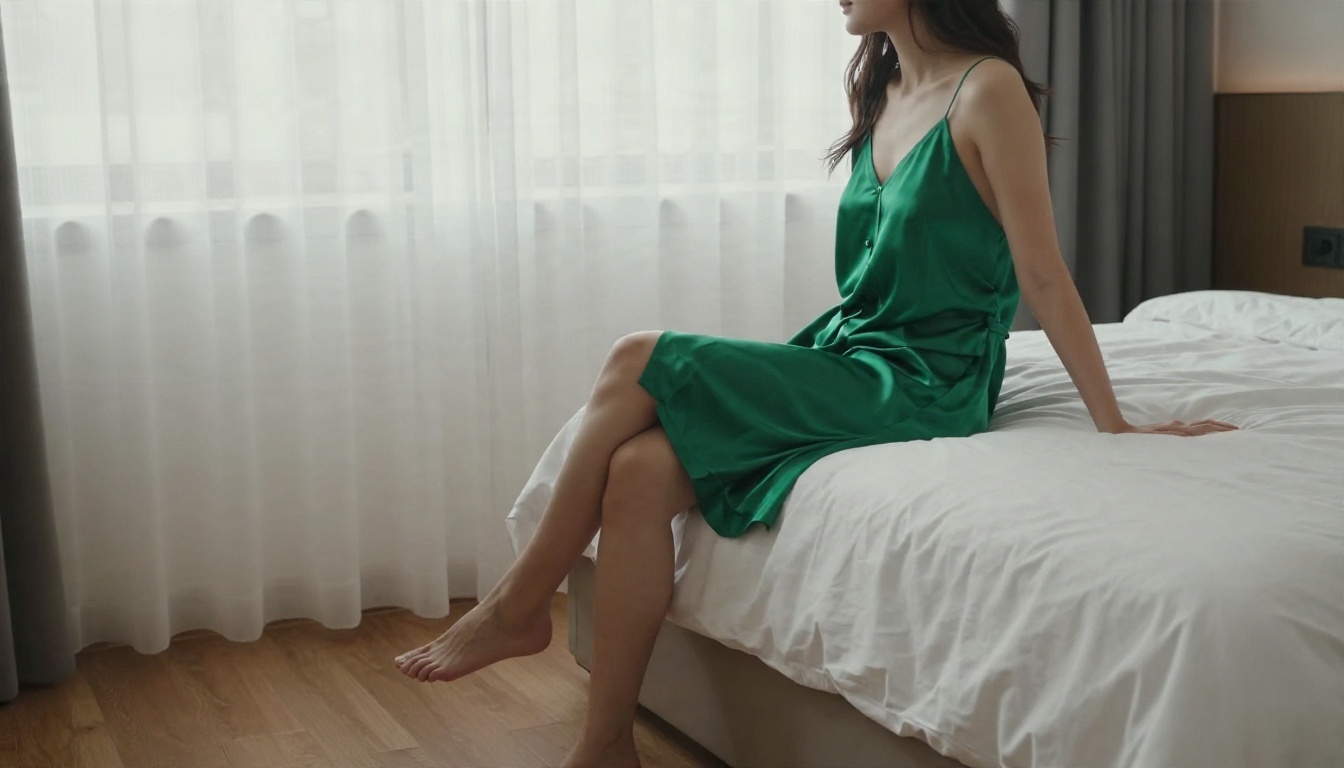
- Morning hotel: "Side profile of a woman in a green silk robe on the edge of a hotel bed, sheer curtains, soft diffused light from the right, 70mm f/2, rumpled white sheets."
Words That Help and Words That Hurt
The right vocabulary makes a visible difference. Here is a quick comparison:
| Use this | Avoid this | Why |
|---|
| "visible pores, fine peach fuzz" | "perfect skin" | Perfect skin gives a plastic, airbrushed look |
| "silk, satin, lace, knit" | "sexy outfit" | Material names give the model real texture to draw |
| "golden hour light from the left" | "good lighting" | Direction creates shape and depth |
| "85mm f/1.8, shallow depth of field" | "high quality, 8k, masterpiece" | Lens language is clearer than hype words |
| "tasteful editorial mood" | "NSFW" | The second word often triggers filters for no benefit |
Examples by Scene
Prompts are easier to judge when you see what comes out. These scenes show the range of what suggestive, photorealistic generation can do.
Beach, Pool and Water
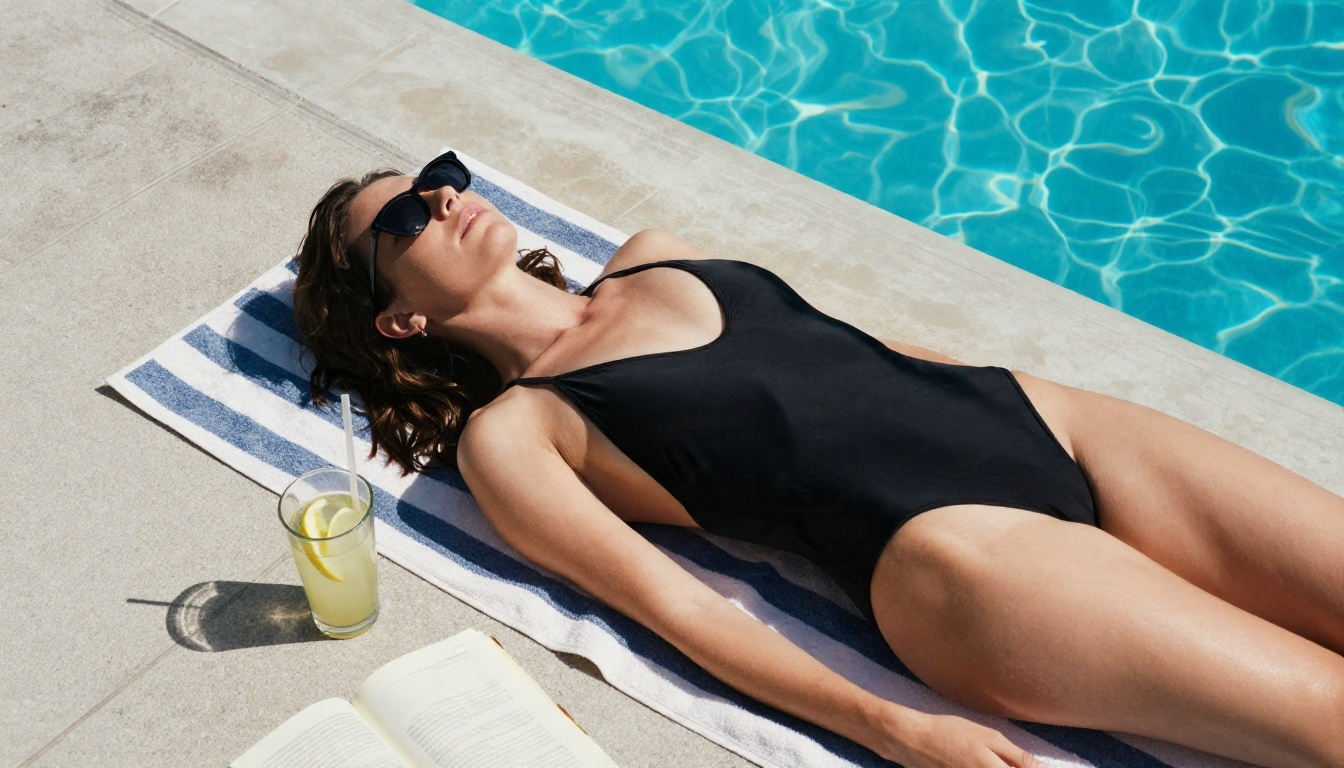
Water scenes are the easiest win. Wet skin catches light in a way that makes images look instantly real, and swimwear is accepted by nearly every filter. The best results come from low or overhead angles, strong directional sun and details such as droplets, towel weave, sunglasses and a drink on the side. The rooftop pool image above works because of the harsh midday shadows and the small props that tell a story.
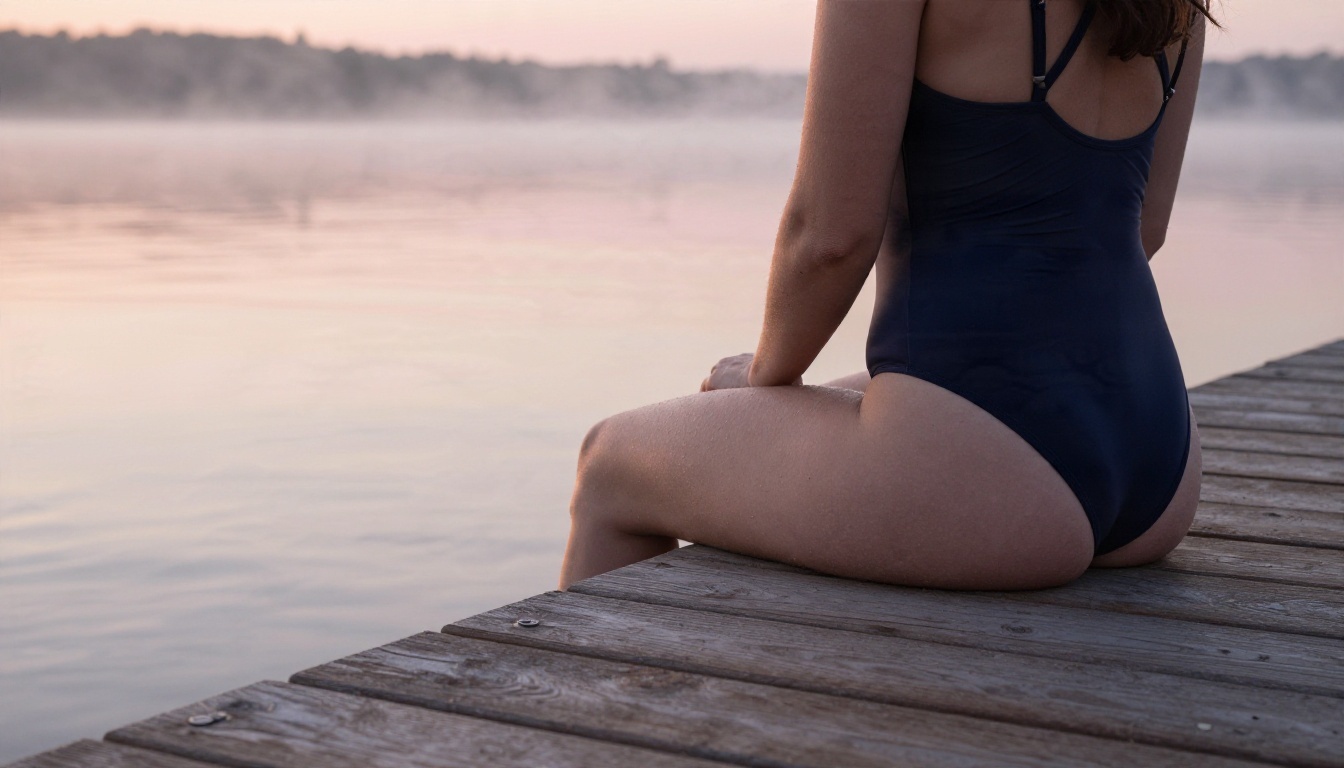
Sunrise scenes work just as well, but with a softer mood. A quiet lake, mist, a wooden dock and a single figure from behind gives you calm instead of heat.
Boudoir and Lingerie Editorials
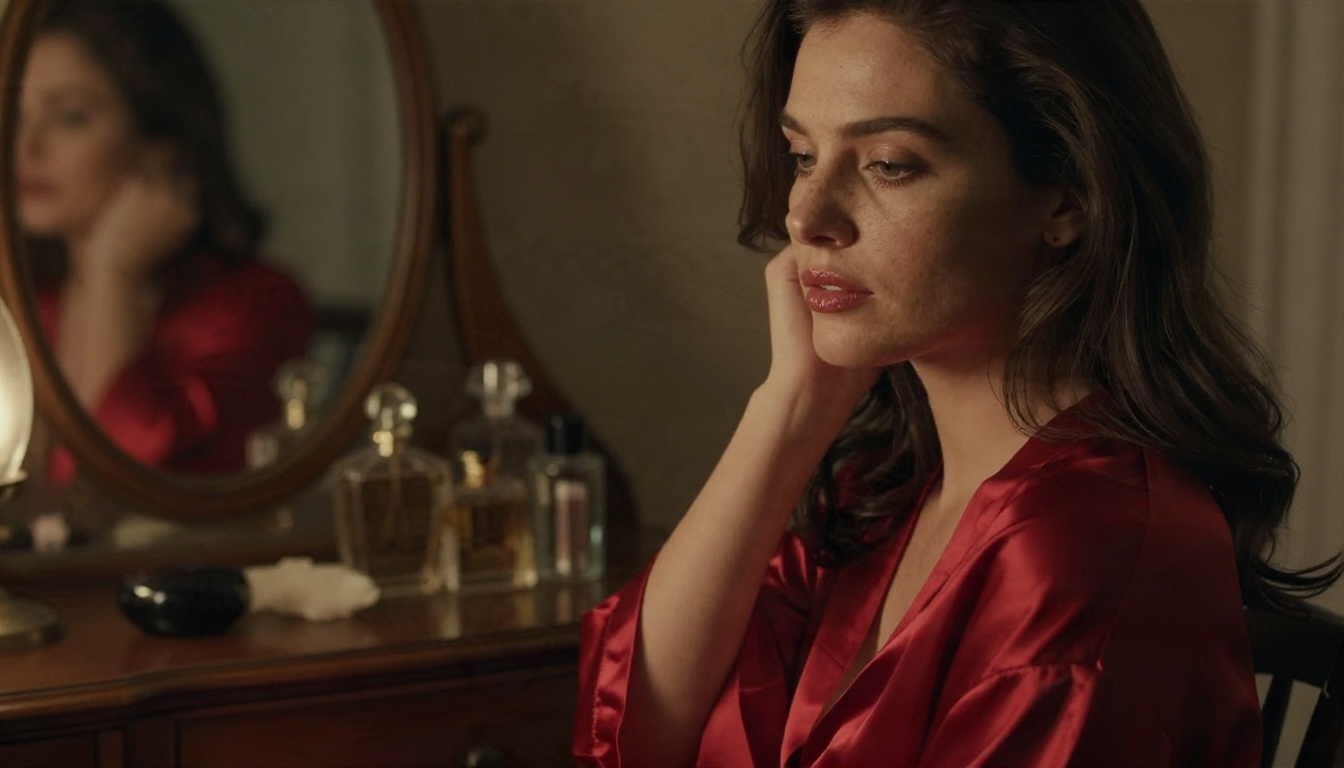
Interiors rely on soft window light and fabric detail. Think rumpled sheets, a vanity mirror, a silk robe slipping off a shoulder, warm tungsten lamps. You are building atmosphere rather than showing skin, and that is exactly why these images feel more premium than blunt ones.
Two practical notes. First, describe the setting in as much detail as the subject: a rattan chair, dried pampas grass, plaster walls. Second, use robes, camisoles, slips and cardigans to add layers. Layered clothing looks more natural to a model, and it passes filters more reliably than minimal clothing.
Real Limits You Will Hit
Honest expectations will save you time. Even the best generators have constraints, and knowing them in advance lets you work around them instead of fighting them.
Content Filters
Mainstream generators screen both your prompt and the finished image. Swimwear, lingerie in an editorial context and implied intimacy usually pass. Explicit nudity does not, and neither do prompts that sound explicit even when the intent is mild. Even a perfectly tasteful request can get blocked if the wording leans too far. When that happens, rephrase with fabric, light and setting details, and add layers such as a robe or cardigan.
Real people are a separate limit. Do not use the name or likeness of a real person without their permission. Generators and platforms enforce this, and it is also simply the right call. Create original, fictional subjects.
Anatomy and Hands
Even in 2027, hands and fingers remain the most common failure. Close-up poses with hands near the face, necklaces or fabric can produce extra or merged fingers. Tips to reduce it:
- Keep hands simple, such as resting on a surface or holding a prop
- Use medium or wide shots when you do not need finger detail
- Fix small errors with Image Editor Pro instead of regenerating the whole image
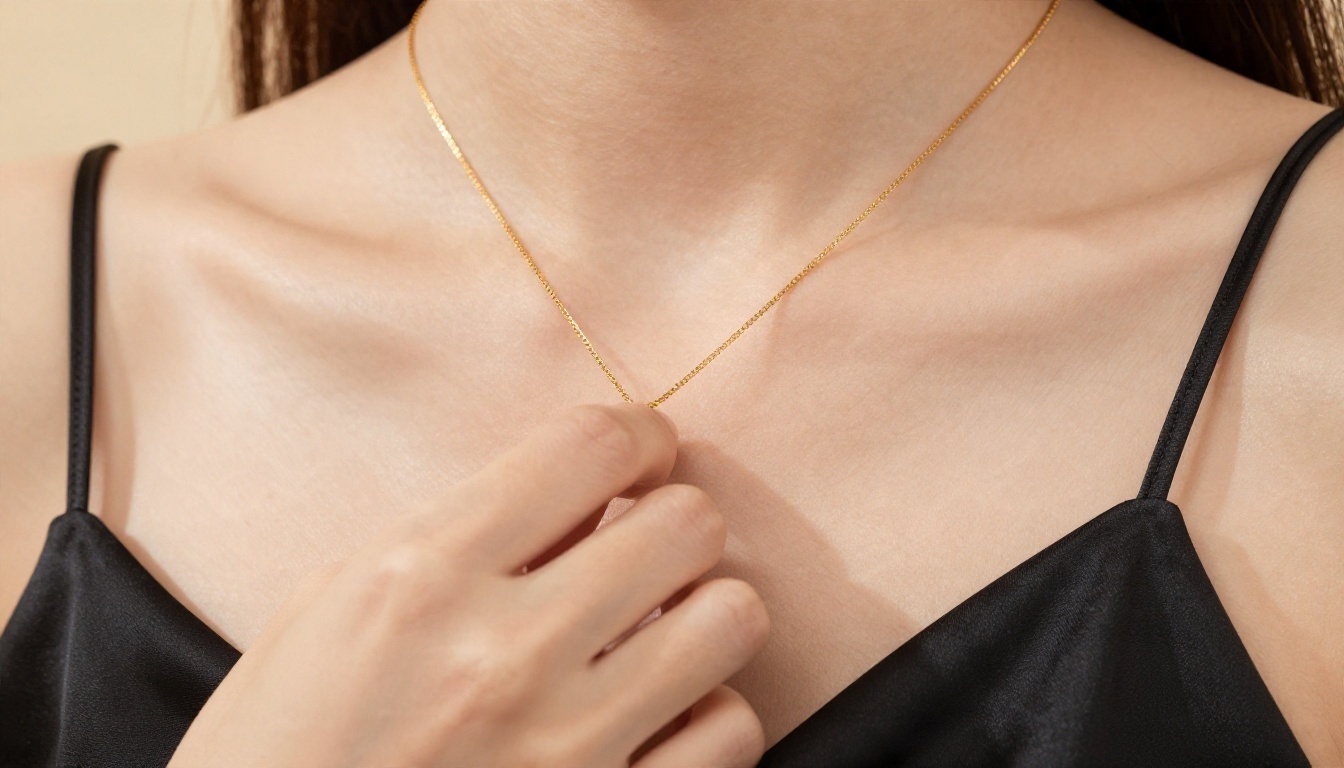
- Try a macro-style framing on a single detail, as in the necklace image below, which sidesteps full hands entirely
Face and Style Consistency
Generating the same character across several images is still the hardest part. Faces drift between generations, hair length changes, and outfits mutate. Workarounds that help:
- Reuse nearly identical descriptive phrases for the face and hair in every prompt
- Keep the same seed when you only change the background
- Use an editor model to change scenes on one base image, instead of generating from scratch each time
- Accept some variation, and treat each image as a standalone shot
💡 Consistency trick: lock in three or four unmistakable features, such as "chestnut waves, light freckles, narrow nose, small gold hoop earrings," and repeat them word for word.
Is It Really Free?
Mostly, with a catch. Many platforms give free daily credits or a limited number of generations. That is enough to test prompts and find a style, but not enough for a full batch of content. The real cost of "free" is usually one of three things: watermarks, low resolution, or a generation cap that ends your session right when a prompt starts working.
That is why unlimited tools matter. If you can run unlimited variations in Image Editor Pro, the cost per good image drops to almost nothing, because bad attempts stop costing you anything. Pair that with the high-resolution output of Seedream 4.5 for your final pick, and you have a workflow that is free where it counts and sharp where it matters.
A quick way to compare options before you commit time:
| Question | What to check |
|---|
| Is there a watermark? | Look at a sample output before you sign up |
| What is the resolution cap? | Anything under 2K limits cropping and printing |
| How many generations per day? | Fewer than 10 makes prompt testing painful |
| Are edits supported? | Fixing one detail beats regenerating everything |
| Are filters predictable? | Test one swimwear prompt and one lingerie prompt |
Make Your Own Spicy Set Today
You now have the full picture: what spicy means in practice, which models deliver, a formula for prompts, scene ideas and the limits to plan around. The fastest way to get better is to run your own tests.
Here is a simple plan for your first session:
- Open Seedream 4.5 and paste the boudoir template from this article.
- Change only the outfit color and generate three versions.
- Switch the setting to a beach or pool and compare how the light changes the skin.
- Send your favorite to Image Editor Pro and run unlimited variations until the pose and expression feel right.
- Try Z Image Turbo, Flux 2 Klein 9B Base LoRA or Hunyuan Image 3 with the same prompt and see which look suits you.
Photorealistic glamour comes down to light, fabric and patience, and with unlimited generations on Picasso IA, patience is free. Browse every available model at picassoia.com/en/all-models, pick one, and start creating your own images today.


