You sign up for a free trial on an adult AI generator, type three prompts, and a banner tells you the credits are gone. Sound familiar? That is the standard experience with free trial porn AI tools: a taste of the product, then a paywall right when you start getting good results. This article lays out how those trials work, what the limits actually look like, what you pay afterward, and which free alternatives let you keep generating glamour, boudoir and swimwear imagery without watching a credit counter.
A quick note on scope. Everything here is about adult-themed, non-explicit, photorealistic imagery of fictional adults: glamour, lingerie, swimwear, implied artistic portraits. Every image in this article was made in that spirit.
What a Free Trial Really Gives You
Most "free trial" offers from adult AI sites are less generous than the landing page suggests. Before you hand over an email address, it helps to know the two models in play.
Credit trials versus daily caps
There are really only two structures:
- A one-time credit pile. You get a fixed number of credits at signup. Once they are spent, you need a paid plan. Good for a quick test, useless for ongoing work.
- A permanent free tier with daily limits. You get a small allowance that refreshes every day, often a handful of images or a few dozen credits. Slower, but you never hit a hard wall.
Based on what review sites report, the credit pile is common on newer companion and story-style platforms, while daily caps show up more on image-first generators. Many sites mix both: starter credits plus a modest daily refill.
What is usually included
Trials typically unlock the cheapest tier of everything. Expect:
- Basic image generation at standard resolution.
- Slower queue priority than paying users.
- A reduced set of models or styles.
- Limited or locked video, upscaling, and editing tools.
- No commercial license on the output.
💡 Tip: Read the generation settings page before you sign up. If resolution, model choice, and download quality are all hidden behind "Pro," the trial is a demo, not a tool.
The Limits That Hit First
Not every limit is a number on a dashboard. Some are quiet constraints that only show up after your third or fourth generation.
Credits drain faster than expected
High resolution, multiple images per prompt, and retry attempts all burn credits quicker than the headline number implies. A trial advertised as "50 free credits" can mean as few as five usable high-quality images once you factor in failed generations, hands that need a redo, and the upscale step that costs extra.
Watermarks and licensing
Free outputs often carry a watermark, a lower-resolution export, or a license that forbids commercial use. If you plan to post the images, sell prints, or use them in a project, check the licence text. A watermark-free download frequently costs extra credits even on paid plans.
Queue times and content filters
Free users usually wait longer, sometimes minutes per image during busy hours. Filters can also be inconsistent: a prompt works on Monday and gets blocked on Tuesday after a policy tweak. That is not a bug on your end. It is the platform tuning moderation, and it is one of the main reasons people look elsewhere.
| Limit | What it looks like | Why it matters |
|---|
| Credit cap | Fixed pile, no refill | Trial ends in one session |
| Daily cap | Few images per day | Slow iteration |
| Watermark | Logo on output | Unusable for sharing |
| Resolution lock | Capped at standard size | Soft detail, no printing |
| Queue priority | Minutes of waiting | Breaks creative flow |
| Filter changes | Prompts blocked without warning | Unreliable results |
Pricing After the Trial Ends
Here is where the real cost shows up. Prices change often and the review sites that list them are mostly affiliate-driven, so treat any specific figure as a snapshot and check the current pricing page yourself.
Typical subscription ranges
From what recent roundups indicate, entry plans on adult AI generators tend to start in the single-digit to low double-digit dollars per month, with higher tiers for more credits, faster queues, and video. Some tools sit near the cheap end, around the price of a coffee a week. Others push premium tiers well beyond that once you add video, longer clips, or priority generation.
Billing traps to check
A few patterns are worth watching for:
- Auto-renewal after the trial. Some trials ask for a card up front and convert to a paid plan automatically.
- Credit packs that expire. Unused credits can vanish at the end of the billing cycle.
- Feature gating. The plan you assumed was enough turns out to exclude video, high resolution, or the model you liked.
- Discreet billing. Check how the charge appears on your statement if privacy matters to you.
💡 Rule of thumb: If you generate fewer than ten images a week, a paid subscription rarely makes sense. A free alternative with no cap will serve you better. If you generate hundreds, calculate the cost per usable image, not the monthly price.
Free Alternatives That Keep Going
The best way to dodge the trial treadmill is to use a platform where the generation itself is not metered like a prepaid phone. This is where PicassoIA fits in, with a lineup of models built for photorealistic results and a focus on unrestricted creative control for adult themes.
Seedream 4.5 comes first
Seedream 4.5 is the model to try first for glamour and boudoir imagery. It produces sharp, high-resolution photorealistic output with natural skin texture, believable fabric sheen, and consistent lighting. It handles lingerie, swimwear and implied artistic portraits without the constant blocking that frustrates people on trial platforms. For anyone burned by filters that change week to week, that reliability is the biggest selling point.
PicassoIA Image Editor Pro for unlimited runs
PicassoIA Image Editor Pro is the second stop, and the reason is simple: unlimited generations. No credit pile to ration, no daily cap, no panic when a result needs a second or third attempt. It is built for editing and generating, so you can fix a pose, swap an outfit, adjust a background, or push a lighting change without paying per attempt. If your main complaint about trials is the meter running, this removes it.
Other models worth testing
Once you have a feel for the first two, these are good to rotate through for different looks:
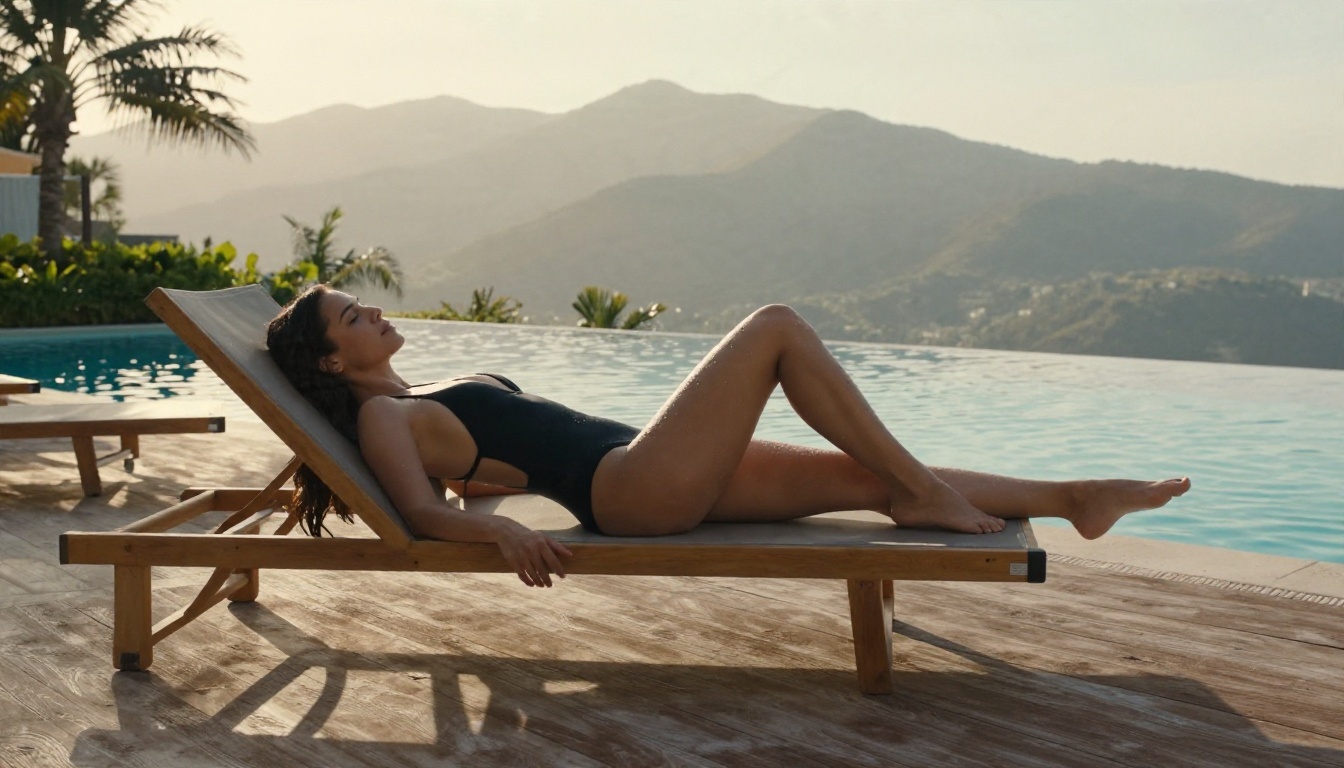
💡 Moderation rules differ from model to model. If one model blocks a prompt, reword it with more photographic language (lens, light, location) or switch to another model from the list. Posing it like a magazine shoot usually works better than a blunt description.
How to Use Seedream 4.5 on PicassoIA
Here is a practical walkthrough for producing glamour-style results with Seedream 4.5.
Step by step
- Open the Seedream 4.5 page on PicassoIA and sign in.
- Write your prompt in this order: subject, outfit, setting, lighting, camera.
- Choose a 16:9 or 3:2 aspect ratio for wide editorial framing, or 2:3 for portrait shots.
- Generate, then compare results side by side before refining.
- Send your favorite to PicassoIA Image Editor Pro to adjust small details such as hair, background, or outfit colour.
A sample prompt that works well:
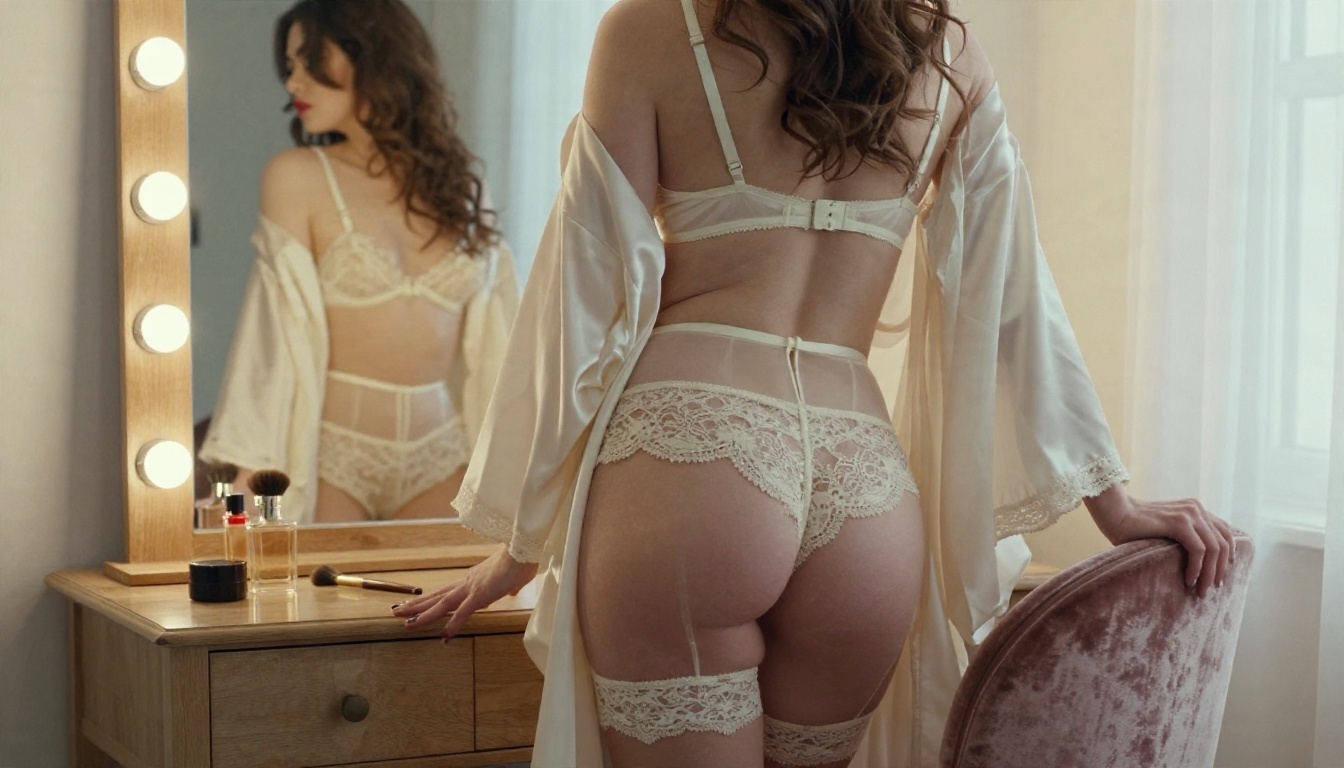
"Adult woman in a champagne silk robe over black lace, reclining on a linen sofa, morning light from a left window, 85mm f/1.8, shallow depth of field, natural skin texture, Kodak Portra 400 grain."
Parameter tips
- Describe the light. Direction and quality ("soft window light from the left") matter more than adjectives like "beautiful."
- Name a lens. 85mm for portraits, 35mm for environmental shots, 24mm for wide scenes.
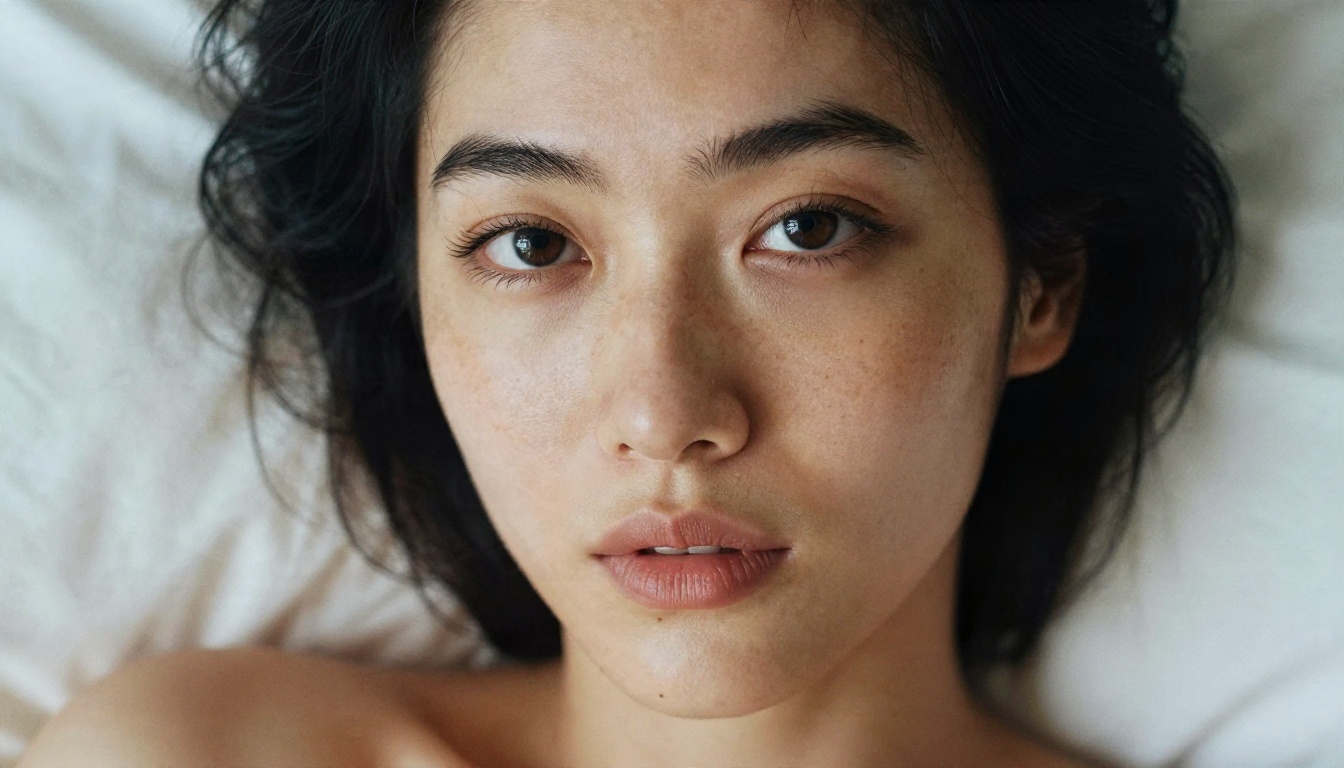
- Add texture words. Pores, freckles, lace threads, linen weave, sand grain. They push results away from the plastic AI look.
- Keep prompts focused. One subject, one setting, one mood. Long laundry lists of outfits confuse the output.
- Iterate in small steps. Change one variable per run so you know what caused the improvement.
Add Motion Without a Paywall
Video is the first thing trial plans lock away, and the one that burns credits fastest. If you want to animate a still image, PicassoIA has several video models you can try on your own images:
A workflow that keeps costs down: nail the still image first with Seedream 4.5, since generating images is cheaper than generating video, then animate only the one or two frames you truly love. Fewer experiments in video means fewer wasted credits anywhere.
Quick Safety and Privacy Checks
Adult AI tools handle sensitive content, so a few habits are worth building before you pay anyone.
Protect your account and data
- Use a dedicated email address instead of your main one.
- Check whether prompts and outputs are stored, and whether you can delete them.
- Avoid uploading photos of real people. This is both a privacy risk and a line you should not cross without that person's explicit consent.
- Never create imagery of anyone who is not clearly an adult, and never of real people without permission. Reputable platforms enforce this, and so should you.
Spot a bad trial before it costs you
Red flags include a trial that demands a card with no clear cancellation page, pricing that only appears after signup, vague terms about who owns the outputs, and reviews that all sound suspiciously identical. If a site hides its refund policy, assume there is not one.
A fast checklist before you subscribe anywhere:
- Does the free tier let you download without a watermark?
- Is the output resolution stated clearly?
- Can you cancel in two clicks?
- Are unused credits refunded or rolled over?
- Does the license allow the use you have in mind?
If you answer "no" or "unclear" to three or more, move on. There are plenty of better options.
Start Creating Your Own Images
Free trials are built to run out. The smarter route is to pick tools where iteration does not cost you anything, so you can afford to make ten attempts, tweak the light, change the outfit, and land on the shot you actually imagined.
Here is the short path:
- Open Seedream 4.5 and write your first prompt using the subject, outfit, setting, light and lens formula above.
- Refine your favorite result in PicassoIA Image Editor Pro with as many attempts as you want.
- Rotate in other models to find the look that suits you.
- Animate your best frame with one of the video models.
The full lineup of image, video, and editing models is on picassoia.com/en/all-models. Pick one, write a prompt, and make your own set of images today. No countdown timer required.