Type "free uncensored AI" into a search bar and you get a wall of tabs, all promising unlimited generations, zero filters and no sign up. Open ten of them and you will find nine credit counters, three watermarks, two surprise paywalls and one app that quietly rejects a perfectly normal swimwear prompt. The gap between the promise and the product is huge, and it costs people hours.
This article sorts the noise. You will see what "uncensored" realistically means, which kinds of free image generators and video generators exist, the limits that hide behind the word "unlimited", and how online apps compare with running models on your own machine. At the end, there is a short list of models you can try right now on PicassoIA.

💡 Quick take: Almost no tool is truly free and truly unlimited at the same time. The honest question is which limit you can live with: daily credits, clip length, resolution, queue time or watermarks.
What "Uncensored" Actually Means
The word gets used for three very different things, and mixing them up is how people end up disappointed.
Filters, Not Freedom
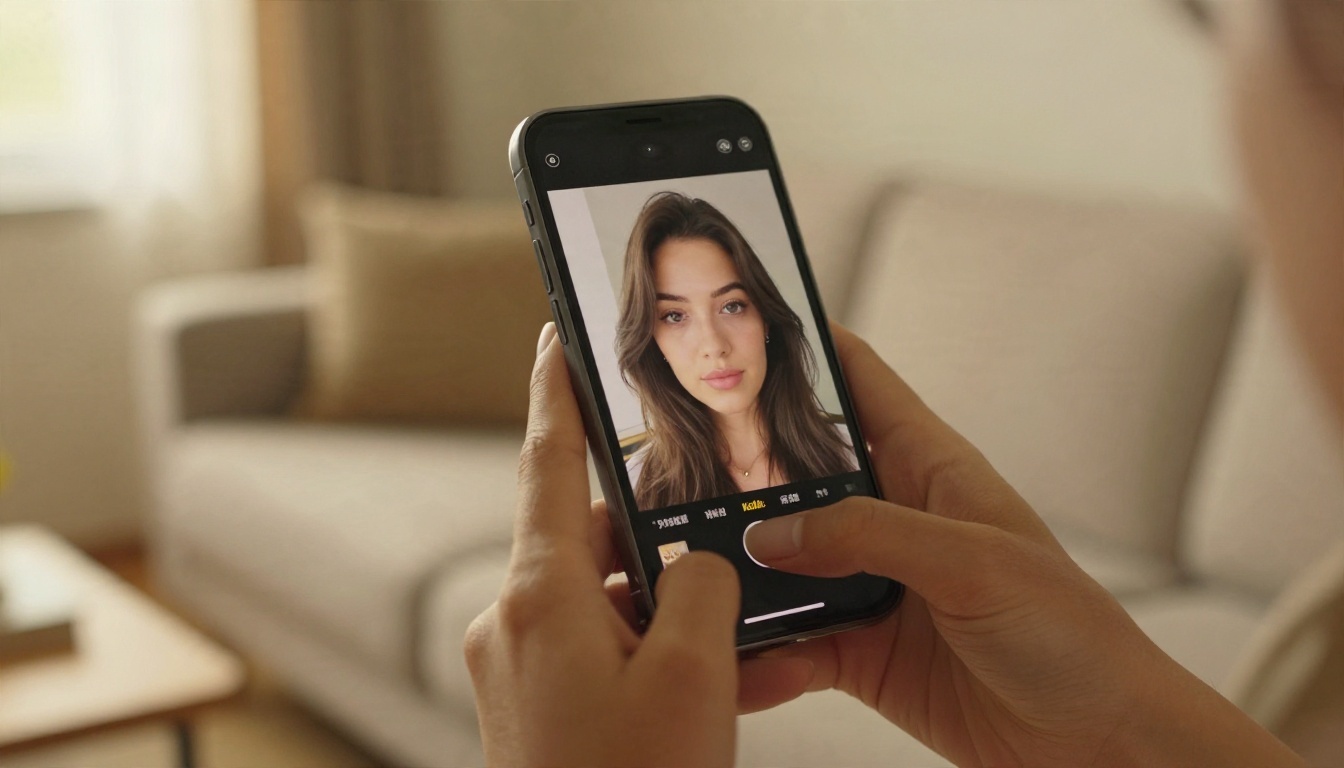
In practice, "uncensored" almost always means fewer false positives. Mainstream generators often block prompts for bikinis, boudoir portraits, glamour photography, figure studies, medical anatomy or even a person in a bathrobe. An uncensored tool simply lets those requests through and treats adults like adults.
That is a very different thing from "anything goes". Photographers, fashion creators, illustrators, novelists and adult content artists all run into over-aggressive filters, and that is the audience these tools serve.
Where the Line Stays
Even the most permissive services keep a few hard lines, and you should too:
- No minors, ever, in any context.
- No real people without their consent, which rules out deepfakes of celebrities, coworkers or exes.
- No illegal content of any kind.
On PicassoIA the focus is non explicit, attractive imagery: glamour, swimwear, boudoir, fashion and artistic styling, without crossing into pornography. If a tool markets itself with the opposite pitch, read its terms twice before you upload anything personal.
Free Image Generators Worth Your Time
Image generation is the most mature part of the market, so the free options here are the best.
Browser Apps With Daily Credits
The most common model is a web app that hands you a small allowance of credits each day. Kling AI, for instance, is often described as having a real free tier with daily credits, and sites such as Mage, ZSky and Perchance advertise free generation with loose or no caps. Treat those descriptions as marketing until you test them yourself: most vendors also sell premium plans for faster queues, higher resolution and newer models, and that tells you where the free tier ends.
Paid "uncensored" specialists exist too. Some lift every filter and daily cap for subscribers, with plans that start around 25 dollars a month. That is useful if you work with adult themes full time, but it is not free.
Open Weights on Your Own Machine
Running an open model locally is the only route that is genuinely unlimited, because nobody sits between you and the GPU. You pay with setup time and hardware. Smaller models can run on modest cards, while the best image and video models want a lot of VRAM and a patient afternoon of installing dependencies.
Local also means you own the moderation. There is no filter at all unless you add one, which is exactly why this route attracts people who want full control and why it needs good judgment.
Models Worth Trying on PicassoIA
If you would rather skip the install and still avoid the daily credit squeeze, these image models are the ones to start with:
| Model | Best for | Why it stands out |
|---|
| Seedream 4.5 | Glamour, portraits, 4K stills | Sharp skin texture and a permissive approach to adult themed fashion and beauty prompts |
| PicassoIA Image Editor Pro | Editing and restyling photos | Unlimited generations, fast turnaround |
| Flux 2 Klein 9B Base LoRA | Styled looks and LoRA flavors | Free to experiment with, flexible styling |
| Qwen Image 3 Pro | Photorealistic scenes | Strong prompt following and clean detail |
| Nano Banana Pro | 4K output and quick edits | Handy for edits and consistent subjects |
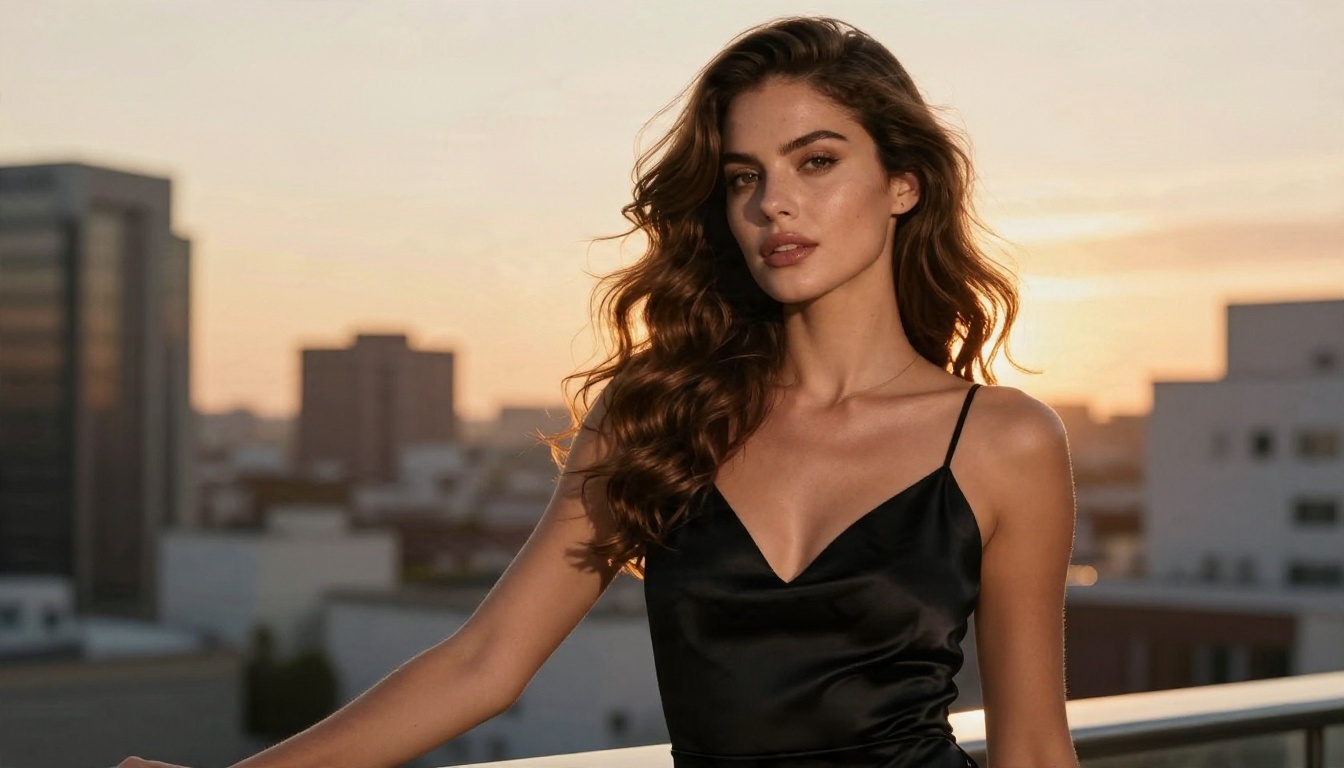
💡 Prompt tip: Describe the lens, the light and the fabric. "85mm f/1.4, golden hour backlight, silk slip dress with visible sheen" beats "sexy woman" every time, and it gets better results from any generator.
Free Video Generators and Their Limits
Video is where "free" gets expensive for the provider, so the limits are tighter and the fine print is longer.
Clip Length and Resolution Caps
Across free tiers, you will typically see these ceilings:
- Clip length: about 5 to 10 seconds per generation.
- Resolution: often 480p or 720p, with 1080p behind a paywall.
- Watermarks: common on free exports.
- Queues: free users wait behind paying ones, sometimes for many minutes.
- Credits: a few clips per day, then you are done until tomorrow.
Longer clips and 4K output cost the platform real compute, which is why nobody gives them away indefinitely. Some local open models, such as LTX 2.3, are popular with people who want no cap at all, though results depend entirely on your hardware.
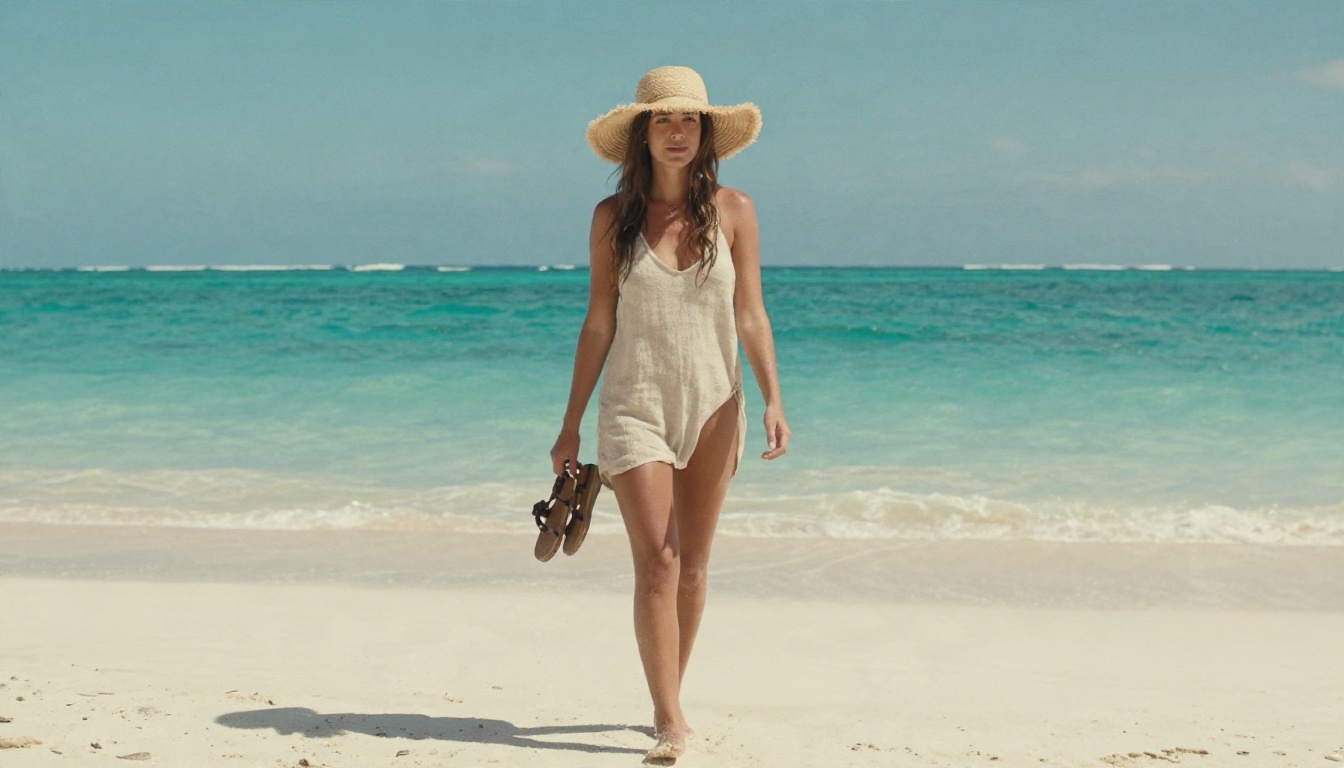
Image to Video Beats Text to Video
If you care about control, start from a still. Generate a strong image first, then animate it. You pick the face, wardrobe, location and lighting once, and the video model only has to handle motion. That wastes far fewer credits than rolling the dice on a text-only prompt.
A few video models on PicassoIA worth knowing:
| Model | What it does | Best use |
|---|
| Seedance 2.5 Lite | Listed as a free, unlimited video generator for clips up to 10 seconds | Everyday experiments |
| Wan 2.5 I2V Fast | Animates a still image quickly | Bringing a portrait to life |
| Hailuo 2.3 Fast | Photo to video, fast | Short social clips |
| Kling v3 Video | Cinematic motion | Polished final clips |
| LTX 2.5 Fast | High resolution video in seconds | Quick drafts at high quality |
💡 Motion tip: Ask for one simple movement per clip. "Slow dolly in, hair moving in a light breeze" works. "She runs, turns, dances and jumps" produces melted limbs.
The Real Cost of "Unlimited"
Here is where marketing and reality part ways.
Credits, Queues and Watermarks
"Unlimited" is a flexible word. Independent roundups of free AI generators keep reaching the same conclusion: unlimited claims are nearly always qualified by fine print. The usual qualifiers look like this:
| Claim on the landing page | What it often means |
|---|
| "Unlimited images" | Unlimited on a slow queue, with a smaller model |
| "Free forever" | A daily credit cap that resets every 24 hours |
| "No sign up" | Low resolution, watermark, or both |
| "No filters" | Fewer filters, but still some hard blocks |
| "HD video" | Often 720p for paid users, lower for free |

How to Test a Free Tool Fast
Before you invest an evening, run this ten minute check:
- Generate five images in a row. Does the app slow down, ask for payment or drop quality?
- Check the export. Is there a watermark? What is the real resolution?
- Try a borderline prompt. A bikini portrait or a boudoir shot shows you how the filter behaves.
- Read the terms. Look for lines about who owns the output and how uploads are stored.
- Return the next day. Credits that reset are real; credits that vanish are bait.
Online Apps or Local Install?
Both routes work. The right pick depends on your patience and your hardware.
When Online Wins
Online apps win on speed to first result. You open a tab and generate. There is nothing to configure, newer models arrive automatically, and your laptop does not turn into a space heater. For most people who want photos, short clips or edits, an online app is the sensible default.
The trade-off is that someone else sets the rules, the queue and the retention policy. You rely on their uptime, and free tiers change without notice.
When Local Wins
Local wins when you generate hundreds of images a day, want total privacy, or need unusual fine tuned styles. After the initial setup, every generation is effectively free. The cost is a capable graphics card, disk space for models, and the time to keep software updated.
A good middle path: prototype online, then move only the workflows you repeat constantly onto your own machine.
Risks Before You Upload Anything
Free is never entirely free. You are paying in data, attention or both.
Privacy and Storage
Many small "uncensored" sites are run by anonymous teams with unclear storage and deletion policies. A few habits protect you:
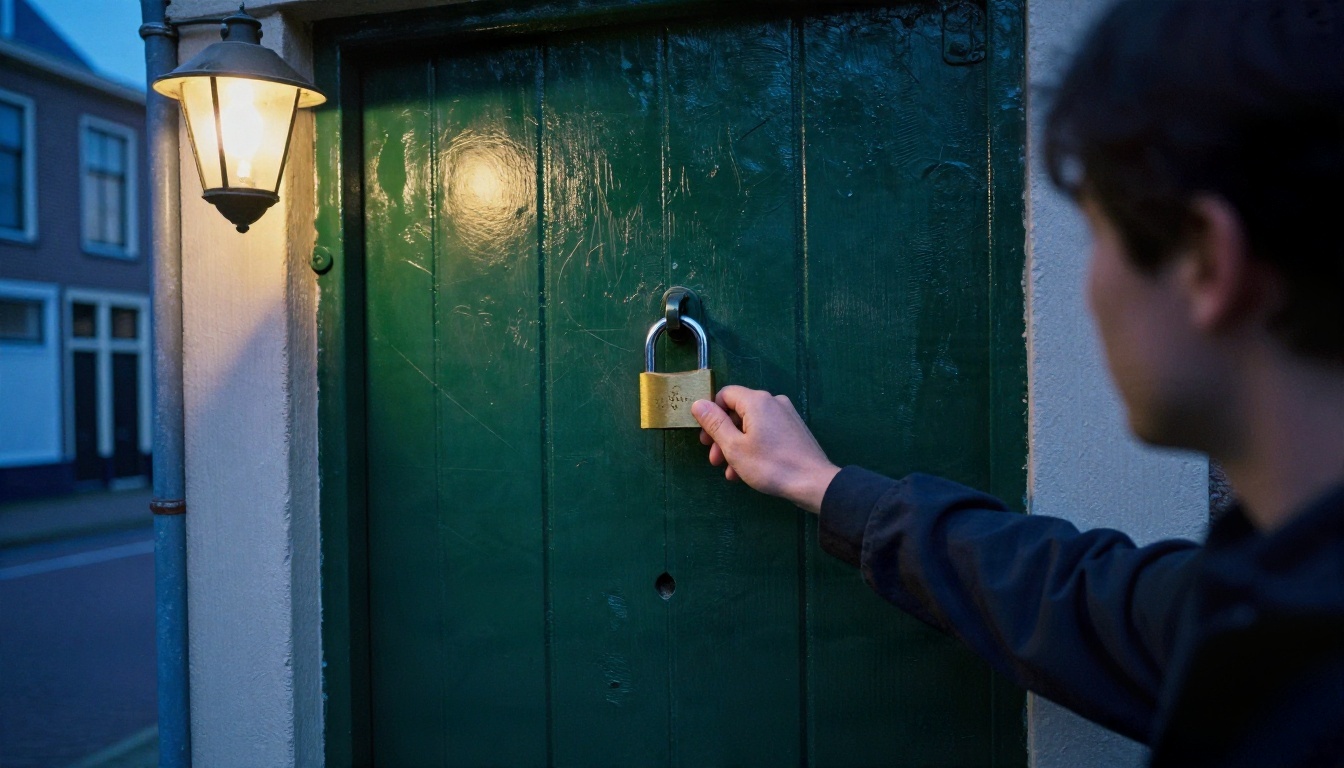
- Avoid uploading photos of yourself or anyone else to an unknown site.
- Do not reuse a password from a real account.
- Use a throwaway email for tools you have not vetted.
- Be wary of sites that demand a download or browser extension to "unlock" generations.
Faces, Consent and Legal Limits
Rules around AI generated likenesses are tightening in many countries. Making images of a real, identifiable person without consent can break platform rules and, depending on where you live, the law. Stick to fictional characters and your own likeness, and keep every subject clearly an adult. It protects other people and it protects you.
💡 Rule of thumb: If you would not be comfortable explaining an image to the person in it, do not make it.
How to Generate Fast on PicassoIA
If you want a quick, practical route that skips the daily credit game, this is a good workflow for glamour and fashion style stills and clips.
Create a Still With Seedream 4.5
Seedream 4.5 is the first model to try for adult themed but non explicit portraits, since it renders skin, fabric and light with a lot of detail.
- Open the model page and choose a 16:9 ratio for wide shots or 2:3 for portraits.
- Write the prompt in this order: subject and pose, setting, light direction, lens, texture details.
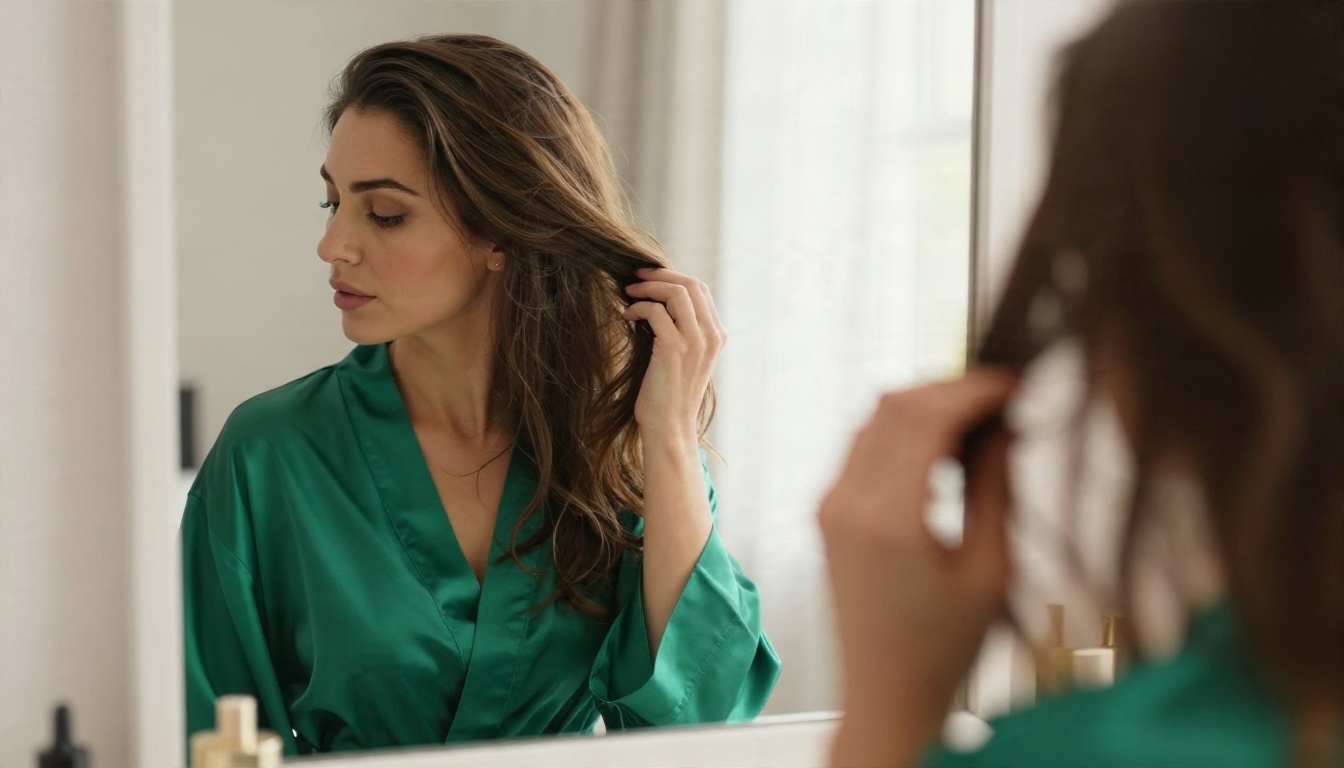
- Keep the wording natural: "woman in a silk robe at a sunlit vanity, soft window light from the right, 85mm f/1.8, visible skin pores, film grain".
- Generate a few variations and keep the one with the best face and hands.
- Fix small flaws instead of rerolling the whole picture.

Polish and Animate
Take your favorite result into PicassoIA Image Editor Pro for restyling, outfit changes or cleanup. It offers unlimited generations, so you can iterate as much as you like without watching a counter.
Then send the final still to a video model such as Seedance 2.5 Lite or Wan 2.5 I2V Fast with a single short motion prompt, for example "slow push in, light breeze through her hair, soft natural daylight". For a more polished cinematic result, try Kling v3 Video.
💡 Workflow summary: Seedream 4.5 for the still, Image Editor Pro for polish, a video model for motion. Three steps, no credit counter to babysit.
Try It Yourself Today
The free uncensored AI market is crowded, but the pattern is simple. Pick a tool with limits you can live with, test it for ten minutes before trusting it, keep your uploads minimal, and always stay on the right side of consent.
If you want to skip the trial and error, start with Seedream 4.5 for stills, PicassoIA Image Editor Pro for unlimited edits, and a video model for motion. Fast results, permissive handling of glamour and fashion prompts, and no daily counter ticking down.
Open the full catalog at picassoia.com/en/all-models, pick a model, write your first prompt and see what you can create. Your next portrait or short clip is one prompt away.


