You typed a perfectly reasonable swimwear prompt into Gemini, waited a few seconds, and got a polite refusal. Or worse, a blank result with no explanation at all. If that sounds familiar, you are not alone. Gemini NSFW prompts are one of the most searched and most misunderstood topics in AI image generation, because Google's models sit in an awkward middle: they will happily render a bikini shot one minute and block an innocent fashion portrait the next.
This article sorts out what Gemini really allows, gives you prompt examples that tend to pass, explains the limits you will hit, and shows the free alternatives on PicassoIA that handle glamour, boudoir and swimwear work with much less friction. Everything here stays on the suggestive, non-explicit side. That is where the useful answers are anyway.
💡 Quick answer: Gemini is not built for adult content. Suggestive glamour sometimes works, explicit requests never do, and the filter is inconsistent enough to block safe prompts. For reliable results, a less restrictive image model is the practical fix.
What Gemini Actually Allows
Before writing a single prompt, it helps to know where the line sits. Google's image models check your request twice, and each check can end the job.

The Prompt Check
The first filter reads your text before any image exists. Requests that clearly break Google's usage rules are rejected right there, so the model never attempts a picture. Sexual wording, certain body-focused phrasing and anything that hints at minors all trigger this stage. You get a refusal message or an empty response.
The Output Check
The second filter looks at the finished image. Even when your prompt is clean, an output classifier scans the result for sexual content, minors and other restricted categories. If the picture scores too high, it gets discarded. This is why the same prompt can work on Monday and fail on Tuesday: the model's random draw produced a slightly different image, and that one tripped the classifier.
What Gets Refused
Based on what developers and users report, these categories are blocked consistently:
- Explicit nudity or sexual acts of any kind
- Anything involving people who look underage, even by accident
- Real, named people in suggestive scenes
- Edits of uploaded photos that make a real person look sexualized
Editing does not create a loophole. The same rules apply to generation, edits and sharing, so uploading a photo first changes nothing.
⚠️ Worth saying plainly: Safety filters on Google's newest image models reportedly cannot be switched off by ordinary users. Anyone selling a "Gemini unlock" trick is selling something that will break the next time the model updates.
Gemini NSFW Prompts That Work
Here is the honest reality: suggestive is possible, explicit is not. Swimwear, lingerie-adjacent loungewear, boudoir lighting and evening glamour sit in a grey zone that Gemini often accepts when the wording stays editorial. Think fashion magazine, not adult site.
Each example below follows the same logic: a clothed or swimwear subject, a real-world setting, a camera and lighting description, and zero sexual vocabulary.
Swimwear and Beach Scenes
Resort and yacht scenes are the safest starting point because swimwear is a normal fashion category.
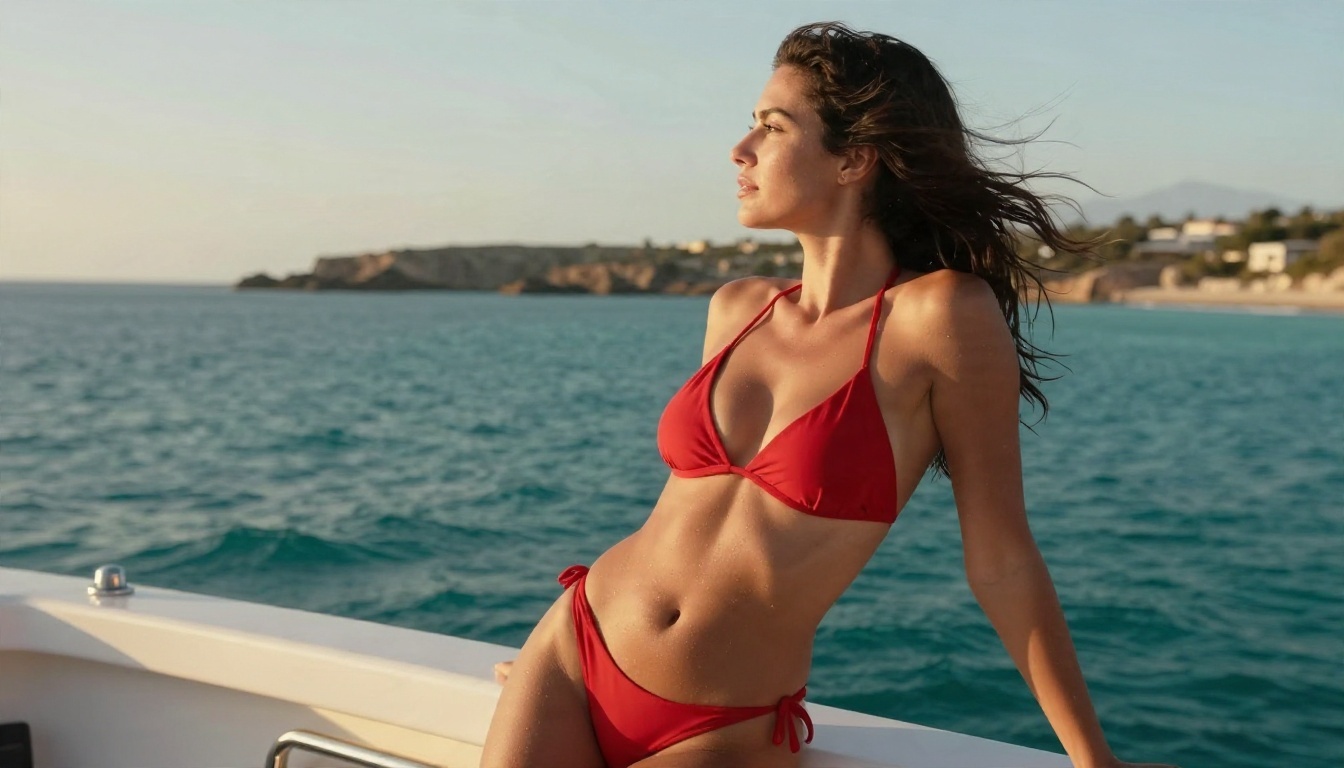
Example prompt:
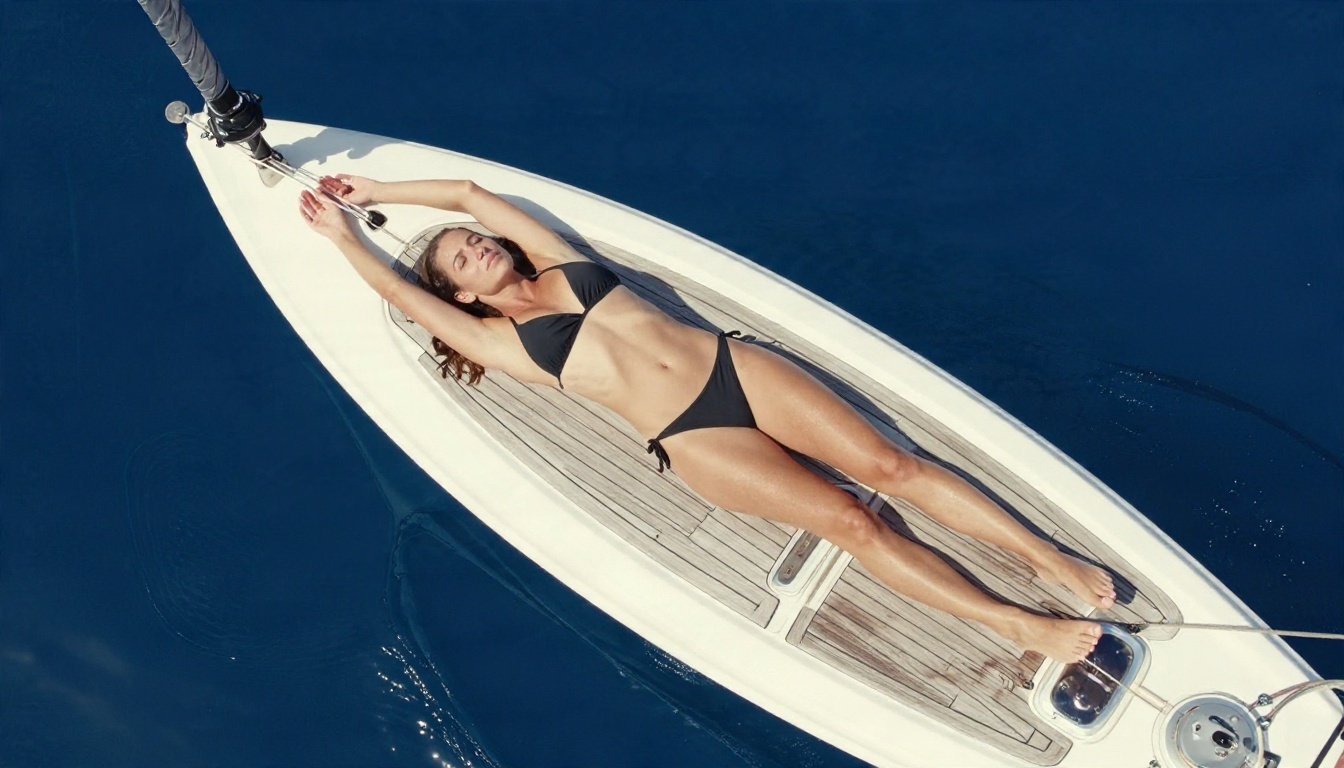
"Editorial photo of an adult woman in a tailored red bikini leaning on the white railing of a luxury yacht, golden hour light from the right, turquoise Mediterranean behind her, 50mm lens, natural skin texture, film grain."
Why it passes: the clothing is a standard swimsuit, the setting is a public leisure scene, and the camera language signals a fashion shoot.
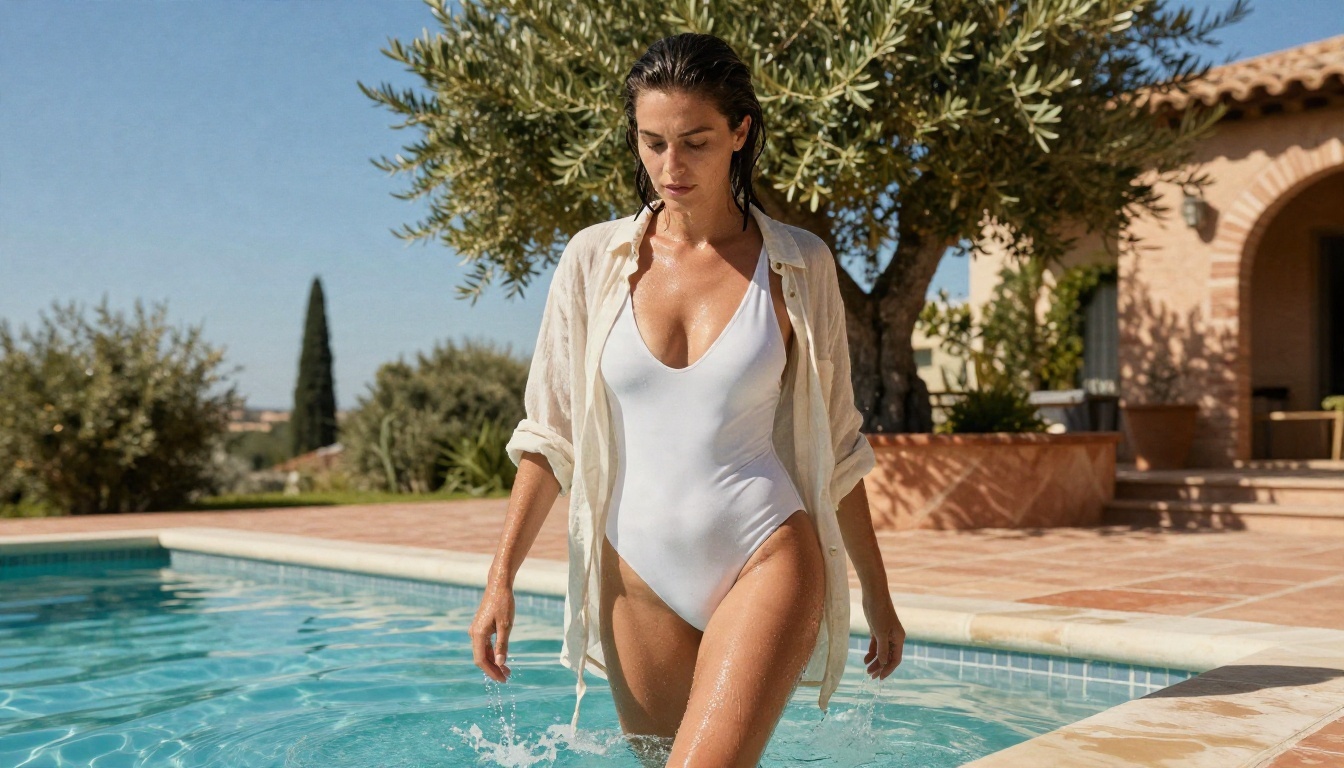
Variation: swap the bikini for a one-piece plus an open linen shirt. Layering often lowers the odds of an output-stage block because less skin fills the frame.
Boudoir and Morning Light
Boudoir is where Gemini gets inconsistent. Silk robes and soft window light usually work. Anything lying down in underwear gets riskier.
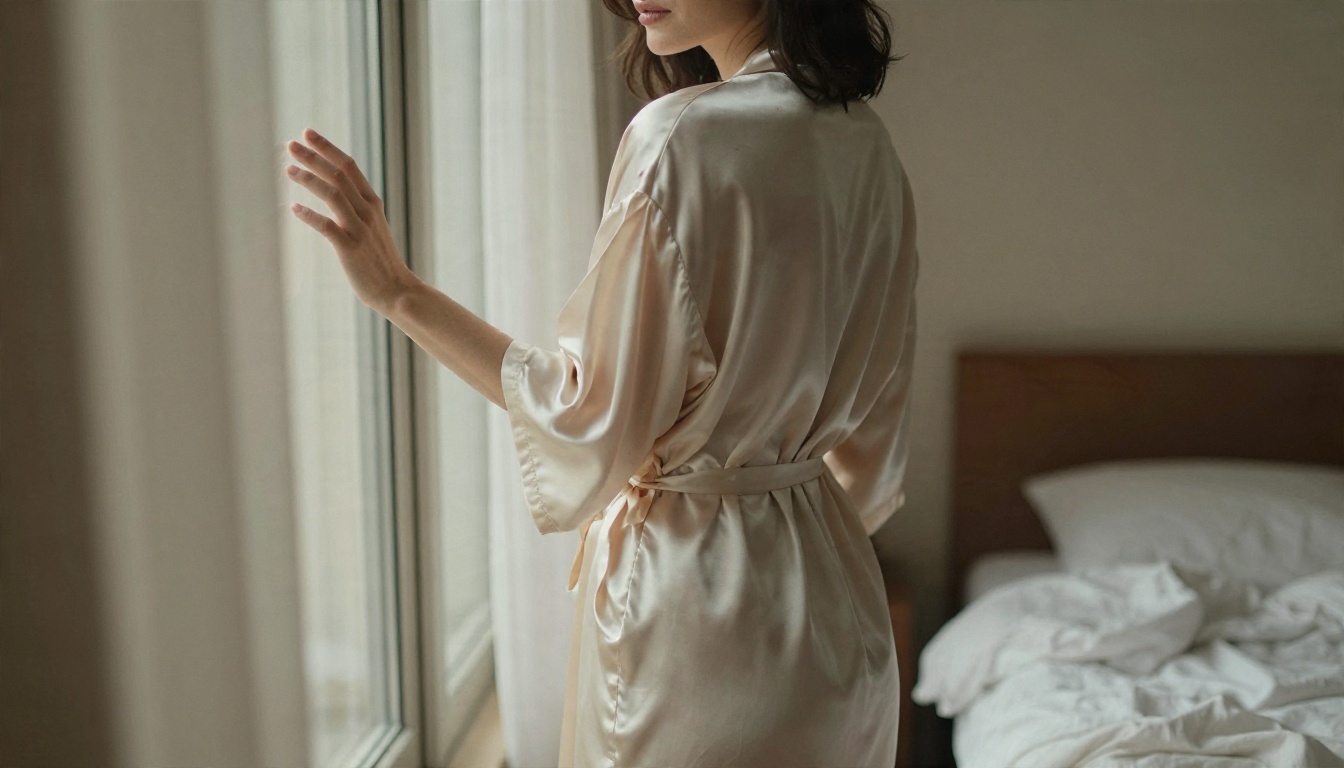
Example prompt:
"Boudoir style portrait of an adult woman in an ivory silk robe loosely tied, standing beside a tall hotel window with sheer curtains, soft diffused morning light, 70mm lens, muted warm tones."

Riskier variation: a camisole and shorts on a bed. Add an activity (reading, stretching, drinking coffee) so the scene reads as lifestyle photography rather than a pose. Without the activity, this one gets blocked far more often.
Evening and Backstage Glamour
Formal wear gives you the sensual mood without tripping any alarms.
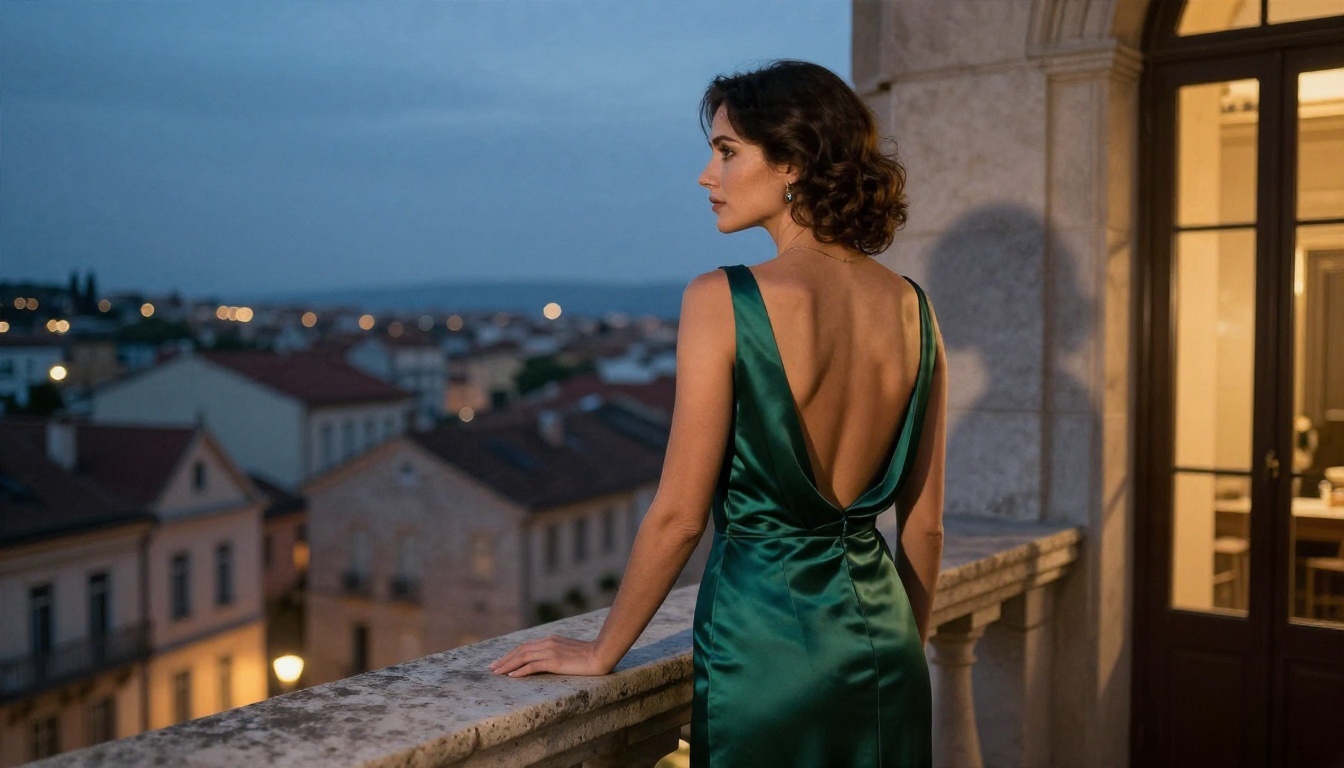
Example prompt:
"Adult woman in a deep emerald backless evening gown on a stone balcony at dusk, three-quarter rear angle, warm tungsten glow from the doorway, 85mm lens, silk highlights, film grain."
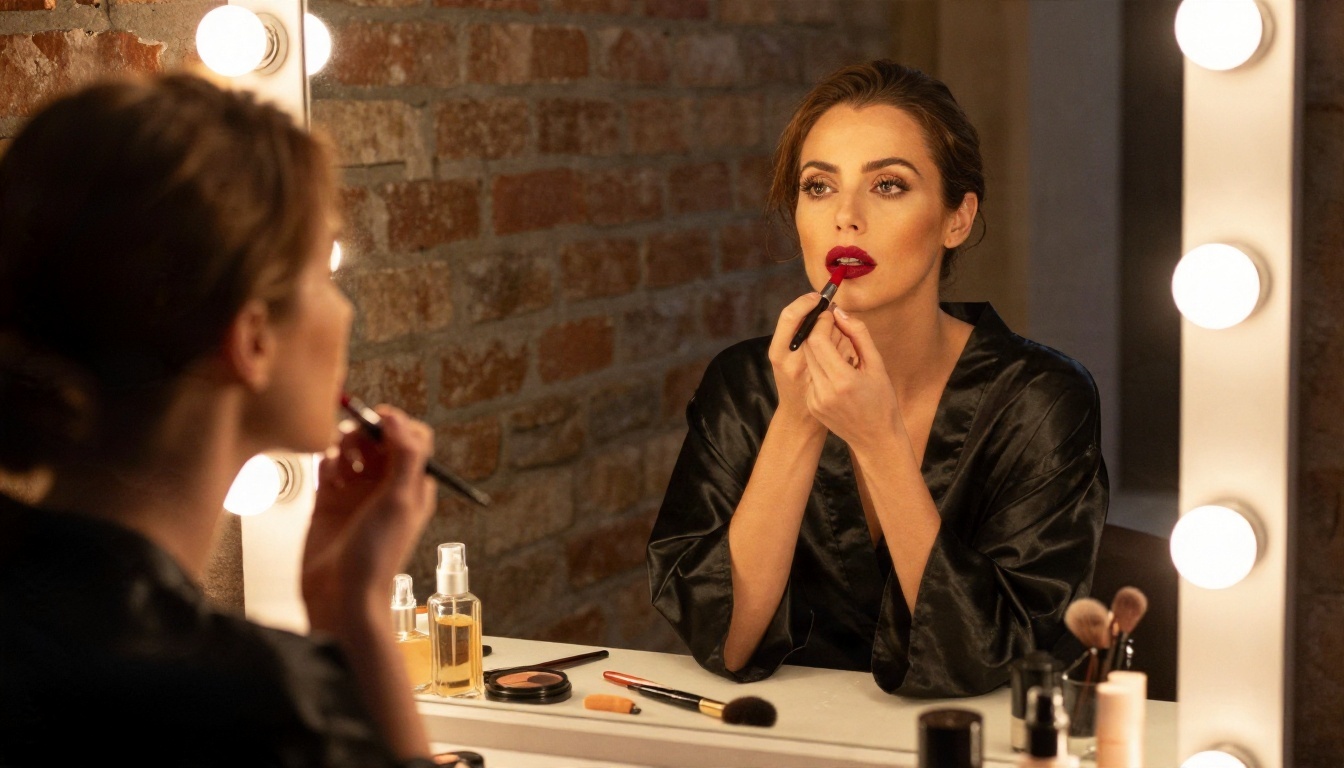
Backstage variation: a satin robe at a vanity mirror with warm bulbs. The mirror gives the model a second subject to focus on and keeps the framing tasteful.
Fitness and Active Lifestyle
Athletic wear is the most reliable category of all.
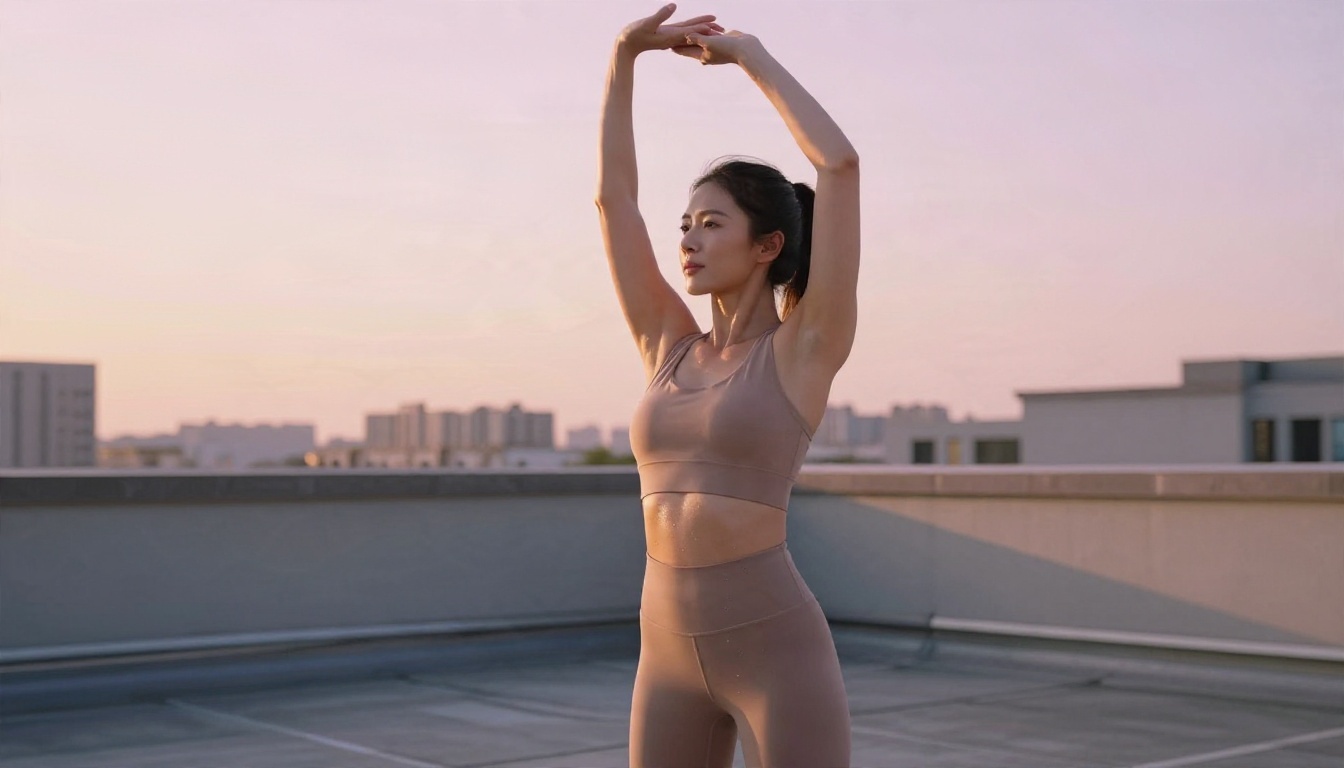
Example prompt:
"Athletic adult woman in a beige sports bra and high-waisted leggings stretching on a city rooftop at sunrise, backlit, low side angle, 50mm lens, light sheen on shoulders."
Here is a quick summary of how each style performs in practice:
| Prompt style | Pass rate (typical) | Main risk |
|---|
| Fitness and athletic wear | High | Rarely blocked |
| Evening gown, formal fashion | High | Output filter on bare backs |
| Beach and yacht swimwear | Medium to high | Close-up framing |
| Silk robe boudoir | Medium | Bed or lying poses |
| Underwear or lingerie focus | Low | Prompt and output blocks |
| Anything explicit | None | Always refused |
Why Your Prompt Gets Blocked
Most refusals are not about NSFW intent at all. They are about how a classifier scores words and pixels.
Reading the Error Codes
If you use Gemini through the API, blocked requests come back with labels such as IMAGE_SAFETY, IMAGE_PROHIBITED_CONTENT and NO_IMAGE. A prompt-level block usually arrives as a BLOCKLIST or IMAGE_SAFETY reason, which means the request died before generation. A NO_IMAGE result often means the output was generated and then discarded.
In the chat app you see none of this, just a refusal or a text-only reply.
False Positives Are Real
Developers on Google's own forums have reported fully clothed fashion prompts getting flagged on Nano Banana Pro, and others say behavior shifted between model versions, with prompts working on one release and failing on the next. So if a harmless prompt fails, that does not mean you wrote something wrong. The filter is simply aggressive and imperfect.
Rewording Without Tricks
You do not need tricks. Small honest edits help:
- Add context: "editorial fashion shoot" beats a bare description of a body
- Name the clothing precisely: "tailored one-piece swimsuit" instead of "skimpy outfit"
- Add a setting: a yacht, hotel window or rooftop anchors the scene
- Remove body-focused adjectives: let the lighting do the sensual work
- State the subject is an adult: it never hurts, and it avoids age-ambiguity blocks
💡 Tip: If one prompt fails three times, stop rewording it. Change the scene entirely or switch models. Repeated near-identical attempts waste time and rarely change the outcome.
Good prompts for this niche share a structure. Use it as a template:
- Subject and pose: adult woman, what she is doing
- Clothing: one specific garment, named like a fashion catalog
- Environment: a believable location with two or three details
- Light: direction and quality (window light from the left, golden hour)
- Camera: lens and distance (85mm, f/1.8, waist-level angle)
- Texture cues: film grain, skin pores, fabric sheen
If you want help drafting variations, a language model does the job well. Gemini 3.5 Flash is quick for generating ten prompt variants in one go, and Gemini 3.1 Pro handles longer, more descriptive rewrites. Ask either one to "rewrite this as a fashion photography brief" and you will get cleaner structure than you would write by hand.
For Google's own image generation, Gemini 2.5 Flash Image, Nano Banana, Nano Banana Pro and Nano Banana 2 Lite are all on PicassoIA. They are excellent at general photorealism, but they share Google's safety posture, so expect the same limits described above.
Free Alternatives That Work
When the goal is glamour, swimwear or boudoir portraits that do not get second-guessed by a filter every third generation, you need models with a different policy. These are the ones to try, in the order I would use them.
Seedream 4.5 for Photorealism
Seedream 4.5 is the first model to open. It produces sharp, high-resolution photorealistic images with convincing skin, fabric and light, and it is far less skittish about swimwear, boudoir and glamour prompts than Gemini. It also follows long, detailed prompts closely, which suits the formula above.
💡 Seedream 5 Lite blocks adult content, so do not pick it for this kind of work. Stick with Seedream 4.5.
PicassoIA Image Editor Pro for Unlimited Runs
PicassoIA Image Editor Pro is the practical answer to the "I keep burning through attempts" problem. Generations are unlimited, so you can iterate on a prompt twenty times without watching a quota. It also edits existing images, which means you can adjust clothing, lighting or background on a shot you already like. Speed is a strong point too: results come back fast enough to keep a creative flow going.
Qwen Image 3 Pro for Realistic Portraits
Qwen Image 3 Pro is a good third option when you want natural portraits with clean faces and hands. It is strong with detailed scene descriptions and handles editorial lighting well.
Flux 2 Klein 9B Base LoRA for Styled Looks
Flux 2 Klein 9B Base LoRA is useful when you want a consistent styled look across a series, for example a recurring film-stock feel or a specific mood across a set of boudoir portraits.
Comparing the Options
How to Use Seedream 4.5 on PicassoIA
Since Gemini will not give you reliable results for this niche, here is the workflow to follow with Seedream 4.5 instead.
Step 1: Open the Model Page
Go to the Seedream 4.5 page on PicassoIA and open the generator. No installation or local GPU is needed.
Step 2: Paste Your Prompt
Use the six-part formula from earlier. A solid starting point:
"Editorial photograph of an adult woman in a white one-piece swimsuit and open linen shirt stepping out of an infinity pool, hard midday sun, terracotta tiles, olive trees, 35mm lens, low angle, film grain, natural skin texture."
Step 3: Set Your Parameters
- Aspect ratio: 16:9 for scenic or yacht shots, 3:4 or 2:3 for portraits
- Resolution: pick the highest option for skin and fabric detail
- Prompt length: 50 to 100 words works best, more detail gives more control
Step 4: Generate and Compare
Run the same prompt three or four times. Every generation is a different random draw, and the best one is often the third. Pick a favorite, then refine one variable at a time: lighting first, then pose, then clothing.
Step 5: Edit in Image Editor Pro
Take your favorite result into PicassoIA Image Editor Pro to change a background, adjust an outfit color or fix small details. Because generations are unlimited there, you can try as many variations as you like.

💡 Pro tip: Keep a text file of prompts that worked. Reusing a proven structure with a new setting is faster than starting from a blank page every time.
Common Mistakes to Avoid
A few habits make results worse on any model:
- Vague prompts. "Sexy woman" gives the model nothing to work with and invites filters. Specific wardrobe and location do the work instead.
- Style stacking. Mixing "cinematic, ultra detailed, dramatic, glamour, fashion, boudoir" in one line produces muddy images. Pick one mood.
- Ignoring light. Lighting is what makes a photo feel sensual. Window light, golden hour and tungsten bulbs beat generic "beautiful lighting" every time.
- Forgetting the camera. A lens and an angle give photorealism a strong push. Skip them and you often get a flat, plastic look.
- Chasing a blocked prompt. If a scene fails repeatedly, move on to a different scene or model.
⚠️ Always keep it adult and consensual. Only generate fictional adult subjects. Never prompt for real people without their permission, and never for anyone who could be read as underage. Every model on PicassoIA is for fictional, tasteful creative work.
Start Creating Your Own Images
The gap between what Gemini promises and what it delivers for glamour work comes down to one thing: its filters are built for the widest possible audience. That is fine for a homework helper. It is frustrating for a photographer, a content creator or anyone building a fashion concept board.
Now you have prompt examples that work, a formula you can reuse, and a set of free alternatives that do not stop you every other attempt. Start with Seedream 4.5 for polished photorealism, move to PicassoIA Image Editor Pro when you want unlimited tries, and keep Gemini 3.5 Flash handy for drafting prompt variations.
Pick one prompt from this article, paste it into Seedream 4.5 and see what comes back. Then change the lighting, swap the location, adjust the wardrobe, and build your own set. For every other image, video and language model available, browse the full list at picassoia.com/en/all-models.


