People who search for a way to generate AI porn video usually hit the same three walls within ten minutes: the "free" tool puts a watermark across the frame, the clip stops after four seconds, and the prompt that sounded perfect returns a rubber-faced mess. This article fixes those three problems. You will see which free tools are worth opening, how long a clip can really be on each model, which prompts give smooth and believable motion, and where to run everything online without installing a thing.
One boundary first. On PicassoIA, the focus is suggestive, glamour and boudoir style content with adult subjects: swimwear, lingerie, silk robes, golden hour skin and slow, cinematic motion. Everything below is written for that lane, and every example image in this article follows it.
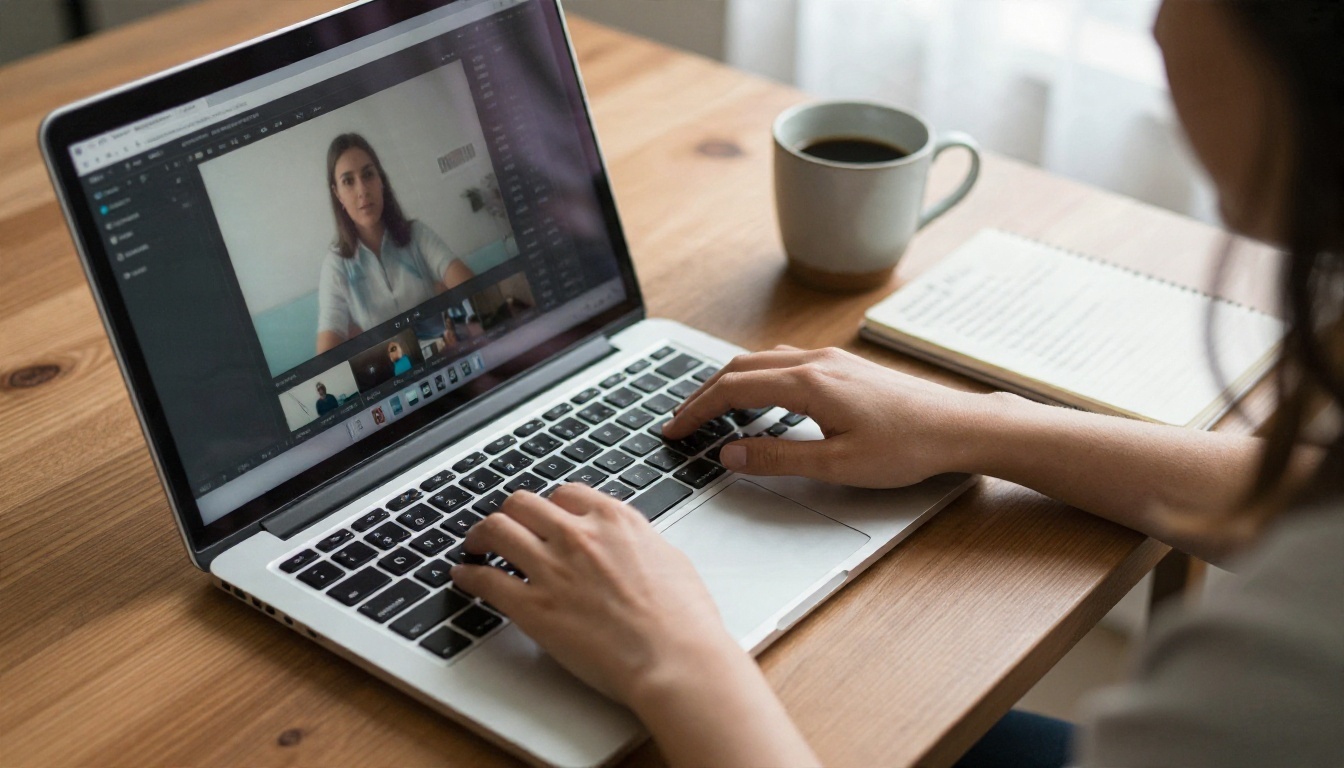
What This Search Really Means
The intent behind the query
When someone types this phrase, they want one of four things: a free generator, a prompt they can paste, a straight answer about clip length, or a list of online options that do not need a gaming PC. That is why this article is built around those four needs: free tools, prompts, length limits and online options.
The honest answer to all four is the same. Modern image-to-video models handle motion very well, but they behave very differently on adult-leaning material. Some mainstream models filter aggressively and will refuse a prompt about a woman in a bikini. Others stay relaxed about swimwear and lingerie. Picking the wrong model is the main reason people think "AI video doesn't work for this".
What stays tasteful on PicassoIA
The workflow here produces non-explicit, attractive and artistic clips. Think of a fashion shoot, not a film set. A model walking along a shoreline, a slow turn in a satin robe, a hair flip on a balcony at dusk. These clips are what creators actually post on social profiles and portfolios, and they are also what models can animate cleanly, because natural motion like cloth, hair and water is where current video AI shines.
💡 Quick rule: if the still image looks like a magazine photo, the video will look like a magazine video. Fix the first frame and half your problems vanish.
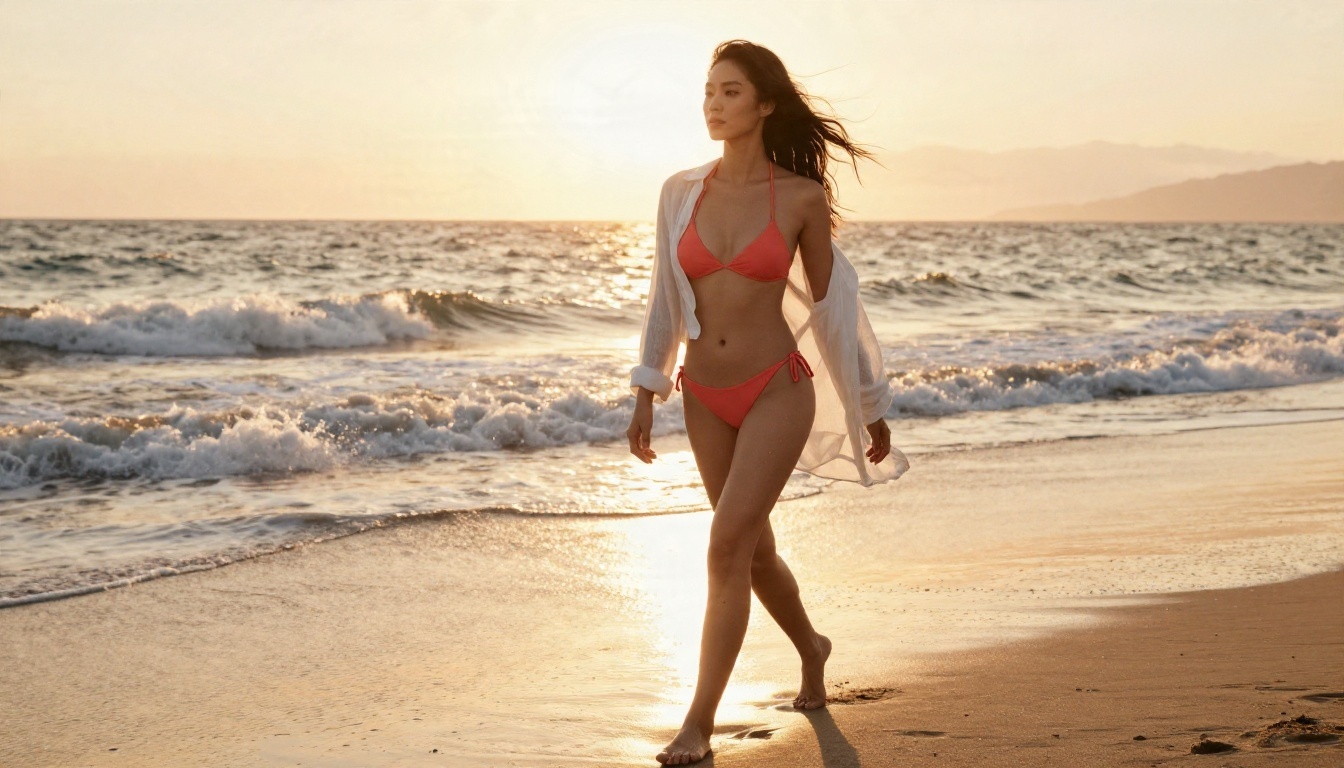
"Free" means three different things in this market: free with a watermark, free for a few credits, or free and unlimited. Only the last one is useful if you plan to iterate, and you will iterate, because the best clip is usually the sixth attempt.
Seedance 2.5 Lite
Seedance 2.5 Lite is the easiest place to start because it is built as a free and unlimited generator with clips of up to 10 seconds. That is longer than the typical free cap you see elsewhere. It accepts a start image, so you can design your first frame carefully and then let the model animate it.
Wan 2.5 I2V Fast
Wan 2.5 I2V Fast is a quick image animator. It is good when you already have a polished still and only want subtle movement: wind in the hair, fabric settling, a slow camera push. The "Fast" variant trades a little detail for speed, which is perfect for testing a prompt before you spend time on a longer render. If you prefer text-only starts, Wan 2.5 T2V Fast does the same job from a prompt alone.
Hailuo 2.3 Fast
Hailuo 2.3 Fast turns photos into short clips and has a reputation for natural body motion and believable hair. When the heavier Hailuo 02 is too slow for your testing loop, the Fast version is the sensible compromise.
| Tool | Best for | Cost feel | Link |
|---|
| Seedance 2.5 Lite | Free, unlimited iterations, up to 10 s | Free | Open |
| Wan 2.5 I2V Fast | Quick animation of a finished still | Low | Open |
| Hailuo 2.3 Fast | Natural body and hair motion | Low | Open |
| Seedance 2.5 | Long clips, up to 30 s | Higher | Open |
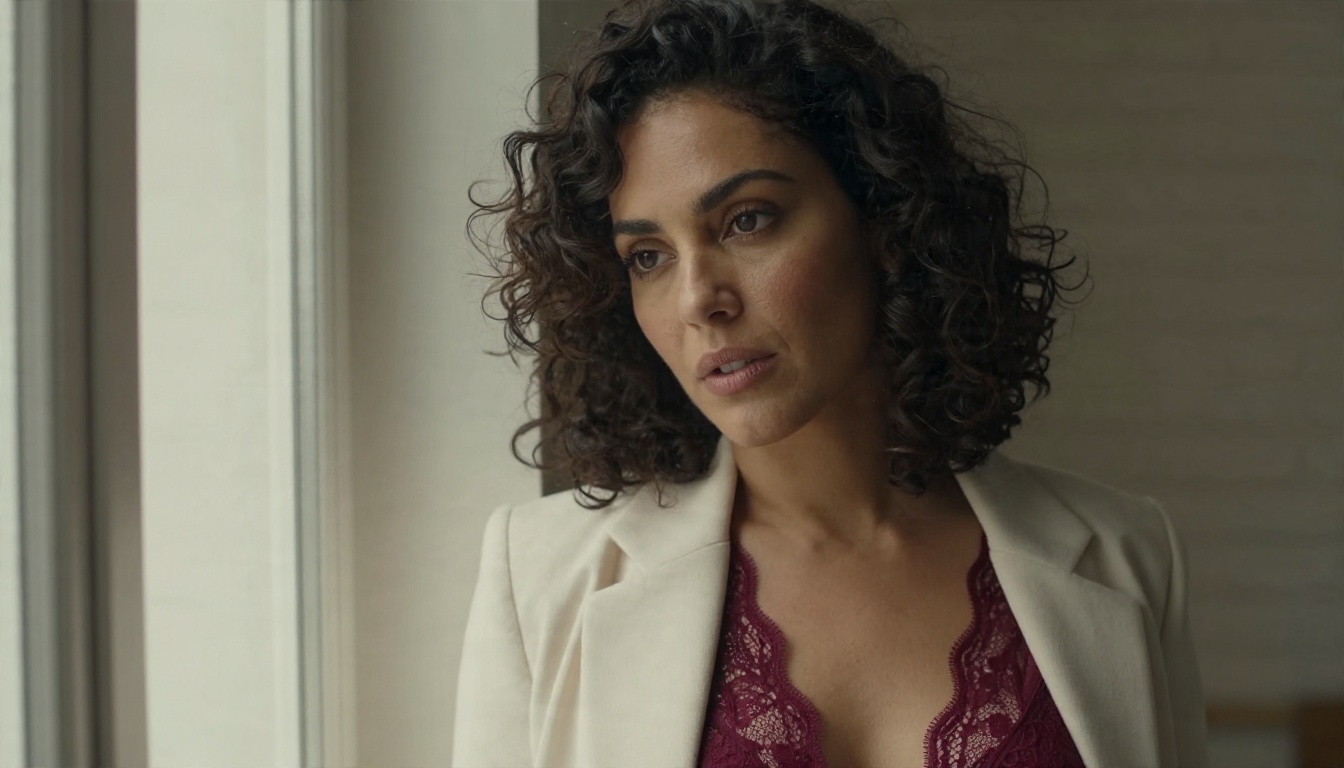
Build the First Frame First
Almost every strong AI video starts as a strong still. Text-to-video is fun, but image-to-video gives you control over the face, outfit, lighting and framing before any motion is added.
Seedream 4.5 for the still
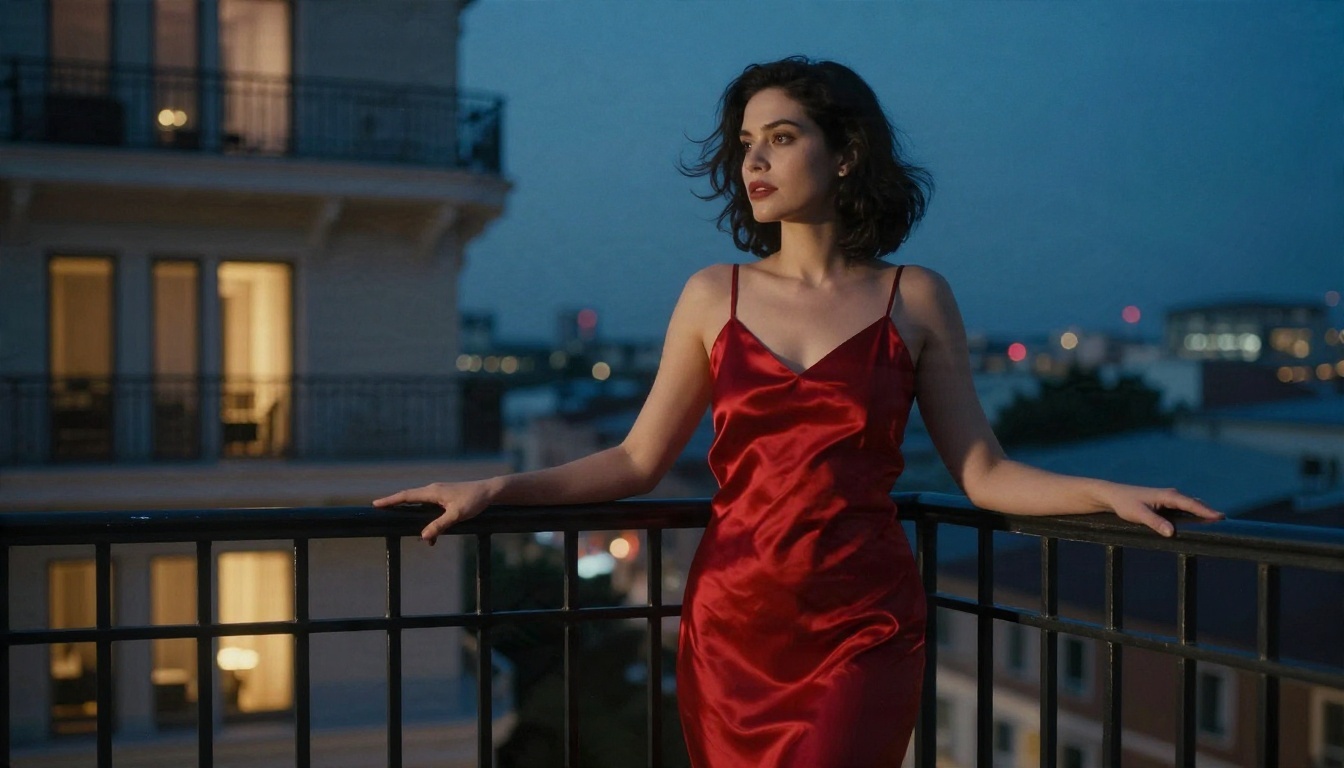
Start with Seedream 4.5. It produces sharp, photographic stills with believable skin texture, and it handles swimwear and lingerie scenes without the heavy refusals you get from stricter generators. Write the prompt like a photographer: subject, outfit, location, light direction, lens. Something like "adult woman in a red satin slip dress on a hotel balcony at dusk, warm window light from behind, 24mm lens, film grain" is the right level of detail.
Image Editor Pro for fixes
Once you have a promising still, open PicassoIA Image Editor Pro. It offers unlimited generations, so you can change an outfit color, fix a hand, soften a shadow or swap the background without worrying about a credit counter. This is the step most people skip, and it is the reason their clips show a strange earring or a warped strap in frame one that gets worse by frame 120.
💡 Tip: keep hands out of the first frame or place them on a simple object. Hands are still the most common source of motion glitches.
Clip length is where expectations and reality collide. A few seconds is normal in 2027, and the numbers below are the typical ranges.
Why 5 to 10 seconds is normal
Most free tiers cap a single clip somewhere between 4 and 10 seconds. A few examples from the market: Pika's free clips are around 5 seconds, Runway's free clips reach about 10 seconds, Kling's free basic account allows a single 10-second clip, and Veo 3.1 inside Google AI Studio is capped at 8 seconds. Paid plans on current models often reach roughly 15 seconds, and some reach more. These numbers move often, so treat them as a rough map and not a promise.
Longer clips are harder because the model has to keep the same face, outfit and room consistent across more and more frames. The longer you ask for, the more likely something drifts: a necklace disappears, a strap changes shape, a face softens.
How to stretch a clip
You have three practical options when five or ten seconds is not enough:
- Use a long-clip model. Seedance 2.5 can produce up to 30 seconds in one go.
- Chain clips. Grab the last frame of clip one, use it as the first frame of clip two, and edit both together. Keep the prompt almost identical so the motion feels continuous.
- Cut on motion. Join clips when the subject turns or the camera pushes in. The cut hides small differences.
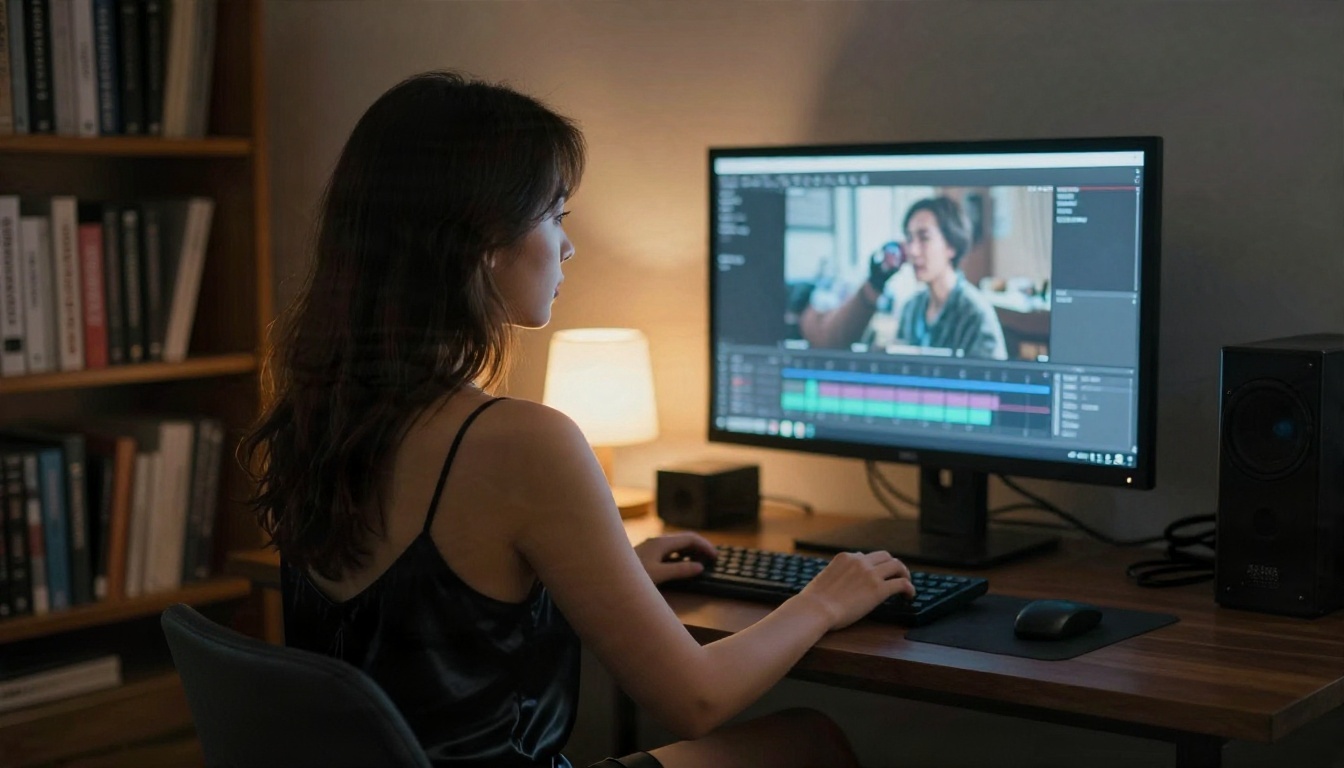
Prompts That Give Smooth Motion
Prompting for video is not prompting for images. You are describing what changes over time, not what exists in the frame. The still already carries the look, so your text should carry the movement.
The four part prompt formula
Use this order every time:
- Subject and starting pose. "The woman sits cross-legged on the bed, chin on her hand."
- Motion. "She slowly lifts her head and tucks her hair behind her ear."
- Camera. "Slow dolly-in at eye level."
- Light and atmosphere. "Warm morning light from the left, curtains moving gently."
Prompts worth copying
Paste these as a base and change the details:
- "Adult woman in a satin robe turns toward the window, fabric flowing softly, slow push-in, warm morning light, shallow depth of field."
- "Woman in a coral bikini walks along the shoreline, hair moving in the breeze, waves rolling behind her, low-angle tracking shot, golden hour."
- "Woman in a red slip dress rests her hands on the balcony railing and glances over her shoulder, city lights flickering, gentle handheld sway."
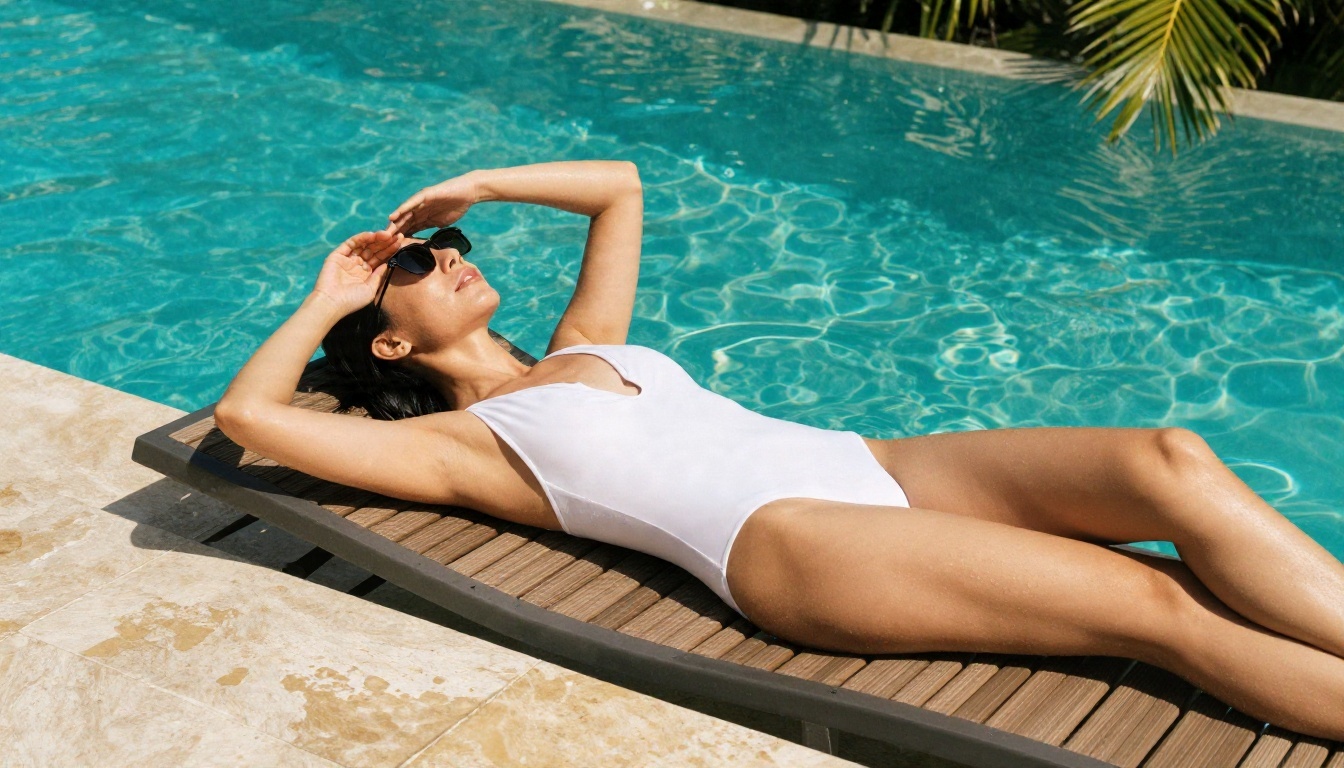
- "Woman in a white swimsuit lowers her sunglasses and smiles, water ripples reflecting on her skin, static camera, bright midday sun."
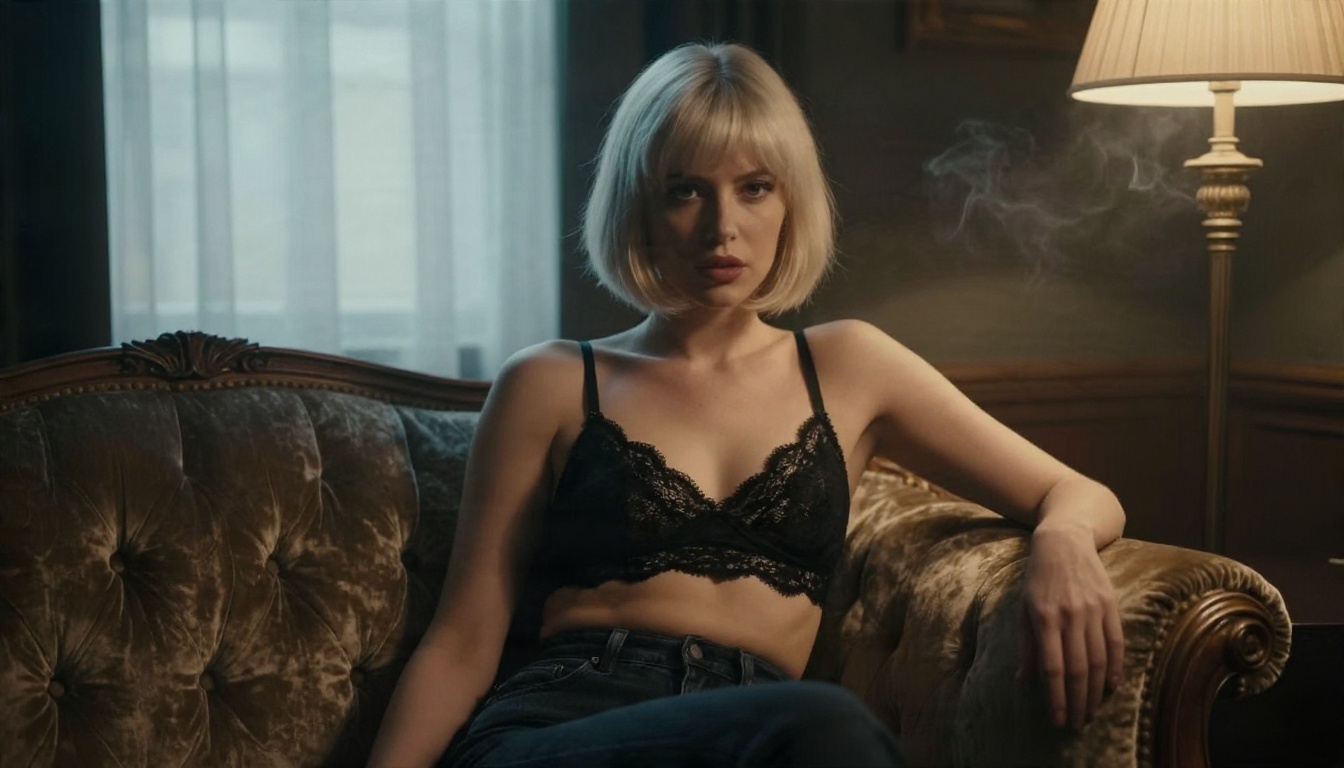
- "Woman on a velvet sofa shifts her weight and looks into the lens, tungsten lamp glow, very slow zoom."
Mistakes that ruin motion
| Mistake | What happens | Fix |
|---|
| Asking for five actions at once | Jittery, rubbery movement | One main action per clip |
| Fast camera moves | Face warps | Slow dolly or static camera |
| Describing the outfit again | Fabric changes mid-clip | Leave the look to the still |
| No lighting direction | Flat, flickering light | Name one light source |
💡 Rule of thumb: one subject, one action, one camera move. Clips that follow this rule come out right far more often.
Online Options Compared
You do not need a graphics card. Everything below runs in a browser. The real differences are filters, clip length and cost.
Mainstream models and their filters
Veo 3.1 Fast, Veo 3.1 Lite and Sora 2 produce outstanding video with native audio, but they apply strict moderation. They are great for fully clothed scenes, travel footage or a fashion walk, and less reliable for swimwear and lingerie prompts. If a prompt gets refused, rewording rarely helps: switch model instead.
Where PicassoIA fits
PicassoIA puts the whole chain in one place: Seedream 4.5 for the still, Image Editor Pro for unlimited fixes, then a video model for motion. You do not export, re-upload or juggle accounts, and you can test a clip on the free tier before paying for a longer one. For lip movement you can add a lipsync model, and for sound you can generate a voiceover or music track and join everything in a video editor.
How to Use Seedance 2.5 Lite
Here is a workflow you can finish in about ten minutes.
Step 1: Make the still
Open Seedream 4.5 and write a photographic prompt in 16:9. Name the outfit, the place, the light direction and the lens. Generate four versions and keep the best one.
Step 2: Fix the details
Load your pick into Image Editor Pro. Correct any odd straps, jewelry or hands. Because generations are unlimited, run as many edits as you need.
Step 3: Animate it
Open Seedance 2.5 Lite, upload the still as the first frame and paste your four part prompt. Set the duration to 5 seconds for your first test. Short clips fail faster and teach you quicker.
Step 4: Iterate and extend
If the motion is good, run it again at 10 seconds. If you need more than that, take the last frame, feed it back in as a new first frame and chain a second clip. For a single long take, switch to Seedance 2.5.
| Setting | Recommended starting value |
|---|
| Input | One polished still, 16:9 |
| Duration | 5 s test, then 10 s |
| Camera | Slow push-in or static |
| Actions per clip | One |
| Seeds | Try at least three |
Rules That Keep You Safe
Adult content tools come with responsibilities. Skipping them is how accounts get closed and people get hurt.
Adults only, always
Every subject must be clearly an adult. Do not write prompts that suggest a minor, a school setting or youthful framing. Describe your subject as an adult woman or man in your prompt and in your first frame.
Never use a real person's face
Do not upload a photo of someone who has not agreed to it. Deepfakes of real people made without consent harm real people and are illegal in a growing number of places. Invent your own characters instead. They are free, they are consistent from clip to clip, and nobody can object.
Label and respect platform rules
If you publish AI clips, say they are AI generated. Check the rules of each platform before posting, because many ban or age-gate adult material. Keep suggestive content on platforms that allow it.
💡 Practical note: a fictional character with a fixed look, reused across clips, is also the best way to build a recognizable creator profile.
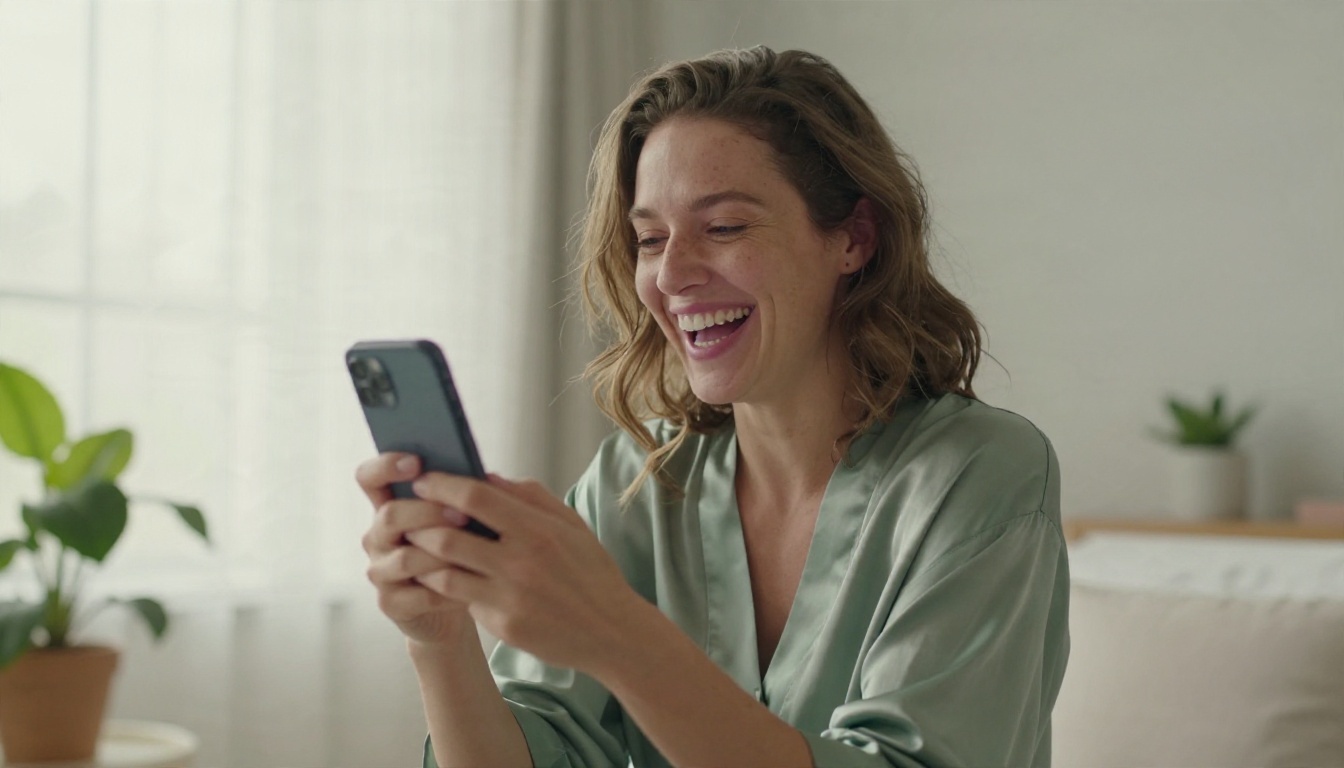
Make Your First Clip Today
The path is short. Build a still in Seedream 4.5, polish it in Image Editor Pro with unlimited generations, then animate it in Seedance 2.5 Lite for up to 10 free seconds. When you need a longer take, move up to Seedance 2.5, and when you want a different look, test Wan 2.5 I2V Fast or Hailuo 2.3 Fast on the same still.
Pick one outfit, one location and one camera move, and run the whole chain once. The first result will not be perfect, but the second will be better, and by the fifth you will have a repeatable recipe. Open PicassoIA, try the workflow, and browse every available generator at picassoia.com/en/all-models.


