You typed a perfectly reasonable glamour prompt into Google's Banana model, waited a few seconds, and got a polite refusal. Or worse, a blank result with no explanation. That moment is exactly why "Google Banana NSFW" is such a popular search. People want to know what the filter really allows, whether there is a free way around the daily limits, and what to use when the answer is "not much."
This article gives you straight answers. You will see where the safety filter draws its line, which suggestive styles still pass, what free access looks like in practice, and which prompts give the best odds. You will also get a short list of models that handle mature glamour themes with far fewer headaches.
💡 Quick answer: Google's Banana models are built to refuse sexually explicit output, and they sometimes refuse harmless fashion or swimwear shots too. For bikini, lingerie-style and boudoir looks you can get decent results with careful wording. For anything more permissive, a different model is the practical choice.
What "Google Banana NSFW" Really Means
"Google Banana" is the nickname most people use for Google's image models sold under the Nano Banana name. They are fast, they follow instructions well, and they are especially strong at editing a photo you already have. That popularity is why people immediately test their limits with adult themes.
The Banana Model Family
There is more than one model behind the nickname, and they behave a little differently.
| Model | Best known for | Typical use |
|---|
| Nano Banana | Quick generation and photo edits | Everyday images, simple edits |
| Nano Banana Pro | Higher resolution, sharper detail | Polished 4K portraits |
| Nano Banana 2 | Editing and fusing images | Combining references, retouching |
| Nano Banana 2 Lite | Speed and low cost | Fast drafts and batches |
All of them sit behind Google's safety layer. That layer checks your prompt before generation and checks the image after generation. Either check can stop the result.
Why People Search for This
Most searchers are not trying to break anything. They are fashion creators, swimwear sellers, photographers building mood boards, and hobbyists who want glamour portraits with natural skin and soft light. They hit the filter because the model cannot tell the difference between a catalog bikini shot and something Google does not want to produce.

Where the Filter Draws the Line
The filter is not a single switch. It works in layers, and each layer is a little unpredictable. Here is what you can expect based on public user reports and developer forum threads.
What Gets Blocked
Sexually explicit output is the clear no. Nudity presented in a sexual way, explicit poses, and anything that reads as pornographic will be refused. There is no official adult mode, and the safety settings that developers can adjust do not turn that policy off.
Requests involving real, identifiable people are also treated cautiously. Prompts that sound like they are targeting a specific celebrity or a private person tend to fail quickly.
What Usually Passes
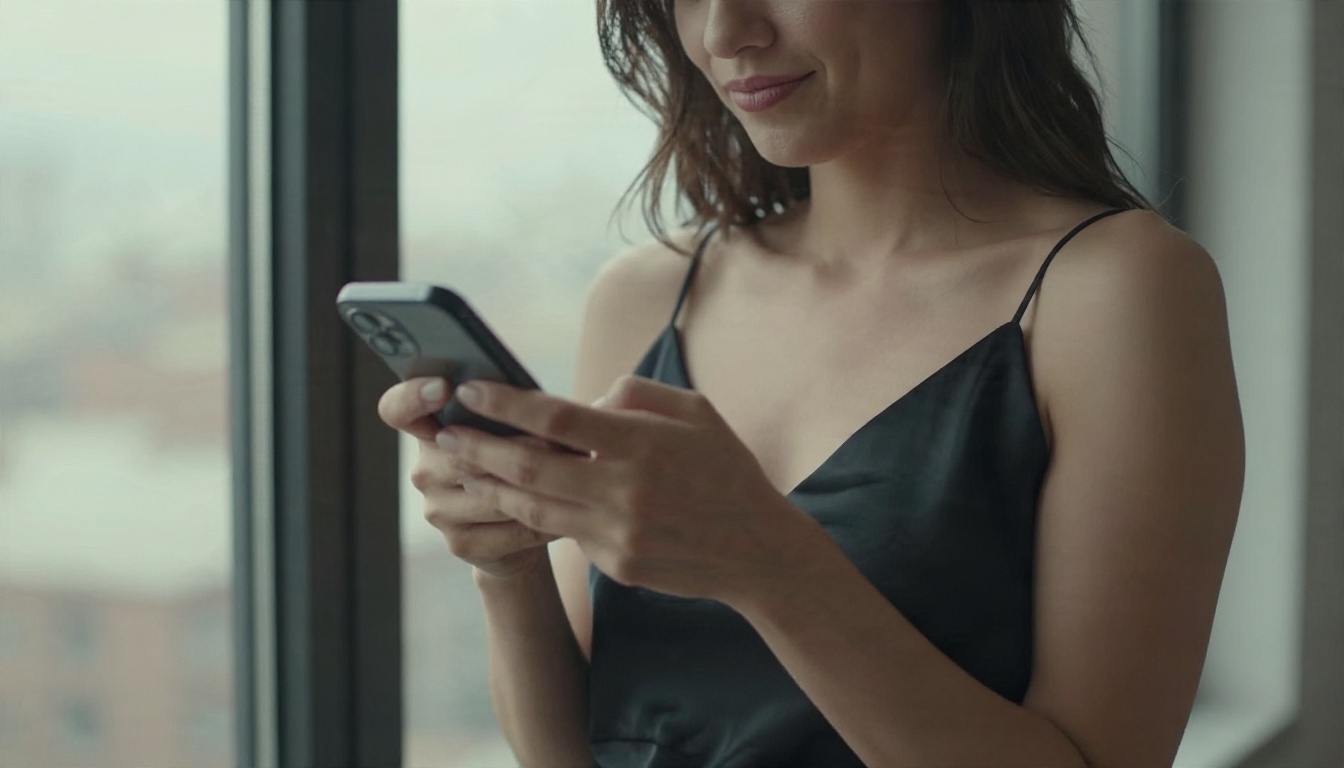
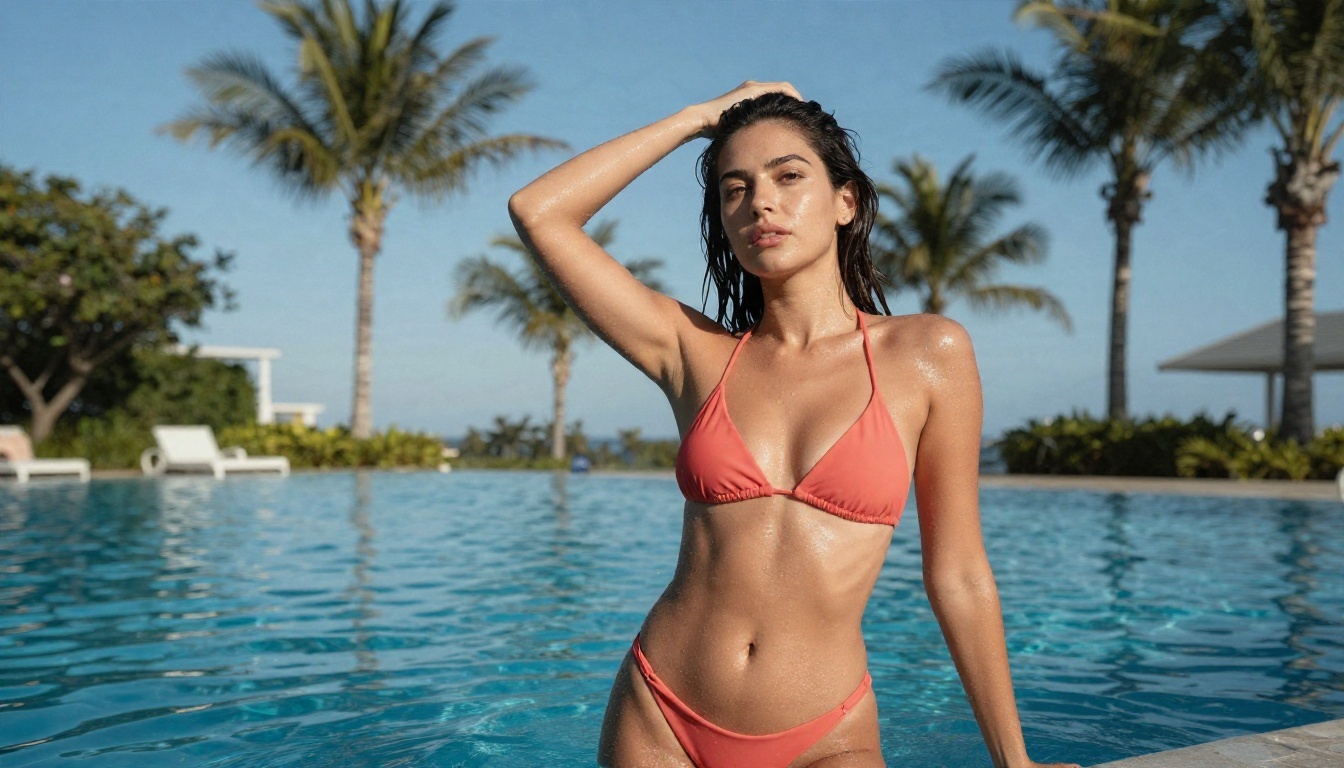
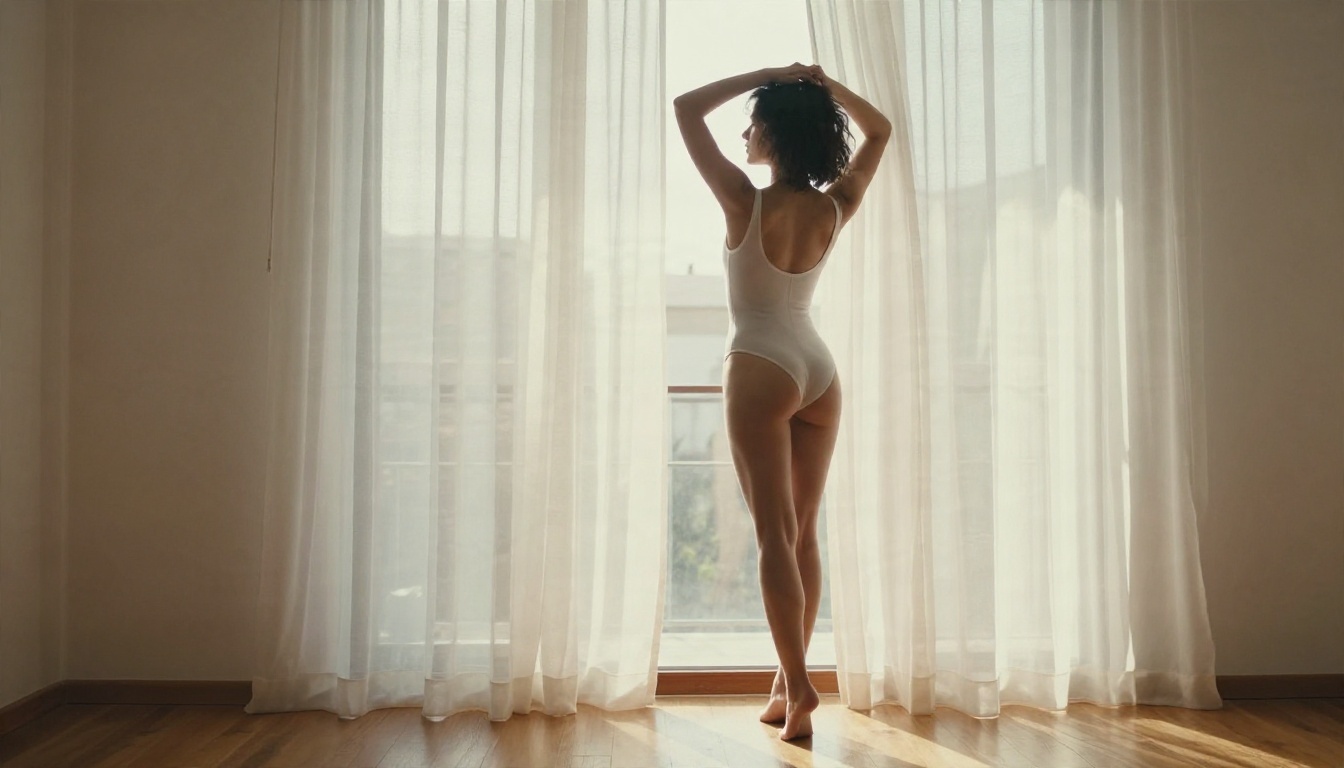
Suggestive but non-explicit imagery has the best chance. Think swimwear on a beach, a silk robe, a satin slip dress, a fitted bodysuit, or a moody boudoir portrait with tasteful framing. The more the prompt reads like a fashion editorial, the better.
False Positives Are Real
Developers have posted about ordinary fashion shots being blocked by the image safety check. A sleeveless top, a summer dress or a gym outfit can trigger a refusal on one attempt and pass on the next with the exact same prompt. That inconsistency is the most frustrating part of the experience, and it is why many creators stop trusting the model for anything with exposed skin.
💡 Practical tip: If a prompt is refused, do not keep resubmitting the identical text. Change the framing (wider shot, more clothing detail, a setting like a pool or terrace) and try again. Repeating the same words rarely changes the outcome.
Free Options and Their Limits
"Free" can mean three different things here, and each one has a catch.
Free Access Inside Google Apps
Google has offered free access to its Banana models inside the Gemini app, but the allowance has been small and has changed more than once. Reports around the Pro version describe only a couple of free images per day for non-paying users, with the number reduced when demand spiked. Because those figures move often, check the app itself for the current allowance instead of trusting any number you read in an article, including this one.
The free tier also carries the same safety filter as the paid one. Paying does not open up adult themes. It only raises how many images you can make.
Free Access Through PicassoIA
The PicassoIA model pages list the Banana models for free generation, so you can test the same prompts there without a Google account. That is a handy way to compare how a prompt behaves before you commit to a workflow. The filter behavior still comes from the model itself, so expect the same boundaries on suggestive content.
A Warning About "Unlimited" Claims
Some websites advertise "unrestricted Banana" access. Treat these claims with skepticism. Many are resellers who simply route your prompt to the same filtered model, and some collect your prompts and images. If a site promises to switch the safety layer off, it is either wrong or selling something else.
Prompts That Work for Suggestive Glamour
Good prompts do two jobs. They describe a beautiful, well-lit photograph, and they keep the tone editorial. Here is how to build them.
A Prompt Formula
Use this order and keep each part concrete:
- Subject and outfit: age range, hair, skin tone, exact clothing (for example, "a champagne satin bikini with thin gold rings").
- Pose and expression: relaxed, confident, looking toward the camera.
- Setting: terrace, poolside, loft bedroom, yacht deck.
- Light: golden hour from the left, soft window backlight, overcast daylight.
- Camera: lens, distance and depth of field, such as "85mm f/1.8, shallow depth of field."
- Texture: skin pores, fabric folds, water droplets, film grain.
Photographic language does more than adjectives like "sexy" or "hot." It moves the model toward a fashion shoot, and that is the context the filter is most comfortable with.
Five Prompts to Copy
Paste these as they are, then swap the details.
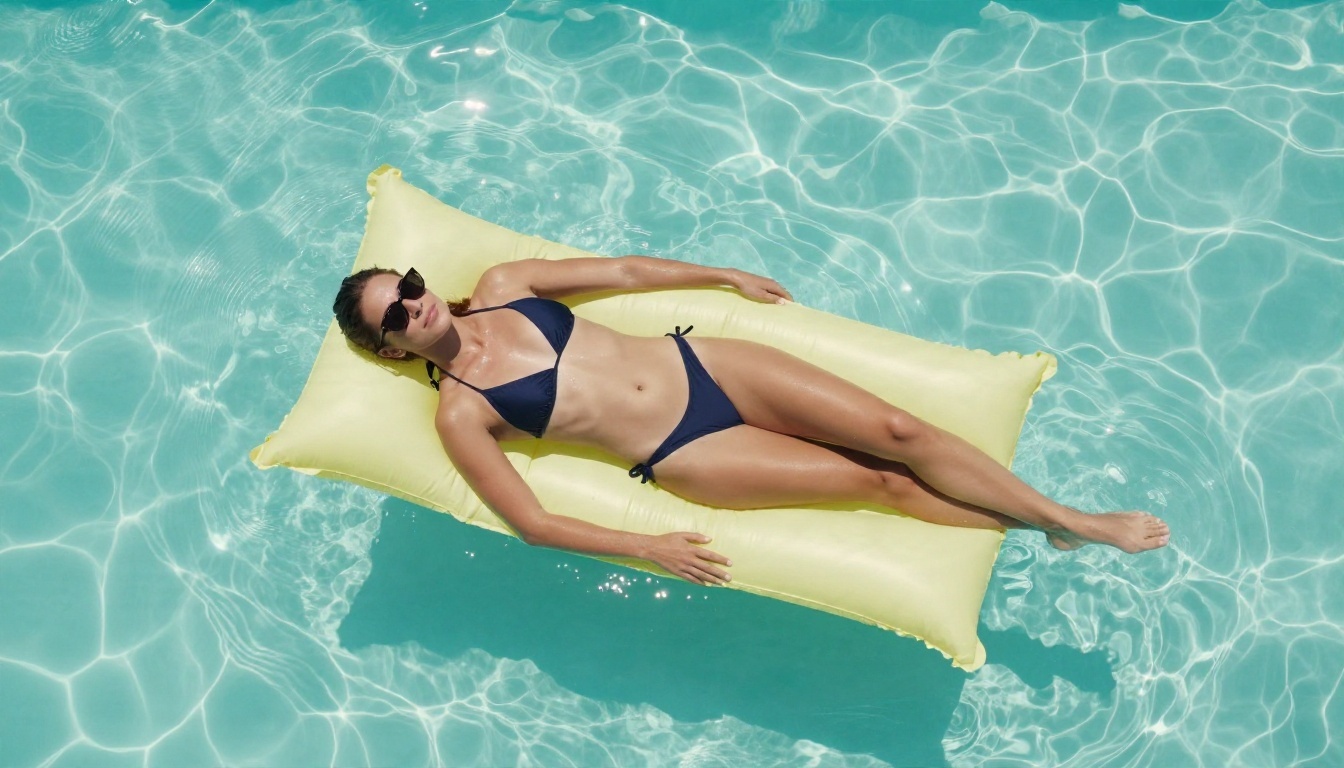
- Poolside editorial: "A woman in a navy bikini lying on a pale yellow float in a turquoise pool, sunglasses on, one arm trailing in the water, bright midday sun, aerial view, realistic skin and water texture, film grain."
- Silk robe morning: "A woman in a champagne silk robe sitting on a rumpled white hotel bed, soft window light from the right, shallow depth of field, visible fabric sheen, Kodak Portra 400 look."
- Golden hour terrace: "A woman in a satin bikini and open linen shirt on a daybed at a Mediterranean villa, golden hour sunlight, 85mm lens, soft sea haze behind her."
- Vanity mirror glamour: "A woman in a deep red satin robe at a vintage vanity, applying lipstick, warm bulbs mixed with window light, perfume bottles blurred behind."
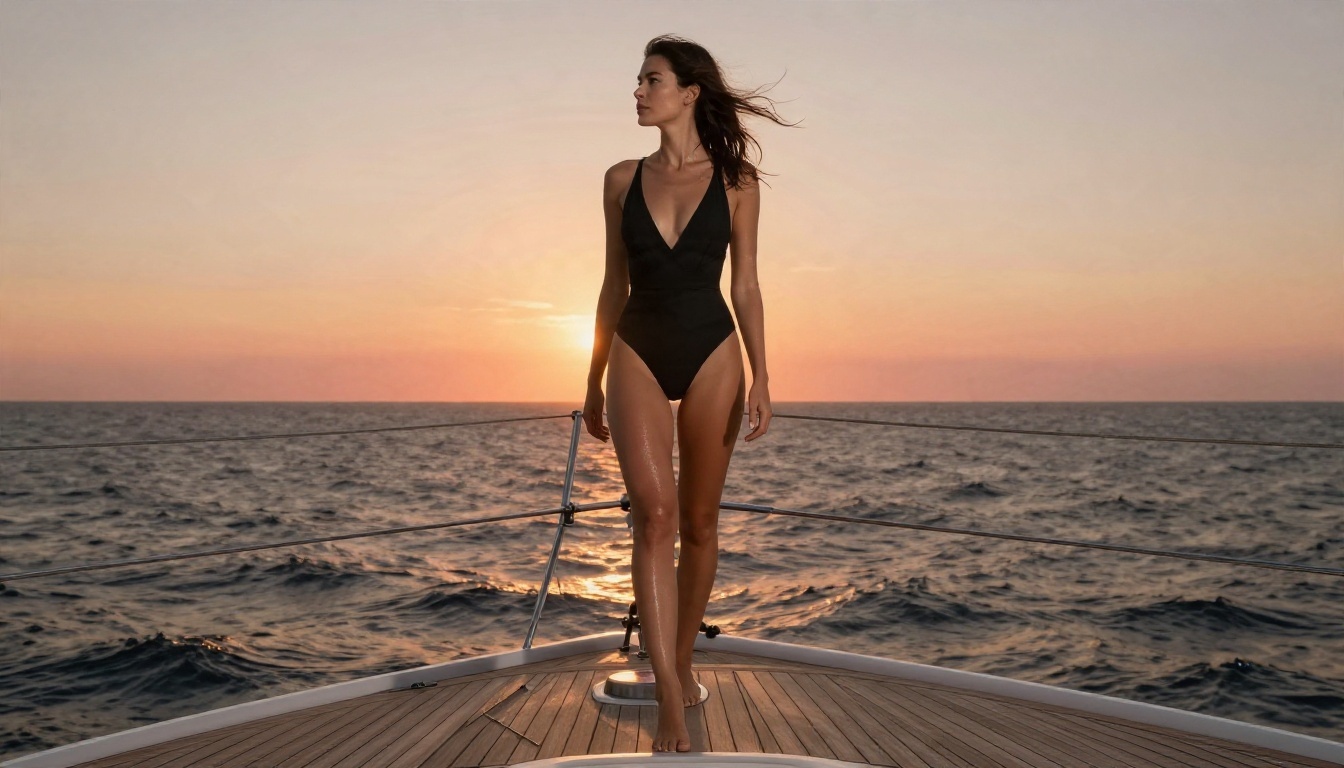
- Yacht deck sunset: "A woman in a black one-piece swimsuit on a teak yacht deck at sunset, wind in her hair, warm rim light, wide shot, 35mm lens."
Wording That Triggers Blocks
Some words raise the odds of a refusal even when your intent is harmless. Avoid stacking terms like "nude," "topless," "seductive," "erotic" or "revealing" in one prompt. Skip names of real people. Avoid "young" or "teen" phrasing entirely; stating an adult age range is safer and also the right call. Describe the clothing and the light instead of the effect you want the viewer to feel.
How to Use Nano Banana on PicassoIA
Nano Banana is available directly on PicassoIA, so you can test the prompts above in a couple of minutes. Keep in mind that the model keeps Google's safety behavior, so this route suits suggestive, editorial looks rather than explicit ones.

Step by Step
- Open the Nano Banana page on PicassoIA.
- Paste one of the prompts from the section above into the prompt box.
- Pick a wide aspect ratio such as 16:9 for scenic glamour shots, or a vertical ratio for portraits.
- If the model page offers an image input, add a reference photo when you want to edit an existing picture instead of starting from scratch.
- Press generate and review the result at full size.
- If the image is refused or looks off, change one detail at a time: the setting, the outfit description or the camera distance.
Settings Worth Adjusting
- Aspect ratio: match the final use. Wide for banners, vertical for social posts.
- Prompt length: two to four sentences works better than a long paragraph of adjectives.
- Reference images: helpful for keeping outfit and setting consistent across a series.
- Model choice: switch to Nano Banana Pro for sharper skin and fabric texture, or Nano Banana 2 Lite when you want fast drafts.
💡 Workflow idea: Draft with the Lite version, pick your favorite composition, then re-run the same prompt on Pro for the final render.
Alternatives With Fewer Restrictions
If your goal goes beyond what Google's filter will accept, stop fighting it. Other models are more relaxed about mature glamour themes, and several are quick enough that you can iterate freely. Pick them in this order.
Seedream 4.5 First
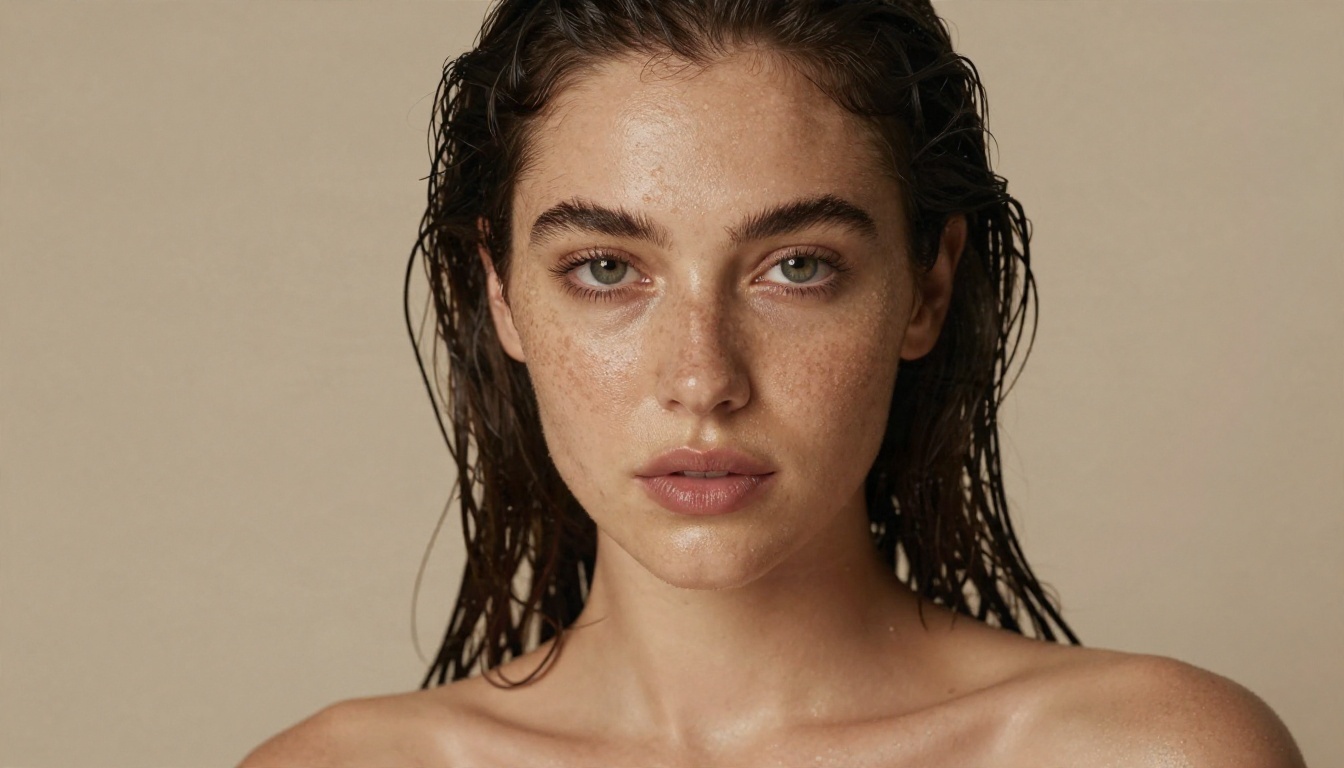
Seedream 4.5 is the best starting point. It produces sharp, photographic skin, handles swimwear and boudoir-style prompts with far fewer refusals, and renders at up to 4K. Faces stay natural, fabric looks like fabric, and the speed is good enough for rapid testing.
PicassoIA Image Editor Pro
PicassoIA Image Editor Pro is the second pick, and the biggest draw is that it offers unlimited generations. That removes the daily cap problem that makes free Google access so frustrating. It is built for editing and re-editing, so you can change an outfit, a background or the lighting on a photo without starting over.
More Models Worth Testing
Side by Side
| Option | Filter strictness | Daily cap | Best for |
|---|
| Nano Banana (Google) | Strict, sometimes inconsistent | Small on free tiers | Safe fashion edits |
| Nano Banana Pro | Strict | Small on free tiers | Polished 4K portraits |
| Seedream 4.5 | Much more relaxed for mature glamour | Generous | Photoreal glamour and swimwear |
| Image Editor Pro | Relaxed | Unlimited generations | Editing and repeated tweaks |
| Flux 2 Klein 9B Base LoRA | Relaxed | Generous | Styled looks |
| Z Image Turbo | Relaxed | Generous | Fast batches |
💡 A note on responsible use: Only create images of adult, fictional or consenting subjects. Never use someone's real likeness without permission, and keep the content within the rules of any platform where you post it.
Quick Answers
Is there a real "NSFW mode" in Google's Banana models?
No. Google does not offer an adult mode, and its policy blocks sexually explicit output. Developer safety settings do not change that.
Why was my harmless prompt blocked?
The image check runs after generation and can misread a normal outfit or pose. Change the framing and retry instead of resubmitting the same prompt.
Is the free tier enough for a project?
For a couple of tests, yes. For a full set of images, the daily cap becomes a bottleneck, which is where an unlimited option such as Image Editor Pro makes more sense.
Do paid plans remove the filter?
No. A paid plan raises usage limits. The safety rules stay the same.
Which prompt style gets the most consistent results?
Photographic language wins: lens, light direction, setting, fabric and skin texture. Mood words alone give weaker and less predictable images.
Start Creating Your Own Images
You now know where Google's Banana filter stops, how to word suggestive prompts so they pass more often, and which models to switch to when you need more room. The fastest way to find what works for you is to run the same prompt through two or three models and compare.
Open PicassoIA, paste one of the five prompts above into Seedream 4.5, then refine the result in PicassoIA Image Editor Pro with unlimited generations. Change the outfit, shift the light, try a new location. When you want to see every option in one place, browse all the models at picassoia.com/en/all-models and start your next image today.


