You typed a perfectly reasonable prompt into Google Flow. A woman on a beach in a swimsuit. A boudoir portrait with soft window light. A fashion shot with a lace detail. Then the red banner appeared and your generation vanished, along with the credits you spent on it. If that sounds familiar, you are not alone, and you are probably wondering the same thing everyone else is: is Google Flow NSFW friendly, or is it a dead end for adult glamour work?
Short version: Flow is built as a mainstream filmmaking tool from a company with a very cautious safety posture. It is not a place to create suggestive or adult content, and its filters are sometimes strict enough to block harmless fashion prompts too. The good news is that you have real options, including tools that are unlimited, much faster to iterate in, and far more relaxed about adult glamour themes, all while staying non-explicit and legal.
This article lays out what Flow allows, why prompts get blocked, which alternatives are worth your time, and how to get similar results today without fighting a filter every five minutes.
The Short Answer on Flow NSFW
What Google Says
Google's own wording for Flow is broad. The product's FAQ says users must not knowingly generate content that is harmful, illegal or inappropriate, and the help pages point people to Google's Generative AI Prohibited Use Policy for the detailed categories. It also warns that some requests simply will not generate, with extra precautions around minors and uploaded photos of people.
Notice what is missing: there is no "adult mode," no age-gated toggle, and no opt-in for mature themes. The rules are written as a blanket restriction, and the moderation layer enforces it automatically before you ever see an output.
The video side adds another layer. The Veo family that powers Flow's video generation comes with its own responsible-use filters, including a filter aimed at sexual and suggestive material and a separate child-safety filter. Those controls were documented for Google's cloud platform, so the exact thresholds inside the consumer Flow app may differ, but the direction is clear: sexual content is something Google actively screens out.
💡 Tip: Google can change its policies at any time. Before you build a workflow around any tool, read the current terms yourself. Treat this article as a practical picture of how Flow behaves, not as legal text.
What Users Actually Hit
In practice, people report three kinds of blocks:
- Explicit prompts: refused outright, no surprise there.
- Suggestive prompts: swimwear, lingerie, boudoir and "sensual" language often get stopped, even when the intent is a fashion editorial.
- False positives: ordinary portraits of people, particularly photorealistic ones, sometimes get flagged and rejected with no clear explanation.
That last category is what frustrates creators the most. You do not need to be chasing adult content to get hit. A swimwear lookbook or a lingerie brand mockup can run into the same wall as something far more explicit, because the filter reacts to patterns, not context.
Why Google Draws the Line
Sexual Content Filters
Large companies that run consumer AI tools care about three things: brand safety, advertiser comfort, and legal exposure. A tool attached to a search giant, a mobile operating system and a huge advertising business is never going to relax its stance on adult output. Every generation passes through classifiers that score your prompt, and often the output as well, for sexual content. If either side trips the threshold, you get a refusal.
This is not a bug you can wait out. It is a deliberate product decision, and it is the same reason several other big-name generators behave the same way.
Real People and Likeness
The second reason is likeness. Photorealistic video of real, identifiable people is the area where regulators and rights holders are most nervous, so filters get extra sensitive when a prompt or an uploaded photo looks like a real person. That is why even clean prompts can be refused if the output reads as a believable human face.
Responsible adult creators should be thankful for that caution in one respect. Making sexualized content of a real person without their consent is harmful, and it is a hard line no matter which tool you use. Everything recommended below assumes fictional, adult characters only.
Why Workarounds Backfire
You will find forum threads full of prompt gymnastics: swapping words, adding disclaimers, describing clothing in code. Here is the honest take. It wastes credits, it is unreliable because filters update constantly, and it can put your account at risk, since repeated policy violations are exactly what trust and safety teams look for.
If your project needs glamour, swimwear, boudoir or artistic adult themes, the smarter move is to use a platform that is designed for that kind of work in the first place.
Uncensored Options That Work
Before the list, a quick definition. "Uncensored" here means a tool with far fewer topic restrictions on adult glamour, swimwear, boudoir and artistic themes. It does not mean explicit pornography, and it does not mean permission to break the law. Everything shown in this article is suggestive and beautiful, never explicit, and that is also the style that tends to perform best for brands, creators and portfolios.
PicassoIA hosts a large catalog of image and video models in one place, so you can switch between them without opening five different accounts. Here are the ones to try first, in order.
Seedream 4.5 First
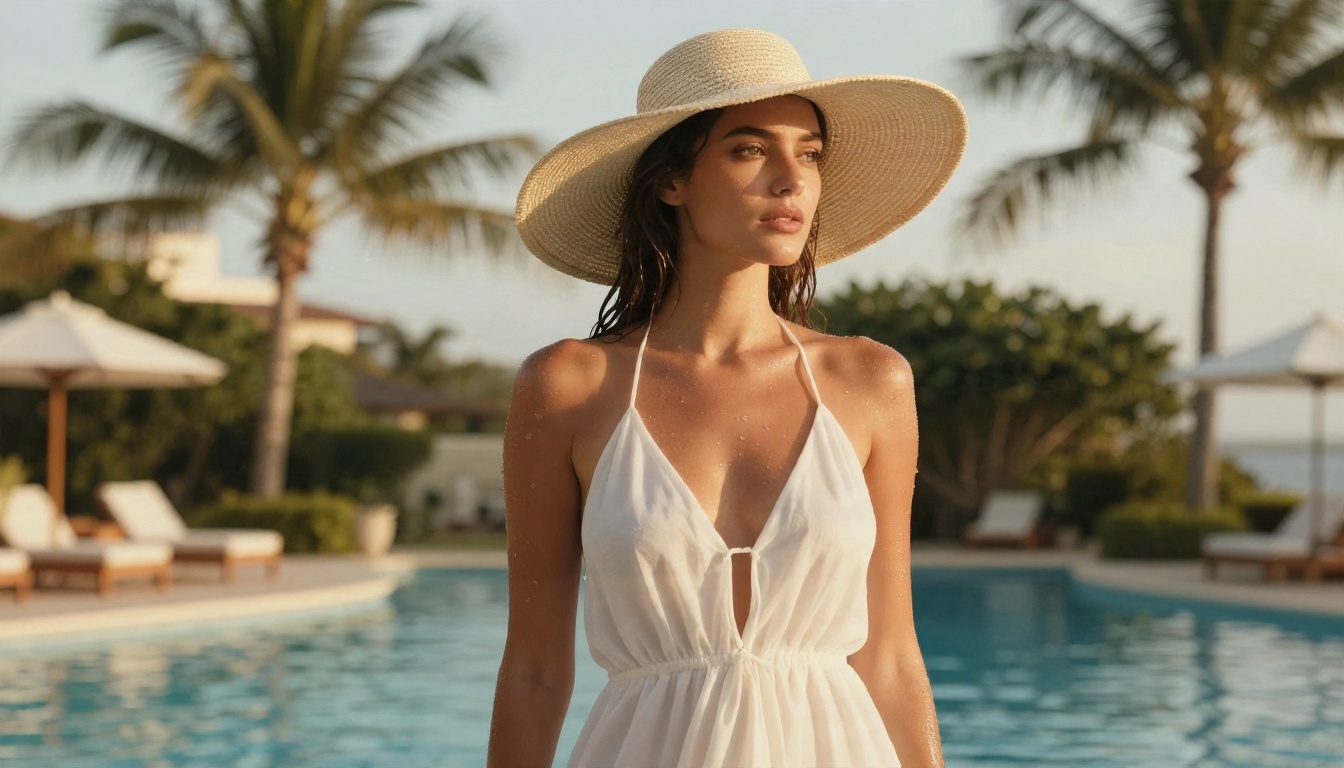
Seedream 4.5 is the model to lead with. It produces sharp, photorealistic images with convincing skin texture, believable fabric and natural light, and it handles adult glamour themes without the instant-block behavior you get in Flow. It outputs up to 4K, which matters if you plan to print or crop heavily.
Where it shines:
- Swimwear and resort looks with realistic water, sun and skin detail
- Boudoir and lingerie editorials with soft, flattering light
- Fashion portraits where fabric texture has to look right
- Consistent characters across a series of prompts
💡 Tip: A newer sibling, Seedream 5 Lite, blocks adult content, so do not pick it for this kind of project. Stay with Seedream 4.5.
Image Editor Pro, Unlimited
PicassoIA Image Editor Pro is the best fit when you want to iterate without watching a credit counter. Generations are unlimited, which changes how you work. Instead of writing one perfect prompt, you can try ten variations in a few minutes, keep the best, and refine from there.
It also works as an editor, so you can adjust outfits, change settings, fix details and restyle a shot you already like. For creators building a recurring series, that speed is the real advantage.
Flux 2 Klein for Style
If you want a particular look, like film grain, a vintage editorial feel or a repeatable character style, Flux 2 Klein 9B Base LoRA is a flexible choice. It accepts LoRA style adapters, so you can lock in an aesthetic and keep it consistent across a whole batch. It is also a good pick when you want styled results quickly and without paying premium prices.
Quick Comparison
| Tool | Best For | Adult Glamour Themes | Iteration Speed |
|---|
| Google Flow | Mainstream filmmaking | Blocked | Slow when filters trigger |
| Seedream 4.5 | Photoreal glamour, 4K | Much more room | Fast |
| Image Editor Pro | Unlimited iteration and edits | Much more room | Very fast |
| Flux 2 Klein 9B LoRA | Consistent styled looks | Flexible | Fast |
Video Without the Wall
Flow is best known for video, so it is fair to ask what replaces that part. The practical method is image first, then animation: build the exact still you want, then bring it to life. That gives you far more control than describing everything in a single video prompt, and it avoids burning expensive video credits on a shot that was never going to work.
Wan 2.5 Image to Video
Wan 2.5 I2V Fast takes a still image and animates it with natural motion: hair moving in the breeze, fabric shifting, a slow camera drift. Pair it with a still from Seedream 4.5 and you get a polished short clip for social, a portfolio reel or a campaign teaser. If you prefer to start from text, Wan 2.5 T2V and Wan 2.5 T2V Fast handle direct text-to-video.
Where Veo Fits
If you simply like the look of Google's video models, Veo 3.1 Fast and Veo 3.1 Lite are available on PicassoIA. Be realistic about them, though: they come from Google and carry Google's own safety filters, so they are not the route for glamour or suggestive material. Use them for clean commercial, travel, product and cinematic work, and use the other models above for everything else.
Flow itself is a separate Google product and is not on PicassoIA. For similar video results today, the alternatives above are the ones to try.
Free Alternatives Compared
Money matters, so here is how the cost question usually plays out.
Flow runs on a credit system, and blocked or failed generations can still feel expensive when you are iterating, because every rejected attempt is time you cannot get back. That is the hidden cost: it is not only the subscription, it is the number of attempts it takes to get one usable result.
Unlimited tools flip that math. When generations do not drain a balance, you can afford to experiment. You try bolder compositions, test lighting setups, and throw away the bad ones without a second thought. Over a month of real work, that is usually worth more than any single headline feature.
| Question | Flow | PicassoIA Route |
|---|
| Suggestive swimwear or boudoir | Often refused | Supported, non-explicit |
| Iteration cost | Credits per attempt | Unlimited with Image Editor Pro |
| Switching models | One ecosystem | Many image and video models in one place |
| Still to video workflow | Inside Flow only | Seedream 4.5 plus Wan 2.5 I2V Fast |
| Photoreal 4K stills | Limited by filters | Seedream 4.5 |
How to Get Similar Results on PicassoIA
Here is the workflow I would use, built around Seedream 4.5 for images and then animated with Wan 2.5 I2V Fast.
Step by Step
- Open Seedream 4.5 from its model page on PicassoIA.
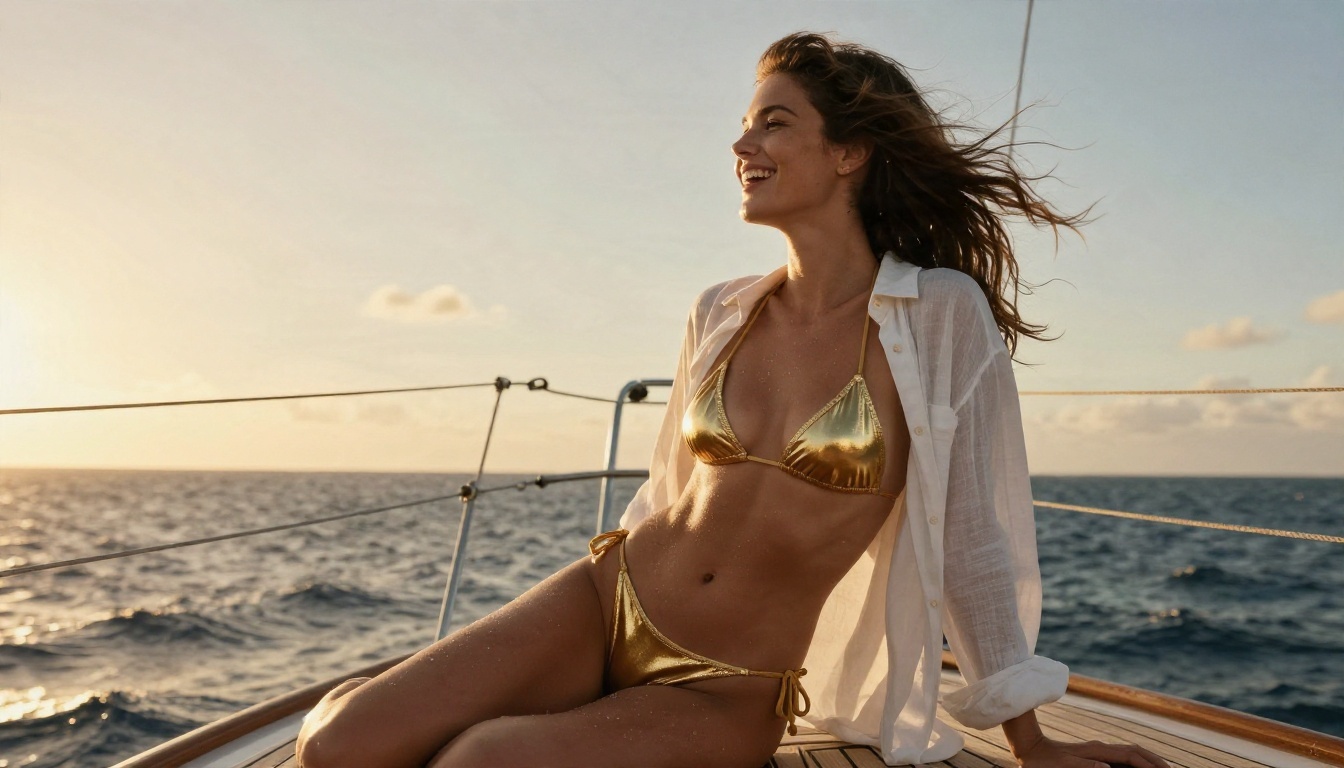
- Write the subject first. Say who and what: "a woman in her late twenties with long chestnut hair, wearing a satin robe over a swimsuit, seated on a linen chaise."
- Add the setting. A loft, a pool terrace, a hotel suite, a sailboat deck. Specific places beat vague ones.
- Describe the light. "Soft morning light from the left," "golden hour backlight," "hard diagonal sun through a window."
- Name the camera. An 85mm lens at f/1.8 gives portrait compression and soft backgrounds. A 35mm gives a more candid, environmental feel.
- Set a 16:9 ratio for wide editorial frames, or a vertical ratio for social feeds.
- Generate, pick the best result, then refine one detail at a time.
- Animate it. Send your favorite still to Wan 2.5 I2V Fast and describe the motion: "slow dolly-in, hair moving in a light breeze, fabric settling."
Prompt Tips That Actually Help
- Lead with texture. Words like "visible skin pores," "coarse linen weave" and "satin highlights" push realism.
- Use film language. "Kodak Portra 400, subtle film grain" gives a warm, believable color palette.
- Avoid neon and glow. For a natural look, keep the lighting physical: windows, sun, softboxes.
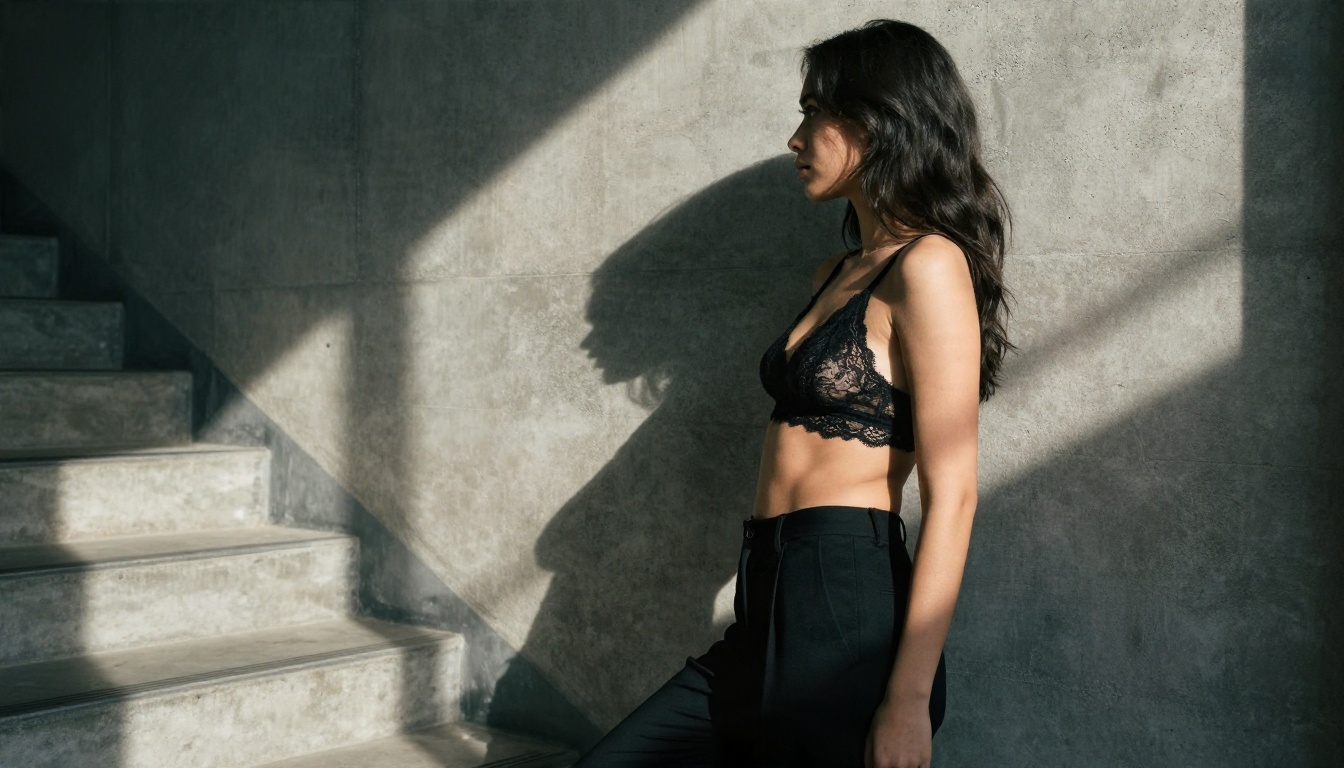
- Vary your angles. Low angle, over the shoulder, top down, profile. A set of images with different angles looks like a real shoot.
- Keep it tasteful. Suggestive and beautiful beats explicit every time, for performance, for platform rules and for your own brand.
💡 Tip: When a result is close but not right, keep the prompt and change one thing. Swapping only the lighting or only the lens shows you what each part is doing.
Using Image Editor Pro for Refinement
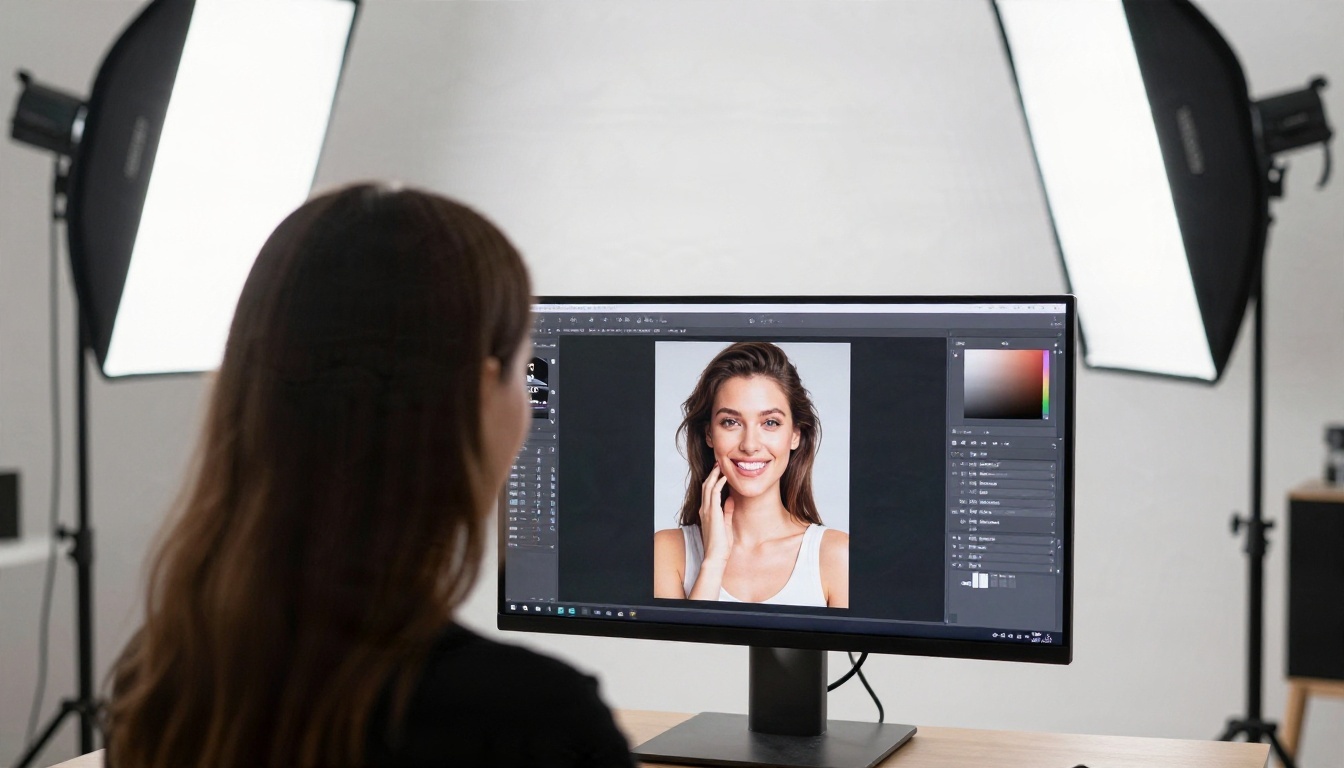
Once you have a shot you like, bring it into Image Editor Pro. Change the outfit color, swap the background, fix a hand, soften a shadow. Because generations are unlimited, you can run the edit three or four times and keep the best, which is how a rough draft becomes a portfolio piece.
Rules That Keep You Safe
Fewer filters does not mean no rules. If you are going to work with adult glamour, a few lines should stay fixed.
Adults Only, Always
Every character you create should be clearly an adult. Never generate anything that depicts or suggests a minor. This is not negotiable, it is illegal in most places, and no tool or platform makes it acceptable.
Real People Stay Off Limits
Do not create sexualized images of real, identifiable people, including celebrities, coworkers or exes, and do not upload someone's photo to do it. Non-consensual imagery causes real harm. Stick to fictional characters and your own original concepts.
Stay Non-Explicit
The most useful content for brands, creators and portfolios is glamour, not pornography. Swimwear, resort fashion, boudoir lighting and editorial poses give you images you can actually post on mainstream platforms, put in a lookbook or show a client. Explicit content limits where you can publish and who will work with you.
Check Where You Publish
Each social network, marketplace and ad platform has its own adult-content policy. A great image is useless if the platform removes it. Read the rules for the place you plan to post before you build a whole campaign.
When Flow Still Makes Sense
To be fair to Google, Flow is a capable tool when your project is clean. If you are making a travel clip, a product demo, a cinematic short or a scene with no suggestive elements, its video quality and tooling can be very good. The mistake is trying to force it into a job it was never designed for.
A sensible setup for many creators is to use two tools for two jobs: Flow or another mainstream generator for family-safe cinematic work, and a more flexible platform for glamour, swimwear and adult artistic themes. You stop fighting the filter, and each project goes to the tool that suits it.
Quick Answers
Is Google Flow allowed to make NSFW content? No. Flow's rules prohibit inappropriate content, and its filters block sexual and suggestive prompts. Sometimes they block ordinary fashion prompts as well.
Can I get around the filter with clever wording? It is unreliable, it wastes credits, and repeated violations can put your account at risk. A tool built for adult glamour is the better route.
What is the best uncensored alternative for images? Start with Seedream 4.5, then add Image Editor Pro for unlimited iteration and edits.
What about video? Build a still first, then animate it with Wan 2.5 I2V Fast.
Is explicit content okay? This article is about non-explicit glamour, which is what works best for publishing. Keep every character an adult and fictional.
Try It Yourself
You do not need to guess whether this works. Open Seedream 4.5, type the prompt Flow rejected, and see what comes back. Then send your favorite shot into Image Editor Pro for unlimited refinements, and animate the winner with Wan 2.5 I2V Fast.
Every model mentioned here, plus dozens more for images, video, upscaling and editing, is waiting on one page. Browse them all at picassoia.com/en/all-models, pick a model, and make your first batch with Picasso IA today.


