Type "Google Veo 3 porn" into a search bar and you get a messy pile of forum threads, clickbait tutorials and sketchy download pages. The short version: Veo 3 is not an adult-content tool, Google's filters block sexual material, and most sites promising an "uncensored Veo 3" are either reselling the same filtered model or fishing for your payment details. This article lays out what Veo 3 actually allows, what free access looks like, the risks of the shady shortcuts, and the alternatives on PicassoIA that deliver suggestive, glamour-style visuals without constant blocked prompts.
💡 Quick answer: No, Google Veo 3 is not uncensored. It refuses explicit sexual prompts, and no legitimate setting switches that off. If you want sensual, swimwear, boudoir or glamour imagery, use a tool built for it, like Seedream 4.5.
What People Mean by "Veo 3 Porn"
The phrase is a catch-all. Some people want to know whether Veo 3 can generate adult clips. Others have already hit a safety error and want a workaround. A third group is simply curious about how strict Google really is.
What Veo 3 Actually Is
Google introduced Veo 3 at its I/O event in May 2025 as a text-to-video model that generates video and synchronized audio together: dialogue, footsteps, ambient noise, music. Veo 3.1 followed in October 2025 with better prompt adherence, reference image support and scene extension. Both are built for cinematic, brand-safe output, which explains the cautious filter design.
Veo 3 itself is not on PicassoIA. For Google video models you can run on the platform today, see Veo 3.1, Veo 3.1 Fast and Veo 3 Fast. Those are sibling variants and carry the same safety posture as Google's own products.
Why the Search Keeps Growing
Two reasons. First, Veo 3's realism is a big step up from earlier video models, so people naturally ask what the limits are. Second, every time a model launches, a wave of "jailbreak" content follows. Most of it is recycled and out of date within weeks, because Google patches the filters.
Is Veo 3 Uncensored?
No. This is not a gray area, and anyone telling you otherwise is selling something.
The Short Answer
Google applies safety filtering at several stages: on your text prompt, on any input image, and on the generated video before it reaches you. If any stage flags sexual content, the request fails with a safety message instead of a clip. Developers on Google's own forums regularly post about these refusals, including false positives where harmless prompts get blocked.
What the Filters Catch
| Content type | Veo 3 behavior |
|---|
| Explicit sexual acts | Blocked at prompt or output stage |
| Nudity, including implied or simulated | Blocked or heavily softened |
| Real people, public figures | Restricted |
| Minors in any suggestive context | Hard blocked, no exceptions |
| Swimwear, fashion, romantic mood | Often allowed, but inconsistent |
| Violence and hate | Restricted |
The last row matters. Veo 3 may render a person in a swimsuit on a beach, but it is unpredictable. The same prompt can pass on Monday and fail on Thursday.
Why Prompt Tricks Fail
Rephrasing, misspelling words, or burying a request inside a long story rarely works now. The output check looks at the finished frames, not just your words. So even if a sneaky prompt slips past the text filter, the video itself gets scanned. You also risk account warnings, and with paid plans you may still burn credits on a rejected run.
💡 Reality check: Time spent hunting for a Veo 3 loophole is better spent on a model that doesn't fight you. The results are also better, because the model isn't hedging mid-generation.

Free Options for Veo 3
Free access exists, but it is narrow, and it never includes adult content.
Official Free Access
Google has offered trials, promotional credits and limited free generations through its Gemini app, Flow and student or regional promotions. These offers come and go, and the terms change often, so check the current Gemini plan page rather than trusting a blog post (including this one) for exact limits. Expect:
- A small monthly allowance of short clips
- Lower priority queues than paid plans
- Visible watermarking on some tiers
- The same safety filters as paid users
Developers can also use the Gemini API or Vertex AI with billing enabled. Those routes are pay per second of video, and region rules apply. In the EU, UK and parts of the Middle East and North Africa, for example, person generation is limited to adult subjects only.
Fake "Free Uncensored" Sites
Search results for this topic are packed with look-alike sites. Common patterns:
- A "Veo 3 uncensored" landing page that actually calls a standard filtered API
- Credit-card-for-verification traps that start recurring billing
- Downloadable "cracked" apps that carry malware or credential stealers
- Telegram bots that collect uploads and sell them
If a page promises unlimited, uncensored, free Veo 3 with no signup, treat it as a red flag. Real compute for 720p or 1080p video with audio costs money.
Risks Worth Knowing
Even setting filters aside, there are practical and legal reasons to be careful with adult AI content.
Consent and Likeness
Never generate sexual content of a real person without their consent. Many countries, including the United States, now have laws targeting non-consensual intimate deepfakes, and platforms ban accounts quickly. Use fictional adult characters or models you have rights to.
Privacy and Data
Uploading personal photos to an unknown site hands that site your face. If the operator is anonymous, assume the images can be stored, resold or leaked. Stick with platforms that publish clear terms.
Wasted Money
Many "unfiltered" services charge per generation, then return blurred or refused outputs. Always test with a small purchase first.
Best Alternatives on PicassoIA
Since Veo 3 won't deliver sensual or glamour content, here are the options on PicassoIA, in the order I'd try them. These are built for suggestive, beautiful, non-explicit visuals: swimwear, lingerie-style fashion, boudoir lighting, glamour portraits.
1. Seedream 4.5
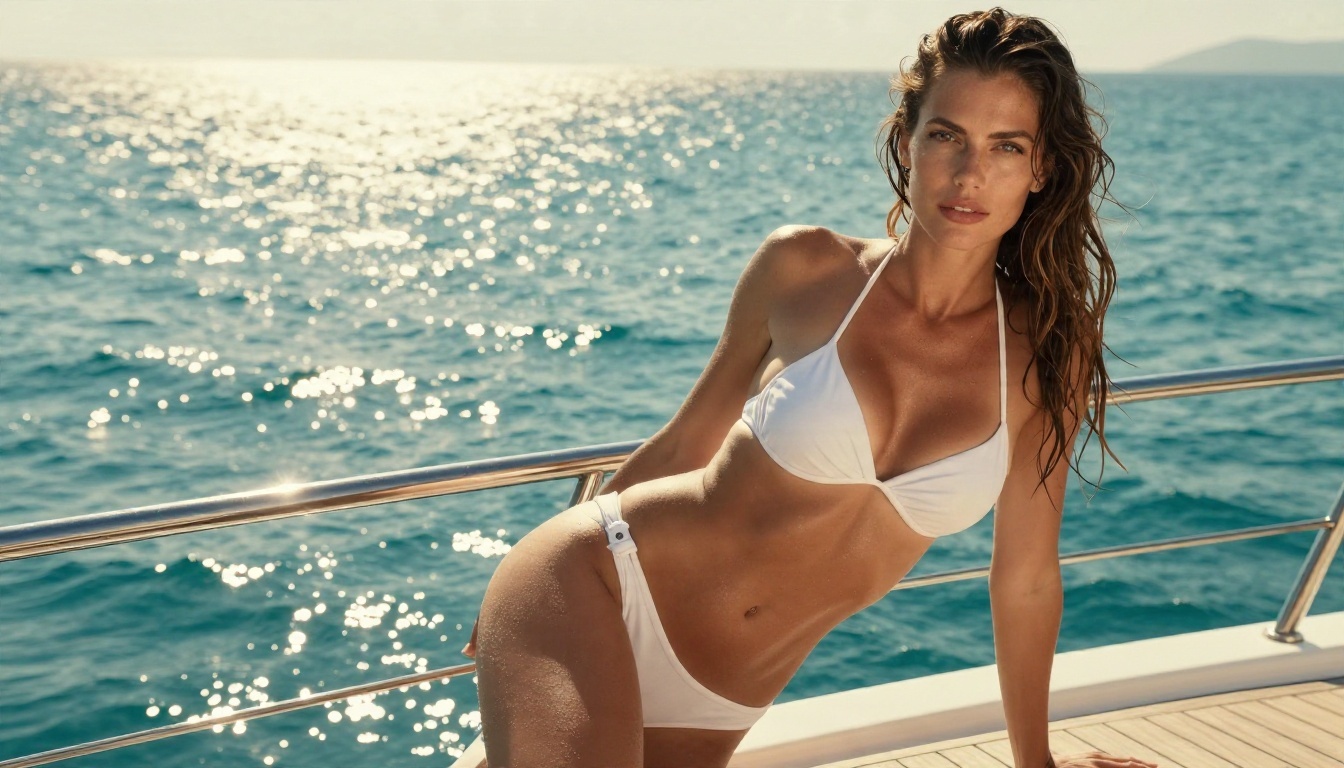
Seedream 4.5 is the first model to reach for. It produces sharp 4K-class photorealism, handles skin texture and fabric very well, and follows long prompts closely. For adult glamour work it is far more permissive than Google's tools, while staying focused on tasteful, non-explicit imagery. It is also fast, so you can iterate on poses and lighting in minutes.
2. PicassoIA Image Editor Pro
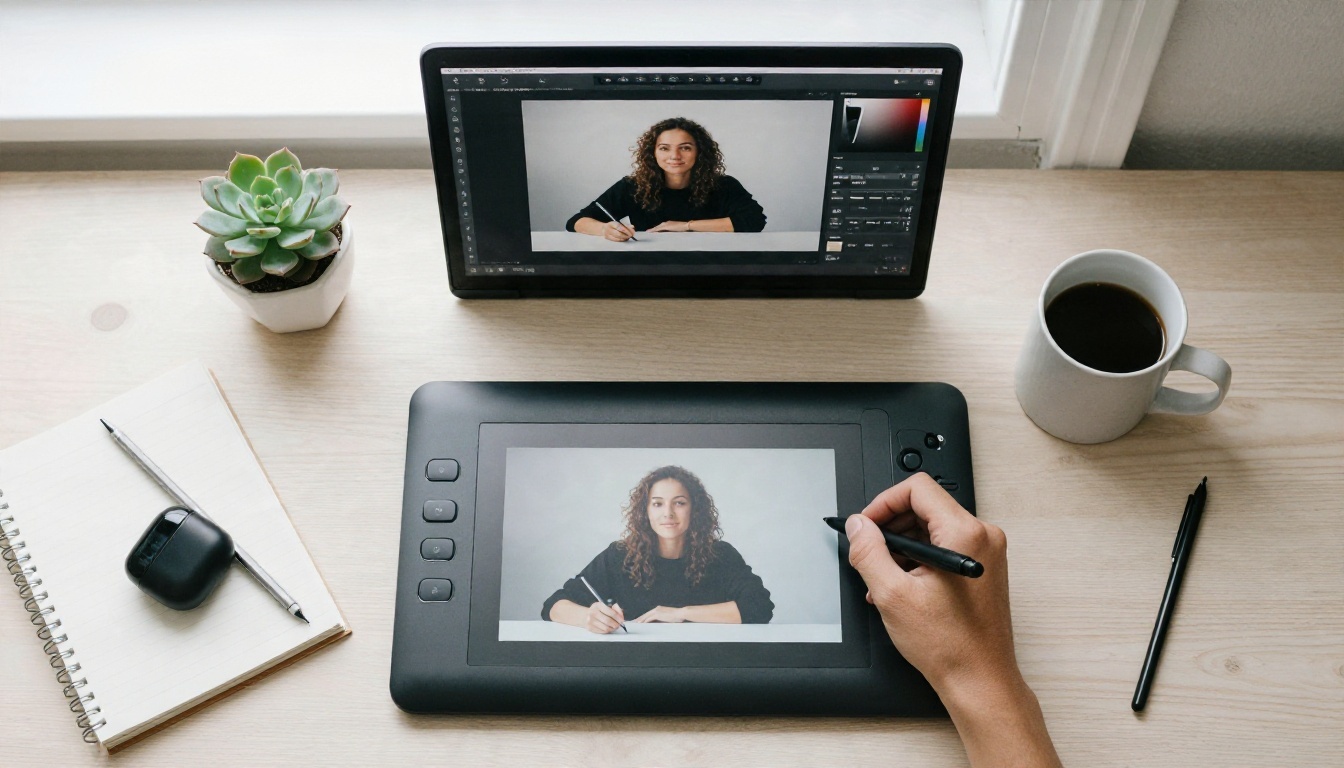
PicassoIA Image Editor Pro is the best choice when you already have an image and want to change it: swap an outfit, adjust a background, fix lighting, retouch skin. The standout feature is unlimited generations, so you can experiment without watching a credit meter.
3. P Image Edit LoRA
P Image Edit LoRA offers quick, style-driven edits. It is ideal when you want a consistent look across a batch of images, such as a recurring character or a specific photographic mood.
4. Flux 2 Klein 9B Base LoRA
Flux 2 Klein 9B Base LoRA is a good fit for stylized but photoreal portraits when you want more control over aesthetics and are comfortable fine-tuning your prompts.
What About Video?
If you specifically want motion, the workflow that works best is image first, video second. Build a polished still with Seedream 4.5, then animate it with an image-to-video model such as Wan 2.5 I2V Fast or Kling v3 Video. That gives you control over the look before you spend time on motion, and avoids the all-or-nothing refusals you get when asking a video model to invent everything from a text prompt.
💡 Tip: Keep clips short. Slow camera moves, hair in the wind, water movement and fabric sway look natural and rarely break. Fast, complex motion is where AI video artifacts appear.
Veo 3 vs the Alternatives
| Feature | Google Veo 3 | Seedream 4.5 | Image Editor Pro |
|---|
| Output | Video with audio | Still images | Edited stills |
| Adult glamour content | Blocked or inconsistent | Supported, non-explicit | Supported, non-explicit |
| Free access | Limited promos | Platform credits | Unlimited generations |
| Speed | Slow to moderate | Fast | Fast |
| Best for | Cinematic scenes, dialogue | Glamour portraits, fashion | Edits and retouching |
| On PicassoIA | No | Yes | Yes |
The honest takeaway: Veo 3 is excellent at what it was designed for, cinematic clips with sound. It just isn't the right tool for this use case.
How to Get Similar Results on PicassoIA
Here is a workflow using Seedream 4.5 to produce glamour visuals that look like a professional shoot.
Step by Step
- Open the Seedream 4.5 page on PicassoIA and choose a 16:9 aspect ratio for landscape scenes, or 3:4 for portraits.
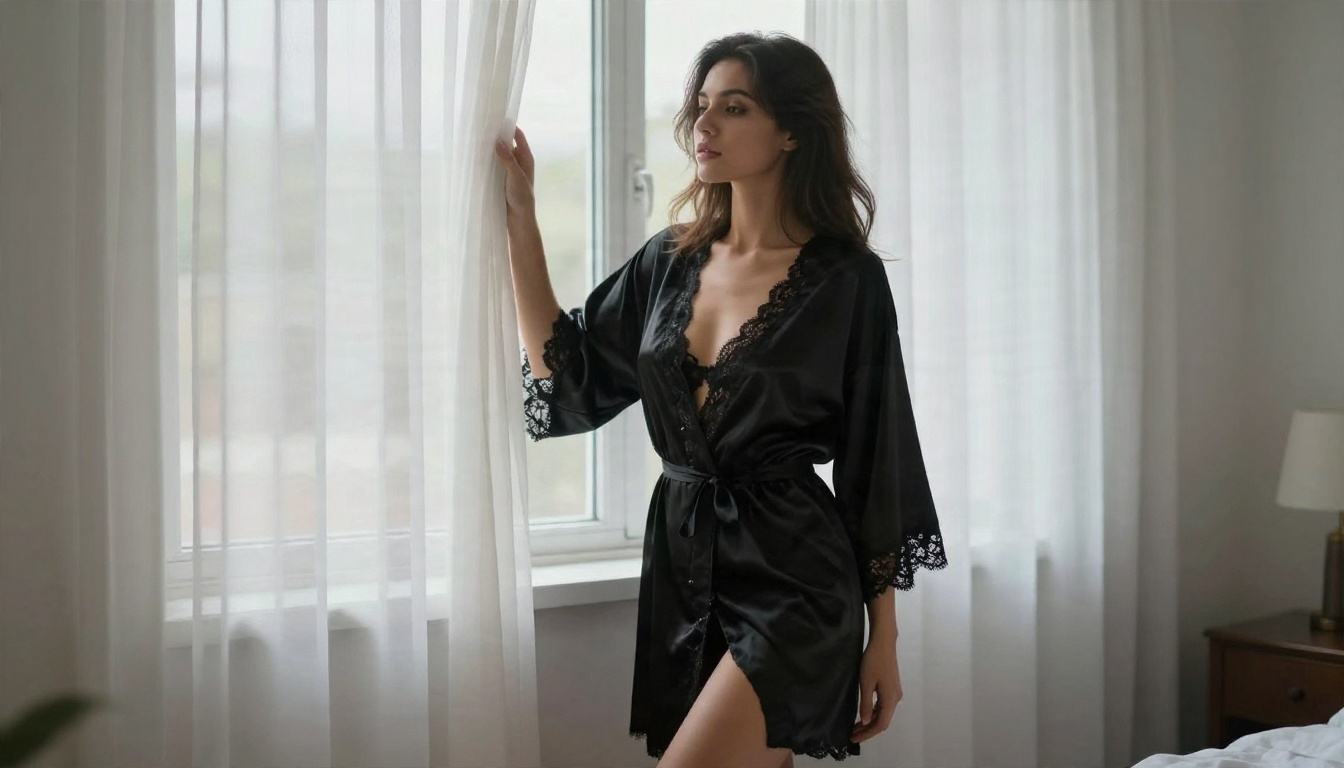
- Write the subject first. Example: "adult woman in her late twenties, long wavy hair, wearing a black satin robe."
- Add the setting. A tall window, a hotel suite, a yacht deck, a poolside at sunset.
- Describe the light. Say where it comes from: "soft daylight from the left," "warm low sun from behind."
- Specify the camera. "85mm f/1.8, shallow depth of field, film grain" pushes the output toward photography.
- Generate four variations and pick the strongest.
- Send the winner to PicassoIA Image Editor Pro to fix small details, change wardrobe or adjust the background.
- Optional: animate the final still with an image-to-video model for a short, looping clip.
Parameter Tips
| Setting | Recommendation | Why |
|---|
| Aspect ratio | 16:9 or 3:4 | Fits video thumbnails and portraits |
| Prompt length | 50 to 120 words | Enough detail without confusion |
| Lighting | Always name a direction | Avoids flat, generic results |
| Skin detail | "natural texture, faint freckles" | Prevents a plastic look |
| Style | "RAW photograph, Kodak Portra 400" | Keeps the image photoreal |
| Seed | Fix it once you like a result | Lets you tweak one detail at a time |
Prompt Examples
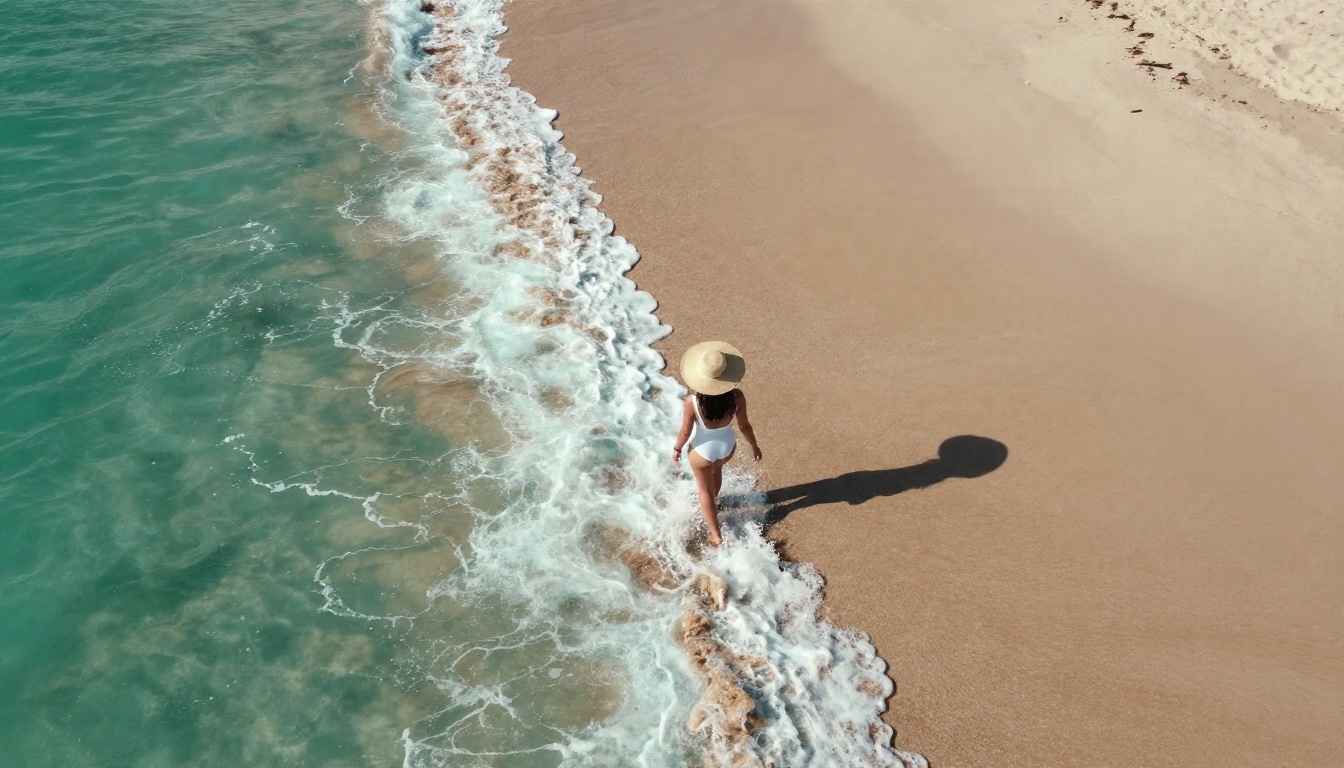
- "Adult woman in a white bikini and linen wrap leaning on a teak yacht railing at golden hour, turquoise sea behind her, 85mm f/1.8, warm rim light, natural skin texture, Kodak Portra 400."
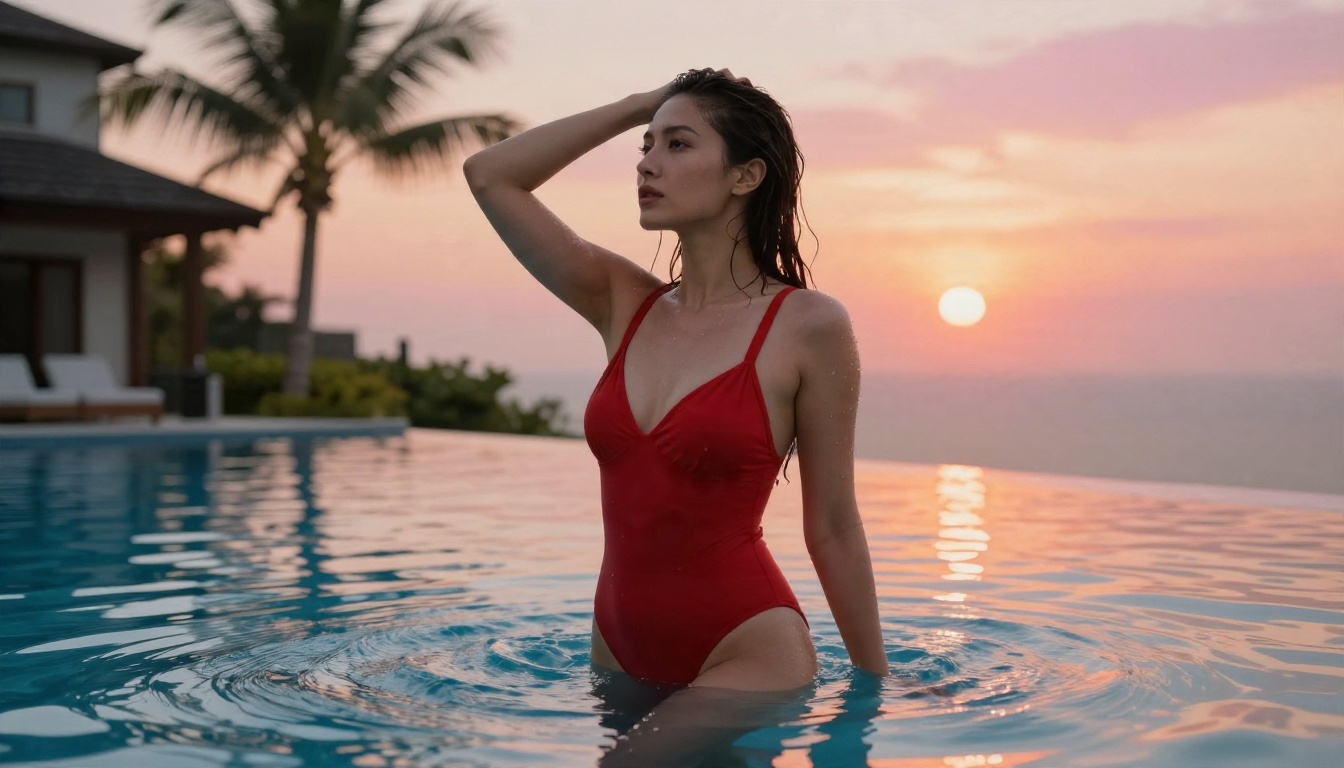
- "Woman in a red one-piece at the edge of an infinity pool at sunset, low angle, water droplets on skin, pastel sky reflected in the water, 35mm f/2."
- "Boudoir portrait beside a tall window, black satin robe, soft diffused daylight from the left, rumpled linen bed blurred behind, 85mm f/1.4."
💡 Avoid: vague words like "sexy" on their own. Specific wardrobe, pose, lighting and lens details produce far better images than a single adjective.
Making It Look Professional
A few habits separate polished glamour output from the usual AI look.
- Vary the camera angle. Mix low angles, aerial shots, close-ups and wide scenes in a series.
- Keep wardrobe believable. Fabric that drapes naturally, straps that sit right, no strange seams.
- Check hands and jewelry. Re-run or inpaint when fingers look off.
- Limit the palette. Two or three dominant colors feel editorial.
- Add real-world clutter. A coffee cup, a plant or a book in the background makes a scene feel lived in.
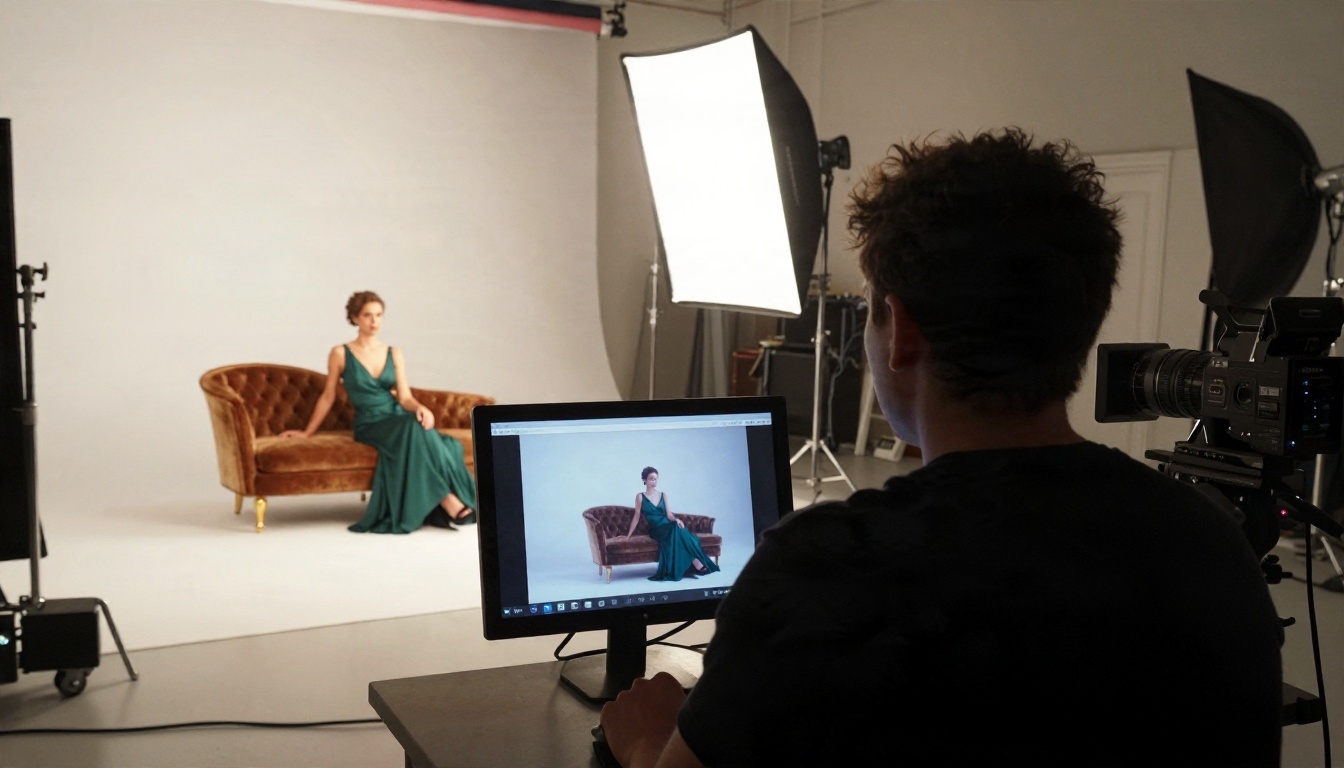
Think of it as directing a shoot: location, wardrobe, light, lens. The more production detail you give, the less the model has to guess, and the less likely you are to get awkward results.
Start Creating Your Own
You don't need a loophole to make striking, sensual AI visuals. You need a model that isn't built around refusals and a clear prompt. Begin with Seedream 4.5 for a glamour portrait, refine it in PicassoIA Image Editor Pro with unlimited generations, then animate your favorite result with an image-to-video model if you want motion.
Try three prompts today: a yacht at golden hour, a poolside sunset and a window-lit portrait. Compare them, tweak the light, and see which look suits your project. When you want more options, browse every model at picassoia.com/en/all-models and build your own workflow.


