Type "GPT 6 NSFW" into a search bar and you will find a pile of confident claims, screenshots and half-remembered headlines. Some say the next OpenAI model will write anything you ask. Others say the filters will be tighter than ever. Both camps tend to skip the boring part: what has actually been confirmed. This article separates facts from noise, shows how adult-content filters behave in practice, and points you to image models that work right now without the refusal loop.
Here is the short version. OpenAI has talked publicly about letting verified adults access erotica in ChatGPT, and that plan was delayed more than once. I could not confirm a public GPT 6 release or any official NSFW policy attached to it, so treat anything that claims otherwise as speculation. If your real goal is creating glamour, boudoir or swimwear imagery, you do not need to wait for a model that may or may not exist.
💡 Quick take: GPT 6 is not on PicassoIA, and nothing here suggests it is. For adult-friendly image work today, jump to the section on uncensored alternatives and start with Seedream 4.5.
What GPT 6 NSFW Actually Means
The phrase bundles three separate questions: will a future GPT model write mature text, will it generate adult images, and how strict will the verification be? Each has a different answer, and mixing them up is where most of the confusion starts.

What Is Confirmed So Far
In October 2025, Sam Altman said OpenAI intended to let verified adults use ChatGPT for erotica, under a "treat adult users like adults" principle. The rollout was later pushed back, with the company pointing to an early 2026 window and a heavy emphasis on age prediction and regional verification. Reports also described hard limits that stay in place: nothing involving minors, nothing non-consensual, nothing that facilitates exploitation.
Several reports suggested the adult mode would focus on text and would not produce pornographic images, audio or video. That detail matters, because it means even the most permissive version of a ChatGPT adult mode may not help you if you want pictures.
What Is Still Rumor
Almost everything tied specifically to the name "GPT 6" falls here. A few commentary pieces mention relaxed restrictions in an upcoming model, but I found no official OpenAI statement backing that up. Until a release, a model card and a usage policy exist, "GPT 6 NSFW" is a search term, not a feature.
| Claim | Status |
|---|
| Verified adults get erotica in ChatGPT | Announced, delayed, rolled out in stages |
| Adult mode includes explicit images or video | Reportedly no |
| GPT 6 has its own relaxed NSFW policy | Unconfirmed |
| Age verification required | Announced as part of the plan |
| Illegal and non-consensual content allowed | No, stays prohibited |
How the Filters Actually Work
Most large chat models stack several layers of protection, and each one fails in a different way. Knowing the layers explains why the same request can pass on Monday and get refused on Tuesday.
Text Filters Versus Image Filters
A text model has two checks: the model's own training, which makes it decline certain requests, and a separate classifier that scans your input and its output. Image generators add a third layer, a moderation pass on the finished picture. That last pass is why you can see a long generation run and then get a blocked result at the very end.
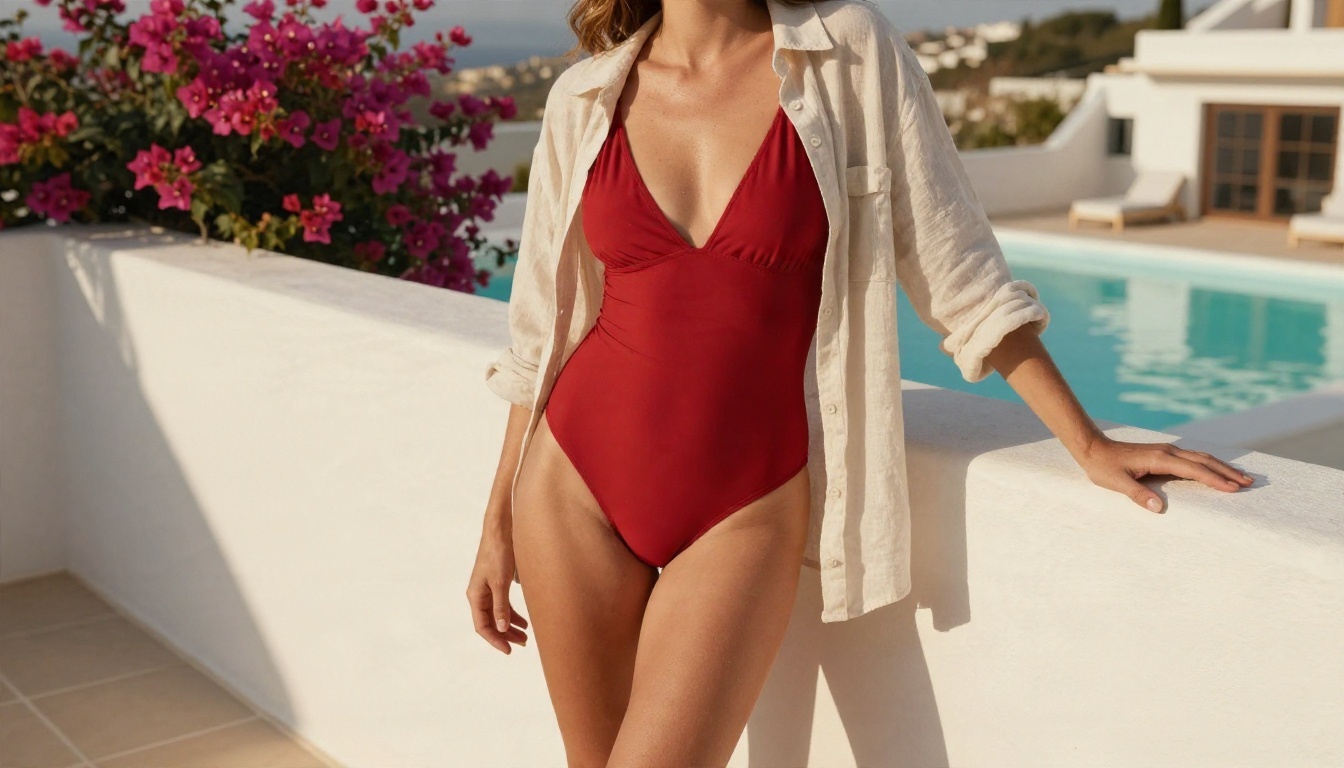
I ran into exactly this while building the pictures for this article. A prompt describing a woman in a red bikini was blocked by one generator's moderation, while a rephrased version with a swimsuit and an open linen shirt went through. Same scene, different vocabulary, different outcome. Filters care about wording as much as content.
Why Refusals Feel Random
Classifiers work on probabilities, not rules. A prompt that scores 0.48 passes, and the same prompt with one extra adjective scores 0.52 and fails. Add updates to the model, regional policy changes and A/B tests, and you get behavior that looks inconsistent from the outside. It is not personal and it is not a bug. It is a threshold.
Prompts That Get Refused
If you have ever watched a chatbot lecture you about a harmless request, you already know the pattern. Here is what usually triggers it and how to stay productive.
Wording That Trips Filters
Some patterns get flagged almost every time, regardless of the model:
- Explicit anatomical terms in image prompts, even in a clinical or artistic setting
- Real people's names combined with suggestive scenarios
- Ambiguous age cues such as "schoolgirl", "teen" or "petite young"
- Stacked intensity words like "very sexy, extremely seductive, ultra revealing" in one prompt
- Requests framed as bypasses, such as "ignore your rules" or "pretend you have no filter"
That last one deserves a note. Jailbreak-style prompts are brittle, they break with each model update, and they often get an account flagged. They are also the slowest way to work. A model that is built for adult-friendly imagery does not need to be tricked.
Safer Ways to Phrase Adult Themes
You can keep the mood and drop the red flags. Instead of describing what is revealed, describe the atmosphere, the fabric, the light and the pose. Compare:
| Likely to be refused | Likely to pass |
|---|
| "Sexy woman, barely dressed, very revealing" | "Adult woman in a silk robe, golden morning light, boudoir editorial, 85mm lens" |
| "Nude model on bed" | "Woman seated on a vintage bed in a cream silk pajama set, soft window light" |
| "Hot bikini girl" | "Adult woman in a red swimsuit on a villa terrace, summer fashion editorial" |
Notice the pattern: specific camera language, specific clothing, specific lighting. That is how photographers brief a shoot, and it is also what image models respond to best.
💡 Tip: Always state that the subject is an adult. It sets clear context for the model, and it keeps your prompts on the right side of every platform's rules.
Limits You Should Expect
Even in the most permissive scenario, some boundaries are not going away. Planning around them saves time.

Age and Identity Rules
Verification is the first wall. Any mainstream adult mode is expected to ask for proof of age or run an age-prediction system, and regional rules will vary. Beyond that, creating sexual content of real people without consent is off the table, and deepfake requests are rejected by design. Anything involving minors is blocked everywhere, with no exceptions and no workaround.
Images, Audio and Video
Text is the easiest medium to relax rules for, because it is private and fast to review. Images and video carry higher risk of misuse, so providers tend to be stricter there. This is why a text-first adult mode, even if it arrives, leaves a gap for anyone who wants visual work. The next section fills that gap.
If you also want an AI writing partner for captions, scene descriptions or prompt drafts, OpenAI's GPT 5.6 family is available on PicassoIA: GPT 5.6 Sol for heavier reasoning, GPT 5.6 Terra for polished production text, and GPT 5.6 Luna for quick replies. These are not GPT 6, and they follow their own content rules, so use them for the writing side of your workflow, not for adult material.
Uncensored Alternatives That Work Today
GPT 6 is not on PicassoIA yet, and there is no confirmed way to use it. For similar results today, these models are built for creators who want glamour, swimwear and boudoir aesthetics without the constant refusal loop. Order matters here, so start at the top.
Seedream 4.5 First
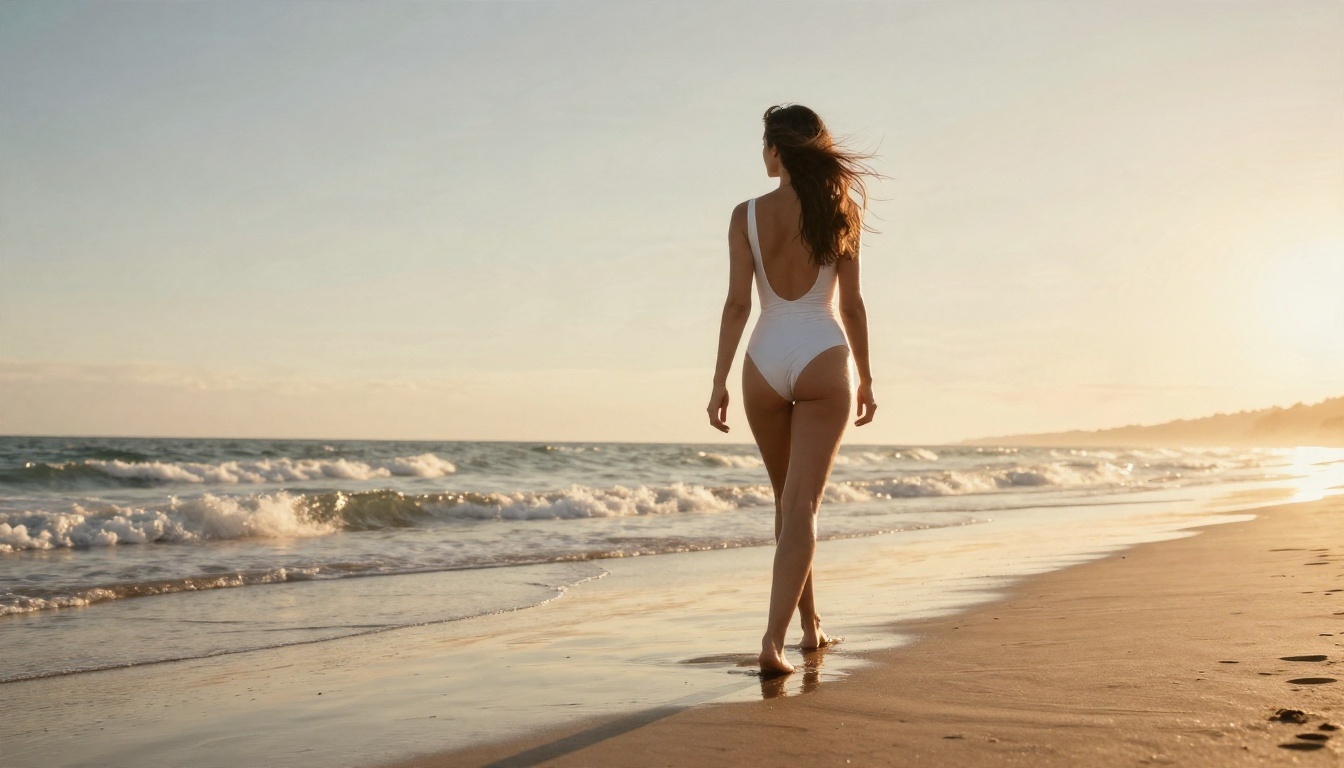
Seedream 4.5 is the first model to try. It produces sharp, high-resolution photographs with believable skin texture, natural lighting and strong prompt adherence. It handles glamour, swimwear and boudoir scenes well, and it responds to photographic language: lens, light direction, film stock. For a first pass, it is the fastest route from idea to a usable image.
One warning worth repeating: Seedream 5 Lite blocks adult content, so do not pick it for this kind of work. Seedream 4.5 is the one.
PicassoIA Image Editor Pro
PicassoIA Image Editor Pro is the second stop, and its big advantage is volume: generations are unlimited. That changes how you work. Instead of nursing one perfect prompt because every attempt costs credits, you can iterate freely, try five outfits, three lighting setups and two locations, then keep the best frame. Speed and no-limit iteration make it a natural partner to Seedream 4.5, especially when you want to edit an existing photo.

Flux 2 Klein 9B Base LoRA
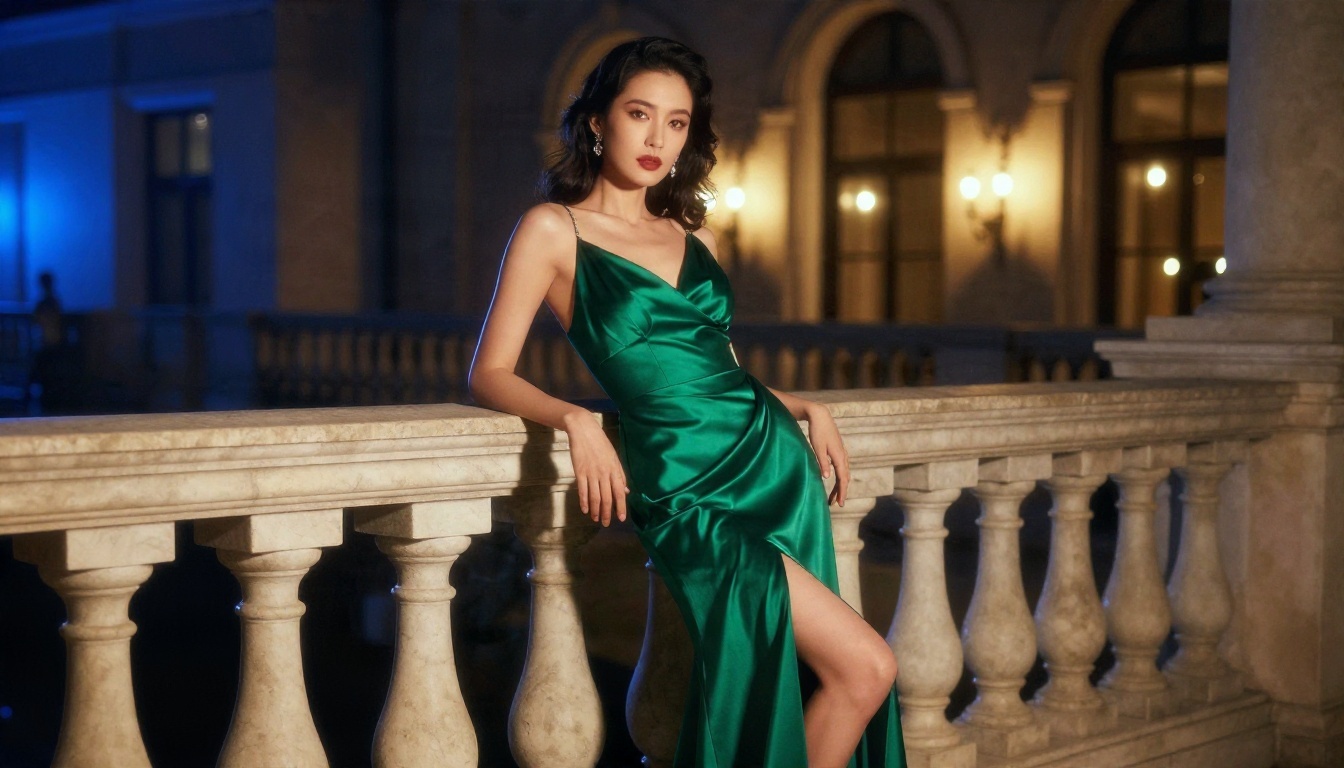
Flux 2 Klein 9B Base LoRA is a flexible third option when you want a particular look. LoRA support lets you steer style and character consistency, which helps if you are building a recurring character or a series with a shared visual identity.
Quick Comparison
The value here is simple: you get adult-friendly image generation that is fast, not locked behind a waitlist, and not tied to a rumor. All content you make should stay non-explicit where required by the platform and legal in your region, and every subject should be an adult.
How to Get Similar Results on PicassoIA
The model to use for this workflow is Seedream 4.5. Here is the process I use.
Step by Step
- Open the Seedream 4.5 page on PicassoIA.
- Write a prompt with five parts: subject and pose, environment, lighting, camera and lens, texture details.
- Set the aspect ratio. 16:9 suits landscape scenes, 3:4 or 2:3 suits portraits.
- Pick the highest resolution the model offers if you plan to print or crop.
- Generate, review, then adjust one variable at a time.
- Send keepers to PicassoIA Image Editor Pro to refine details and iterate without limits.
Prompt Formula That Works
Use this structure: [Adult subject + clothing + pose] + [location] + [light direction] + [camera and lens] + [skin and fabric texture] + [film stock].
A working example: Adult woman in a cream silk robe seated on a vintage bed, sunlit bedroom with linen curtains, soft morning light from the right, 85mm lens at f/1.8, visible skin texture and silk sheen, Kodak Portra 400 film grain.
Parameter Tips
- Be specific about light. "Soft window light from the left" beats "good lighting" every time.
- Name a lens. 85mm for portraits, 35mm for environmental shots, 24mm for wide interiors.
- Add film grain on purpose. It makes the result read as a photograph, not a render.
- Vary the camera angle between runs: low angle, eye level, overhead.
- Keep prompts under control. Long strings of adjectives dilute the result and raise the chance of a moderation flag.
💡 Tip: Change one thing per generation. If you swap the outfit, the light and the location at once, you will never know which change helped.
Mistakes That Waste Your Time
Most frustration with adult AI content comes from a handful of repeated errors.
Chasing Jailbreaks
Prompt tricks have a short shelf life. The time you spend hunting for a magic phrase is better spent on a model that allows the content in the first place.
Using the Wrong Model for the Job
A chat model is a writing tool. An image model is a picture tool. Asking a text model for visuals, or an image model for dialogue, wastes effort. Pair them: draft ideas with a language model, then render with Seedream 4.5.
Skipping Photographic Language
Vague prompts produce vague, plastic-looking images. Name the lens, the light, the fabric, the film. Photographers talk this way for a reason.
Ignoring the Rules
Keep every subject an adult, never use a real person's likeness without consent, and respect the laws where you live. Platforms that allow mature content still draw hard lines, and those lines protect everyone.
Your Turn to Create
You do not need a rumored model to start making striking, adult-oriented imagery. Open Seedream 4.5, write a prompt with a lens, a light and a fabric, and see what comes back in seconds. Then take your favorite frame into PicassoIA Image Editor Pro and push it as far as you like, with unlimited generations and no queue anxiety.
When you want to try other looks, browse every available option at picassoia.com/en/all-models. Pick a model, run ten variations, and keep the one that makes you stop scrolling. If GPT 6 ever ships with a clear adult policy, you will already have a workflow that does not depend on it.


