Typing "GPT Image 2.5 NSFW" into a search bar usually means one of two things: you want to know whether OpenAI's newest image model will give you adult-leaning pictures, or you want a way around it. The short answer is that GPT Image 2.5 is a moderated model. It handles swimwear, glamour and soft boudoir scenes well, and it stops well before anything explicit. If "uncensored" is what you came for, you will hit a wall quickly, and you should know where that wall is before you spend time on prompts.
This article lays out what the model does with suggestive content, what it refuses, the prompts that give attractive results inside those limits, what "free" really looks like, and which models on PicassoIA make more sense when you need fewer restrictions.
What GPT Image 2.5 Actually Allows
OpenAI released ChatGPT Images 2.5 on September 8, 2026, together with two API models called Flare and Sunburst. Both sit under the GPT Image 2.5 name, and both keep the safety checks that earlier GPT Image versions had: prompts are screened before generation, and the output image is screened afterward.
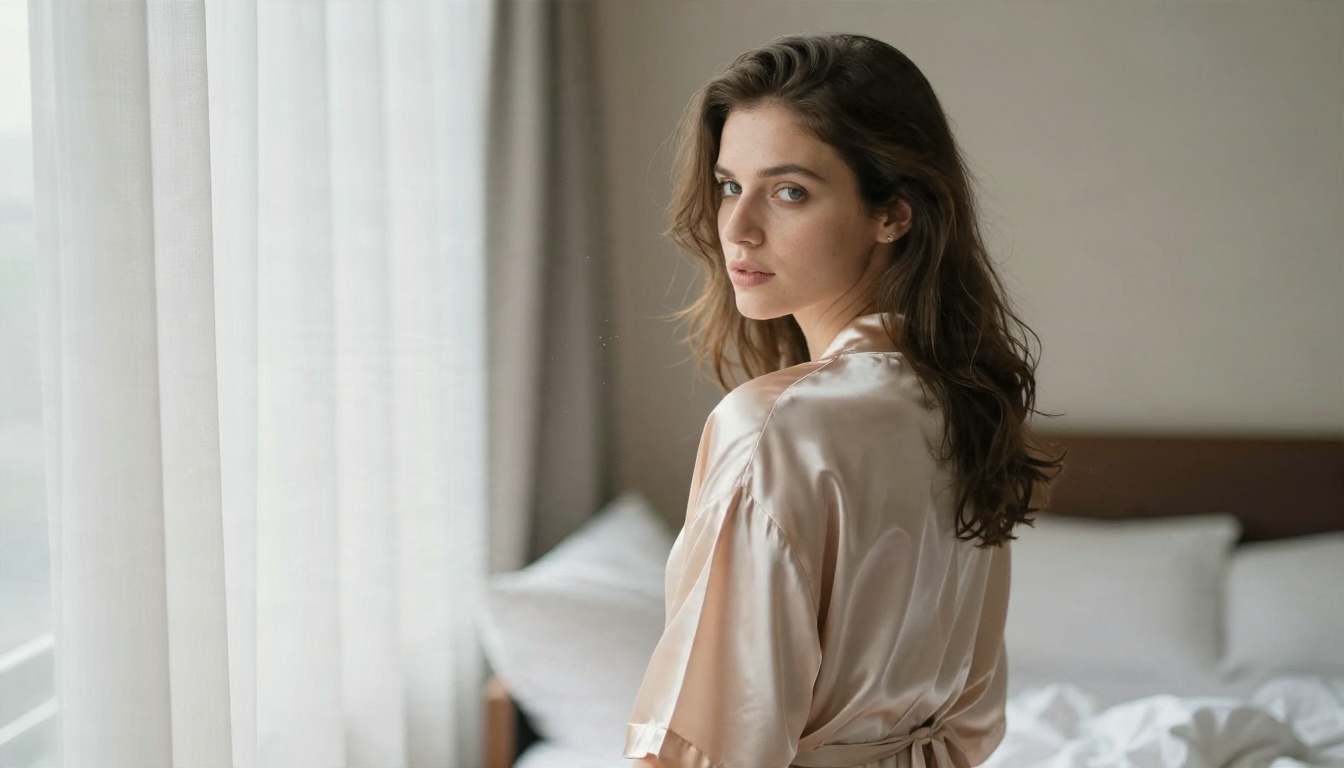
Flare and Sunburst Variants
PicassoIA hosts both. GPT Image 2.5 Flare is the fast variant, built for quick drafts and many iterations. GPT Image 2.5 Sunburst is the one pitched for generating and editing images with more care per frame. Their moderation behavior is the same family of rules, so switching between them will not open any doors. What changes is speed and finish.
| Variant | Best for | Moderation behavior |
|---|
| Flare | Fast drafts, prompt testing | Moderated, explicit content blocked |
| Sunburst | Final renders, edits | Moderated, explicit content blocked |
Where the Line Sits
In practice the line follows what a fashion or lifestyle magazine would print. Bikinis, lingerie-style sleepwear, evening gowns with slits, wet-look beach scenes and moody boudoir lighting generally go through. Nudity, sexual acts, fetish framing and anything involving real, identifiable people in a sexual context do not. OpenAI says edits involving identifiable people or sensitive content face extra restrictions, and the published safety material breaks its evaluations into categories that include sexual content.
💡 Tip: If a prompt gets refused, the cause is rarely one word. It is usually the overall intent. A prompt that reads like a photo brief (lens, light, wardrobe, location) survives far more often than one that reads like a request for explicit material.
Uncensored Results: The Honest Picture
Let me be direct, because a lot of pages ranking for this keyword promise things the model cannot deliver. GPT Image 2.5 is not uncensored, and no prompt phrasing changes that in any reliable way. Anyone selling a "jailbreak prompt" is selling you refusals.
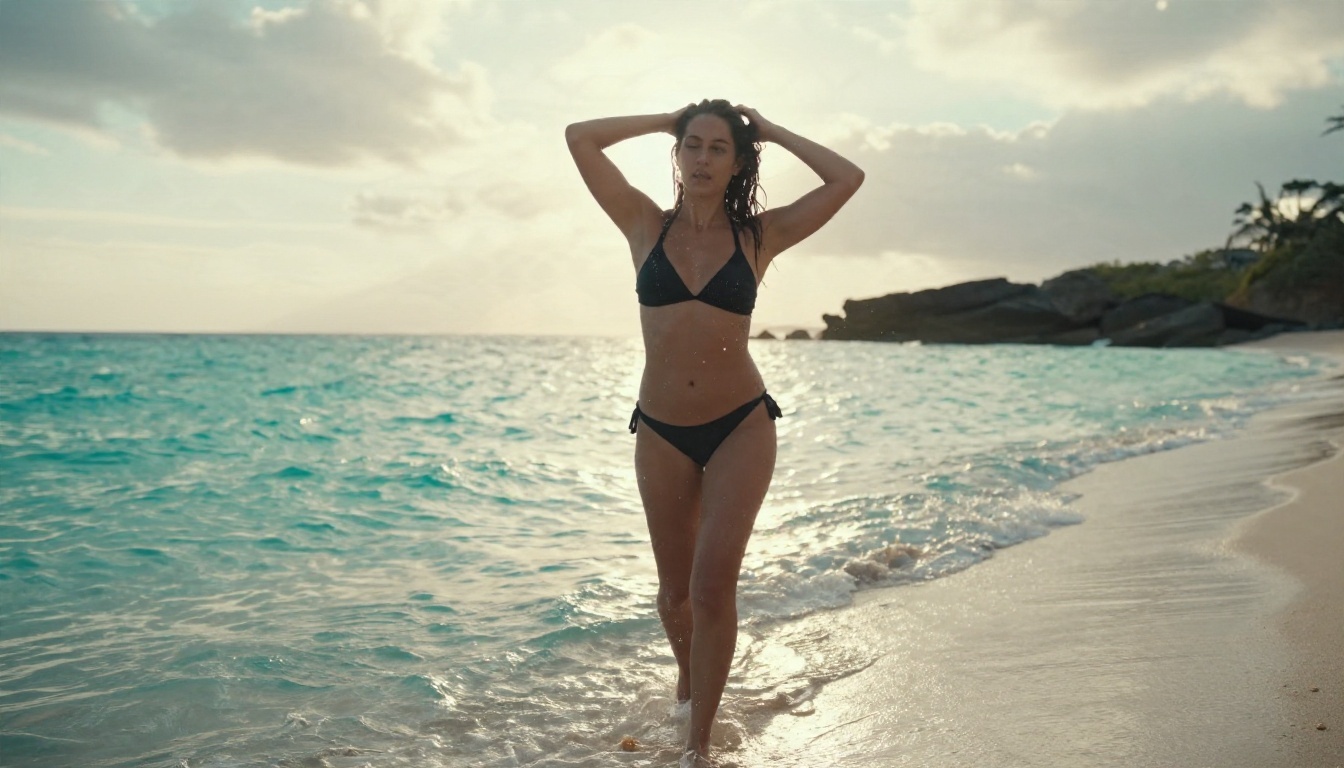
What Moderation Blocks
Expect a refusal or a blank result when a prompt asks for:
- Explicit nudity or sexual activity of any kind
- Real public figures or recognizable private individuals in suggestive scenes
- Minors or youthful-looking subjects, which is blocked everywhere and should be
- Fetish, violence or degrading framing layered on top of a glamour prompt
- Edits that undress an uploaded photo of someone
Sometimes the prompt passes and the image does not. The output check can reject a render that drifted further than your wording suggested, so a refusal after a long wait is normal.
Why Low Moderation Is Not Off
The API exposes moderation settings, including an auto level and a low level. People read "low" as "off." It is not. Low relaxes how strict the filters are on borderline content, which helps with swimwear and artistic portraits that the default setting occasionally flags by mistake. It does not unlock explicit output. Treat it as a way to reduce false positives, nothing more.
Prompts That Pass and Look Good
Inside the limits, GPT Image 2.5 is genuinely good. It renders fabric, skin sheen and window light convincingly, and it follows long, structured prompts better than most models. The trick is to write like a photographer, not like someone trying to slip something past a filter.
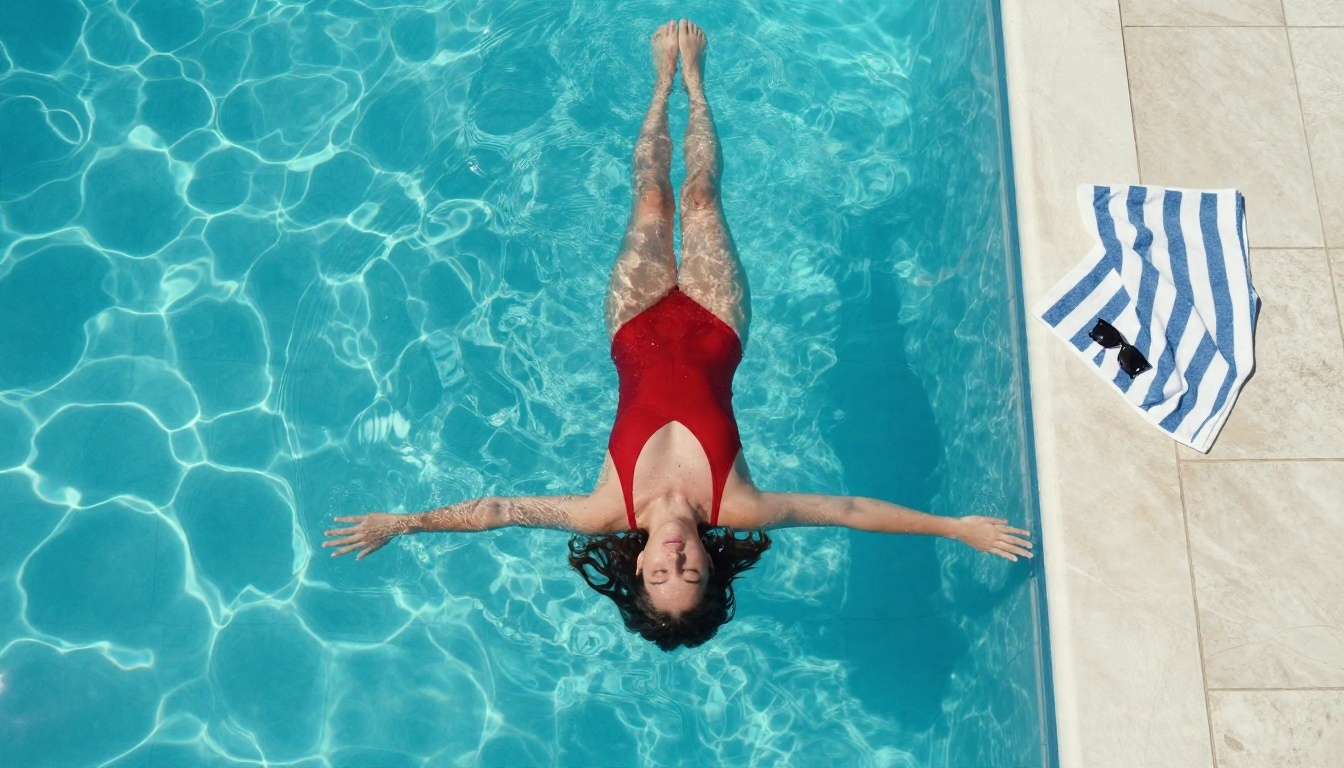
Swimwear and Beach Prompts
Swimwear is the safest high-value category. Describe the location, the light, and the camera, and let the garment be one detail among many.
A woman in a black bikini walking out of shallow turquoise surf, water dripping from her hair, low-angle shot, late afternoon sun behind her creating rim light, 35mm lens, wet sand reflections, natural film grain, Kodak Portra 400 color.
Add skin texture words such as "fine freckles," "beads of water" and "sun-warmed skin." They push the model toward realism and away from the plastic look.
Boudoir and Soft Light Prompts
Boudoir works when the scene is about mood, not exposure. Silk robes, oversized shirts, tangled linen, a window with sheer curtains.
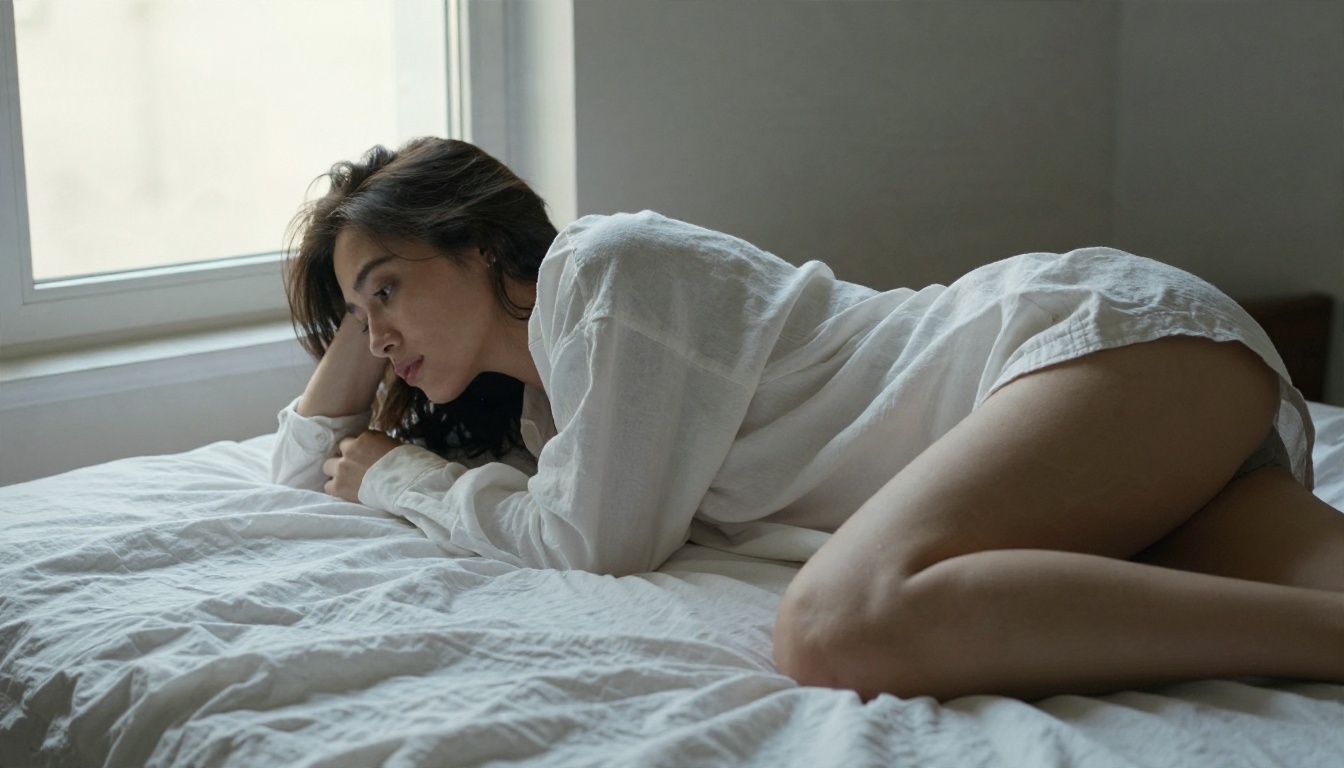
A woman in an oversized white cotton shirt lying on her side on rumpled white linen, face turned toward a bright window, soft blanket across her lower body, diffused north light from the left, 85mm lens at bed height, calm intimate mood.
Notice the blanket. Covering is part of the composition, and it keeps the prompt clearly on the editorial side of the line.
Evening and Studio Glamour
Gowns, satin, red lips and hard studio light give the "sensual" effect without any risk. Specify the light source and direction, because the model otherwise defaults to flat, even lighting.
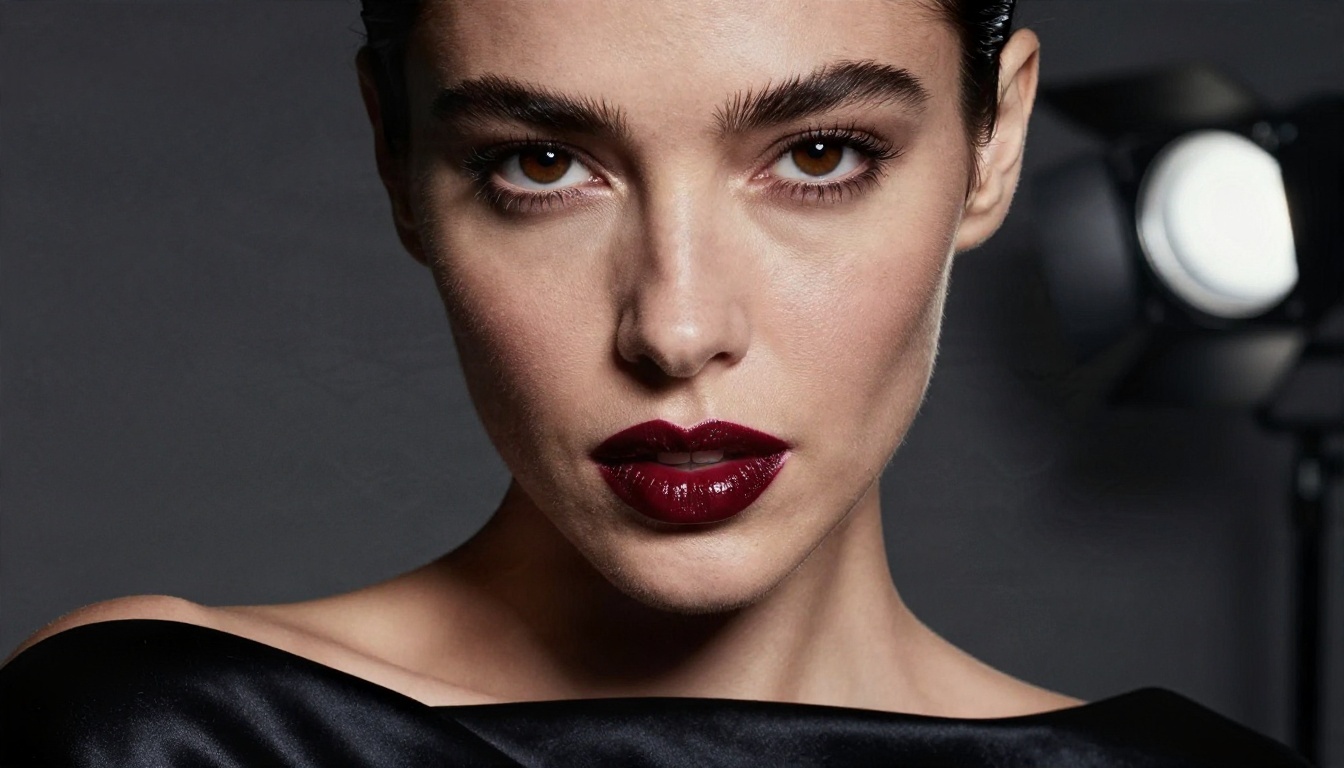
Close-up beauty portrait, dark red lips, black satin strapless dress, single large softbox from camera right, deep soft shadows on the left cheek, 105mm f/2, visible pores and individual lashes.
Here is a quick reference for what tends to work and what tends to get refused:
| Prompt element | Usually passes | Usually refused |
|---|
| Wardrobe | Bikini, slip dress, silk robe, gown | Nudity, see-through undress requests |
| Pose | Reclining, looking over shoulder, walking | Explicit or sexual poses |
| Framing | Portrait, full length, aerial | Anatomical close-ups |
| Subject | Fictional adult woman or man | Celebrities, real people |
| Tone | Editorial, glamour, fine art | Fetish, degrading, violent |
Free Options and Real Limits
"Free" is the second half of the keyword, and it needs a careful answer.
What Free Usually Means
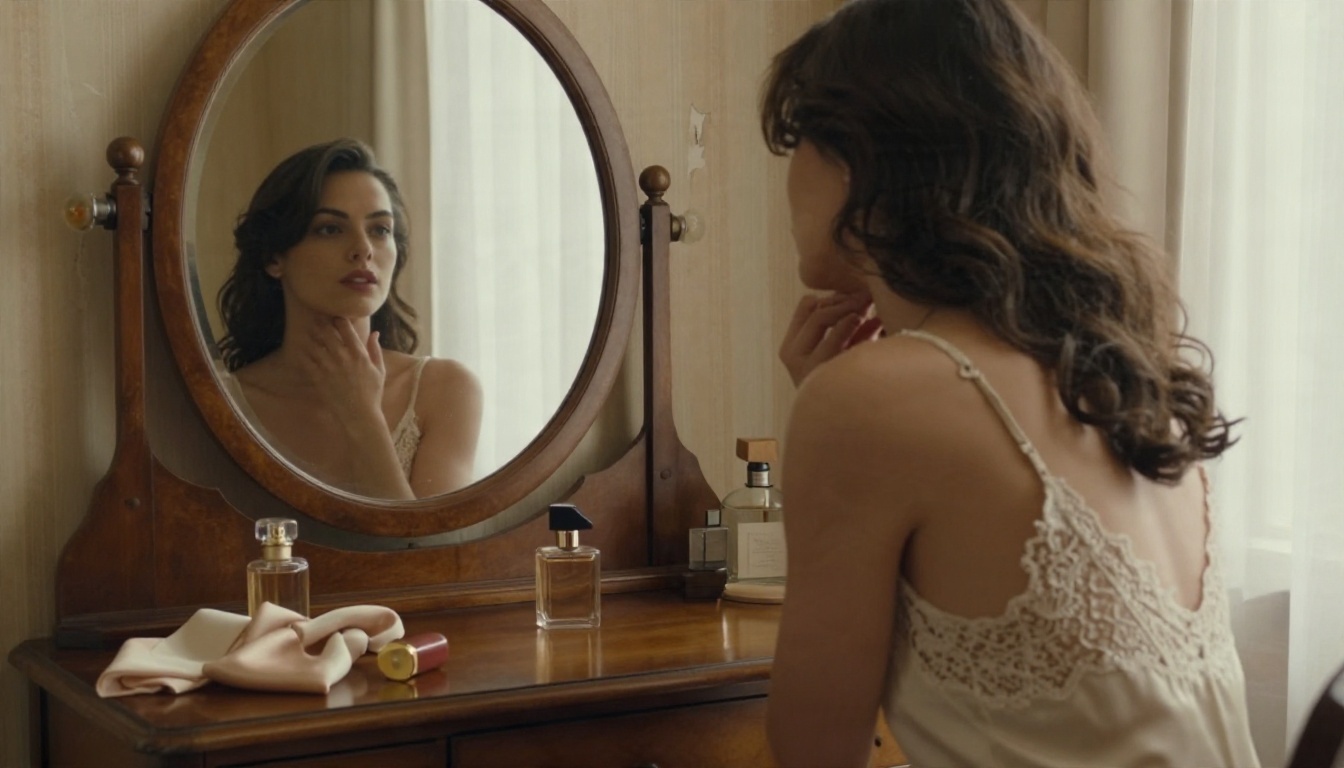
Official access to GPT Image 2.5 comes through ChatGPT plans and through the API, which is billed per image. Free tiers, when they exist, are small and can change without notice, so I will not quote numbers that may be stale by the time you read this. Third-party sites advertising "free GPT Image 2.5 NSFW" are almost always one of three things: a different model with a borrowed name, a trial with a few credits, or a page built to collect sign-ups.
The reliable free route is to skip the label and use a model that is generous by design. That is where PicassoIA's image editor comes in, covered below.
Limits You Will Hit
Even with paid access, expect these:
- Refusals with no explanation. You rarely get a reason, just a block.
- Queue and rate limits during busy hours.
- Inconsistent faces across a series unless you edit from one reference image.
- Output checks that reject a finished render after you waited for it.
- Policy drift. What passes this month can fail next month, since providers tighten and loosen filters often.
💡 Tip: Keep a short text file of prompts that passed. When a filter changes, you can tell right away whether it is the prompt or the platform.
Better Picks for Adult Content
If your goal is adult-oriented imagery with fewer interruptions, the model choice matters more than the prompt. These are the ones to try, in this order.
Seedream 4.5 First
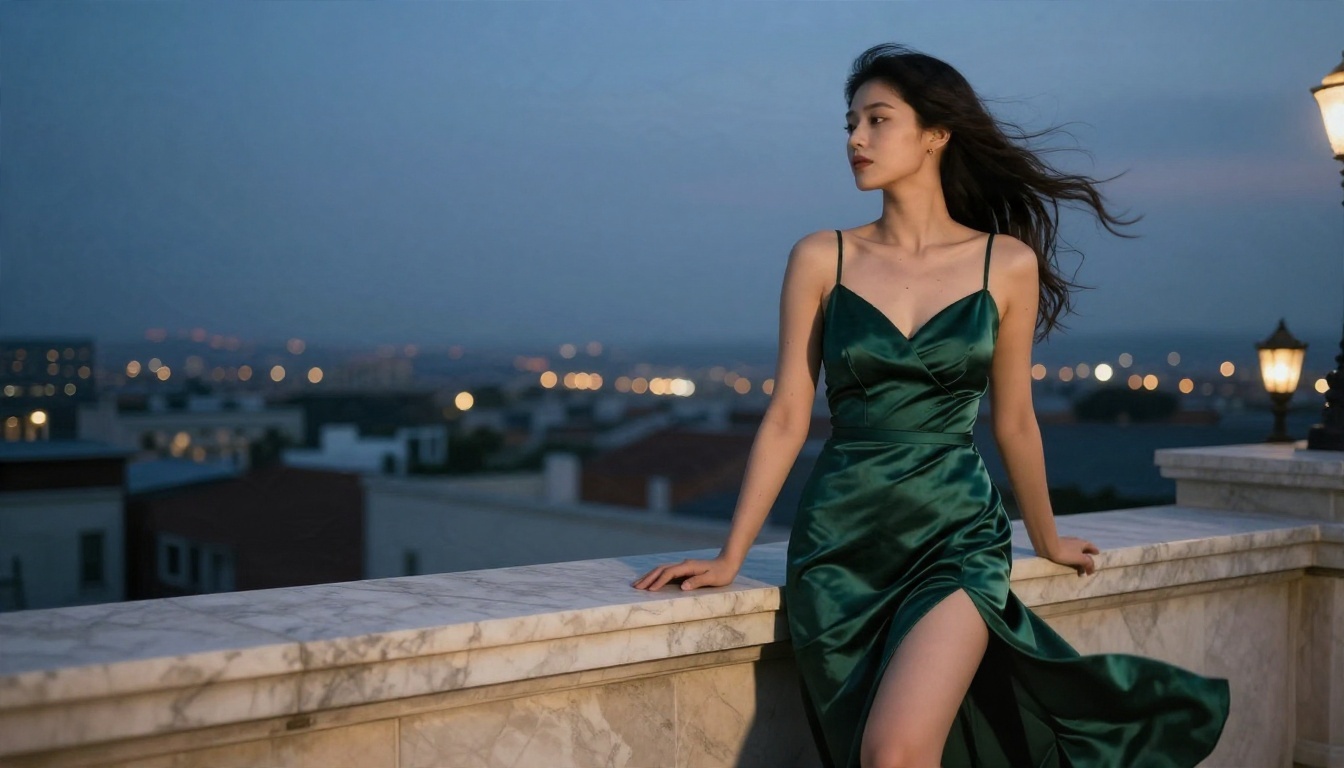
Seedream 4.5 is my first recommendation for adult-leaning work. It produces sharp, high-resolution portraits with convincing skin and fabric, it follows detailed prompts, and it is far more relaxed about glamour and body-focused scenes than GPT Image 2.5. It is also fast enough that you can test five prompt variations in the time a moderated model takes to refuse two.
Image Editor Pro for Unlimited Runs
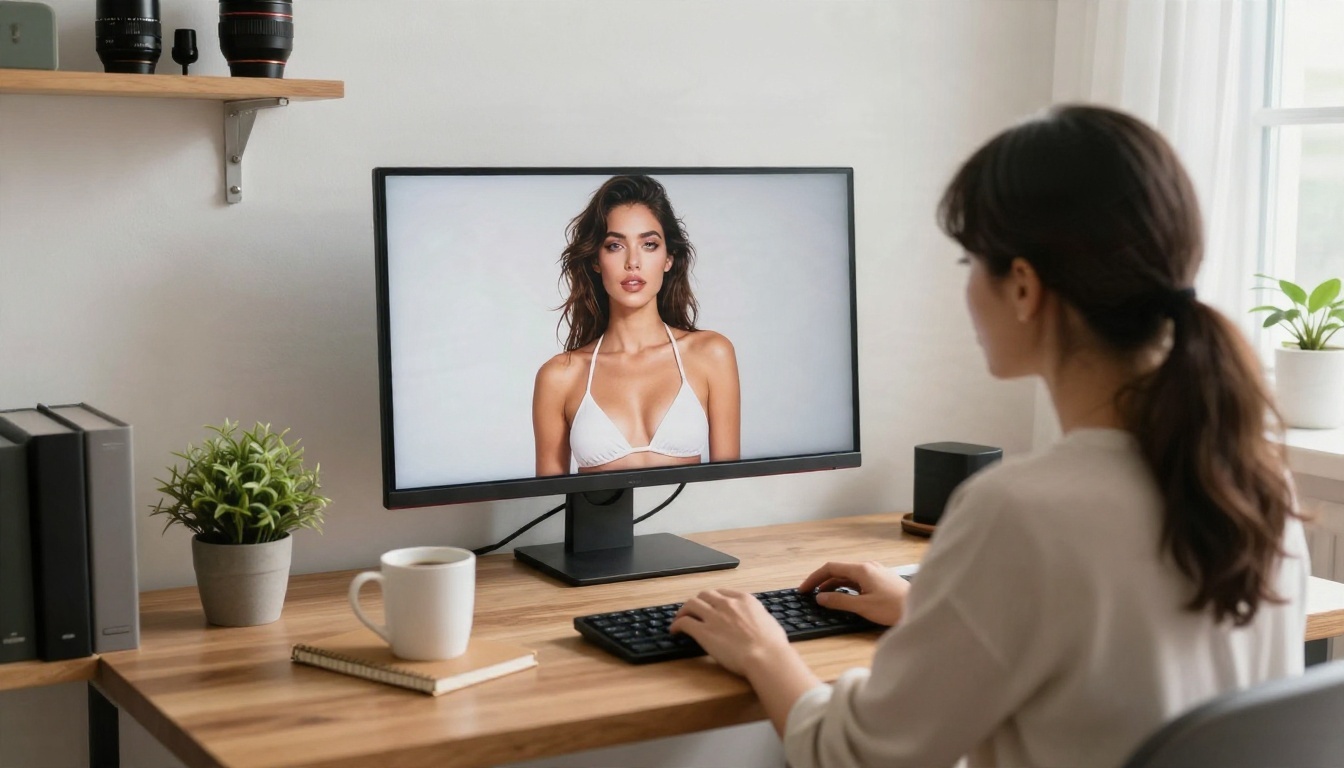
PicassoIA Image Editor Pro is the answer to the "free options" question. It offers unlimited generations, so you can iterate without watching a credit counter, and it handles edits as well as new images: change an outfit, swap a background, adjust lighting, fix a hand. For anyone who wants to produce a lot of material and refine it, no per-image anxiety is the biggest practical advantage.
Other Models Worth Testing
Keep everything adult and fictional. That rule is not negotiable on any platform, and it is the one line no model setting changes.
How to Use GPT Image 2.5 on PicassoIA
If suggestive but non-explicit images are enough for your project, GPT Image 2.5 is a strong choice, and PicassoIA lets you run both variants in one place.
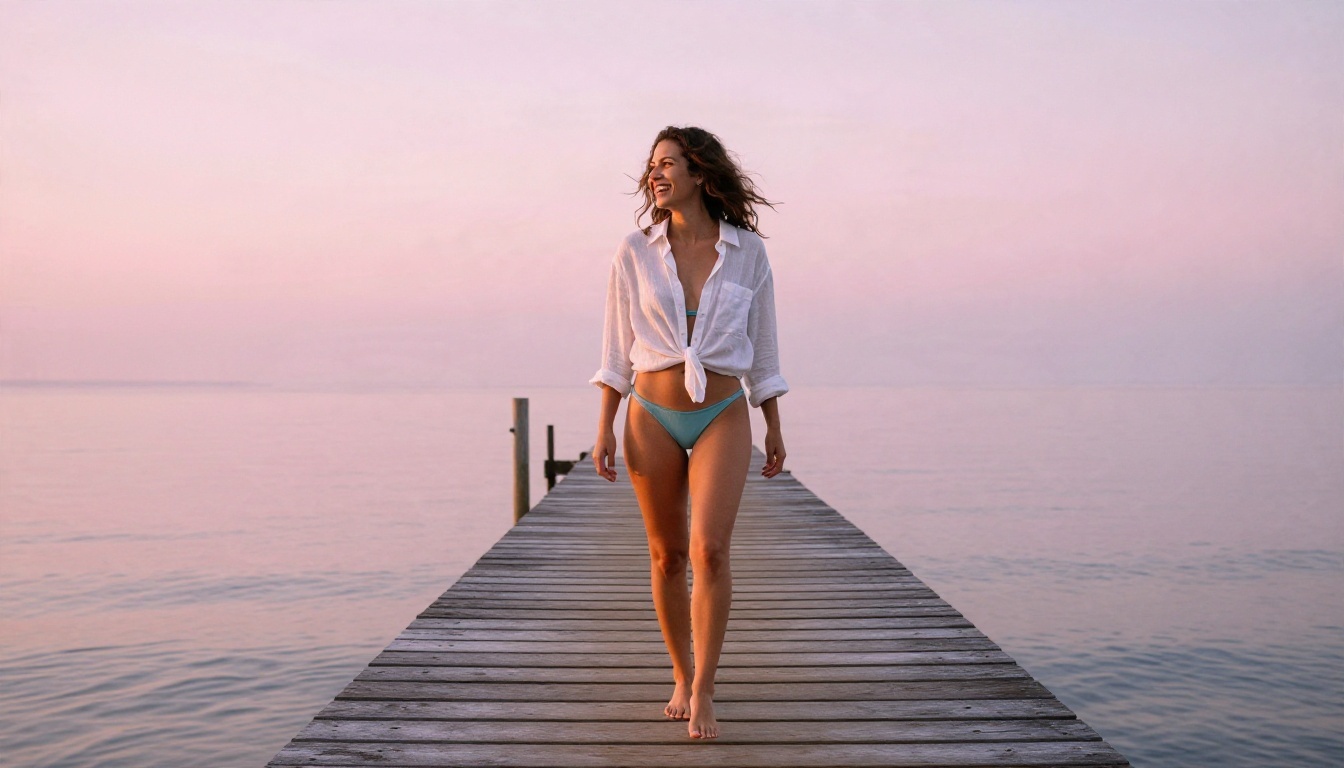
Step by Step
- Open GPT Image 2.5 Flare for fast drafts, or GPT Image 2.5 Sunburst for the final version.
- Write the prompt in this order: subject and wardrobe, location, light direction, camera and lens, texture details.
- Choose a wide aspect ratio for scenery and glamour, or a portrait ratio for close-ups.
- Generate with Flare until the composition is right.
- Rerun the winning prompt on Sunburst, or move the image into the editor to adjust details.
- If a prompt is refused, rewrite it as a photo brief instead of a description of the person.
Settings That Matter
- Aspect ratio changes framing more than people expect. A wide frame pushes the model toward environment and mood, a tall frame toward the subject.
- Lens words (35mm, 85mm, 105mm) steer depth of field reliably.
- Light direction ("from the left," "rim light from behind") is the single best realism upgrade.
- Film stock words such as Kodak Portra 400 add warm, believable color and grain.
Common Mistakes to Avoid
Chasing jailbreak prompts. They waste time and rarely work. Pick a model that fits the task.
Overloading one prompt. Ten wardrobe details and five locations confuse every model. One outfit, one place, one light.
Skipping texture words. Without "visible pores," "linen weave" or "water beads," skin looks airbrushed.
Ignoring the editor. A near-perfect image with a bad hand is cheaper to fix than to regenerate. Image Editor Pro handles that kind of correction.
Treating policy as fixed. Filters change. Re-test your saved prompts every few weeks.
Make Your Own Images Today
You now know the real boundaries of GPT Image 2.5 NSFW, which is more useful than any promised workaround. Use GPT Image 2.5 Flare and Sunburst for polished glamour that stays inside the lines. When you want fewer interruptions, open Seedream 4.5 first, then run unlimited iterations in PicassoIA Image Editor Pro.
Pick one of the prompts above, change the wardrobe and location, and generate a few variations. Then browse everything else available at picassoia.com/en/all-models and see which model gives you the look you were after.


