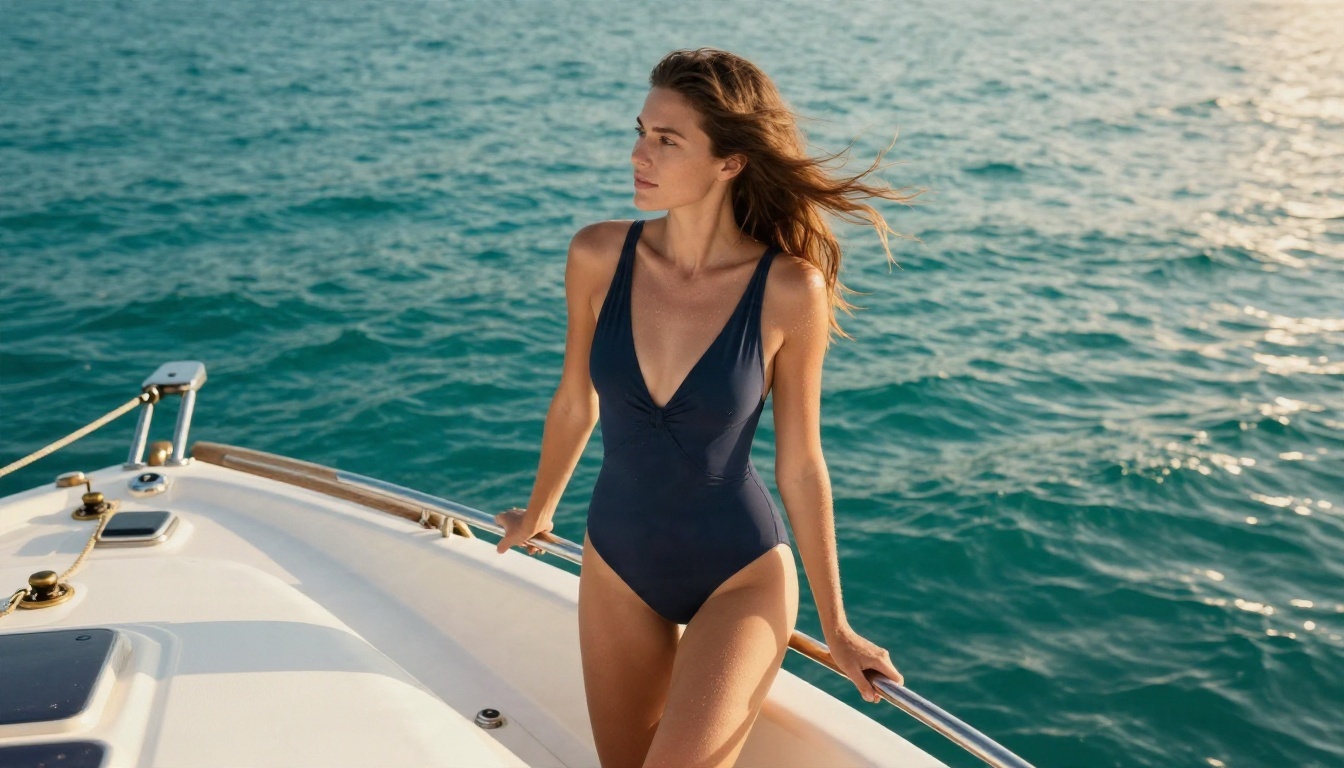
You typed a perfectly reasonable prompt, an adult model in a swimsuit on a yacht deck, and the generator answered with a refusal. If that sounds familiar, you already know the core frustration behind searches for GPT Image 2.6 NSFW: the rules are vague, the filters are jumpy, and nobody tells you where the line actually sits. This article lays out what the model's safety layer is built to stop, why it also catches harmless requests, and which models on PicassoIA handle glamour, swimwear and boudoir photography without the constant rejections.
One honest note before we start. GPT Image 2.6 is not on PicassoIA, and I could not find a published, model-specific rulebook for it. What follows combines OpenAI's long-standing public stance on adult imagery with how users report these filters behaving. Treat the details as patterns, not guarantees, and check OpenAI's current usage policy before you build a workflow around any single behavior.
What GPT Image 2.6 Actually Allows
The Official Line on Adult Content
OpenAI's image models have consistently drawn the same hard boundaries: no pornography, no sexual content involving minors, no sexual deepfakes of real people, and nothing that depicts non-consenting people in sexual situations. Those rules are not negotiable and they are not what this article is about. Nobody serious is asking for ways around them, and none of the alternatives below help with that either.
The gray zone is everything below that line. Swimwear, lingerie campaigns, boudoir portraits, classical nude studies, fashion editorials with bare shoulders. These are legal, common, and commercially normal. A cautious moderation system lumps many of them together with explicit content because it is cheaper to refuse than to judge.
What I Could and Couldn't Confirm
Research on the 2.6 release turned up plenty about earlier GPT image models and almost nothing specific to this version. Here is the split between what is reasonably established and what is not.
| Topic | Status |
|---|
| Ban on pornography and sexual deepfakes | Long-standing policy across OpenAI image models |
| Strong protection around minors | Stated as unchanged or tightened in every update |
| Loosening in 2025 for public figures and symbols | Reported by several outlets, not about adult content |
| Prompt-level and output-level moderation | Described by users and third-party writers |
| Exact 2.6 rules for swimwear or lingerie | Not confirmed, behavior varies by account and day |
If a site promises to tell you exactly what 2.6 will and won't render, be skeptical. The honest answer is that the boundary is soft and moves.
💡 Practical takeaway: Plan your project as if any suggestive prompt might be refused. Pick a backup model before you start, not after your fifth rejection.
How the Filters Work
Prompt Screening Before Generation
The first layer reads your text. It looks for words and phrases statistically linked to explicit content and can reject the request before a single pixel is drawn. This is why a prompt with one loaded word can fail while a nearly identical, more neutral one succeeds. The system is reading vocabulary, not intent.
Output Checks After Generation
The second layer inspects the finished image. Even if your prompt was clean, the result can be flagged if it shows too much skin, an ambiguous pose, or a texture the classifier misreads. You then get a refusal after waiting for the render, which is the most irritating failure mode because you cannot tell which part of the image tripped it.
Why Safe Prompts Still Get Blocked
Forum threads are full of the same complaints: a request refused because of exposed shins, classical figure studies flagged as adult, a bikini prompt refused one hour and accepted the next. The causes are boring and predictable.
- Classifier thresholds are set conservatively. A false positive costs the company little. A miss costs a lot.
- Context gets ignored. The classifier sees skin tone and body shape, not "beach holiday photo."
- Rules differ by surface. The same model can behave differently in a chat app, an API and a third-party tool.
- Policies change quietly. Behavior can shift between updates without a changelog entry.
If your work is fashion, swimwear, beauty or boudoir photography, you will hit these walls more often than a landscape photographer ever will.
Where the Line Sits in Practice
Based on user reports, requests tend to sort into three buckets. Use this as a rough map, not a promise.
| Request type | Typical result | Notes |
|---|
| Full-coverage fashion, streetwear, evening wear | Usually accepted | Rarely an issue |
| One-piece swimwear, modest beach scenes | Often accepted | Occasional random refusals |
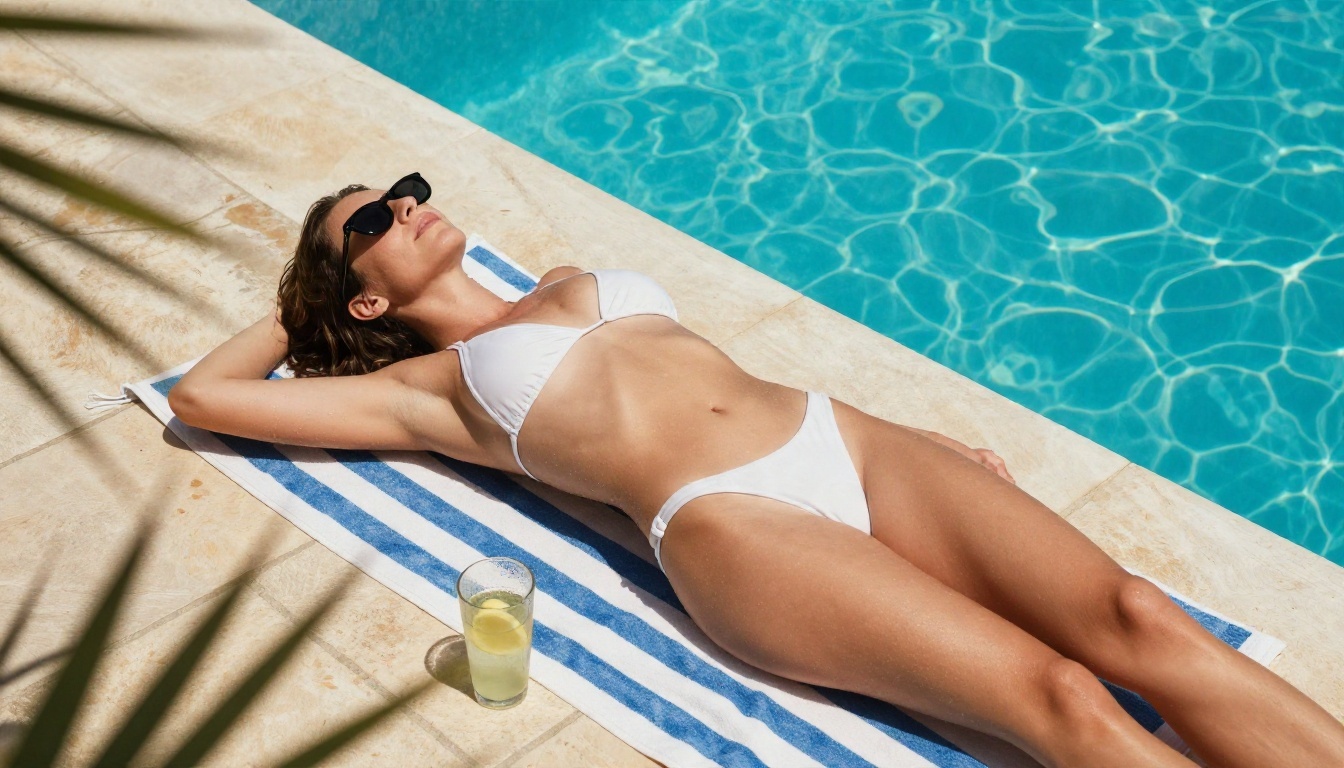
| Bikinis, lingerie campaigns, boudoir | Inconsistent | Wording and framing matter heavily |
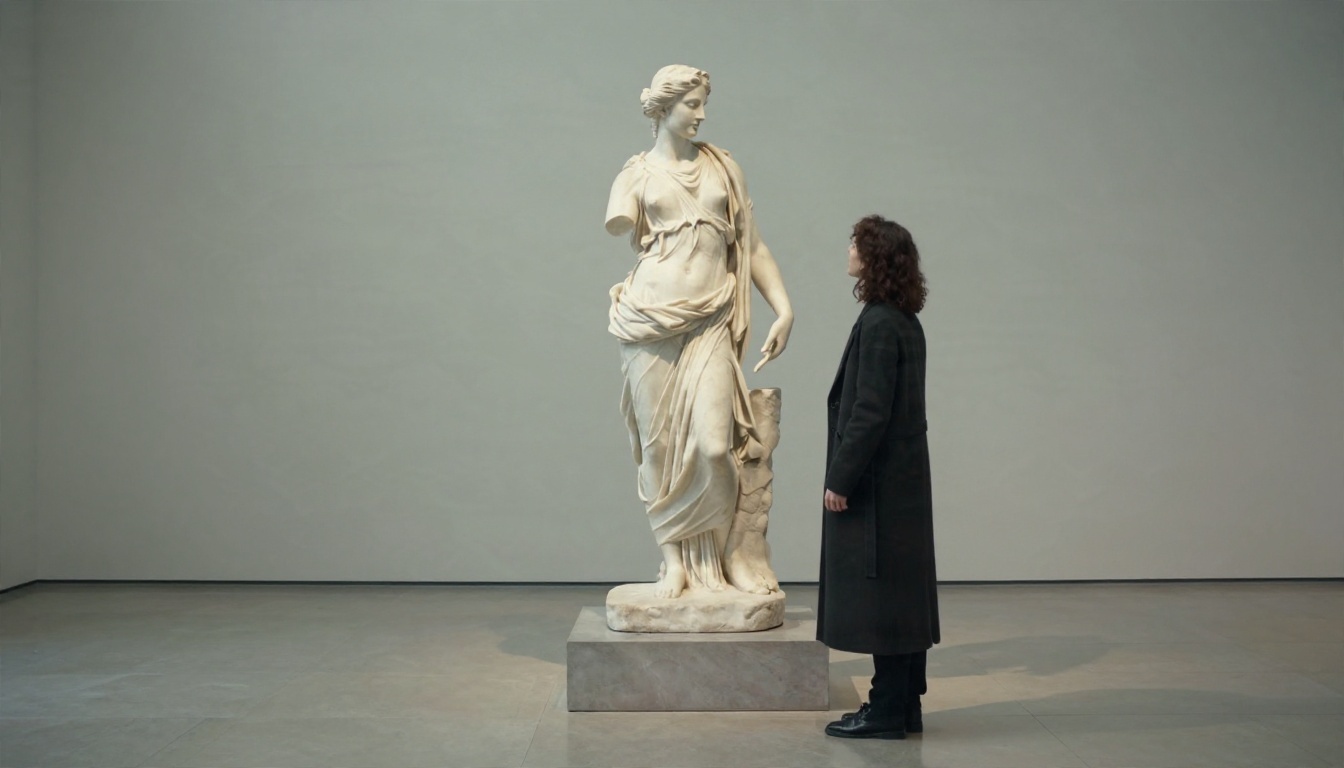
| Artistic nudity, classical studies | Frequently refused | Even museum-style references can trip it |
| Explicit sexual content | Refused | Hard boundary |
Swimwear and Fashion
Swimwear is the most common casualty. The model has no trouble with a beach, a pool or a sunset, but add "tiny," "revealing" or anything about body parts and the odds drop. Describing the photograph instead of the body helps: lens, light, location, fabric, mood.
Boudoir and Lingerie
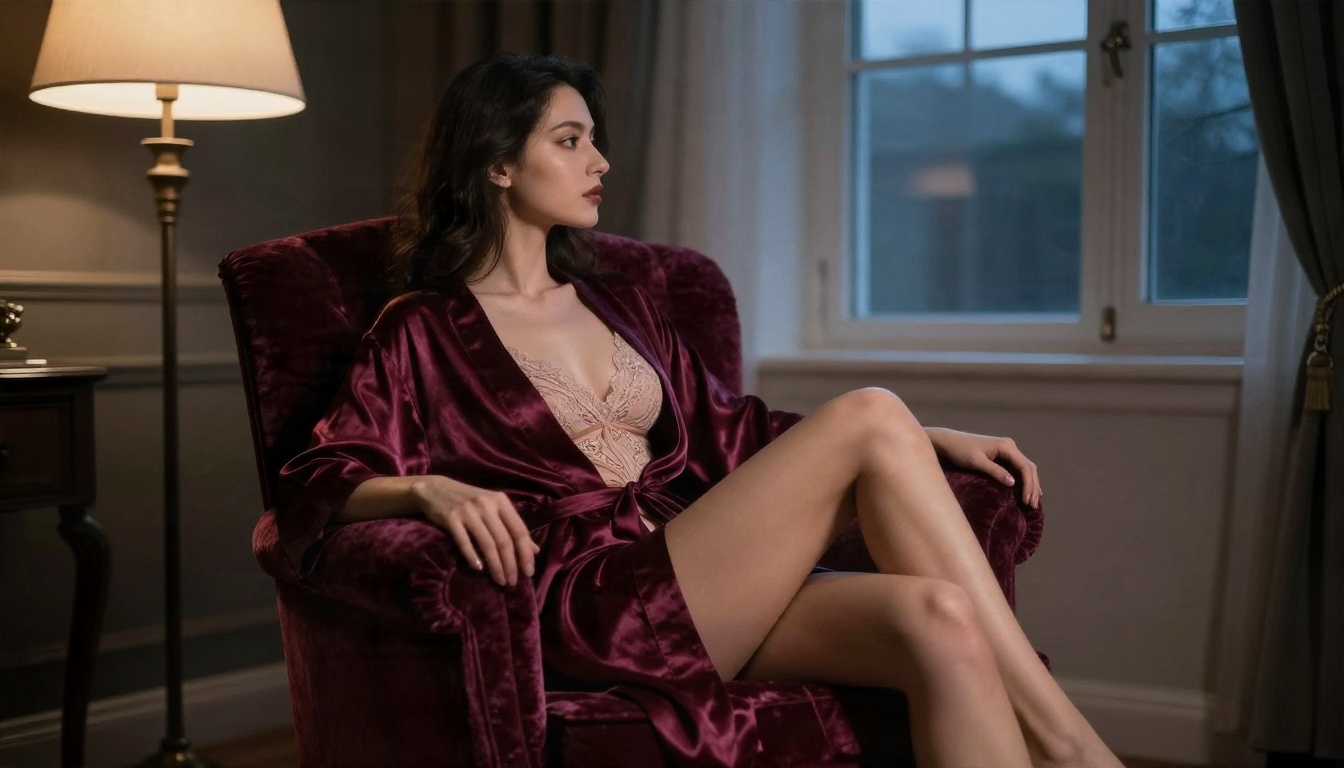
Boudoir is a legitimate photography genre built on soft light, silk and implication. It is also the category where moderation tends to be least predictable. Robes, lace and window light read as artful to a human and as risky to a classifier. Expect to rewrite prompts several times, or switch to a model that does not treat the genre as a threat.
Art and Nudity
Classical sculpture, figure drawing and fine-art nudes sit in art history textbooks, yet they are among the most commonly flagged requests. If your project depends on them, a restrictive model is the wrong tool no matter how good its image quality is.
Rewording Prompts Without Tricks
You do not need clever exploits. Most refusals on borderline requests disappear when you write the way a working photographer would brief a shoot.
Write Like a Photographer
State the camera, lens, lighting direction and setting first. Describe clothing as fabric and cut: "black satin slip dress," "champagne silk robe," "navy one-piece." Mention the mood in plain terms, such as confident, relaxed, editorial. A prompt that reads like a shot list gets treated as a photograph request.
💡 Prompt pattern: Subject and wardrobe, then location, then light direction, then lens and depth of field, then film stock or color mood. Keep it factual and specific.

Mistakes That Trigger Blocks
- Stacking several suggestive adjectives in one sentence.
- Naming body parts instead of clothing and pose.
- Asking for a likeness of a real person. This is a hard no and also an ethical and legal problem.
- Leaving the subject's age ambiguous. Always specify an adult.
- Repeating the same refused prompt with tiny edits. Rewrite the whole idea instead.
Uncensored Alternatives That Work Today
GPT Image 2.6 is not on PicassoIA yet, so you cannot run it there. For similar results today, these models are on PicassoIA and are far more relaxed about glamour, swimwear and boudoir subjects. They are built for adult photography within lawful limits: no minors, no real-person deepfakes, nothing non-consensual. The selection below is ordered by how well each fits this kind of work.
Seedream 4.5 First
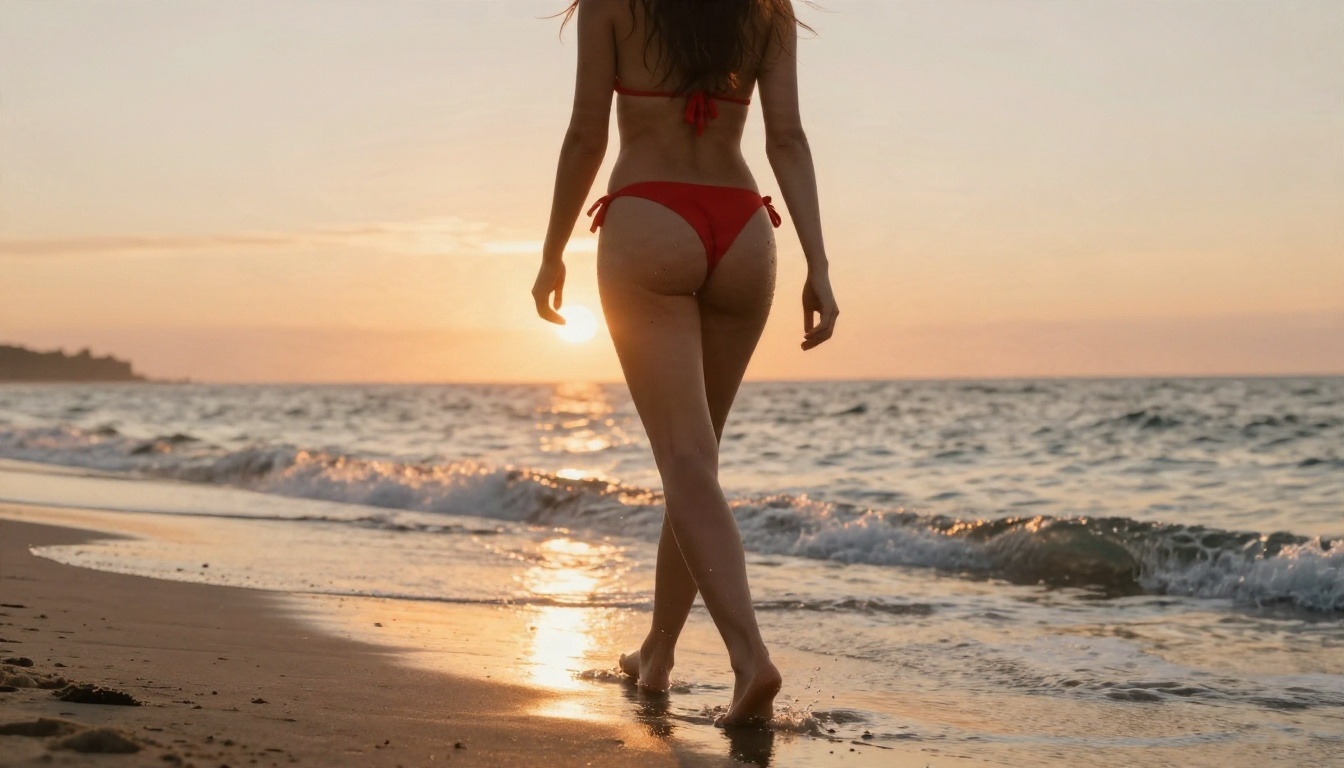
Seedream 4.5 is the strongest starting point. It renders skin texture, fabric and light with photographic realism, follows long descriptive prompts closely, and does not panic over a bikini or a silk robe. Output goes up to 4K, which matters if you plan to print or crop heavily.
PicassoIA Image Editor Pro
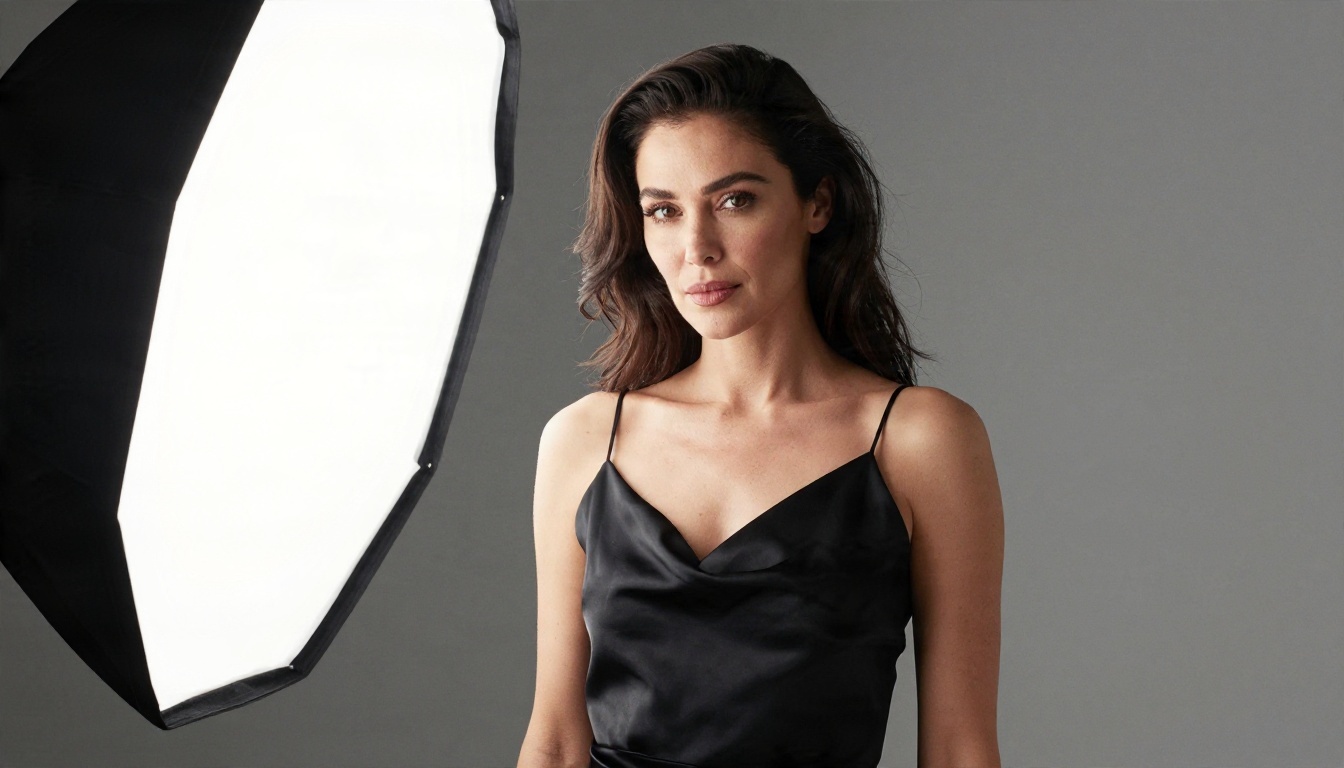
PicassoIA Image Editor Pro is the one to pick when volume is the problem. It offers unlimited generations, so you can iterate on wardrobe, pose and lighting as many times as it takes without watching a quota. It is also an editor, which means you can take an existing photo and adjust outfit, background or mood instead of starting from scratch.
Z Image Turbo and Flux 2 Klein
When speed matters, Z Image Turbo returns sharp images in seconds, which makes it ideal for testing ten prompt variations before committing to one. For a more styled, tunable look, Flux 2 Klein 9B Base LoRA gives you moody, editorial lighting and rich fabric texture.
Side by Side
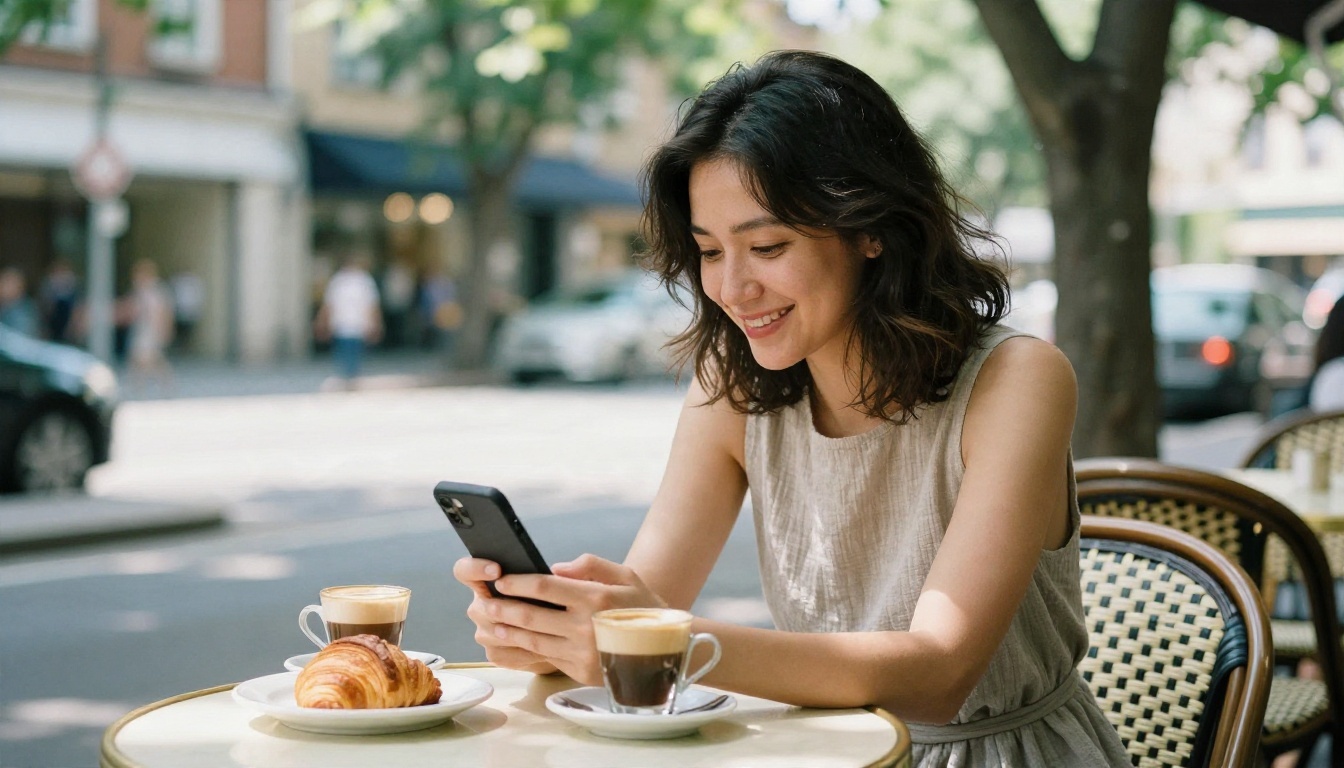
If you simply want an OpenAI-family option for everyday, non-suggestive work, GPT Image 2, GPT Image 2.5 Flare and GPT Image 2.5 Sunburst are on PicassoIA. They are different versions from 2.6, so do not assume identical behavior.
How to Get Similar Results on PicassoIA
The fastest route to a polished glamour or swimwear image is Seedream 4.5. Here is the workflow I would use.
- Open the model page. Go to the Seedream 4.5 page and start a new generation.
- Write a shot-list prompt. Begin with the subject and wardrobe, for example "adult woman in a red bikini on a wet sandy beach at golden hour." Add the light direction, lens and film feel: "backlit by a low sun, 35mm f/2, Kodak Portra 400 grain."
- Specify adult and realistic. Always state "adult woman" and request natural skin texture, pores and fabric detail to avoid the plastic look.
- Pick 16:9 for scenes, a vertical ratio for portraits. Wide frames suit beaches, pools and interiors. Tall frames suit full-body fashion shots.
- Generate, compare, refine. Change one variable per run: light, lens, pose or location. Small changes teach you what the model responds to.
- Switch to Image Editor Pro for the polish. Send your best result to PicassoIA Image Editor Pro to adjust outfit, background or color mood with unlimited tries.
💡 Parameter tip: Keep prompts between 40 and 80 words. Shorter ones look generic. Longer ones start to contradict themselves.
Speed, Limits and Cost
Moderation is only half the story. The other half is how many attempts you can afford. A model that refuses 3 out of 10 borderline prompts and charges per attempt costs more than it appears to, because every refusal is a wasted wait.
Here is how the practical trade-offs compare.
- Restrictive models: Polished output, but unpredictable refusals, quotas and a habit of rejecting art and fashion subjects.
- Seedream 4.5: High detail and consistent adherence to prompts, so fewer wasted runs.
- Image Editor Pro: No ceiling on generations, which changes how you work. You can experiment freely and keep only the best frames.
- Z Image Turbo: Speed is the advantage. Ten drafts in the time one slow render takes.
Staying on the Right Side of the Line
Fewer filters do not mean fewer responsibilities. Keep every subject an adult, never recreate a real person's likeness, never produce anything non-consensual, and check the rules of any platform where you publish. The point of a better tool is better photography, not a loophole.
Try It Yourself on PicassoIA
If GPT Image 2.6 keeps refusing your glamour, swimwear or boudoir ideas, you do not have to keep rewording the same prompt. Open Seedream 4.5, paste a photographer-style prompt, and see how it handles a request that a stricter model refuses. Then take your favorite result into PicassoIA Image Editor Pro and iterate with unlimited generations until the light, wardrobe and mood are exactly right.
Want to compare more options? Browse every model at picassoia.com/en/all-models and run the same prompt through several of them. Ten minutes of side-by-side testing will tell you more than any review, including this one.


