Everyone is typing "GPT Images 2.1" into a search bar this week, and almost nobody agrees on what it actually is. Some posts treat it as a fresh OpenAI release. Others use the name for the image engine that sits inside ChatGPT. I spent time sorting through what is confirmed, what is guesswork, and what you can really do with it for free, so you can skip the noise and get to making pictures.
Here is the short version. The OpenAI image model that people can verify is gpt-image-2, launched in April 2026 as ChatGPT Images 2.0. Newer names such as 2.5 Sunburst and 2.5 Flare have appeared since. I could not confirm an official release that carries the exact label "2.1", so treat any page promising "GPT Images 2.1 secrets" with a healthy dose of suspicion. Everything below is built on what the verified models do, and I flag every spot where the facts get thin.
What GPT Images 2.1 Actually Is
Let's start with the honest part. When a model name floods search results before an official announcement does, it usually means one of three things: a community nickname, a reseller label, or a genuine incremental update that has not been documented well yet.
The Naming Confusion
OpenAI's public image line currently reads like this, based on what I could verify:
| Name | Status | What it means for you |
|---|
| GPT Image 1.5 | Older, still around | Fast, supports transparent backgrounds |
| gpt-image-2 (ChatGPT Images 2.0) | Launched April 2026 | Reasoning, sharper text, 2K output |
| GPT Image 2.5 Sunburst and Flare | Newer variants | Quality and speed tiers of the same family |
| GPT Images 2.1 | Not confirmed | Treat as a nickname until OpenAI says otherwise |
GPT Images 2.1 is not on PicassoIA, and I will not pretend otherwise. If the name turns out to be a real, separate release, it will have its own page. Until then, the closest family members are listed in the alternatives section below, each with a direct link.
Why the Name Keeps Spreading
Naming drift is normal in this field. Resellers rename endpoints, bloggers round version numbers, and users search whatever phrase they saw last. The practical takeaway: judge a model by its output and its published limits, not by the version number on a landing page.
💡 Quick check: If a site offers "GPT Images 2.1" with no mention of OpenAI documentation, no pricing table and no usage caps, you are probably looking at a wrapper or a lead-capture page.
What's New in This Generation
Even without a confirmed 2.1 label, the jump from the earlier GPT image models to the 2.0 generation is real. These are the changes that matter when you sit down to make something.
Reasoning Before Drawing
The headline feature of ChatGPT Images 2.0 is that the model plans before it renders. Instead of turning your sentence straight into pixels, it first works out layout, object count and relationships. That is why complex requests, such as "four people at a table, one pouring tea, a clock showing 3 o'clock," come out far more accurate than they did a year ago. Reported reasoning controls are tied to paid ChatGPT plans, while the standard mode is open to everyone.
Sharper Text Inside Images
Older generators mangled letters. This generation handles signs, labels, menus and posters much better, including text in several languages. It is still not perfect on long paragraphs, so keep on-image text short, ideally one to five words.
Higher Resolution and Multiple Outputs
Output now reaches around 2K, which is enough for a blog header or a social post without upscaling. Paid tiers reportedly allow several variations from a single prompt, which helps when you want to pick the best of a batch.
| Feature | Earlier GPT image models | 2.0 generation |
|---|
| Planning before rendering | No | Yes |
| Text accuracy | Frequent typos | Much cleaner |
| Max output size | About 1K | Around 2K |
| Multilingual text | Weak | Noticeably better |
| Multiple outputs per prompt | Limited | Available on paid plans |
Free Access: What You Really Get
This is the question behind most searches, and the answer is mixed. Free access exists, but it is rationed.
Inside ChatGPT
Standard image generation is available to free ChatGPT accounts. You open a chat, describe the picture, and the model draws it. The catch is volume. Third-party estimates range from roughly two or three images per rolling 24-hour window to a few images every few hours, and the number flexes with server load. OpenAI has not published a fixed per-tier figure, so any exact number you read online is an estimate.
Through the API
There is no free API tier for gpt-image-2. A ChatGPT Free account does not give you API credit either. API billing is token based, and third-party breakdowns put a low-quality square image at well under a cent and a medium-quality one at a few cents. Those figures come from outside blogs, so check the official pricing page before building a budget around them.
What "Free" Usually Costs You
| Path | Cost | Typical catch |
|---|
| ChatGPT Free | $0 | Small daily allowance, standard mode only |
| ChatGPT Plus and above | Monthly fee | Reasoning mode, more variations, higher caps |
| OpenAI API | Pay per image | Token billing, rate limits by account tier |
| Third-party wrapper sites | Often "free" | Watermarks, queues, unclear model underneath |
💡 Tip: If you need many images in a session, free allowances run out fast. Use the free quota for your best idea, and use a platform with generous generation for the volume work.
The Limits Nobody Mentions
Every image model has walls. Knowing where they are saves you from burning your quota on prompts that were never going to work.
Rate and Quota Limits
Free users face a rolling cap, and busy hours tighten it. Paid users get higher ceilings but still hit them during heavy sessions. API users deal with per-minute token and image limits that rise as the account spends more.
Content and Safety Limits
OpenAI models decline a wide range of requests: explicit material, real public figures in many contexts, and certain copyrighted characters. If your project involves glamour, swimwear or fashion portraiture, you will spend more time rewording prompts than rendering them. That is one reason many creators keep a second model in their toolbox.
Quality Limits
Even strong models stumble on a few things:
- Long text blocks drift into gibberish after a line or two.
- Exact counts such as "seven candles" can still miss.
- Hands holding small objects sometimes lose a finger.
- Consistency across a series needs careful repeated wording or reference images.
Prompts That Work Right Now
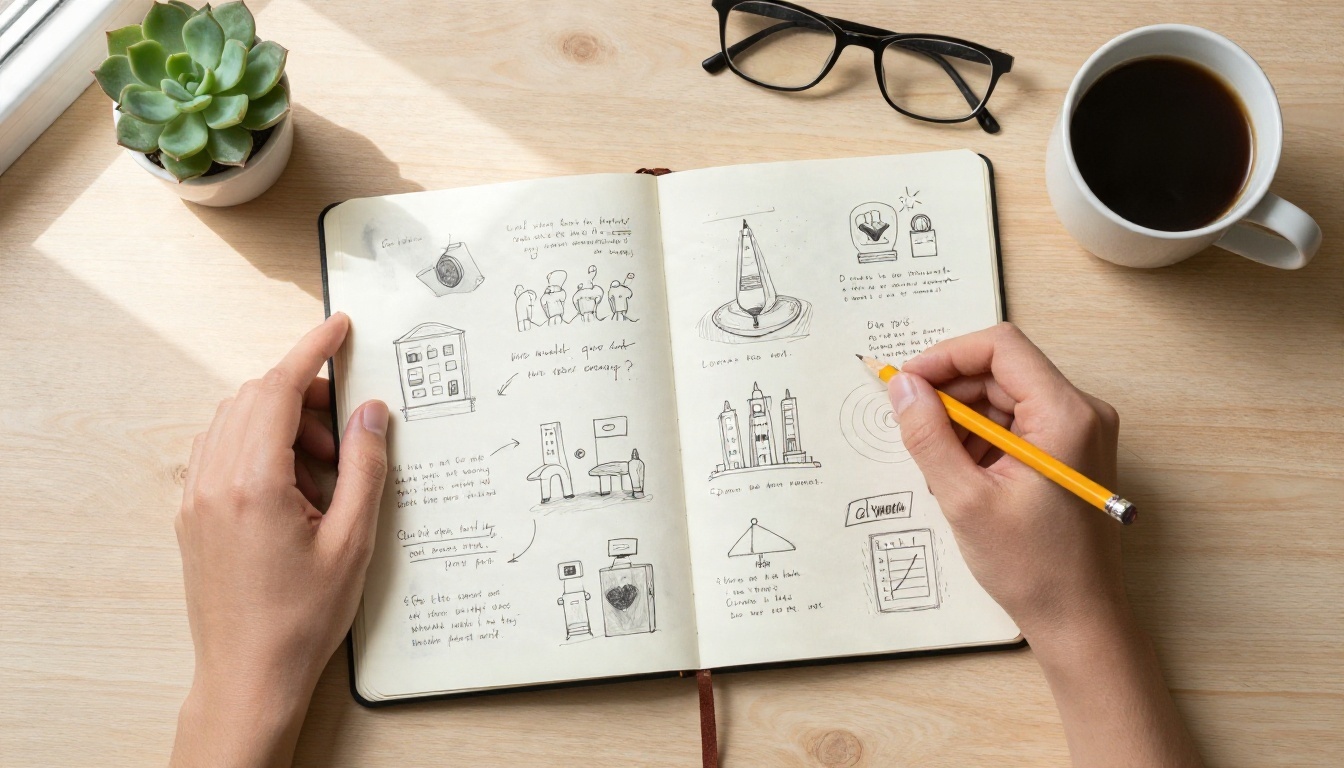
A good prompt for this model family reads like a photographer's brief, not a keyword pile. Reasoning models reward clarity.
The Five Part Formula
Use this order and you will get steady results:
- Subject and action: who or what, doing what.
- Setting: place, time of day, background details.
- Light: direction, softness, color temperature.
- Camera: lens length, angle, distance, depth of field.
- Texture and mood: skin, fabric, grain, atmosphere.
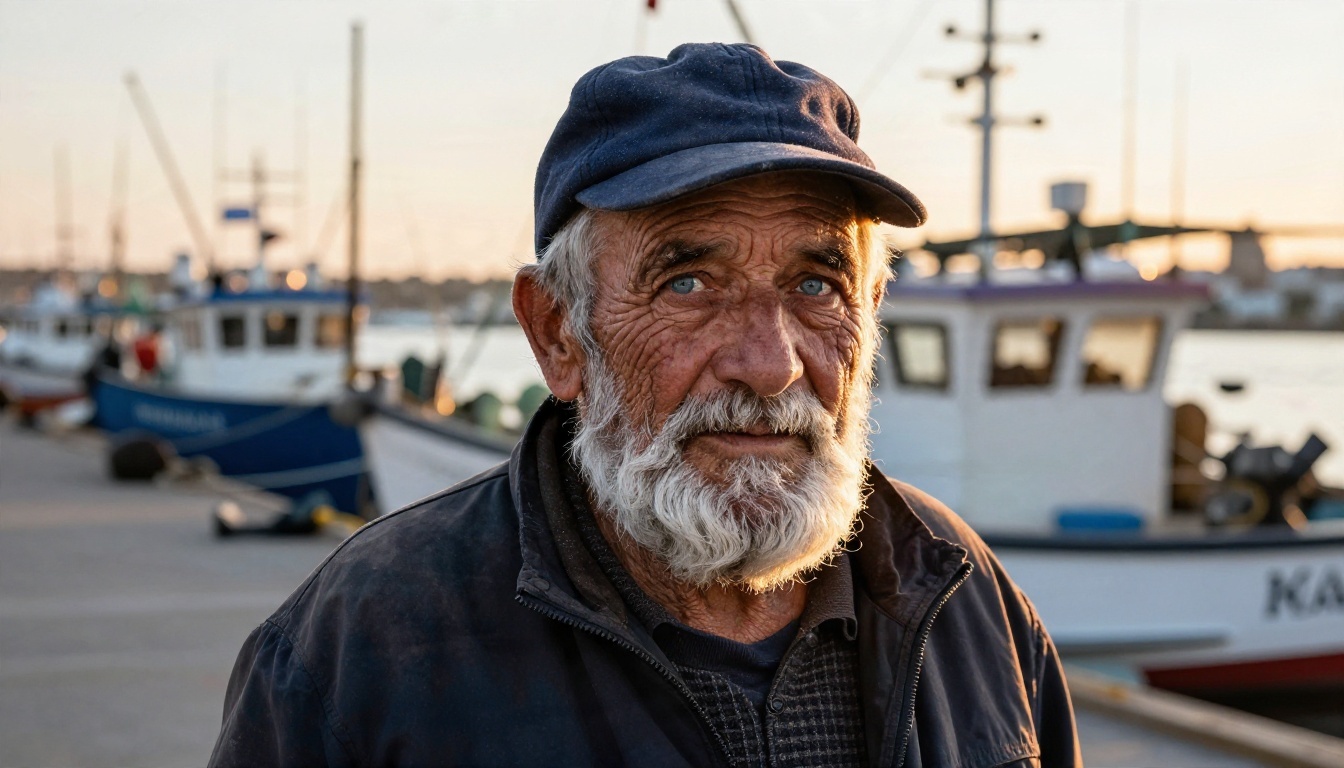
Portrait Example
An elderly fisherman with deep weathered wrinkles and a white beard, wearing a faded navy wool cap, standing on a harbor dock at golden hour. Warm low sunlight from behind left creating a rim glow, blurred boats in the background, 85mm lens at f/1.4, visible skin texture, pale blue eyes, film grain.
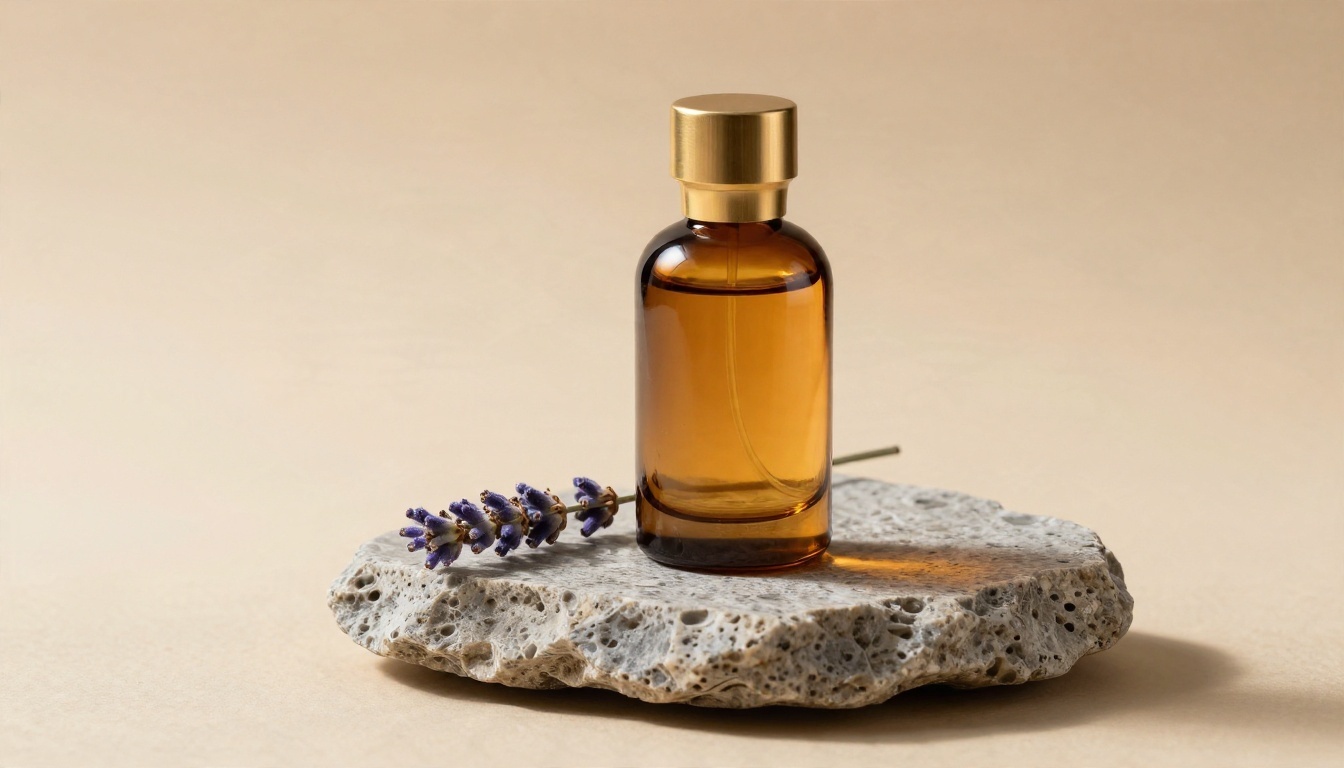
Product Example
An amber glass perfume bottle with a brushed brass cap on rough travertine stone, a sprig of dried lavender beside it. Single softbox from the left, seamless warm beige backdrop, 100mm macro lens at f/5.6, visible stone pores, clean commercial look, no text on the bottle.
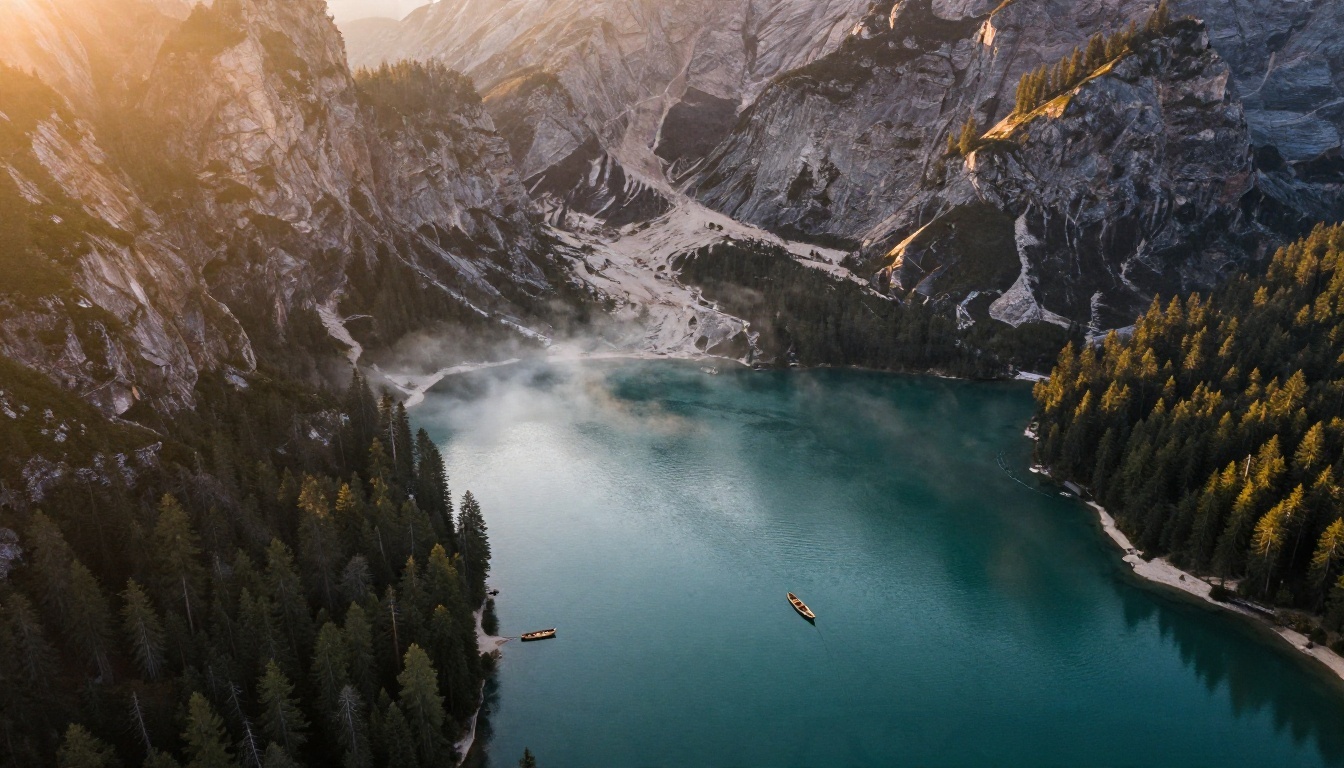
Landscape Example
Aerial view of a turquoise mountain lake ringed by dark pine forest and granite peaks at sunrise, low mist over the water, a tiny wooden rowboat near the shore. Warm light grazing the ridges, 24mm lens, deep depth of field, natural muted colors.
Prompt Mistakes to Skip
- Stacking ten style words that fight each other.
- Asking for paragraphs of text inside the image.
- Leaving out light direction, which makes everything look flat.
- Changing five things at once when you revise. Change one.
Alternatives You Can Use Today
GPT Images 2.1 is not on PicassoIA yet. For similar results today, these image models are on the platform and cover the same text to image job. Pick based on what you need most.

| Model | Best for | Why try it |
|---|
| GPT Image 2 | Closest sibling to the 2.0 generation | Strong prompt following and clean text |
| GPT Image 2.5 Sunburst | Generating and editing | A newer variant in the same family |
| Nano Banana Pro | 4K output and edits | High resolution and flexible editing |
| Seedream 4.5 | Photoreal portraits and glamour | Detailed skin, fewer restrictions on fashion work |
If you want speed over polish, GPT Image 2.5 Flare is the fast tier. For transparent backgrounds, GPT Image 1.5 is still handy.
Which One to Pick
- Need readable text on a sign or poster? Start with GPT Image 2.
- Need a 4K hero image? Try Nano Banana Pro.
- Need people, fashion or swimwear shots? Go with Seedream 4.5.
- Need to test many ideas quickly? Use GPT Image 2.5 Flare.
How to Get Similar Results on PicassoIA
The model closest to what people expect from this generation is GPT Image 2. Here is how to use it well.
Step by Step
- Open the GPT Image 2 page on PicassoIA.
- Paste a prompt built with the five part formula above.
- Set the aspect ratio to match your use. Choose 16:9 for blog headers, 1:1 for social posts, 9:16 for stories.
- Generate, then judge the result before changing anything.
- Revise one element at a time: light first, then lens, then mood.
- Save the version you like and run the same prompt through a second model for comparison.
Parameter Tips
- Keep prompts between 50 and 120 words. Shorter prompts leave too much to chance, longer ones start to contradict themselves.
- Name the lens. "85mm f/1.4" and "24mm wide angle" produce visibly different framing.
- Describe texture. Words like "wool fibers," "brushed brass" and "weathered skin" push realism.
- Limit on-image text to one to five words, in quotes.
💡 Workflow idea: Draft in GPT Image 2, then send the same idea to Nano Banana Pro for a 4K version, and compare the two side by side.
Quick Answers to Common Questions
Is GPT Images 2.1 free?
The verified OpenAI image model in ChatGPT has a free standard mode with small rolling limits. A model officially called 2.1 was not confirmed in my research, so I cannot promise anything for that exact name.
Can I use it through an API for free?
No. The API for gpt-image-2 has no free tier, and a ChatGPT Free account does not include API credit.
How many images can a free account make?
OpenAI does not publish a fixed number. Outside estimates range from a few images per day to a few every few hours, depending on demand.
Does it handle text well?
Much better than earlier versions, especially for short phrases and signs. Long paragraphs are still unreliable.
What should I do when I hit the limit?
Switch to another model for volume work. Seedream 4.5 and Nano Banana Pro are good places to continue.
Start Making Your Own Images
Names come and go. A solid prompt and a model that fits the job are what produce a picture you actually want to publish. Take one of the prompts above, change the subject to something from your own life, and run it. Then run the same prompt through two other models and see which one gets the light right.
Picasso IA puts all of these image models in one place, so you can test GPT Image 2, Nano Banana Pro and Seedream 4.5 without juggling accounts or counting down a daily allowance. Browse the full lineup at picassoia.com/en/all-models, pick a model, and make your first image today.


