People type "Grok adult image generation" into a search bar because they heard one thing and ran into another. The headline says xAI built a tool that makes suggestive, glamour style pictures on request. The reality is a maze of paid tiers, age checks, daily caps and refusals that arrive without explanation. If you have burned through a quota on a prompt that came back blurred or blocked, this article is for you.
Below you will find what Grok's adult mode actually is, what the limits look like, which prompts and settings give the best odds, and which alternatives on PicassoIA deliver photorealistic, tasteful glamour work without the guesswork. Everything here stays non explicit: bikinis, boudoir, evening wear, editorial portraits. That is where AI photography looks best anyway.
💡 Quick take: Grok can produce suggestive images, but access is gated, quotas are tight and moderation changes often. For steady results, Seedream 4.5 and PicassoIA Image Editor Pro are the faster, more predictable route.
What Grok Adult Image Generation Is
Grok Imagine is xAI's image and short video generator, built into the Grok app and the X platform. When it launched in August 2025, it drew attention for a "Spicy" mode that allowed more suggestive output than most mainstream generators. Press coverage at the time focused on how permissive it was. Since then, coverage has shifted toward how much xAI has tightened it.
Spicy Mode in Plain Terms
Spicy mode is a setting inside Grok Imagine that loosens the content filter compared with the Normal or Custom settings. It does not switch moderation off. It shifts where the line sits, and that line has moved more than once. Reports from 2026 describe filters that block a large share of prompts even for verified paying users.
Think of it as a dial, not a switch. Turn it up and you get more suggestive wardrobe and poses. Push too far and you get a refusal, a blurred result, or a quietly toned down version of what you asked for.

Who Can Actually Use It
Based on what recent coverage reports, access generally depends on three things:
- A paid plan. SuperGrok or X Premium Plus subscribers get the adult capable settings.
- The mobile app. Spicy mode has been reported as available on the iOS and Android apps, not on every web surface.
- Age verification. An 18+ check is required before the setting appears.
Because xAI changes these rules without much notice, treat any specific detail, including this one, as a snapshot. Check the app's own settings screen before you pay for anything.
Free Limits and What They Really Cost
The word "free" is where most frustration starts. Grok Imagine has been described at different times as free with daily caps, free for a short promotional window, and paid only. Third party reports in 2026 claim the last free access disappeared in March, while other sites still describe a free tier with limits. I could not confirm either claim from an official source, so the safest assumption is that free access is limited, temporary and subject to change.
Daily Caps and Blocked Attempts
Several user reports say that blocked or refused generations may still count against the daily or monthly quota. If that is accurate, a vague prompt that trips the filter costs you twice: once in quota and once in time. This is also unverified, but it matches the way many generators meter usage, which is by request rather than by successful output.
Practical effects:
- Test with low stakes prompts first. Use a safe wardrobe and setting to confirm the output style before you spend quota on a risky idea.
- Write one strong prompt instead of five weak ones. Fewer, clearer attempts save more than rapid retries.
- Expect watermarks. Consumer outputs commonly carry a visible mark, which matters if you plan to use the image anywhere public.
Free Versus Paid at a Glance
| Factor | Grok Imagine (reported) | PicassoIA route |
|---|
| Adult capable setting | Paid tier, mobile app, 18+ check | Available without a tier gate on supported models |
| Daily quota | Capped, blocked attempts may count | Image Editor Pro offers unlimited generations |
| Moderation behavior | Shifts often, silent refusals | Consistent on glamour and swimwear prompts |
| Output polish | Visible watermark reported | Clean exports |
| Photo realism control | Limited settings | Full prompt control, lens and light language |
Prompts That Pass the Filter
Most refusals do not come from the idea. They come from how the prompt is phrased. A prompt that reads like a photographer's brief tends to do better than one that reads like a request for shock value. Think magazine shoot, not loophole hunting.
Build the Prompt Like a Shot List
A reliable structure has five parts:
- Subject and pose: an adult woman in her late twenties, seated, looking over her shoulder.
- Wardrobe: black silk slip dress, ivory lace bralette, red two piece swimsuit.
- Setting: loft apartment, villa pool, hotel balcony at dusk.
- Light: golden hour from the left, overcast window light, soft studio softbox.
- Camera: 85mm f/1.8, 35mm low angle, shallow depth of field, Kodak Portra 400 grain.
Always state that the subject is an adult. It sets context for the model and for any moderation layer reading your prompt.
Ten Prompt Starters You Can Copy
| Theme | Starter prompt |
|---|
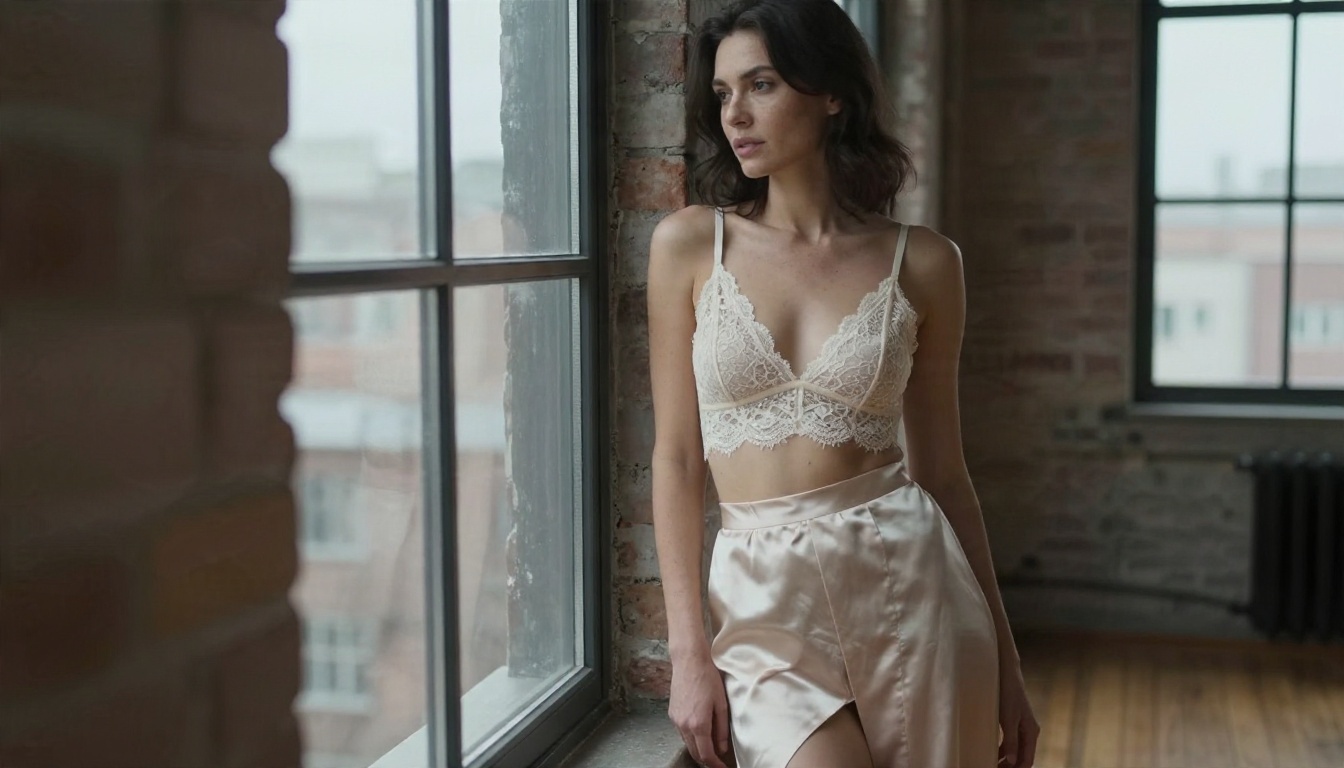
| Boudoir | Adult woman in an ivory lace bralette and silk robe by a loft window, soft overcast light, 85mm f/1.8, natural skin texture, film grain |
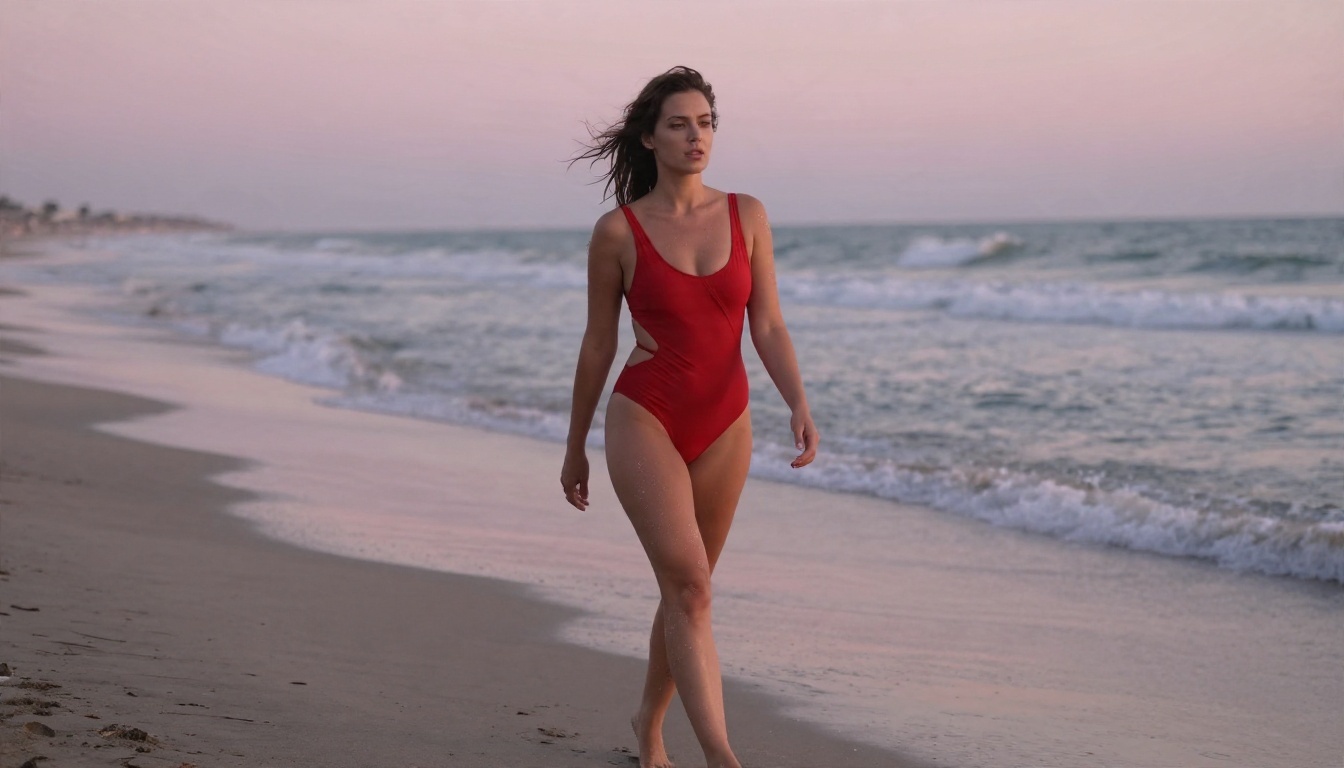
| Beach | Adult woman in a red swimsuit walking along a sunrise shoreline, wet sand reflections, 35mm low angle, warm side light |
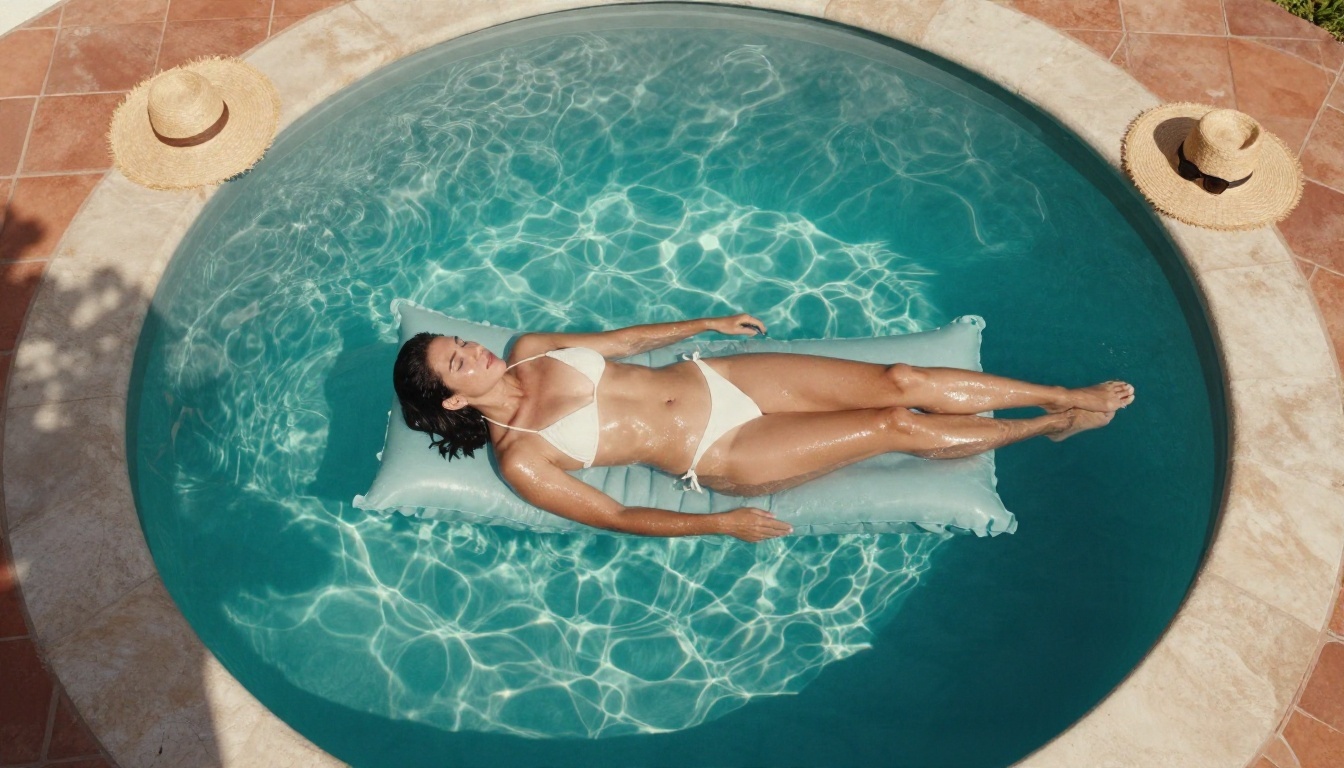
| Pool | Aerial view of an adult woman in a white bikini on a pool float, dappled water light, terracotta tiles, 24mm |
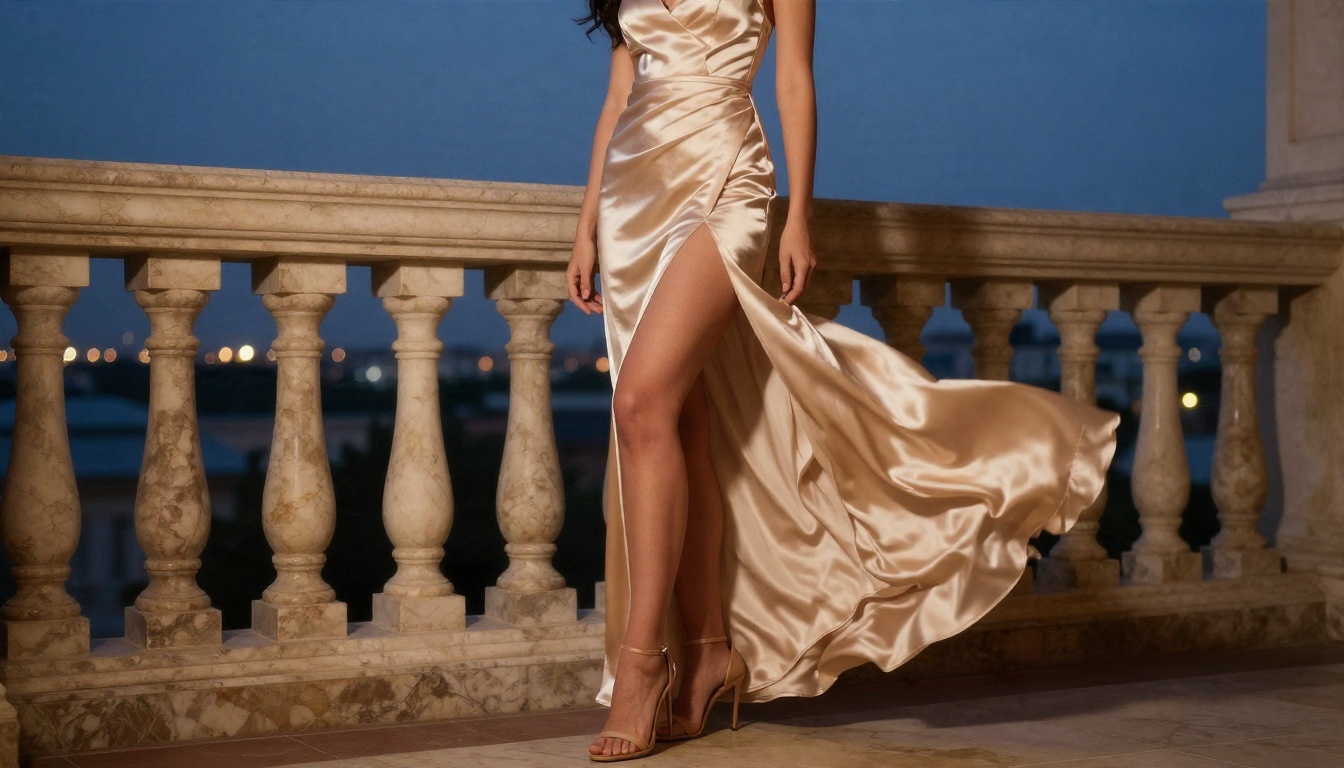
| Evening | Adult woman in a champagne satin gown on a hotel balcony at dusk, 50mm f/1.8, flowing fabric, blue hour |
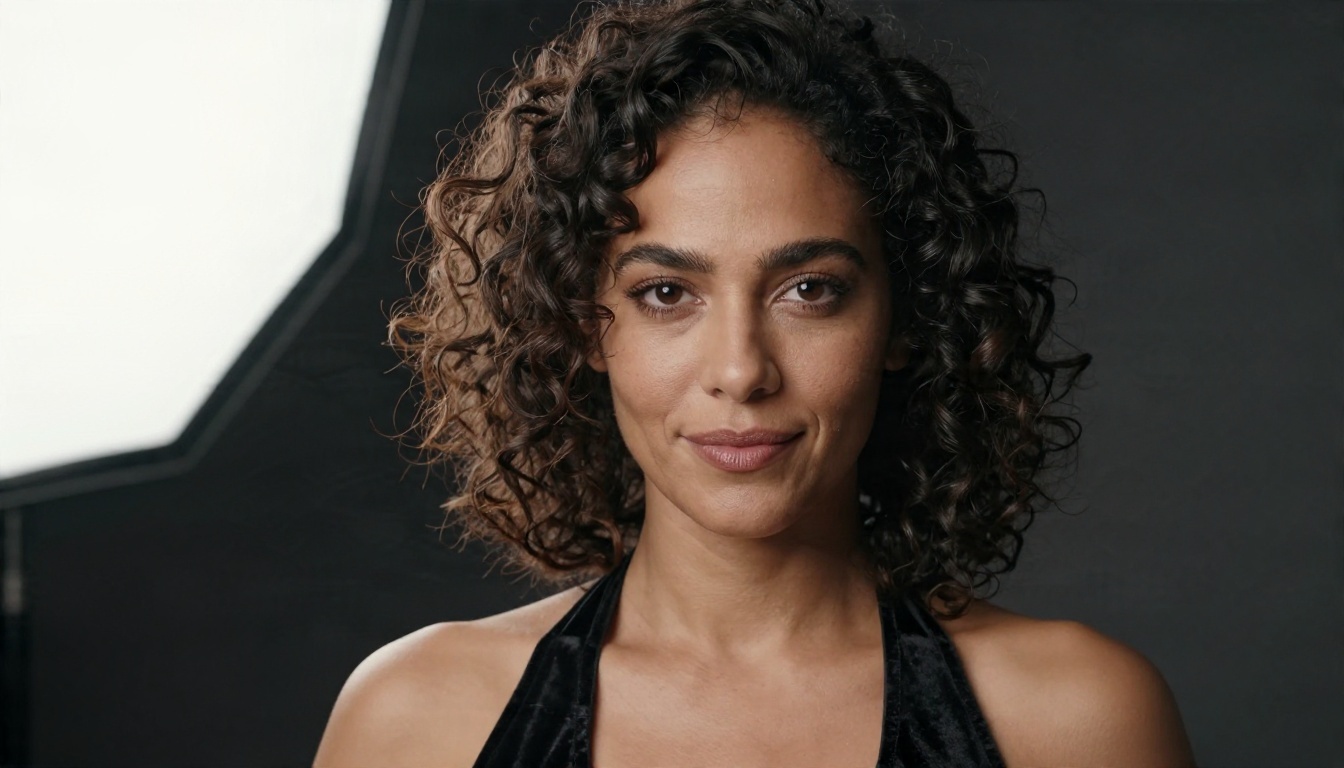
| Studio | Close portrait, black velvet halter top, dark backdrop, left softbox, 100mm f/2.8, visible pores |
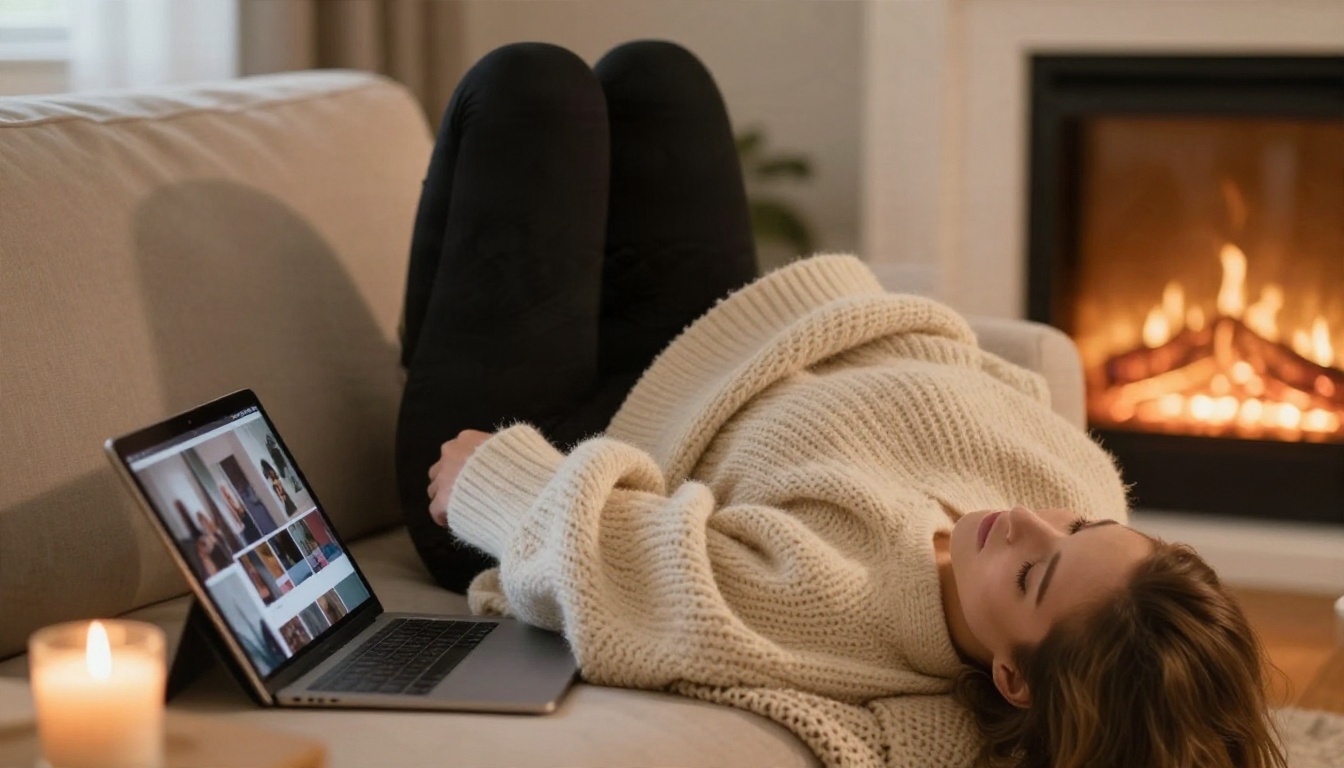
| Cozy | Woman in a black bodysuit and knit cardigan on a sofa, fireplace glow, 50mm, wool texture |
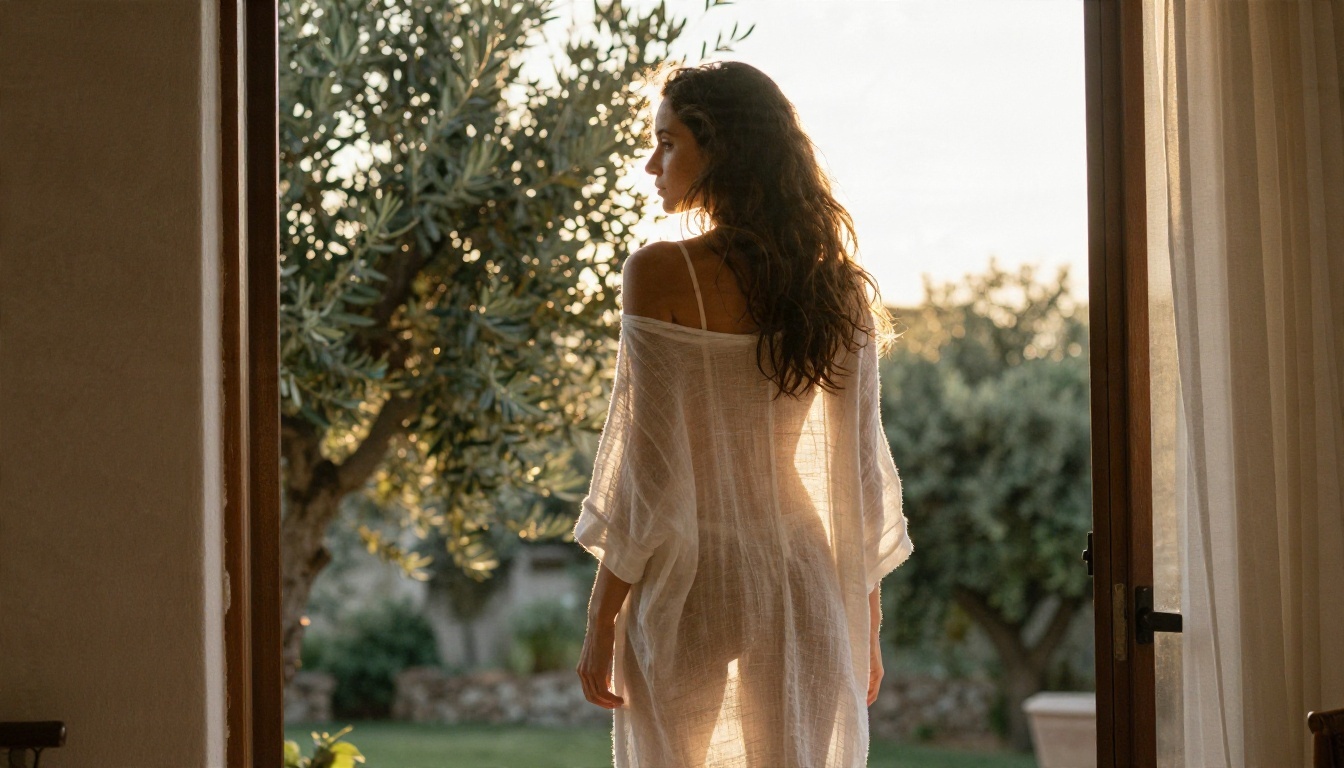
| Terrace | Backlit adult woman in a sheer linen wrap over a bikini, golden rim light, olive trees, 85mm |
| Hotel | Adult woman on a velvet armchair in a sunlit suite, silk slip dress, champagne coupe, golden hour |
| Mirror | Medium shot in an antique mirror reflection, satin robe, warm lamp light, 50mm, shallow focus |
| Poolside | Woman in a halter swimsuit leaning on a villa pool edge, wet hair, midday light, 35mm |
Words That Trigger Blocks
Some wording reliably causes trouble. Avoid:
- Real names. Never reference a celebrity or any real person. Grok's biggest controversies came from exactly this, and filters are strict about it.
- Anything youthful. Keep the subject clearly adult in age, styling and setting.
- Explicit anatomy or acts. Even in Spicy mode, outright explicit requests tend to be refused or silently softened.
- Vague "uncensored" language. Asking the model to ignore its rules rarely works and can flag the prompt.
💡 Tip: Describe fabric, light and lens. "Satin sheen, backlit, 85mm" gives the model more to work with than any amount of suggestive adjectives.
Settings That Change the Result
Grok Imagine does not expose as many controls as a dedicated photo model, so small choices matter more.
Mode and Aspect Ratio
- Mode: Normal gives safe, polished results. Spicy loosens wardrobe and pose limits. Custom lets you steer more with your own wording.
- Aspect ratio: Pick it before generating. Wide 16:9 suits scenic and editorial frames, while portrait ratios suit full length fashion shots.
- Image first, video second: Settle the still before you animate it. Animating a weak frame only multiplies the problem.
Light and Lens Language
Since there are few sliders, lean on words. These phrases consistently improve realism:
- "Volumetric morning light from camera left"
- "Natural skin pores, fine freckles, no airbrushing"
- "85mm f/1.8, shallow depth of field"
- "Kodak Portra 400, fine film grain"
- "Satin sheen with realistic micro creases"
Why Results Feel Inconsistent
Two people can type the same prompt on the same day and get different outcomes. That is not a bug in your wording. It comes from how moderation and generation interact.
Moderation Drift
Filters are updated frequently, and a prompt that worked last month may be refused today. Reports also describe cases where an image is generated and then withheld or blurred after a second check. This is why a "working prompt" collected from a forum often fails when you try it.
Watermarks and Resolution
Consumer exports are often capped at modest resolution with a visible watermark. If you want a print, a profile image or a client facing portfolio, you will probably need an upscale or a different tool altogether. PicassoIA also offers super resolution models for sharpening and enlarging finished images.
Better Alternatives Today
If your goal is suggestive, photorealistic glamour work rather than a particular app, other tools get you there faster. These are the ones to try, in order.
Seedream 4.5 First
Seedream 4.5 is the strongest starting point for adult glamour photography. It handles skin texture, fabric and light with a realism that is hard to beat, it follows long photographic prompts closely, and it does not impose the daily caps that make Grok frustrating. Swimwear, lingerie style boudoir and evening wear all come out clean and consistent.
Note that Seedream 5 Pro is built for sharp general purpose images, but for adult themed work, stay with Seedream 4.5.
PicassoIA Image Editor Pro
PicassoIA Image Editor Pro is the second stop. It offers unlimited generations, which removes the quota anxiety entirely. Use it to iterate on a pose, change wardrobe, adjust lighting or fix small details without counting attempts. It is also quick, so you can run ten variations in the time Grok takes to refuse one.
More Models Worth a Look
PicassoIA also hosts the Grok family itself. Grok Imagine Image 2 and Grok Imagine Image Quality are good for sharp 2K general photography, and Grok Imagine Video 1.5 animates stills. For suggestive glamour, though, start with the models above.
How to Use Seedream 4.5 on PicassoIA
Here is a simple workflow that replaces the guess and retry loop.
Step 1: Open the Model
Go to the Seedream 4.5 page and open the prompt box.
Step 2: Write a Photographer's Brief
Use the five part structure from earlier. A strong example:
Adult woman in her late twenties wearing a black silk slip dress with lace trim, seated on a velvet armchair in a sunlit hotel suite at golden hour, volumetric light from camera left, visible skin pores and soft freckles, 85mm f/1.8 shallow depth of field, Kodak Portra 400 film grain, tasteful glamour editorial
Step 3: Choose 16:9 or a Portrait Ratio
Pick 16:9 for scenic hotel, beach and terrace frames. Pick a portrait ratio for full length gowns and close studio portraits.
Step 4: Generate, Then Refine One Thing
Look at the first result and change a single variable: the light direction, the fabric, the lens or the background. Changing one thing at a time tells you what actually moved the image.
Step 5: Polish in Image Editor Pro
Move the best frame into PicassoIA Image Editor Pro for unlimited retouching: swap wardrobe, soften a shadow or adjust the background without worrying about quota.
💡 Parameter tip: Keep prompts between 50 and 120 words. Shorter prompts leave too much to chance, and longer ones start to contradict themselves.
A Quick Checklist Before You Generate
- The subject is clearly an adult and entirely fictional.
- No real person, celebrity or recognizable likeness is referenced.
- Wardrobe, light and lens are all named.
- The setting is specific, not generic.
- You have a plan for the next tweak if the first image misses.
Following that list will do more for your hit rate than any trick with Spicy mode ever did. It also keeps your work in the lane where AI glamour photography looks best: believable, flattering and tasteful.
Try It Yourself Today
Grok's adult mode is a fair experiment, but the paywall, the age gate, the capped quota and the silent refusals make it a poor daily tool. If you want results you can repeat, open Seedream 4.5 on PicassoIA, paste one of the starter prompts above, and see how a photo model handles light and skin. Then bring the winner into PicassoIA Image Editor Pro and iterate as many times as you like with no cap.
Ready to try more? Browse the full catalog at picassoia.com/en/all-models and pick the model that fits your style. Your first photoreal glamour shot is a single prompt away.


