You wired up the Grok API, sent a glamour prompt, and got a refusal, a blurred result, or a polite error message. That is the most common story among developers who hoped the API would behave like the spicy toggle they saw in the consumer app. The short version: the Grok API is not an adult content pipeline, the pricing is lower than most people expect, and the limits depend more on your spend than on your prompts. This article sorts out what is allowed, what it costs, where the walls are, and what to use when you need more freedom for tasteful, non-explicit glamour imagery.
💡 Quick answer: Treat the Grok API as a general-purpose model service with content moderation switched on. For bikini, lingerie and boudoir style photography, a dedicated image model on PicassoIA is faster, cheaper per attempt and far less likely to refuse you.
What the Grok API Actually Allows
xAI built a reputation for a looser attitude than its rivals. When Grok Imagine launched in 2025, a "Spicy" option in the consumer app drew headlines because it produced suggestive output that other big labs would block. Developers naturally assumed the same behavior would carry over to the API. Based on what third-party trackers and reviewers report, it does not work that way.
Spicy Mode vs the API
Spicy Mode is described as a consumer feature inside the Grok apps, tied to paid subscriptions and to the app's own interface. Reports about the API say that this toggle is not exposed there, and that the image endpoints run under the standard acceptable use policy. Its status inside the apps has also shifted over time, and sources disagree on whether it is still available today. That alone is a reason not to build a product around it.
⚠️ Policies change quickly. Before you commit budget or architecture, check xAI's current acceptable use policy and API documentation directly.
Hard Lines That Never Move
Some limits are consistent across every source:
- Sexual depictions of real people are prohibited, on every tier and through every access path.
- Anything involving minors is blocked outright, and attempts can lead to account action.
- Explicit pornographic output is not something you should plan on getting from the API.
- Non-consensual or deceptive content, such as fake images of public figures, is refused.
These are not unusual. Nearly every hosted image service draws the same four lines. The difference is how strict the filter is around them.
What Slips Through Filters
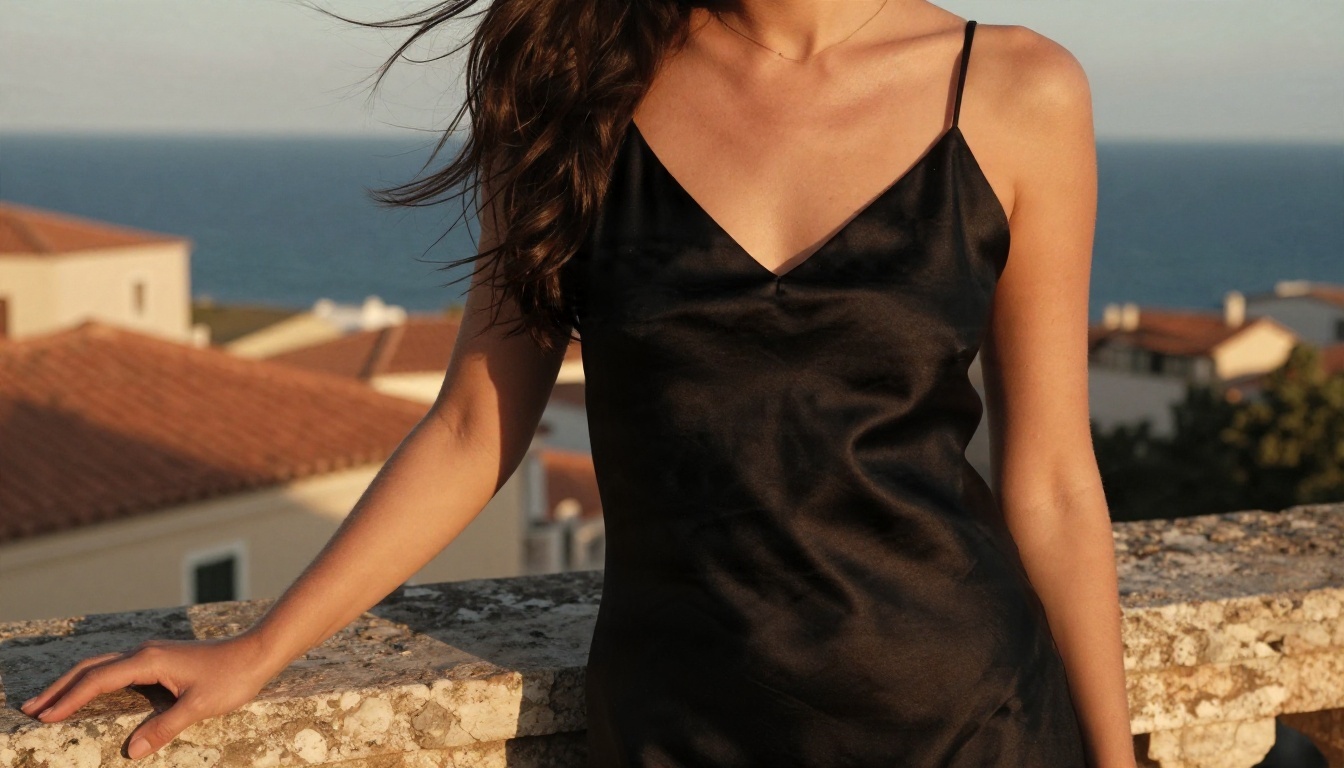
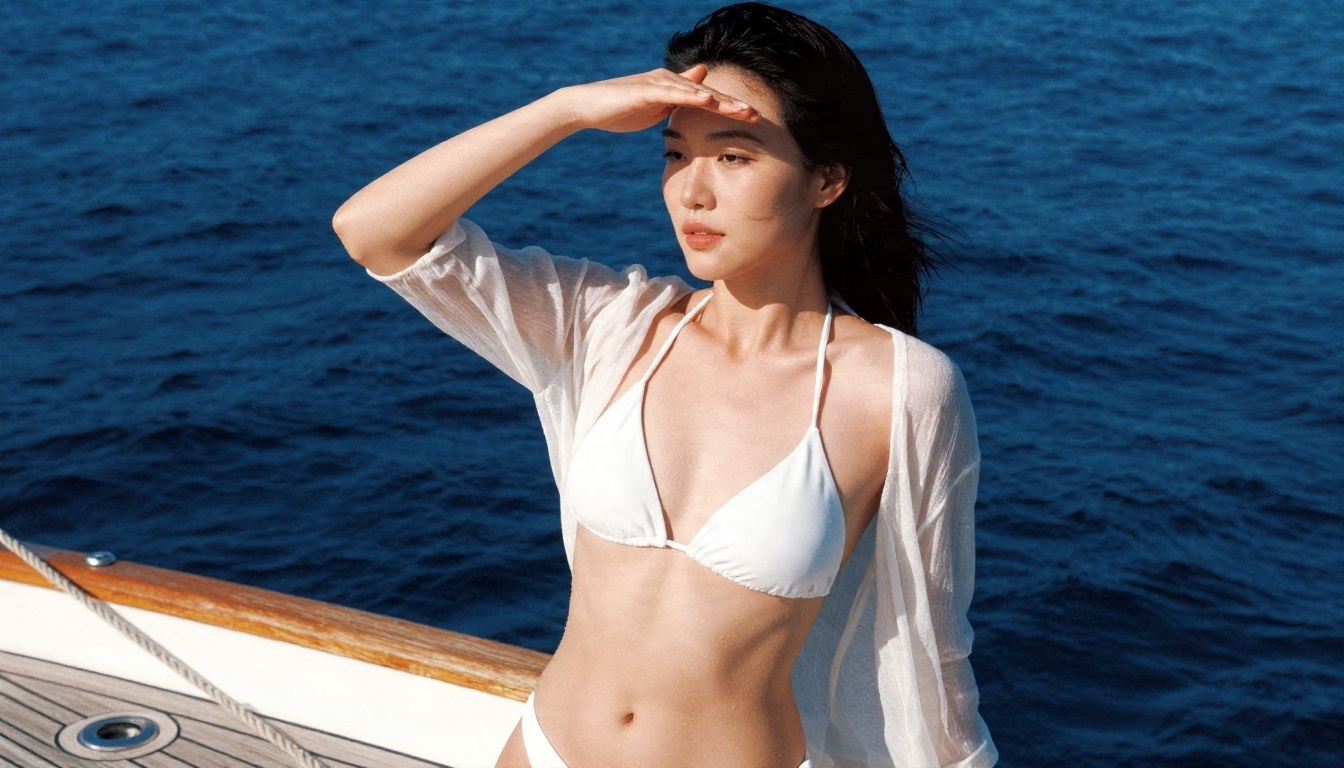
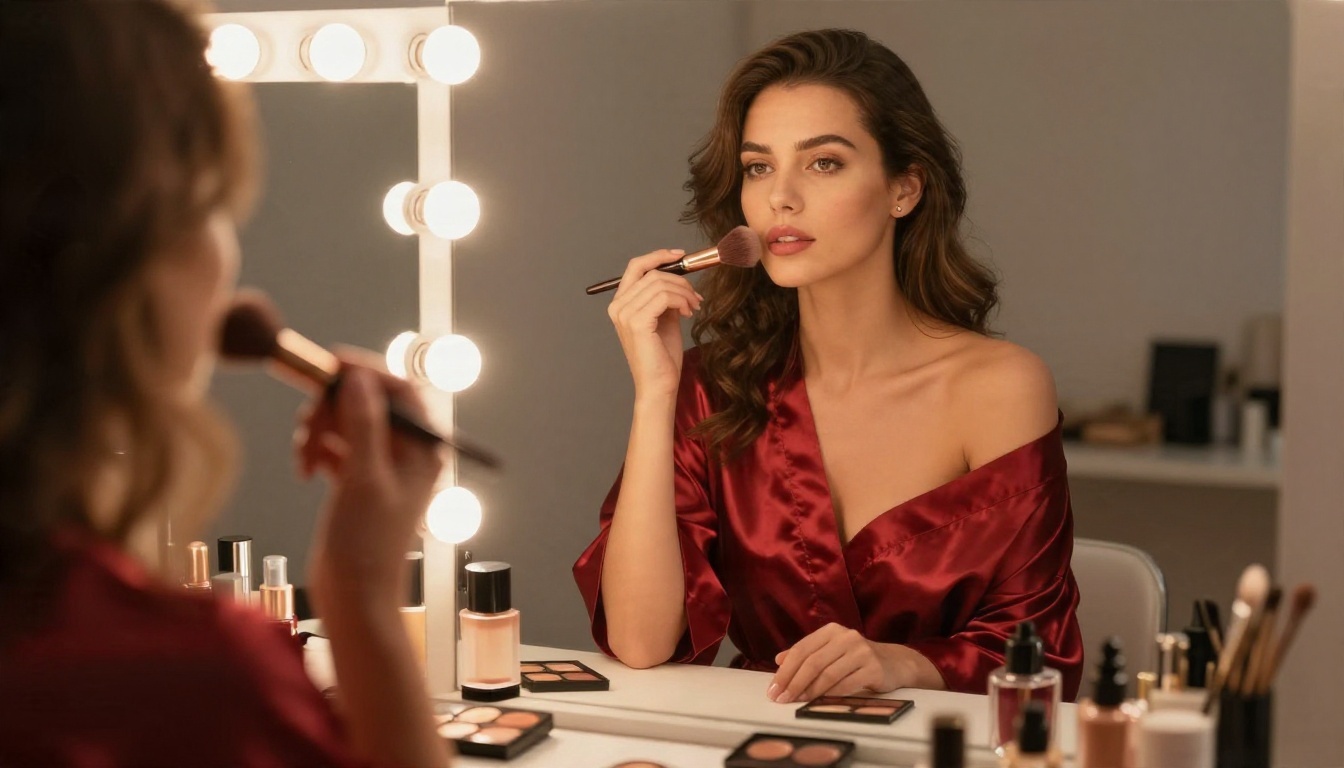
Grok models tend to be more relaxed than some competitors on fashion, swimwear and artistic portraits. A woman in a swimsuit on a yacht deck, a boudoir style portrait in soft window light, or a glamour shot in a silk robe often goes through. But "often" is the problem. Moderation is probabilistic, and the same prompt can pass on Monday and fail on Tuesday after a filter update.
Grok API Pricing in Practice
Pricing is where the Grok API looks strongest. Numbers below come from third-party price trackers and change often, so treat them as a snapshot rather than a quote.
Token Costs for Grok 4.x
Reports on the latest Grok 4 family list the flagship at roughly $2 per million input tokens and $6 per million output tokens, with cheaper cached input and a context window of around 500K tokens. Some trackers still list slightly different figures for Grok 4.5, 4.6 and older siblings, and a few mention price moves during 2026. You can try the reasoning model Grok 4 on PicassoIA without writing any integration code, which is a cheap way to test how it handles your prompt wording.
Image and Video Rates
Media is billed per output instead of per token. Trackers report image generation starting around $0.02 per image on the lighter tier and closer to $0.07 per image on the higher quality one, with video priced at roughly $0.05 per second. For comparison, PicassoIA hosts the same model families you would be calling through the API: Grok Imagine Image 2, Grok Imagine Image Quality and Grok Imagine Video 1.5.
| Item | Reported price | Notes |
|---|
| Flagship text model | About $2 in, $6 out per 1M tokens | Cached input is cheaper |
| Lighter image tier | From about $0.02 per image | Fast drafts |
| Higher quality image tier | About $0.07 per image | 2K output |
| Video | About $0.05 per second | With audio on newer versions |

The Hidden Cost of Refusals
Here is the part that rarely shows up in a pricing table. If a request is rejected after generation, you may still have spent time, retries and in some cases credits. A glamour project that needs 40 usable frames can easily burn 150 attempts when a filter rejects every third prompt. The real price is cost per usable image, not cost per call. At $0.07 a call and a 30 percent refusal rate, your effective price per delivered image climbs to roughly $0.10 before you count developer time.
Rate Limits and Moderation Blocks

Spend Tiers
Reports say xAI sets rate limits by cumulative spend: new accounts start with low requests per minute and higher ceilings unlock as you spend more. Exact numbers vary by model and shift as xAI adjusts capacity, so check the console for your own account before planning a batch job. If you run overnight batches of a few thousand images, expect to hit a throttle early and design for retries with backoff.
Why Requests Get Refused
Moderation can trigger at two points: on your prompt, and on the generated image. The second one surprises people, because a harmless prompt can still produce an image that trips the output check. Common triggers include:
- Prompts that name real celebrities or public figures.
- Terms that suggest age ambiguity, such as "schoolgirl" or "teen".
- Explicit anatomical language.
- Requests to edit a photo of a real, identifiable person into revealing clothing.
- Wording that implies a sexual act, even with fully clothed subjects.
How to Reduce Rejections
- Describe clothing, lighting and mood instead of body parts.
- Use fictional adult characters with clear adult descriptors.
- Pick settings where swimwear is natural: pools, beaches, yachts.
- Retry with a calmer rewrite instead of repeating the same text.
💡 Writing "confident woman in her late twenties wearing a white bikini on a sailboat deck" will pass more often than any prompt that leans on shock words.
Why Developers Look Elsewhere
Unpredictable Filters
A filter that changes without notice is a bad foundation for a product. Studios producing swimwear lookbooks, boudoir style portfolios or social content for adult creators need a model that behaves the same way next week. That is why many teams treat Grok as one tool in the stack, not the stack.
Quota and Billing Friction
Spend-based tiers, prepaid credits and per-call billing all add accounting work for freelancers who just want to make beautiful images. A flat, simple platform removes that overhead.
Style Control
Grok Imagine models lean toward polished, clean looks. If you want film grain, soft window light and natural skin texture that feels like a real photograph, you will usually get there faster with a model tuned for photorealism.
Best Alternatives for Glamour Images
For the tasteful side of adult content, meaning suggestive, attractive and non-explicit work such as bikinis, lingerie, boudoir and glamour portraits, these models on PicassoIA are the ones to try, in this order.
Seedream 4.5 First
Seedream 4.5 is the first model to reach for. It produces sharp 4K images with convincing skin, fabric and lighting, and it handles swimwear and lingerie style prompts without the constant second guessing you get from stricter filters. Generations are fast, which matters when you iterate through dozens of looks in a session.
PicassoIA Image Editor Pro
PicassoIA Image Editor Pro is the best pick when you want unlimited generations and editing in the same place. Use it to change an outfit, shift the setting from a studio to a beach, fix lighting, or refine a face over several passes without watching a credit counter.
Z Image Turbo and Flux 2 Klein
When speed is the priority, Z Image Turbo gives you sharp results in seconds, ideal for testing prompt ideas before you commit to a final render. If you want a particular look, Flux 2 Klein 9B Base LoRA supports styled output, which helps when you need a consistent aesthetic across a whole collection.
Side by Side

Use Grok Imagine Image 2 on PicassoIA
If you still want the Grok look, you do not need an xAI account, a billing setup or any code. Grok Imagine Image 2 runs directly on PicassoIA and creates and edits 2K images.
Step by Step
- Open the Grok Imagine Image 2 page.
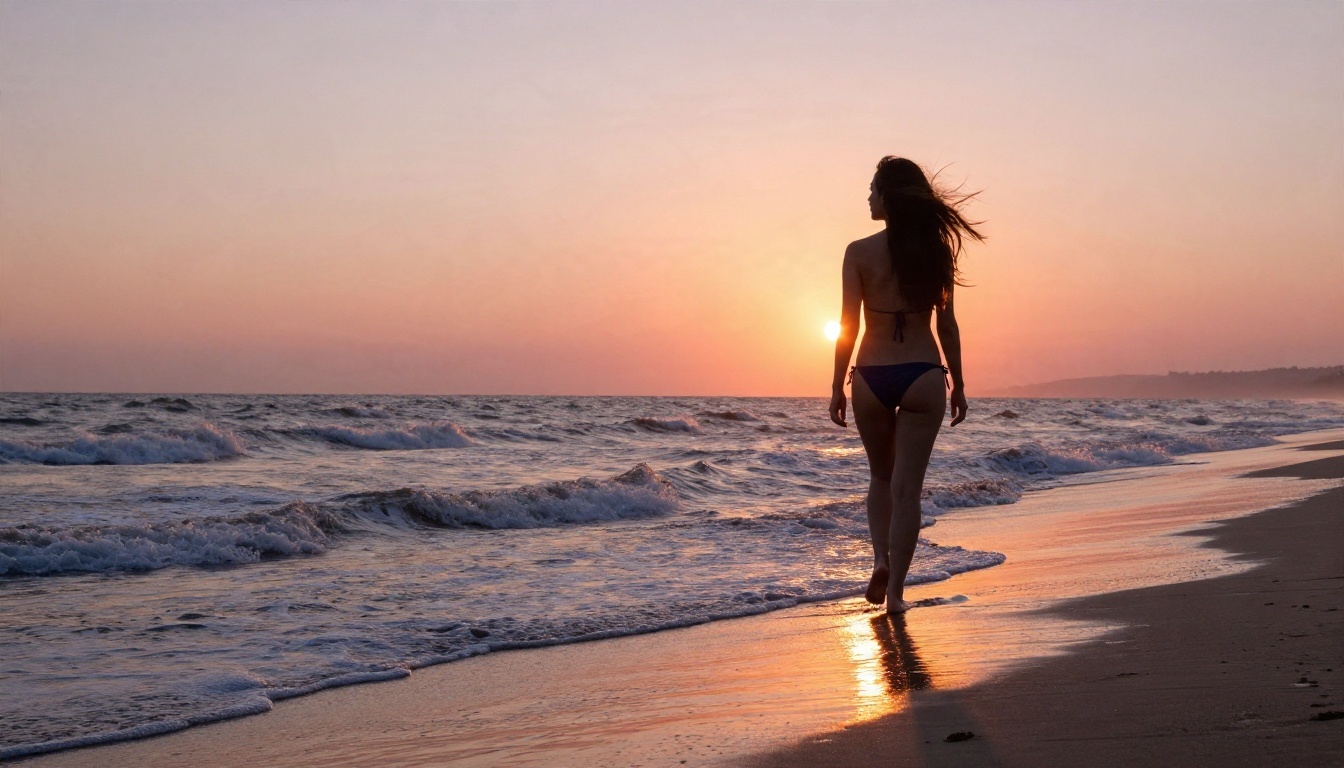
- Write a prompt with subject, clothing, setting, light and lens, for example: "woman in a navy swimsuit on a quiet beach at sunset, 35mm lens, warm low sun, film grain".
- Choose a 16:9 or 3:2 ratio for landscape scenes, or 2:3 for portraits.
- Generate, review, and tweak one detail at a time.
- If a result is refused or comes out too sanitized, copy the same prompt into Seedream 4.5 and compare.
Parameter Tips
- Aspect ratio: match your final platform before generating, since cropping later wastes detail.
- Lighting words: "golden hour", "window light from the left" and "soft diffused overcast" give the most believable skin.
- Camera words: an 85mm lens for portraits and a 24mm lens for wide scenes gives natural perspective.
- Quality tier: use Grok Imagine Image Quality for final renders and the standard model for drafts.
💡 For motion, Grok Imagine Video 1.5 animates a still frame with audio, which is a nice finishing touch for social posts.
Write Prompts That Get Through
Whatever model you pick, prompt craft decides your hit rate. Here is a simple structure that works across all of them.
The Five Part Formula
- Subject: age range, hair, expression and pose.
- Wardrobe: fabric and cut, such as "black satin slip dress" or "white triangle bikini".
- Setting: a specific place, like a loft bedroom, yacht deck or vanity table.
- Light: direction and quality, such as "golden hour from the right".
- Camera: lens and distance, such as "85mm f/1.8, shallow depth of field".
Words That Help and Words to Skip
| Use | Skip |
|---|
| Elegant, confident, editorial | Explicit, graphic |
| Silk, satin, lace, linen | Anatomical terms |
| Golden hour, soft window light | Named celebrities |
| Adult woman in her late twenties | Any wording suggesting youth |
| Kodak Portra 400, film grain | Over-processed, glowing effects |
Build a Reusable Library
Keep a text file of prompts that worked and note the model, ratio and seed. Once you have ten reliable prompts, new shoots become a matter of swapping the wardrobe and setting. That habit saves more time than any API discount.
Try It Yourself
The Grok API is a capable service with fair prices, but it is built for general use, and its moderation is not something you can negotiate with. If your goal is tasteful glamour imagery, swimwear campaigns or boudoir style portraits, you will spend less time fighting refusals on a platform designed for creative image work.
Start with Seedream 4.5 for your hero shots, move to PicassoIA Image Editor Pro for unlimited edits and variations, and keep Z Image Turbo nearby for quick tests. Write your own prompts, compare the results, and build a look that is yours. You can browse every available model at picassoia.com/en/all-models and start creating your own images on PicassoIA today.


