You open Grok, type a prompt, and instead of an image you get a paywall, a cooldown timer, or a polite refusal. If that sounds familiar, you are not alone. The Grok image generator has changed its rules more often in 2026 than most tools do in three years, and the result is a lot of confusion about what is actually free, what is capped, and what is blocked.
This article sorts it out. You will see what free access looks like right now, where the limits hit hardest, why so many people go looking for uncensored alternatives, and how to get sharp, photorealistic results without begging for credits. There is also a step-by-step section on using Grok Imagine Image 2 on PicassoIA, plus a shortlist of models that give you more freedom.

What the Grok Image Generator Is
Grok is the chatbot built by xAI and woven into the X platform. Its image side runs under the name Grok Imagine. You type a description, and it returns a picture. Some versions also edit an existing photo from a written instruction, and a separate video model animates stills with sound.
Three things set it apart from the usual AI image tools:
- Tight link to X. You can reach it from the same account you use for posting, which makes it easy to try.
- A looser reputation. Early versions were known for fewer refusals than rivals, which is a big part of why the tool went viral.
- Fast iteration. Images come back in seconds, so you can refine a prompt several times in a row.
That reputation is also why the rules keep shifting. Public pressure, regional laws, and platform policy have pushed xAI to tighten and loosen access repeatedly.
💡 Quick note: "Grok image generator" can mean the chatbot inside X, the standalone Grok app, or the API. Free access and limits differ between them, so always check which door you are walking through.
Is It Free Right Now?
Short answer: sometimes, and not for everyone.
Reports from across 2026 paint a patchy picture. Around March, free image generation was pulled back and the Imagine tab started pushing free users toward a paid plan. Later in the year, a free tier reportedly returned for some accounts, with image generation more available than video. Then some free accounts were cut off again while others kept working. xAI has not published a clear, stable rulebook, so what you see depends on your account, your region, and the week you try.
The Free Tier in Practice
When free access works, it usually looks like this:
| Feature | Typical free experience |
|---|
| Image generation | A small allowance, often reset after a few hours |
| Video generation | Rare, or one short clip a day on lucky accounts |
| Resolution | Standard, not always the highest setting |
| Editing existing photos | Hit or miss |
| Queue speed | Slower at peak hours |
The honest takeaway: treat free Grok access as a bonus, not a plan. If your work depends on it, you will get stuck at the worst possible moment.
The Paid Route
The paid route is the SuperGrok subscription, which reportedly runs around thirty dollars a month. Third-party reports suggest an image allowance in the region of a hundred per month, though xAI has not confirmed a number publicly, so treat that figure as an estimate. For occasional use, that is fine. For anyone producing dozens of images a day, it is a ceiling you will hit fast.
The Limits That Actually Hurt
Limits are not only about how many pictures you can make. These are the ones people complain about most.
Daily and Hourly Caps
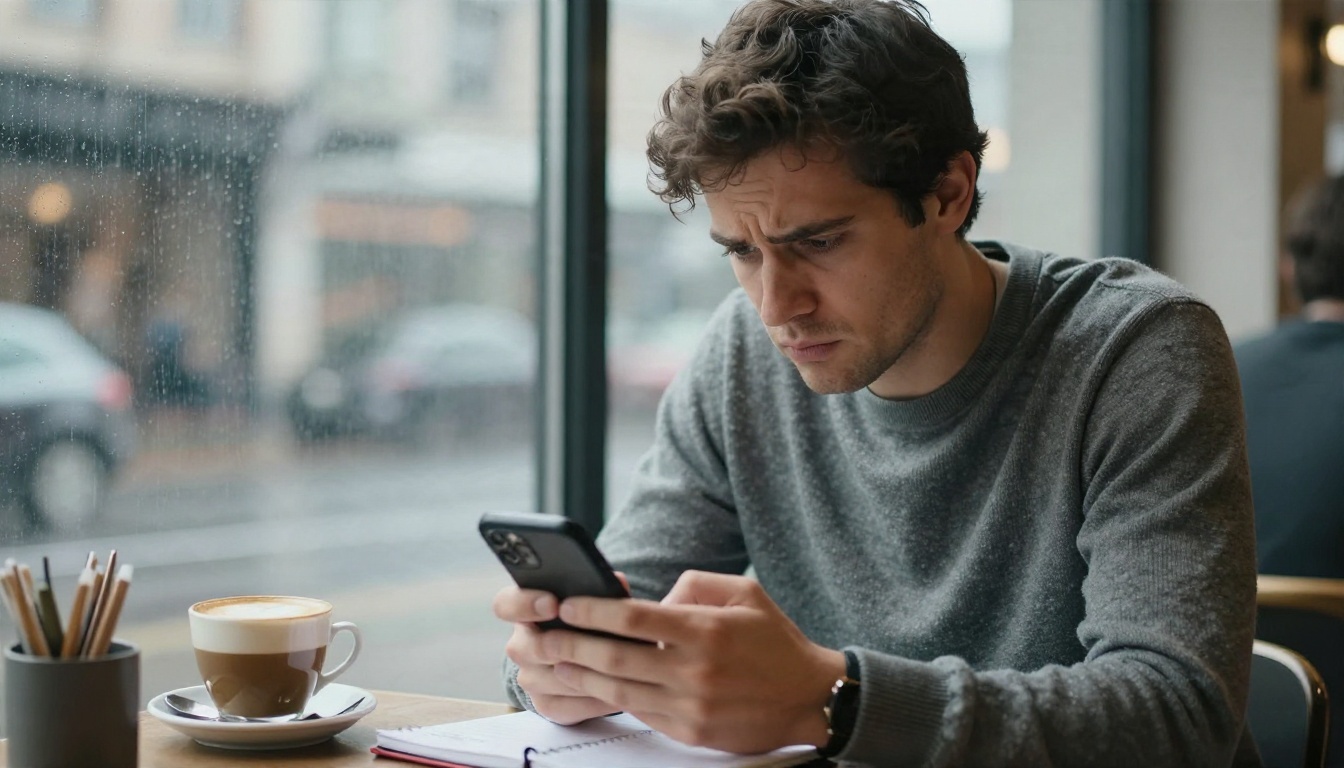
Even when you can generate, you can be told to wait. A few quick attempts at fixing hands or lighting can burn through a free allowance before you have one usable image. That is the real cost of iteration: you never get the first try right.
Content Filters
Grok was once seen as permissive, but filters have tightened. Requests involving real public figures, certain swimwear or lingerie scenes, and anything close to adult themes can be refused or quietly softened. The frustrating part is inconsistency: a prompt that works on Monday may be rejected on Friday.
Resolution and Format
Free outputs are not always the sharpest. If you need an image for print, a large banner, or a detailed product mockup, you may find the free setting too soft.
Region and Account Rules
Access can vary by country. Some regions have stricter age checks or additional restrictions, and those rules can change without a notice you will ever see.
Why People Want Uncensored Options
Let's be clear about what "uncensored" means in practice. For most people it has nothing to do with anything extreme. It means not being blocked for ordinary creative work.
Think about who runs into walls:
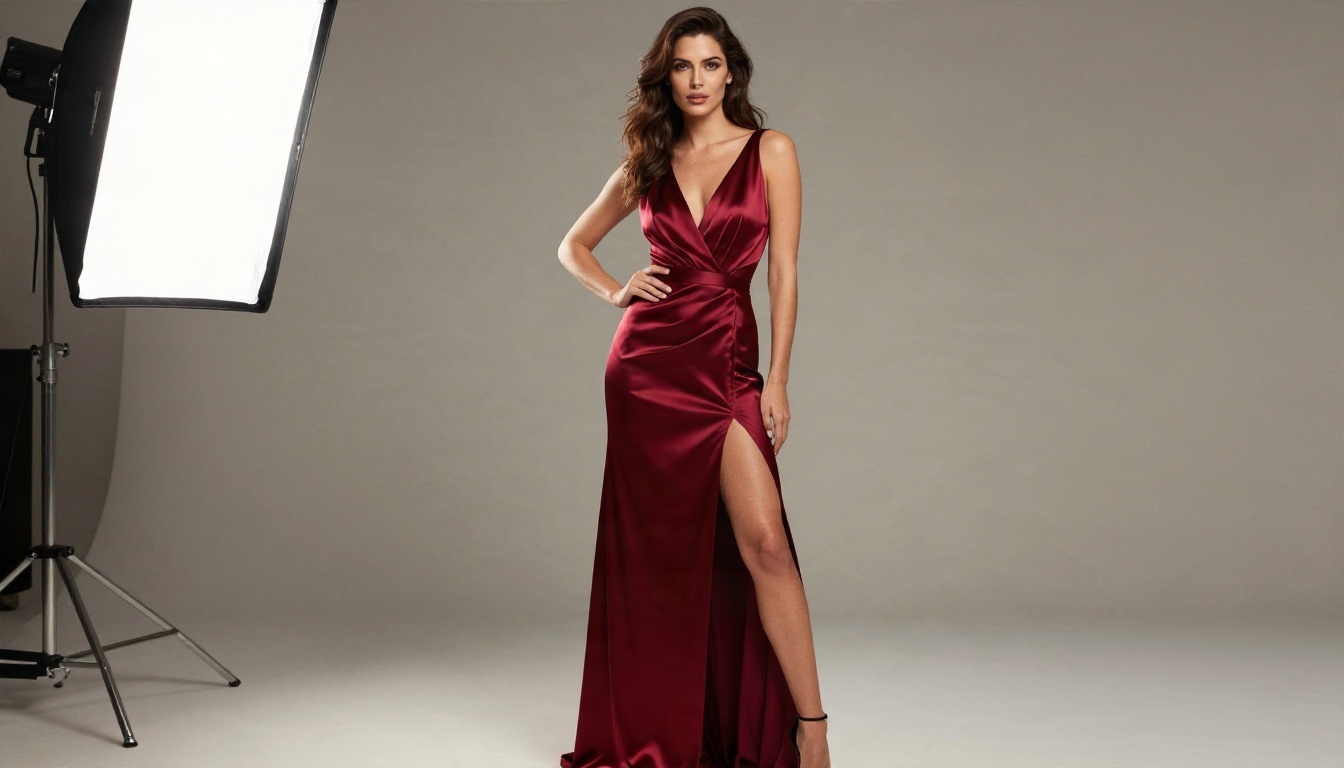
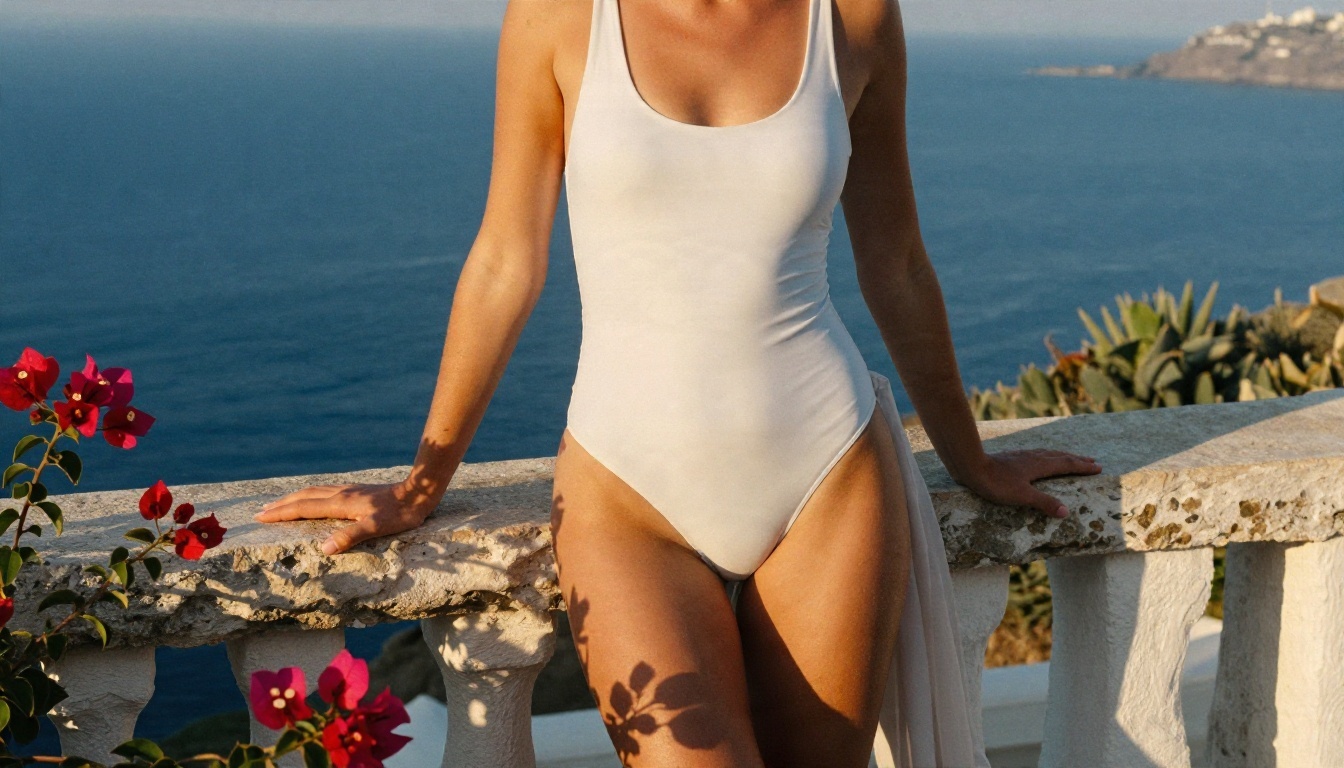
- Fashion and swimwear creators whose prompts for a bikini shoot or an evening gown get flagged.
- Boudoir and glamour photographers building mood boards for tasteful, non-explicit shoots.
- Artists studying anatomy, posture, and fabric on the human form.
- Marketers who need lifestyle images with real skin texture and natural poses.
- Writers and game designers who want character art for adult-themed stories, without anything explicit.
Overzealous filters treat all of these as risky. An uncensored alternative simply gives you wider room: suggestive, attractive, glamorous imagery within the boundaries of good taste and the law.
💡 A line worth keeping: Fewer restrictions do not mean no responsibility. Never generate images of real people without their consent, never create anything involving minors, and keep content within the law where you live. Good tools give you creative freedom, and you supply the judgment.
Grok Imagine on PicassoIA
Here is a useful detail: you do not need an X account to use Grok's image models. PicassoIA hosts several of them, so you can try the engine without the subscription friction.
That is the practical route if you like Grok's look and just want fewer hoops. If you want fewer restrictions on the content itself, keep reading.
How to Use Grok Imagine Image 2 on PicassoIA
Here is the workflow, start to finish.
Step 1: Open the model page. Go to Grok Imagine Image 2 on PicassoIA.
Step 2: Write a specific prompt. Describe the subject, the setting, the light, and the lens. For example: "Candid portrait of a woman in a coral summer dress on a sunlit balcony, soft morning light from the right, 50mm lens, natural skin texture, film grain."
Step 3: Pick your settings.
| Setting | Options | When to use |
|---|
| Quality | low, medium | Use low for fast drafts, medium for final images |
| Resolution | 1k, 2k | Use 1k while testing, 2k for the keeper |
| Aspect ratio | 1:1, 16:9, 9:16, 4:3, 3:4, 3:2, 2:3 and ultra-wide formats | 16:9 for banners, 9:16 for stories, 1:1 for feeds |
Step 4: Generate and compare. Run two or three variations. Change one thing at a time, such as the lighting or the lens, so you can see what made the difference.
Step 5: Edit instead of restarting. Upload a result you like into the image field and describe the change in plain language: "change the dress to deep blue" or "move the scene to golden hour." The aspect ratio setting is ignored in edit mode, because the model keeps the original frame.
💡 Prompt tip: Name the lens and the light. "85mm f/1.8, volumetric morning light from the left" will beat "nice lighting" almost every time.

Uncensored Alternatives Worth Trying
If you want wider creative room and no daily countdown, these are the models to reach for, in the order we recommend them.
1. Seedream 4.5
Seedream 4.5 is the first stop for glamour, swimwear, and boudoir-style work. It handles skin, fabric, and light with a photographic eye, and it outputs up to 4K. Prompts that get refused elsewhere often go through here, as long as they stay non-explicit.
Best for: fashion shoots, beach scenes, portraits with realistic skin texture.
2. PicassoIA Image Editor Pro
PicassoIA Image Editor Pro is the value pick: unlimited generations. No allowance, no cooldown, no counting. You can iterate as often as you need, which matters because the first result is rarely the final one. It also edits existing photos from a written instruction.
Best for: heavy iteration, bulk content, photo edits without a meter running.
3. Z Image Turbo
Z Image Turbo is built for speed. When you want to test ten prompt ideas in a few minutes, this is the model that keeps up.
Best for: quick drafts and prompt testing.
4. Flux 2 Klein 9B Base LoRA
Flux 2 Klein 9B Base LoRA is useful when you want a consistent look across a series, since LoRA styling helps keep a character or aesthetic steady from image to image.
Best for: series work and consistent styling.
Side-by-Side Comparison
| Option | Free access | Cap on usage | Filter strictness | Best for |
|---|
| Grok app (free account) | Unreliable | Small, varies by account | Tightening | Casual tries |
| SuperGrok (paid) | No | Reported monthly allowance | Moderate | Regular Grok users |
| Grok Imagine Image 2 | Free to try on PicassoIA | Per generation | Moderate | Grok style without an X account |
| Seedream 4.5 | Yes | Generous | Looser, non-explicit | Glamour and swimwear |
| Image Editor Pro | Yes | Unlimited | Looser, non-explicit | Heavy iteration |
| Z Image Turbo | Yes | Generous | Moderate | Fast drafts |
Prompts That Work Everywhere
A good prompt carries across models. Use this structure and you will get better results with any of them.
Subject and action, then environment, then light, then camera, then texture.
Here are three starting points:
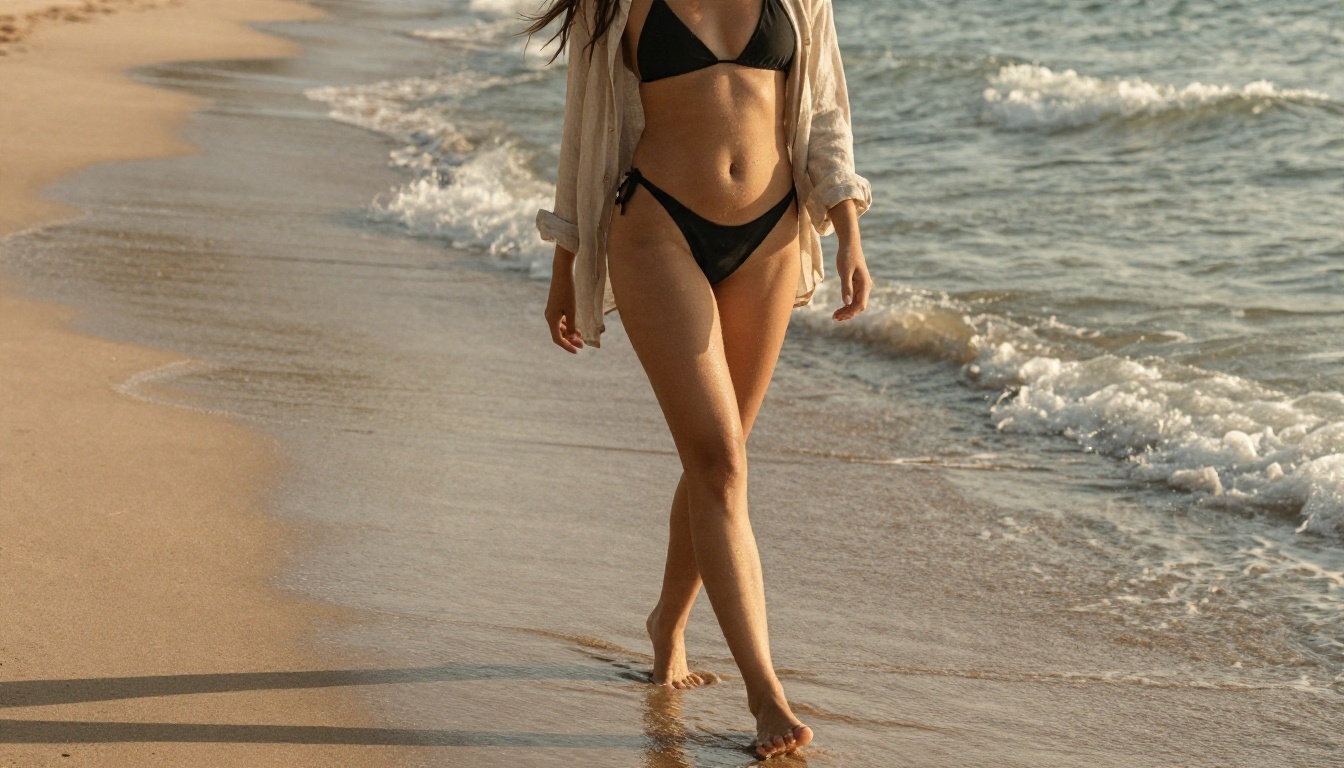
- Beach portrait: "Low-angle photo of a woman in a black bikini and open linen shirt walking on wet sand at golden hour, warm light from low on the right, 50mm f/1.8, droplets on skin, film grain."
- Studio glamour: "Full-length portrait of a woman in a deep red satin gown against a warm gray backdrop, softbox key light from the left, 70mm f/2.8, visible fabric folds."
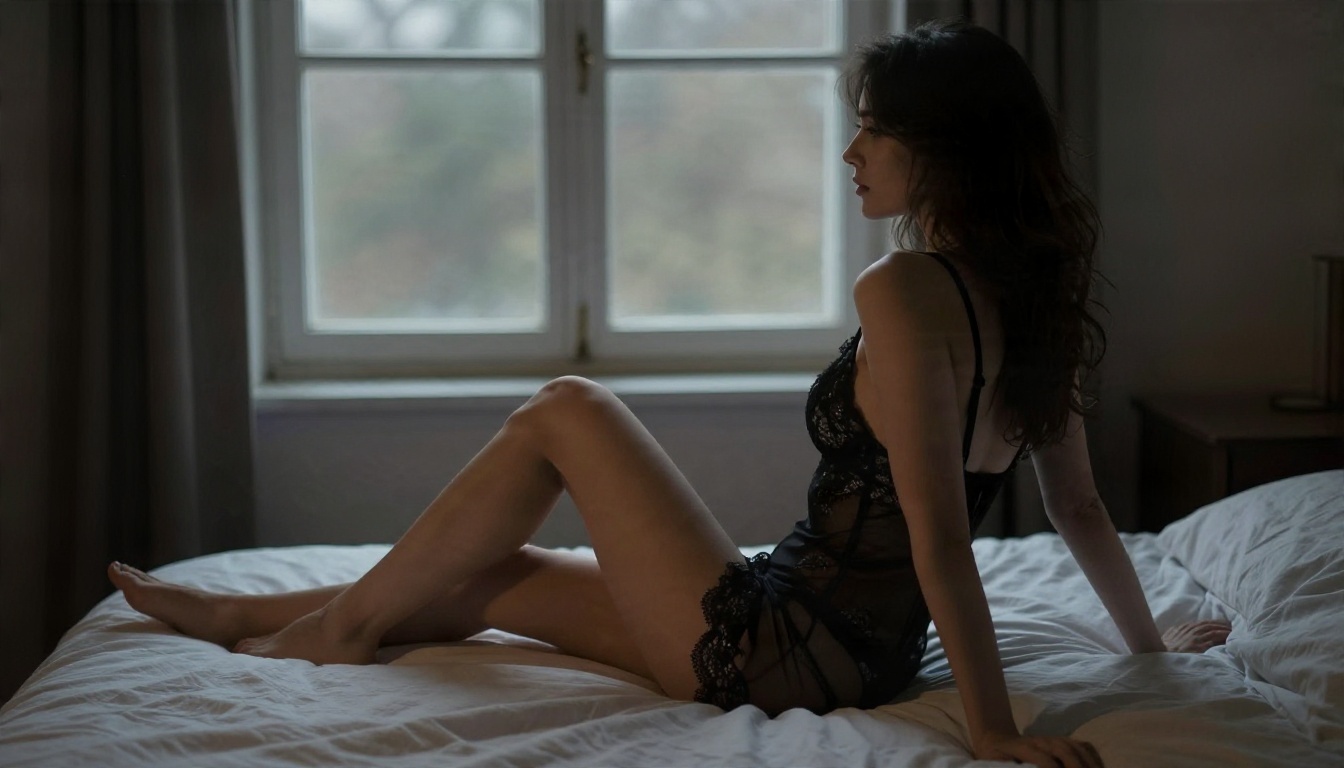
- Boudoir mood: "Side profile of a woman in black lace and a sheer robe seated by a tall window, dusk light, soft shadows, 85mm f/1.4, linen texture, tasteful and non-explicit."
Common Mistakes
- Vague light. "Nice lighting" gives you flat results. Say where the light comes from.
- No camera language. Mention a lens and an aperture. It pushes the model toward photographic depth.
- Too many ideas at once. One subject, one setting, one mood.
- Skipping the draft step. Test at low quality, then upgrade the one you like.
- Ignoring negative space. Leave room in the frame if you plan to add a headline later.
Speed and Cost: The Practical View
Money matters, so here is a simple way to think about it. A paid plan with a monthly cap works if you generate a handful of images a week. It breaks down if you create content for a shop, a social account, or a client, because iteration eats the allowance quickly.
Compare that with an unlimited editor: you can run forty variations of one scene, pick the best two, and move on. The cost of a bad first attempt drops to zero, and that changes how you work. You become willing to experiment, which is where the strongest images come from.
Finishing Touches After You Generate
A raw generation is rarely the end. Pros polish in three quick moves:
- Upscale. Run the favorite through a super resolution model to get 2x to 4x the pixels for print or large displays.
- Retouch. Use an editing model to fix a stray detail, change a color, or clean the background.
- Animate. If a still deserves motion, send it through an image-to-video model for a short clip with sound.
That chain turns one prompt into a full content set: a hero image, a social crop, and a short loop, all from a single idea.
Quick Answers
Is the Grok image generator free?
Sometimes. Access has flipped several times in 2026 and varies by account. Do not rely on it for steady work.
What is the limit on free Grok images?
It is not clearly published. Reports mention small allowances that reset after a few hours, and these can differ between accounts.
Is there an uncensored Grok image generator?
No tool is without rules, and none should be. But several models allow suggestive, non-explicit glamour and swimwear imagery that stricter tools refuse.
What is the best free alternative?
For unlimited iteration, PicassoIA Image Editor Pro. For photographic glamour, Seedream 4.5.
Can I use Grok's models without an X account?
Yes. Grok Imagine Image 2 is available directly on PicassoIA.
Make Your Own Images Today
You have the full picture now: Grok's free access is unreliable, its caps get in the way of real iteration, and its filters are inconsistent. The good news is that you do not have to wait for xAI to settle its rules.
Start with Seedream 4.5 for a glamour or swimwear shoot, then move to PicassoIA Image Editor Pro for unlimited refinement. If you want to stay with Grok's look, Grok Imagine Image 2 is one click away. Write a detailed prompt, name your lens and your light, and generate a few variations.
Ready to see what is possible? Browse the full library at picassoia.com/en/all-models, pick a model, and create your first photorealistic image in under a minute.


