You open Grok Imagine, tap the preset row, and the Spicy option is gone. Or it shows up, you hit generate, and you get a blurred tile, a refusal, or a clip that zooms into nothing. If that sounds familiar, you are not alone. The Grok Imagine Spicy preset has been one of the most searched and most inconsistent features in AI video since it launched in August 2025, and the rules around it keep shifting.
This article lays out what the preset is, which settings decide whether you see it, the real reasons it stops working, what "free" means in practice, and which alternatives give you glamour-style photoreal results without the guesswork.
💡 Quick answer: Spicy is a paid, age-gated option inside the Grok mobile app, and it is moderated heavily. If it is missing, check your plan, your age verification and whether you are on the app instead of the web. If it is there but blocked, no setting will override the filter.

What the Spicy Preset Is
Grok Imagine is xAI's image and video generator, built into the Grok app and tied to X accounts. Alongside styles such as Normal and Fun, it launched with a Spicy option aimed at suggestive, adult-leaning output. Media coverage at launch described it as a looser creative mode, with a built-in moderation layer that still blocked explicit material, real-person deepfakes and anything involving minors.
Where It Lives
Spicy is a preset, which means it is a toggle inside the app's generation screen, not a separate tool and not a prompt trick. You pick it before you generate, usually on an image-to-video flow where you start from a still and ask for motion.
Who Gets Access
Reports from the past year are consistent on the broad strokes: free accounts do not get Spicy. It has been tied to paid tiers such as X Premium Plus and SuperGrok, and several guides say the lowest paid X tier does not include it. Prices vary by region and change often, so check the plan screen inside the app before you pay for anything.
💡 Worth knowing: Paying for a plan does not guarantee the preset appears. Plan is only the first of several gates.

Settings That Decide Access
Most "Spicy is missing" complaints trace back to account state, not a bug. Here are the gates, in the order they usually bite.
Plan and Subscription
You need an eligible paid plan, active and attached to the same account you are logged into. Subscribing through one platform and logging into Grok with a different X account is a surprisingly common cause of a missing toggle. Renewal lapses and pending payments can also quietly remove the option.
Age Verification
Adult-leaning presets require you to confirm you are 18 or older. If your account has no birth date, a placeholder date, or a failed verification, the preset stays hidden. Fix the date in your account settings first, then fully close and reopen the app.
App Versus Web
The most repeated finding in recent write-ups is that the full Spicy experience is mobile-first. The web version tends to offer only the basic modes. If you are on a desktop browser, switch to the iOS or Android app before you assume anything is broken.
Region and Content Settings
Some regions limit adult-leaning generation, and the app has content preference switches that can hide sensitive options. One guide pointed to a Data Controls area in Settings, but I could not confirm that menu path across sources, so treat it as a place to look rather than a guaranteed fix.
| Gate | What to check | Typical symptom |
|---|
| Plan | Paid tier active on this account | Preset row missing |
| Age | Valid 18+ birth date and verification | Option greyed out or hidden |
| Platform | Mobile app, not web | Only Normal and Fun visible |
| Region | Local restrictions | Option never appears |
| App version | Latest update installed | Old interface, no preset |

Why the Spicy Preset Stops Working
Say the toggle is there and you are still getting nowhere. That is usually moderation, and it is the part no setting can fix.
Moderation Tightened Repeatedly
xAI has adjusted the filter several times. Users reported a sudden change in late 2025 where uploaded photos that worked one day were refused the next. Through 2026, several roundups describe Spicy as so restricted that, for many people, it behaves as if it had been removed. Sources disagree on the exact current status, which is itself a sign of how often it moves.
Blurred or Blocked Outputs
Even when a generation runs, the result can come back blurred, cropped, or replaced with a policy message. Outputs that render on your device may also be blocked from posting publicly to X. A blurred tile does not mean your internet failed. It means the output tripped a filter after generation.
Uploaded Photo Limits
Image-to-video is where most people hit the wall. Uploaded images of real people get far stricter treatment than text-only prompts, because the system tries to prevent deepfakes. If your source photo looks like a recognizable real person, expect refusals no matter how you phrase the prompt.
Odd Motion and Forced Zoom
Another complaint is clips that drift into a forced zoom or minimal movement. That tends to be a side effect of the safety layer dampening motion on borderline source images, not a render error.

Fixes to Try First
Run through these before you spend money or give up. They take about ten minutes in total.
A Seven-Step Checklist
- Update the app to the latest version from your store.
- Switch to mobile if you were on the web.
- Confirm the plan is active on the exact account you are logged into.
- Check the birth date and age verification in account settings.
- Sign out and back in, then force-close the app.
- Try a text-only prompt instead of an uploaded photo.
- Test a mild prompt to separate an access problem from a moderation block.
If step 7 works and your original idea fails, the filter is the cause, and nothing in settings will change that.
Prompt Edits That Help
Filters respond to wording and framing. A few changes that reduce refusals without chasing loopholes:
- Describe a scene, not a body. Fashion, setting, light and mood read as editorial. Anatomical emphasis reads as a flag.
- Use styling language. Words like swimwear, evening wear, silk, resort and golden hour steer toward glamour photography.
- Keep motion simple. One slow camera move and one subject movement produce cleaner clips than a long action list.
- Avoid real names. Naming a real person invites an automatic block.
💡 Reality check: Prompts built to dodge a safety filter are unreliable and can get an account flagged. Work with a tool whose rules match what you want to make instead.
Free Options in Reality
Searches for a free Spicy preset almost always end in the same place, so here is the plain version.
The Free Grok Tier
Free accounts have not had access to Spicy, and several reports say free access to Grok Imagine itself has been cut back during 2026. Any site promising unlimited free Spicy generations through Grok is either repackaging a paid plan, stuffing the page with ads, or collecting your login. Be careful with anything asking for your X password.
Free Trials and Credits Elsewhere
The honest free path is a different generator. Many platforms give daily credits or a free tier, and quality varies a lot. For glamour and swimwear photography, a model with strong skin rendering, natural lighting and good prompt following matters more than any preset label.
| Route | Cost | Spicy-style access | Reliability |
|---|
| Grok free account | Free | No | Low |
| X Premium Plus or SuperGrok | Paid monthly | Yes, in app, filtered | Changes often |
| Grok API | Per image | Reported to exclude Spicy | Limited |
| Other photoreal generators | Free tiers and paid | Depends on the model | High for stills |

Alternatives That Work Today
The Spicy preset is a feature of the Grok app. It is not on PicassoIA. For similar results today, these models are, listed in the order I would try them.
Seedream 4.5 First
Seedream 4.5 is where I would start for suggestive, magazine-style portraits. It handles skin texture, fabric sheen and natural light well, and it follows long, detailed prompts closely, which matters when you are directing a swimwear shoot or a boudoir-style editorial. Output goes up to 4K, so crops stay sharp.
Image Editor Pro for Unlimited Edits
PicassoIA Image Editor Pro is the one to keep open in a second tab. It offers unlimited generations, so you can iterate on outfit, pose and lighting without watching a credit counter. It is also fast, which makes it practical for trying ten variations of the same scene.
Qwen Image 3 Pro for Realism
Qwen Image 3 Pro is a strong third option when you want clean photographic realism, natural faces and believable environments. It is a good cross-check when one model gives you a look you do not like.
Adding Motion
If the reason you wanted Spicy was image-to-video, you can still animate a still. Grok Imagine Video 1.5 turns a photo into a clip with audio, and Wan 3 produces cinematic motion from images and text. Neither of those is the Spicy preset, so expect standard-mode moderation on the Grok model, but they cover the animation step.

How to Get Similar Results on PicassoIA
Here is a workflow built around Seedream 4.5, with Image Editor Pro for refinement. Everything stays non-explicit: suggestive, stylish, editorial.
Step by Step
- Open the model page. Go to Seedream 4.5 and open the generator.
- Write a scene prompt. Start with the subject and outfit, then the location, then the light, then the lens. Example: a woman in a white bikini and open linen shirt on a sailing yacht deck, golden hour sun from camera right, 35mm f/2, visible skin texture, Kodak Portra 400 grain.
- Pick 16:9 for wide, cinematic framing, or a portrait ratio for social posts.
- Generate a batch. Make several versions and keep the one with the most natural pose and lighting.
- Refine in Image Editor Pro. Open PicassoIA Image Editor Pro and adjust outfit, background or small details with plain-language edits.
- Animate if you want motion. Use a video model such as Wan 3 with the finished still as the first frame.
Parameter Tips
| Setting | Recommendation | Why |
|---|
| Aspect ratio | 16:9 for scenes, 4:5 or 9:16 for social | Matches where it will be viewed |
| Prompt length | 50 to 90 words | Enough detail for light, lens and fabric |
| Lighting | Name direction and time of day | Drives realism more than any other word |
| Lens | 35mm, 50mm or 85mm | Sets distance and background blur |
| Film look | Kodak Portra 400 grain | Warm, natural skin tones |
| Negative traits | No text, no logos | Keeps frames clean |
💡 Prompt formula that works: [Subject and outfit] + [pose] + [location] + [light direction] + [lens and aperture] + [skin and fabric texture] + [film stock]
Prompt Ideas to Copy
- Resort editorial: a woman in a navy one-piece walking along an infinity pool at dusk, warm lanterns on stone walls, 28mm lens.
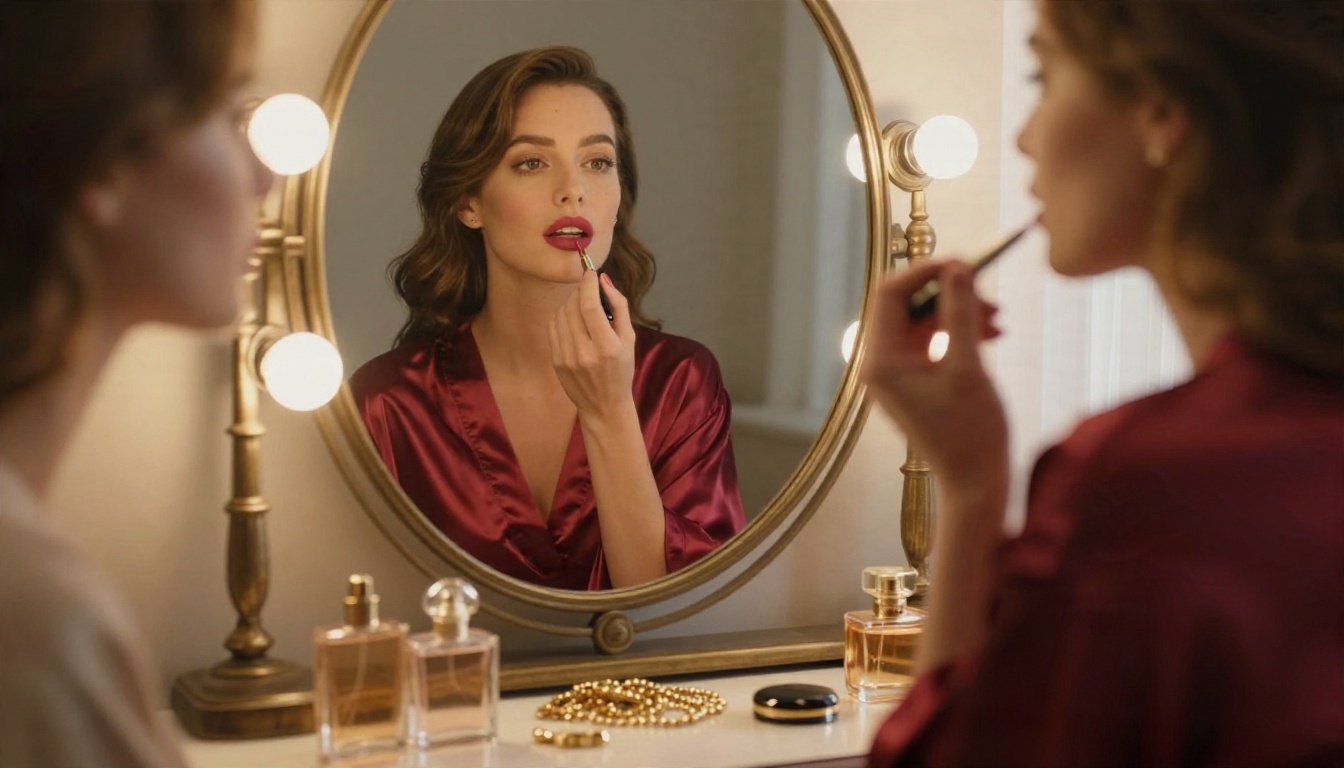
- Boudoir portrait: a woman in a burgundy satin robe at a vintage vanity, bulb lights around the mirror, soft window light from the right.
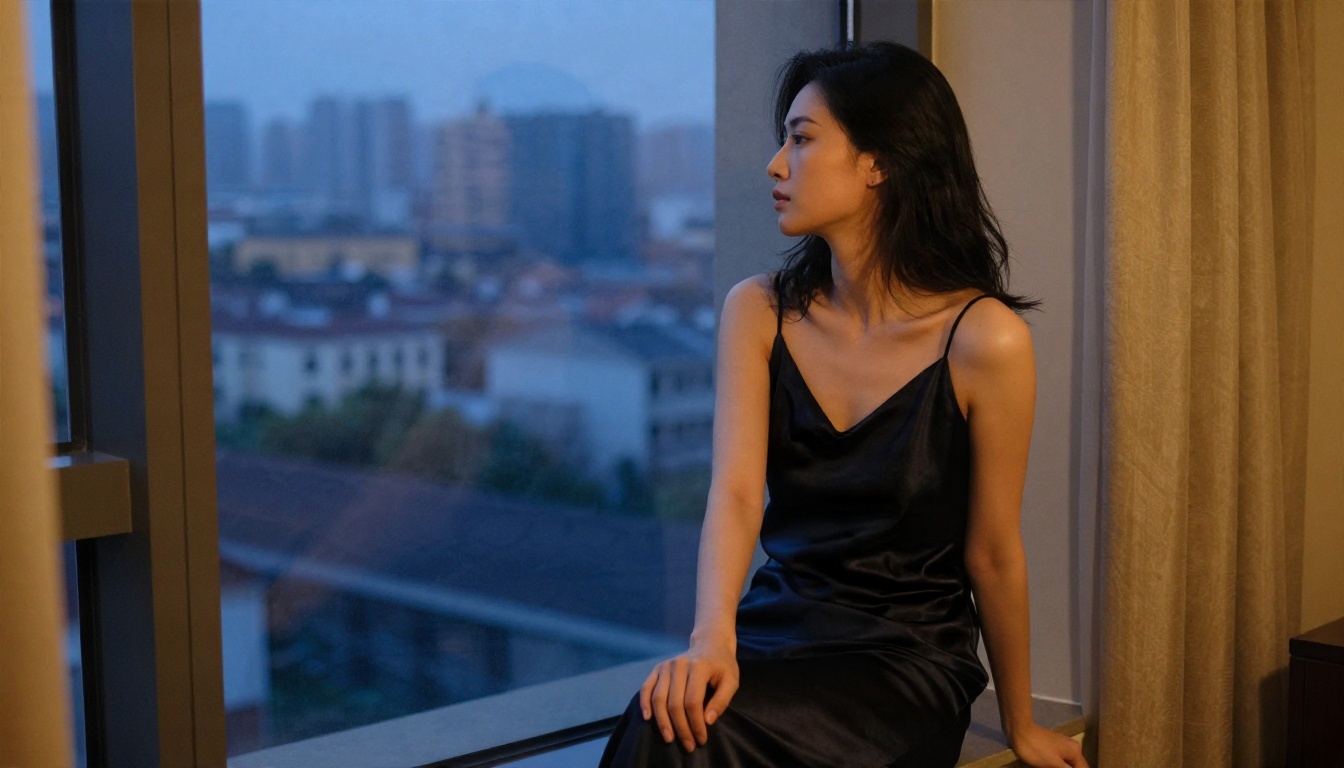
- Hotel window study: a woman in a black silk slip dress on a window seat, warm lamp mixed with cool dusk light, 85mm lens.
- Beach aerial: a woman in a coral swimsuit on a striped towel, shot from above, turquoise water at the edge of the frame.
Each of these reads as photography direction, which is exactly what image models respond to best.

Spicy Preset Versus a Real Workflow
A preset is convenient, but it comes with trade-offs that a general-purpose workflow avoids.
| Factor | Grok Imagine Spicy | Seedream 4.5 plus Editor Pro |
|---|
| Access | Paid plan, age check, mobile | Open the model page |
| Consistency | Changes with moderation updates | Stable behavior |
| Control | One preset toggle | Full prompt, lens, light, ratio |
| Editing | Regenerate and hope | Targeted edits in Image Editor Pro |
| Iteration cost | Tied to plan limits | Unlimited in Editor Pro |
| Output | Short clips | Stills up to 4K, then animate |
The biggest difference is control. A preset gives you one dial. A prompt-based workflow lets you decide the light, the lens, the wardrobe and the mood, and that is where good glamour work comes from.
Try It Yourself Today
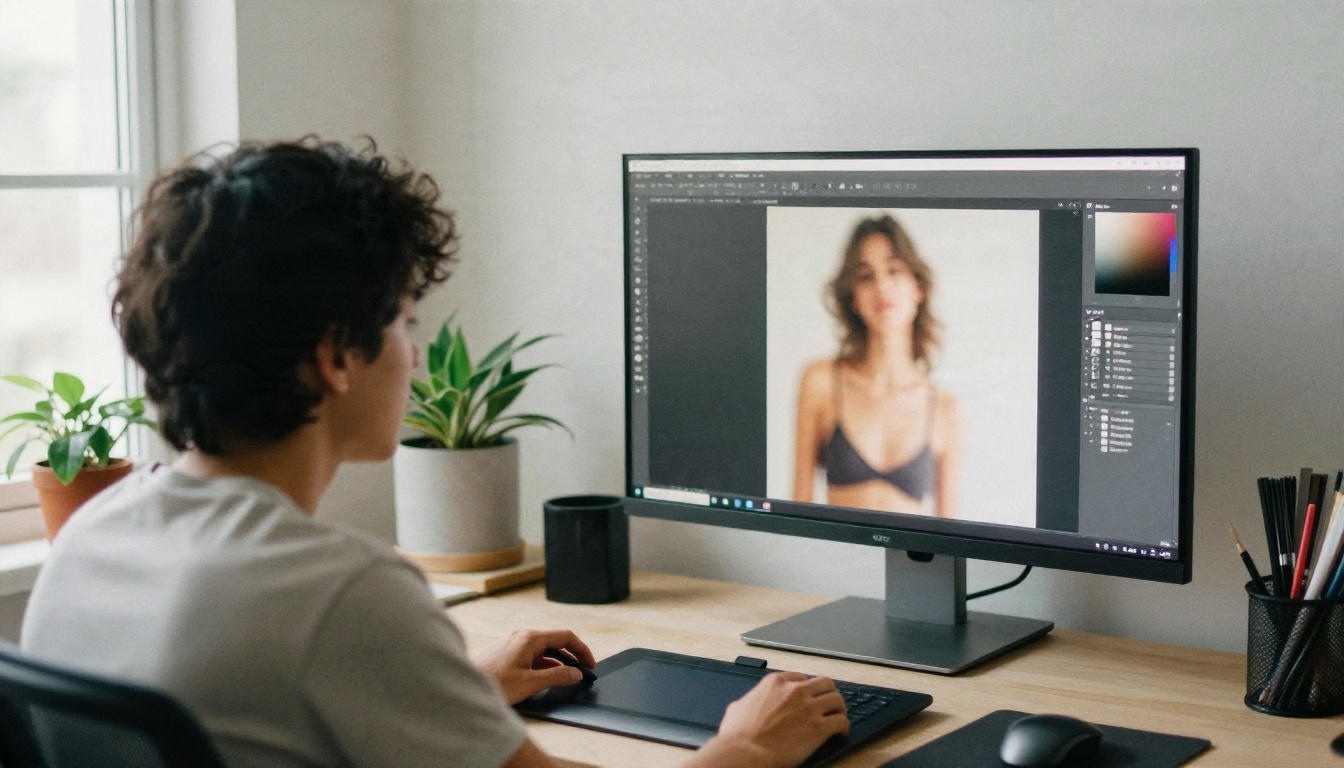
If the Spicy preset has been a source of paywalls and blurred tiles, there is a simpler route. Open Seedream 4.5, paste in one of the prompts above, and see how a photoreal glamour scene looks when you control the light and the lens yourself. Then take your favorite frame into PicassoIA Image Editor Pro, where unlimited generations let you keep refining until the shot is right.
Change the outfit, switch from golden hour to dusk, try an 85mm portrait and a 24mm aerial of the same scene. A dozen quick experiments will tell you more than any settings menu.
When you want to try other models for stills or motion, browse the full catalog at picassoia.com/en/all-models.


