Grok NSFW Gallery: Image Examples, Prompts, and Best Alternatives
A practical look at what a Grok NSFW gallery really contains, with photorealistic image examples, ready-to-paste prompts for glamour, swimwear and boudoir looks, plus the best alternatives when Grok filters get in your way.
Search for a Grok NSFW gallery and you will land on a messy mix of screenshots, reposted threads and half-working prompt lists. Most of it tells you nothing about how those images were made, why some look like magazine photography while others fall apart, or what to do when the filter blocks your idea. This article fixes that. You will see photorealistic glamour examples, the exact prompt structure behind them, an honest list of Grok's weak spots, and the best alternatives for adult-leaning imagery that stays suggestive and tasteful.
💡 Quick answer: Grok Imagine can produce suggestive, photoreal images, but results swing from shot to shot and access has been tied to paid plans. For consistent, uncensored-style glamour work, Seedream 4.5 and PicassoIA Image Editor Pro are the stronger picks, and both are covered below with links.
What a Grok NSFW Gallery Really Shows
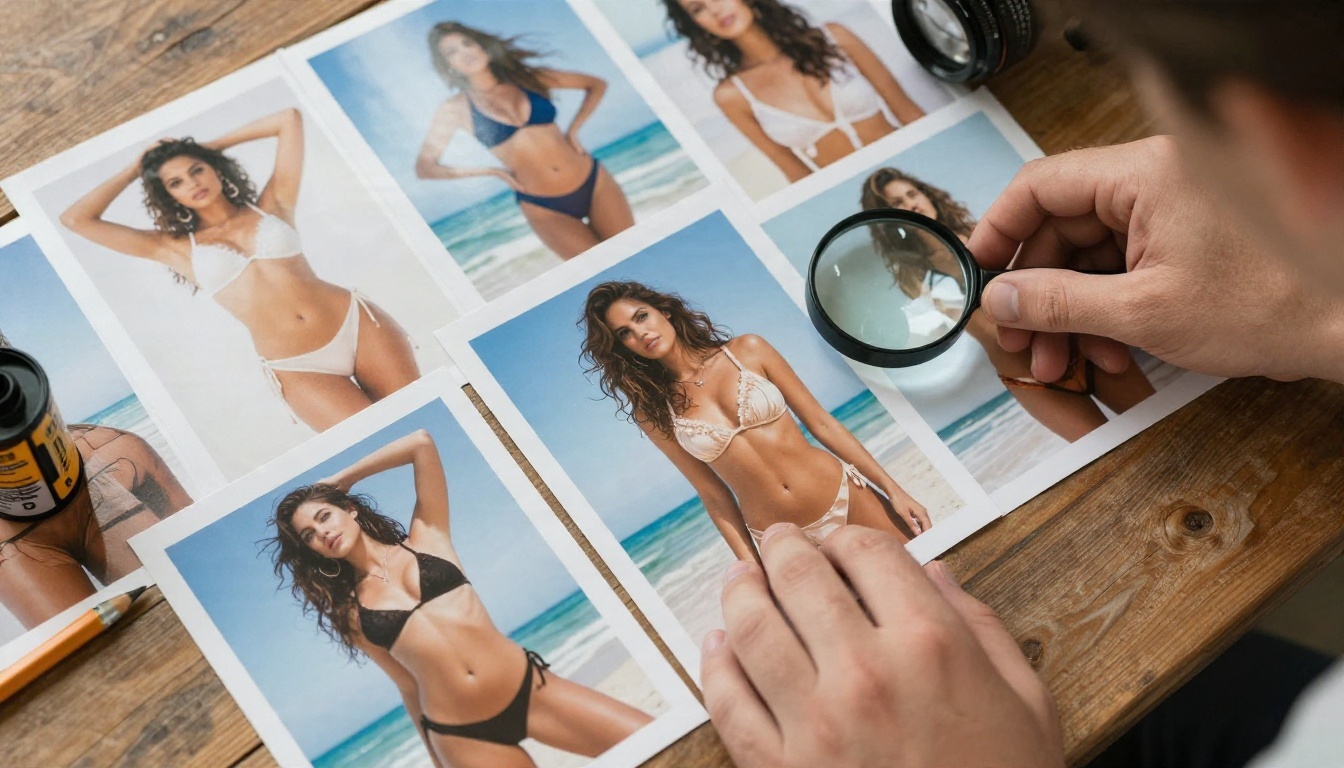
A gallery is only as useful as the prompts attached to it. Browse a typical collection and you will notice three patterns: swimwear and poolside scenes, boudoir portraits in silk or lace, and glamour close-ups with studio lighting. The rest is noise, usually cropped or compressed beyond recognition.
The Spicy Mode Background
xAI launched Grok Imagine in August 2025 with a handful of style presets, and one of them, called Spicy, was built for edgier and more daring visuals. Early reports described paid access only (SuperGrok and Premium+ tiers), and coverage split on how strong the safeguards were. Some outlets saw blurred or moderated output, others raised concerns about celebrity likenesses. Rules and tiers have kept shifting since, so treat any screenshot you find as a snapshot of one moment, not a promise of what the tool does today.
Why People Search for Galleries
The intent behind this search is mostly practical. People want to:
Judge quality before paying for a subscription
Copy prompts that already produced a good look
Compare tools when a filter refuses an otherwise harmless idea
Find inspiration for swimwear, boudoir or fashion editorial work
That last point matters. Good adult-glamour imagery is a photography problem, not a shock-value problem. The best examples borrow from fashion editorials: soft window light, believable skin, restrained styling.
Image Examples and the Prompts Behind Them
Every example below is a non-explicit, photorealistic shot of an adult model. Each one comes with the prompt logic that produced it, so you can reuse the pattern in Grok or any other generator.
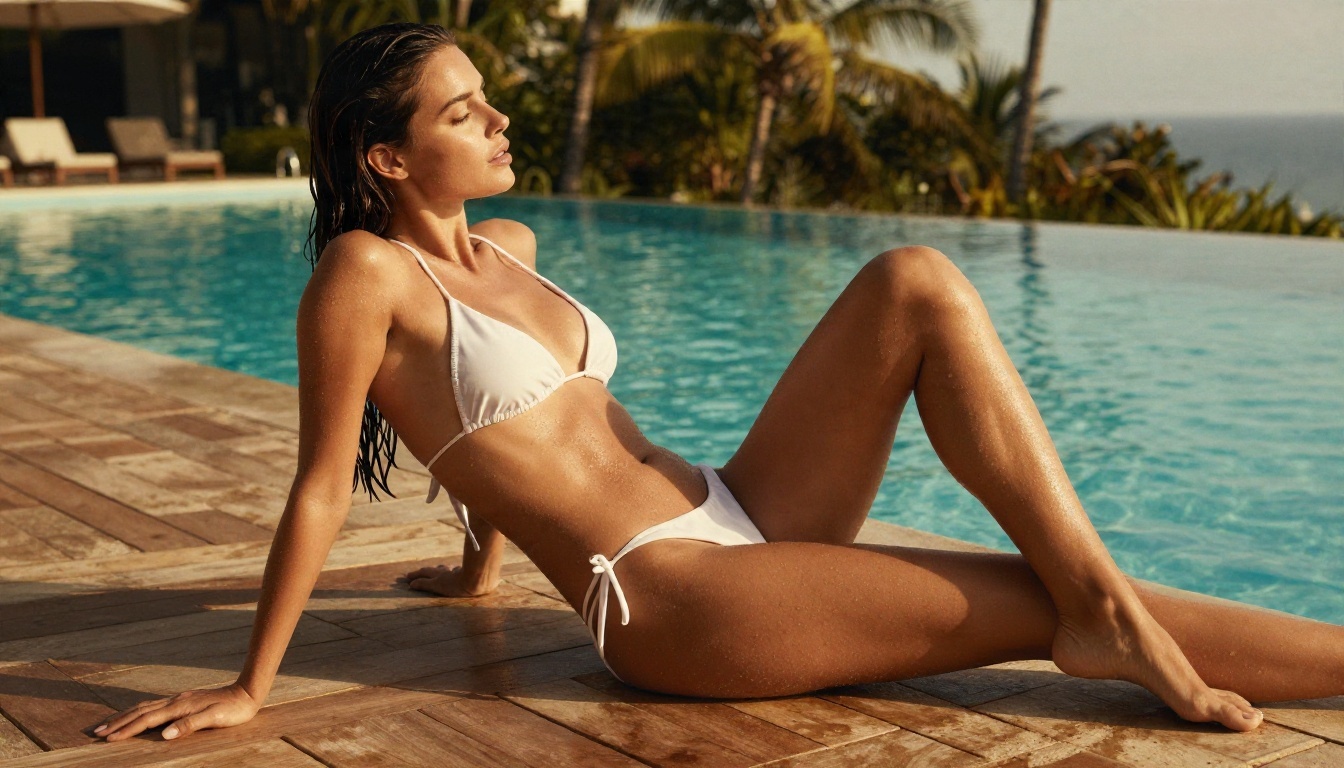
Poolside Golden Hour
This is the most common type of image in any gallery, and also the easiest to get wrong. Cheap results show plastic skin and flat lighting. This one works because the prompt names a light direction (strong golden sun from the right), a surface detail (water droplets on tanned skin) and a lens (35mm f/2 from a low angle).
Prompt pattern:
Adult woman in a white string bikini lounging on a teak sun deck beside an infinity pool, one knee raised, hair damp and slicked back, water droplets on tanned skin, golden hour sunlight from the right, low angle, 35mm f/2 lens, realistic skin texture, Kodak Portra 400 film grain
Boudoir Window Light
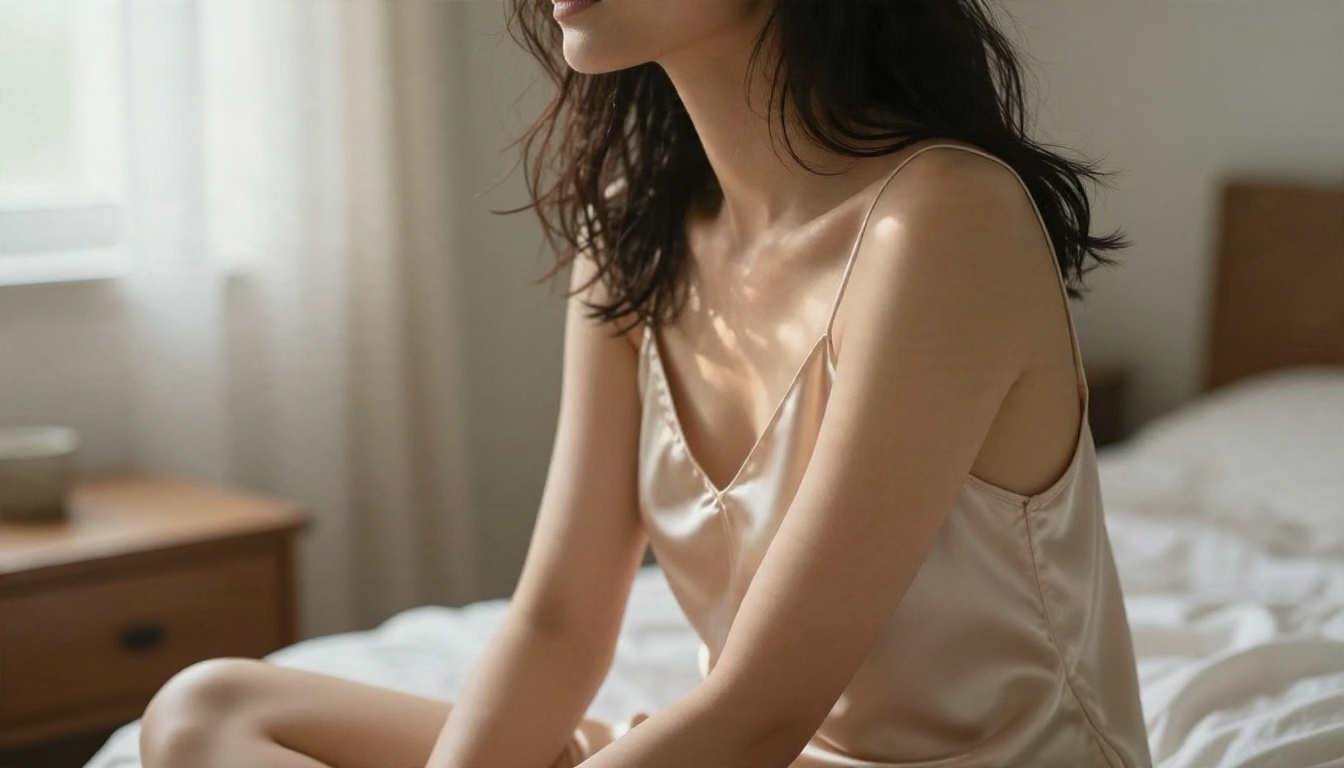
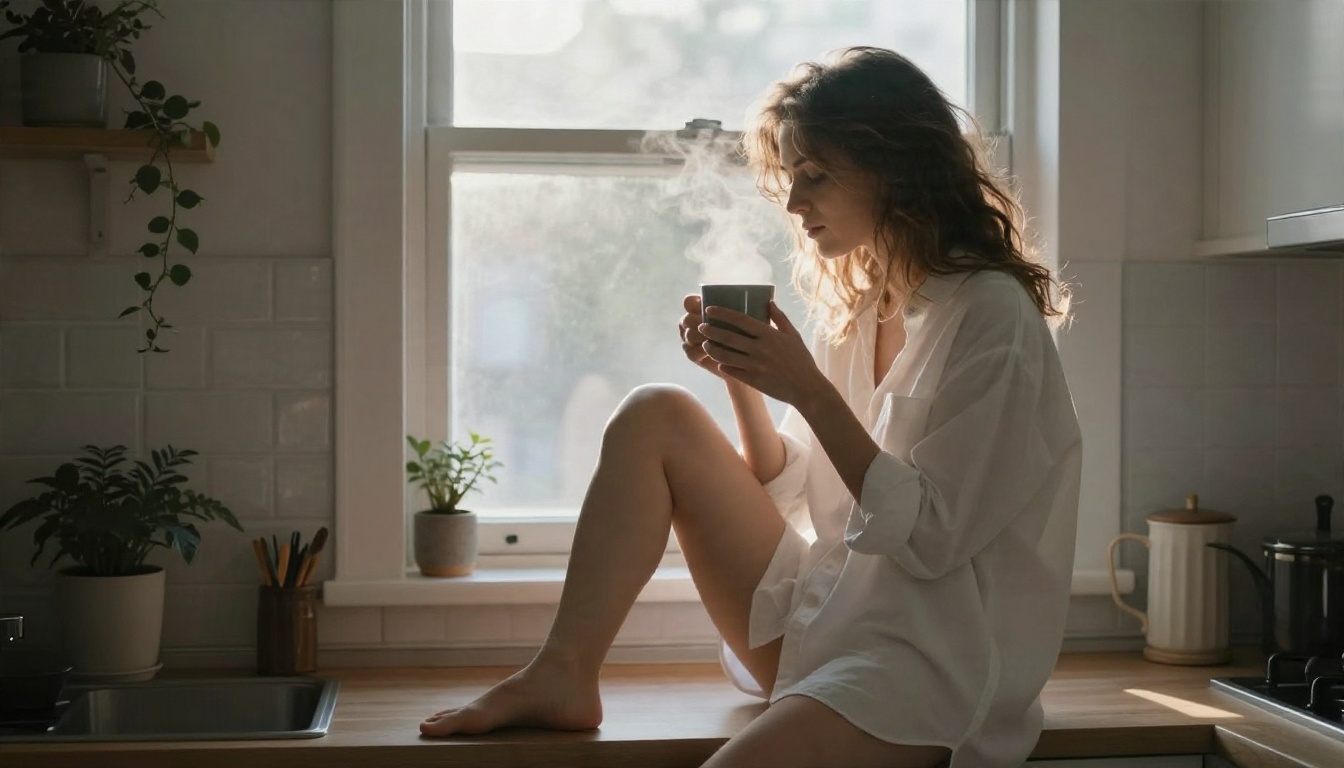
Boudoir is where AI images either look intimate or look uncanny. The trick is soft side light and a tight, shallow crop. Sheer curtains diffuse the window, the sheets stay rumpled instead of perfect, and the fabric (champagne silk) gives specular highlights that read as real.
💡 Tip: Rumpled linen, a wooden nightstand and a slightly messy hairstyle make a boudoir shot feel candid. Perfect symmetry makes it feel generated.
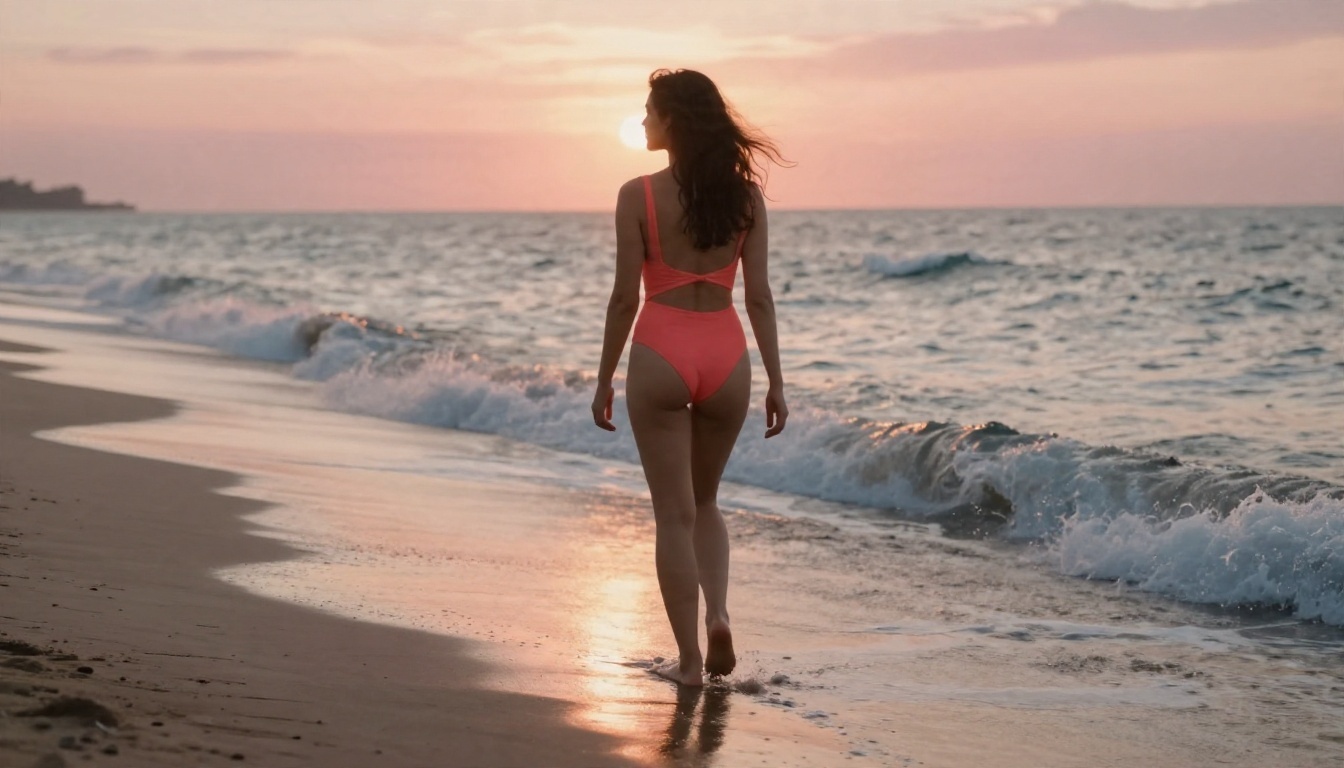
Beach Sunset Walk
Wide scenes are harder for every model because skin, water, sand and sky all compete for realism. A low camera angle and a backlit rim glow do most of the work. Mention wet sand reflecting the sky and foam around the ankles so the generator has physical cues to follow.
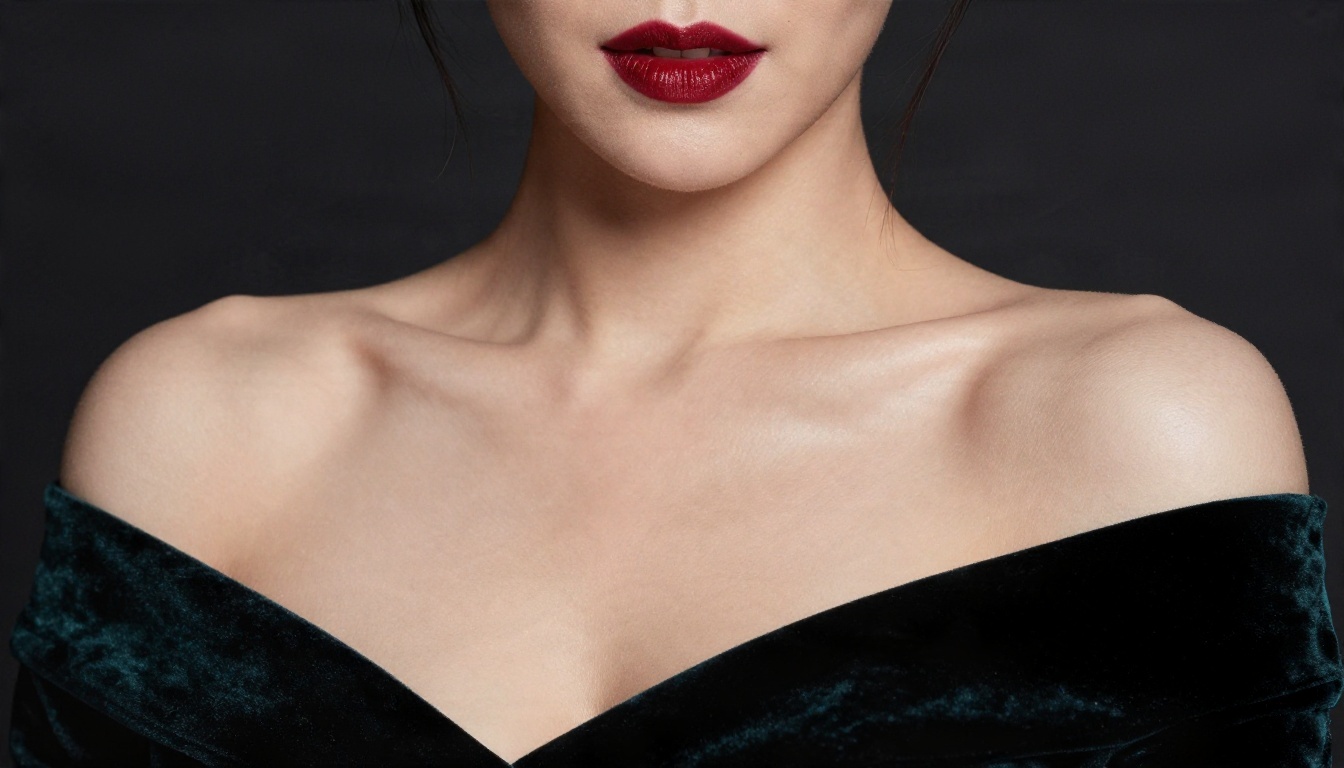
Glamour Close-Up
Close-ups expose every weakness: dead eyes, smeared lips, waxy cheeks. This one holds up because the prompt asks for fine skin texture, tiny highlights on the cheekbones and a 105mm f/2 portrait lens. The dark charcoal backdrop and a single softbox from the upper left give it a magazine look.
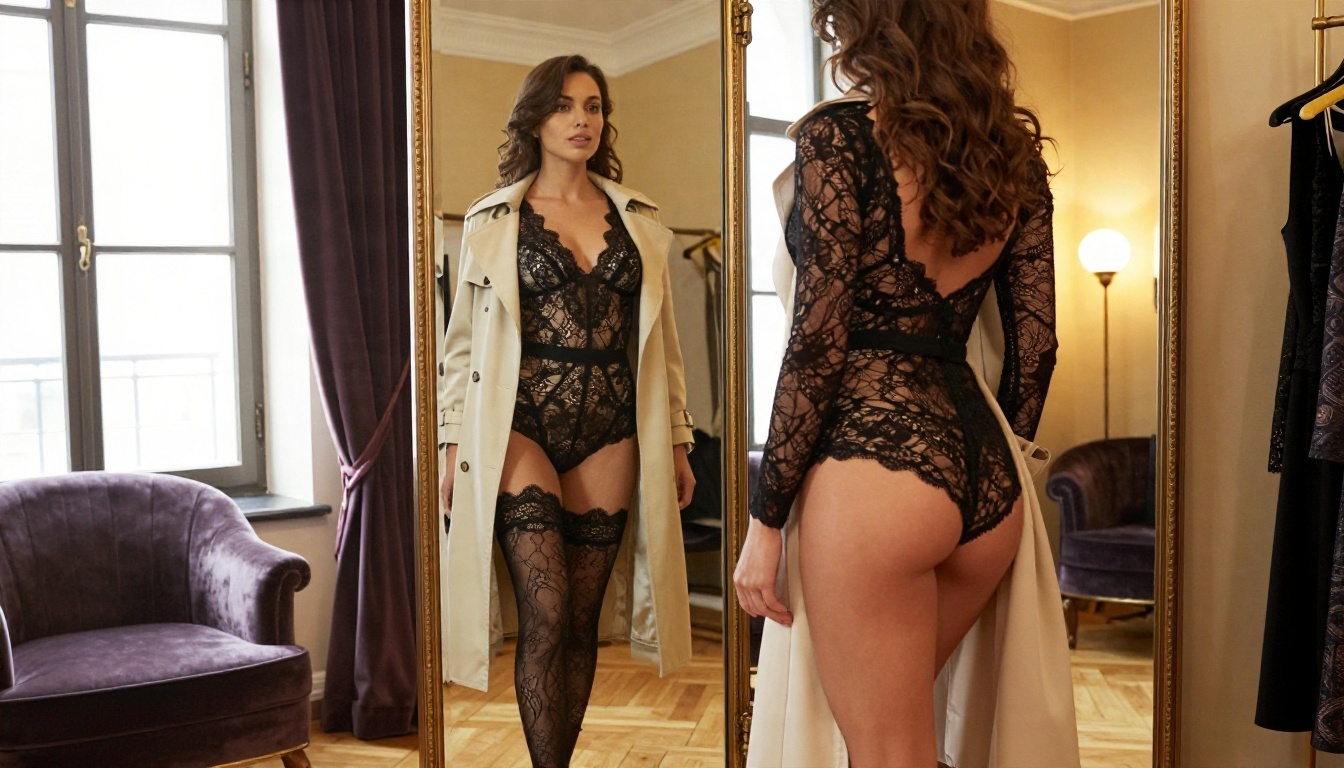
Hotel Mirror Editorial
Mirrors are a stress test. The reflection has to match the subject, and the room has to make sense on both sides of the glass. Mixed lighting helps: warm tungsten from one side, cool daylight from the other. It adds depth and keeps the scene from looking pasted together.
The Prompt Formula That Works
After comparing dozens of gallery images, the strongest ones share one structure. It works in Grok, in Seedream, in Flux and in nearly every photoreal generator.
The Five-Part Structure
Part
What to write
Example
Subject and pose
Who, doing what, wearing what
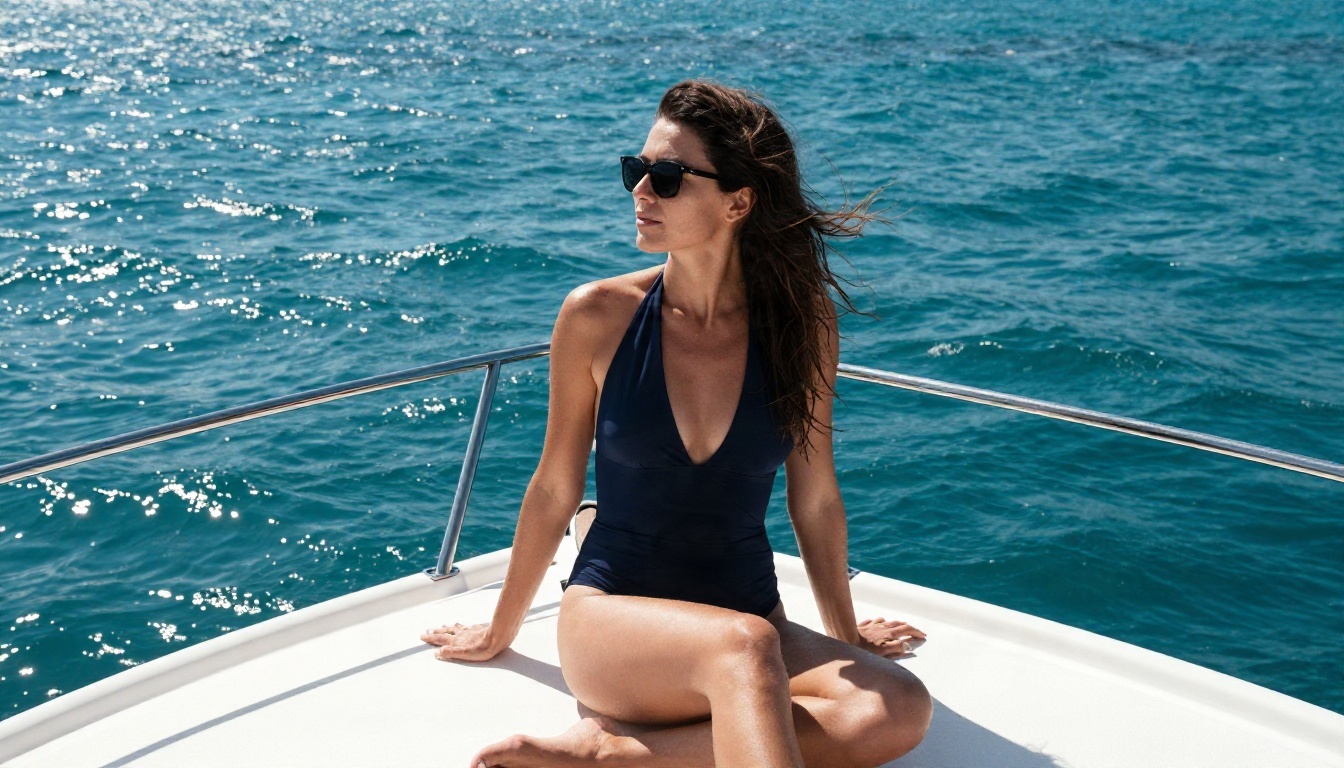
Adult woman in a navy halter swimsuit seated on a yacht bow
Write it as one flowing sentence or two. Aim for 50 to 75 words. Shorter prompts hand too many decisions to the model, and longer ones start to contradict themselves.
Words That Sharpen Realism
Light words:volumetric morning light, rim light, softbox from upper left, warm backlight
Skin words:visible pores, light freckles, water droplets, subtle sheen
Film words:Kodak Portra 400, fine grain, natural color grading
Mistakes That Ruin Results
Stacking adjectives like "ultra beautiful stunning perfect gorgeous" instead of describing light and texture
Skipping the lens, which leaves the model guessing at perspective
Forgetting to say "adult", which is both a safety habit and a clarity habit
Asking for impossible hands and jewelry in tight close-ups
Mixing styles, such as photo plus illustration, which muddies skin realism
Where Grok Falls Short
Filters and Inconsistency
Grok's moderation has been described in very different ways depending on the day and the reporter. In practice that means the same prompt can pass on Monday and get blocked on Friday. If you run a repeatable workflow, say a weekly set of swimwear or lifestyle shots, that unpredictability costs time. You rewrite, resubmit and hope.
There is also a style bias. Many Grok-made gallery images lean glossy and over-smoothed, with skin that looks airbrushed unless you push hard on texture words.
Access and Cost
The spicier presets were first offered to paying subscribers, and access terms have changed more than once. Check the current plan page before you commit money to it. If your goal is simply to produce tasteful glamour images at volume, a dedicated image platform is usually cheaper per picture and easier to automate.
Factor
Grok Imagine
Dedicated image platform
Prompt consistency
Varies with moderation updates
Stable behavior per model
Skin realism
Often glossy unless guided
Strong on photoreal models
Volume
Plan limits
Unlimited options exist
Model choice
One family
Many models side by side
Best Alternatives for Adult-Leaning Imagery
If the goal is suggestive, beautiful, non-explicit imagery (bikinis, glamour, boudoir, implied artistic looks), these are the models to try, in this order.
Seedream 4.5 First
Seedream 4.5 is the first model to test. It handles skin texture, fabric and light direction better than most competitors, and it follows long, detailed prompts without dropping half the instructions. It outputs up to 4K, which helps when you plan to print or crop.
Why it beats a Grok-only workflow:
Fewer surprise refusals on tasteful swimwear and glamour prompts
Better skin with pores, freckles and natural highlights
Faster iteration, so you can test six variations of a prompt in minutes
💡 Note: Skip Seedream 5 Lite for adult-leaning work. It blocks that kind of content. Seedream 4.5 is the right choice.
Image Editor Pro for Volume
PicassoIA Image Editor Pro is the best second step. It offers unlimited generations, which changes how you work: instead of agonizing over one prompt, you run 20 variations, keep the best three and discard the rest. It also edits existing photos, so you can change an outfit, swap a background or fix a hand without starting over.
Use Z Image Turbo as a sketch pad: run quick versions of your prompt, then send the winner to Seedream 4.5 for the final render. If you want a specific look repeated across a set, Flux 2 Klein 9B Base LoRA gives you more control through LoRA styles.
How to Use Seedream 4.5 on PicassoIA
The shot above is a good test prompt: simple styling, strong window light, easy to judge. Here is the workflow.
Step by Step
Open the model page for Seedream 4.5 on PicassoIA.
Paste your prompt using the five-part structure from above. Aim for 50 to 75 words.
Set the aspect ratio to 16:9 for landscape scenes, or 3:4 for portraits.
Pick the resolution. Start at a lower setting for drafts and go to the maximum for the final.
Generate, then compare results side by side.
Refine one thing at a time. Change the light, then the lens, then the fabric. Never all three.
Send the best result to Image Editor Pro for outfit swaps, background fixes or small cleanups.
Parameter Tips
Aspect ratio: 16:9 suits pool, beach and interior scenes. Use 3:4 or 2:3 for close-up portraits.
Prompt length: Stay between 50 and 75 words. Past 100, details start to compete.
Seed: Reuse a seed when a composition is nearly right and you only want to adjust the light.
Negative habits: Instead of piling on negatives, describe what you do want: "natural skin texture" beats "no plastic skin".
💡 Workflow shortcut: Draft in Z Image Turbo, finalize in Seedream 4.5, polish in Image Editor Pro. Three tools, one pipeline, no filter fights.
Grok Imagine on PicassoIA
If you still want to compare Grok output directly, two Grok models are available on PicassoIA: Grok Imagine Image 2 for 2K image creation and editing, and Grok Imagine Image Quality for higher-fidelity 2K output. They are solid for photoreal portraits, fashion and lifestyle scenes. For adult-leaning glamour specifically, run the same prompt in Seedream 4.5 and compare the two results side by side. Seeing both outputs next to each other settles the question faster than any gallery.
Quick Comparison Test
Write one prompt using the five-part structure.
Run it in Grok Imagine Image 2.
Run the identical prompt in Seedream 4.5.
Compare skin texture, light direction, fabric detail and hand accuracy.
Keep the winner and note which phrases helped.
Make Your Own Gallery Today
A good gallery is built, not found. Pick three scenes from this article, say poolside, boudoir and a hotel mirror, and write one prompt for each with the five-part structure. Run them in Seedream 4.5, then open Image Editor Pro to run unlimited variations and fix details. Within an hour you will have a set of images that look more consistent than most public galleries, and you will own the prompts that made them.
Want to try more engines before you decide? Browse every available model at picassoia.com/en/all-models and start building your own collection on PicassoIA now. Keep every shot adult, tasteful and non-explicit, and let the lighting do the talking.