Search for "Grok NSFW" and you will find two kinds of pages: breathless posts promising an unfiltered AI that does anything, and angry threads from people who typed a perfectly normal prompt and got a blurred square back. Both camps are partly right. Grok does have a reputation for being looser than ChatGPT or Gemini, and it also has a moderation layer that most people hit within ten minutes of trying to push it.
This article sorts out what Grok's adult-leaning features actually did, where the filter draws its lines, what changes when you call the API instead of using the app, and what to use when Grok says no. Facts here come from public reporting and secondary write-ups, and the situation has shifted more than once, so treat any single claim about "current" behavior with a little caution.
What "Grok NSFW" Actually Means
Grok is the assistant from xAI. It is really a family of products: a chat model (Grok 4 is the headline LLM), and an image and video side called Grok Imagine. When people say "Grok NSFW model," they almost always mean Grok Imagine, because that is where visual adult content lives.

The chat model
The text side, Grok 4, is the more permissive of the big assistants on romance, flirtation and mature themes in fiction. It will usually write a steamy scene's lead-up, banter, and tension without a lecture. It still refuses explicit sexual content involving minors, non-consensual themes presented approvingly, and sexual depictions of real, identifiable people.
The image and video side
Grok Imagine is where the headlines came from. In mid-2025 xAI introduced a "spicy" option inside the Imagine tool that allowed suggestive and semi-nude results, mostly in short animated clips. It was a deliberate marketing contrast with competitors that block nearly everything in this area.
💡 Reality check: "Spicy" never meant "unmoderated." Even at launch, reports described blurring, refusals and moderation that ran regardless of the toggle.
Why the label confuses people
There is no single "Grok NSFW model." It is a setting, a policy, and a moderation stack layered over the same underlying image and video models. That is why two people with the same prompt can report opposite results: they used different surfaces, different account types, or tried on different weeks.
Capabilities: What It Can Produce
Let's be concrete about the realistic ceiling. Based on public reports and what users commonly describe, here is how Grok's visual tools behave with adult-leaning themes.
| Content type | Typical outcome |
|---|
| Swimwear, lingerie-style fashion, glamour portraits | Usually works, especially with fictional characters |
| Suggestive poses, implied nudity | Hit or miss, often softened or blurred |
| Explicit sexual acts | Blocked |
| Sexualized images of real people or celebrities | Blocked, and the most frequent source of controversy |
| Anything involving minors or youthful-looking subjects | Blocked, with zero tolerance |
Where it is genuinely strong
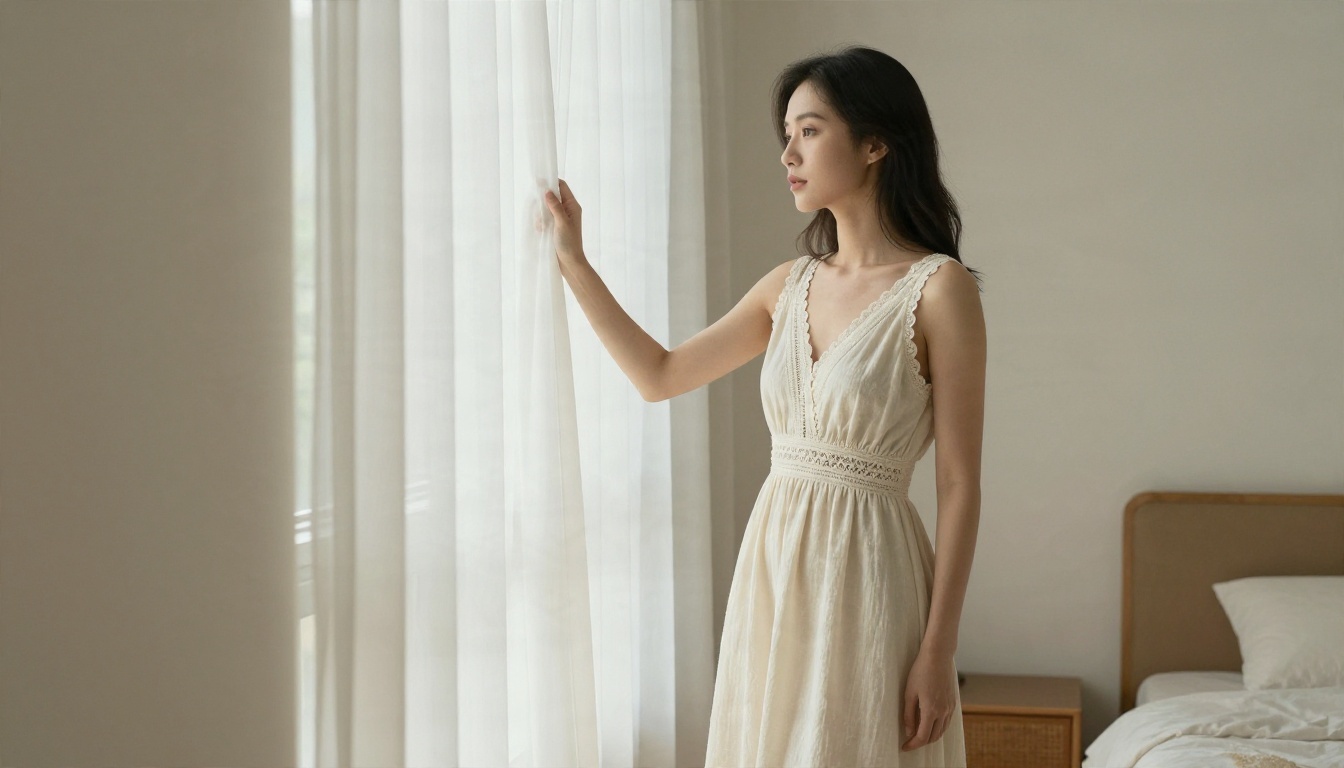
Grok Imagine handles skin, fabric and lighting better than most people expect from a social-network-attached tool. Glamour portraits, beach shots and boudoir-style fashion frames look convincing, and the video side adds motion and sound to a still. The newer versions on PicassoIA, such as Grok Imagine Image 2 and Grok Imagine Image Quality, produce sharp 2K output, and Grok Imagine Video 1.5 animates stills with audio.
Where it is weaker
Anatomy under complicated poses, hands, and consistency across a series are still shaky. Prompts with several people interacting can melt. And the moderation step sits after generation in many cases, which means you can wait for a result and then get nothing.
Filter Limits: Where It Says No
The moderation system is the real product story. Understanding its behavior saves you hours of reprompting.
Output-side blocking
Reporting on the Imagine API suggests moderation is applied at the output layer: the model tries, a classifier looks at the result, and anything that trips the policy is withheld or blurred. That explains the maddening pattern where the same prompt works once and fails the next time. The classifier is judging pixels, not your wording.
The real-people rule
xAI's acceptable use policy prohibits sexualized depictions of real people, and that applies across Grok and the Imagine API. After the early 2026 backlash around non-consensual edited images, this is the line that tightened the most. If your prompt names a celebrity, or you upload a photo of a real person and ask for revealing edits, expect a refusal.
💡 Conflicting reports: Some write-ups say the spicy mode was removed after the January 2026 backlash. Others describe it as restricted rather than gone. Several of those sources are vendors selling their own alternatives, so weigh them accordingly. The safest assumption: whatever toggle exists, moderation still runs.
Common triggers that cause refusals
- Naming real people, even in a harmless context
- Words that imply age, such as "schoolgirl," "teen," or "petite and young"
- Explicit anatomical terms
- Uploaded photos of real faces combined with clothing-removal style edits
- Repeated retries with slightly changed wording, which can flag an account
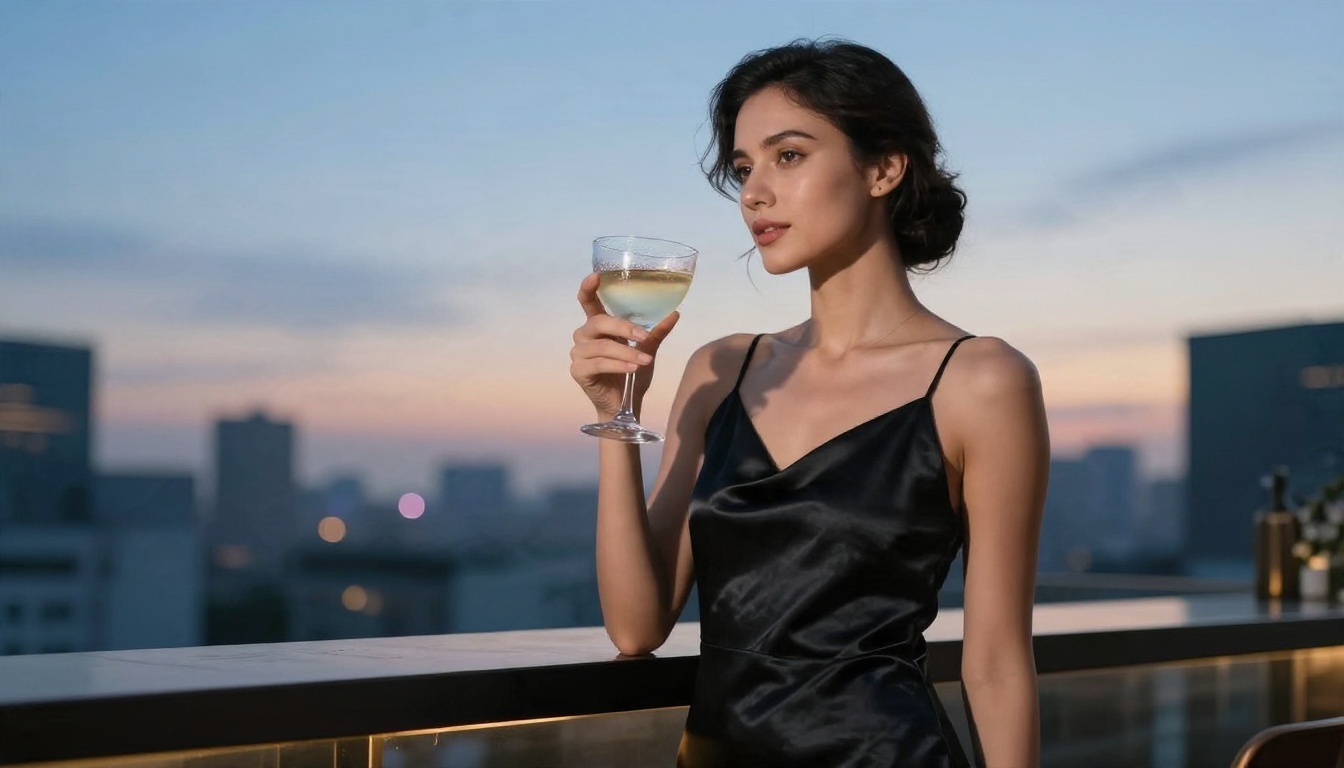
Why filters exist at all
Beyond the headline risk, there is legal exposure. Platforms that host generated adult imagery face laws on non-consensual content, age verification and distribution. A filter that is too loose becomes a liability, which is why even the "edgy" tools never fully drop their guard.
API Access: What Changes for Developers
Developers often assume the API is the "unfiltered door." It generally is not.

Consumer app versus API
The consumer app offers toggles and mode names. The API is a separate product: you send a prompt, you get an image or a refusal, and the response can include moderation metadata telling you what happened. Public documentation and third-party reviews describe generated images as subject to content policy review on both surfaces.
| Feature | Consumer app | API |
|---|
| Mode toggles such as "spicy" | Were offered in the interface | No equivalent switch, per reports |
| Moderation | Applied | Applied, with metadata returned |
| Account requirements | Paid tier often required for Imagine | API key and billing |
| Real-person edits | Restricted | Restricted |
| Best for | Casual creation | Pipelines and apps |
Practical limits you will meet
- Rate limits and pricing: Image and video calls are billed per output, and blocked outputs may still consume quota depending on the stage where they were stopped.
- Terms of service: Building an adult-content app on top of someone else's API usually violates the provider's usage policy, whatever the code allows.
- Account risk: Systematically probing the filter can lead to suspension.
💡 Tip for builders: If your product needs adult-adjacent imagery, pick a model whose terms permit it from the start. Rewriting a product around a policy change is far more expensive than choosing well on day one.
Free Alternatives That Give You More Room
If Grok keeps blurring your results, you do not need a workaround. You need a different tool. The models below are on PicassoIA, and they are built for photorealistic, glamour-style generation without the constant second-guessing.

Seedream 4.5 first
Seedream 4.5 is the best starting point. It renders skin texture, fabric and lighting with a photographic feel, handles swimwear, lingerie-style fashion and boudoir portraits, and outputs up to 4K. It is fast, and its tolerance for adult aesthetics is noticeably higher than most mainstream tools.
PicassoIA Image Editor Pro for unlimited runs
PicassoIA Image Editor Pro is the one to open when you want to iterate without counting. It offers unlimited generations, so you can run twenty variations of the same pose without worrying about quota, and edit an existing image rather than starting over.
How they compare
| Tool | Strength | Best use |
|---|
| Grok Imagine | Clean 2K output, video with audio | Fashion and glamour within its limits |
| Seedream 4.5 | Photographic realism, up to 4K | Glamour, swimwear, boudoir portraits |
| Image Editor Pro | Unlimited generations and edits | Iterating, refining, retouching |
More models, one place
Beyond those two, the full catalog is browsable at picassoia.com/en/all-models, with filters for text to image, video, upscaling and editing. If you want to compare how several models interpret the same prompt, that page is the fastest route.
How to Use Grok Imagine Image 2 on PicassoIA
If you still want to try Grok's own image model, it is on the platform, and it is a reasonable test bench for fashion and glamour prompts that stay within its rules.
Step by step
- Open Grok Imagine Image 2 on its model page.
- Write a prompt that names a fictional adult subject, a wardrobe, a location, a light source and a lens. Example: "adult woman in a black silk robe, sunlit hotel suite, soft morning window light from the left, 85mm f/1.8, natural skin texture, film grain."
- Choose a 16:9 or 3:2 aspect ratio for landscape work, or 3:4 for portraits.
- Generate, then review. If the result softens, do not retry the identical text ten times. Change the wardrobe or framing instead.
- For motion, feed the best still into Grok Imagine Video 1.5 and describe a slow camera move.
Parameter tips
- Lens language works: "85mm f/1.8" and "35mm f/2" steer the look more reliably than adjectives such as "beautiful."
- Name the light: "volumetric morning light from the left" beats "good lighting."
- Keep it fictional: Real names will be refused.
- Describe texture: "fine pores, linen weave, satin sheen" adds realism.
💡 Expectation setting: Assume Grok's filter travels with the model. If a concept is blocked in the app, do not count on it passing here. For wider room, switch to Seedream 4.5.
Prompt Habits That Reduce Refusals
Whatever model you pick, wording changes outcomes more than most people believe.

Lead with the scene, not the skin
Prompts that describe a place, a mood and a lighting setup get better, more natural pictures than prompts that list body parts. "Sunlit bedroom, linen sheets, oversized white shirt, tousled hair" produces something a fashion magazine would run. A prompt that fixates on exposure produces something the classifier will catch.
Use photographic vocabulary
Camera terms anchor realism: focal length, aperture, film stock, light direction. They also signal editorial intent, which tends to produce tasteful framing.
Build in layers
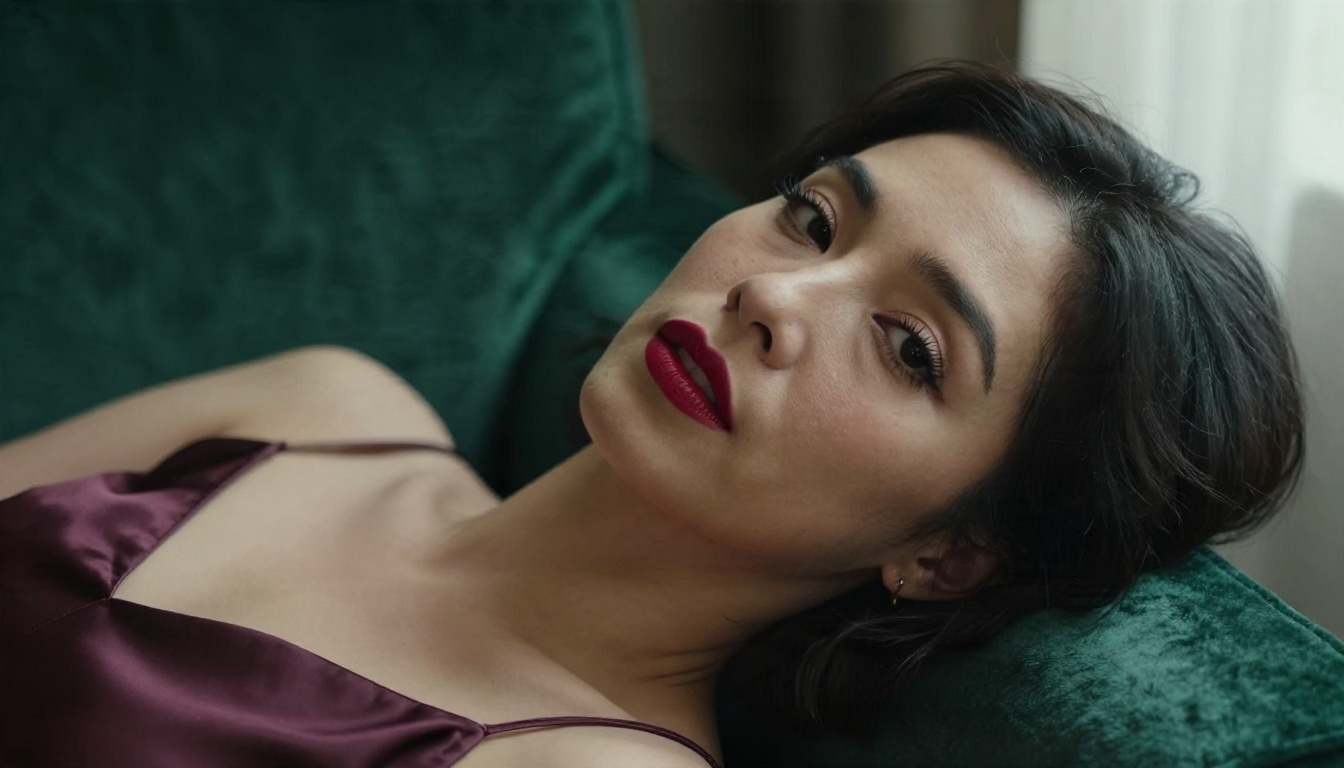
Generate a base portrait first, then refine in Image Editor Pro: adjust the outfit, shift the background, or fix lighting. Layering gives you control without cramming everything into a single risky prompt.
Keep consent and age at the center
Use fictional adult subjects only. Do not upload photos of real people to alter their clothing, and never describe youthful characteristics. Beyond the platform rules, this is simply the line between creative work and harm.
Grok NSFW Questions People Ask
Is Grok's spicy mode still available?
Reports conflict. Some say it was removed after early 2026 criticism, others say it was restricted. What every source agrees on is that moderation continues to run on outputs.
Can you use Grok for NSFW through the API?
The API is subject to the same content policy, applied on the output side, and it does not offer a hidden unfiltered switch. Adult-focused products built on it risk breaching the terms.
Is Grok free for NSFW content?
Imagine access has generally sat behind paid tiers or limited free quotas, and the features that attracted the most attention were gated. Free, unlimited alternatives exist, and they are the better route if volume matters.
What is the best Grok alternative for glamour images?
Seedream 4.5 for photorealistic quality, then Image Editor Pro for unlimited iteration and editing.
Try It Yourself Today
Grok earned its edgy reputation through marketing more than through technology. The moderation is real, the real-people rule is strict, and the API offers no secret door. If your goal is polished, photorealistic glamour, swimwear and boudoir-style imagery, you will get further, faster, with tools built for it.
Start with Seedream 4.5, keep PicassoIA Image Editor Pro open for unlimited variations, and browse everything else at picassoia.com/en/all-models. Write one scene prompt with a lens and a light source, generate five variations, and see which model reads your idea best. It takes about two minutes, and you will know more from that test than from any comparison thread.


