Type a spicy prompt into Grok and one of three things happens: you get a clean, attractive result, you get a blurred preview with a moderation notice, or you get nothing at all. Which one you see depends on your plan, your settings, and how you word the request. Since xAI added its "spicy" option to Grok Imagine, thousands of people have been testing where the line sits, and the answers are messier than the marketing suggests.
This article lays out what a Grok prompt NSFW request can produce, ten prompt examples you can adapt, what access costs, how to switch the mode on in the app, and the content limits that still apply. If Grok's restrictions get in your way, you will also find alternatives on PicassoIA that handle suggestive, glamour and boudoir imagery with far fewer interruptions.
💡 Quick note on scope: everything here is about adult, consenting, fictional or original subjects and non-explicit, glamour-style output. Nothing in this article involves real people without consent or anyone under 18.
What Grok NSFW Prompts Actually Do
Spicy mode in plain terms
Grok Imagine is xAI's image and short video generator, built into the Grok app and tied to X. When it launched, it shipped with presets such as Normal, Fun, Custom and Spicy. Spicy is the option that loosens the filter so suggestive content, swimwear, lingerie styling and some partial nudity can appear, instead of being refused outright.
Reporting at launch and since then agrees on a few points:
- Spicy mode is tied to paid plans, not the free tier.
- It works best on video clips generated from an image, and results vary a lot from one try to the next.
- Moderation still runs in the background, so some outputs come back blurred or blocked.
- Anything explicit or involving real public figures is treated very differently from a swimsuit shot.
Where the feature lives
Inside the Grok app you reach it through the Imagine area, where you type a prompt or upload a still and then pick a style preset. The "NSFW" display preference sits in your account's content settings, and without it switched on you will not see spicy results at all. We walk through the steps in the access section below.

Grok Prompt NSFW Examples That Work
The best prompts for this kind of imagery read like a photographer's brief, not a wish list. You describe the subject, the outfit, the place, the light and the lens. The more it sounds like a magazine shoot, the better your odds of a clean result that passes moderation.
The basic prompt formula
Use this order every time:
- Subject: age implied as adult, hair, expression, pose
- Outfit: swimwear, satin, lace, linen, evening gown
- Setting: terrace, yacht, hotel room, pool, corridor
- Light: golden hour, window light, backlight
- Camera: focal length, angle, depth of field
- Finish: film grain, skin texture, natural color grade
Swimwear and beach scenes
Swimwear prompts are the safest place to begin because they sit well inside what filters tolerate, and they look great.
Adult woman in a navy bikini standing on the teak deck of a sailing yacht, one hand on the rail, wind in her dark hair, golden hour sun from the right, low angle, 35mm lens, sea spray on skin, film grain.

A second beach example that tends to produce clean results:
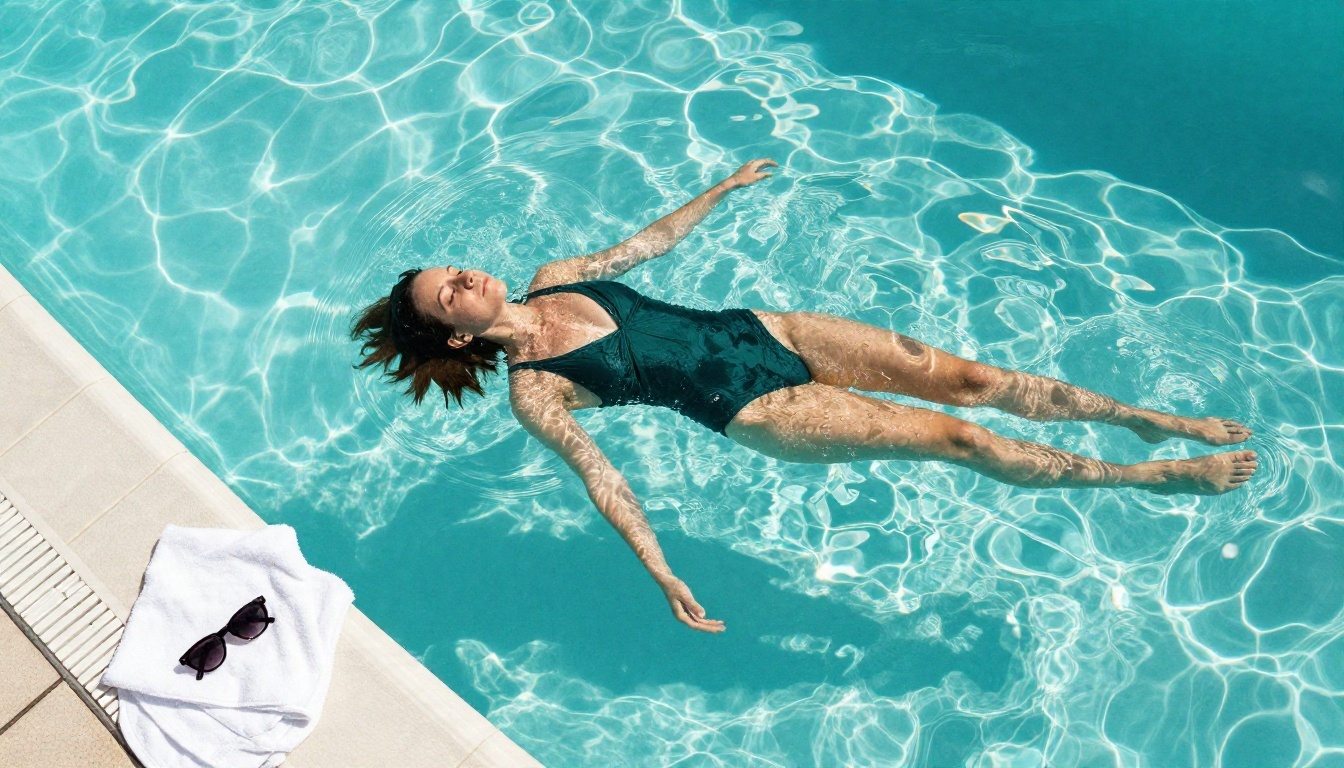
Aerial view of a woman in a white swimsuit and open linen shirt walking along wet sand at sunrise, turquoise water around her ankles, long soft shadow, 24mm lens, natural color.

Boudoir and lingerie style
This is where spicy mode earns its name. Prompts mentioning lace, satin and robes often trigger the blur filter on the free tier, and sometimes even on paid plans, so wording matters.
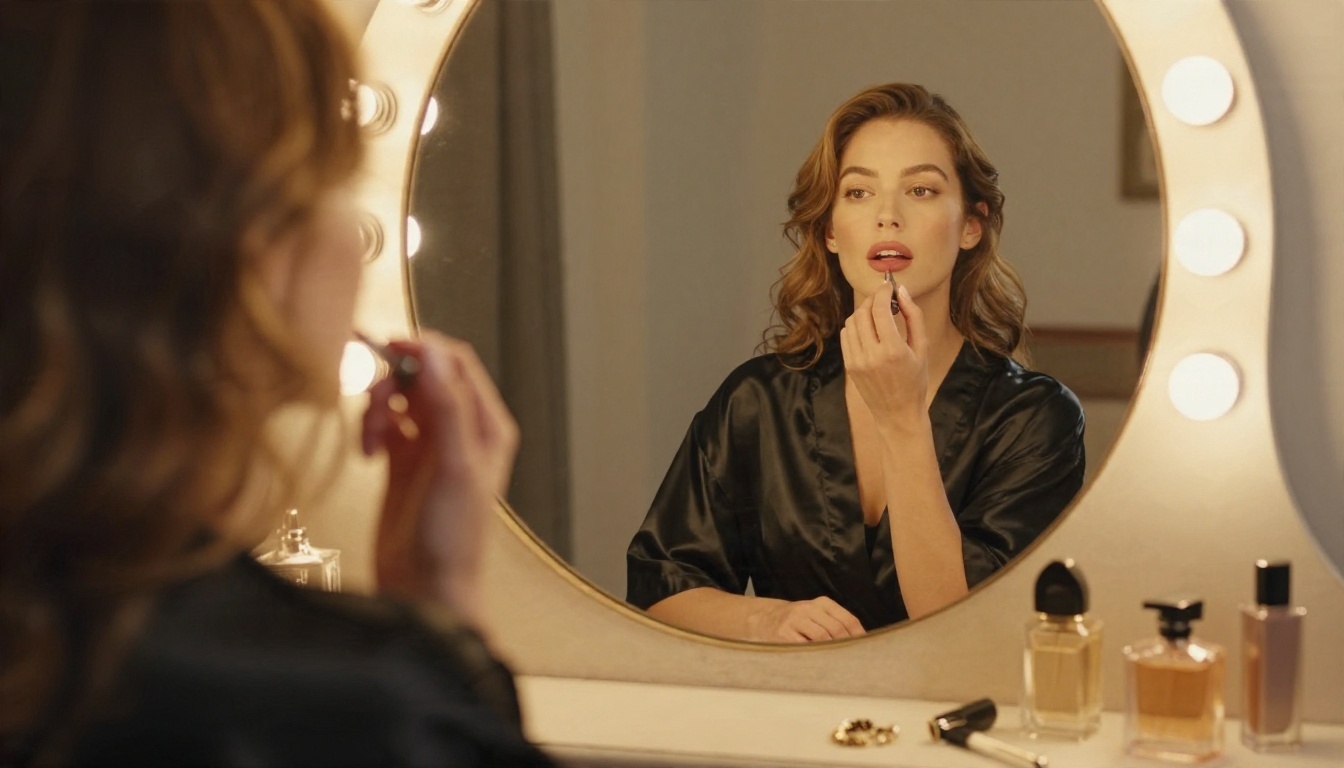
Medium shot of a woman in an ivory silk robe slipping off one shoulder, standing beside a sunlit window with sheer curtains, soft backlight, 70mm lens, silk sheen, gentle film grain, tasteful and non explicit.

Another variation, set at a desk with a laptop, works well for lifestyle content:
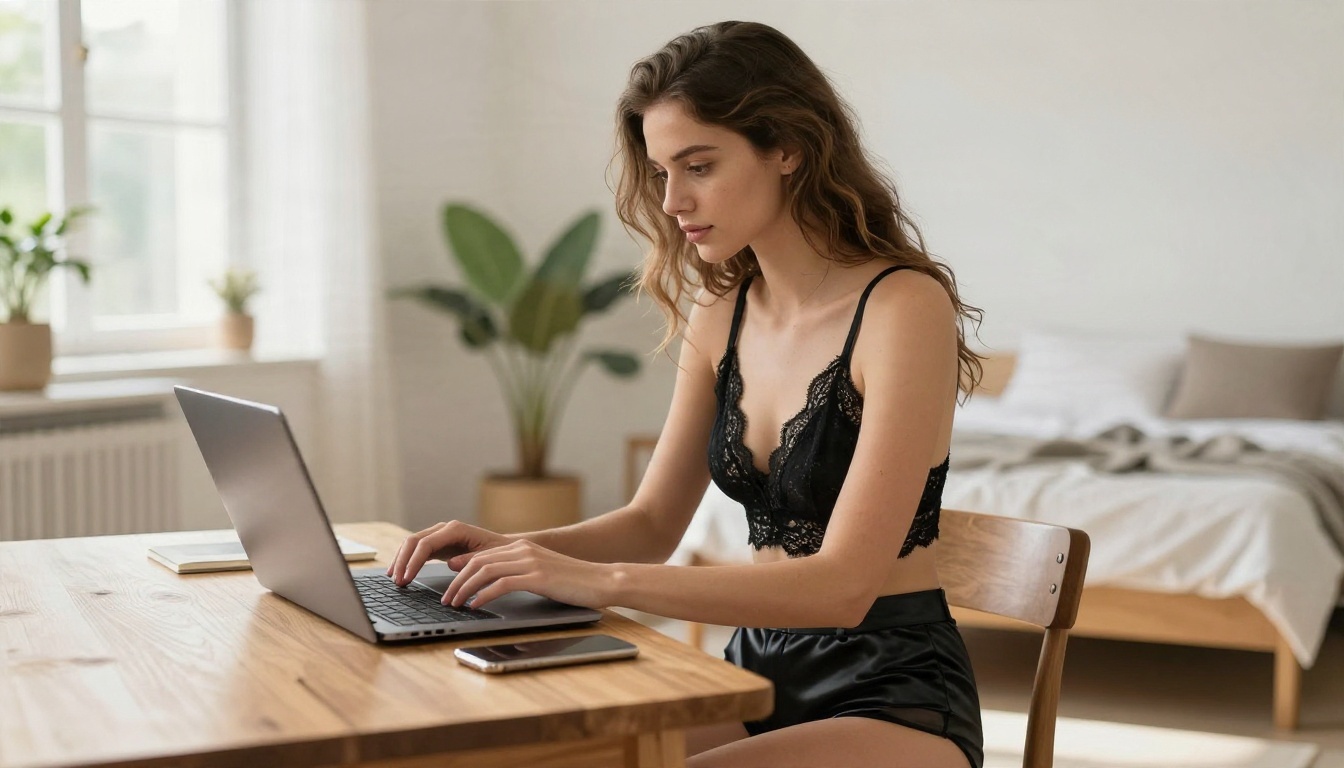
Over the shoulder shot of a young woman in a black lace bralette and high waisted silk shorts typing at a wooden desk in a bright loft, morning window light from the right, 50mm lens, warm skin tones.
Evening glamour
Fashion framing signals editorial intent. Gowns with high slits, backlit silhouettes and hotel corridors read as glamour, not adult content, which keeps moderation calm.
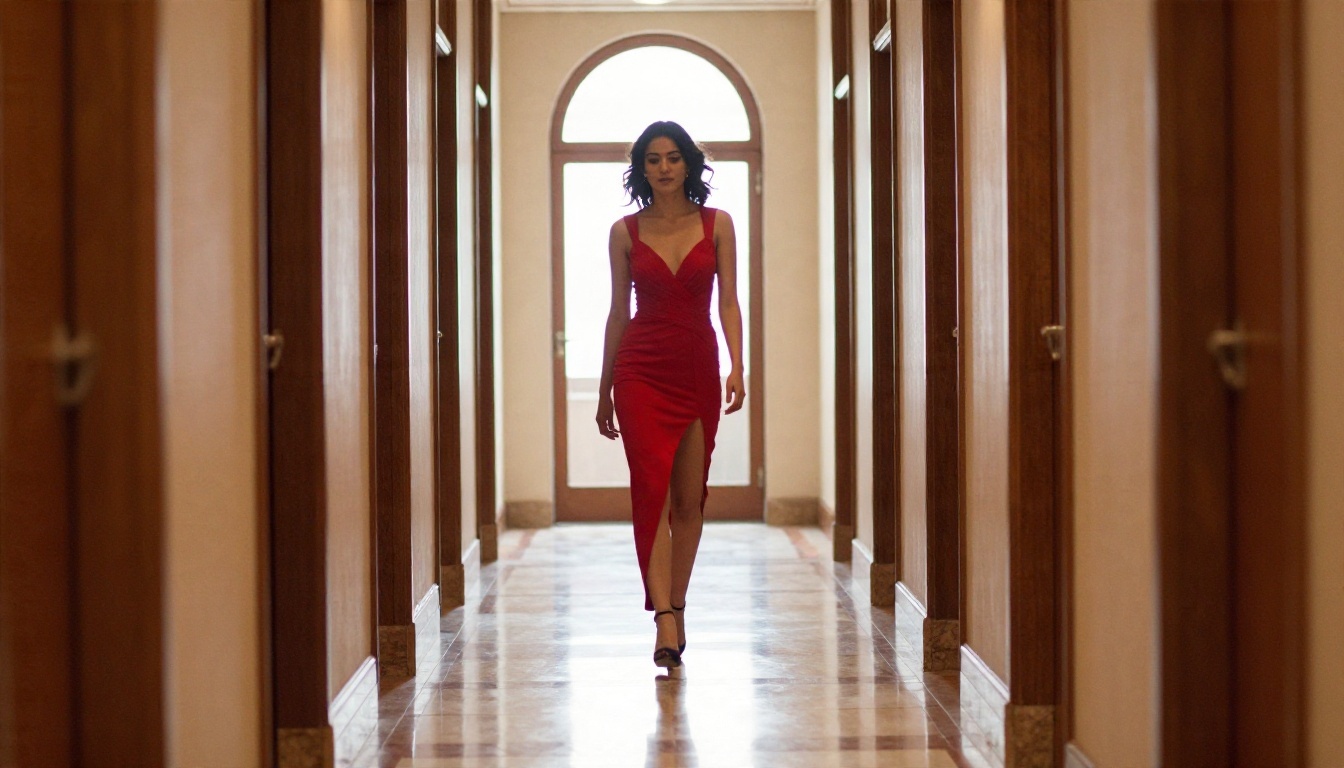
Full length silhouette of a woman in a deep red evening gown with a high leg slit walking down a marble hotel corridor, warm backlight from an arched window, symmetrical framing, 35mm lens.
Words that trigger the blur
Across tests reported by users, these patterns raise the chance of a blurred or refused result:
| Prompt pattern | Typical outcome |
|---|
| Named real people or celebrities | Refused or blocked |
| Anatomical or explicit wording | Blurred or refused |
| Vague "sexy" with no setting | Inconsistent, often blurred |
| Fashion and photography vocabulary | Usually passes |
| Swimwear with a clear location | Usually passes |
💡 Tip: adding words such as editorial, magazine, film grain and a lens length pushes the model toward fashion photography and away from the territory moderation is built to catch.
Pricing: What Access Really Costs
Pricing is the murkiest part of any Grok NSFW discussion, because sources disagree and xAI has changed its plans more than once.
Free tier
On the free plan, Grok Imagine usage is limited and spicy output is generally not available. Some users report a small number of daily generations and blurred "teaser" previews, though that figure comes from third party blogs and is not confirmed by xAI.
Paid tiers
Spicy access has been tied to subscription levels, namely X Premium+ and the SuperGrok plans. Reported monthly prices range from roughly $16 for Premium+ to about $30 for SuperGrok, with discounted annual options also mentioned. A lower tier around $8 per month was reported as not including spicy mode.
| Plan | Reported price | Spicy access |
|---|
| Free | $0 | No, limited Imagine use |
| Entry Premium | About $8 per month | Reported as not included |
| Premium+ | About $16 per month | Reported yes |
| SuperGrok | About $30 per month | Reported yes, higher limits |
⚠️ Check before you pay: these numbers come from news coverage and blogs written at different times. Open the subscription screen in the app to see today's exact price and what the plan includes. App store listings describe Grok as free with in-app purchases, which does not guarantee that every generation feature or NSFW control is free.
App Access Step by Step
On iPhone and Android
- Install the Grok app from the App Store or Google Play and sign in with your X account.
- Confirm that your account shows an eligible paid plan.
- Open the Imagine tab.
- In settings, find content preferences and turn on the option that allows NSFW content to be displayed.
- Enter your prompt, or upload an image, and choose the Spicy preset.
On the web
The browser version follows the same logic: sign in, make sure the plan is active, enable the content preference in settings, then use Imagine. Age confirmation may be asked at some point, and region rules can hide the option entirely in some countries.
When the option disappears
If the Spicy preset is missing, the usual causes are:
- the subscription is the wrong tier or has lapsed
- the content preference was never switched on
- the app version is out of date
- local regulations block the feature in your region

Content Limits You Will Still Hit
Spicy mode is not a free pass. Even paying users run into several fixed walls.
Blur and moderation
Grok applies moderation after generation as well as before. A prompt that is accepted can still return a blurred preview with a notice, which wastes a generation. Results are inconsistent: the same prompt may pass once and fail the next time.
Real people
Requests that target real, identifiable people, especially public figures, are a hard no. Uploading someone's photo to make suggestive content about them is both blocked and a serious consent problem. Keep to original, fictional adult characters.
Hard rules that never move
- No content involving minors, ever
- No explicit pornographic output
- No non consensual or deceptive depictions of real individuals
Those limits are correct, and any serious tool enforces them. The frustration most adults feel is not about those lines. It is about glamour, boudoir and swimwear content being treated as risky when it would pass in any fashion magazine.
How to Get Similar Results on PicassoIA
Spicy mode itself belongs to the Grok app and is not a PicassoIA feature. For suggestive, glamour and boudoir imagery without a subscription tier or blur notices, Seedream 4.5 is the best place to start, with PicassoIA Image Editor Pro as the unlimited option for repeated tries.
Step by step with Seedream 4.5
- Open the Seedream 4.5 page.
- Paste a photographic prompt using the formula from earlier: subject, outfit, setting, light, lens, finish.
- Set the aspect ratio to 16:9 for landscape scenes or 3:4 for portraits.
- Generate, then adjust one detail at a time, such as the light direction or the outfit fabric.
- Send the best result to Image Editor Pro for fixes like changing a color, cleaning the background or refining details.
Parameter tips that matter
- Be specific about light. "Soft window light from the left" beats "nice lighting".
- Name the lens. 85mm for portraits, 35mm for environmental shots, 24mm for wide scenes.
- Add texture words. Satin sheen, knit wool, skin pores, sea spray.
- Keep it editorial. Fashion and glamour vocabulary gives cleaner, more attractive results.
Animating your images
Once you have a still you like, you can bring it to life with an image to video model. Kling v3 Video is strong for natural body and fabric motion, while Wan 2.6 I2V turns a single photo into a short clip quickly. A prompt such as "slow dolly in, hair moving in a light breeze, soft golden light" is enough to start.
Best Alternatives Ranked
If you want the Grok look without the Grok limits, work through these in order.
If you still like Grok's look
Grok's own image engine is on the platform too. Grok Imagine Image 2 and Grok Imagine Video 1.5 are available for general image and video work, though they follow their own rules, so check what each model accepts before building a workflow around it.
Speed and cost compared
| Grok app | PicassoIA |
|---|
| Spicy or suggestive access | Paid tier required | Open in the model pages |
| Blur on suggestive prompts | Common | Far less frequent |
| Unlimited generation | No | Yes with Image Editor Pro |
| Image to video | In app, limited | Kling v3, Wan 2.6 and more |
Try Your Own Prompts Today
You now have the prompt formula, ten ready examples, a realistic picture of what spicy mode costs, and a clear idea of where the walls are. The fastest way to see the difference is to take one of the prompts above, paste it into Seedream 4.5, and compare it to what Grok gives you.
Change the outfit, shift the light from golden hour to window glow, swap the 85mm lens for a 35mm, and watch how each tweak changes the mood. Then run the same idea through Image Editor Pro as many times as you like, since there is no counter ticking down.
Ready for more options? Browse every image and video model at picassoia.com/en/all-models and build your own glamour set today.


