You open the Grok app, tap the Imagine tab, and the Spicy option is either greyed out, missing, or asking you to pay. That is the most common complaint about Grok Spicy, and the reason so many people type "Grok Spicy free" into a search bar. The honest answer is more nuanced than a yes or no. Spicy mode has been cut back more than once, free access has shrunk during 2026, and the rules differ by plan, device and region.
This article lays out what is realistic for a free account today, how the limits behave, which settings change your output, and how to write prompts that get through the filters without wasting your daily allowance. It also covers the alternatives people switch to when they want suggestive, glamour-style images and short videos without a cap.
💡 Quick answer: Recent reports say Spicy mode is tied to paid plans (SuperGrok or X Premium Plus), needs an 18+ check, and works mainly in the mobile app. Free accounts get, at most, a thin image-only allowance. Figures change often, so confirm inside the app before you plan around any number.
Is Grok Spicy Really Free?

What free accounts get now
When Grok Imagine launched in 2025, Spicy sat next to the Normal, Fun and Custom modes, and for a short stretch it was reachable by a wide range of users. That period is over. Reports from March 2026 describe the last free access to the image and video generator being pulled back, with xAI calling it a temporary technical measure. Mid-2026 write-ups describe a paid-first setup: free accounts may see a small image-only allowance inside the chat, while video, HD output and Spicy mode sit behind a subscription.
Here is how the picture looks when you line the claims up:
| Feature | Free account | Paid plan (SuperGrok or Premium Plus) |
|---|
| Standard image generation | Thin, sometimes none | Yes, higher caps |
| Video generation | Generally no | Yes |
| Spicy mode toggle | Generally hidden or locked | Yes, after age check |
| HD output | Generally no | Yes |
| Mobile app required | n/a | Often yes for Spicy |
Why sources disagree
You will find pages that say Grok Imagine is "free for everyone with daily limits." Many of them were written in 2025, when that was true. Others are third-party wrapper sites that borrow the Grok name but are not run by xAI at all. Treat any site that promises "unlimited free Spicy Grok" with suspicion: it is either a different model under the hood, a lead-capture page, or a service that will ask for a card on the second generation.
💡 Rule of thumb: If a claim has no date, assume it is outdated. If it has a date before March 2026, assume the free tier has since changed.
Grok Spicy Limits in Practice
Daily and rolling caps
xAI has never published one clean, stable table of limits, and what exists is scattered across user reports. Some describe a rolling window, such as a small batch of images every couple of hours. Others quote roughly 50 daily video renders on a mid-tier plan and about 100 on a higher one. Another source puts SuperGrok image use near 100 per month, noting it is not an official figure. These numbers conflict, and that is the point: the caps move, and the app is the only reliable source.
What matters more than the exact number is how you spend it. A few habits stretch any allowance:
- Test in image mode first. A still costs less than a video clip, and you can confirm the look before animating.
- Change one thing per retry. Rewriting the whole prompt every time burns attempts without telling you what worked.
- Do not regenerate blocked prompts. A refused prompt will usually refuse again.
- Save good seeds and wording. Copy the winning prompt into a notes file.
Filters that cut output
Even on a paid plan, Spicy is not a free pass. A moderation layer sits on top, and reports describe a filter added in mid-2026 that blocks a large share of borderline output. The result is the experience many users describe: the clip begins, the frame softens or cuts away, or the tool replies that it cannot complete the request. Prompts that name real people, minors, or explicit acts are refused outright. Prompts that ask for suggestive styling are far more likely to pass than ones that push toward explicit detail.
Age check and region rules
Spicy generally requires 18+ verification, and some regions hide the option entirely because of local rules. If you use a VPN, the mode can disappear. If the toggle is missing, check your account's age setting, your app version and your location before assuming it was removed for good.
Settings That Change the Result
Pick the mode on purpose
The mode is chosen at generation time, not in a global settings menu. Normal is the safe baseline and gives the most predictable motion. Fun adds playful exaggeration. Spicy loosens the styling toward glamour and suggestive looks, and in practice it produces more variance: a stronger hit rate on mood, but a higher chance of a filter interruption. Switch modes per prompt rather than leaving Spicy on by default.
Start with an image, then animate
Whether you work in Grok or somewhere else, the most reliable pipeline is the same. Generate a still you like, then animate that still. Text-to-video from scratch is where bodies and faces drift the most. An image-to-video pass locks the subject, the outfit and the lighting, so the motion prompt only has to describe movement.
Aspect ratio and clip length
Short clips hold together better than long ones. Keep the first test at the shortest length, pick the aspect ratio for where it will be posted (vertical for phone feeds, 16:9 for everything else), and only then ask for more. A wider frame also gives the model more room to keep proportions stable.
| Setting | Safer choice | Riskier choice |
|---|
| Start point | Your own still image | Text only |
| Clip length | Shortest option | Longest option |
| Mode | Normal for tests | Spicy on every try |
| Prompt length | 40 to 80 words | One vague line |
Prompts That Work in Spicy Mode
Anatomy of a good prompt
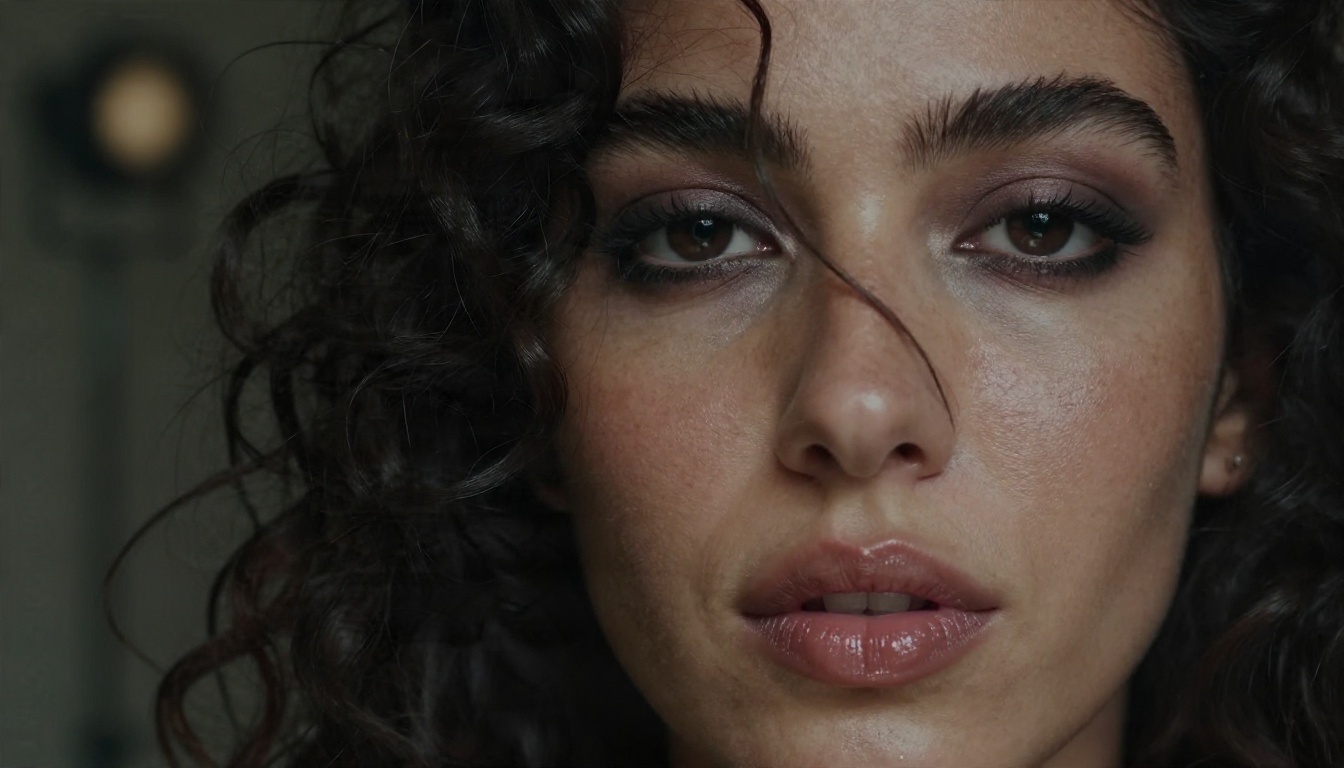
Good Spicy prompts read like a photographer's brief, not a wish list. They name the subject, the wardrobe, the place, the light and the lens. They describe attitude rather than acts. The mood comes from lighting, fabric and framing, and that is exactly what a moderation layer tolerates best.
A reliable structure:
- Subject and pose: who, what they are doing, where they are looking.
- Wardrobe: specific fabric and color (satin slip dress, lace bodysuit, bikini, silk robe).
- Setting: hotel suite, pool deck, loft, beach at sunset.
- Light: direction and quality (golden backlight, soft window light from the left).
- Camera: lens and angle (85mm, low angle, over-the-shoulder).
- Texture cues: skin pores, fabric sheen, film grain.
Five prompt templates
Swap the bracketed parts and keep the rest.
- Boudoir editorial: "A woman in a black satin slip dress sitting on a hotel bed in morning light from the left, 85mm lens, shallow depth of field, soft film grain, relaxed half smile."
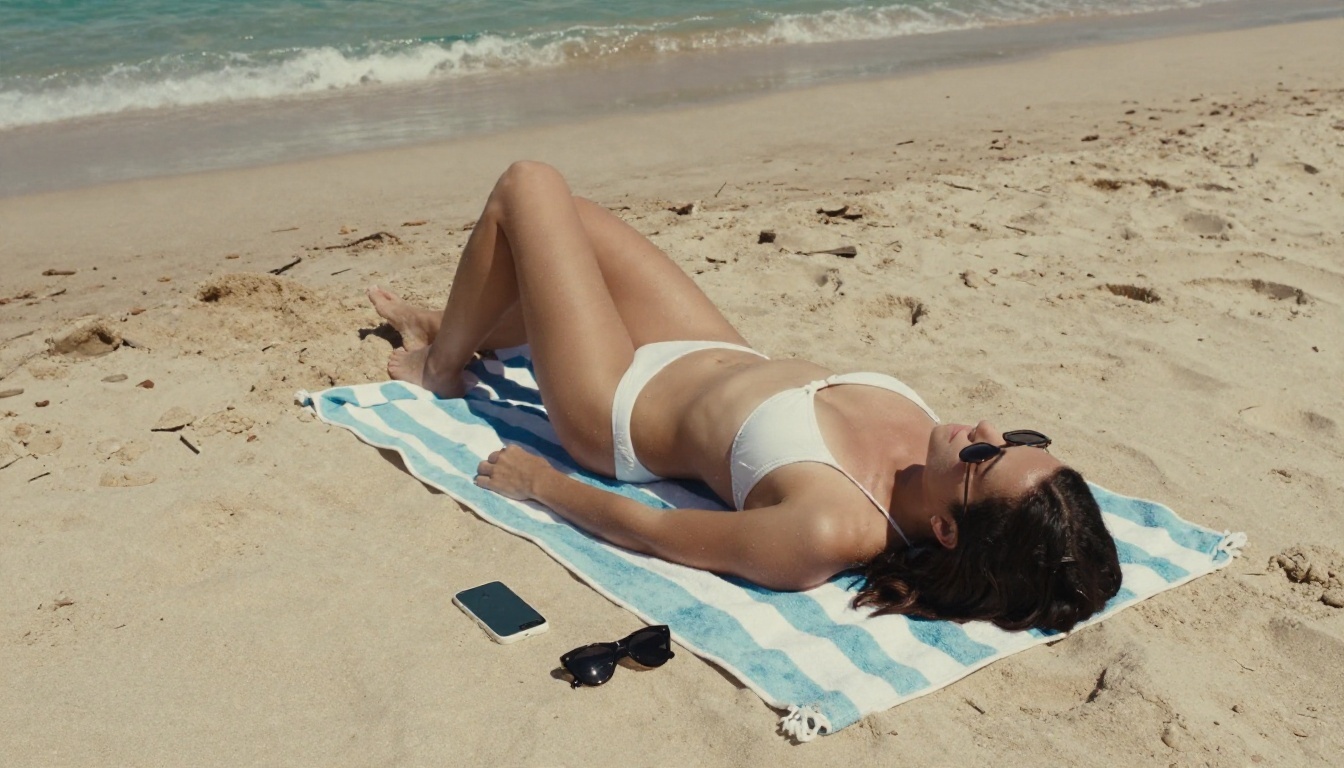
- Beach glamour: "Top-down shot of a woman in a white bikini on a striped towel, turquoise surf at the edge of frame, midday sun, crisp shadows, 35mm."
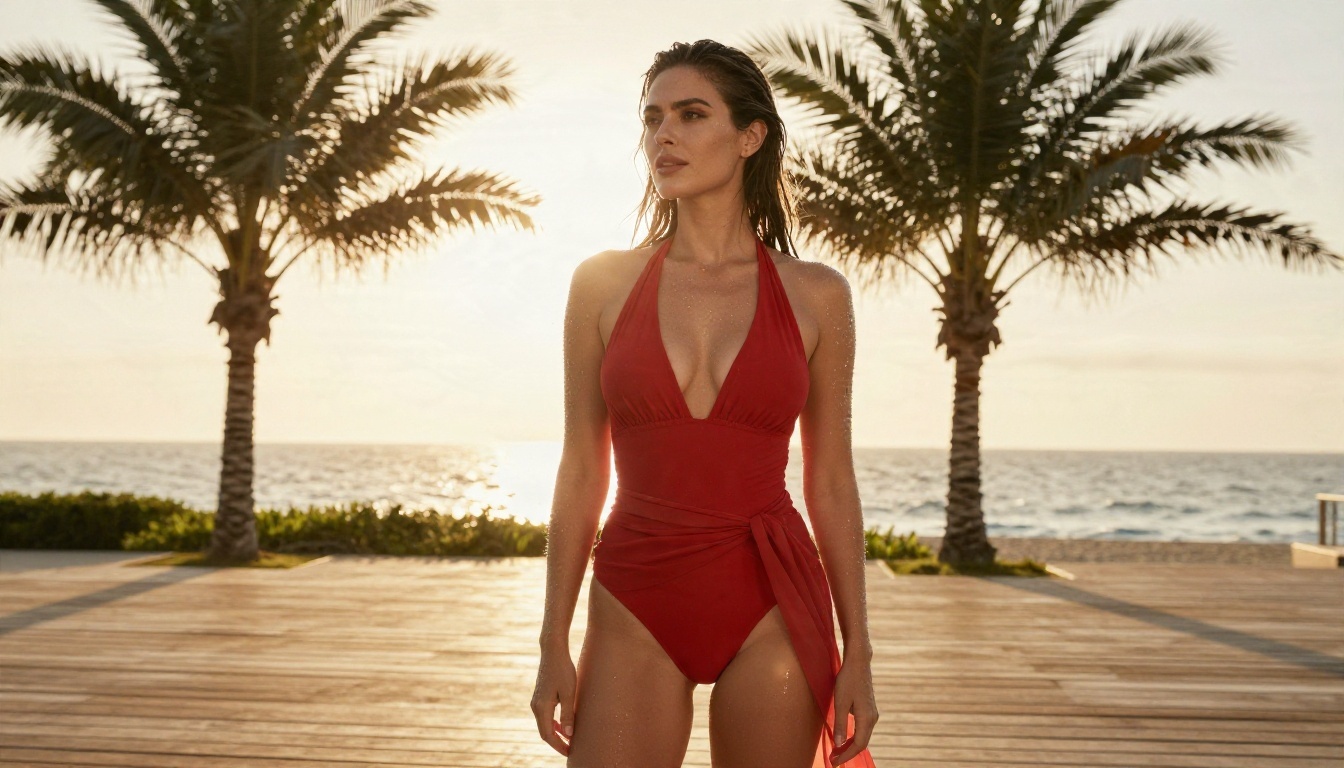
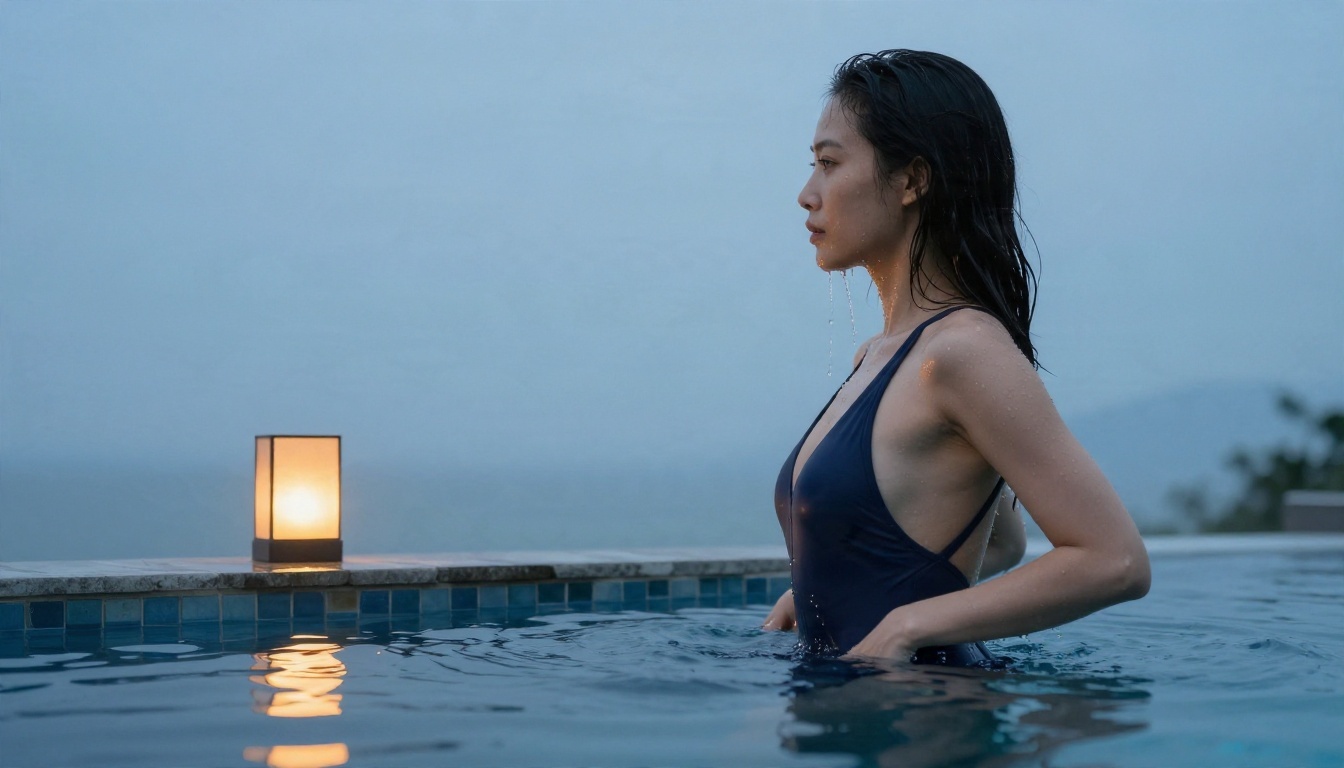
- Poolside golden hour: "Low-angle shot of a woman in a red halter swimsuit on a wooden pool deck, warm backlight, water droplets on skin, 24mm lens."
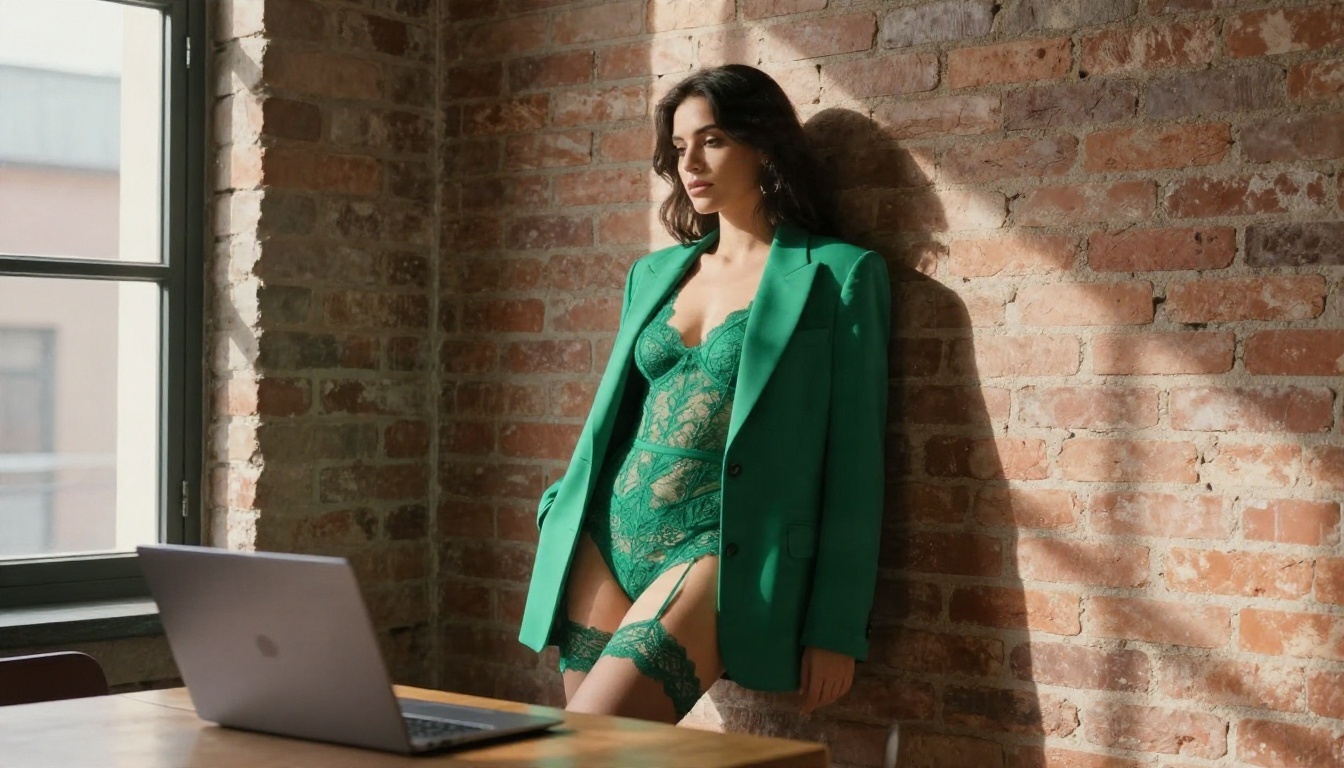
- Loft fashion: "A woman in an emerald lace bodysuit under an oversized blazer, brick wall, large window light, 50mm f/1.8."
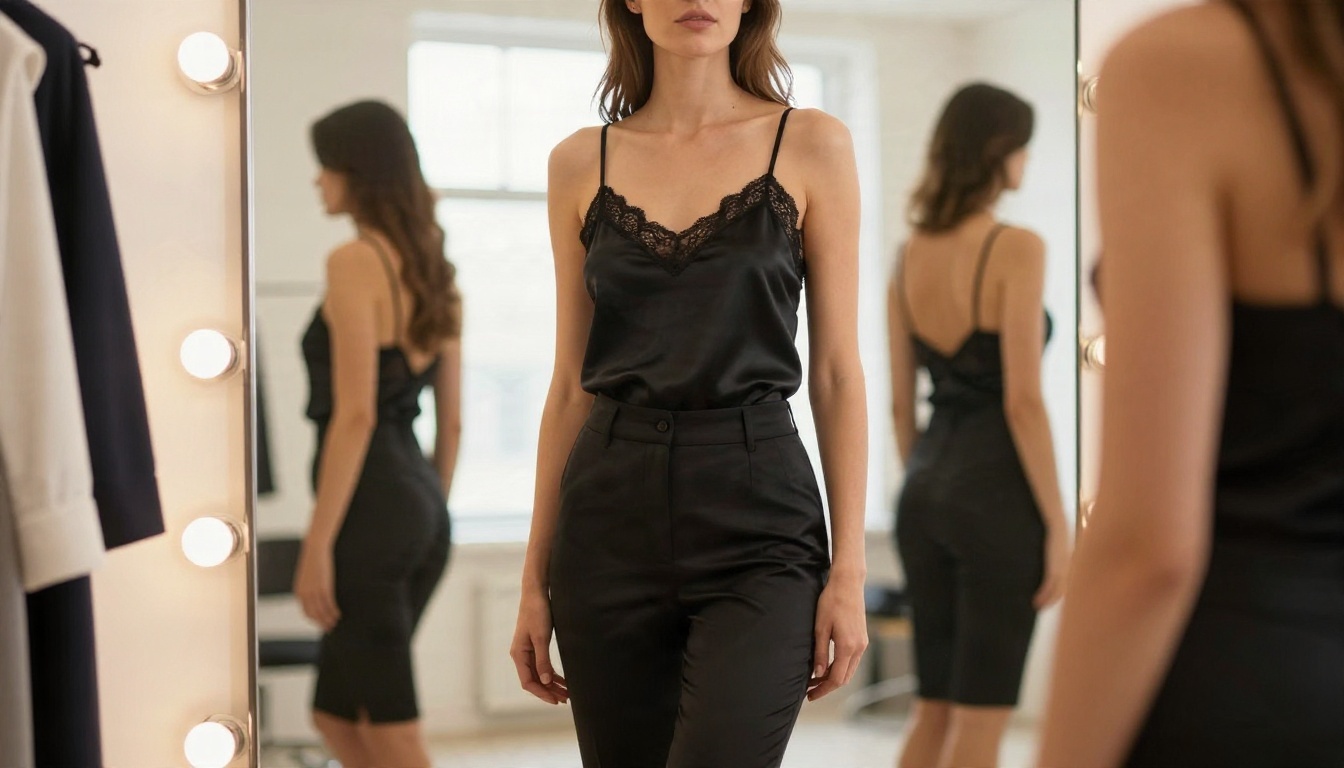
- Mirror portrait: "A woman in a silk camisole and tailored trousers before a floor-length mirror, warm bulbs mixed with daylight, 50mm."
For motion, add one sentence at the end: "Slow push-in, the fabric moves slightly in the breeze, she turns her head toward the window." One camera move and one subject move are enough. Stacking five actions in five seconds is the surest way to get warped limbs.
Mistakes that trigger blocks
💡 Avoid these: real names of celebrities or private people, any hint of age under 18, explicit act words, and long strings of intensifiers like "ultra sexy extreme hot." The more you shout, the more likely the filter reacts.
A few other common slips:
- Repeating the same refused wording with minor swaps.
- Asking for a face from a reference photo of a real person.
- Using Spicy for scenes with no suggestive element, which only adds risk.
- Skipping the lighting and lens description, which leaves the model to guess.
Alternatives With No Daily Cap
Why people switch
The usual reasons are cost, caps, and refusals that arrive mid-render. If you want a glamour-style look (swimwear, boudoir, fashion editorial) without counting generations, a platform with open-ended image tools is easier to live with than a rolling window.
Models worth trying on PicassoIA
The Grok Imagine models on PicassoIA are standard xAI models, Grok Imagine Image 2 for stills and Grok Imagine Video 1.5 for image-to-video with audio. Spicy is a mode inside xAI's own app, so do not expect that exact toggle on PicassoIA. For suggestive, tasteful glamour work, these are the better starting points:
| Model | Best for | Link |
|---|
| Seedream 4.5 | Sharp, photorealistic 4K stills with natural skin | Seedream 4.5 |
| PicassoIA Image Editor Pro | Unlimited generations and edits, fast iteration | Image Editor Pro |
| Wan 2.6 I2V | Animating a still into a short video | Wan 2.6 I2V |
| Kling v3 Video | Cinematic motion and smooth camera moves | Kling v3 Video |
💡 Why this order: Seedream 4.5 gives you the look, Image Editor Pro lets you keep adjusting without a meter running, and the video models bring the result to life.

How to Get Similar Results on PicassoIA
This walkthrough uses Seedream 4.5, the model I would start with for glamour-style stills.
- Open the model page. Go to the Seedream 4.5 page and choose the text-to-image input.
- Paste a photographer-style prompt. Use the structure from earlier: subject, wardrobe, setting, light, lens, texture.
- Set the ratio. Choose 16:9 for wide editorial frames or a vertical ratio for phone feeds.
- Generate a small batch. Look at skin texture, hands and fabric before you refine anything.
- Refine, one change at a time. Adjust the light direction or the wardrobe color, not everything together.
- Polish in Image Editor Pro. Open PicassoIA Image Editor Pro to fix small details, change outfits or adjust the background, with unlimited generations.
- Animate the best frame. Send your favorite still to Wan 2.6 I2V or Kling v3 Video with a one-line motion prompt.
Parameter tips:
- Keep prompts between 40 and 80 words, with lens and light named.
- Add "natural skin texture, film grain" to avoid a plastic look.
- Use a low-angle or over-the-shoulder cue to vary framing across a batch.
- Describe fabric and weather for motion (a breeze, a robe settling), not acts.
From Still Image to Short Clip
Why image-first works better
A good still fixes the face, outfit and light. The video model then only has to add motion, which is a smaller job and produces fewer glitches. It is also cheaper to throw away a bad still than a bad clip.
A motion prompt that holds up
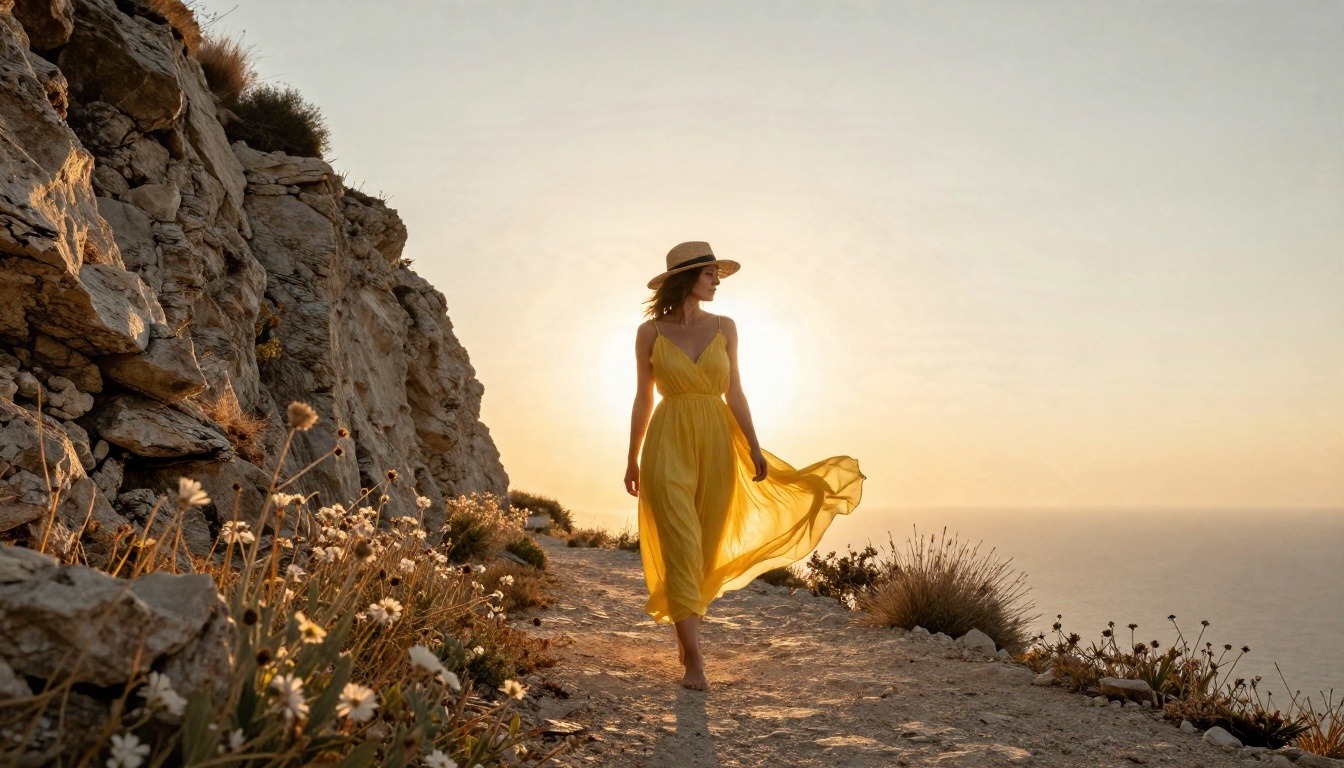
Try something like: "Slow dolly-in, she turns her head toward the window, a light breeze moves the fabric, warm sunlight shifts across her shoulder." That gives the model one camera move, one subject move and one environmental cue. If you want audio, Grok Imagine Video 1.5 supports image-to-video with sound, while Kling v3 Video is a strong choice for smooth, cinematic camera work.
Start Creating Your Own Images
Grok Spicy is not really free anymore, and the free allowance that remains is thin, hard to predict and filtered. You can spend an evening chasing a toggle that may never appear on your account, or you can open a tool that lets you iterate.
Open Seedream 4.5, paste one of the prompt templates above, and see what comes back in under a minute. Then refine it in PicassoIA Image Editor Pro and animate the best frame with Wan 2.6 I2V. When you want to compare more options, browse the full catalog at picassoia.com/en/all-models. Pick a template, change the wardrobe, change the light, and make something that is yours.


