Typing "Grok Spicy Mode website" into a search bar usually ends in one of two ways: a pile of sketchy clone sites promising free access, or a vague forum thread that contradicts the one before it. The honest picture is messier than either. Spicy Mode is a setting inside Grok Imagine, the image and video generator from xAI, and where it appears, who can turn it on and what it costs have all shifted several times. This article sorts out what is actually known, what you should double check on your own account, and what you can use right now if the official route is locked, paywalled or simply annoying.
If you only want the short version: Spicy Mode is mainly a paid, age-gated feature, it has been strongest on the mobile apps, the web experience has lagged behind, and free access is limited at best. If you want suggestive, glamour style images and short clips without a subscription gate, there are better places to spend your time, and I will show you exactly where.
💡 Quick note on sources: Many "Spicy Mode" pages online are affiliate pages for unrelated tools. Treat any site that promises unlimited free Grok Spicy generations with suspicion. It is almost never the real thing.
What Spicy Mode Actually Is

Grok Imagine lets you turn a text prompt into a still image, and then animate that image into a short video with sound. Inside the video flow, xAI added presets, and Spicy sits next to the more neutral options. It loosens the filters compared with the default setting, which is why people search for it so often.
How it differs from normal Grok
Standard Grok chat and standard Imagine presets behave like most mainstream tools: suggestive content gets softened or refused. Spicy relaxes some of that, but it is not a free-for-all. Real people, public figures and explicit material are still blocked, and outputs can still come back moderated or blurred without warning.
Why it keeps changing
The mode launched in 2025 to a lot of attention and a lot of criticism. Since then xAI has tightened and adjusted it more than once. Reports in 2026 disagree on details such as regional availability and whether free accounts can ever see the toggle. That is why you will find three different answers in three different articles.
Is There a Grok Spicy Mode Website?
Short answer: yes and no. Grok Imagine is reachable from a browser through the main Grok web app, and it is also built into the iOS and Android apps. But Spicy has been described by most sources as being tied to the mobile apps or to accounts on a paid tier, and several write-ups describe the browser version as having reduced functionality.
What the web version gives you
On desktop you can generally open the Grok site, sign in with your X account or email, and reach Imagine for stills and short clips. Whether the Spicy preset appears in that interface depends on your plan, your region and your age verification status. If you cannot see it, that is not a bug in your browser. It usually means your account does not qualify.
What the apps give you
The apps are where the mode has been most consistently reported. Even there, you typically need to confirm you are an adult, and you need an active paid plan. If your app does not show the option after you update it, check your account tier before you reinstall anything.
Quick comparison
| Access route | Spicy availability | Cost | Notes |
|---|
| Grok web app | Inconsistent, plan dependent | Paid for the relevant tier | Interface differs from mobile |
| iOS and Android apps | Most reported route | Paid subscription | Age confirmation required |
| Free X or Grok account | Generally not available | Free | Limited basic generation at best |
| Third party "Spicy" sites | Unrelated products | Varies | Not Grok, often poor quality |
Free Options: What Is Real

This is where most people get frustrated. Free access to Grok Imagine itself has been offered in limited form, then reduced, then reported as available again with daily caps, depending on the week and the source you read. Free access to Spicy specifically is a different question, and the consistent answer from reports is that it is reserved for paying, age verified users.
Free tier reality check
If you have a free account, expect some mix of these limits: a small number of generations per day, slower queues, shorter or lower resolution clips, and no access to relaxed presets. Treat any promise of "unlimited free Spicy" on a random site as a red flag.
Paid tiers
The paid routes are a Grok subscription tier or the premium level of an X membership. Pricing and names change often, so check the in app screen rather than trusting a blog post, including this one. The point worth knowing is simple: if Spicy is your main reason to subscribe, confirm in your account settings that it is actually offered to you before paying.
Region and age checks
Availability also depends on where you live and whether you have confirmed you are an adult. Some users report the option vanishing after an update or a policy change. If that happens, it is a platform decision, not something you can fix with a workaround.
💡 Tip: Before paying for anything, screenshot the plan page and the feature list. If the mode is later removed, you will have a record of what was promised.
Why People Look for Alternatives

The reasons are practical, not dramatic. A mode that depends on a subscription, a device, an age gate and a moderation filter that can change without notice is hard to build a routine around.
Moderation that changes overnight
Prompts that worked last week can return a blurred result or a refusal today. You get little explanation and no refund for wasted credits.
Mobile first friction
If you prefer to work at a desk with a large monitor, being pushed toward a phone app is a real annoyance, especially when you want to compare multiple versions side by side.
Limits on control
Grok Imagine is designed for speed and simplicity. If you want precise control over framing, wardrobe, lighting or consistent faces across a series, you often need a tool built for that.
Best Alternatives to Try Online

Here is where PicassoIA fits. To be clear: Grok's Spicy preset is a feature of the Grok apps and site, and it is not something PicassoIA offers. What PicassoIA gives you is a set of strong image and video models you can use in a browser, with a focus on suggestive, attractive, non explicit glamour: swimwear, boudoir style lighting, evening wear, editorial portraits. If that is the look you were after, these are the tools to start with, in this order.
1. Seedream 4.5
Seedream 4.5 is the first model to try. It produces sharp, photorealistic people with believable skin, fabric and lighting, and it follows detailed prompts well. For glamour and swimwear editorials, it is the most reliable starting point I have found, and it is fast enough that you can iterate through a dozen variations in a sitting.
2. PicassoIA Image Editor Pro
PicassoIA Image Editor Pro is the option for unlimited generations. That matters if you refine prompts heavily or want to edit an existing photo instead of starting from scratch. You are not watching a credit counter while you experiment, which changes how freely you can work.
3. Flux 2 Klein 9B Base LoRA
Flux 2 Klein 9B Base LoRA is useful when you want a particular styled look. It handles portrait work well and gives a different feel from Seedream, which is handy when you want options.
4. Qwen Image 3 Pro
Qwen Image 3 Pro leans photorealistic and is a solid fourth option for lifestyle and fashion scenes with clean detail.
Grok models you can use on PicassoIA
If you simply like how Grok Imagine looks, two of its models are available as standalone tools: Grok Imagine Image 2 for 2K stills and Grok Imagine Video 1.5 for image to video with audio. There is also Grok Imagine Image Quality. These are separate from the Spicy preset, so do not expect the same relaxed settings you may have read about elsewhere.
Comparison at a glance
| Tool | Best for | Output | Access feel |
|---|
| Seedream 4.5 | Photoreal glamour portraits | Still images | Browser, fast |
| Image Editor Pro | Editing and unlimited tries | Still images | Browser, unlimited |
| Flux 2 Klein 9B Base LoRA | Styled portrait looks | Still images | Browser |
| Qwen Image 3 Pro | Fashion and lifestyle scenes | Still images | Browser |
| Grok Imagine Video 1.5 | Animating a still with sound | Short video | Browser |
| Wan 3 | Cinematic motion | Video | Browser |
How to Use Seedream 4.5 on PicassoIA

Since Spicy Mode itself is not part of PicassoIA, this is the walkthrough I would follow to get a similar glamour result. It takes a few minutes.
Step 1: Open the model
Go to the Seedream 4.5 page and open the generator. You work right in the browser.
Step 2: Write a photographic prompt
Describe it like a photographer, not like a search query. Name the subject, the pose, the wardrobe, the place, the light and the lens. For example: a woman in a white linen swimsuit on a villa terrace at golden hour, warm rim light from behind, 35mm lens, shallow depth of field, natural skin texture, film grain.
Step 3: Set aspect ratio and size
Use 16:9 for banners and desktop wallpapers, and 3:4 or 2:3 for portraits and social posts. Choose the highest quality setting the model offers if you plan to print or crop.
Step 4: Generate several versions
Run the same prompt three or four times. Pick the best and adjust one thing at a time: the light, the pose or the setting. Changing everything at once makes it hard to see what helped.
Step 5: Refine in Image Editor Pro
Take your favorite result into PicassoIA Image Editor Pro to fix small details, change a wardrobe color or adjust the background. Because it offers unlimited generations, you can keep trying until it looks right.
Parameter tips
- Be specific about light. "Soft window light from the left" beats "good lighting."
- Name a lens. 85mm for portraits, 35mm for environmental shots.
- Describe skin and fabric. Words like "natural pores" and "satin sheen" push the model toward realism.
- Keep it tasteful. Suggestive and elegant works well. Explicit prompts are outside what these tools are meant for.
Add Motion to Your Images

Part of the Grok appeal is animation: you make a still, then press a button and it moves. You can reproduce that workflow with separate tools.
Pick a video model
Grok Imagine Video 1.5 turns a still into a short clip with audio. Wan 3 and Wan 3 Prime give a more cinematic feel with smooth camera movement. LTX 2.5 Fast is the quick option when you want to test an idea in seconds.
Write motion, not description
Your image already holds the look. The prompt for the video should describe only what moves: a slow dolly in, hair lifting in a breeze, fabric settling, a gentle turn of the head. Keep it to one or two actions per clip. Short, simple motion looks the most natural.
Keep the style consistent
Use the same lighting words in the video prompt that you used for the image. If the still has warm evening light, say so again, so the model does not shift the mood halfway through.
Safety, Rules and Common Mistakes
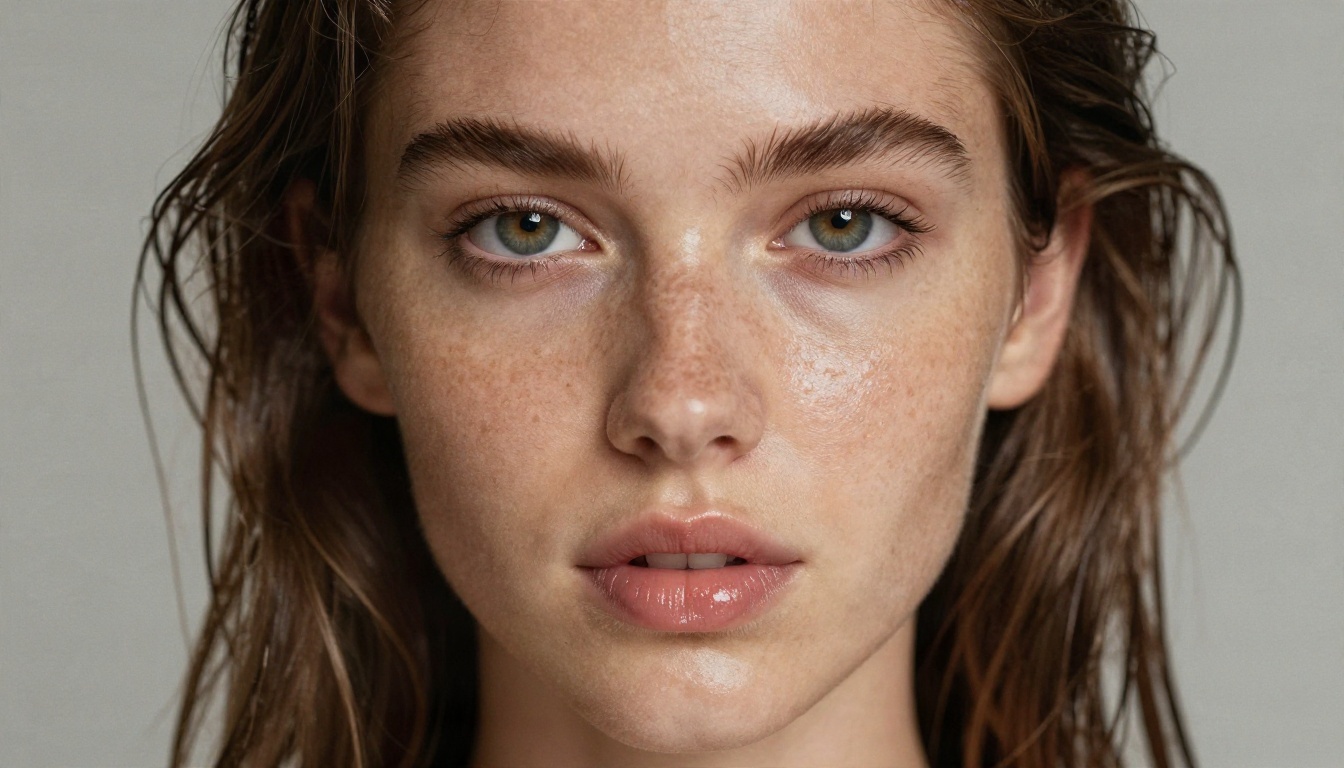
Whatever tool you choose, a few ground rules save you trouble.
Never use real people
Do not generate suggestive images of real, identifiable people, whether celebrities or someone you know. This is where much of the legal and social trouble around AI imagery comes from, and good platforms block it for a reason.
Keep it adults only
Everything you create should depict clearly adult, fictional subjects. This is not negotiable on any platform.
3 common mistakes
- Paying before checking. People subscribe expecting a toggle that their region or tier does not show.
- Trusting clone sites. "Free Grok Spicy" pages are usually unrelated tools with weak output and aggressive ads.
- Overloading the prompt. Ten different styles in one sentence gives a muddy image. Pick one look and describe it well.
Protect your account and data
Be careful about entering payment details on unfamiliar sites, and avoid uploading photos of other people to services you do not know. A trustworthy tool will be clear about what it does with your files.
Which Option Fits You
A quick way to decide:
- You already pay for Grok or X Premium and want the official Spicy preset: use the mobile app first, since that is where reports say it is most consistent.
- You want to work on a desktop with no subscription gate: start with Seedream 4.5, then refine in Image Editor Pro.
- You want animated results: make a still with Seedream 4.5, then animate it with Grok Imagine Video 1.5 or Wan 3.
- You want to experiment a lot: the unlimited generations in Image Editor Pro remove the worry of burning credits on test runs.
💡 Workflow suggestion: generate in Seedream 4.5, polish in Image Editor Pro, animate in a video model. Three steps, all in the browser, and you control every stage.
Try It Yourself on PicassoIA

The Grok Spicy Mode website question has a slightly unsatisfying answer: it is a gated, shifting feature that mostly depends on a paid plan, your device and your region. You do not have to build your plans around it. If what you want is attractive, photorealistic, suggestive glamour imagery and short clips, you can start making them right now in your browser.
Open Seedream 4.5, write one photographic prompt, and see what comes back. Then take your favorite into PicassoIA Image Editor Pro for unlimited refinements, and animate it with Grok Imagine Video 1.5 or Wan 3. When you want to see what else is on offer, browse every model at picassoia.com/en/all-models. Pick a look, write the prompt, and make your own.


