You open the Grok app, tap the voice button, and wonder how far the conversation is allowed to go. That question is why Grok Voice NSFW gets searched so often, and why the answers online contradict each other. Some posts say it is free. Others say you need a $30 plan. A few say it was changed last month. This article sorts the claims into what is reported, what is unclear, and what you can do about it today.
I will be direct about one thing up front. Most public coverage of Grok's adult voice features dates from the mid 2025 launch of its companion characters, and I could not find official xAI documentation that spells out current usage caps. So treat any exact number you read (including on this page) as something to verify inside the app. What I can do is explain the structure: who gets what, where the walls are, and what to use when the walls get in the way.
What Grok Voice NSFW Really Means
The phrase bundles three separate things, and mixing them up is the main reason people get confused.
Voice mode vs companions
Voice mode is the plain spoken conversation with the Grok assistant. Early reports described it as having an NSFW toggle, which lets the assistant speak in a looser, more adult tone than its default setting.
Companions are a different feature. These are animated characters, such as the anime-style Ani, that default to talking by voice. Coverage of the launch described a relationship system: the more you interact, the more the character opens up, and the spicier topics become available as you move up levels. Same app, different product.
Where Grok's Spicy mode fits
There is also a Spicy mode in Grok's image and video generator. It is not a voice feature at all. It creates suggestive pictures and short clips, and reports say it is limited to paying subscribers. People often lump it in with "Grok NSFW" because the same subscription touches both.
💡 Quick sorting rule: if you are talking, you are in voice mode or a companion. If you are generating pictures or clips, you are in the image tool. Each has its own limits.
Is It Free? Not Really
The honest answer is "partly, and only at the shallow end."
What free users get
Based on launch reporting, free users could try the basics of the companion feature by turning on Companion Mode in the app. That gets you a taste: the character, the voice, the casual chat. What it does not reliably get you is the full adult side, long sessions, or the highest usage allowance.
What sits behind the paywall
Multiple sources describe the NSFW side as tied to a paid tier, usually the SuperGrok plan at around $30 per month, or the Premium+ tier on X. The subscription is described as giving "higher usage" of companions, and Spicy image and video generation is reported as paid only.
| Feature | Free tier (reported) | Paid tier (reported) |
|---|
| Standard voice chat | Yes, with daily limits | Higher limits |
| Companion characters | Basic access via Companion Mode | Fuller access, more usage |
| NSFW voice toggle | Unclear or restricted | Reported as available |
| Spicy image and video mode | No | Yes, subscribers only |
| Official cap numbers | Not published in sources I found | Not published in sources I found |
Reported means reported by news coverage and third-party blogs, not confirmed by an official xAI page. Check the in-app plan screen before paying for anything.
The Limits You'll Hit
Even when you pay, a few walls stay put.
Moderation and refusals
Grok is looser than most mainstream assistants, but it is not unfiltered. Expect it to steer away from certain requests, break character, or go quiet mid conversation. Rules also change without notice, so something that worked in July may not work in November. The behavior is a moving target, not a fixed spec.
Session and usage caps
Voice sessions are real time, and real time is expensive for the provider. That is why free access is thin, and why even paid plans mention "higher" rather than "unlimited." If you plan to chat for hours, plan for a cap.
Privacy and recordings
A voice conversation on a hosted service passes through someone else's servers. Think before you say anything you would not want stored. Read the privacy settings in the app, and check whether your chats can be used to train models or reviewed by staff. This matters more for adult content than for asking about the weather.
Why People Look Elsewhere
Nobody searches for alternatives because Grok is bad. They search because they want something Grok does not give them.
Control over the voice
In a companion app you get the voice the app gives you. You cannot pick the accent, pace, or emotional tone with any precision. A dedicated text to speech model lets you write a line, choose a voice, adjust the delivery, and keep the result as an audio file you own.
Control over the visuals
Companion characters look the way the developer decided. If you want a glamour portrait, a beach scene or a stylized character in your own taste, you need an image model with fewer restrictions, and you want to be able to generate as many pictures as you like without watching a counter.
Better Alternatives on PicassoIA
Grok's voice mode is a feature inside the Grok app, so it is not a model you can pick on PicassoIA. For similar results today, split the job in two: pictures first, then voice.
Seedream 4.5 for visuals
Seedream 4.5 is the first model to try for glamour and suggestive, non-explicit imagery. It handles skin texture, fabric, lighting and lens language very well, and it follows long prompts closely. If you want a character with a consistent look, this is where to start.
Image Editor Pro, unlimited
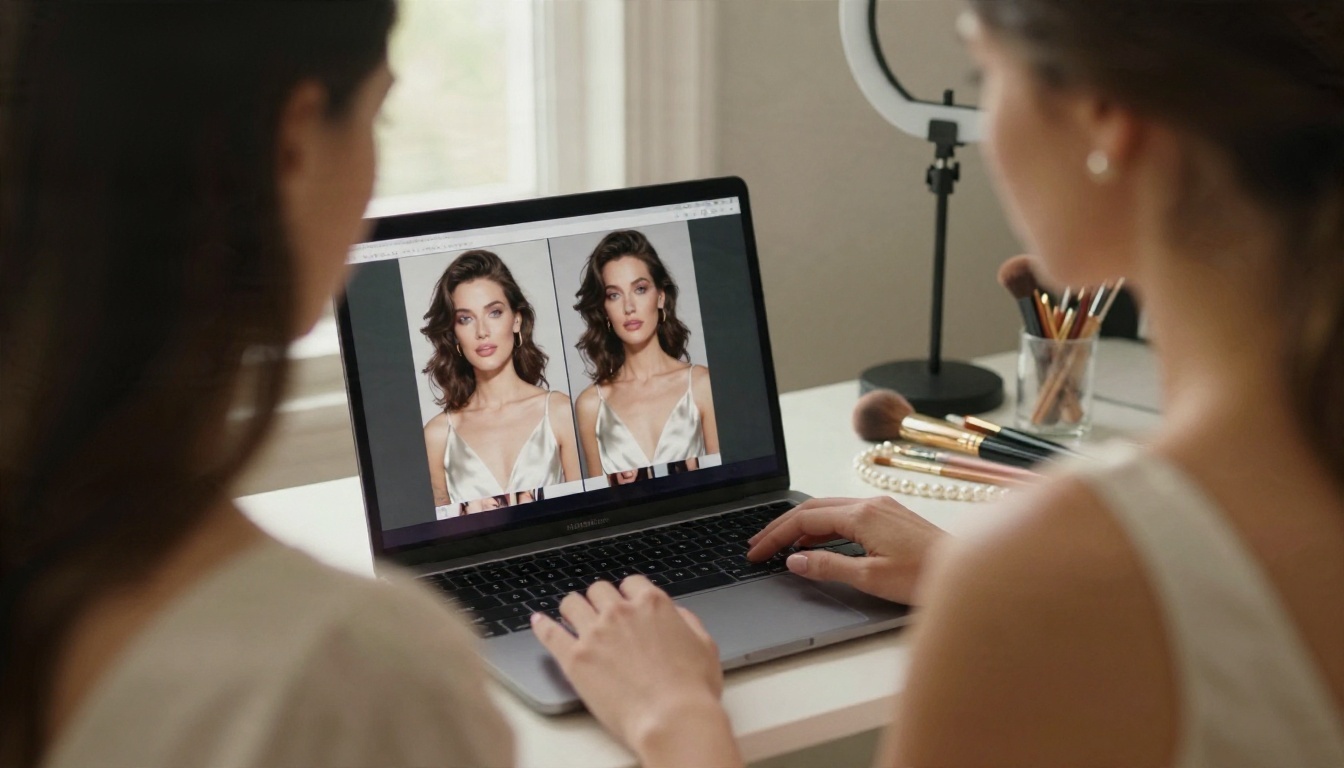
PicassoIA Image Editor Pro is built for unlimited generations and edits. That is the biggest practical difference from a capped subscription: you can iterate on a portrait twenty times, change the outfit, fix the hands, and never hit a daily wall. It also edits existing photos, so you can refine instead of starting over.
Voice models for narration
For the voice side, several text to speech models on PicassoIA give you far more control than a chat toggle:
- Chatterbox offers emotion control, which is useful for warm, intimate delivery.
- Speech 2.8 HD gives studio-quality voiceovers with a smooth, natural tone.
- ElevenLabs V3 is strong on expressive, natural delivery.
- Qwen3 TTS lets you design a voice from a description.
- Grok Text To Speech is a separate speech model, not the Grok app's voice mode, but handy if you like that style of delivery.
| Need | Best pick | Why |
|---|
| Glamour and suggestive portraits | Seedream 4.5 | Realistic skin, light and fabric |
| Unlimited edits and retries | Image Editor Pro | No generation counter |
| Emotional, intimate voice | Chatterbox | Emotion control |
| Polished narration | Speech 2.8 HD | Studio quality |
| Custom voice from a description | Qwen3 TTS | Voice design |
💡 Voice rule: only use voices you created or have permission to use. Cloning a real person's voice without consent is a legal and personal problem, whatever the platform allows.
Get Similar Results on PicassoIA
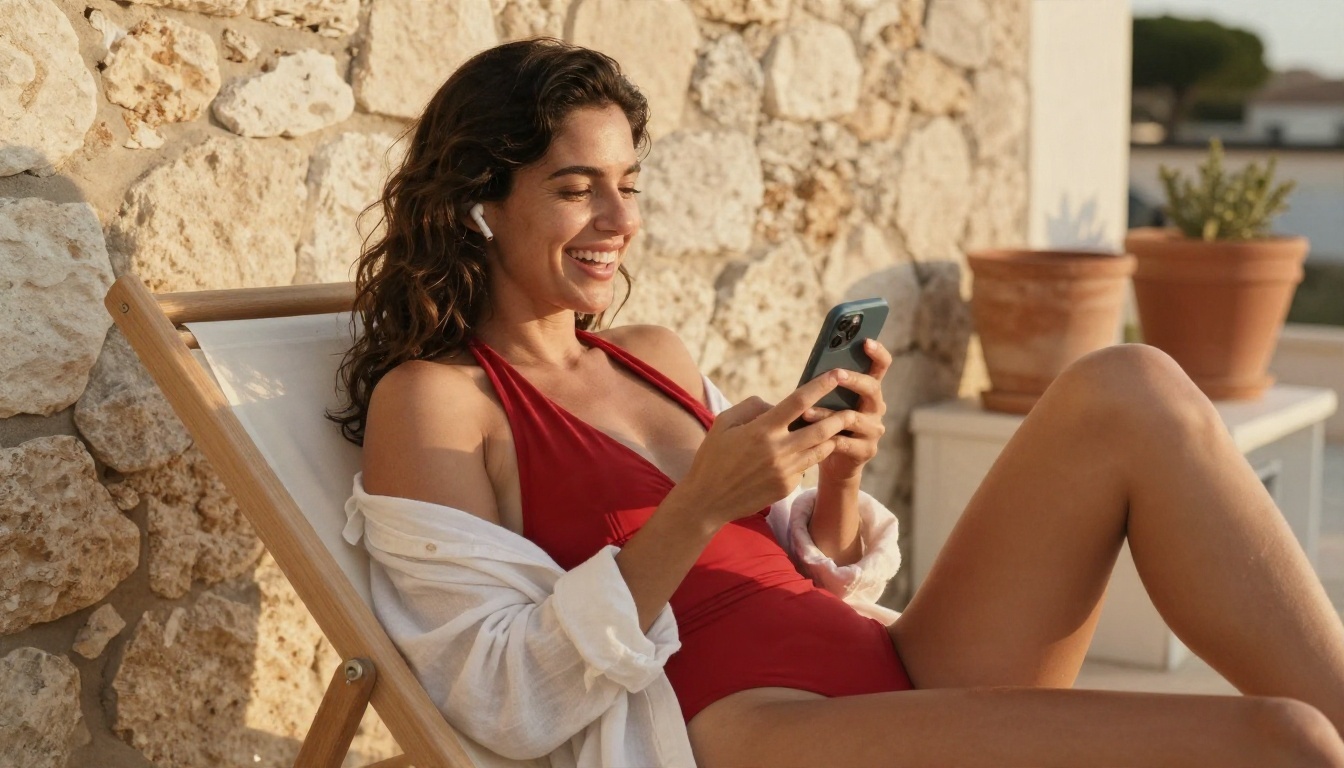
Here is a workflow built around Seedream 4.5, which is the closest match to what people want from the visual side of Grok NSFW. It stays suggestive and tasteful, not explicit.
Step by step
- Open the Seedream 4.5 page on PicassoIA.
- Write the subject first: who, doing what, wearing what. Keep it specific (for example, a woman in a satin slip dress on a velvet sofa).
- Add the setting and the light direction, such as warm lamp from the left and cool window fill from the right.
- Name the lens and depth of field, like 85mm at f/1.8.
- Add texture words: skin pores, satin folds, film grain.
- Choose a 16:9 ratio for scenes or 3:4 for portraits, then generate.
- Send the best result to Image Editor Pro for unlimited touch-ups.
Parameter tips
- Prompt length: 50 to 75 words works better than a single short line.
- Lighting: name one main light and one fill. Vague "good lighting" gives flat results.
- Realism: words like candid, natural skin texture and Kodak Portra 400 push toward photographic output and away from the plastic look.
- Consistency: reuse the same description of the character in every prompt.
- Voice pairing: write a short line of dialogue, then render it with Chatterbox to give the character a voice.
3 Common Mistakes
Paying before testing
Many people subscribe because a blog said NSFW was included, then find the limit is lower than expected. Try the free tier first, and read the plan page for the current terms.
Treating rumors as rules
Posts about "secret prompts" and "jailbreaks" go stale quickly, and they can get an account restricted. Rely on documented settings instead.
Ignoring the image side
A voice is only half of what most people want. A character with a face, a setting and a mood feels far more convincing, and image models give you that without a hourly cap.
What to Expect From Rules and Pricing
Pricing and moderation around adult AI features change often. A plan that includes a feature today can drop it after a policy update, and a free allowance can shrink without an announcement. That is another argument for owning your workflow: images you generated and audio files you rendered stay with you, while a chat session ends when your quota does.
If your goal is a casual spoken chat, Grok's voice mode is a fine place to start, and it costs nothing to test the basics. If your goal is a character, a look, a voice and a library of images you control, a pipeline of an image model plus a text to speech model will serve you better and for longer.
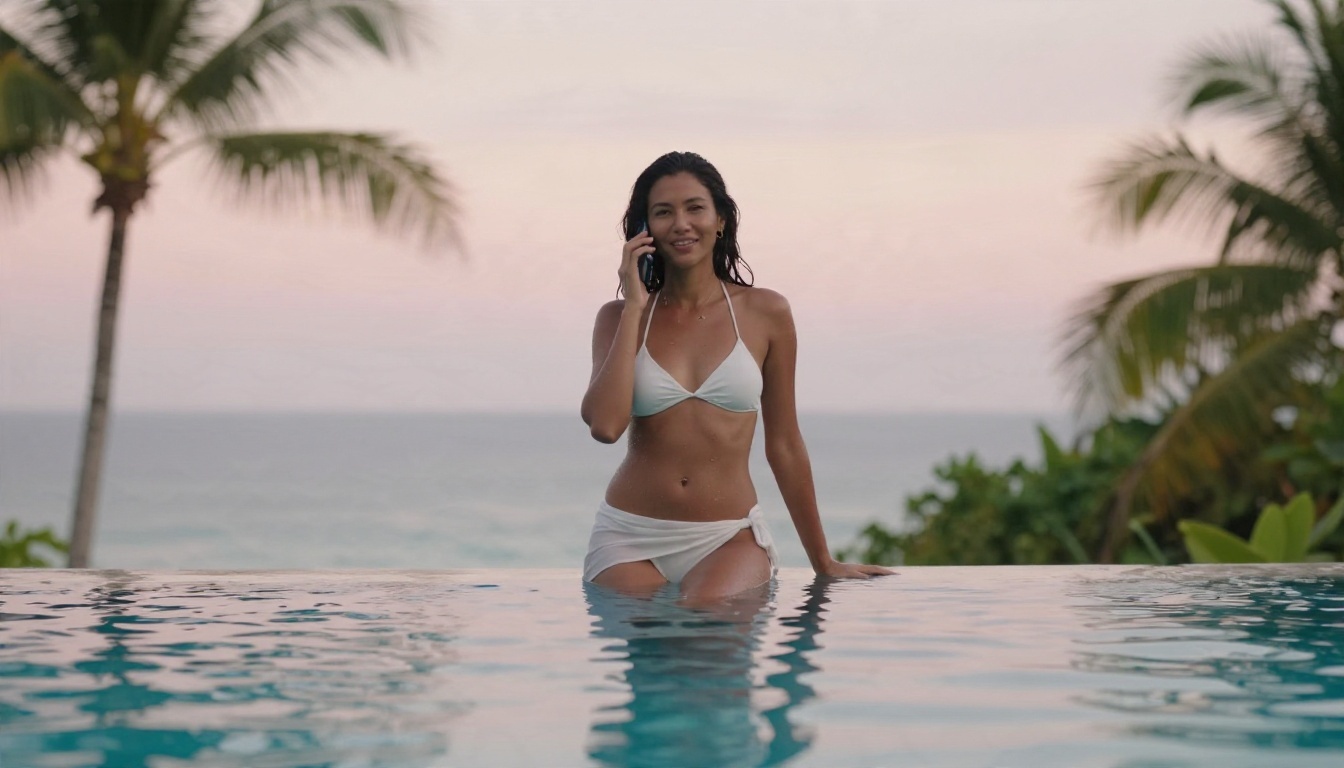
Try It Yourself Today
You do not need a monthly plan to start. Open Seedream 4.5, write one detailed prompt for a character you like, and see how it looks. Then bring it into Image Editor Pro and keep refining without a counter ticking down. When the picture is right, give it a voice with Chatterbox or Speech 2.8 HD.
Want to see more options? Browse every image, video and voice model at picassoia.com/en/all-models and build the setup that fits you.


