You opened Grok expecting a quick, spicy image and got a paywall, a vague refusal, or a watermark you did not ask for. You are not alone. Since xAI launched its image and video tool in 2025, Grok Imagine has been one of the most talked about, and most misunderstood, generators on the market. Some people say it is free. Others say Spicy mode is gone. A third group says you need a subscription and an age check. The truth sits somewhere in the middle, and it keeps moving.
This article sorts it out. You will see what Grok can generate, what it costs, where the limits bite, and which alternatives give you more room for non-explicit glamour, swimwear and boudoir style photography. Everything here stays on the tasteful side: suggestive, attractive, and never pornographic.
💡 Quick answer: Grok's adult-leaning features have been tied to paid plans, age verification and regional rules, and xAI has tightened them over time. If you want steady, fast glamour images without guessing what the rules are this week, a model like Seedream 4.5 on PicassoIA is the easier route.
What Grok Can Actually Generate
The Image Models Behind Grok
Grok is the chatbot from xAI, the company founded by Elon Musk. Its image side is branded Grok Imagine. It turns text prompts into pictures, edits existing photos, and animates stills into short clips with sound. The image output reaches 2K resolution, and photorealism is its strongest suit: skin, fabric and natural light come out convincingly when your prompt is specific.
Two Grok image models are available on PicassoIA, so you can test the engine without touching an X account:
Spicy Mode in Plain Terms
When Grok Imagine launched in August 2025, it shipped with presets, and one of them was Spicy. Press coverage at the time reported that it allowed partial nudity and suggestive content, which set it apart from rivals that refuse almost anything adult. That was the headline feature, and it also became the biggest source of controversy, especially around celebrity likenesses and deepfakes.
Since then, reports describe a steady narrowing. Spicy mode has been described as limited to mobile apps, tied to paid tiers, gated behind an 18+ confirmation, and blocked in some regions. One widely shared account claims free access to Grok Imagine ended entirely in March 2026, while other sites still describe a free tier with daily limits. I could not confirm an official xAI statement that settles it.
⚠️ Treat any blog post about Grok pricing as a snapshot. Check the plan screen inside the Grok app before you pay for anything.
Free or Paid: What You Really Get

What the Free Tier Looks Like
For a time, ordinary Grok users could make a handful of images per day at no cost. Reports from 2026 conflict on whether that still holds for Grok Imagine. The safest reading: if free generation is available to you, expect small daily quotas, slower queues, visible watermarks and the strictest moderation. Adult-leaning requests on a free account are the most likely to be refused or quietly softened.
Free access also changes by country and by app version. The web version, the iOS app and the Android app have not always offered the same features.
What SuperGrok and Premium+ Add
The paid route runs through a SuperGrok subscription or an X Premium+ plan. SuperGrok has been quoted at roughly $30 per month in third-party listings. Paid plans generally raise your generation allowance, unlock the Spicy preset where it is offered, and give priority speed.
Here is the picture side by side:
| Plan | Typical Access | Adult-Leaning Content | Main Catch |
|---|
| Free Grok account | Small daily quota, if offered | Mostly refused or softened | Watermarks, queues, may be removed |
| X Premium+ | Higher quota inside X and Grok | Possible, with age check | Subscription cost, region rules |
| SuperGrok | Highest Grok allowance | Possible on supported apps | About $30 a month, quotas still apply |
| PicassoIA models | Pick a model and generate | Depends on model, see below | Choose the right model for the job |
💡 Paying does not mean unlimited. Reviewers have reported that a couple of short test videos can eat several percent of a weekly SuperGrok allowance.
The Limits You Will Hit
Daily and Weekly Caps
Every Grok plan has a ceiling. Free users hit a small daily number. Paid users hit a weekly allowance that is shared with chat, video and other tools. Video burns through that allowance faster than stills, so if you generate a lot of clips you may have little left for images.
Moderation and Age Checks
Grok's moderation is not a simple on and off switch. It checks your prompt, then often checks the finished picture, and it can refuse after you have waited. Typical triggers include:
- Real people, especially public figures and celebrities
- Anything that reads as explicit rather than suggestive
- Minors or anything that could look youthful, which is blocked outright
- Prompts that mix adult themes with violence or non-consent
Age verification is also part of the story. Where Spicy mode is offered, it has been described as requiring confirmation that you are 18 or older.
Watermarks and Region Blocks
Output from Grok Imagine has been reported to carry visible marks on lower tiers, and short video clips are capped at a few seconds. Region locks are the other surprise: a feature that works for a friend in one country may not appear at all in yours.
| Limit | What It Means for You |
|---|
| Daily quota | You stop after a few images, then wait |
| Weekly allowance | Heavy video use drains your image budget |
| Moderation | Refusals can arrive after a long wait |
| Watermarks | Output may need cropping or cleanup |
| Region and app rules | Features appear and vanish by location |
| Platform risk | Rules can tighten overnight |
Why People Look Elsewhere
The pattern is clear from forums and reviews. People do not leave Grok because the images look bad. They leave because the rules are unpredictable. You pay for a month, then a feature is trimmed. You write a careful prompt, then see a refusal. You want 20 variations of one look, then run out of quota on the fifth.
Creators who work in glamour, swimwear lookbooks, boudoir style portraits or fashion mockups want three things: consistent results, enough volume, and a clear understanding of what is allowed. A model that behaves the same way every day beats one that is slightly better on paper but changes its policy monthly.
Speed Matters More Than You Think
Glamour work is iterative. You adjust the lighting, the outfit, the pose, the lens. If every attempt takes a minute and counts against a quota, you stop experimenting. Fast models and generous allowances change how you work, because you can afford to try ten bad ideas to find one great one.
Better Alternatives for Glamour Work
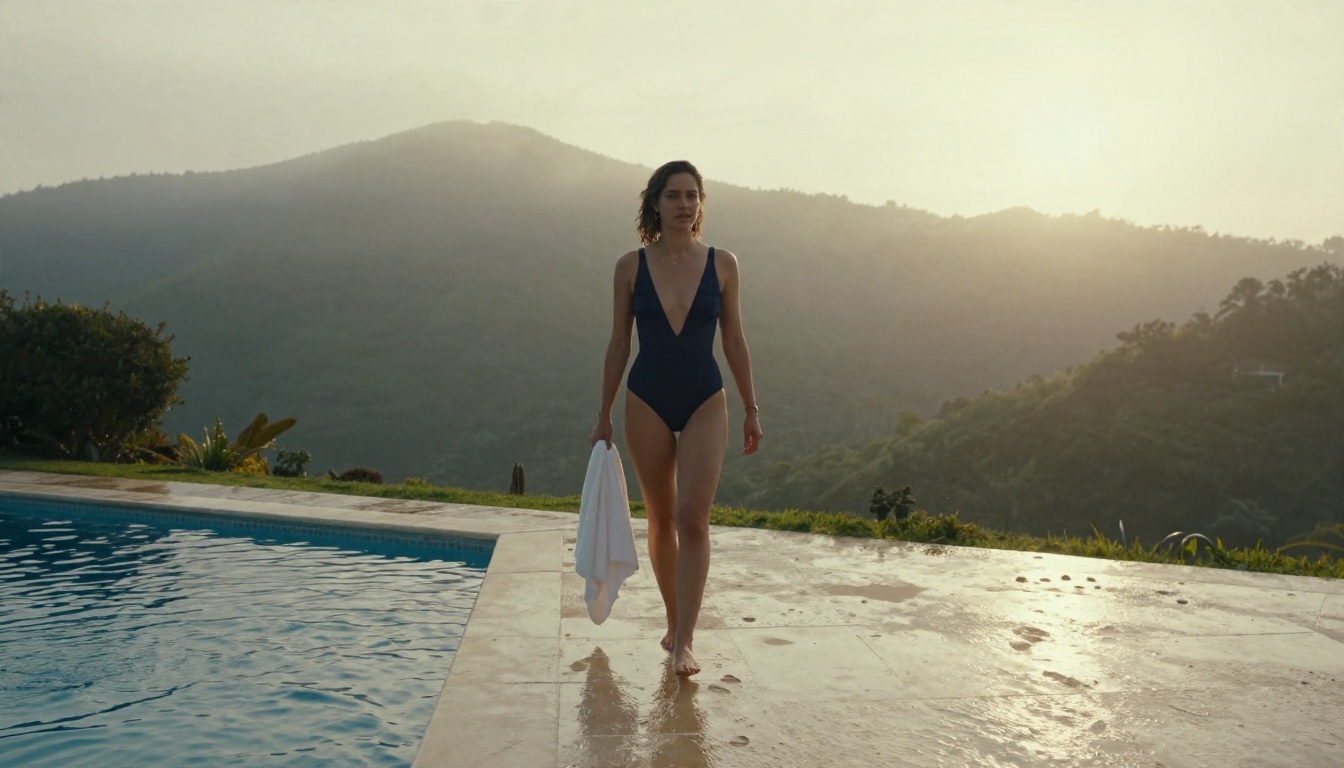
If your goal is suggestive, beautiful, non-explicit images, these are the models to try on PicassoIA, in the order I would test them.
Seedream 4.5 First
Seedream 4.5 is the strongest starting point. It produces sharp photorealistic skin, convincing fabric, and clean lighting, and it handles swimwear, lingerie style editorials and boudoir portraits without the constant second guessing you get from stricter services. Output goes up to 4K, which is plenty for prints, social posts and client mockups.
💡 Seedream 4.5 is the model I would pick for adult-leaning glamour. Avoid Seedream 5 Lite for this kind of work, since it blocks adult content.
PicassoIA Image Editor Pro

PicassoIA Image Editor Pro is the second stop, and the one that fixes Grok's biggest pain: unlimited generations. You can generate, edit, swap outfits, change backgrounds and refine a look as many times as you need, with no weekly allowance ticking down. For anyone building a series of consistent images, that is the real value.
Other Models Worth a Test
Policies differ by model, so run a short test before you commit to a workflow. These are good second opinions:
How to Use Grok Imagine Image 2 on PicassoIA
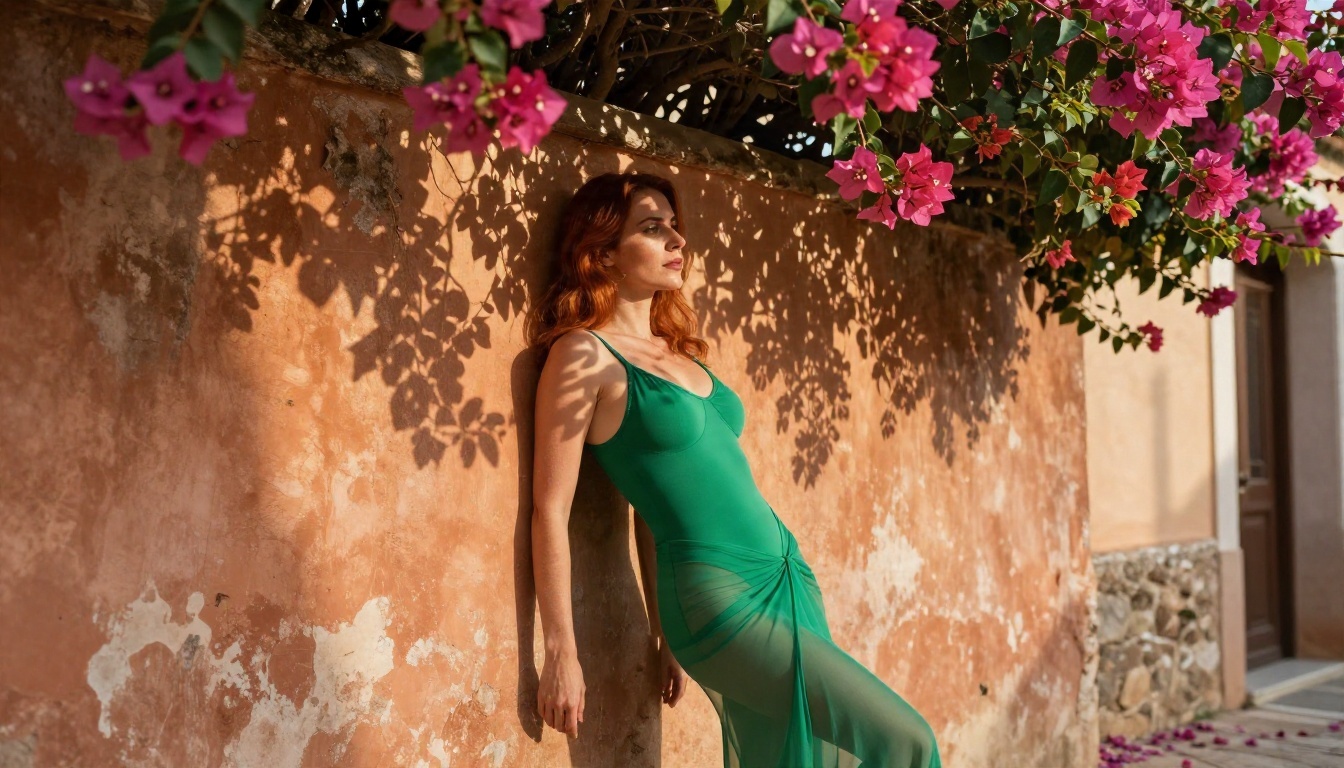
If you still want Grok's look, you can try it without a subscription to X. Keep in mind that the model applies its own moderation, so it suits fashion, travel, lifestyle and tasteful portrait scenes. For anything more adult-leaning, switch to Seedream 4.5 or Image Editor Pro.
Step by Step
- Open the Grok Imagine Image 2 page on PicassoIA.
- Write your prompt in the text box. Start with the subject, then the setting, the light and the camera.
- Choose a wide 16:9 ratio for banners and editorial shots, or a tall ratio for social feeds.
- Pick the highest resolution offered if the form gives you the option.
- Press generate and review the result. Change one detail at a time: the outfit, the light direction, the lens.
- Upload a photo if you want to edit instead of starting from text, then describe the change you want.
Settings and Prompt Tips
- Name a lens. Phrases like "85mm f/1.8" push the model toward realistic depth of field.
- Say where the light comes from. "Warm window light from the left" beats "good lighting".
- Describe texture. Mention fabric, skin pores, wet stone, linen weave.
- Keep it tasteful. Words like "editorial", "glamour" and "swimwear lookbook" steer toward attractive and away from refusals.
- Avoid real names. Use invented characters, never real people.
💡 If a prompt is refused, rewrite it with more photographic detail and less direct language. The same idea often passes when it reads like a fashion shoot brief.
Prompts That Give Better Glamour Photos
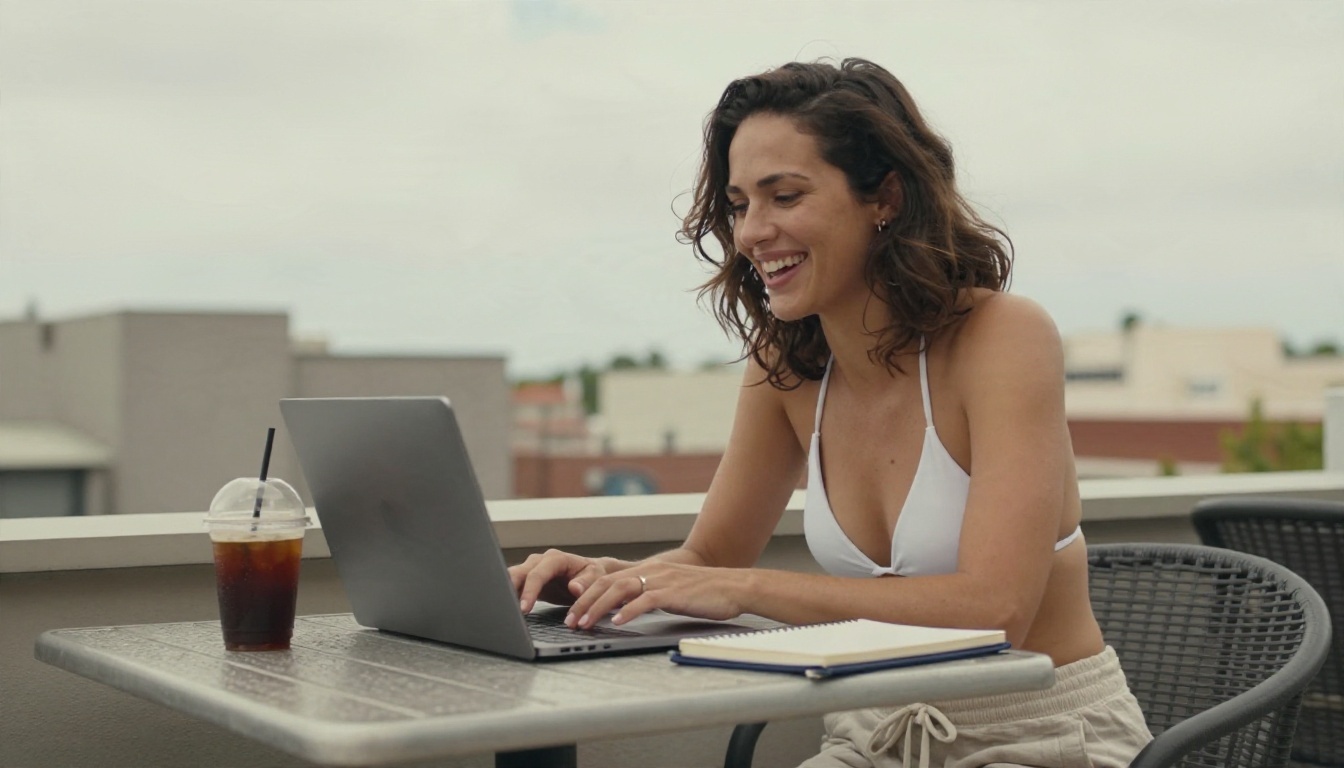
A Simple Formula
The best prompts follow one structure: subject and pose, then environment, then light, then camera, then texture and mood. Use it with any of the models above and your results will be more consistent than with short, vague prompts.
Three Prompts to Copy
Beach editorial: An adult woman in a coral bikini on pale sand at midday, shot from above with a 35mm lens, hard sunlight, water droplets on skin, Kodak Portra 400 film grain, raw photograph.
Hotel boudoir: An adult woman in a black silk robe at a vanity mirror, warm bulbs and soft window light, 50mm f/1.8, visible silk sheen and marble texture, natural skin, film grain.
Balcony dusk: An adult woman in a red satin slip dress on a balcony at sunset, low angle, orange light from the left, 50mm f/1.4, satin creases, shallow depth of field.
Mistakes to Avoid
- Writing one huge vague sentence with no light or lens detail
- Mixing five different outfits in a single prompt
- Asking for explicit content, which every responsible platform will refuse
- Generating once and giving up instead of changing a single variable
- Forgetting to specify that the subject is an adult
Try Your Own Images Today
Grok Imagine makes good pictures, but its paywalls, quotas, age checks and shifting rules make it a shaky base for steady glamour work. If you want a setup that behaves the same way every day, start with Seedream 4.5, then move to PicassoIA Image Editor Pro when you want unlimited edits and variations. Both are fast, and both let you refine a look until it is right.
Take one of the prompts above, paste it in, and change a single detail: the light, the outfit, the lens. Ten minutes of experimenting will tell you more than any review can. When you are ready for more options, browse every model at picassoia.com/en/all-models and build your own set of tasteful, photorealistic images on PicassoIA.


